
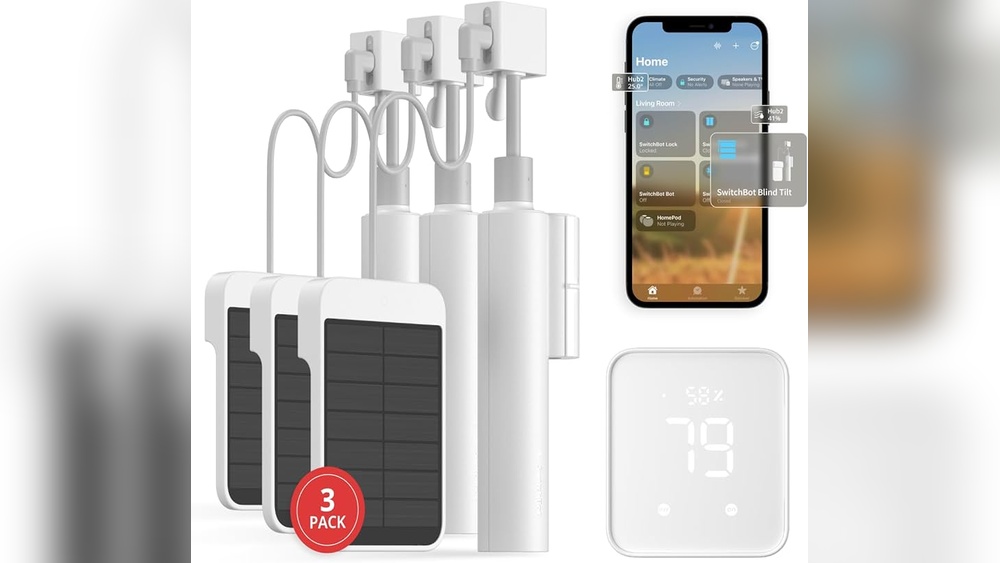
Smart homes are becoming more popular every day. Many people want to control lights, cameras, and other devices from their phones. But to make smart homes work well, you need a good home network. This article will explain smart home network needs in simple words. You will learn what is important and how to set up your network.
What Is a Smart Home Network?
A smart home network is the system that connects all smart devices in your house. It lets devices talk to each other and to your phone or computer. For example, your smart light can turn on when you enter a room. This happens because the devices send signals through the network.
Without a good network, smart devices may not work well. They can be slow or stop working. That is why you need to understand network needs.
Key Parts of a Smart Home Network
To understand smart home networks, you need to know the main parts:
- Router: The device that sends internet to your home.
- Wi-Fi: The wireless system that connects devices without wires.
- Smart Devices: Things like smart bulbs, cameras, or speakers.
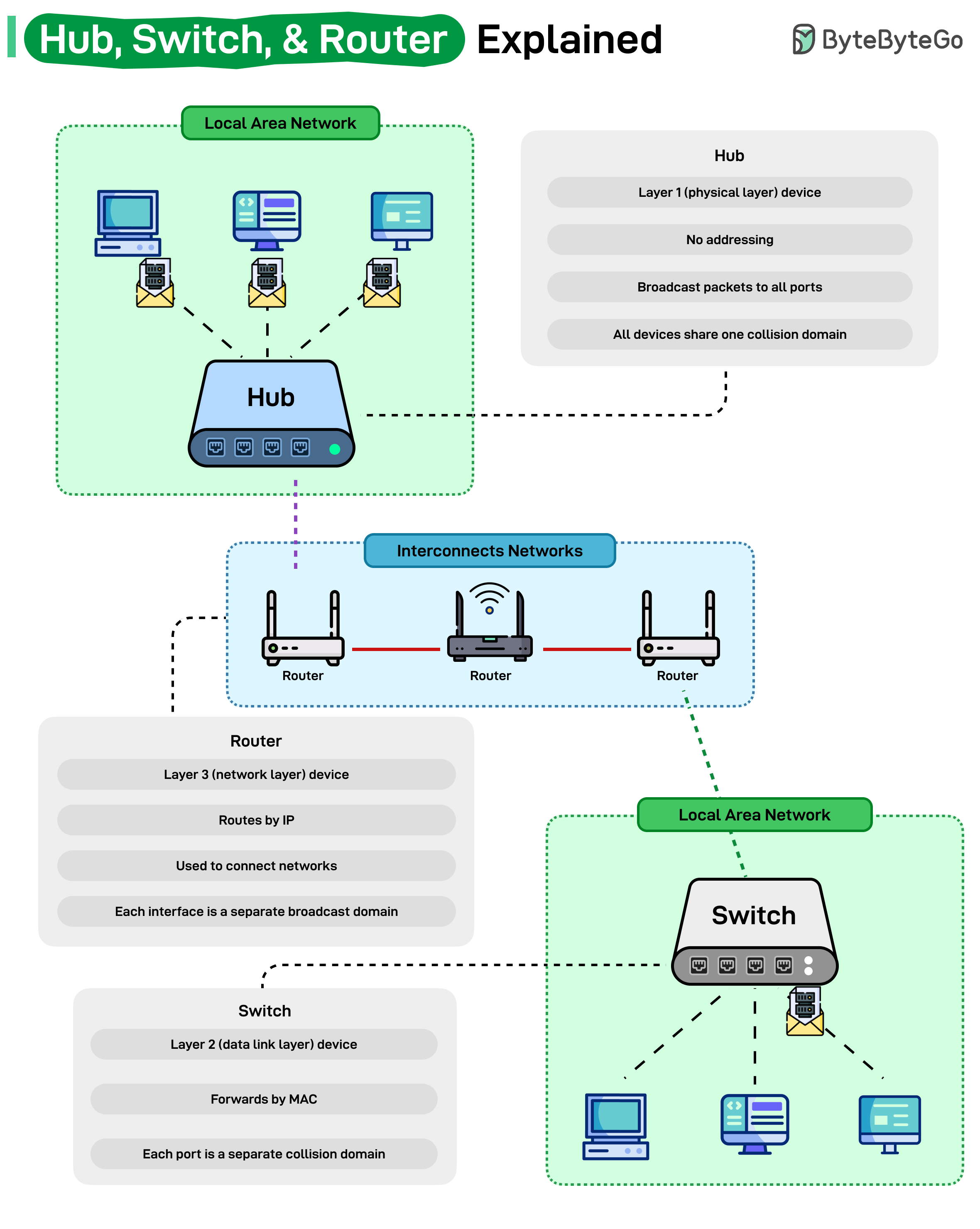
- Hub or Controller: Sometimes needed to connect different devices.
Why Is a Good Network Important?
Smart devices need to work quickly and without problems. A slow or weak network causes delays. Lights may turn on late. Cameras may freeze or not send alerts. A strong network makes devices respond fast and work better.
What Are the Main Network Requirements?
Here are the most important things your smart home network needs:
1. Strong Wi-fi Signal
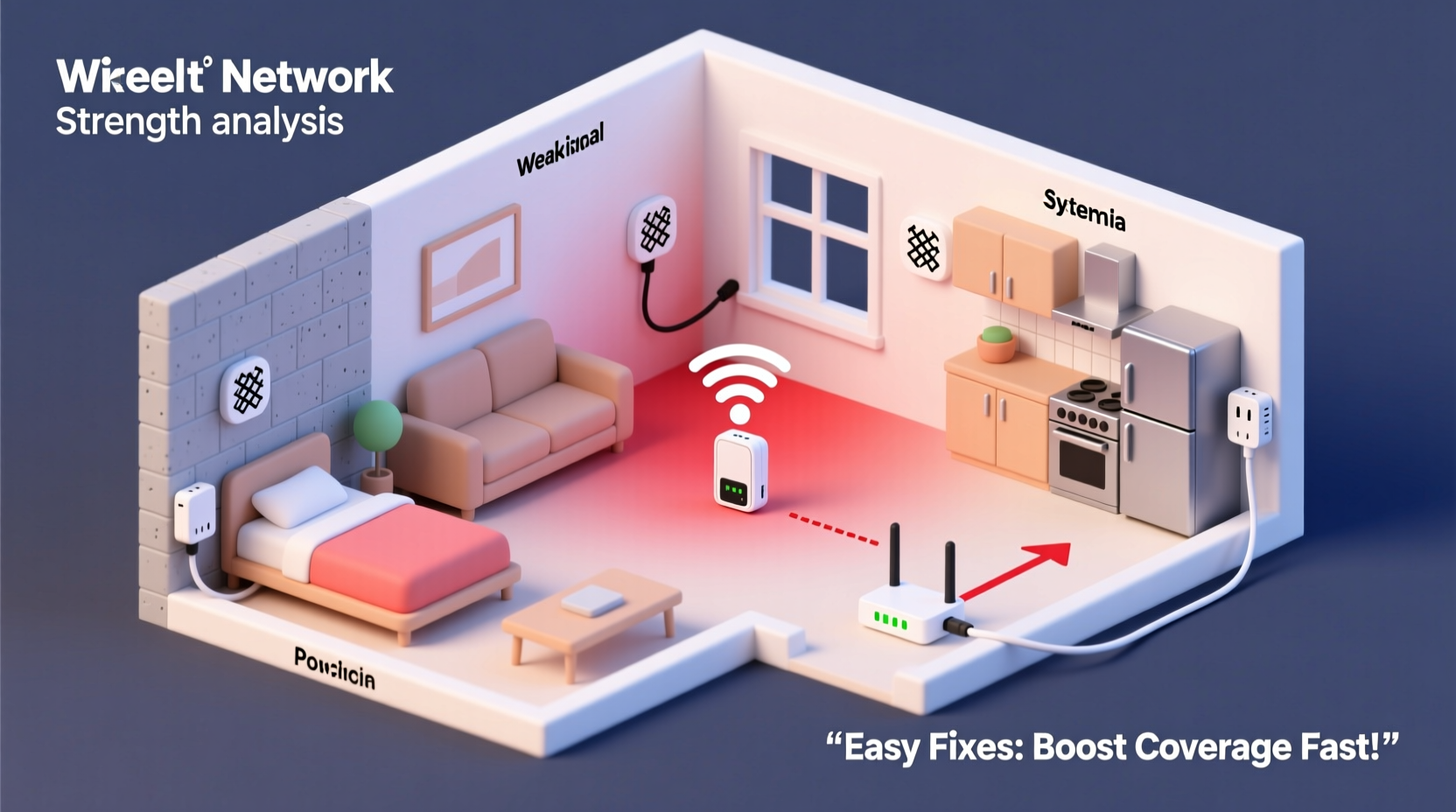
Wi-Fi helps your smart devices connect to the internet. A strong Wi-Fi signal means better connection. Walls, floors, and distance can make Wi-Fi weak. You may need to place your router in a central spot.
You can also use Wi-Fi extenders. They help spread the signal around your home. Make sure you use a modern router with good range.
2. Enough Speed
Speed means how fast your internet works. Some smart devices need fast internet to work well. For example, security cameras send video. Videos need more speed than simple devices like smart bulbs.
Check your internet plan. It should have enough speed for all devices. A good speed for smart homes is at least 25 Mbps. More devices need more speed.
3. Good Network Coverage
Coverage means how far Wi-Fi reaches inside your home. Big houses or many rooms can block Wi-Fi. You want all smart devices to have strong coverage.
Ways to improve coverage:
- Use Wi-Fi mesh systems. These are many small routers working together.
- Place routers or extenders near smart devices.
- Use wired connections for some devices if possible.
4. Security
Smart homes have many devices connected to the internet. This can be a risk. Hackers may try to enter your network. You need to keep your network safe.
How to keep your network safe:
- Use strong passwords for your Wi-Fi and devices.
- Change default usernames and passwords on devices.
- Keep your router and devices updated with the latest software.
- Use network encryption like WPA3 or WPA2.
5. Compatibility
Many smart devices use different systems. Some work with Wi-Fi. Others use Bluetooth, Zigbee, or Z-Wave. Make sure your network can support these.
Sometimes, you need a smart home hub. It connects different devices to one system. Check the devices you want and their network needs.
6. Low Latency
Latency is the time it takes for devices to send signals. Low latency means devices react fast. High latency causes delays. For example, smart locks or alarms need low latency to work well.
Good internet and strong Wi-Fi help keep latency low.
How to Set Up a Smart Home Network
Here are steps to create a good smart home network:
Step 1: Choose A Good Router
Buy a router that supports the latest Wi-Fi standards. Wi-Fi 5 (802.11ac) or Wi-Fi 6 (802.11ax) are good options. These give better speed and coverage.
Step 2: Place Your Router Well
Put your router in a central place. Avoid walls and metal objects nearby. Higher places can help Wi-Fi spread better.
Step 3: Use Wi-fi Extenders Or Mesh
If your home is large, use extenders or mesh systems. Mesh systems are better for big homes. They create one big network that covers all areas.
Step 4: Secure Your Network
Set a strong Wi-Fi password. Use WPA3 or WPA2 encryption. Change default passwords on devices. Update software regularly.
Step 5: Connect Your Devices
Follow instructions to connect smart devices to your Wi-Fi or hub. Test if devices work well. Check if they respond fast and without problems.
Step 6: Monitor And Adjust
Sometimes, devices may lose connection. Check your network speed and coverage. Move routers or extenders if needed. Update devices to keep security strong.
Common Smart Home Network Devices
Here is a table of common devices and their network needs:
| Device | Connection Type | Speed Needed | Notes |
|---|---|---|---|
| Smart Bulbs | Wi-Fi or Zigbee | Low (less than 1 Mbps) | Works well with most networks |
| Security Cameras | Wi-Fi | Medium to High (5-10 Mbps per camera) | Needs good speed and coverage |
| Smart Speakers | Wi-Fi or Bluetooth | Low to Medium | Good Wi-Fi helps voice recognition |
| Smart Locks | Wi-Fi or Z-Wave | Low | Needs low latency for quick response |
| Smart Thermostats | Wi-Fi | Low | Works well on most home Wi-Fi networks |
Credit: www.alibaba.com
Tips to Improve Your Smart Home Network
- Keep devices close to the router for best signal.
- Turn off devices you do not use often.
- Use wired connections for devices that support Ethernet.
- Check for interference from other electronics.
- Restart your router if devices stop working.
Credit: blog.bytebytego.com
Final Thoughts
A good smart home network is key to easy living. It helps your devices work well and stay connected. Focus on strong Wi-Fi, good speed, and security. Plan your home network based on your devices. Then, enjoy the comfort of your smart home.
Frequently Asked Questions
What Internet Speed Is Needed For A Smart Home Network?
A minimum of 25 Mbps download speed supports most smart home devices. Faster speeds improve performance with many devices connected at once.
How Many Devices Can A Smart Home Network Handle?
Smart home networks can support 20 to 50 devices depending on the router. High-quality routers manage more devices smoothly.
Do Smart Home Devices Need Wired Or Wireless Connections?
Most smart home devices use wireless Wi-Fi connections for convenience. Wired connections offer more stability but are less common.
Why Is Network Security Important For Smart Homes?
Network security protects your personal data from hackers. Smart devices can be weak spots if not secured properly.