
Setting up a smart home can seem hard at first. But with some simple steps, anyone can do it. A smart home means your house has devices that work with the internet. These devices can help you save time, save energy, and make life easier.
What Is a Smart Home?
A smart home has tools and gadgets that you control with a phone or voice. For example, you can turn on lights from far away. Or you can ask your smart speaker to play music. These devices talk to each other and work together.
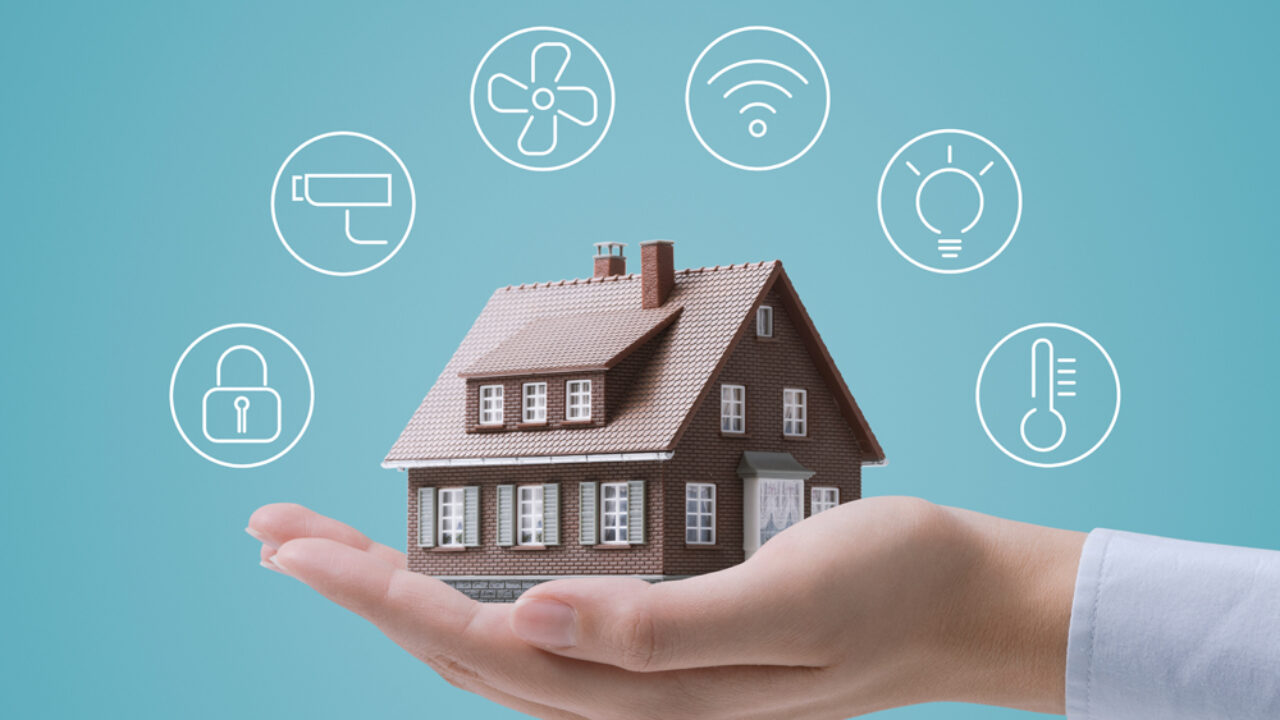
Some common smart home devices are:
- Smart lights
- Smart speakers
- Smart plugs
- Smart thermostats
- Smart locks
- Security cameras
Step 1: Check Your Internet Connection
Before buying any devices, check your internet at home. Smart devices need Wi-Fi to work well. If your Wi-Fi is slow or weak, devices might not work properly.
Try to have a good Wi-Fi router. Place it in the middle of your home for better signal. If your home is big, you may need extra Wi-Fi points. These help cover all rooms.

Credit: eu.aqara.com
Step 2: Choose a Smart Home Assistant
Most smart homes start with a smart assistant. This is a device you talk to. It listens and does tasks for you. Popular assistants are:
- Amazon Alexa
- Google Assistant
- Apple Siri (with HomeKit)
Pick one that fits your phone and needs. For example, if you use an iPhone, Siri works well. If you want many options, Alexa or Google Assistant are good.
Once you pick, buy a smart speaker or smart display with that assistant. This will be your home’s “brain.”
Step 3: Start With Simple Devices
Begin with small devices to learn how smart homes work. Here are some easy devices to try first:
- Smart lights: You can turn lights on or off with your phone or voice.
- Smart plugs: These let you control regular devices like lamps or fans remotely.
- Smart speakers: They answer questions, play music, and control other devices.
Try one or two of these first. Learn how to use their apps and voice commands.
Step 4: Use the Smart Home App
Most smart devices have an app for your phone. This app helps you set up and control the device. Download the app and create an account if needed.
Connect your device to your Wi-Fi using the app. Follow the instructions step by step. The app also lets you change settings and check device status.
Step 5: Group Devices Together
After adding a few devices, you can group them. Grouping means you control many devices at once. For example, you can turn off all lights in the house with one command.
Most smart home apps let you make groups or rooms. Name groups like “Living Room” or “Bedroom.” This makes it easier to control devices in one place.
Step 6: Set Routines and Schedules
Smart homes can do things automatically. This is called a routine or schedule. For example, you can set lights to turn on at 7 PM. Or have the thermostat lower the heat at night.
Use the app to create routines. Choose the time and devices to control. This saves energy and makes life easier.
Credit: www.hellotech.com
Step 7: Add More Devices Over Time
Don’t buy everything at once. Add devices slowly as you learn. Here are some devices to consider later:
- Smart thermostat to save energy
- Smart locks for better security
- Security cameras to watch your home
- Smart doorbells to see visitors
Adding devices one by one helps you avoid confusion. It also lets you test each device well.
Step 8: Keep Your Smart Home Safe
Security is important in a smart home. Follow these tips to stay safe:
- Use strong passwords for your Wi-Fi and apps
- Change default passwords on new devices
- Keep your device apps updated
- Turn on two-factor authentication if available
These steps help protect your home and privacy.
Helpful Tips for Beginners
- Start small. Don’t buy many devices at once.
- Pick devices that work with your smart assistant.
- Read the manual or watch videos to learn more.
- Ask friends or family for advice if needed.
- Be patient. Learning takes time.
Example of a Beginner Smart Home Setup
Here is a simple setup for beginners:
| Device | Purpose | Example |
|---|---|---|
| Smart Speaker | Voice control and central hub | Amazon Echo Dot |
| Smart Light Bulbs | Control lights remotely | Philips Hue |
| Smart Plug | Control devices like lamps or fans | TP-Link Kasa Smart Plug |
This setup helps you learn and enjoy smart home features.
Why Set Up a Smart Home?
Smart homes make life easier. They save energy by turning off devices you forget. They help you control your home even when you are away. They add safety with cameras and smart locks. And they make daily tasks simple with voice commands.
Most of all, smart homes are fun to use. You can customize your home to fit your needs.
Final Thoughts
Setting up a smart home is a great idea for beginners. Start with a good internet connection and a smart assistant. Add simple devices like lights and plugs first. Use apps to control your devices and create routines. Add more devices as you learn. Always keep your home safe online. Remember, start slow and enjoy the process.
Your smart home journey begins today. Small steps lead to a smarter, easier life.
Frequently Asked Questions
What Basic Devices Do I Need To Start A Smart Home?
Start with smart bulbs, a smart speaker, and a smart thermostat. These are easy to use and connect well. They help control lights, temperature, and voice commands.
How Do I Connect Smart Devices To My Wi-fi?
Use the device’s app to find your Wi-Fi network. Enter your Wi-Fi password to connect. Make sure your Wi-Fi signal is strong for smooth operation.
Can I Control Smart Home Devices With My Phone?
Yes, most smart devices have apps for phones. These apps let you turn devices on or off remotely. You can also set schedules and receive alerts.
Is A Smart Home System Expensive To Set Up?
Costs vary based on devices and brands. Basic setups can be affordable, starting with a few devices. Advanced systems with many features cost more.