
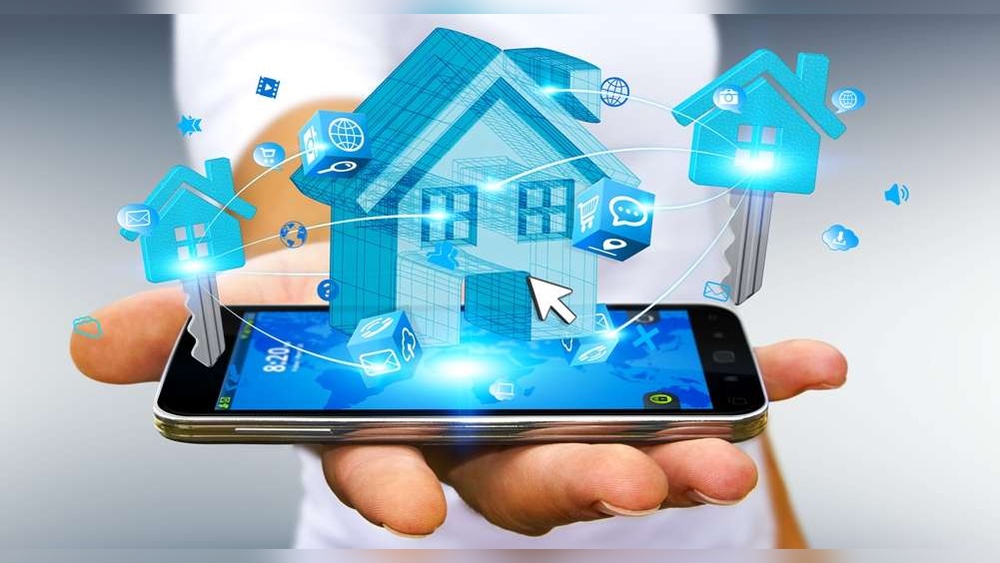
Building or moving into a new house is exciting. It is the perfect time to add smart home features. Smart homes make life easier and safer. But installing smart devices needs good planning. This checklist will help you install smart home devices the right way.
Why Plan Smart Home Installation Early?
Smart devices need power and internet connections. Some devices need wires inside walls. Installing them after building is hard and costly. Planning early means you can add wires and outlets easily. It also helps you avoid problems later.
Basic Things to Check Before Installation
- Internet Connection: Make sure your home has a strong Wi-Fi signal.
- Power Outlets: Check if there are enough power sockets where you want devices.
- Device Locations: Decide where to put cameras, sensors, and smart lights.
- Wiring Plans: Plan wires for devices that need them, like security cameras.
- Network Setup: Think about how many devices will connect to your home network.
Credit: lakeshoreliving.com
Step 1: Choose Your Smart Home Hub
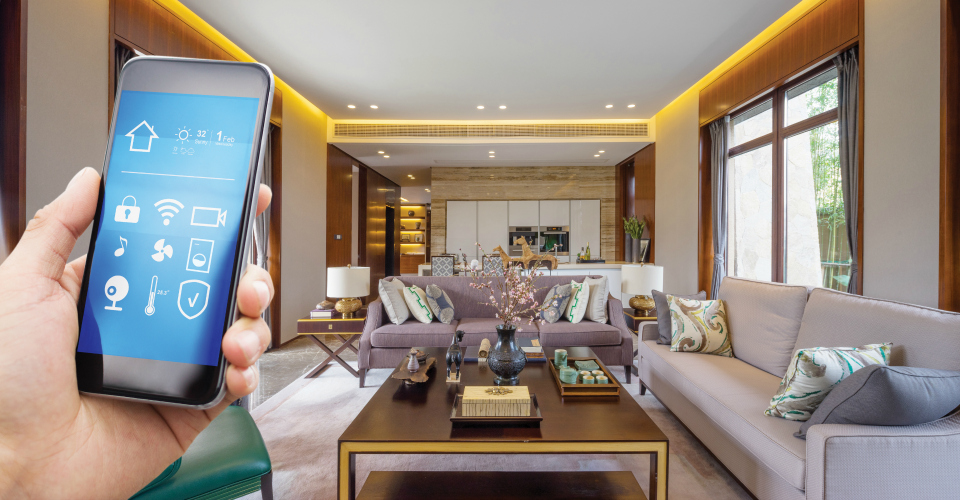
A smart home hub controls many devices from one place. Some hubs work with voice assistants. Others use apps on your phone. Pick a hub that is easy to use and fits your needs.
Popular hubs include Amazon Alexa, Google Home, and Apple HomeKit. Make sure your devices work with your chosen hub.
Step 2: Plan Your Wi-Fi Network
Good Wi-Fi is the heart of a smart home. Devices need to connect to the internet. Weak Wi-Fi can cause devices to stop working.
Think about:
- Where your router will go.
- Using Wi-Fi extenders or mesh systems to cover the whole house.
- Separating your smart devices on a different network for safety.
Step 3: List the Smart Devices You Want
There are many smart devices. Start with the most useful for your family. Here is a list to help:
| Device | Purpose | Notes |
|---|---|---|
| Smart Lights | Control lights with phone or voice. | Good for energy saving. |
| Smart Thermostat | Control heating and cooling remotely. | Helps save money on bills. |
| Security Cameras | Watch your home from anywhere. | Needs good Wi-Fi and power. |
| Smart Locks | Lock and unlock doors without keys. | Can be controlled remotely. |
| Motion Sensors | Detect movement for security or lights. | Often battery-powered. |
| Smart Plugs | Turn appliances on/off remotely. | Easy to install. |
Step 4: Wiring and Power Planning
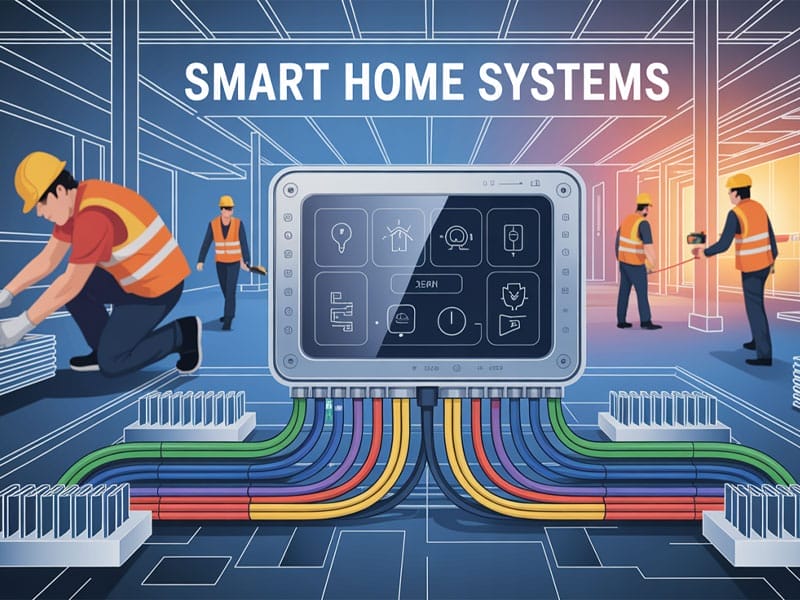
Many smart devices run on batteries or plugs. Some devices, like security cameras, need wires.
Talk to your electrician about:
- Where to put power outlets for devices.
- Running wires inside walls for cameras or speakers.
- Installing Ethernet cables for devices needing strong internet.
Having wires hidden inside walls keeps your home neat.
Step 5: Think About Security
Smart homes connect many devices to the internet. This can be risky if not secure. Follow these tips:
- Use strong, unique passwords for devices.
- Keep your devices updated with the latest software.
- Set up a guest Wi-Fi network for visitors.
- Use two-factor authentication if available.
Security helps protect your home and privacy.
Step 6: Plan for Voice Control
Voice assistants make controlling devices easy. You can talk to your smart home instead of using apps.
Decide which voice assistant you want. Common options are:
- Amazon Alexa
- Google Assistant
- Apple Siri
Make sure your devices work with your chosen assistant.
Step 7: Setup and Testing
After installing devices, test each one carefully. Check if:
- Devices connect to Wi-Fi without problems.
- You can control devices from your phone or voice.
- Automations work as planned (like lights turning on at sunset).
- Security cameras show clear video.
Testing early helps fix problems before they become bigger.
Credit: newcenturysalesinc.com
Step 8: Keep a Device Log
Keep a simple list of your devices. Include:
- Device name and model.
- Location in the house.
- Login or password notes (keep safe!).
- Purchase date and warranty info.
This helps when you need support or want to add more devices later.
Extra Tips for Smart Home Installation
- Start small. Add devices step by step.
- Choose devices that work well together.
- Check if devices need professional installation.
- Read user manuals carefully before setup.
- Ask friends or family for advice if you are unsure.
Frequently Asked Questions
What Is The First Step In Smart Home Installation?
Start by planning which devices you want and where to place them. This helps avoid costly changes later.
How Do I Choose The Best Smart Home System?
Look for systems that match your needs and budget. Check compatibility with other devices you own.
Can I Install Smart Devices Myself Or Need A Professional?
Many smart devices are easy to install yourself with instructions. Complex systems may require professional help.
What Smart Devices Are Must-haves For New Homes?
Smart thermostats, security cameras, and lighting controls are popular and useful in new homes.
Conclusion
Installing a smart home in a new house is easier with a plan. Use this checklist to stay organized. Think about internet, power, and device types first. Choose a smart home hub and good Wi-Fi. Plan wiring and security early. Test devices carefully before using them daily.
Smart homes bring comfort and safety. With simple steps, you can enjoy your smart house without stress.