
Do you want to control your home using your voice? It sounds fun and easy. You can turn on lights, play music, or set alarms without touching anything. This tutorial will help you set up voice control in your home step by step. Even if you do not know much about technology, this guide is for you.
What Is Smart Home Voice Control?
Smart home voice control lets you use your voice to control devices in your house. You speak to a small device called a smart speaker or smart assistant. The device listens and follows your orders. For example, you say, “Turn on the lights,” and the lights turn on.
Many smart devices work with voice control. You can control lights, fans, thermostats, TVs, and more. It makes your life easier and more comfortable.

Credit: www.youtube.com
What You Need for Voice Control
Before you start, you need some things. Here is a simple list:
- Smart speaker or assistant: Like Amazon Echo, Google Nest, or Apple HomePod.
- Smart devices: Lights, plugs, or other devices that work with your smart speaker.
- Wi-Fi: A good internet connection at home.
- Smartphone or tablet: To install apps and manage devices.
Step 1: Choose Your Smart Speaker
First, pick a smart speaker. Think about what you already have or what fits your needs. Here are three popular options:
| Smart Speaker | Voice Assistant | Works With |
|---|---|---|
| Amazon Echo | Alexa | Many smart home brands |
| Google Nest | Google Assistant | Google-compatible devices |
| Apple HomePod | Siri | Apple HomeKit devices |
Each speaker has its own app to set up and control your devices. Make sure you download it on your phone.
Step 2: Set Up Your Smart Speaker
Now, plug in your smart speaker. It will turn on and show lights or sounds. Follow these simple steps:
- Download the speaker’s app on your phone (Alexa app, Google Home app, or Apple Home app).
- Open the app and create an account or log in.
- Connect your speaker to your home Wi-Fi network.
- Follow instructions to finish setup.
Once done, your speaker is ready to listen to your voice.
Step 3: Add Smart Devices to Your Home
Next, you need smart devices that respond to your voice. These devices connect to your Wi-Fi and work with your speaker. Common devices include:
- Smart light bulbs
- Smart plugs
- Smart thermostats
- Smart locks
Buy devices that say they work with your smart speaker or voice assistant. For example, if you use Alexa, look for “Works with Alexa” on the box.
Step 4: Connect Devices to Your App
After you have smart devices, you must connect them to your speaker’s app. Here’s how:
- Open your smart speaker app.
- Find the option to add new devices. It may say “Add Device” or “Set up Device.”
- Follow the steps to connect each device to Wi-Fi and your smart speaker.
- Name your devices so you can talk to them easily. For example, call a light “Living Room Light.”
Repeat this for all your smart devices.
Step 5: Test Your Voice Control
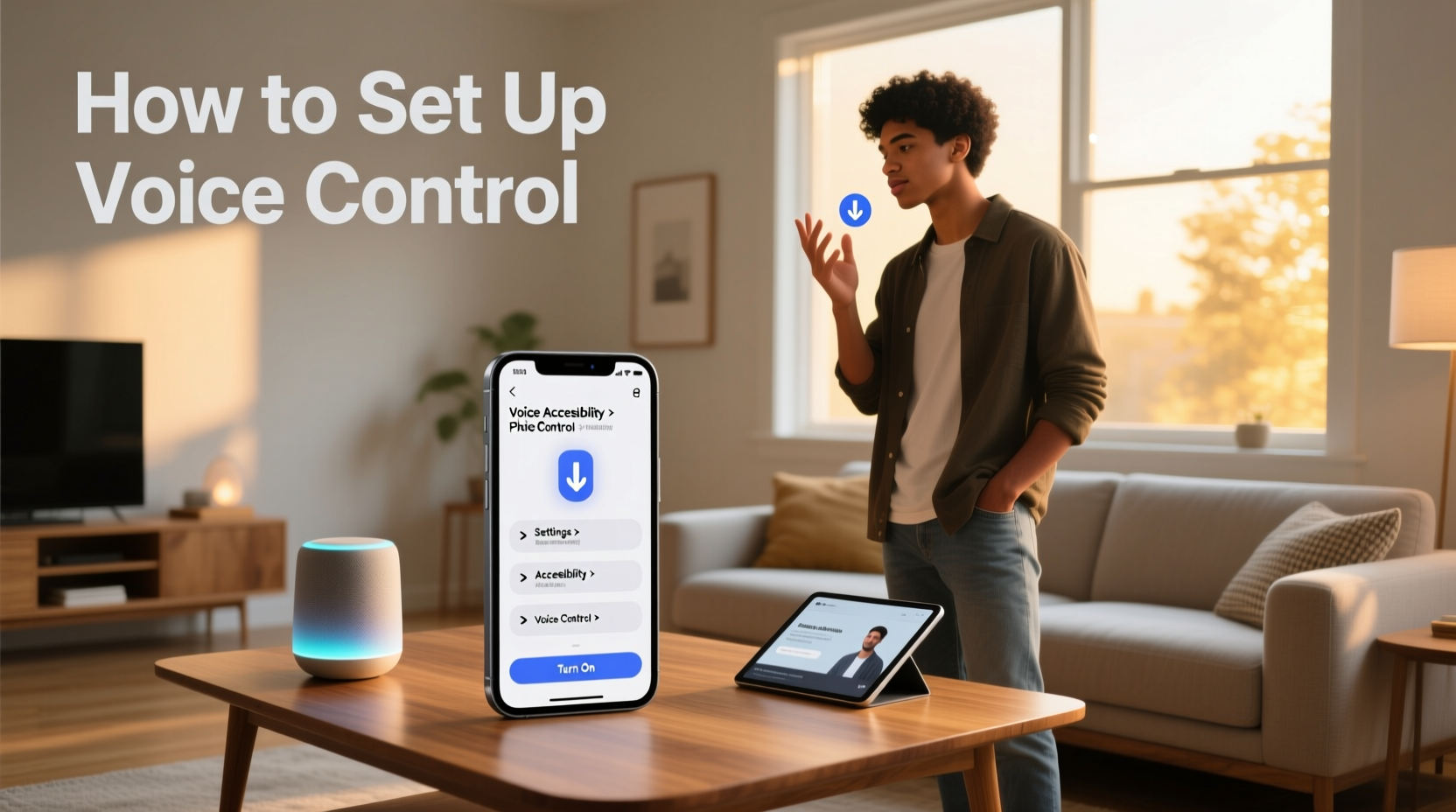
Now, it is time to try your voice commands. Speak clearly to your smart speaker. Here are some examples:
- “Turn on the living room light.”
- “Set the thermostat to 22 degrees.”
- “Play music.”
- “Turn off the fan.”
If your devices respond, you have set up voice control correctly.
Credit: carinterior.alibaba.com
Tips for Better Voice Control
Here are some tips to make your voice control better and easier:
- Use simple names: Name your devices with easy words.
- Speak clearly: Talk in a calm and clear voice.
- Keep your speaker central: Place the speaker where it hears you well.
- Update apps and devices: Keep your apps and devices updated for best performance.
- Group devices: You can group lights or plugs to control many at once.
How to Group Devices
Grouping devices helps you control many devices with one command. For example, turn off all lights in the house by saying one sentence. Here is how to group:
- Open your smart speaker app.
- Look for “Groups” or “Rooms” options.
- Create a new group and add your devices.
- Name the group, like “All Lights” or “Downstairs.”
Now, you can say, “Turn off all lights,” and it will work.
Safety and Privacy
It is important to think about safety and privacy with smart home devices. Here are some simple rules:
- Use strong passwords for your Wi-Fi and apps.
- Keep your apps and devices updated to fix bugs.
- Turn off the microphone on your speaker if you do not want it to listen.
- Be careful what you say near the speaker.
These steps help keep your home and data safe.
Common Problems and Easy Fixes
Sometimes things do not work as expected. Here are some common problems and how to fix them:
| Problem | Possible Fix |
|---|---|
| Speaker does not hear you | Speak louder or move closer to the speaker. |
| Device not responding | Check if the device is plugged in and connected to Wi-Fi. |
| App cannot find device | Restart your phone and the smart device. |
| Wi-Fi not working | Restart your router and check internet connection. |
If problems continue, look for help on the device manufacturer’s website.
Enjoy Your Smart Home
Now you know how to set up smart home voice control. It is easy and fun. You can control your home with just your voice. This helps save time and makes life comfortable.
Take your time to learn the commands. Try new devices when you want. Soon, your home will feel very smart.
Frequently Asked Questions
What Devices Work Best For Smart Home Voice Control?
Most smart speakers like Amazon Echo and Google Nest work well. They connect easily with many smart home devices.
How Do I Start Setting Up Voice Control At Home?
Begin by choosing a voice assistant and installing its app. Connect compatible devices and follow on-screen setup steps.
Can I Control Multiple Devices With One Voice Assistant?
Yes, voice assistants can manage many smart devices in your home. Group devices for easier control by room or function.
Is Voice Control Secure For Smart Home Devices?
Voice control uses encryption and passwords to protect your data. Regularly update device software to keep security strong.