Draw the view before choosing the camera.
Stand where the camera would sit and decide what it needs to show. A focused view of your own entry is more useful than a broad view that creates questions about neighbors or shared spaces.
Apartment security cameras
Choose a camera that helps you see the part of home life that matters, without turning an apartment setup into a privacy problem or a move-out project.
Start with the view
Do you want to check a private entry, see whether a patio door is secure or keep an eye on a room while you are away? The answer determines the camera, the placement and whether a camera is even the best tool.
Before you buy
Stand where the camera would sit and decide what it needs to show. A focused view of your own entry is more useful than a broad view that creates questions about neighbors or shared spaces.
A battery avoids a cable but needs recharging. Local storage can avoid a monthly plan, but you need to know where clips live and how you will retrieve an important recording.
Use a renter-friendly mount where appropriate, photograph the original area and save the box, accessories and reset instructions before they disappear into a closet.
Choose by the space
A camera is most helpful when its job, its view and its day-to-day upkeep all make sense for the apartment.
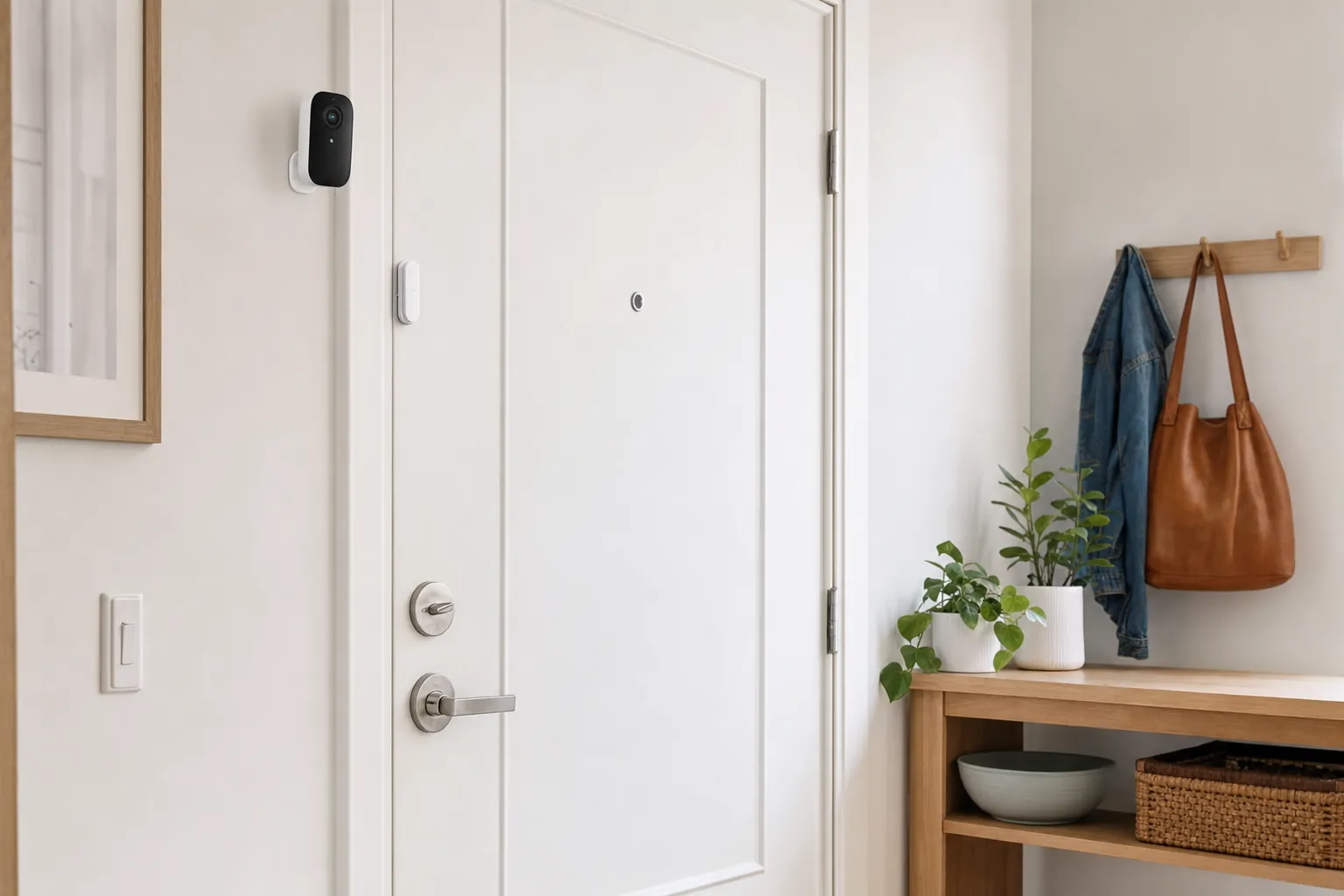
An indoor camera can make sense when it watches a private doorway, a room with valuables or an area where a pet stays. Choose a narrow, useful view rather than a camera that captures everyday life throughout the apartment.
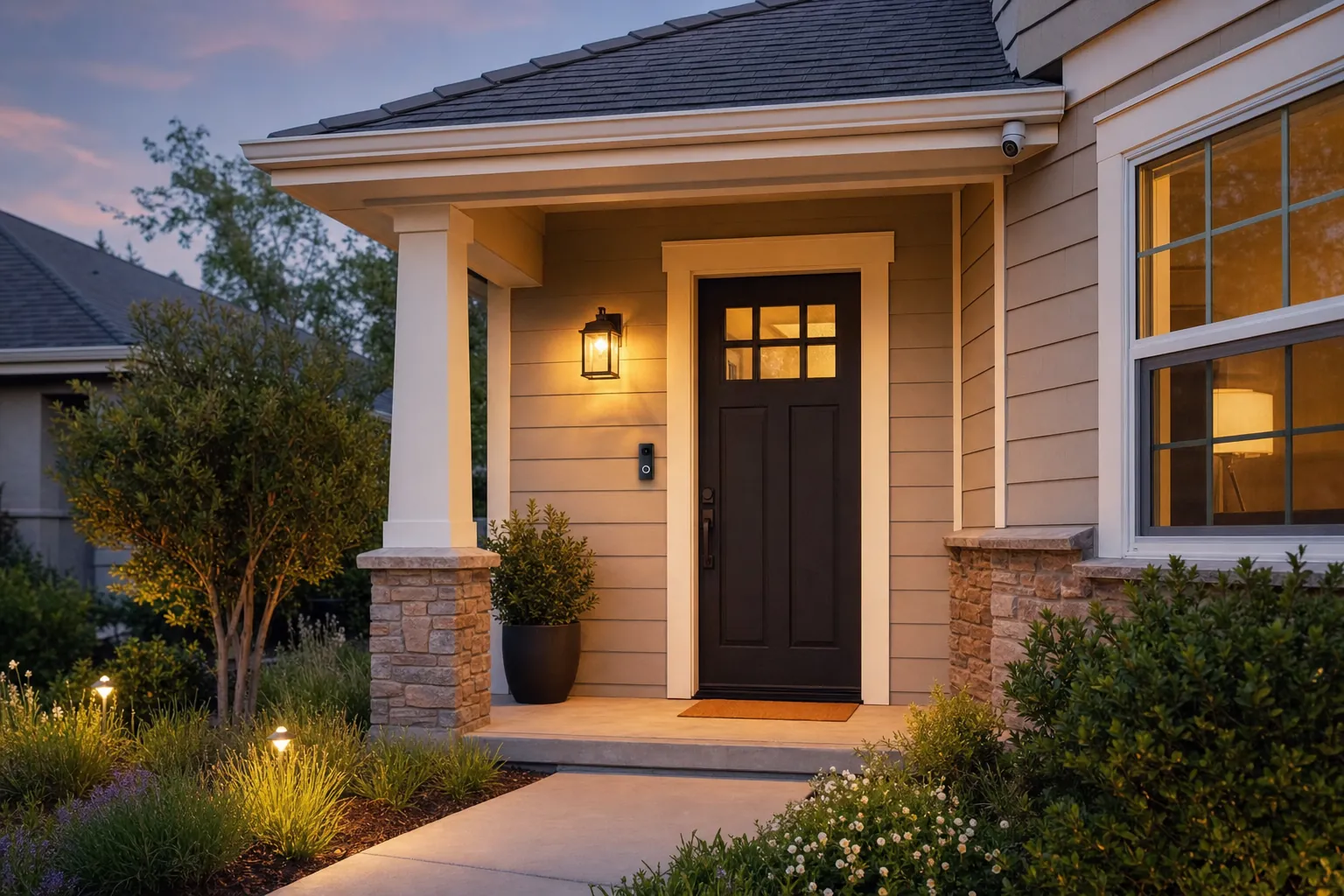
A camera can help cover a private patio entrance when the view stays within your own space. Check the Wi-Fi at the door, decide how it will stay powered and avoid placing it where rain, glare or a neighbor's private area will overwhelm the view.
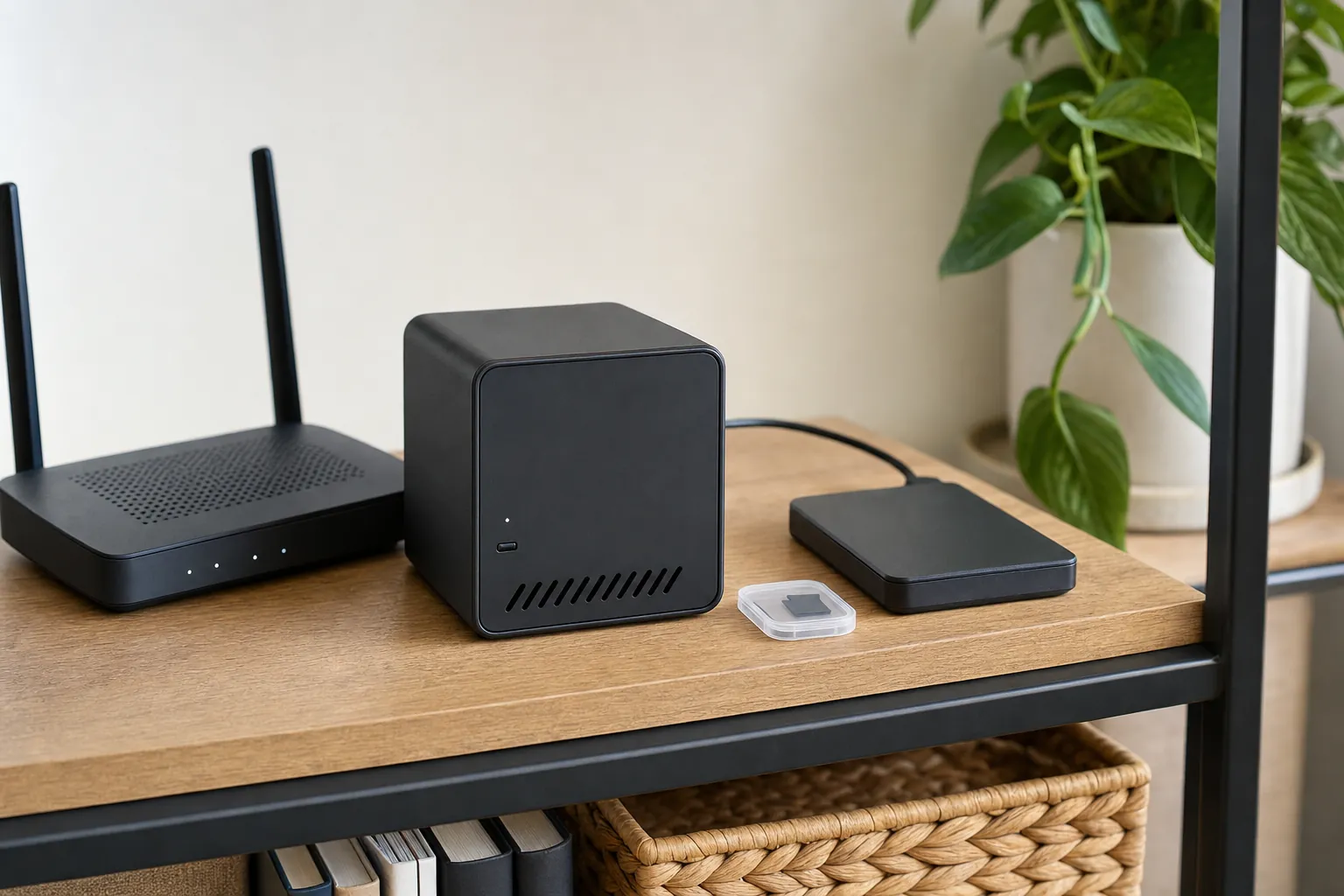
Sometimes a camera is more than you need. A contact sensor, chime or motion light can tell you an entry opened without recording a shared hall or creating a charging and storage routine.
Choose the setup
An indoor camera is easier to position, power and remove than a device attached to exterior hardware. It can be useful near a private entry, pointed toward a room with valuables or placed where it helps you check on a pet. Before mounting it, confirm that the view stays inside the space you control. If the camera would capture a roommate's private area, a neighbor's doorway or an ordinary shared living space, move it, narrow the view or choose a different kind of alert.
A battery camera can be a good fit when there is no outlet near a patio, balcony or private entry. It is not maintenance-free. A busy view, frequent notifications, cold weather and live viewing can all shorten the time between charges. Look at the location before buying: if the view includes constant foot traffic or a swaying tree, use motion zones and a modest sensitivity setting so the camera does not spend its battery recording events you do not care about.
A plug-in indoor camera is often a better choice for a location that needs regular coverage. It avoids the charging routine and can be easier to test over a few days. The tradeoff is the cable path. Keep it inside your apartment, away from a walkway, door hinge or area that could pull on the camera. Do not run a cable through a shared hallway, alter fixed wiring or create a trip hazard just to reach a more dramatic angle.
Live view and saved video are different promises. Some cameras record to a microSD card, a local hub or a recorder, while others reserve video history for a paid plan. Decide whether you need a useful notification, a short record of an event or ongoing video history. Then check the exact model's storage details, how long clips remain available and what happens if the camera loses its internet connection. A camera is only as useful as the footage you can find when something matters.
Placement and privacy
Point the camera at your own doorway, patio, room or belongings, not along a shared corridor or into another resident's home. A shared hallway can feel like a logical place for a camera, but it can create building-rule and privacy issues quickly. Read the lease, check building policies and ask for written permission when the camera would attach outside your apartment or record a common area.
Hold the camera in place before committing to a mount. Check the frame during the day, after dark and with the door opening. Bright porch lights, reflective glass, a close wall or an overhead fixture can make a promising spot useless at night. You should be able to recognize the activity you care about without aiming the camera into a neighbor's window, door or everyday path through the building.
Apartment walls, distance from the router and crowded building networks can affect a camera near an entry or balcony. Test your phone at the actual location, then leave it there long enough to see whether the connection is stable. A camera that connects once but drops during ordinary use will create more frustration than reassurance. If the signal is weak, consider a different room, a better router location or a non-camera device that can do the job without a video stream.
Decide who can receive alerts, view clips and change settings. If you live with others, agree on the camera's purpose and placement before it is active. Use a unique password, turn on available account protection and remove access as soon as a roommate, guest or service provider no longer needs it. The account is part of the security setup, not an afterthought.
Your first week
Frequently asked questions
The best fit depends on the place you need to watch. An indoor camera can work well for a private entry or room, while a battery camera can be useful for a private patio or balcony where removable mounting is allowed. Start with the smallest camera setup that answers the concern you actually have.
Check the lease and building rules before placing a camera on exterior hardware or near a shared hallway. A view of your own private space is easier to justify than recording neighbors, common walkways or a shared entrance. Ask for written approval when the boundary is unclear.
No. Some cameras offer live view and local recording without a monthly plan, but features vary by model. Before buying, confirm where clips are stored and whether saved video, person alerts or longer history require a paid tier.
Choose a spot with a clear purpose, dependable Wi-Fi and a view limited to the area you control. Test the live view in daylight and after dark before mounting it. Avoid aiming directly at bright lights, reflective glass or a neighbor's door.
They can be a practical choice for a rental because they avoid a permanent power cable. The tradeoff is charging. A busy entry can create frequent motion events, so choose a location and recording mode that will not leave you constantly recharging the camera.
Remove it carefully, reset it to remove your account and Wi-Fi details, and take down any saved mounts or accessories. Keep original hardware and photos of the installation so you can restore the apartment cleanly and set up the camera at the next home.
Find your fit

AI Smart Home Finder
Start with comfort you can measure.
Explore thermostats, lighting and routines that can make a daily difference.