
SavvyNests Automation Hub
Smart home automation, made practical.
Plan a home that works together without filling it with devices you do not need. Start with the room, routine or problem you want to improve, then choose the technology that fits.
A simpler way to build
One useful change at a time.
The best smart homes are not built around a product list. They are built around small improvements that make the day easier, from a calmer bedtime routine to a more secure front door.
Choose your next move
Follow the path that matches your home.
Each path brings together the decisions that matter before you buy, connect or automate.
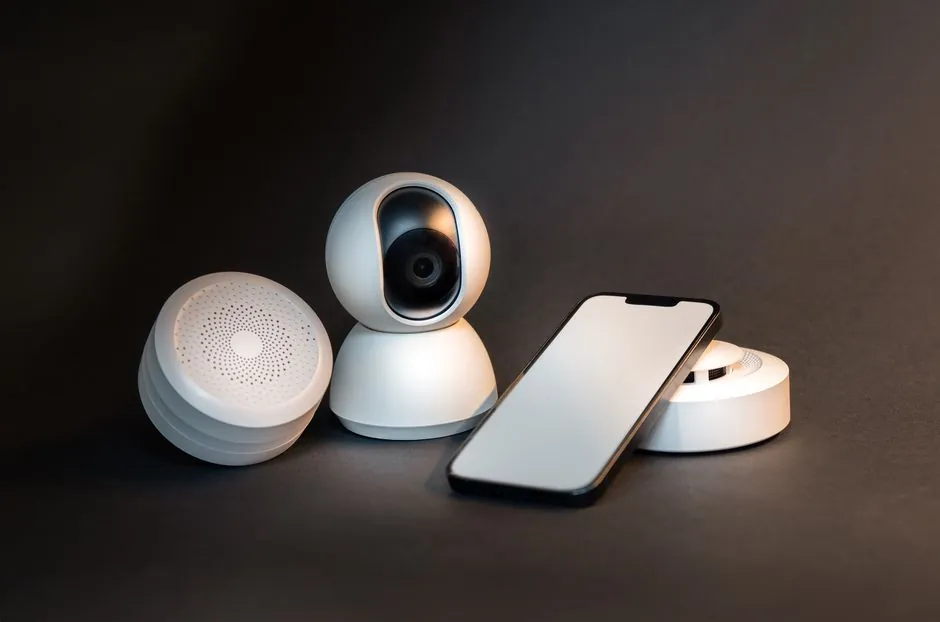
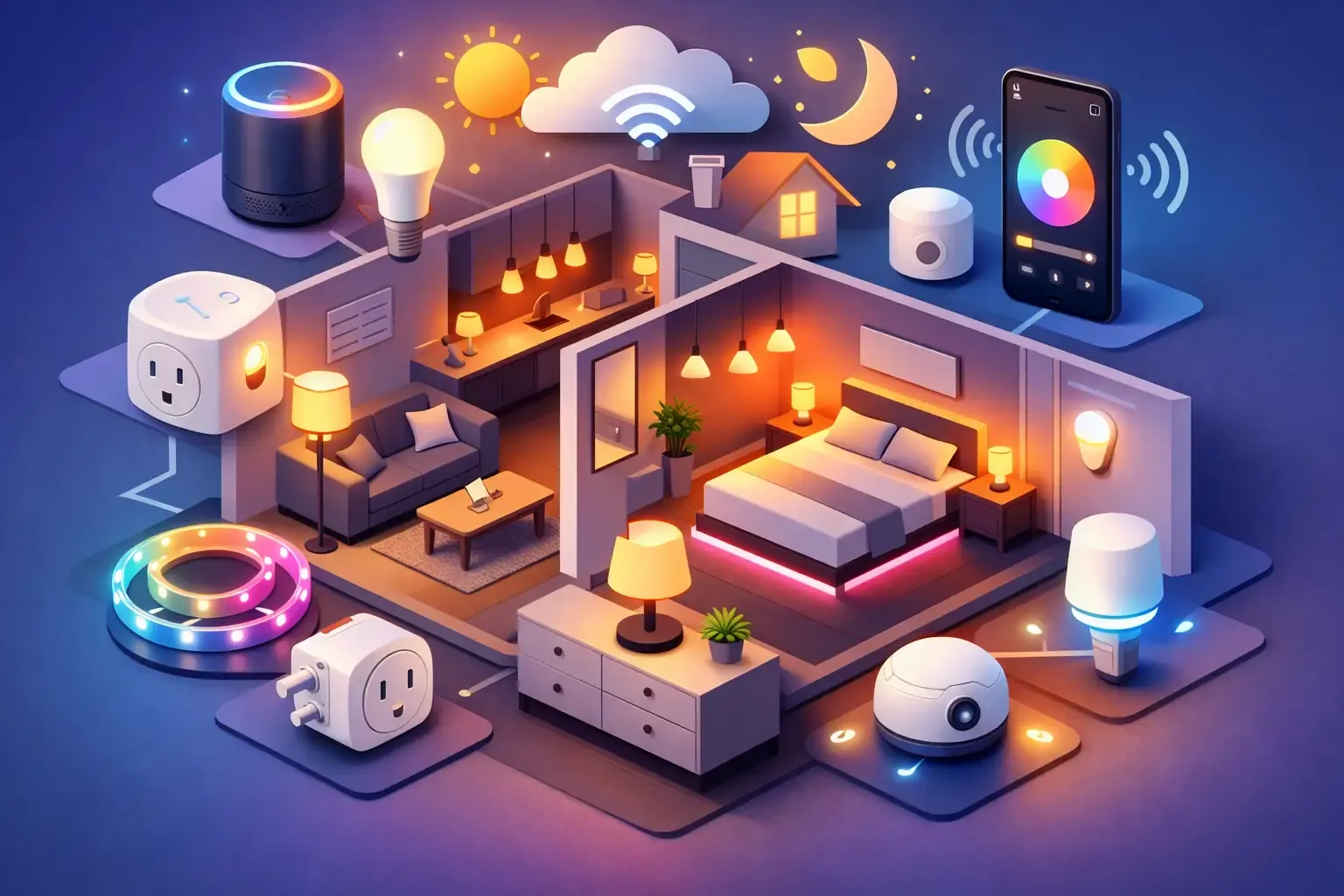
Start with a foundation
Choose a simple first upgrade, understand compatibility, then add only what serves your routine.
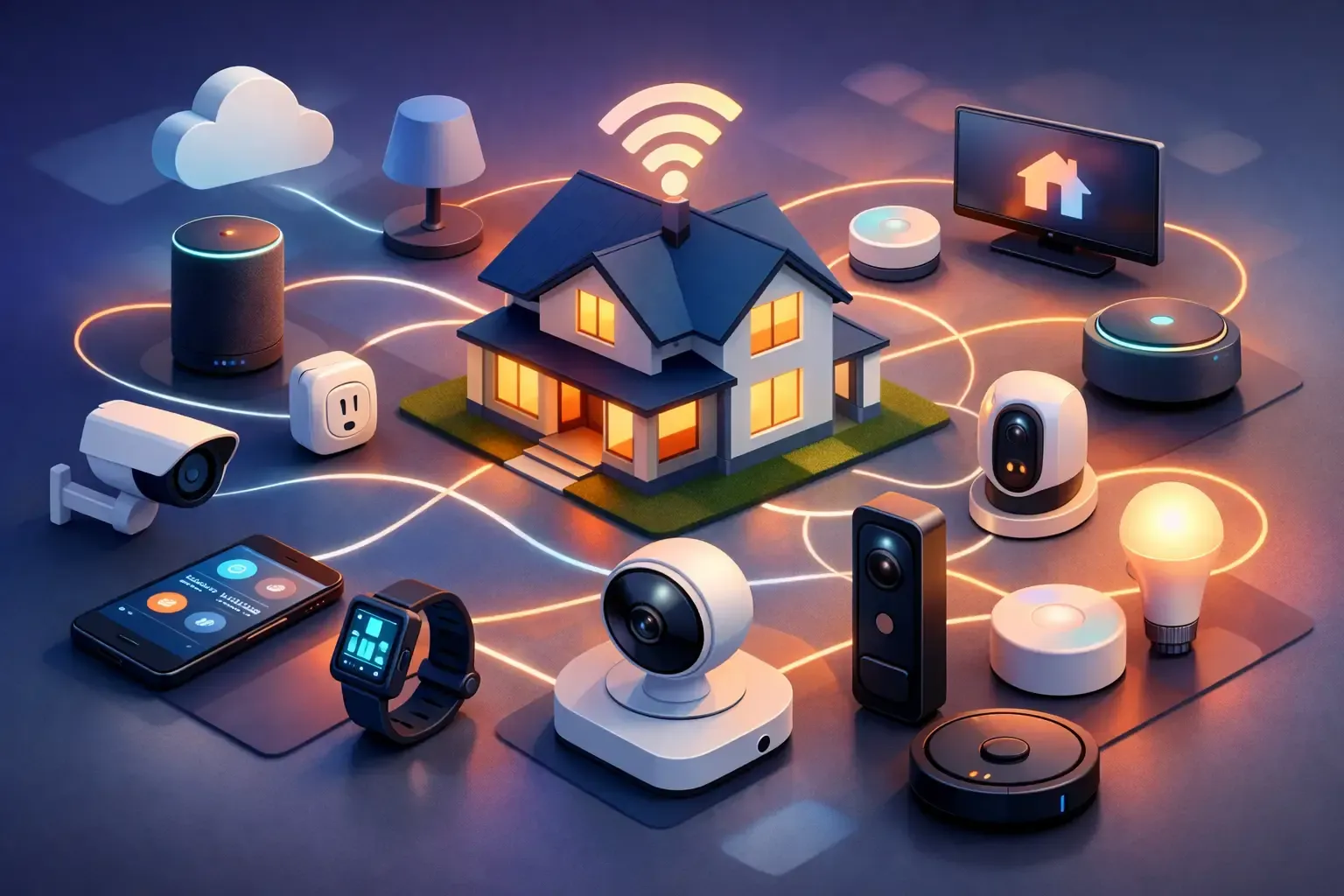
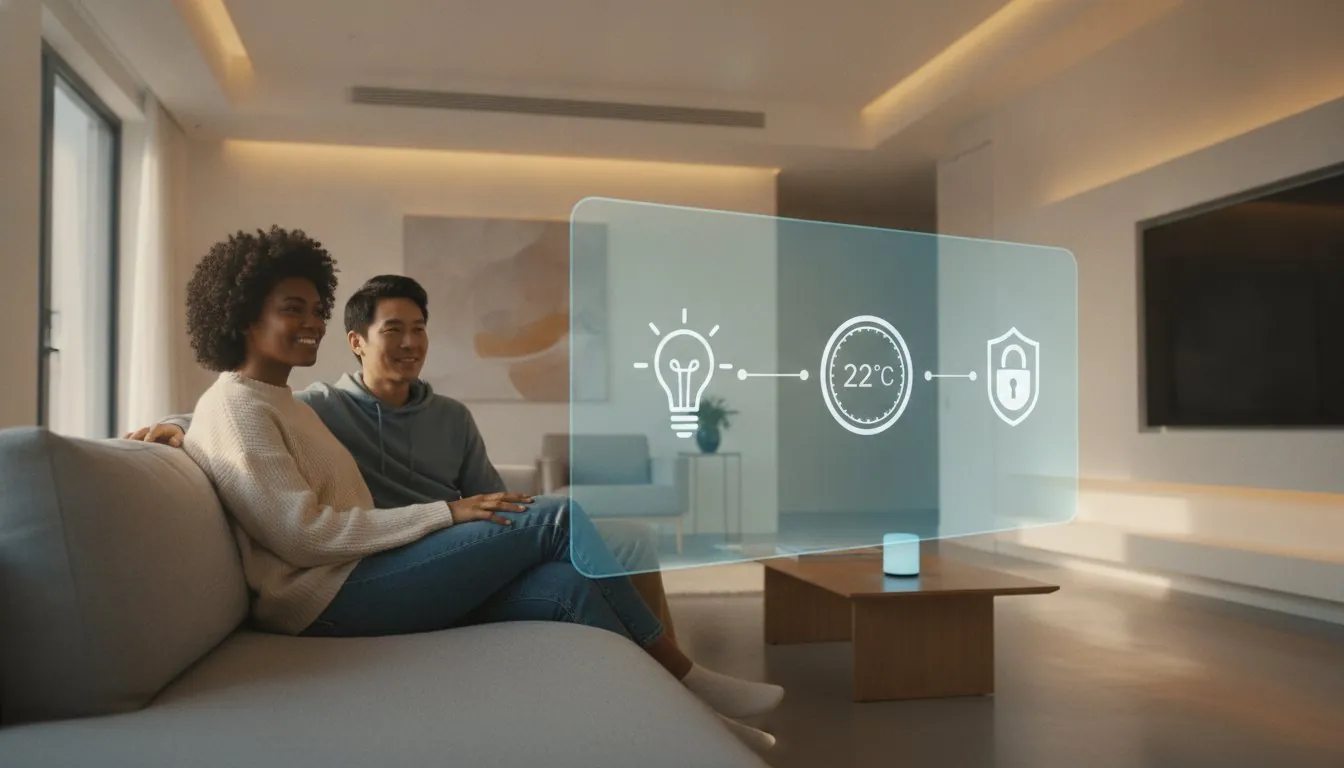
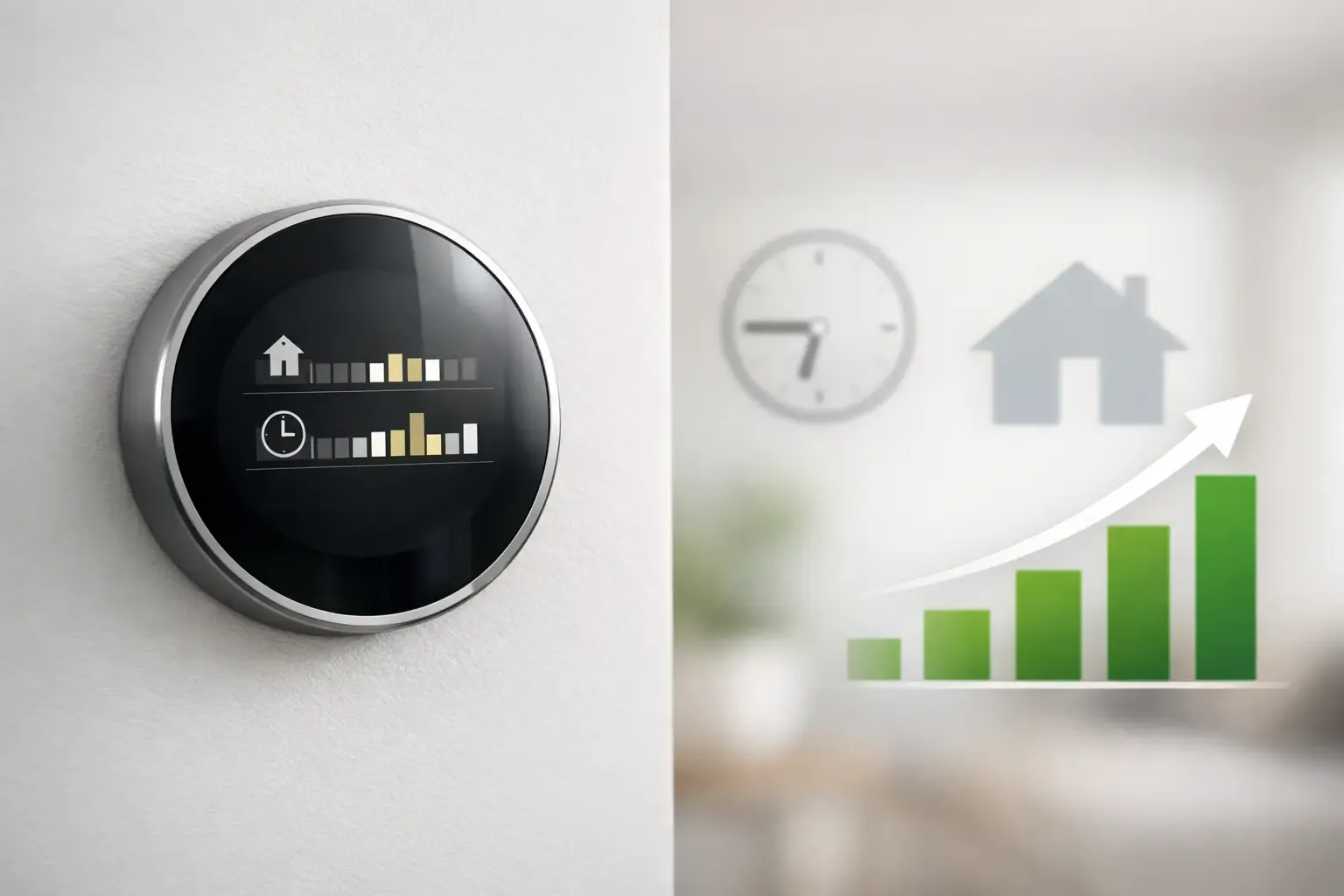
Connect the right way
Learn how hubs, ecosystems and standards shape what works together before you bring another device home.

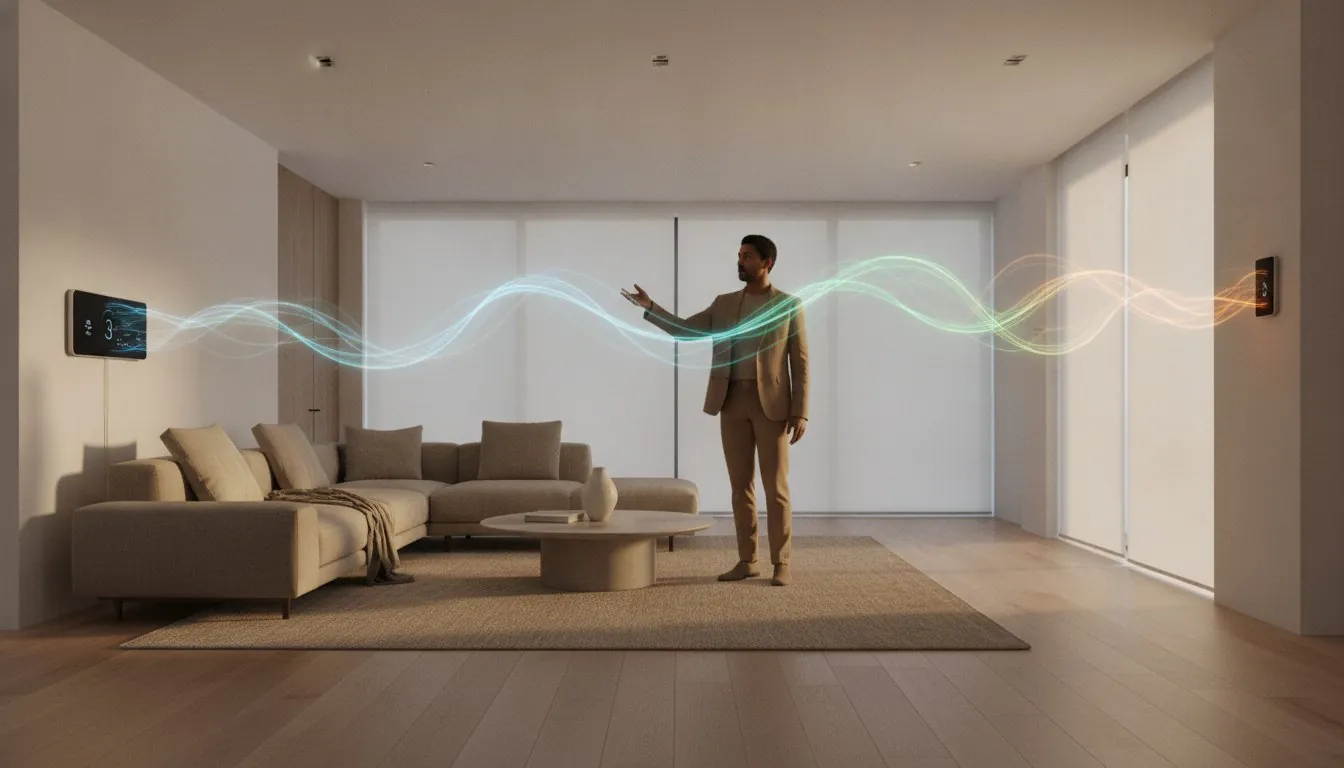
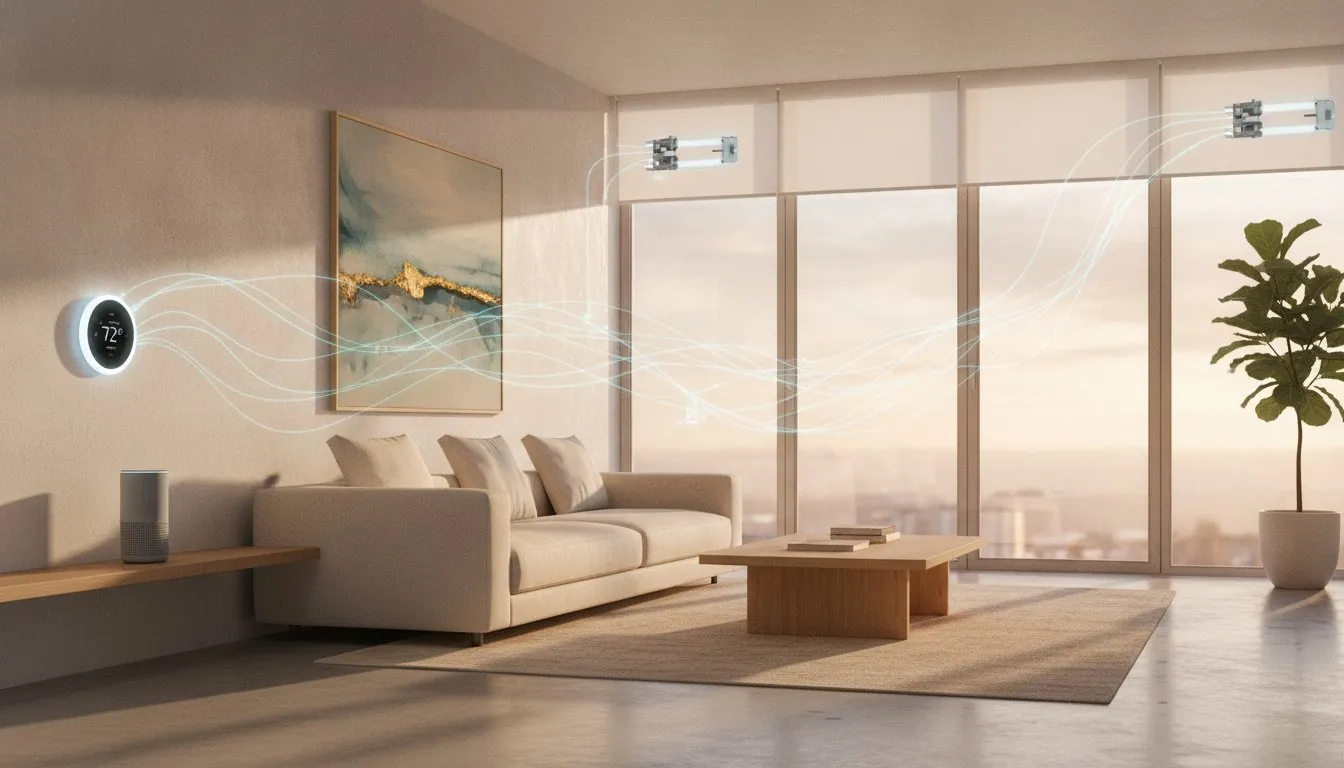
Automate everyday comfort
Use lighting, temperature and routines to make the useful moments happen with less effort.
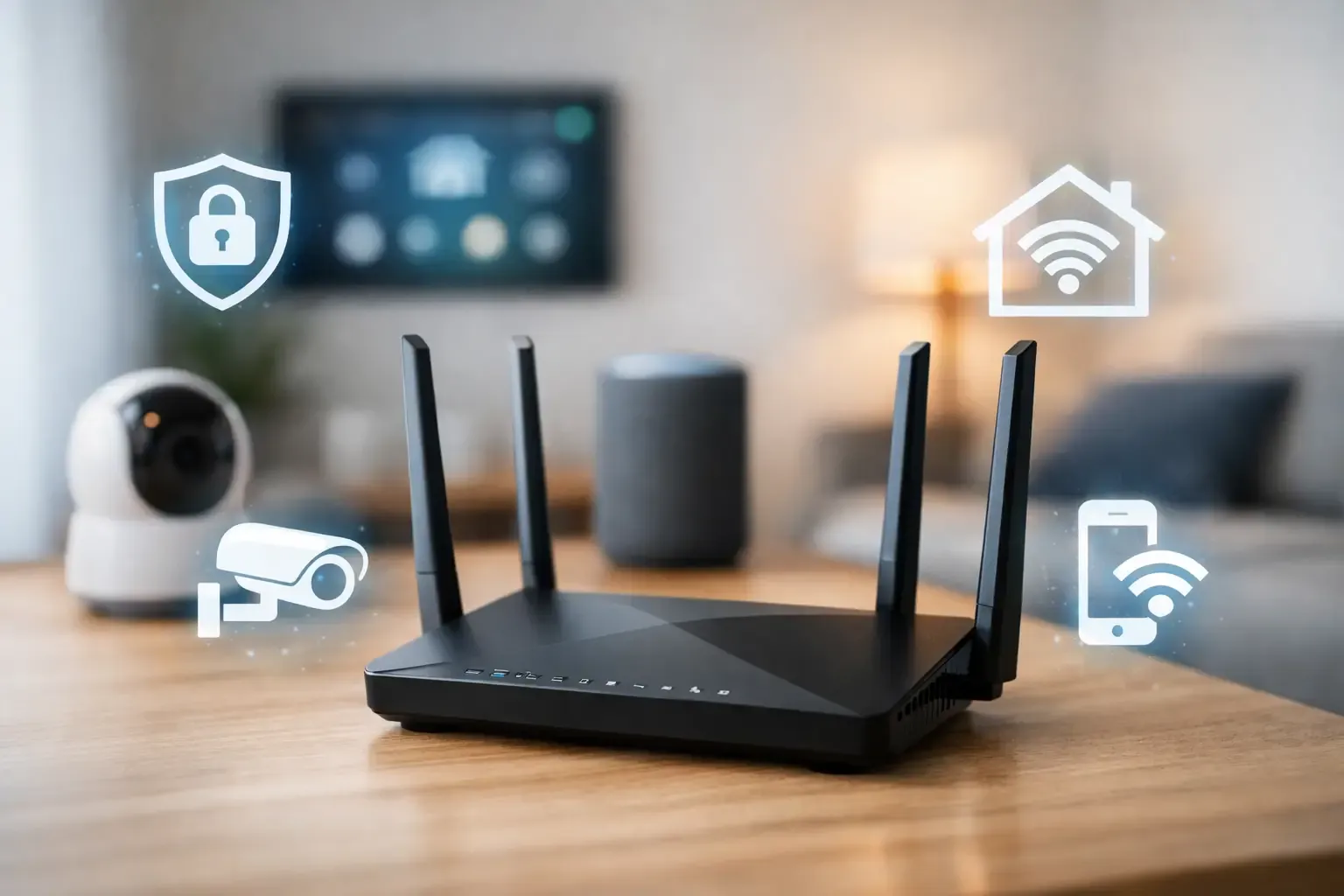
Keep your home protected
Build in privacy, reliable alerts and sensible network boundaries from the beginning.

The SavvyNests approach
What to check before every upgrade.
Compatibility
Check the platform and connection method before adding a device to your setup.
Useful routines
Choose automations that remove a repeated task, not ones that create more to manage.
Privacy
Protect the accounts, network and information that make a connected home run.
Long-term value
Consider setup, subscriptions and upkeep alongside the device price.
Frequently asked questions
Clear answers before you connect.
What is the easiest way to start with home automation?
Start with one repeatable annoyance, such as arriving home to a dark entryway or forgetting to adjust the thermostat. Choose a device that works with the platform you already use, then add a routine only after that first device feels useful.
Do all smart-home devices work together?
No. Compatibility depends on the control platform, the connection method and, sometimes, a hub. Check those details before buying, especially when you want devices to share automations rather than simply run in separate apps.
Do I need a smart-home hub?
Not always. A hub can make sense when you want to connect more devices, use certain wireless standards or keep more automations in one place. A small setup can often begin with a speaker, display or app you already use.
How can I make a smart home more private?
Use strong, unique account passwords, keep device software current and put smart devices on a separate guest or IoT network where your router supports it. Review permissions and disable features you do not use.
Keep exploring