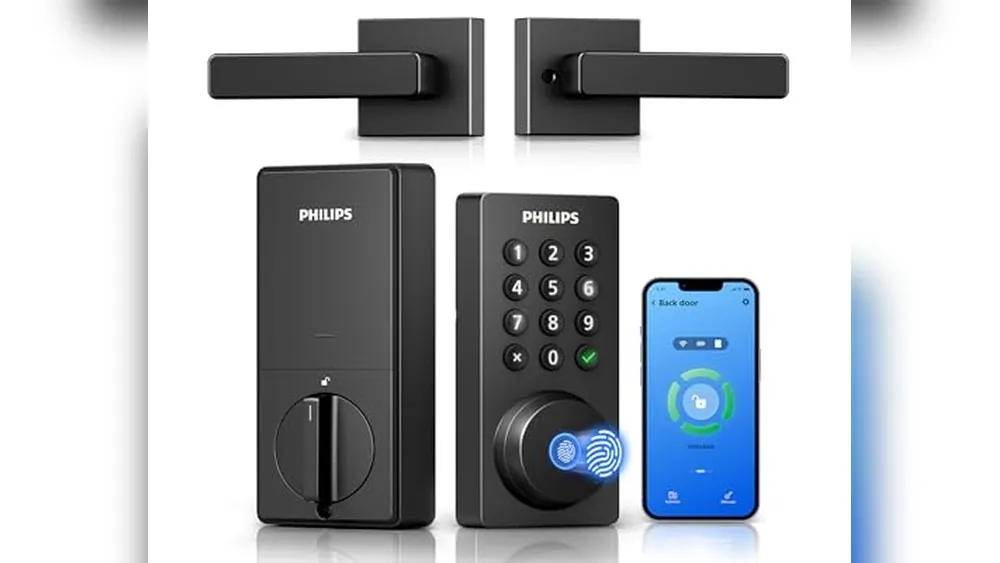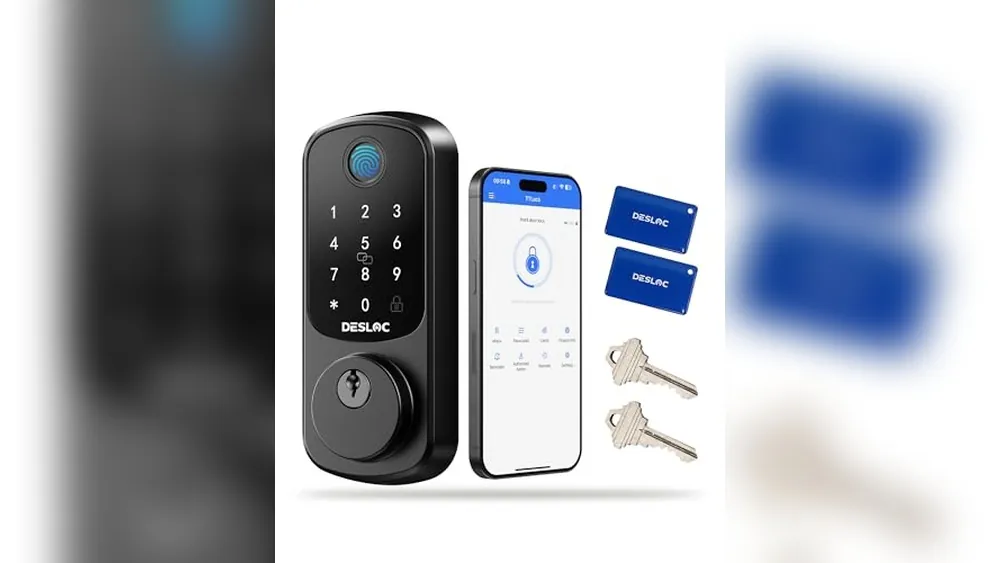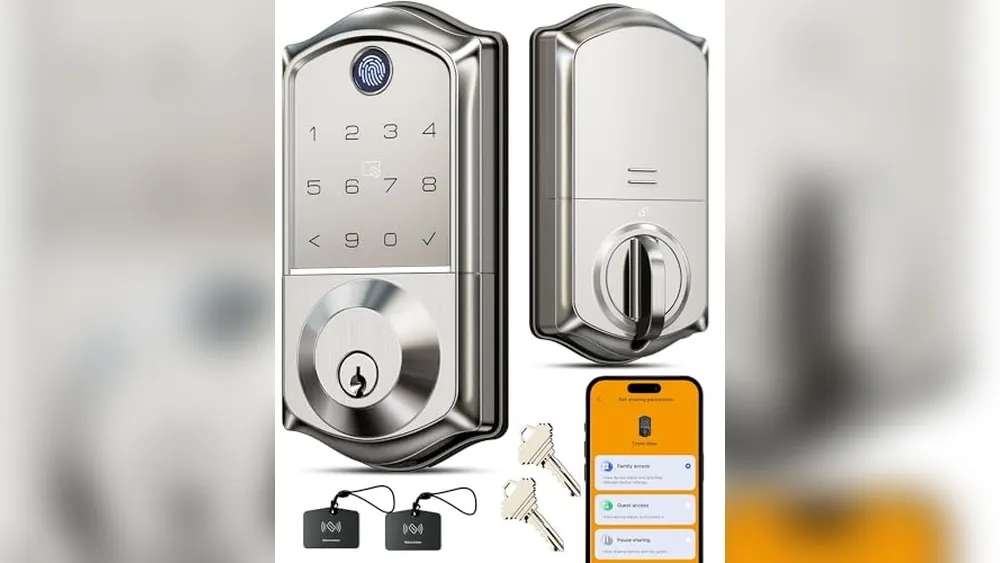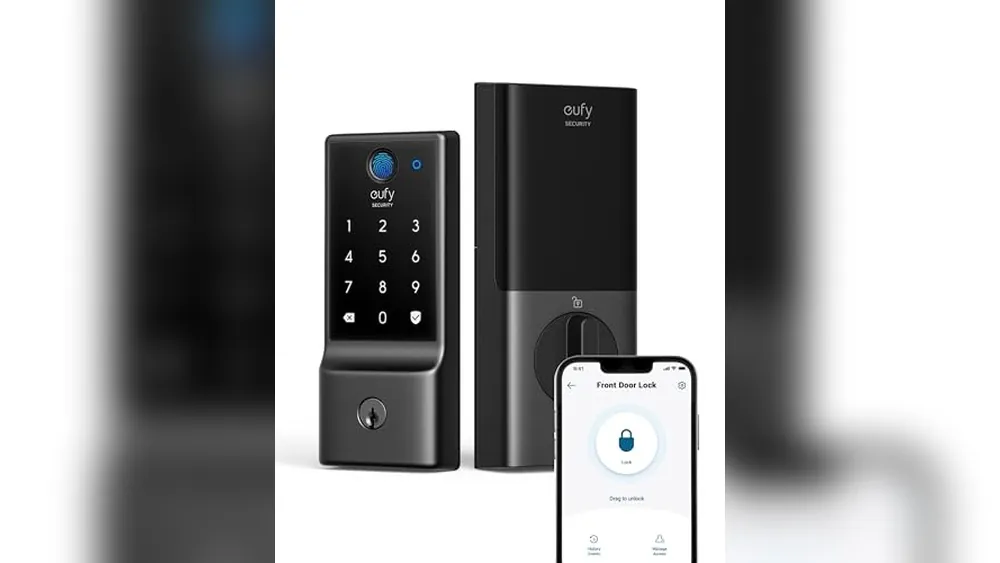
A no-drill apartment smart lock should improve access without leaving the property manager, your lease or your door behind. The safest choices operate the existing compatible deadbolt from the inside and preserve the exterior key hardware.
Quick answer
Choose SwitchBot Lock Pro for the most flexible renter-friendly retrofit, but factor in Hub 2 if Matter or voice control matters. Choose August Wi-Fi Smart Lock for integrated Wi-Fi and broad platform support. Choose Aqara U200 only after confirming both the door fit and the required Matter-over-Thread setup.
Fit and lease checks before buying
- Read the lease and get approval where lock changes are unclear.
- Confirm the exact deadbolt, interior thumb turn, door thickness and clearance.
- Test that the existing bolt turns smoothly with the door closed.
- Keep the original hardware and photograph the installation for move-out.
Remote access is not the first check
Wi-Fi, Matter and voice control can be helpful, but only after the lock fits the door. Every household should also choose and test its fallback method, such as the original key, keypad or emergency power procedure.
Which no-drill smart lock should you buy?
SwitchBot Lock Pro is the strongest all-around starting point for a compatible rental deadbolt. August Wi-Fi Smart Lock is better for a household that wants its built-in Wi-Fi approach. Aqara U200 is the right specialty choice only for a confirmed Matter-over-Thread setup.
No-drill compatibility and move-out checklist
A renter-friendly smart lock should leave the exterior hardware and the property manager’s key path intact whenever possible. Retrofit locks can be a better fit than full deadbolt replacements, but the door and lease still decide what is appropriate.
- Read the lease and get written approval when lock changes are not clearly allowed.
- Measure the inside thumb turn, deadbolt shape, door thickness and clearance around the lock.
- Confirm whether the lock uses an adhesive plate, existing screws or a replacement cylinder. “No drill” does not mean every door is compatible.
- Choose a backup method such as the original key, keypad, NFC card or emergency power, then test it before relying on the lock.
- Photograph the original installation and store every original part in one labeled bag for move-out.
Bluetooth, Wi-Fi, Matter and Thread support vary by model and accessory. Treat ecosystem compatibility as a second check after confirming the lock actually fits the door.