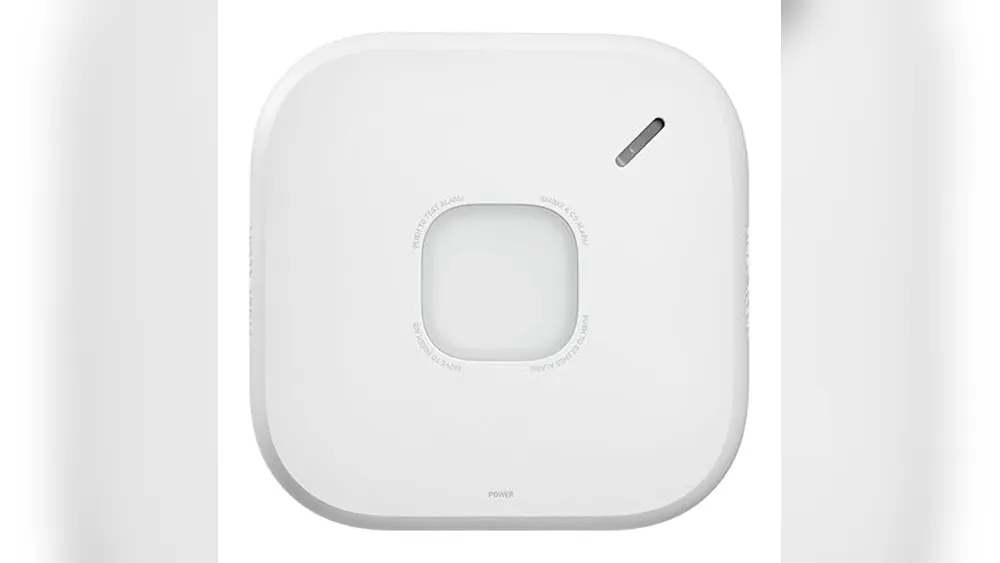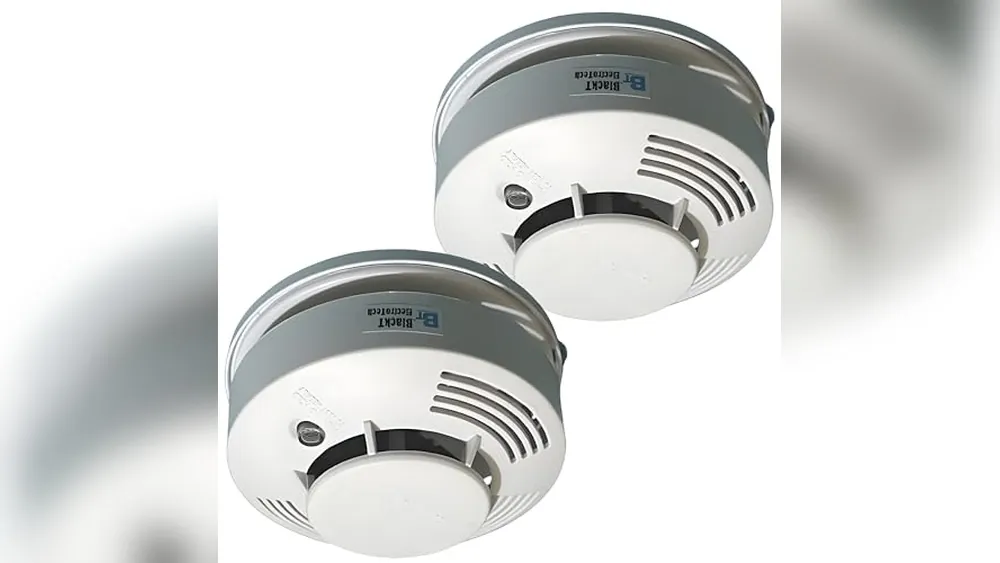
A smart smoke detector can add remote alerts and easier status checks, but the most important job is unchanged: warn the people in the home early enough to get out safely. Start with alarm coverage, interconnection and power. Treat app features as useful backup, not the reason to skip the basics.
Quick answer: what should you prioritize?
- Choose an interconnected setup when you want an alarm in one part of the home to alert people everywhere.
- Choose app alerts when someone needs to know about an alarm while away, while confirming the alarm still works locally during an internet outage.
- Choose a combination smoke and carbon monoxide alarm only when the placement and local requirements suit both types of protection.
- Choose the right power plan by checking battery replacement, hardwired compatibility and backup power before installation day.
What makes a smoke alarm “smart”?
Smart alarms can send a phone alert, report battery or device status in an app, and sometimes connect with other alarms through a base station or home network. Those features can be helpful when nobody is home, when a family member needs another notification path, or when it is easy to forget routine testing.
They do not make placement, maintenance or an escape plan less important. A phone alert is not useful if the alarm is in the wrong place, the battery is neglected or everyone in the home does not know where to go after an alarm sounds.
Choose the alarm system before choosing extra features
Interconnected alarms
With an interconnected system, one alarm can trigger the others. That is especially useful in larger homes, homes with closed bedroom doors, and layouts where a person might not hear a single alarm from another floor. Some systems use wiring, some use wireless links and some use a hub. Confirm that every device in the system is compatible with the same connection method.
App alerts and remote status
Remote alerts are most useful when they add a second layer of awareness. Check whether the model connects directly to Wi-Fi or needs a separate base station, whether the service requires a subscription, and what happens when the home internet connection is unavailable. The local alarm should still provide the primary warning inside the home.
Smoke-only or smoke and carbon monoxide combination alarms
A combination device can simplify protection in a suitable location, but it is not automatically the right choice for every room. Carbon monoxide risk depends on the home and its fuel-burning equipment. Follow the manufacturer instructions and local requirements for both placement and the number of alarms needed.
Placement and power checks that matter
Before buying, map the home room by room. Note bedrooms, sleeping areas, each level, the kitchen, utility spaces and any fuel-burning appliances. Then compare that map with the manufacturer instructions and applicable local requirements. A strong product choice cannot make up for poor placement.
- Choose alarms that are listed for their intended use and follow the maker’s installation instructions.
- Confirm whether the home has compatible hardwired alarms before replacing only one device.
- Check the battery type, expected replacement routine and any backup power requirement.
- Keep alarms away from places where steam, cooking fumes or poor placement could cause frequent nuisance alarms.
- Test the alarm and any interconnected alerts after installation, then keep a simple reminder for routine checks.
Smart-home compatibility without false confidence
Voice assistants and smart-home apps can be useful for status notifications, but a safety alarm should not depend on a routine, voice command or a single phone. Confirm exactly what the alarm can share with your preferred platform and whether that integration changes the device’s core safety behavior.
For a wider view of connected safety and entry protection, see the home security without monthly fees guide. If you are building a connected home gradually, the smart-home automation guide can help keep alarms and other essential devices separate from optional convenience upgrades.
What to do after you choose
- Read the complete installation instructions before taking down an existing alarm.
- Install every alarm in the planned location and connect compatible units as directed.
- Test the local sounder, mobile alert and interconnected response while everyone is present.
- Make sure household members know the exit route and meeting place.
- Review the setup after a move, renovation or major change to the home.
Renters should also check the lease and talk with the property manager before changing hardwired equipment. The smart-home guide for renters covers other upgrades that can be easier to add and remove without changing the home’s core systems.
Frequently asked questions
Do smart smoke detectors still work when Wi-Fi is down?
The alarm itself should still sound locally when it detects smoke, but app alerts and remote status updates may depend on Wi-Fi, a base station or both. Check the exact product documentation before buying.
Should I choose a smoke-only alarm or a smoke and carbon monoxide combo?
A combination alarm can be useful where carbon monoxide protection is needed and the location suits both functions. Follow local requirements and the manufacturer placement instructions, especially near fuel-burning equipment.
Can one smart smoke alarm protect an entire home?
No. Smoke-alarm coverage depends on the home layout and local requirements. Use the manufacturer guidance and applicable local code to decide where alarms belong, then test every alarm after installation.
What matters more, smart alerts or interconnected alarms?
Interconnected alarms help make sure people throughout the home can hear an alarm. Smart alerts can add useful remote awareness, but they should not replace reliable local alarms and a clear escape plan.
The bottom line
The best smart smoke detector is part of a reliable alarm plan, not a standalone gadget. Start with proper coverage, a warning people can hear, compatible power and a system that the household will test. Then choose the app and smart-home features that make that plan easier to maintain.