A useful smart home does not need to feel like a science project. For many older adults, the best devices are the quiet ones: lights that come on before a hallway becomes dark, a speaker that can place a call without finding a phone, or a doorbell camera that makes it easier to see who is outside.
The goal is not to fill a home with gadgets or to hand control to someone else. It is to make familiar routines easier, remove small points of friction, and add a sensible layer of support when it is wanted. The best place to begin is with one real need, not a shopping list.
Start With the Person and the Home
“Smart home devices for seniors” can mean very different things from one household to the next. A person who is active and comfortable with a phone may want better lighting and a video doorbell. Someone with reduced mobility may care more about voice control, a clear nighttime path, or an easier way to call family. A caregiver may need reassurance that does not turn the home into a surveillance project.
Start by noticing the moments that already create hassle. Does a dark hallway feel uncertain at night? Is the thermostat hard to reach or confusing to program? Does answering the door require too much effort? Is a missed call more frustrating than it should be? One clear answer is enough to choose a useful first device.
It also helps to separate convenience from care. A smart plug, light, thermostat, doorbell, or speaker can support a routine. It cannot replace an emergency plan, professional medical advice, regular check-ins, or the human support someone may need. The National Institute on Aging’s room-by-room fall-prevention guidance is a useful reminder that safer homes begin with basics such as clear paths, good lighting, secure rugs, and grab bars where appropriate.
1. Motion-Sensor Lighting for Safer Nighttime Trips
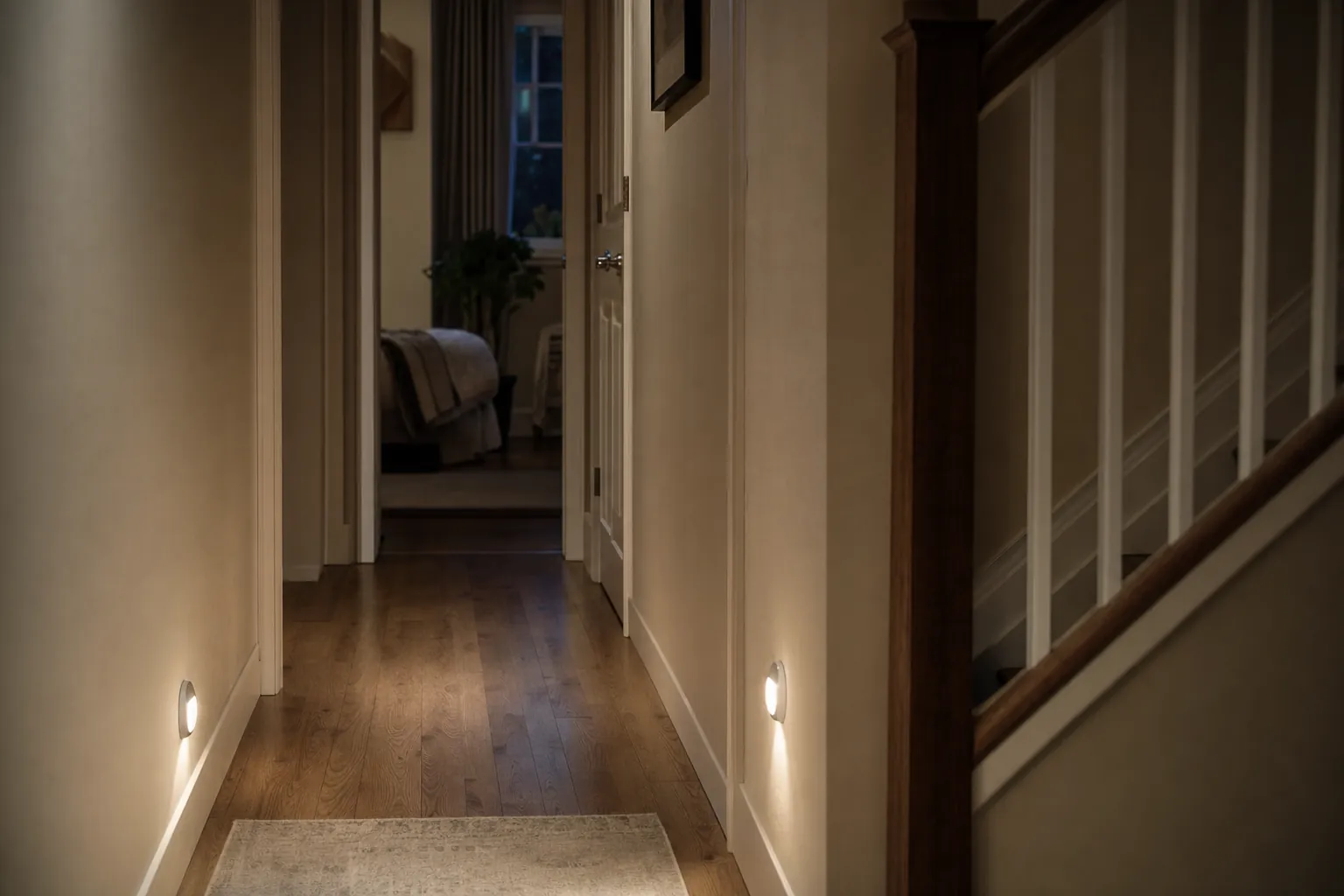
Lighting is often the most practical first upgrade because it asks almost nothing of the person using it. Motion-sensor night lights can brighten a bedroom-to-bathroom route automatically. Smart bulbs or switches can turn on at a scheduled time, respond to a voice command, or be controlled from a bedside phone or remote.
For a first setup, keep the rule simple: light the route, not the whole house. A low, warm light in the hallway, bathroom entrance, and kitchen is usually more comfortable at night than a bright overhead fixture. Avoid placing a motion sensor where a pet, a heating vent, or traffic from another room will trigger it constantly.
Before buying a smart bulb, check what happens if the wall switch is turned off. Some bulbs need constant power to stay available in the app or by voice. In a home where a familiar physical switch matters, a smart switch, a plug-in lamp, or a standalone motion-sensor light may be the better fit.
2. A Voice Assistant That Solves One Everyday Problem
Voice control can be genuinely useful when a phone is not nearby, hands are full, or small screens are hard to read. A smart speaker can set timers, play music, control compatible lights, make approved calls, and answer simple questions. The key is to set it up around a few commands the household will actually remember.
Choose one main location, such as the kitchen or living room. Give the device a short, ordinary name. Then practice only a handful of tasks: turn on the hallway light, set a ten-minute timer, call a family member, and check the weather. A long list of features is less helpful than four commands that become second nature.
Voice systems do have limits. Emergency calling features vary by product, account, location, and setup, so they should never be the only emergency plan. Review the manufacturer’s current instructions, add important contacts carefully, and make sure everyone knows which device is expected to handle which task.
3. A Smart Thermostat for Steadier Comfort
A programmable or smart thermostat can reduce the need to walk across the room, reach a difficult control, or remember a daily temperature change. It can also help a home stay more consistent during a heat wave or cold spell. The best feature is usually not “learning”; it is a clear schedule that matches the person’s day.
Start with two comfortable settings: one for when the home is occupied and one for sleeping or being away. Keep changes gradual. A complicated schedule with a different temperature for every hour makes it harder for anyone to understand what the home is doing.
Before choosing a model, confirm that the heating and cooling system is compatible and that the existing wiring supports the installation. If there is any uncertainty, use the manufacturer’s compatibility checker or ask an HVAC professional. SavvyNests’ guide to choosing an energy-saving thermostat can help with practical questions around schedules, room comfort, and controls.
4. A Video Doorbell or Door Sensor for the Front Entry
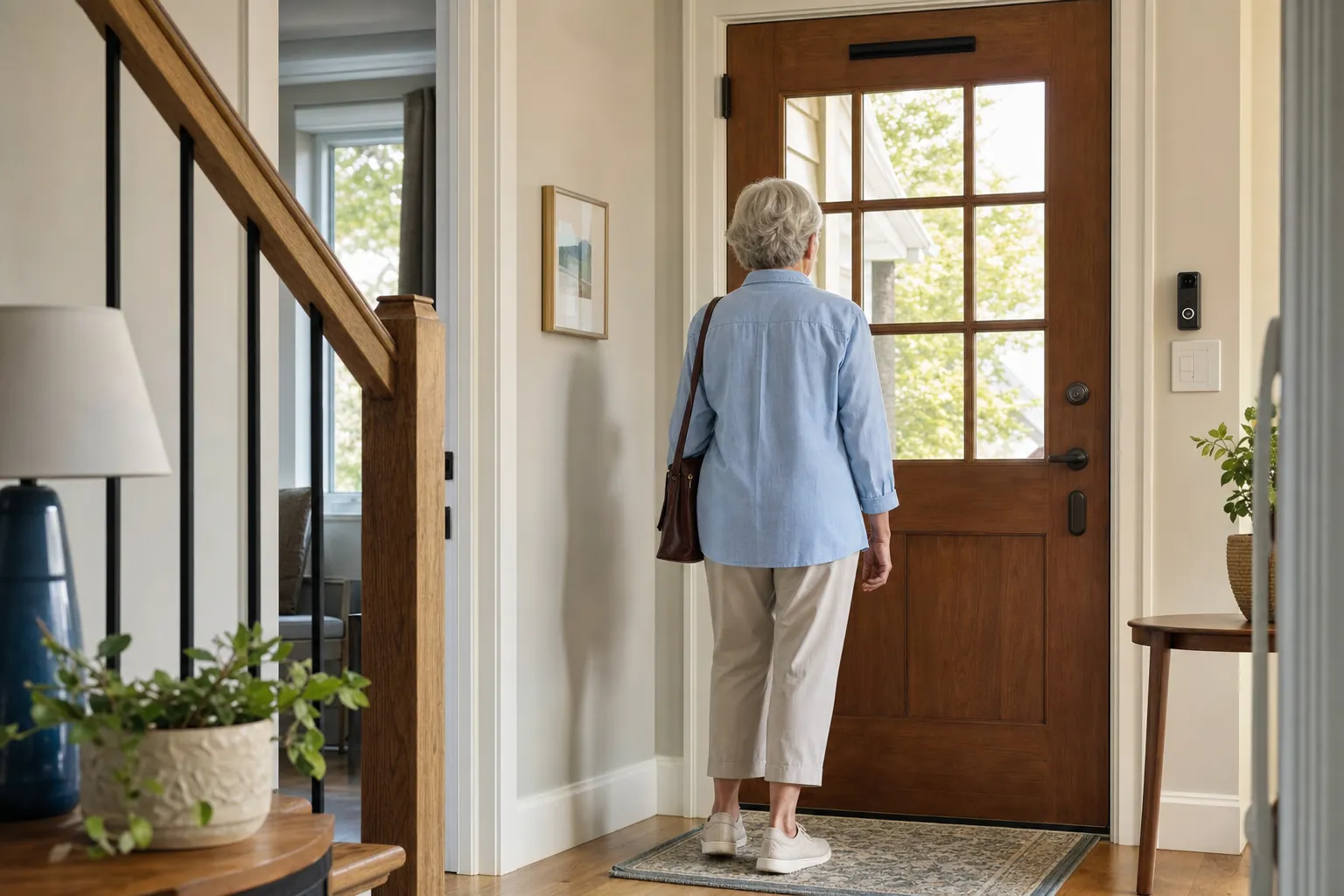
Front-door technology can reduce the pressure to hurry to the door. A video doorbell may let someone see a visitor, speak through the device, or review an alert from a phone. A simpler door sensor can be useful when the goal is merely to know that an exterior door has opened.
The right option depends on the concern. If package deliveries and unexpected visitors are the issue, a video doorbell may be worth the extra setup. If the household only wants a discreet opening alert, a sensor can be simpler, less expensive, and more private.
Look closely at the ongoing requirements. Some video doorbells need wiring, frequent battery charging, a subscription for saved video, or a strong Wi-Fi signal at the front door. A device that sends too many motion alerts will soon be ignored, so use activity zones and alert schedules where available. SavvyNests’ video doorbell guide covers the ongoing-cost question in more detail.
5. A Simple Way to Request Help
Emergency response tools deserve more care than a standard smart-home purchase. A wearable button, mobile alert device, or home-based help button may provide a direct route to a monitoring service or trusted contact, depending on the plan and device. These services differ widely in coverage, fall detection, cellular requirements, charging habits, response process, and monthly cost.
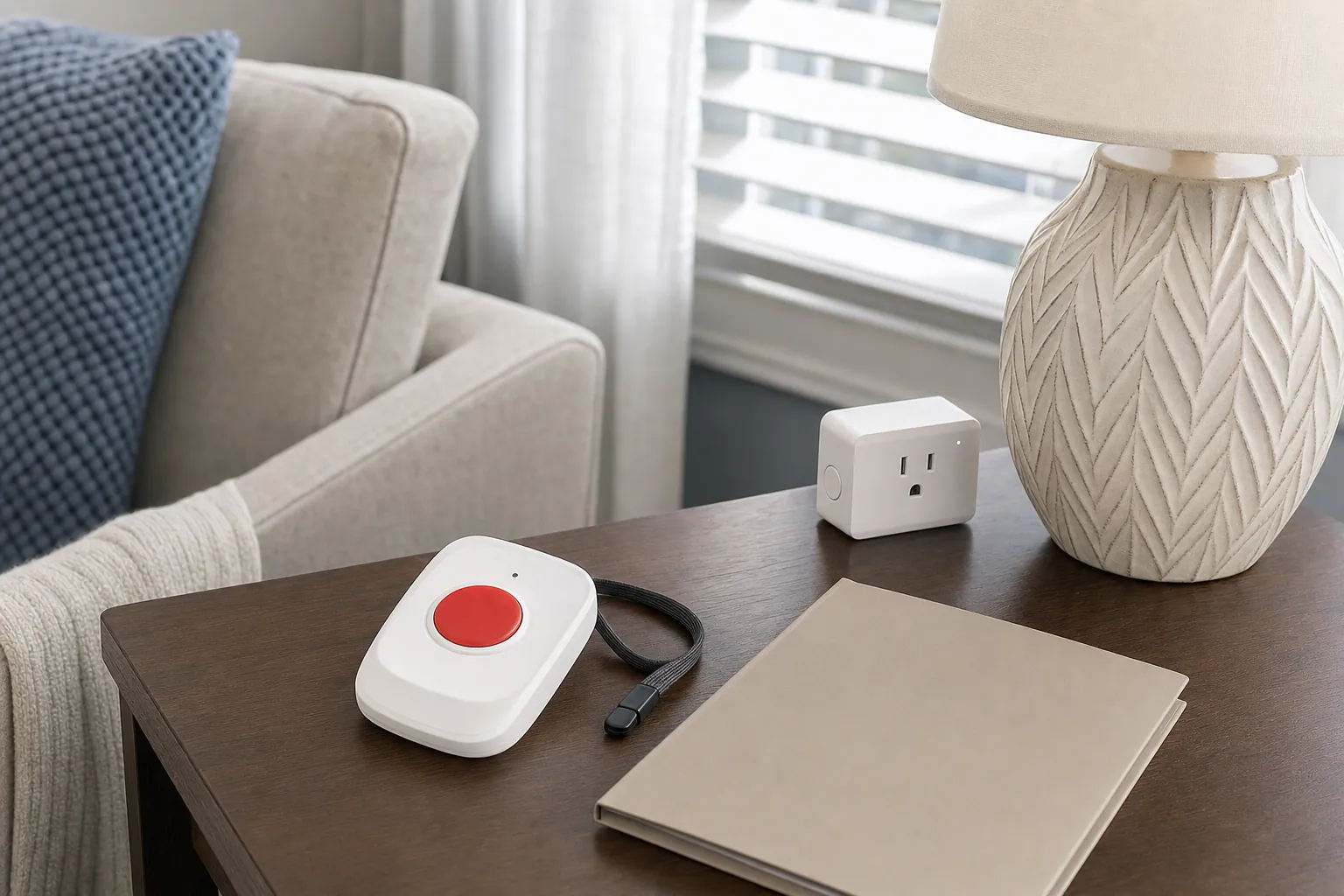
Do not rely on a general smart speaker, a single phone app, or a consumer gadget as the entire emergency plan. Instead, decide what should happen if help is needed: who is called first, what happens if they do not answer, whether a monitoring service is involved, and where the device will be kept or worn. Test that plan in a calm moment. The AARP overview of technology for aging in place is useful for comparing broader categories, including medical alert systems, sensors, medication tools, and home-comfort equipment.
6. Routine Support Without More Complexity
A reminder can be as simple as a phone alarm, a smart speaker routine, or a dedicated dispenser. The useful question is not which device is most advanced. It is what kind of support is actually needed: an audible prompt, a visual cue, a locked dispenser, a caregiver notification, or a simple way to confirm that a routine happened.
For medications, keep the device’s role modest and explicit. A reminder can support an established plan, but it should not become a substitute for instructions from a clinician or pharmacist. Make sure alarms are audible, labels are readable, and backup power or charging is handled. If the system sends missed-dose alerts to another person, agree on that before switching it on.
Routine support can also be non-medical. A morning routine might open a shade, turn on a lamp, and play a local news briefing. An evening routine might turn off a few lights and set a reminder to lock the door. Start with predictable, reversible actions. It is easier to trust a system that does one familiar thing well.
7. Sensors That Respect Privacy
Some households want reassurance without cameras in private areas. Door sensors, motion sensors, water-leak detectors, smoke and carbon-monoxide alarms, and temperature sensors can provide useful alerts without recording video. Each has a different job, so avoid treating “monitoring” as one broad feature.
A water-leak sensor belongs near a washing machine, water heater, sink cabinet, or basement pipe where a small leak could become expensive damage. A temperature alert may matter in a home affected by extreme weather. Door sensors may be useful on an exterior door, but an alert should not automatically imply a problem; people leave home, welcome visitors, and take out trash.
When sharing alerts, use the least intrusive setup that meets the need. Ask which notifications the person wants to see, which a family member should receive, and what should happen after an alert. That conversation is more important than the brand on the box.
8. Connectivity and Security Before Adding More Devices
Reliable Wi-Fi is the foundation of a useful smart home. Put the router in an open central location when possible, use a strong unique Wi-Fi password, and update the router’s software. If a device repeatedly disconnects, fix the connection problem before adding another gadget or another app.
Every new account is another lock on the front door. Use a unique password for each major smart-home account, turn on two-factor authentication where it is offered, and remove old shared access when household arrangements change. A separate network for connected devices can add another layer of protection, especially in a home with cameras, speakers, and plugs. SavvyNests’ router isolation guide explains a practical way to separate smart-home gear from personal computers and phones.
How to Choose Without Creating More Work
- What everyday problem does this solve? If the answer is vague, wait.
- Can the person use it without help after the first week? Physical controls, large text, clear audio, and voice options often matter more than advanced features.
- What happens when Wi-Fi, power, or a battery fails? A physical switch, key, manual override, or backup plan can be essential.
- Does it require a subscription? Include that ongoing cost in the decision.
- Who can see or control it? Set permissions and alerts before the device becomes part of a routine.
Keep the first purchase small. Install it together, write down the basics in plain language, and live with it for two weeks. If it makes the day easier, add the next piece. If it creates new reminders, passwords, or false alerts, change the setup or return it. A good smart home feels quieter over time, not busier.

How SavvyNests Helps You Choose
Smart-home choices are easier when they begin with the room, routine, and people involved. SavvyNests focuses on the details that decide whether a device earns its place: setup effort, compatibility, privacy, ongoing costs, and whether it helps in everyday life. The Smart Home Automation Guide is a practical next read for building a setup one useful step at a time.
Frequently Asked Questions
What are the best smart home devices for seniors to start with?
Start with the device that solves the clearest everyday problem. Motion-sensor lighting is often an easy first choice because it requires little interaction. A smart speaker, simple thermostat schedule, doorbell camera, leak sensor, or dedicated help button can be a good next step when it matches a real need.
Are smart home devices safe for older adults?
They can be helpful when they are easy to use, have a clear manual fallback, and are set up with privacy in mind. Use strong passwords, enable two-factor authentication, keep software current, and avoid relying on a general smart-home device as the only emergency plan.
Do older adults need a smart-home hub?
Not necessarily. A small setup can often work with a smart speaker, phone app, or the device’s own control. A hub may be helpful later when several devices need to work together, but it should not be the first purchase unless it solves a specific compatibility problem.
Can family members get alerts without taking over?
Yes, when the household agrees on boundaries first. Many products let the owner choose who receives an alert and what that person can control. Start with the least intrusive option and revisit settings that create stress or too many notifications.