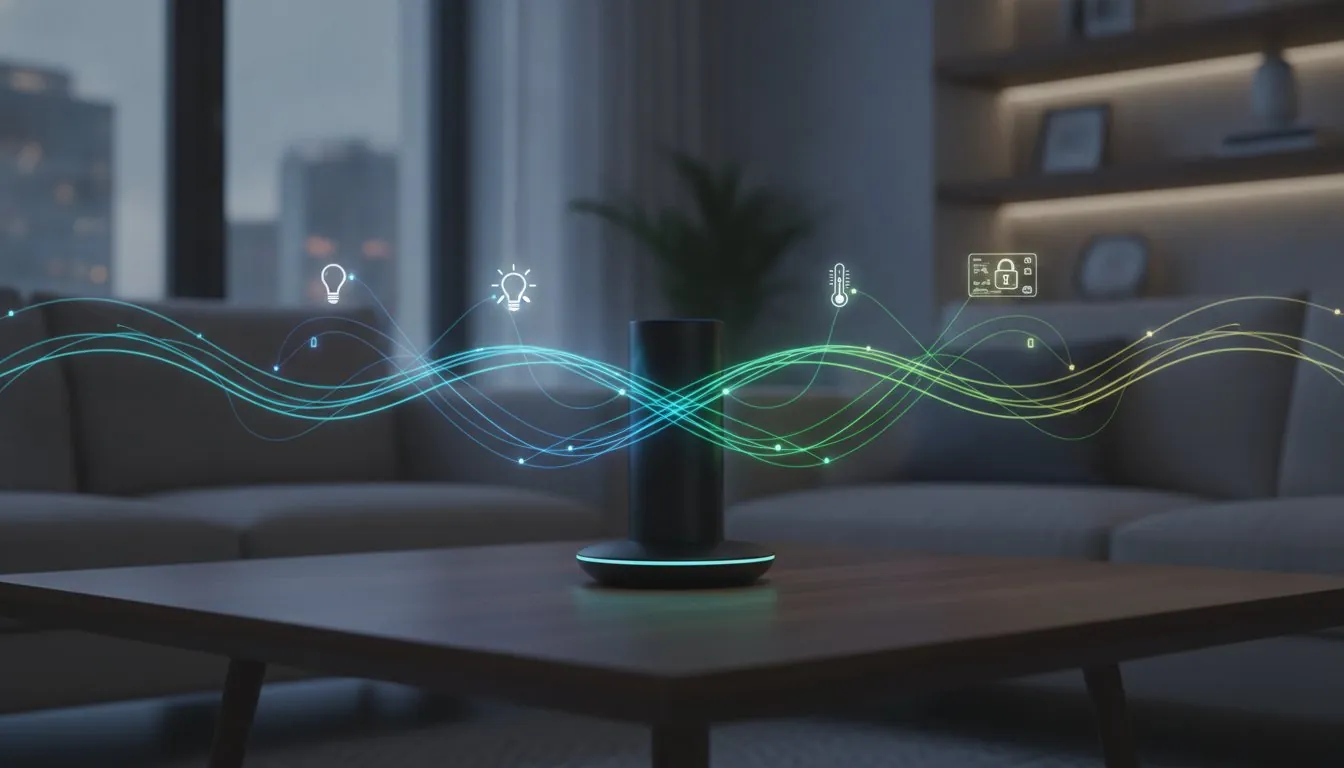
Matter is designed to make compatible smart-home devices easier to connect across major platforms. That is useful, but the label does not remove every buying decision. You still need the right controller, the right network, a device that solves a real problem and a plan for what happens when the internet is down.
The best Matter starter setup is small: one controller you already own, one useful device and one routine you can explain. Start with lighting or a plug-in device, learn how the app and household sharing work, then add sensors or more rooms only when they make the home easier to use.
Direct answer: what do you need for Matter?
You need a Matter-compatible controller in the platform you want to use, such as Apple Home, Google Home, Alexa, SmartThings or another supported system. Depending on the device, you may also need a Thread border router, a hub that connects Thread devices to your home network. A Matter label does not automatically mean every feature will appear in every app, so read the exact product requirements before ordering.
Pick your primary home platform first
Choose the platform already used by the people who live in the home. An iPhone household may find Apple Home simplest. A home that already uses Google speakers may prefer Google Home. An Alexa household may prefer Alexa. There is no prize for adding another app just because it supports Matter. The primary platform should be the place where household members can find devices, share access and run basic routines.
Check the exact model of any speaker, display, TV or hub you plan to use. Not every device in a brand family has the same Matter-controller or Thread-border-router role. Product pages and support pages change, so confirm the model rather than relying on a general statement about the brand.
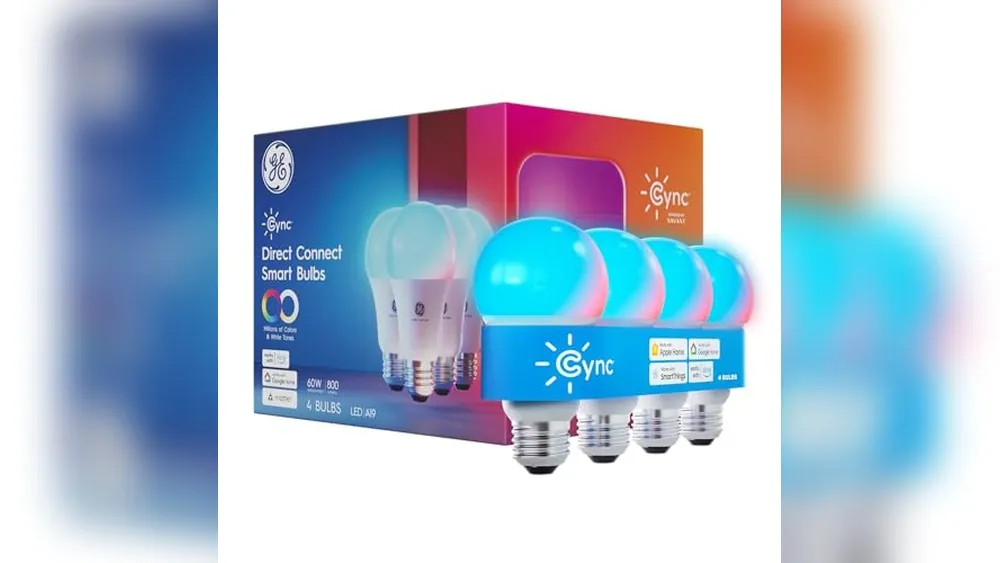
Start with a Matter light or plug
A light or plug is an excellent first device because the stakes are low. You can turn it on and off, give it a room name and test a bedtime or arrival routine. Choose a lamp rather than a shared ceiling fixture for the first experiment. It is easy to reset, easy to see working and less likely to confuse people who use a wall switch.
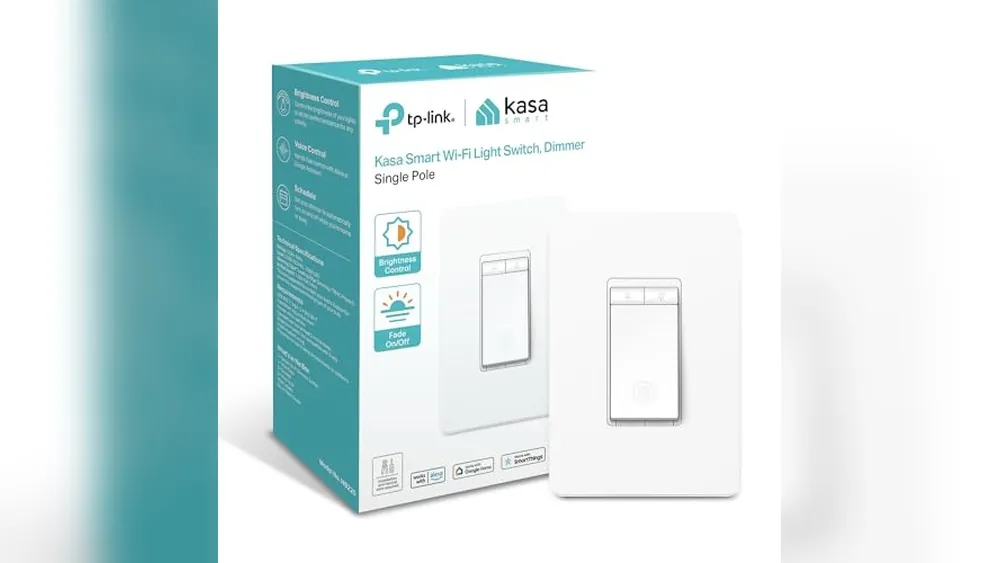
Keep the lamp's manual control available. If the device is a smart bulb, it may need continuous power to stay connected. In rooms where people frequently use the wall switch, a compatible smart switch or a plug-in lamp may be a better fit. This simple decision prevents many “offline device” frustrations.
Understand Thread, Wi-Fi and hubs
Matter is the common language, while Wi-Fi, Thread and Ethernet are ways devices may connect. A Wi-Fi Matter device joins your network directly. A Thread Matter device uses a low-power mesh network and usually needs a Thread border router to reach the wider home network. Ethernet devices use a wired connection. The right choice depends on the home, device type and existing equipment, not a universal winner.
Thread can be useful for battery-powered sensors because it is designed for low power and can form a mesh with compatible devices. It does not mean every Thread device will work with every controller without checking. Place the first devices within reliable range, update them when prompted and avoid buying a pile of sensors before the first one pairs cleanly.
Build a reliable room, not a large inventory
Set up one room fully. Give devices plain names, such as “reading lamp” or “hallway sensor,” then add only one automation. A good first automation is a light that turns on at sunset or a lamp that turns off at bedtime. Avoid connecting a lock, garage door, alarm or water valve first. Those can be useful later, but they need more attention to permissions, physical backup and household agreement.
After a week, ask simple questions: Did the device work every time? Could every resident use the normal control? Did the automation help, or did it create extra notifications? Does the device still work when a phone is away from home? A system that passes those tests earns a second device.
Plan account access and privacy before sharing
Invite each household member through the platform's normal sharing feature instead of giving everyone one password. Remove former residents promptly. Keep device firmware current and use a strong password plus multi-factor sign-in for the primary account. For cameras, locks and other sensitive devices, review who can view, unlock or receive alerts before you enable automations.
Do not assume Matter guarantees local operation for every feature. Many devices can support useful local control, but remote access, notifications, manufacturer services and advanced features may depend on the product and platform. Check the manual fallback before you rely on it.
A sensible three-device plan
- First: one compatible lamp or plug to learn pairing, room names and a single routine.
- Second: one sensor or second light where it solves a repeated problem, such as a dim hallway.
- Third: a device that complements the first room, not a random sale item.
Only after that should you evaluate a thermostat, lock, camera or more complex automation. Compatibility is not an invitation to buy everything at once.
Buying mistakes Matter does not prevent
The Matter logo can reduce compatibility friction, but it cannot fix weak Wi-Fi, a crowded router location, a poorly named device or a routine nobody wants. It also does not make hardware physically suitable. Check a switch's wiring, a lock's door fit, a thermostat's HVAC compatibility and a sensor's battery requirements before buying. Interoperability is helpful, not magic.
Do not buy a product because it might support a future setup. Buy it because it works in the room you have now. Keep receipts, read the setup guide before opening a complicated device and take a photo of the Matter pairing code if the manufacturer recommends it. Store that record privately, not on a note stuck beside the front door.
Finally, resist duplicated control systems. If one app owns a routine successfully, avoid recreating it in several places. Duplicate automations cause lights to switch at odd times and make it difficult to know what to fix. One clear owner for each routine keeps the home calm.
How SavvyNests helps
Use the smart-home device buying guide to compare the routine, compatibility and upkeep before adding a product. Our Buying Guides are built around the questions that matter after the box is opened.