Confirm what the lease allows.
An inside-only device is different from replacing a deadbolt or changing exterior hardware. When the rules are unclear, get a written answer before ordering anything.
Apartment access
Choose a smarter way to come and go without turning a rental door, a shared household, or moving day into a larger project.
Start with the door
A useful lock should fit the door you already have, work for everyone who enters, and leave you with a simple way to restore the apartment when you move.
Before you buy
An inside-only device is different from replacing a deadbolt or changing exterior hardware. When the rules are unclear, get a written answer before ordering anything.
Check the lock's required door thickness, deadbolt shape, inside clearance and whether the existing lock turns smoothly. Compatibility is a better starting point than a sale price.
A key, keypad or other approved entry method matters when a phone is dead, a battery runs low, Wi-Fi drops, or a guest needs to get inside.
Choose by fit
The right choice depends on how much you can change, how the household uses the door, and what needs to remain available to the building.
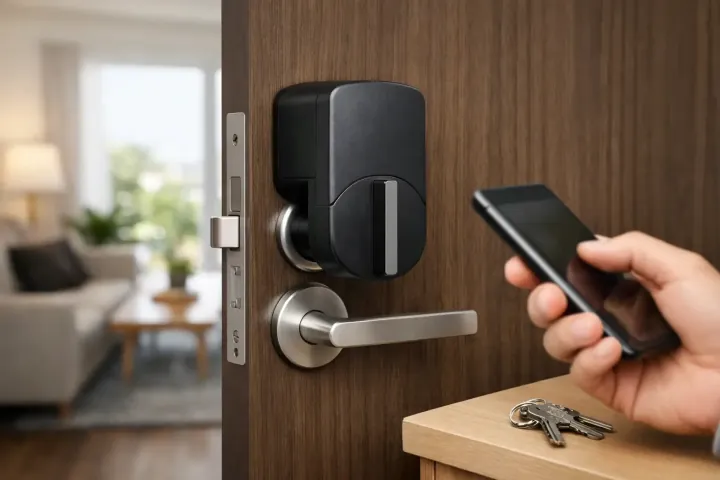
This style works with the existing deadbolt rather than replacing it. It can be a strong option when you want app control, scheduled access or a keypad accessory while keeping the outside of the door familiar.
A keypad can make daily arrivals easier for a household that wants simple codes instead of a phone at the door. Confirm that the lock fits the door and that a normal key remains available when batteries, Wi-Fi or an app are not.
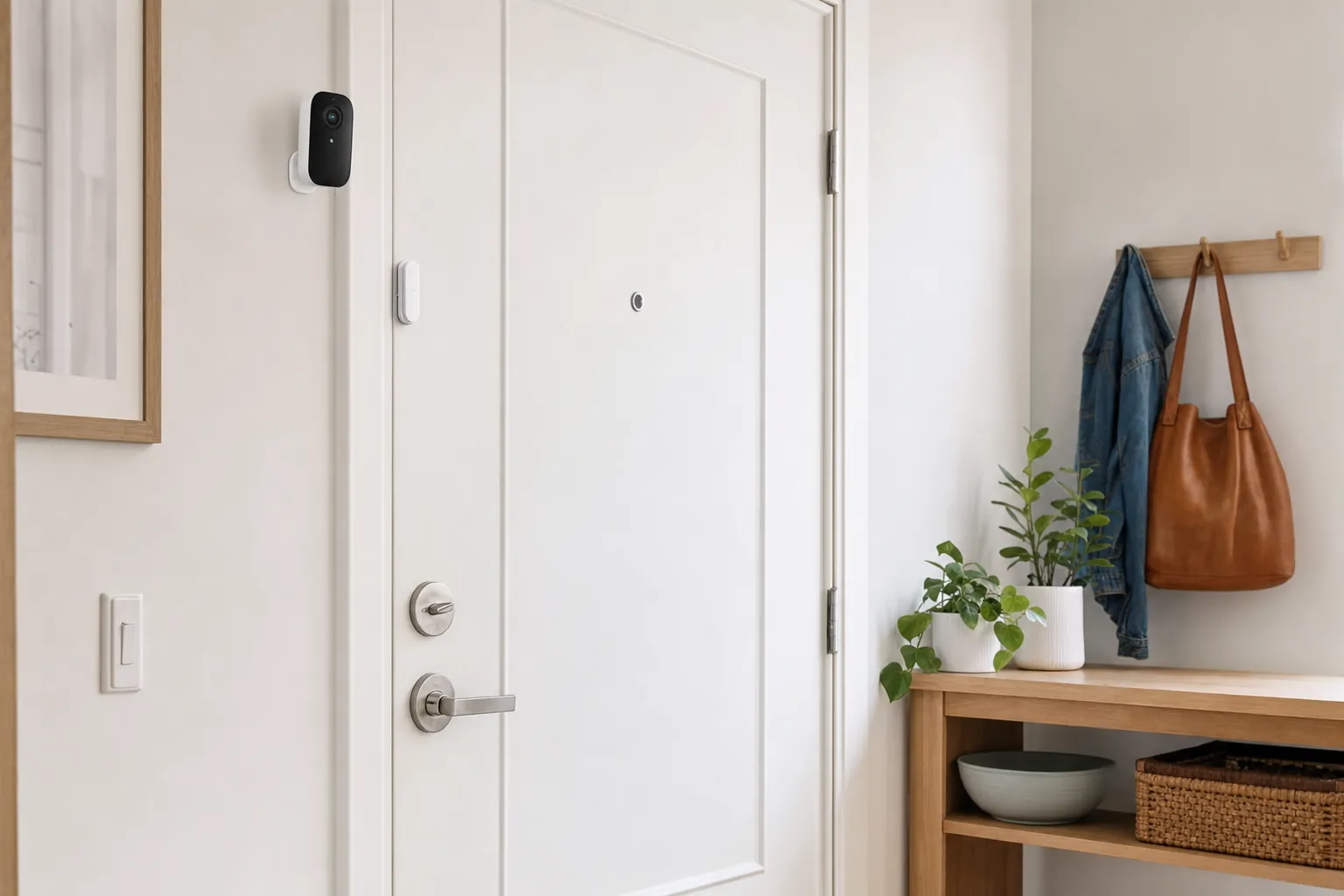
A door sensor, key safe approved by the property manager, or ordinary duplicate key may be the better answer when the building controls the lock, the lease is strict, or the household only needs a clear arrival alert.
Make the right match
A retrofit lock works from the inside of the door and turns the existing deadbolt. That can make it less disruptive than swapping every part of the lock, especially when a landlord needs to retain the outside key cylinder. It is still important to check the lock's exact compatibility list. Look at the deadbolt style, thumb-turn shape, door clearance and whether the lock needs a separate keypad or bridge for the features you want. A device that attaches easily but jams during normal use is not renter-friendly.
For a roommate household, a keypad can be easier than passing one physical key around or expecting every person to use the same app. Give each regular person a code when the lock supports it, then remove that code when a roommate, pet sitter, cleaner, or guest no longer needs access. Keep the code choices ordinary and private, not a birthday or apartment number. More importantly, make sure every regular user knows the backup entry method before an urgent moment exposes a gap.
Phone control, activity history and temporary codes can be helpful when you are waiting for a delivery or coordinating with a trusted visitor. They should not replace a dependable physical way to unlock the door. Before buying, check whether the lock communicates through Bluetooth, Wi-Fi, a hub, or a separate bridge, and what still works when your router is offline. A lock that performs one basic job well is more useful than a complicated setup that every household member hesitates to use.
Smart locks need power for motors, keypads, radios and alerts. Check what battery type the model uses, how it reports a low battery, and whether it offers emergency power at the keypad. Replace batteries on a planned schedule instead of waiting for the first warning. Do not store the only spare batteries in a cabinet that can only be opened from inside the apartment. A normal key or another approved fallback gives the household room to solve a low-battery problem calmly.
Protect the household
Some buildings have requirements for maintenance access, emergency entry, exterior keys, or common-door hardware. A private apartment door may still have rules that a detached home does not. Read the lease and building guidance before you change anything. If a landlord or manager needs a key path, do not assume an app invitation or temporary keypad code is an acceptable replacement. An inside-only retrofit can be easier to approve, but approval still belongs to the property manager, not the product listing.
Use a separate account or code for each person when the lock supports it. That makes it easier to remove one person's access without disrupting the household. Avoid sharing a single login in a group message. Review access after a move-out, breakup, service visit, or lost phone. For a connected lock, use a unique account password and turn on available account protection. The door hardware is only part of the security decision, the account behind it matters too.
Auto-lock can be useful, but it should never mask a door that does not latch correctly. Close the door normally, pull it lightly, and make sure the deadbolt turns without forcing it. Test the lock while you are home, then from outside with a key or keypad backup in hand. If the door needs to be pushed, lifted, or slammed before the bolt can move, address the door alignment with the property manager instead of forcing a smart lock to compensate for it.
Before changing anything, photograph the original deadbolt, strike plate and door edge. Put original screws, cover plates and instructions in one labeled bag. Keep the product box until you know the lock fits and the return window has passed. When you move, remove every access code, reset the lock, reinstall the original hardware, and test the original key from both sides of the door. A clean restore protects the deposit and makes the next smart-home setup easier to start well.
Your first week
Frequently asked questions
Some renters can, especially with an inside-only retrofit lock that leaves the exterior hardware in place. Read the lease first. Get written approval before replacing a deadbolt, drilling the door, changing a common-entry lock, or doing anything the property manager may need to service.
The best choice is the one that fits the existing door and keeps a dependable everyday entry method. For many rentals, that means a retrofit lock that works with the current deadbolt, has a physical-key fallback, and can be removed cleanly when it is time to move.
Most smart locks still let you unlock at the door with a keypad, key, or Bluetooth connection when home Wi-Fi is unavailable, but remote controls and some alerts may not work. Check the exact model's fallback options before you buy.
Lease terms and local rules vary. Do not remove a required key path or change the lock without permission. A retrofit option that leaves the exterior key cylinder in place is often easier to discuss with a property manager than a full lock replacement.
Remove guest codes and shared access, factory-reset the lock, reinstall the original hardware, and test the original key before turning over the apartment. Keep the original screws, deadbolt parts, and installation photos together from the first day.
Find the right fit

AI Smart Home Finder
Start with comfort you can measure.
Explore thermostats, lighting and routines that can make a daily difference.