
Know where recordings go.
Local storage can mean a card inside the camera, a hub in the home or a recorder on the network. Each choice changes how much footage you can keep and how easy it is to find later.
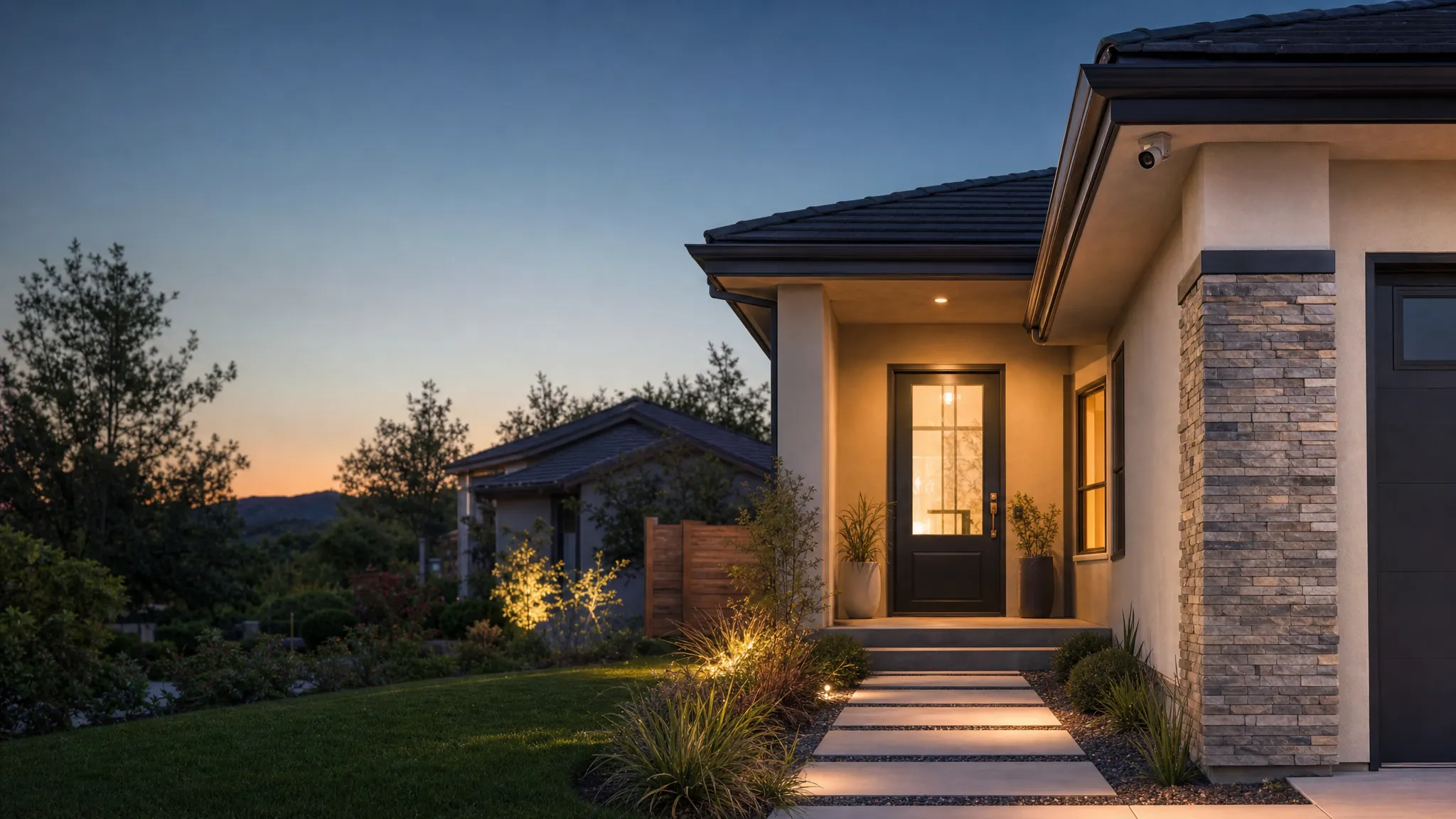
Subscription-free camera guide
Choose a camera that gives you useful alerts and dependable recordings without turning a small security upgrade into another recurring bill.
Start with the recording
The right camera answers a simple question when you need it to: what happened near the door, driveway or side gate? Start with the footage you need to keep, then match the camera to the location.
Before you buy
Local storage can mean a card inside the camera, a hub in the home or a recorder on the network. Each choice changes how much footage you can keep and how easy it is to find later.
A plugged-in camera suits a busy entry. A battery camera can simplify a difficult spot, but it needs a charging routine. Solar can help only where the panel gets dependable daylight.
Walk the real path, open the gate and check the app after dark. A wide view is not automatically a useful view if a face, package or entrance is too small to understand.
Choose the camera path
Choose one clear job first. You can add coverage later, once the first camera proves what your home actually needs.
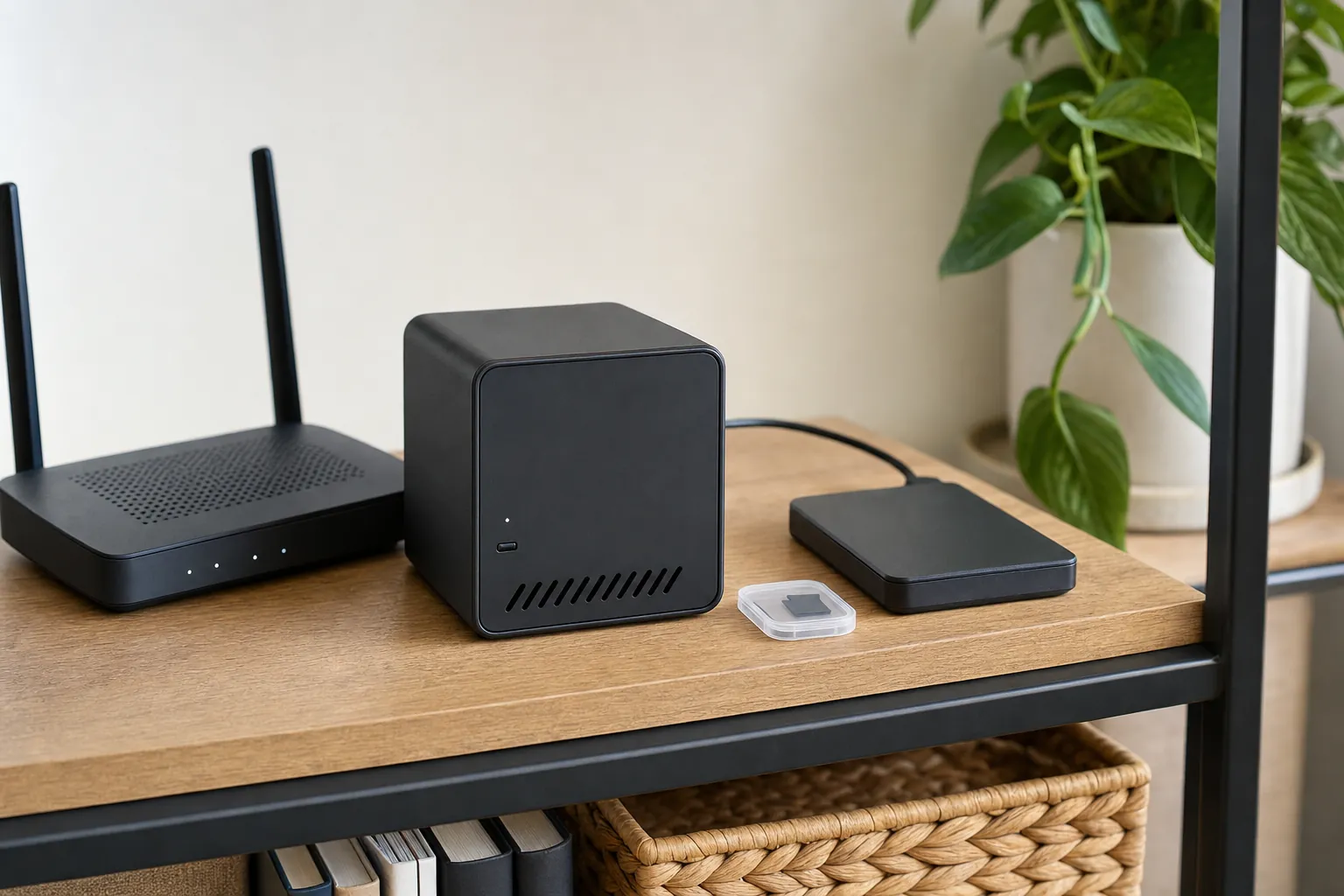
A microSD card, hub or recorder can avoid a recurring cloud charge. The useful question is where clips live, how long they remain available and whether the camera still records during an internet outage.
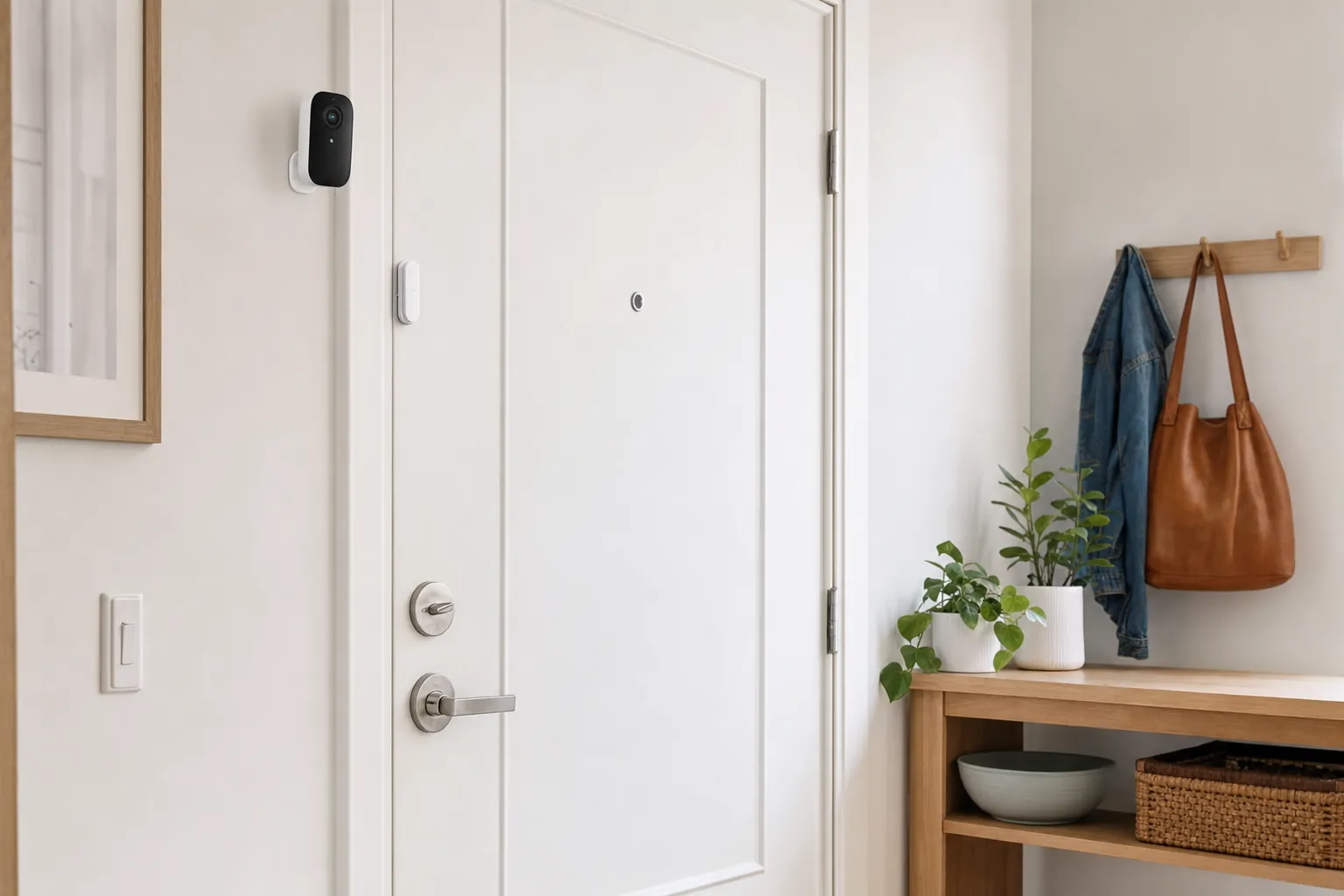
Battery cameras can make sense for a shed, side gate or rental-friendly setup. Check the battery plan honestly: busy paths, cold weather and frequent live views all mean more charging.
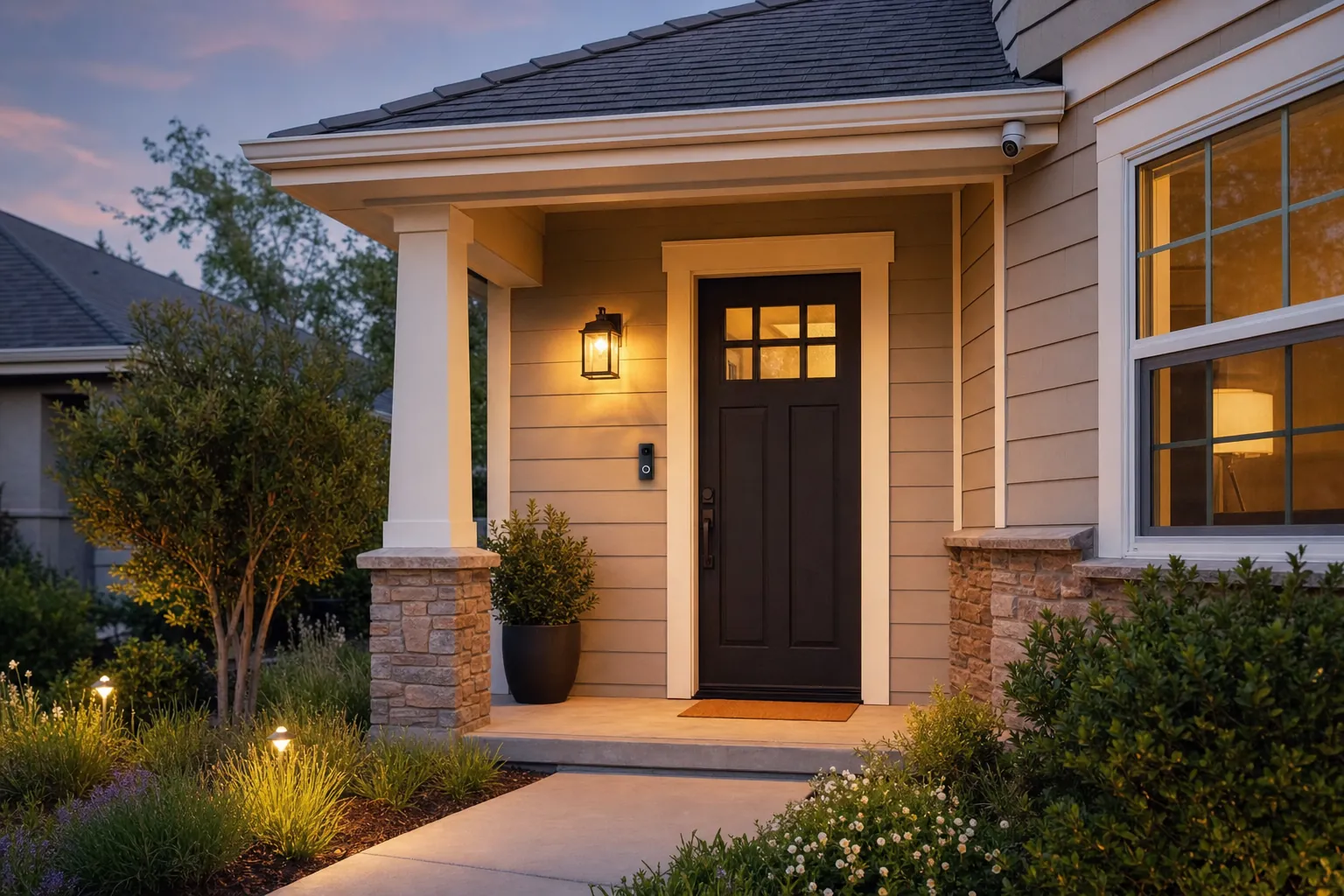
A front camera is most useful when it can show the approach, recognize a person at the door and still leave a clear view of the path. One well-placed camera usually beats a scattered bundle.
What you are choosing
Saving clips to a card or hub can make a camera less expensive to own over time. It also means you should understand how the camera behaves when storage fills up, whether it overwrites the oldest footage and how you can view a clip from away from home. If a camera needs a hub for local recording, include that in the budget and make sure the hub can live in a secure, powered spot.
Wired cameras are a stronger fit for a high-traffic front door because they can record more consistently. Battery models are useful where a cable would be impractical, especially for renters, but they often conserve power by recording short motion clips. A solar panel can reduce charging chores, yet shade, winter weather and a north-facing wall can make a panel less helpful than it looks in a product photo.
Too many motion alerts train everyone in the household to ignore the app. Set the activity zone around the entry or path you care about, then test it during a normal day. A camera that lets you tune motion sensitivity and schedule notifications can feel far more dependable than one with a longer feature list but no practical way to cut false alarms.
Make the right trade-off
A door camera may only need a short clip showing a delivery, while a driveway camera may need a longer view to explain when a vehicle arrived or left. Check whether local recording is continuous, motion-only or limited to a set clip length. A microSD card is simple, but it can be inside the camera itself. A hub or recorder can be easier to keep indoors and may offer more capacity, but it adds another device to power and protect. The better option is the one that makes it straightforward to find the moment later, not the one with the longest list of storage terms.
Local recording can reduce a recurring charge, but it is not automatically a complete backup. If a camera stores clips inside its own body, someone who removes or damages it may take the card with them. A hub inside the home can reduce that risk, provided the camera can still reach it. Think through the ordinary interruptions too: a power outage, a flat battery, a weak Wi-Fi signal or a router restart. You do not need a complicated system, but it helps to know which alerts and recordings remain available when one part of the setup is not working normally.
Point the camera at your own entry, path or driveway and avoid treating a wide lens as a reason to watch more than necessary. In an apartment or attached home, this matters even more around shared halls, doors and common areas. Positioning the camera a little lower and tighter can make the footage more useful while reducing unnecessary views of a neighbor's home. Give everyone in the household access only when they need it, use a strong unique account password and remove old shared access when a roommate, tenant or contractor no longer needs to see the camera.
Set it up for the real world
Frequently asked questions
Yes. Many cameras offer live view, motion alerts and some form of local recording without a required plan. Check the exact model before buying because cloud history, person recognition and longer clip storage can still be paid extras.
Choose the storage method before choosing the camera. A camera with a microSD card, compatible hub or network recorder can reduce recurring costs, but you should confirm storage capacity, remote playback and how you will retrieve clips.
Some cameras can save clips locally when Wi-Fi is unavailable, but most need a connection for phone alerts and remote viewing. Battery power does not replace Wi-Fi, so test both signal strength and storage behavior at the intended location.
They can be a practical fit when they use battery power, removable mounts or an indoor-facing view. Review lease and building rules before pointing a camera toward a shared hallway, common area or another home.
Find your best fit