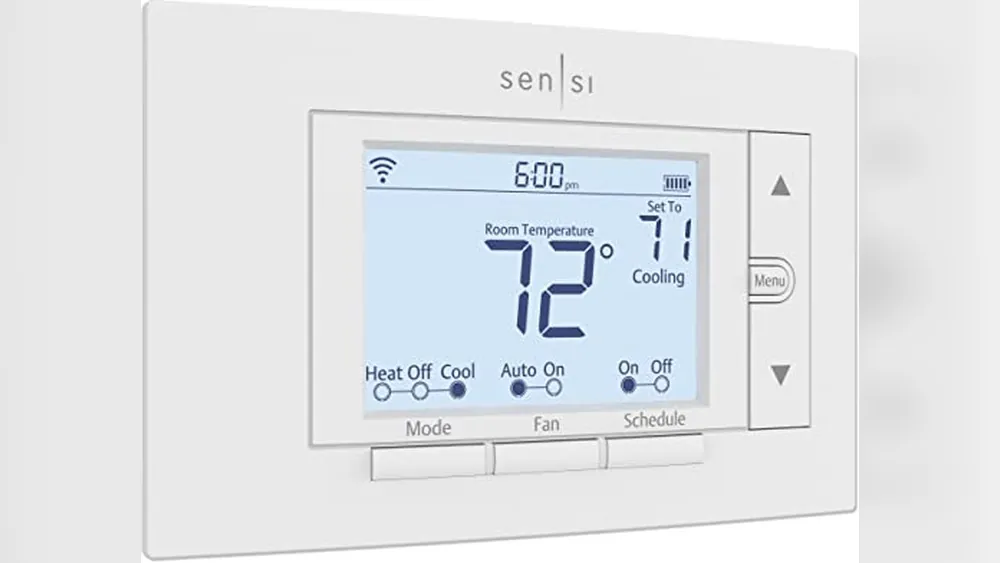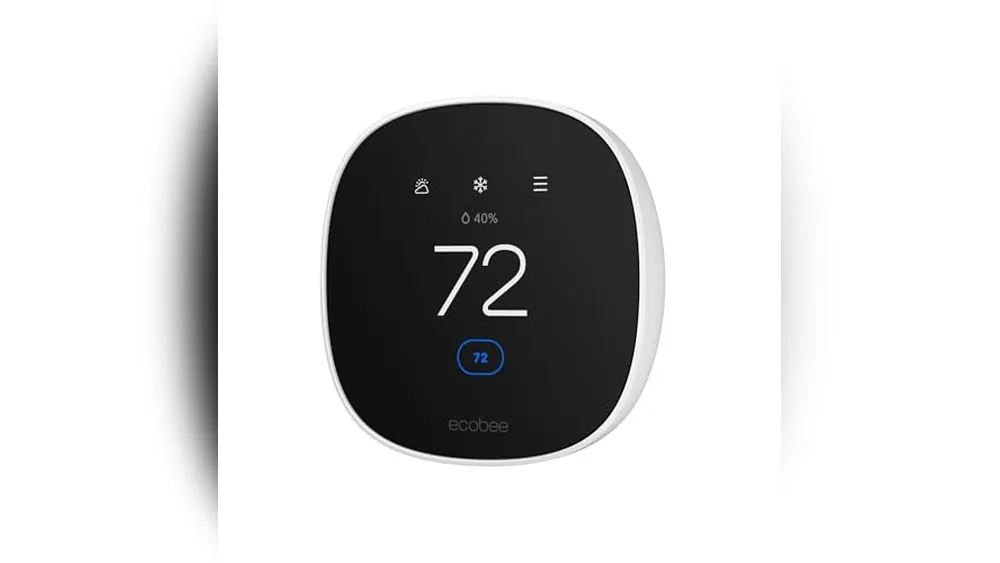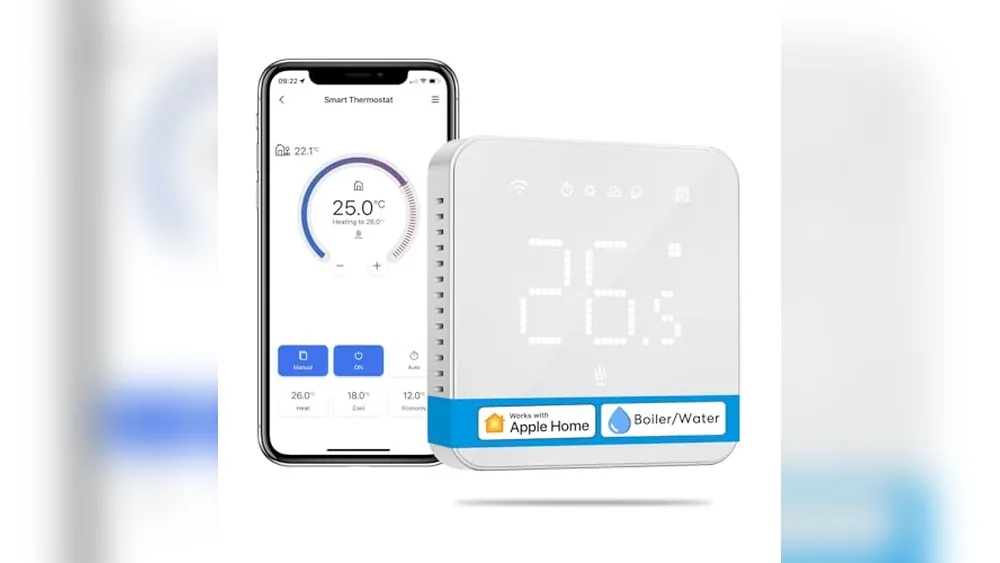
A smart thermostat is one of the few connected-home upgrades that can make a difference every day without asking you to change your habits. It can make a cold morning easier, stop the air conditioner from running when nobody is home, and give you a clearer view of the schedule your heating and cooling system already follows.
The important part is choosing a thermostat that fits the home. A handsome display and a long feature list do not solve a wiring mismatch, a line-voltage heater, or a room that has always been too warm. This guide focuses on the checks that protect your time and your budget before the box arrives.
What a smart thermostat actually changes
A conventional programmable thermostat can run a schedule. A smart thermostat adds app control, connected scheduling, remote adjustments, and, depending on the model, features such as occupancy sensing, temperature sensors, humidity information, utility-program support, and maintenance alerts. The goal is not to automate every degree. The goal is to make the comfortable choice the easy default.
That is why a good first routine is simple: reduce heating or cooling when the home is empty, return to a comfortable temperature before the household is active, and use a modest overnight adjustment. Smart-home automation works best when it removes a repeated decision instead of creating a dashboard you have to manage.
For shoppers, the strongest proof point is not a claimed savings percentage. It is whether the thermostat can help you follow a sensible schedule consistently. ENERGY STAR's smart thermostat guidance is a useful starting point because it explains the category in terms of comfort and energy management, rather than promising the same result for every home.
Start with compatibility, not features
Before comparing screens, sensors, or voice assistants, identify the kind of heating and cooling equipment you have. Most mainstream smart thermostats are built for low-voltage systems, often the sort paired with a central furnace, boiler, or central air conditioner. Electric baseboard heaters, some wall heaters, and certain older systems can use line voltage instead. They need a thermostat designed specifically for that application.

Turn off power to the heating and cooling equipment before removing the old thermostat cover. Take a clear photo of the wire labels and the terminals they connect to. Typical low-voltage labels include R, W, Y, G, C, and O/B, but the labels alone do not tell the whole story. A wire that is present may not be connected at the other end, and a heat-pump setup can need different support from a standard furnace and air conditioner.
Use a manufacturer tool before purchasing. Google's Nest compatibility guide explains that some systems may need a C-wire or Nest Power Connector. ecobee also publishes detailed compatibility information for its Smart Thermostat Enhanced. Those checks are more reliable than choosing by a retailer photo or a review that happens to mention a similar house.
The C-wire question
A C-wire, short for common wire, supplies steady low-voltage power. It is often what keeps a Wi-Fi thermostat, display, and app connection running reliably. Not every home has one at the wall, and not every smart thermostat handles a missing C-wire in the same way.
Some models can work without a C-wire in compatible setups. Others need a power adapter or a power extender kit installed at the HVAC control board. That can be a tidy solution when the control board is accessible, but it is not a reason to guess. If the equipment is in a shared utility area, the wiring looks unfamiliar, or you are not comfortable working around HVAC components, bring in an HVAC professional.
Renters should add one more check: permission. A reversible upgrade may be fine, but a lease can set different rules. Our renter-friendly smart-home guide has the same practical advice for any installed device: get clarity first, keep the original hardware, and document the setup so moving out is painless.
Choose the level of control you will really use
Once compatibility is confirmed, narrow the shortlist by routine. A thermostat does not need every available feature to earn its wall space. The best choice is the one that makes your household more comfortable with the least friction.
For straightforward scheduling
Look for a clear app, a reliable weekday and weekend schedule, physical controls that make sense to a guest, and dependable Wi-Fi. This is a strong fit for people who leave and return at predictable times. A basic schedule is usually more valuable than complicated learning features that you never review.
For uneven rooms
Remote room sensors can help when the thermostat sits in a hallway but the bedroom, nursery, or home office is where comfort matters most. They do not create zoning by themselves. The heating and cooling system still delivers air as it always has. What they can do is help the thermostat prioritize a more useful temperature reading during the times you choose.
For an established smart-home system
Check the ecosystem before buying. Some households care most about Google Home, Amazon Alexa, Apple Home, or Matter support. Others mainly want an app that works well. Voice control is convenient for a quick adjustment, but it should not be the deciding factor. Compatibility, a stable connection, and controls that make sense on a tired Tuesday matter more.
For energy-minded households
Look for sensible away settings, scheduling tools, local weather awareness, and utility-program support if you want it. Ask your utility whether it offers a rebate or demand-response program before purchasing. Those programs can change, and participation should always be a choice you understand. The thermostat should make the home easier to run, not take away control when comfort is important.
Set it up without creating a bigger problem
- Confirm the system and model. Complete the compatibility check for the exact thermostat you plan to buy.
- Read the installation instructions before disconnecting anything. This tells you whether you will need a C-wire solution, adapter, or professional installation.
- Turn off power. Use the breaker or equipment disconnect, not just the thermostat's screen.
- Photograph the existing wiring. Take more than one photo, including the terminal labels and the whole wall plate.
- Label and protect the original parts. Keep the old thermostat, screws, and cover plate together, especially in a rental.
- Test heating and cooling separately. After setup, give the system time to respond and make sure both modes behave normally.
Stop and ask for help if you find damaged insulation, wires that do not match the instructions, a high-voltage system, or equipment you cannot safely access. A thermostat is a small device, but it controls expensive equipment. Saving an hour is not worth risking a furnace, heat pump, or air-conditioner problem.
Build a schedule that feels natural
Start with the moments your household already understands: wake up, leave, return, and sleep. Set one temperature range for occupied hours and a slightly more conservative setting for empty or sleeping hours. Let it run for a week before changing everything. Comfort is personal, and a schedule that looks efficient on paper is useless if everyone overrides it by Tuesday afternoon.
If your work pattern changes, use an away mode or temporary hold instead of rebuilding the whole schedule. If a room feels consistently wrong, check airflow, windows, insulation, and the thermostat location before assuming the device is at fault. A hallway thermostat cannot fully fix a sunny upstairs bedroom, but a sensor or a small adjustment can make the day-to-day result better.
Keep the routine simple enough that every adult in the home knows how to override it. The best automation is easy to trust. For ideas beyond temperature control, explore our practical smart-home automation guides.
What to expect from energy features
A smart thermostat can help reduce wasted heating and cooling, but it is not an insulation upgrade or a repair for aging equipment. Savings depend on climate, utility rates, system condition, window quality, and how much the household changes the temperature when nobody is home. Treat the device as a better control, not a magic cure for a high bill.
A useful first-month test is simple. Keep a normal schedule, use away settings when the home is truly empty, and notice whether comfort improves without manual adjustments. Then compare the same billing period year over year if your utility shows historical use. This avoids giving too much credit to one mild week or blaming the thermostat for a weather-driven bill.
For households with central HVAC, a smart thermostat may become the most useful part of the setup because it manages a system that already runs every day. That is also why the compatibility check deserves more attention than color options or a dramatic screen.
Smart thermostat or programmable thermostat?
A programmable thermostat can be the right answer for a home that needs a dependable schedule and nothing more. It can be less expensive, it may suit older equipment, and it does not rely on Wi-Fi or an app. If a household wants to set morning, daytime, evening, and overnight temperatures once, a conventional programmable model can still do that job well.
A smart thermostat earns its extra cost when remote changes, an easier schedule, optional room sensors, utility features, or connected-home controls remove a real point of friction. It is especially useful for irregular work hours, second homes, frequent travel, or anyone who has left the house and wondered whether the air conditioning is still running. The question is not whether smart is automatically better. It is whether the connected controls will be used often enough to make the upgrade worthwhile.
Either choice benefits from the same basic habits: use realistic temperature targets, avoid dramatic swings that make the system work harder, keep vents and filters in good condition, and make sure the thermostat is not exposed to direct sun, a draft, or heat from a nearby appliance. The device is only one part of a comfortable home.
Buying checklist
- Confirm low-voltage versus line-voltage heating before ordering.
- Use the maker's compatibility tool with your actual wire labels and system type.
- Find out whether a C-wire, adapter, or power extender kit is needed.
- Choose the ecosystem and app controls your household will actually use.
- Decide whether a room sensor solves a real comfort problem.
- Check for current utility rebates before you pay full price.
- For a rental, keep the old thermostat and get permission when the lease is unclear.
Frequently asked questions
Do smart thermostats work with every heating and cooling system?
No. Most models are designed for low-voltage HVAC systems, but compatibility varies by model and wiring. Check the manufacturer's compatibility tool before buying, especially if you have a heat pump, boiler, electric baseboard heat, or only two thermostat wires.
Do I need a C-wire for a smart thermostat?
Not always. Some thermostats can work without a C-wire, while others need a C-wire, power adapter, or power extender kit for reliable operation. The right answer depends on the thermostat and your heating and cooling equipment.
Can a smart thermostat lower energy costs?
It can help when you use schedules, away settings, and sensible temperature targets. Savings depend on your climate, equipment, insulation, household routine, and utility rates, so no device can promise the same result for every home.
Can renters install a smart thermostat?
Sometimes. Start with the lease and the landlord's rules. A reversible replacement may be allowed, but you should photograph the original wiring, keep every original part, and get written approval whenever the policy is unclear.
A smarter choice starts before checkout
The right smart thermostat is not necessarily the one with the most features. It is the one that works with the system you have, supports the rooms you use, and gives the household a better routine without extra complexity. Confirm compatibility, begin with a simple schedule, and add sensors or automations only when they solve a real comfort problem.