Identify the heating and cooling system.
Find the equipment type and model information first. A central furnace and air conditioner, heat pump, boiler, mini-split and electric baseboard heater can all use different control paths.

Thermostat compatibility
A missing C-wire does not automatically rule out a smart thermostat. It does mean the system, the power path and the exact model deserve a closer look before anything comes off the wall.
Power is part of compatibility
The C-wire, often called the common wire, gives many low-voltage thermostats a steady return path for power. Without it, a compatible adapter may be possible, or the right answer may be a different thermostat. The safe choice begins with the equipment you already have.
Before you buy
Find the equipment type and model information first. A central furnace and air conditioner, heat pump, boiler, mini-split and electric baseboard heater can all use different control paths.
Turn power off where appropriate, then photograph the existing terminals and labels. Wire colour alone is not enough to identify a C-wire, a spare conductor or a safe connection.
Use the thermostat maker's compatibility checker with the real system details. A workaround that works for one model can be unsuitable for another, even within the same brand.
Choose the right path
A C-wire is one part of the decision. The thermostat still has to match the system voltage, heating and cooling stages, and the household's need for dependable manual control.

This is the cleanest starting point. Confirm that the wire is attached to the C terminal at both the thermostat and the equipment, then use the exact thermostat maker's compatibility checker before ordering.
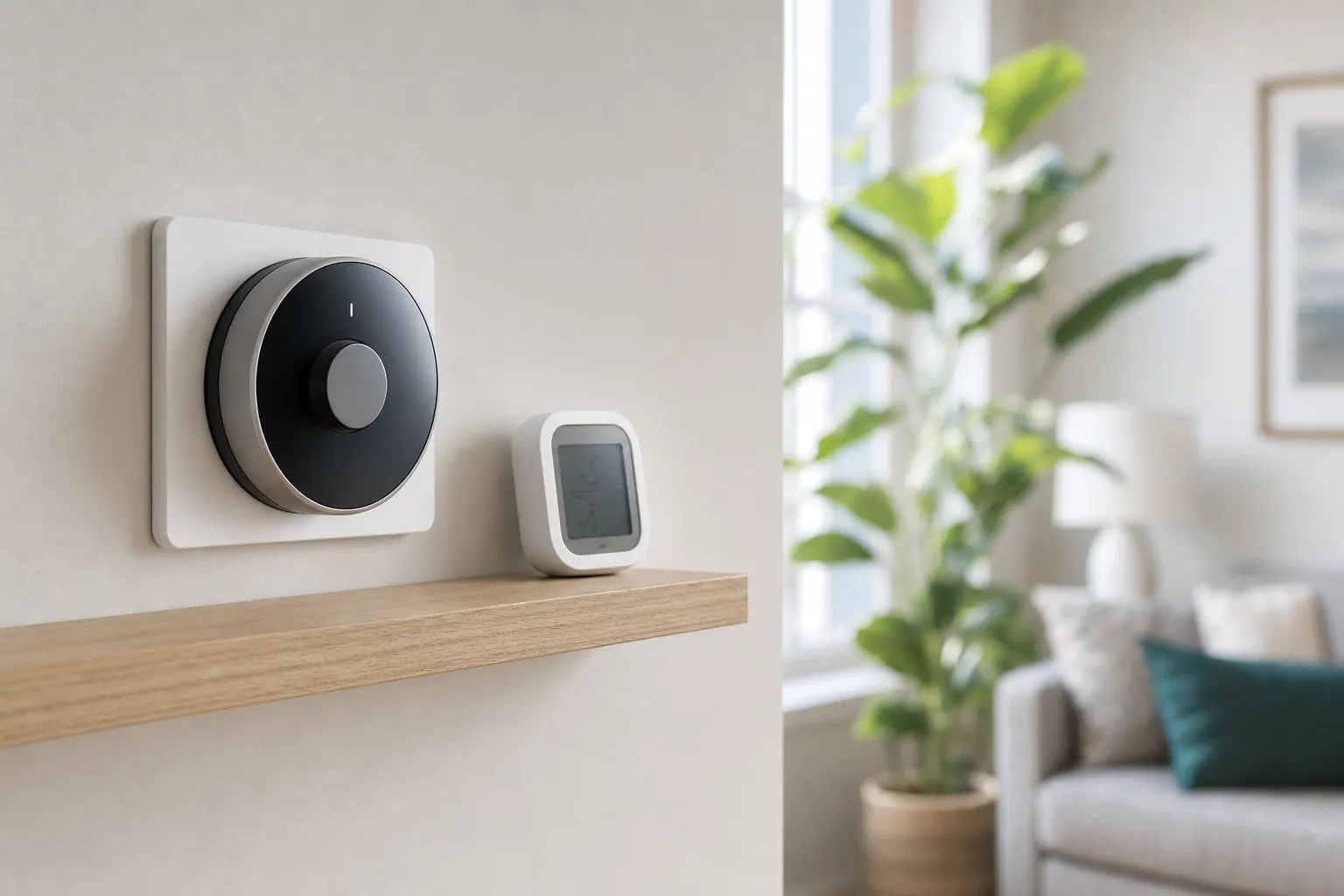
Some compatible thermostats use a maker-supplied power adapter or power extender kit. It is only a good path when the exact thermostat, equipment and existing wiring are listed together in that maker's guidance.

Stop before choosing a workaround. Two-wire heat-only systems, line-voltage heaters, heat pumps, boilers, multi-stage equipment and proprietary controls can need a different control or qualified help.
What the C-wire changes
The C-wire is commonly used to provide steady low-voltage power to a compatible thermostat. It does not make the thermostat better at heating or cooling, and it does not tell you whether the thermostat understands a heat pump, a boiler or multiple stages. It simply helps provide the power that connected controls may need to stay responsive.
A thermostat that repeatedly disconnects, restarts, loses charge or behaves unpredictably may not have a Wi-Fi problem at all. Do not try to solve that by repeatedly resetting the app. Pause, return to the installation guidance and confirm the power arrangement for the exact model.
Some equipment has a C terminal, but that does not confirm a usable wire is already run to the wall. Other systems have extra conductors that are not connected at the equipment. A clear photo and the equipment diagram are more useful than trying to decode wire colours from an online chart.
Connecting wires by guesswork can damage equipment, interrupt heating or create a difficult troubleshooting problem. If the labels, voltage or equipment type are unclear, preserve the original setup and get help from a qualified HVAC professional or electrician, depending on the system.
A careful upgrade plan
Common situations
Two wires often point to a simple heat-only control, but that does not tell you enough to select a smart replacement. The equipment could be a low-voltage furnace or boiler control, or it could be line-voltage electric heat. The latter requires a thermostat rated for that circuit, not a common low-voltage adapter.
A heat-pump thermostat may need to manage a reversing valve, auxiliary heat and several stages. A power accessory does not solve those control requirements. If the home has a heat pump, use the heat-pump thermostat guide to check the system before comparing features.
Before changing anything, read the lease and ask for permission if the rule is unclear. Keep the original thermostat, label the photos and avoid an installation that changes equipment wiring without approval. The renter-friendly smart-home guide can help you decide whether this is the right upgrade now.
A thermostat cannot fix weak airflow, a failed heat source, low refrigerant or a damaged zone valve. If comfort changed suddenly, the system runs unusually, or there is a safety concern, restore a known-safe setting and arrange qualified service instead of treating a new thermostat as a repair.
Frequently asked questions
Sometimes. The answer depends on the exact thermostat, the heating and cooling equipment, and the wires available at both ends of the system. Some models use a compatible power accessory, while others need a C-wire for dependable operation. Check the maker's compatibility tool before buying.
Only after confirming where that wire connects at the equipment and whether the exact system supports that use. A loose wire behind the thermostat is not automatically a safe C-wire. Do not guess from colour or connect a wire simply because the terminal label looks familiar.
Battery power can support some displays or controls, but it is not a universal substitute for the steady power a connected thermostat may need. Features such as Wi-Fi, a bright screen, room sensors and software updates increase the importance of following the model-specific power guidance.
A two-wire setup often means a heat-only system, but it does not reveal the voltage or equipment type by itself. Do not install a standard low-voltage smart thermostat until the control system is identified. Line-voltage heaters and boilers can require a different kind of thermostat or professional advice.
Ask for permission before changing wiring or opening the equipment panel. A reversible thermostat swap may be acceptable, but an adapter or power accessory can involve connections at the furnace, air handler or boiler. Keep the original thermostat, take clear photos and follow the property rules.
Watch the setup
How to install and set up Nest Thermostat · Google Nest
This example shows the 2020 Nest Thermostat. It is not a universal no-C-wire solution. Confirm your exact equipment, power requirements and any listed power accessory before installation; renters also need permission. Use a qualified installer where needed.
Choose with confidence

AI Smart Home Finder
Start with comfort you can measure.
Explore thermostats, lighting and routines that can make a daily difference.