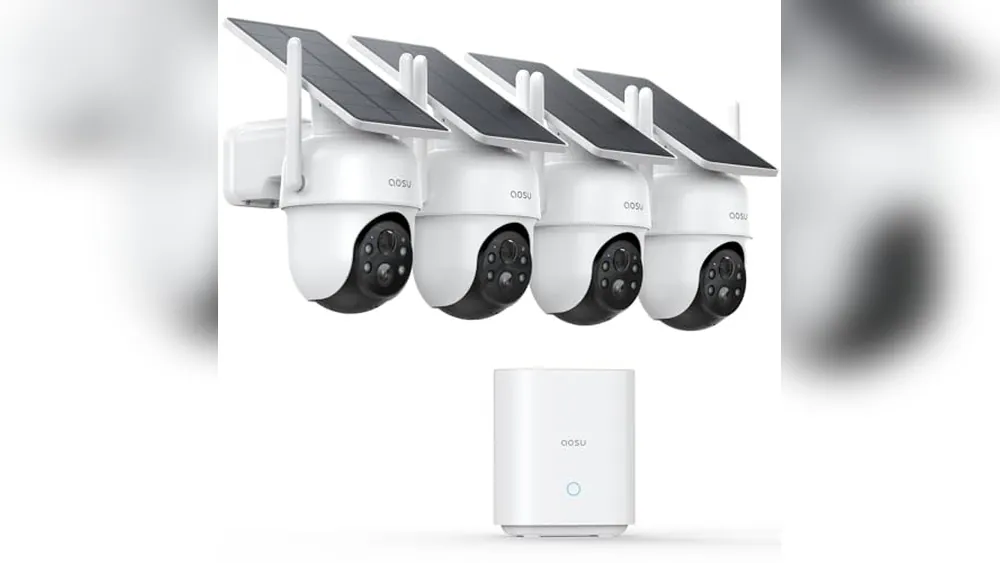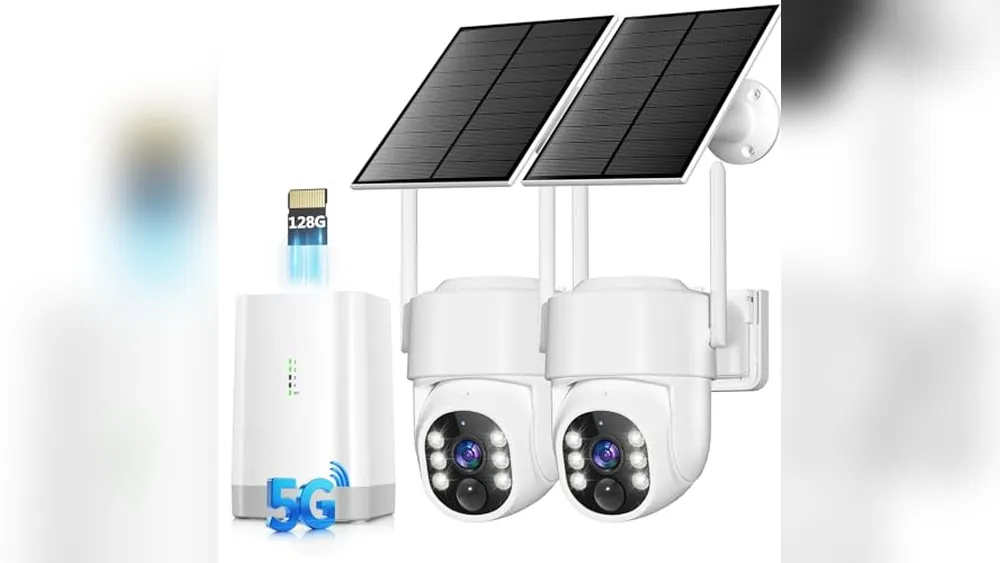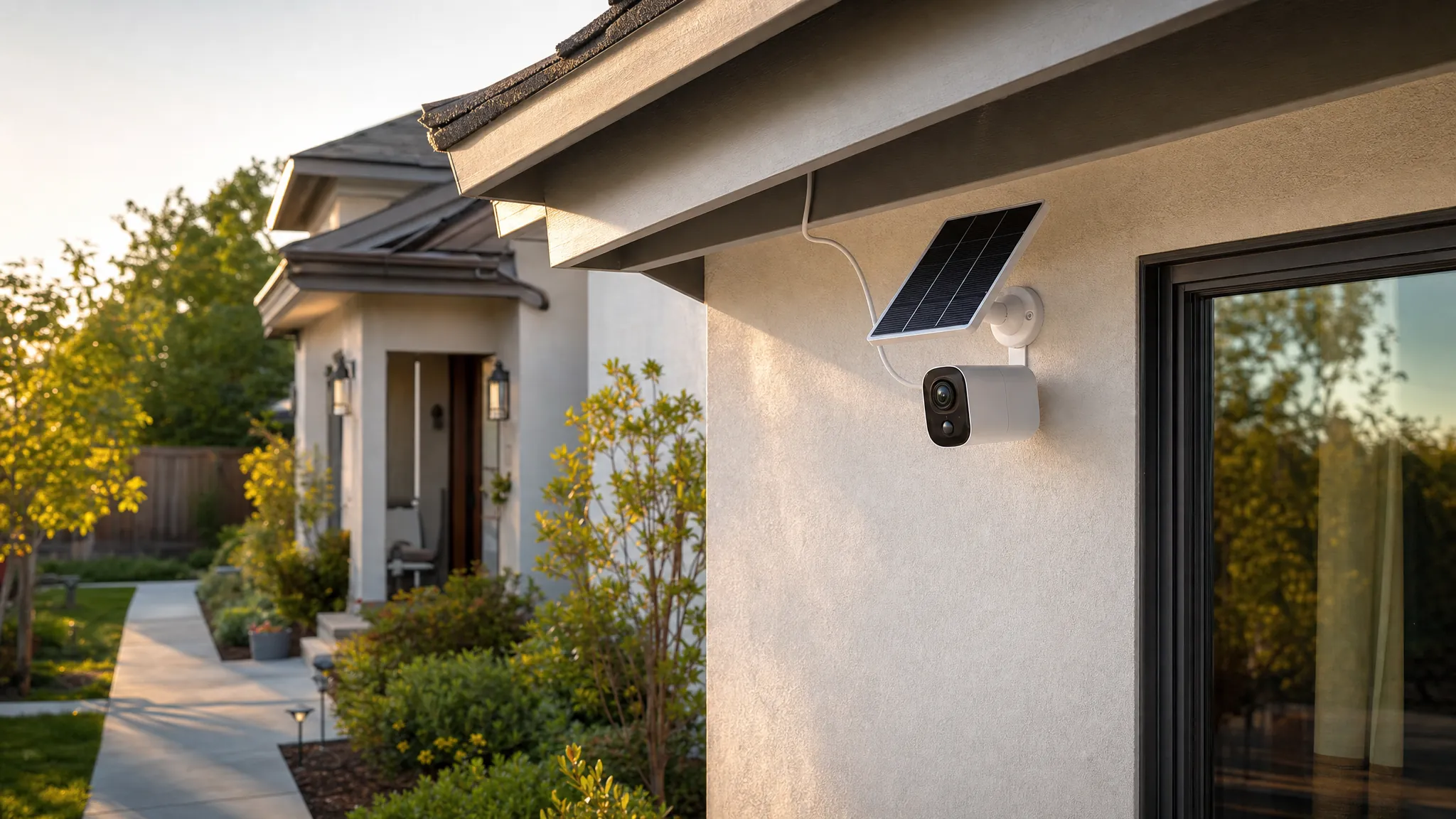
A solar security camera can be a practical way to cover a driveway, shed, side gate or detached garage without running a power cable. It can also be a poor fit when the location stays shaded, the camera needs nonstop recording or the only storage plan depends on a service you did not mean to buy.
The useful question is not simply whether a camera has a solar panel. It is whether the full setup can keep doing its job where you plan to mount it. That means looking at sunlight, battery capacity, recording choices, Wi-Fi reach, alerts and the small details that make a camera easy to live with after the first week.
This guide walks through the checks that matter before you buy a solar security camera without a subscription. For the broader decision around sensors, doorbells and self-monitoring, start with SavvyNests' guide to home security without monthly fees. If you are narrowing the choice to cameras, the no-fee security camera guide is a useful companion.
Quick answer: when is a solar security camera a good fit?
A solar camera is a strong match when you need flexible placement, the mounting spot gets reliable direct daylight and motion-triggered clips are enough for the area you want to watch. It is especially useful for an exterior point that is awkward to wire, such as a fence line, garden gate, garage, shed or back patio.
It is less suitable when the camera will sit under a deep roof overhang, behind a dense tree canopy or on a north-facing wall that rarely gets direct sun. It can also be the wrong category when you need continuous video around the clock. Many battery and solar cameras are designed around event recording, so they wake for motion rather than capturing every minute of the day.
- Choose solar when: you want a wire-free camera in a sunny location and can work with motion-based recording.
- Choose wired power when: continuous recording, a floodlight or a high-traffic area needs dependable all-day power.
- Choose local storage when: avoiding a recurring cloud bill matters and you are willing to check where footage is saved.
- Pause before buying when: the planned location has weak sunlight, weak Wi-Fi or no sensible way to reach the camera for occasional cleaning and charging.
1. Start with the location, not the camera listing
Walk outside at the time of day the camera will need to recharge. Look for a clear view of the sky and notice what blocks it: an eave, chimney, nearby home, tall fence, tree canopy or seasonal leaves. Bright daylight is not the same as direct light on the panel. A spot that looks sunny from the yard can stay shaded for most of the day once the roofline is involved.
Many solar-camera makers design their panels around a few hours of direct sunlight, but the exact need varies with the camera, panel, climate, temperature, settings and how often motion triggers recording. Reolink's current solar-camera guidance frames direct sun, rather than general daylight, as the key input to test. Treat the maker's number as a starting point, then give the system some margin for winter, cloudy stretches and a busier-than-normal week.
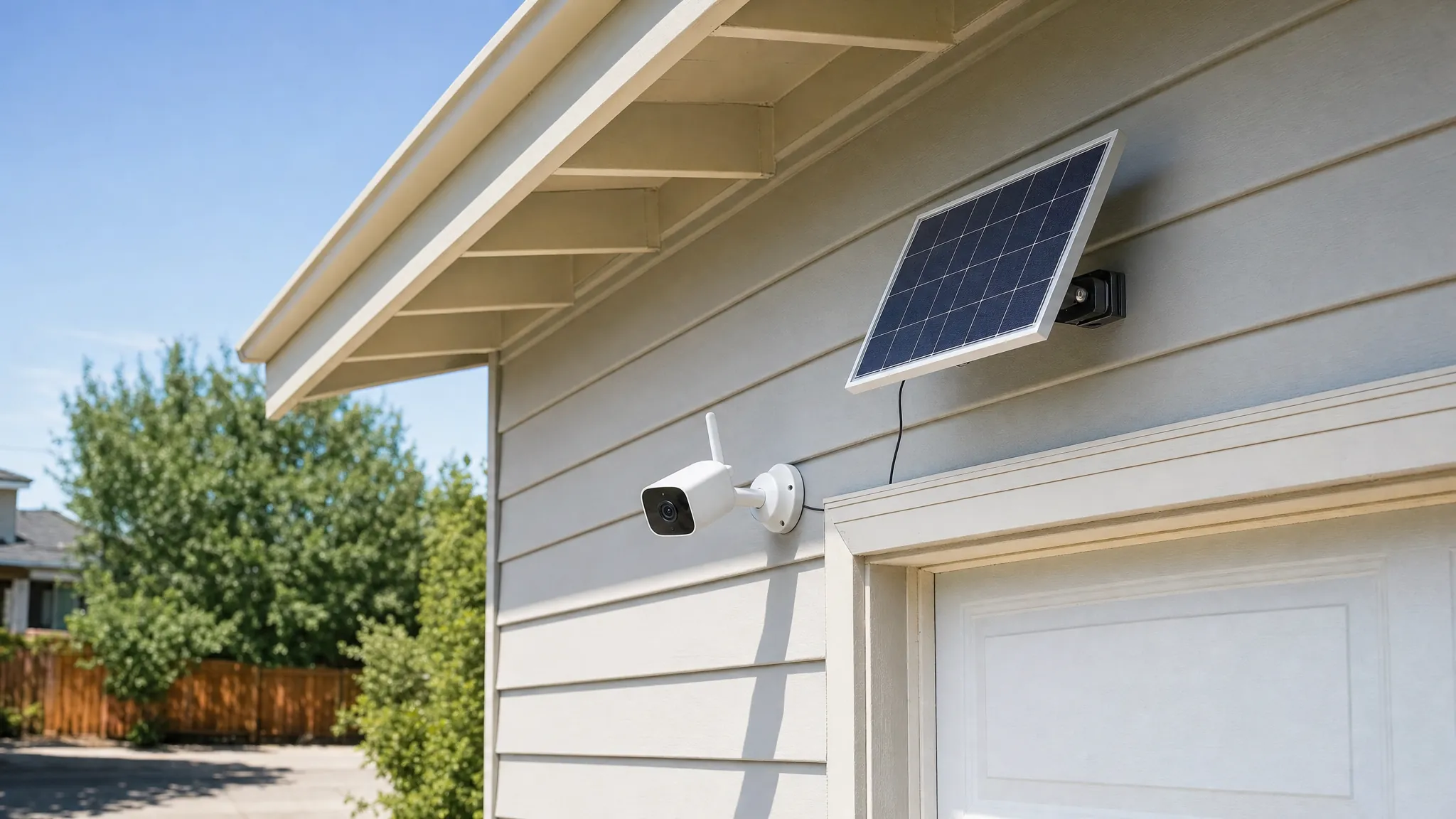
A separate panel gives you more flexibility than a camera with a panel built into the housing. You may be able to place the camera where it sees the entry clearly and angle the panel toward better light a short distance away. Check the included cable length, whether the panel needs a specific connector and whether the route keeps the cable protected from a door, gutter or moving gate.
Also think about access. A camera mounted high enough to avoid casual tampering should still be reachable with a stable ladder or a planned maintenance point. You will eventually need to wipe the lens, remove leaves or snow, check the mount and possibly charge the battery by cable.
2. Understand what solar power actually changes
Solar does not make a battery camera immune to power limits. The panel tops up a rechargeable battery; the battery still has to cover the camera at night, during storms and whenever the panel cannot produce enough. A location with frequent motion, long clip lengths, a bright spotlight or constant live viewing will use more energy than a quiet side yard with short person alerts.
Before you decide that a solar panel solves charging forever, look for the camera's power-saving controls. Shorter clip lengths, sensible activity zones and person-only alerts can make a system more useful and reduce nuisance recordings. Turning every sensitivity control to maximum may create a stream of clips from trees, passing cars and insects, then drain the battery while training you to ignore the alerts that matter.
Keep a manual backup plan. On a new setup, charge the camera fully by cable before mounting it, then watch the battery trend for the first two weeks. If it falls despite clear weather, adjust the panel, reduce unnecessary wake-ups or move the camera before the return window closes.
3. Check what works without a monthly plan
“No subscription” should never mean “assume every feature is free.” A camera may offer live view and basic motion alerts without a plan, while cloud clips, longer history, advanced notifications or rich previews can be paid extras. The point is not to avoid every optional service. The point is to know what remains useful if you choose not to pay for one.
Read the product page and the current support information for these details:
- Whether recordings save locally to a microSD card, a hub, a base station or an NVR.
- Whether local storage is included or needs a separately purchased card or drive.
- Whether the camera can record and save clips when the internet is down.
- Whether you can view saved clips away from home without a paid plan.
- Which notifications, detections and sharing controls work at no extra cost.
Local storage usually means footage is kept on the camera, a hub or another device at your home instead of a cloud account. Reolink's local-storage overview explains the common options: microSD cards, NVRs and home hubs. Each has a different trade-off. A card inside the camera is simple, but a thief could take the camera and the card together. A hub can keep clips inside the home, but it needs a sensible location and may be another item to protect during a power outage.
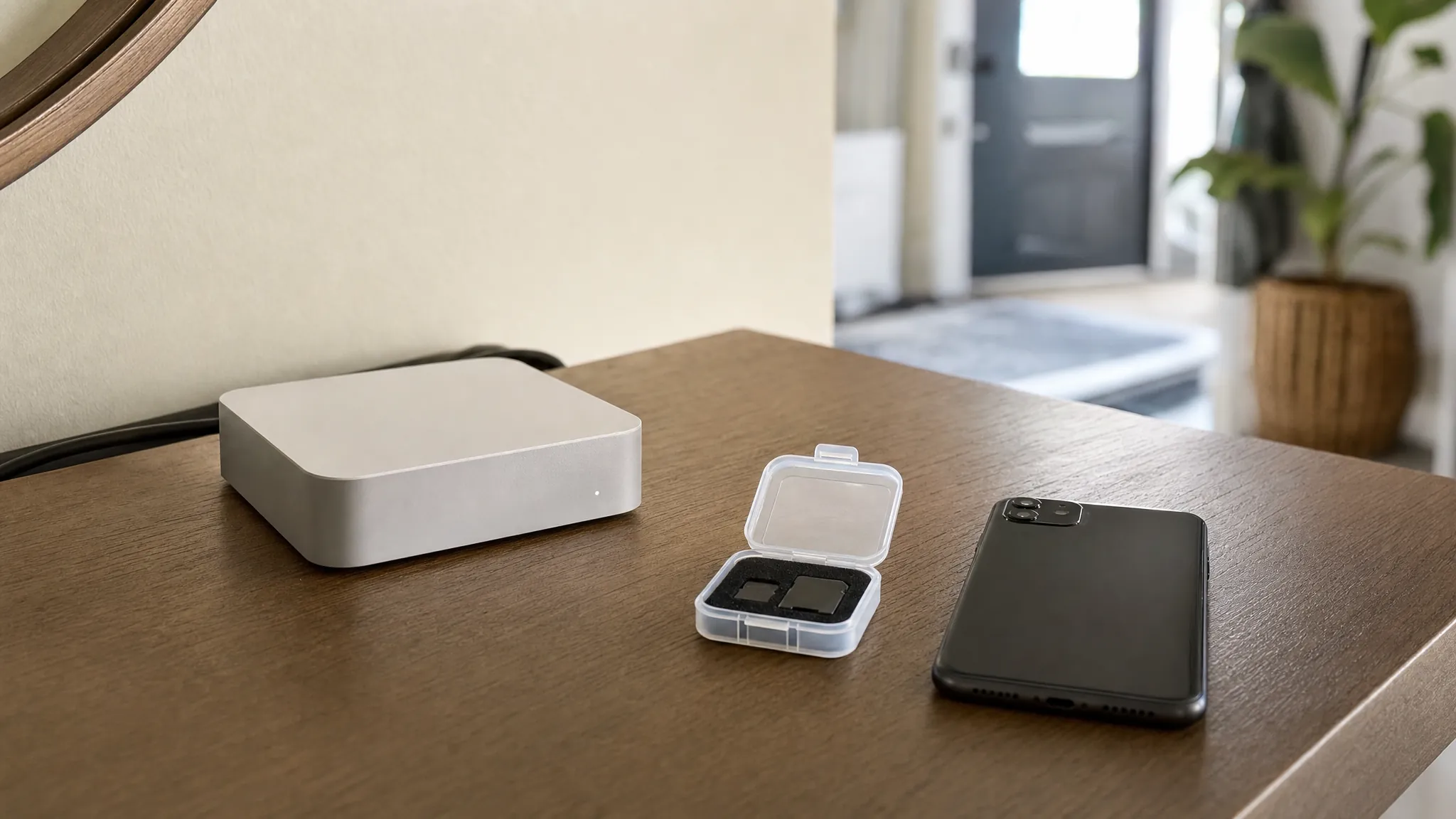
Make a habit of testing playback before you need it. Trigger an alert, open the saved clip and confirm that its date, length and image quality are useful. A local-recording setup is only a win when you can find the footage quickly and understand how much history it holds.
4. Separate Wi-Fi from recording
Wi-Fi affects more than the first setup. A weak connection can make alerts late, live view slow and firmware updates frustrating. Before mounting a camera at the far corner of a yard, stand there with your phone and check whether your normal network connection is stable. A phone test is not a guarantee, but it can reveal obvious dead zones before you drill holes.
Some cameras can keep saving locally during an internet outage, but remote alerts and live view generally need the network to return. Eufy's current wireless-camera guidance distinguishes local recording from remote access, which is the right distinction to make when comparing models. Confirm the behavior of the exact camera you are considering, because storage location and hub requirements differ by model.
If the camera is far from the router, solve the network problem before adding more devices. A mesh node, access point or better router placement can be more useful than a camera with a longer feature list. SavvyNests' router isolation guide can also help when you are ready to keep cameras and other connected devices separate from the computers and phones you use every day.
5. Choose coverage based on the job, not the widest advertised view
Start with the reason the camera is going up. A driveway camera may need to identify a person approaching the car, while a side-gate camera may only need to show that someone entered the yard. A broad view can be useful for awareness, but the farther away a person is in the frame, the less detail the camera will capture.
Mount the camera high enough to reduce tampering, then angle it toward the path a person is likely to take. Avoid pointing it straight across a public sidewalk or deeply into a neighbor's property. Activity zones can help keep alerts focused on your own entry, gate or driveway rather than traffic in the background.
Night coverage deserves its own check. Look at the available exterior light, glare from a porch fixture, reflections from a window and how the camera handles a bright car headlight. A camera with excellent daytime footage can still produce an unhelpful night clip when it is pointed at the wrong surface or light source.
6. Make the first week a real test
Do not treat installation as the finish line. Give the camera a short test period while you can still move it easily. Walk the path you want to cover during the day and at night. Have someone approach from the edge of the activity zone. Check that the alert arrives, the clip starts early enough and the picture is useful rather than merely colorful.
- Fully charge it first. Begin with a known full battery so you can judge the panel fairly.
- Set one useful alert. Person alerts at the chosen entry are more valuable than every motion event in the yard.
- Test local playback. Open a saved clip from the app and, when applicable, from the card or hub.
- Check the view after dark. Look for glare, blind spots and a lens angle that misses faces.
- Revisit it after weather changes. Rain, leaf growth, a low winter sun and a new parked vehicle can all change the result.
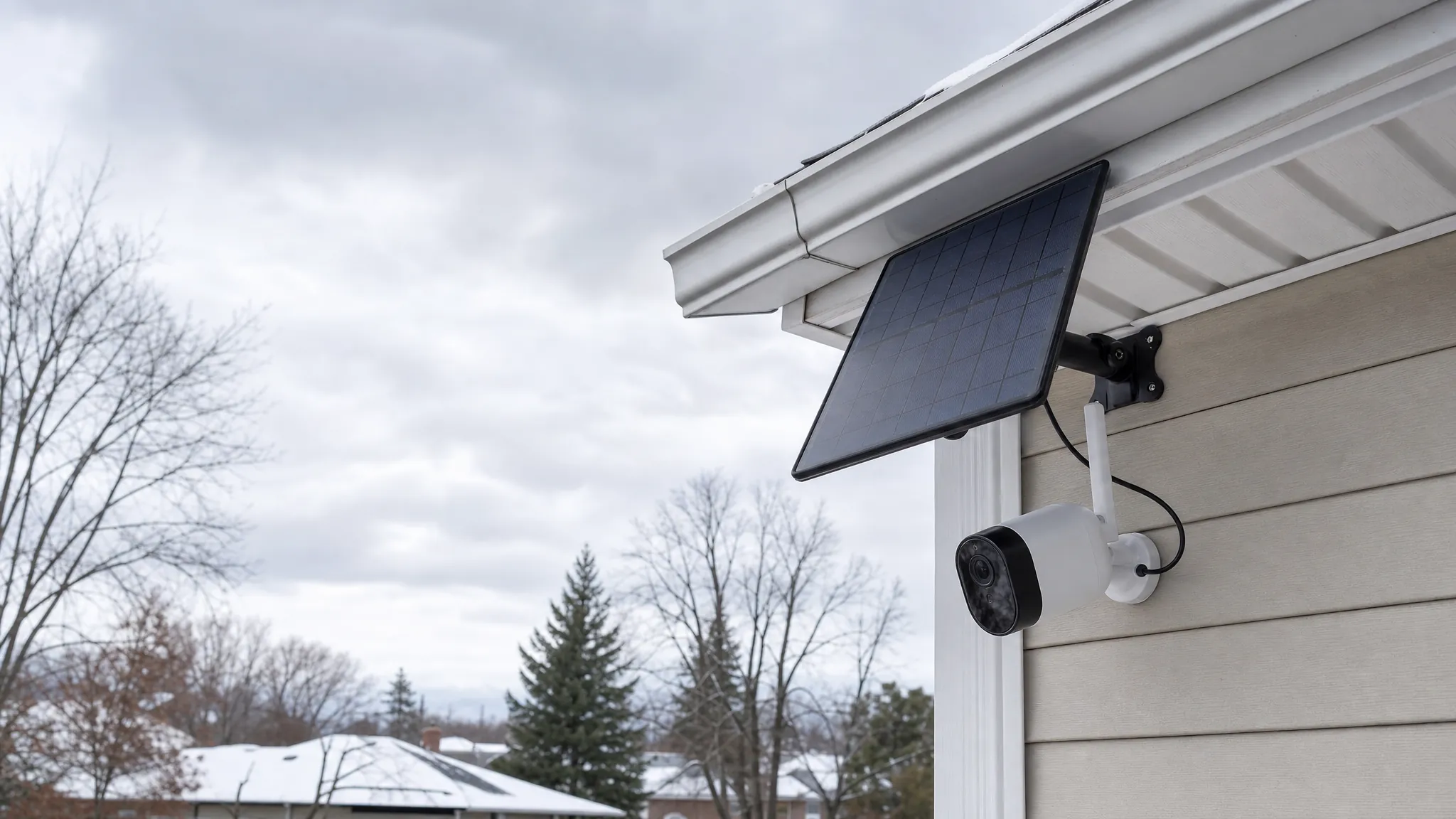
For renters, keep the installation reversible where possible. Battery-powered cameras, removable mounts and carefully routed panel cables can be easier to take down at move-out than a hardwired system. SavvyNests' smart-home guide for renters covers the broader checks around building rules, shared spaces and easy-to-remove upgrades.
What to compare before you buy
Once the location, power and storage plan are clear, compare the models that can actually meet those conditions. The decision should feel narrower by this point, not broader.
- Power setup: built-in panel or separate panel, cable length, battery capacity and manual charging option.
- Recording: motion-only or continuous, local storage method, included capacity and cloud features that remain optional.
- Connectivity: Wi-Fi requirements, range, hub needs and what continues locally during an outage.
- Coverage: field of view, mounting height, night vision and whether the camera can clearly cover the intended path.
- Alerts: activity zones, person detection, notification controls and how quickly you can turn off nuisance triggers.
- Maintenance: lens cleaning, panel cleaning, seasonal access and the practical cost of a replacement battery or card.
How SavvyNests helps with a no-fee security setup
A subscription-free camera is most useful when it fits the place it protects and the way you want to manage it. SavvyNests helps you compare the everyday trade-offs that get lost in product listings: power, storage, alerts, installation and privacy. Continue with the home-security guide without monthly fees for a fuller setup, or compare other practical camera choices in the no-fee camera guide.
Frequently asked questions
Do solar security cameras need direct sunlight?
Most solar panels work best with direct sunlight rather than a bright shaded location. The exact amount depends on the camera, panel, temperature, weather, recording activity and settings. Check the maker's guidance for the exact model, then give the location some margin for winter and cloudy periods.
Can a solar security camera work without a monthly fee?
Yes, many models offer live view, alerts and some form of local recording without a required monthly plan. Before buying, confirm where clips are stored, what hardware is included and which features become limited without a cloud plan.
Do solar security cameras work at night?
Yes. The solar panel charges the battery during available daylight, and the camera runs from that battery at night. A camera may struggle if daytime charging is poor or if high activity, long clips and lights use more power than the panel can replace.
Can a solar security camera record when Wi-Fi is down?
Some models can continue saving clips locally when Wi-Fi is unavailable, but remote alerts and live viewing will usually wait until the connection returns. Check the exact camera's storage and connectivity documentation before treating local recording as an outage backup.
Are solar security cameras good for renters?
They can be a good fit because they avoid running a new power cable. Choose a removable installation, confirm where a panel can be mounted and check the lease or building rules before altering a shared entry or exterior surface.