
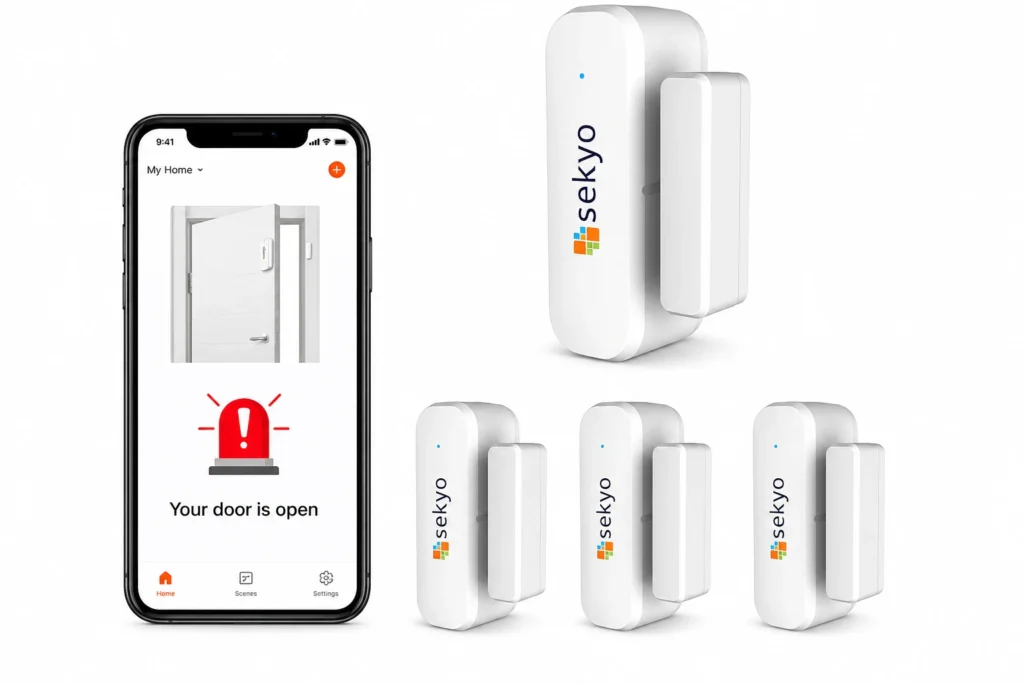
Smart homes are becoming more common. Many people use smart devices to make life easier. These devices can send notifications and alerts. But how do these messages work? Let’s explore how smart home notifications and alerts keep you informed.
What Are Smart Home Notifications and Alerts?
Smart home notifications are messages from your smart devices. They tell you about things happening in your home. For example, your smart doorbell can send a message when someone rings it. Your smart smoke detector can alert you if it senses smoke. These messages help you stay safe and aware.
Alerts are a type of notification. They warn you about urgent problems. For instance, if there is a water leak, your smart sensor will send an alert immediately. These alerts are important because they tell you to take quick action.
How Do Smart Devices Send Notifications?
Smart devices connect to the internet. They use Wi-Fi or other wireless connections. When a device detects something, it sends data to a cloud server. The cloud is a group of remote computers that process data.
After the cloud processes the data, it sends a notification to your phone or tablet. This happens very fast, often in a few seconds. You get the message and can check what is going on.
Step-by-step Process
| Step | What Happens |
|---|---|
| 1 | Device detects an event (e.g., motion, smoke, door open) |
| 2 | Device sends data to the cloud server via Wi-Fi |
| 3 | Cloud processes the event data |
| 4 | Cloud sends notification to your phone app |
| 5 | You receive and read the notification |
Types of Smart Home Notifications
Smart home systems send different types of notifications. They vary by urgency and purpose. Knowing these types helps you understand what each alert means.
- Informational Notifications: These messages tell you about normal events. For example, when your smart fridge door is left open.
- Warning Alerts: These warn you about possible issues. Like low battery in a smart lock.
- Emergency Alerts: These alert you to serious problems. For example, fire or gas leak warnings.
How You Receive Smart Home Notifications
Most people get smart home messages on their phones. You need to install the device’s app first. The app connects your phone to the smart device.
Notifications can appear as:
- Pop-up messages on your phone screen
- Sounds or vibrations to get your attention
- Emails or text messages (SMS)
Some smart home devices also send alerts to smart speakers or smartwatches. This way, you get the message even if your phone is not nearby.
Why Are Smart Home Notifications Important?
Notifications help you stay safe. They keep you aware of what happens at home. Even when you are far away.
For example, if your smart camera sees someone near your door, it sends a notification. You can check the live video and decide what to do. If there is a fire, a smoke alarm alert warns you early. You can call emergency services in time.
Notifications also help save money. They tell you about problems early. You can fix small issues before they become big and costly.
How Smart Devices Detect Events
Smart devices use sensors. Sensors are small parts that detect changes around them. Different devices have different sensors.
- Motion sensors: Detect movement in a room or near a door
- Temperature sensors: Measure heat or cold levels
- Smoke sensors: Sense smoke particles in the air
- Water sensors: Detect leaks or flooding
- Sound sensors: Listen for loud noises or alarms
When sensors detect something unusual, they send data to the device. The device then sends a notification to you.
Credit: www.bedwettingtherapy.com
Customization of Notifications
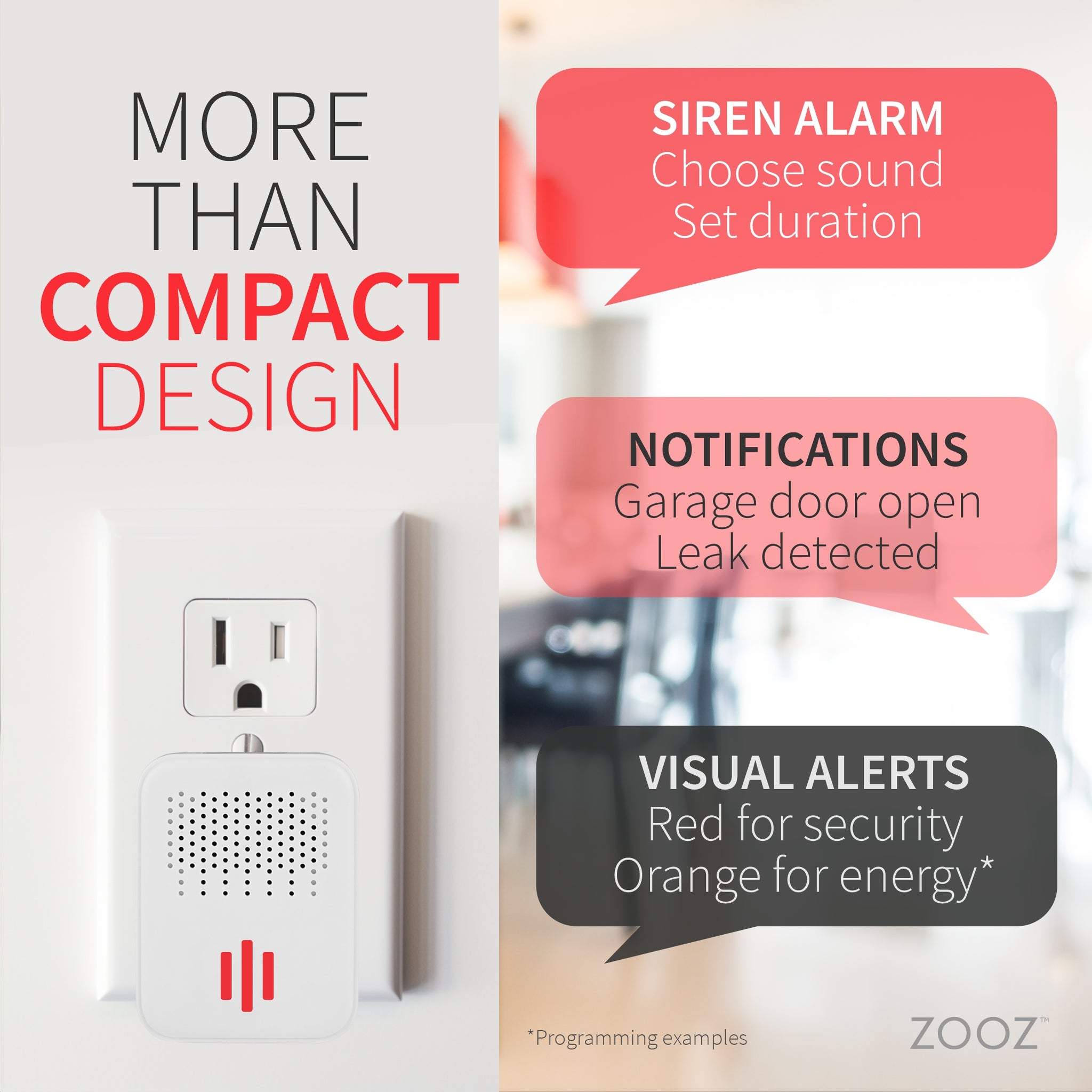
You can control what notifications you get. Most smart home apps let you choose alerts. For example, you might want alerts only for emergencies. Or you want to receive messages when your kids arrive home.
You can also set “Do Not Disturb” times. This way, you won’t get notifications at night or during work. Customizing notifications makes smart home alerts useful and not annoying.

Credit: www.bedwettingtherapy.com
How Smart Home Alerts Keep You Connected
Smart home alerts connect you to your home. No matter where you are. You can check on your house anytime.
If you are at work, you get notified about visitors. If you are on vacation, you get alerts about any problems. This connection gives peace of mind.
Security and Privacy of Notifications
Since smart home devices send data over the internet, security is important. Most companies use encryption. Encryption is a way to protect your data so others cannot read it.
Your notifications are sent safely to your phone. It is important to use strong passwords for your smart home apps. Also, update your devices regularly to keep security strong.
Common Challenges With Smart Home Notifications
Sometimes, notifications might not work well. Here are some common issues:
- Internet problems: No Wi-Fi means no notifications.
- App errors: Apps may crash or freeze.
- Too many alerts: Can cause “alert fatigue,” making you ignore messages.
- Battery issues: Low battery can stop sensors from working.
To avoid problems, keep your internet steady. Update your apps and devices often. Also, adjust notification settings to only get important messages.
Examples of Smart Home Notifications
Here are some examples of notifications you may get:
| Device | Notification Example | Purpose |
|---|---|---|
| Smart Doorbell | “Someone is at your front door.” | Know when a visitor arrives |
| Smoke Detector | “Smoke detected! Please check immediately.” | Warn about fire or smoke |
| Smart Thermostat | “Temperature is set to 70°F.” | Inform about home temperature |
| Water Leak Sensor | “Water leak detected in the basement.” | Prevent water damage |
| Security Camera | “Motion detected in the backyard.” | Alert about movement |
The Future of Smart Home Notifications
Smart home technology is growing. Notifications will become smarter too. Devices might learn your habits and send better alerts. For example, they may know when to alert you or wait until you are free.
More devices will connect and share information. This means your smart home can work as a team. Alerts will be more useful and less noisy.
Frequently Asked Questions
How Do Smart Home Notifications Work?
Smart home notifications send alerts from devices to your phone or tablet. They inform you about events like security, temperature, or appliance status instantly.
Can I Customize Alerts On My Smart Home System?
Yes, you can choose which alerts to receive and how often. Custom settings help reduce unnecessary notifications and keep you informed only about what matters.
What Types Of Alerts Do Smart Homes Send?
Smart homes send alerts for security breaches, smoke detection, water leaks, and device malfunctions. These help you react quickly to potential issues.
Do Smart Home Notifications Work Without Internet?
Most smart home alerts need an internet connection to send notifications. Some systems use local networks but may have limited remote alert features.
Conclusion
Smart home notifications and alerts keep you connected to your home. They send messages about important events. These alerts help keep your home safe and running well.
Understanding how they work helps you use smart devices better. You can customize alerts to fit your needs. Remember to keep your devices updated and secure.
Smart home notifications are simple but powerful. They make your home smarter and safer every day.