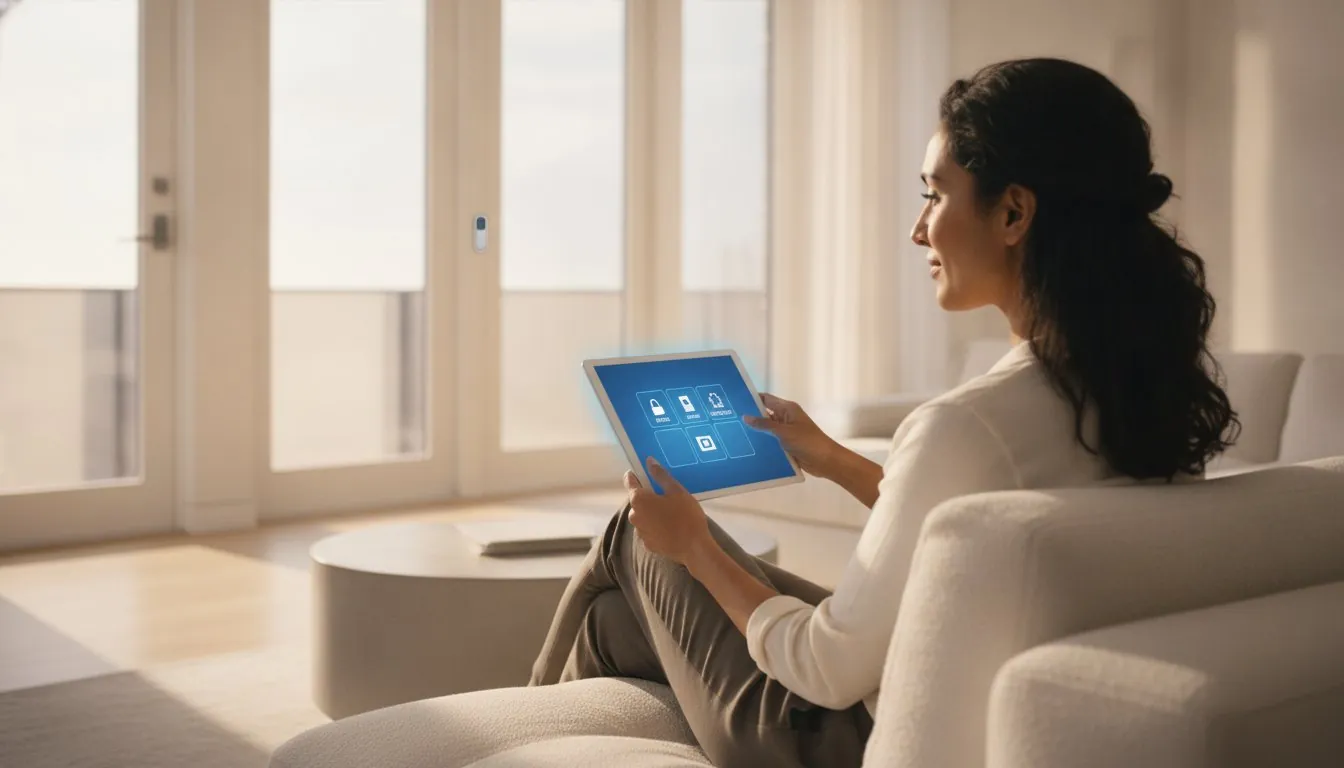
What if the only thing standing between your family and a professional-grade security net wasn’t a current retailer pricing installation fee, but a simple afternoon of peeling and sticking? You’ve likely felt the sting of “free” systems that end up costing a fortune in hidden monthly fees, or maybe you’re staring at a box of sensors feeling more confused than protected. It’s completely normal to worry that diy home security systems might not be as reliable as the old-school pro setups, but the technology has shifted in your favor.
You deserve a safer nest that doesn’t require drilling holes in your walls or signing your life away to a multi-year contract. Discover how to build a professional-grade security system on a DIY budget without the stress of long-term commitments. We’ll walk you through the essential sensors you actually need, how to ensure your mobile alerts are lightning-fast, and the best no-drill options for 2026 that make setup a breeze while integrating seamlessly with your favorite smart home hubs. It’s time to take control of your home’s safety on your own terms.
Key Takeaways
- Learn how to break free from restrictive long-term contracts while maintaining professional-grade protection and full equipment ownership.
- Identify the essential sensors and smart hubs required to build effective diy home security systems tailored specifically to your home’s layout.
- Compare the benefits of self-monitoring versus flexible, no-contract professional dispatch to find the perfect balance of cost and response speed.
- Discover no-drill installation techniques and portable hardware setups that provide high-end security for both renters and single-family homeowners.
- Master ecosystem harmony by integrating your security alerts with existing smart home hubs like Alexa, Google, or HomeKit for a seamless daily experience.
Table of Contents
Why DIY Home Security is the Smart Choice in 2026
Gone are the days when diy home security systems felt like glorified plastic toys. In 2026, the gap between consumer-grade kits and professional installations has vanished, leaving only the benefits of choice and control. You no longer have to sacrifice quality to save money. Instead, you’re gaining the ability to build a system that perfectly fits your lifestyle and your specific floor plan. Modern hardware now features the same high-resolution sensors and encrypted signals once reserved for expensive corporate contracts. This shift toward professional-grade accessibility is visible across many platforms; for instance, NAYA Music Radio provides independent artists and listeners with the kind of high-end broadcasting services once limited to major networks.
To better understand how simple and effective these modern solutions can be, watch this helpful video:
Owning your equipment is a major long-term win that most traditional companies don’t want you to consider. When you buy your hardware outright, you aren’t tied to a specific monitoring company for years. You have the freedom to switch services or even move your system to a new home without paying transfer fees or signing a new commitment. This customization freedom means your security can grow with your family. You might start with a simple doorbell and then add nursery cameras or backyard motion detectors as your needs change. Integrating these devices into your daily smart home routines is where the real magic happens. You can set your lights to turn on if a motion sensor is triggered or have your thermostat drop when the system is armed, creating a truly savvy and responsive home environment that works for you.
The End of the Professional Installation Era
Waiting for a technician between 8:00 AM and 4:00 PM is a relic of the past. Today’s plug-and-play technology has reached a level of maturity where setup takes minutes. There’s a profound psychological benefit to installing your own essential security components. When you place the sensors, you understand exactly how the perimeter is defended. This hands-on approach removes the mystery of home security, empowering you to troubleshoot with total confidence.
Cost Efficiency Without Compromise
The math has changed. While professional companies might offer free equipment, they often bake those costs into inflated monthly fees. By choosing diy home security systems, you pay for your hardware once and enjoy true no-contract flexibility. In a shifting economy, having the power to pause your monitoring plan without penalty is a savvy financial move. DIY security is a modular investment for 2026 that prioritizes your budget and your autonomy. To ensure your broader financial strategy is just as secure, check out CTC Tax & Accounting for expert advice on calculating owners’ equity and managing your assets.
Essential Components: Building Your Custom Security Shield
Think of your security system as a team where every player has a specific, vital role. The core of this team is the Hub. It acts as the brain; it translates signals from your sensors into the mobile alerts you see on your phone. Without a reliable hub, your diy home security systems are just a collection of disconnected gadgets. When you’re picking your central command, keep FTC tips on avoiding security scams in mind to ensure your data stays private and your system remains robust against digital threats. A great hub should offer battery backup and cellular failover, so it stays online even if the power goes out or your Wi-Fi drops.
Sensors: The Unsung Heroes of Home Safety
Door and window sensors are your frontline defense. These use simple magnets to tell the hub if a seal is broken. While these are excellent for ground-floor entry points, glass break sensors add another layer of safety by listening for the specific frequency of shattering windows. These diy home security systems thrive on modularity, allowing you to add pieces as your budget allows. Don’t forget environmental sensors. These small devices can detect a water leak under your sink or rising smoke before a minor issue turns into a total disaster. For a deeper dive into entry point strategies, check out our smart home door sensor roundup 2026 to see how to secure every nook and cranny.
Cameras and Video Doorbells
Visual verification is the ultimate deterrent. A visible camera often stops a crime before it ever starts. Video doorbells are particularly powerful because they guard your most vulnerable spot: the front porch. They allow you to speak to delivery drivers or warn off solicitors without ever opening your door. When choosing cameras, consider privacy features like physical shutters for indoor models and high IP weatherproofing ratings for anything placed outside. For a look at the top performers this year, see our video doorbell review 2026 to find the right fit for your entryway.
Motion detection finishes your shield by covering large, open spaces like living rooms or hallways. To avoid false alarms from pets, look for sensors with “pet immunity” that ignore movement from smaller animals. Placing these sensors about six to eight feet high usually provides the best coverage while keeping them out of reach from curious hands or paws. If you’re still deciding which pieces fit your puzzle, browsing our Smart Home Buying Guides can help you curate a system that feels just right for your unique space.
The Monitoring Dilemma: Self-Monitored vs. Professional DIY
Deciding who watches over your home is just as important as choosing the sensors themselves. In the past, you were forced into expensive, multi-year contracts just to get a call from a dispatcher. Today, diy home security systems give you the power to choose between being your own “First Responder” or hiring a professional team to handle the heavy lifting. This choice isn’t permanent; modern flexibility means you can adapt your monitoring plan as your life changes.
Self-monitoring puts you in the driver’s seat. When a sensor is triggered, you receive an instant notification on your smartphone. You then check your live camera feeds to see if there’s a real threat or just a delivery driver at the door. To make this effective, 2026 technology relies heavily on AI verification. High-end systems now feature AI-powered person and package detection, which significantly reduces “alert fatigue” by filtering out shadows, pets, or swaying trees. This ensures that when your phone buzses, it’s actually worth your attention.
When to Choose Self-Monitoring
Self-monitoring is the ultimate “savvy” move for budget-conscious users or those living in low-crime neighborhoods. It eliminates monthly overhead while still providing robust protection. If you go this route, ensure your phone settings allow “Critical Alerts” to bypass your “Do Not Disturb” mode. For those looking to maximize savings without sacrificing quality, check out our list of the best video doorbell without subscription options. These devices allow you to store footage locally, avoiding recurring cloud storage fees that can quietly eat away at your budget.
The Case for Professional Dispatch
Professional DIY monitoring offers a safety net that self-monitoring can’t match. If you’re on a flight, in a meeting, or sleeping, a dedicated monitoring center is still awake. Brands like SimpliSafe and ADT Blu offer these services starting around current retailer pricing to current retailer pricing per month, providing 24/7 dispatch without the 3-year contract traps of the past. Beyond just peace of mind, professional monitoring often includes cellular backup. This means your diy home security systems stay connected even if a storm knocks out your Wi-Fi. Additionally, many insurance companies offer discounts on home premiums if you can provide a certificate of professional monitoring, which can help offset the monthly cost.
The smartest approach in 2026 is often a hybrid one. Many providers now allow you to toggle professional monitoring on and off. You might self-monitor during the week but activate pro-dispatch for a ten-day summer vacation. This modular approach to safety ensures you’re never paying for more than you need while keeping your nest secure on your own terms.
How to Choose: A DIY Security System for Every Home Type
One size rarely fits all when it comes to protection. Your security strategy should match the physical layout of your space. Whether you’re in a third-floor walk-up or a multi-acre estate, diy home security systems offer the flexibility to scale up or down based on your floor plan. This modularity ensures you aren’t paying for sensors you don’t need or leaving blind spots in a larger property. Modern kits allow you to start small and add pieces only when they make sense for your lifestyle. If you’re new to the process, following a smart home security system setup guide for beginners can help you avoid common placement mistakes and get your system running correctly from day one.
Security for Renters: The No-Trace Approach
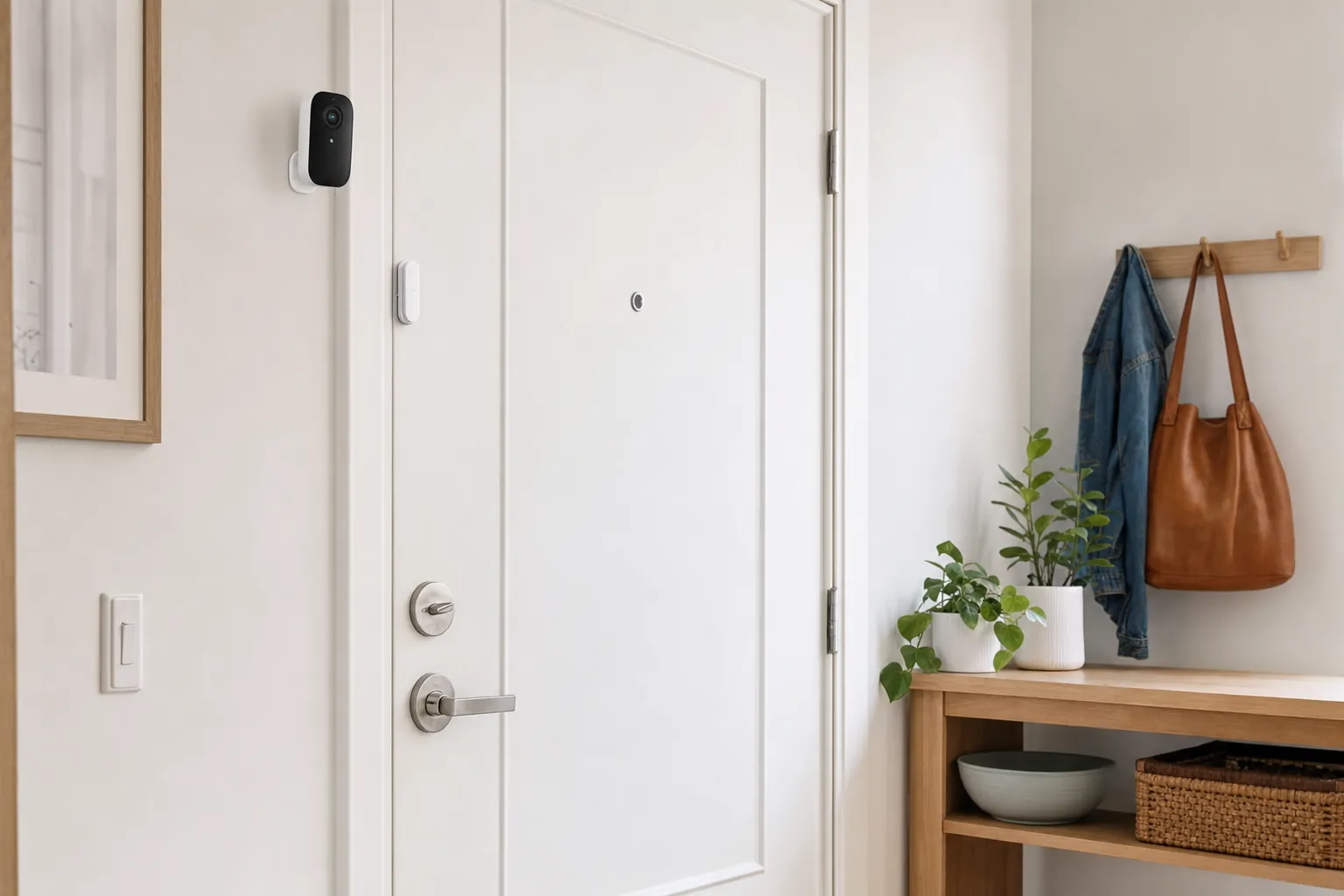
Renters often feel left out of the home upgrade conversation, but DIY hardware is actually built with your lease in mind. Peel-and-stick sensors are a renter’s best friend. These devices use high-strength adhesives that hold firm for years but pop off cleanly when it is time to move. This “no-trace” philosophy means you can protect your space today without risking your security deposit. Portability is the ultimate advantage here. You’re effectively buying a security system for life, not just for your current address. For more ideas on building a lease-friendly setup, explore our guide on the best smart home devices for renters.
Scaling for Larger Homes
Single-family homes require a broader perimeter. You aren’t just worried about the front door; you have backyards, side gates, and detached garages to consider. A single hub can typically manage dozens of sensors, but distance can sometimes become an issue. This is where range extenders and mesh WiFi become essential. They ensure your outdoor floodlight cameras stay connected even at the far edge of your property. These cameras provide vital peripheral vision, acting as both a deterrent and a digital witness for your entire lot.
For those with larger estates, high-decibel sirens are a must. You need an alarm that can be heard from the basement to the attic. On the other end of the spectrum, budget-conscious homeowners can find incredible value in 2026. Verified options like the Wyze Core Kit are available for under current retailer pricing while Cove systems start at current retailer pricing. These diy home security systems prove that high-end protection is an accessible right rather than a luxury for the few. Finding the right balance between performance and price is much easier when you have the right data. If you’re feeling overwhelmed by the options, our Smart Device Reviews offer a detailed look at how these systems perform in real-world environments.
Making Your Security “Savvy”: Integration and Setup Tips
A security system that exists in a vacuum isn’t truly smart. To get the most out of your diy home security systems, you need them to speak the same language as your other devices. Whether you’re a devotee of Amazon Alexa, Google Home, or Apple HomeKit, ecosystem harmony is the key to a frictionless experience. If you’re building around Apple’s ecosystem, choosing the best smart home hub for Apple HomeKit is a critical first step to ensuring your security sensors and cameras communicate reliably without frustrating “No Response” errors. When your sensors and cameras work in tandem with your smart hub, security stops being a chore and becomes a natural part of your daily rhythm. This seamless connection allows you to manage your entire home’s safety from a single interface, reducing the “app fatigue” that often comes with modern upgrades.
The Power of Smart Routines
Static security is good, but active deterrence is better. By creating automated routines, you can make your home look occupied even when you’re miles away. For example, you can program your smart lights to flash red if an outdoor camera detects a person after midnight, or set them to mimic your usual evening patterns while you’re on vacation. This visual deterrent is often enough to send a prowler elsewhere. You can also simplify your departure by setting a “Goodbye” routine that locks the doors, lowers the thermostat, and arms your system with a single voice command as you walk out the door. To get started with these powerful automations, learn how to create smart home routines that transform your safety from reactive to proactive.
Privacy is just as important as physical safety. Since these systems live on your internet connection, you must secure them against digital intruders. Always change the default passwords on your hub and cameras immediately after unboxing. Enable two-factor authentication (2FA) on every app associated with your diy home security systems. This simple step adds a vital layer of protection that prevents unauthorized access to your live feeds. Keeping your Wi-Fi network secure with a strong, unique password and a modern encryption standard is the first line of defense for your digital nest.
Troubleshooting and Maintenance
Wireless sensors are incredibly convenient, but they do require occasional attention. Most modern batteries last between one and three years, but checking their levels every six months is a savvy choice. Don’t wait for a “low battery” chirp to wake you up at 3:00 AM. Similarly, keep an eye out for firmware updates in your security app. These digital patches often include critical security fixes and new features that keep your hardware running at peak performance. If you ever find that a motion detector has gone rogue or a camera refuses to connect after a router reboot, use our smart home troubleshooting guide to get back online without the stress. Mastering these small maintenance tasks ensures your home remains a fortress of peace and quiet.
Take Control of Your Home’s Safety Today
Protecting your family no longer requires a professional crew or a restrictive multi-year contract. You now have the tools to select a central hub, place sensors with precision, and choose a monitoring plan that fits your specific lifestyle. By embracing diy home security systems, you’re choosing a modular and cost-effective path to safety that evolves alongside your needs. Whether you are securing a city apartment or a sprawling estate, the power to create a responsive, savvy environment is entirely in your hands.
We’ve invested over 10,000 research hours to provide you with expert-vetted product recommendations that prioritize no-contract, user-friendly solutions. You don’t need to be a tech genius to build a professional-grade net around your home. Build your safe haven with our top-rated smart home buying guide and start your journey toward total peace of mind. Technology should serve you, and with the right guidance, you can master your environment with ease. Your safer nest is just a few clicks away.
Frequently Asked Questions
Are DIY home security systems as reliable as professional ones?
Yes, diy home security systems are just as reliable because they utilize the same encrypted wireless technology and professional-grade sensors as traditional setups. The main difference is who installs the hardware. Since you handle the placement, you gain a deeper understanding of your home’s coverage. Modern systems also include battery backups and cellular failover to ensure they stay active during internet or power outages.
Do I need a monthly subscription for a DIY security system?
Can DIY security systems be hacked?
While any internet-connected device has some risk, modern security systems are designed with high-level encryption to prevent hacking. You can significantly increase your safety by enabling two-factor authentication and choosing a unique, strong password for your account. Regularly updating your system’s firmware also ensures you have the latest security patches against new digital threats, keeping your private data out of the wrong hands.
What happens to my DIY security system if the power goes out?
Most DIY systems continue to function during a power outage thanks to built-in backup batteries. These batteries typically provide up to 24 hours of power to the central hub. If you’ve opted for a professional monitoring plan, the system will often switch to a cellular connection to send alerts. This ensures your protection remains uninterrupted even if a storm knocks out your electricity or your Wi-Fi goes down.
Can I take my DIY security system with me if I move?
Yes, portability is one of the biggest advantages of diy home security systems. Since most sensors use adhesive backing rather than screws, you can easily remove them without damaging the walls. When you move to a new home, you simply pack up the hub and sensors and set them up at your new address. There are no technician fees or “transfer” charges involved in the process.
How long does it typically take to install a DIY security system?
You can typically install a standard starter kit in about 30 to 60 minutes. Most of this time is spent pairing the sensors with the hub via a mobile app and peeling the adhesive backing to stick them onto your doors and windows. It’s a straightforward process designed for beginners. You won’t need any specialized tools or technical expertise to get your system up and running.
Do DIY security systems work with smart home hubs like Alexa or Google?
Most modern DIY systems integrate seamlessly with popular smart home hubs like Amazon Alexa and Google Assistant. This allows you to arm your system using voice commands or include your security sensors in broader home routines. Some systems also support Apple HomeKit. You should always check the specific product specifications to ensure it matches your preferred ecosystem before making a final purchase decision.
Will a DIY security system lower my home insurance?
A DIY security system can lower your home insurance premiums, particularly if you pay for a professional monitoring service. Many insurance providers offer discounts because monitored systems reduce the risk of significant loss from theft or fire. You’ll usually need to provide a monitoring certificate from your security provider to qualify for these savings. These discounts often help offset the monthly cost of the monitoring plan itself.
Article by
Michael J. Mahon
I research and compare smart-home products for homeowners and renters, focusing on practical setup, compatibility, affordability, and everyday usefulness.