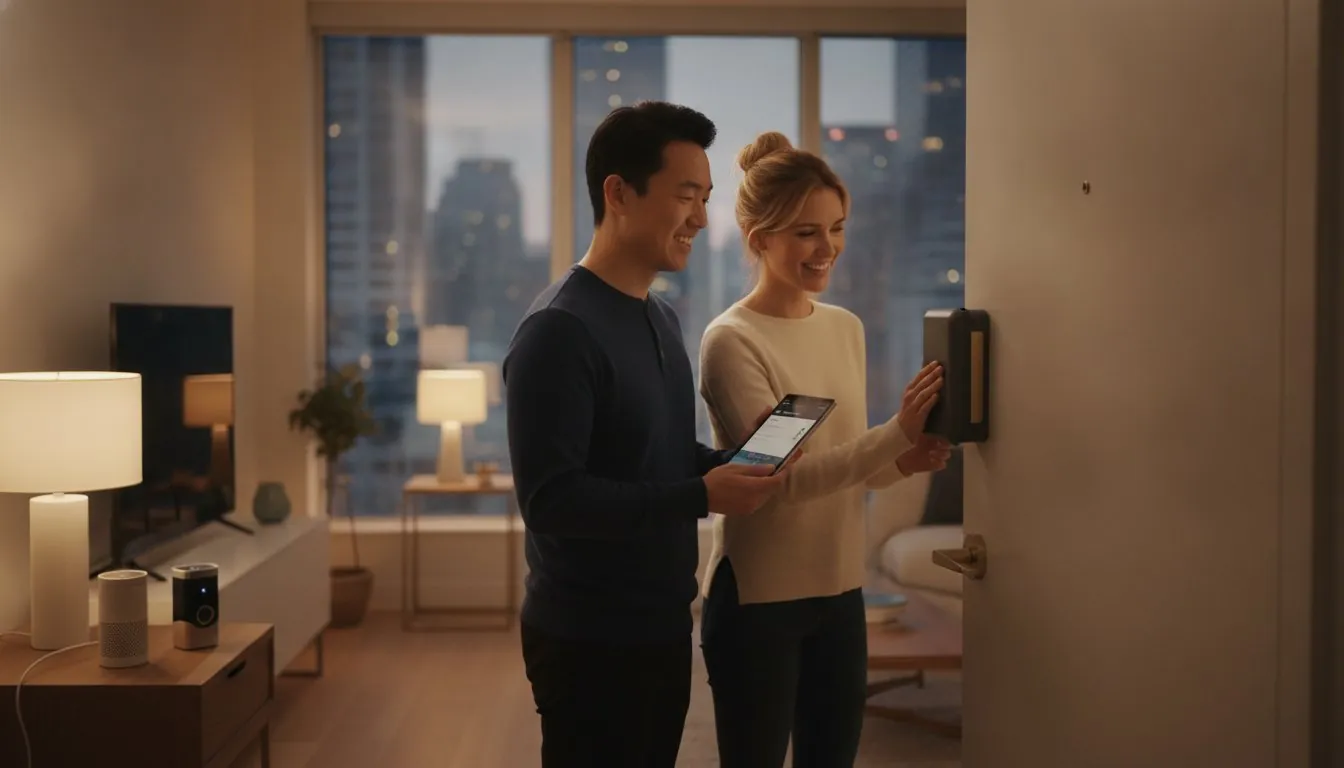
Did you know that 82% of renters now want at least one smart device in their home, yet many still hesitate because they don’t want to risk their security deposit? It’s a common struggle; you want the comfort of a modern lifestyle but feel trapped by strict lease agreements and complex wiring requirements like neutral wires. You shouldn’t have to choose between a high-tech living space and your rental agreement. Finding the right smart home devices for renters means looking for “zero-footprint” technology that moves when you do.
We’re here to show you that building a sophisticated sanctuary doesn’t require a toolbox or a permanent commitment. This guide explores the best 100% reversible solutions for 2026, including devices compatible with the latest Matter 1.3 standards. We’ll preview the top gadgets for security and energy efficiency that require zero drilling and leave no trace behind. You will discover how to make savvy tech choices that are as easy to install as they are to pack up for your next move.
Key Takeaways
- Learn how to apply the “No-Trace Rule” to identify tech that is 100% reversible and won’t risk your security deposit.
- Discover the best smart home devices for renters that use simple plug-and-play setups to automate your lighting and appliances without a single tool.
- Upgrade your apartment security with battery-powered doorbells and smart locks that fit over existing hardware without any drilling required.
- Navigate common installation hurdles like the C-wire requirement and use smart sensors to protect your home from accidental water damage.
- Future-proof your investment by choosing Matter-certified devices that are easy to pack and guaranteed to work in your next home.
Table of Contents
- The Renter’s Dilemma: How to Build a Smart Home Without Losing Your Security Deposit
- Essential Plug-and-Play Devices: Lighting, Power, and Voice Control
- Rental-Friendly Security: Smart Locks and Doorbells That Require Zero Drilling
- Climate and Safety: Smart Thermostats and Sensors for Apartment Dwellers
- The Savvy Renter’s Strategy: Choosing Devices That Move With You
The Renter’s Dilemma: How to Build a Smart Home Without Losing Your Security Deposit
Living in a rental often feels like you’re a guest in someone else’s design choices. While homeowners can tear down walls or rewire circuits, you’re usually stuck with whatever beige walls and basic fixtures came with the lease. However, the rise of specialized smart home devices for renters has changed the game. Research shows that 82% of renters want at least one smart device in their unit, proving that the desire for a high-tech lifestyle is universal. You can now enjoy the convenience of modern home automation systems without ever picking up a drill or risking your security deposit. The secret lies in the “No-Trace Rule.” If a gadget requires a wire cutter or leaves a permanent hole in the wall, it’s probably not the right choice for your apartment.
True renter-friendly tech is defined by three traits: it’s non-permanent, battery-powered, or simple plug-and-play. By sticking to these criteria, you turn a temporary living space into a personalized “Savvy Nest.” This isn’t just about cool gadgets; it’s about making your home work for you through improved security and energy efficiency. Just remember to keep every original light bulb, thermostat, and lock you replace. Move-out day is much easier when you can swap the old hardware back in minutes, ensuring your deposit returns to your pocket where it belongs.
To better understand this concept, watch this helpful video:
The Three Pillars of Rental-Friendly Tech
When you’re evaluating new gear, run it through these three filters to ensure it’s a smart investment. First, consider portability. Your tech should be easy to pack and move to your next place. If it’s too bulky or fragile to survive a move, it’s not truly renter-friendly. Second, look for non-invasiveness. If it requires “electrical surgery” or complex wiring, skip it. Finally, check the connectivity. In 2026, the best smart home devices for renters prioritize standards like Matter 1.3. This protocol ensures your devices work together regardless of whether your next building uses Google, Amazon, or Apple infrastructure, making your setup future-proof.
Evaluating Your Lease for Smart Upgrades
Most leases include a clause about “alterations” or “modifications.” Usually, these refer to permanent changes like painting or installing new cabinets. Since most modern smart tech uses adhesive-based mounting solutions like Command strips, they don’t technically count as alterations. You don’t need permission to plug in a smart light or stick a motion sensor to a wall. However, if you plan to swap out a thermostat or a showerhead, it’s a polite gesture to let your landlord know, even if you plan to change it back later. Using removable strips for sensors and cameras is a savvy way to avoid wall damage entirely and keep your landlord happy.
Essential Plug-and-Play Devices: Lighting, Power, and Voice Control
The easiest way to start your journey into home automation is with gadgets that require zero tools. These devices are the backbone of any rental setup because they offer immediate benefits without any risk to your security deposit. Since approximately 51.37% of U.S. households now use at least one smart device, the market for smart home devices for renters has exploded with high-quality, non-permanent options. Most of these systems begin with a voice assistant, which acts as your central hub. In 2026, entry-level options like the Amazon Echo Pop are priced at current retailer pricing, while the Echo Dot remains a popular choice for smaller apartment layouts. These assistants allow you to group your devices and use deposit-proof smart home hacks to create a seamless living experience.
Managing power in a small apartment often means dealing with a shortage of wall outlets. A smart power strip is a savvy solution for this common headache. Instead of a basic plastic bar, these strips allow you to control each individual outlet through your phone or voice. This is particularly helpful for managing entertainment centers or home offices where you want to cut power to “vampire” devices that drain energy even when they’re turned off. By using these plug-and-play tools, you can build a sophisticated system that is ready to be packed into a box at a moment’s notice.
Smart Lighting Without Electrical Work
Smart bulbs are the #1 upgrade for any renter. They require no tools; you simply swap out the existing bulb and save it in a box for when you move. Philips Hue starter kits, which average around current retailer pricing for top-selling basic sets, provide an excellent entry point for customized ambiance. However, many renters in older buildings encounter a major roadblock: the lack of a neutral wire in their wall switches. If you prefer a physical switch over a bulb, you should look for a specialized smart dimmer switch no neutral wire. These devices are designed to work with older electrical systems without requiring you to rewire the apartment. For kitchen upgrades, adhesive LED light strips provide under-cabinet lighting that looks professional but peels off cleanly when your lease ends.
Automating Your Existing Appliances
Smart plugs are the ultimate bridge between “dumb” appliances and a high-tech home. By plugging your coffee maker or floor lamp into a smart plug, you can set schedules that match your daily rhythm. You can even use small, adhesive smart buttons to trigger these routines. A single tap by your bedside could turn off all your lights and ensure the space heater is disconnected for the night. This level of control helps with energy efficiency and provides peace of mind. If you want to see how these gadgets fit into a larger plan, explore our latest smart home buying guides for curated recommendations.
Rental-Friendly Security: Smart Locks and Doorbells That Require Zero Drilling
Security is often the biggest motivator for investing in smart tech. While you can’t replace the whole door, you can certainly upgrade its brain. Smart lock adoption in multifamily buildings has surged, growing from 7% in 2022 to 16% in 2024. This trend shows that more people are finding savvy ways to secure their space without breaking lease terms. Choosing the right smart home devices for renters allows you to monitor your front door and control access without making a single permanent change to the property. It’s about gaining peace of mind while keeping your relationship with your landlord professional and friction-free.
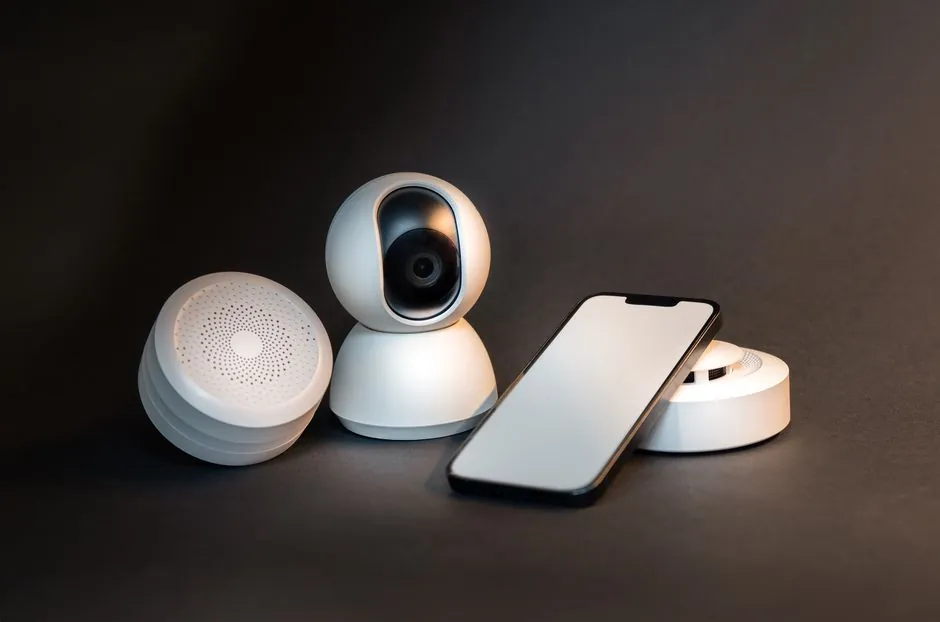
Beyond the door itself, indoor security cameras have become a staple for apartment dwellers. Modern options prioritize your personal space by including physical privacy shutters. These mechanical covers slide over the lens when you’re home, providing a visual guarantee that your camera isn’t recording. This is a significant step up from older models that relied solely on software to “turn off.” By combining these cameras with non-invasive door tech, you create a security perimeter that is entirely under your control and 100% reversible.
Smart Locks for Apartments
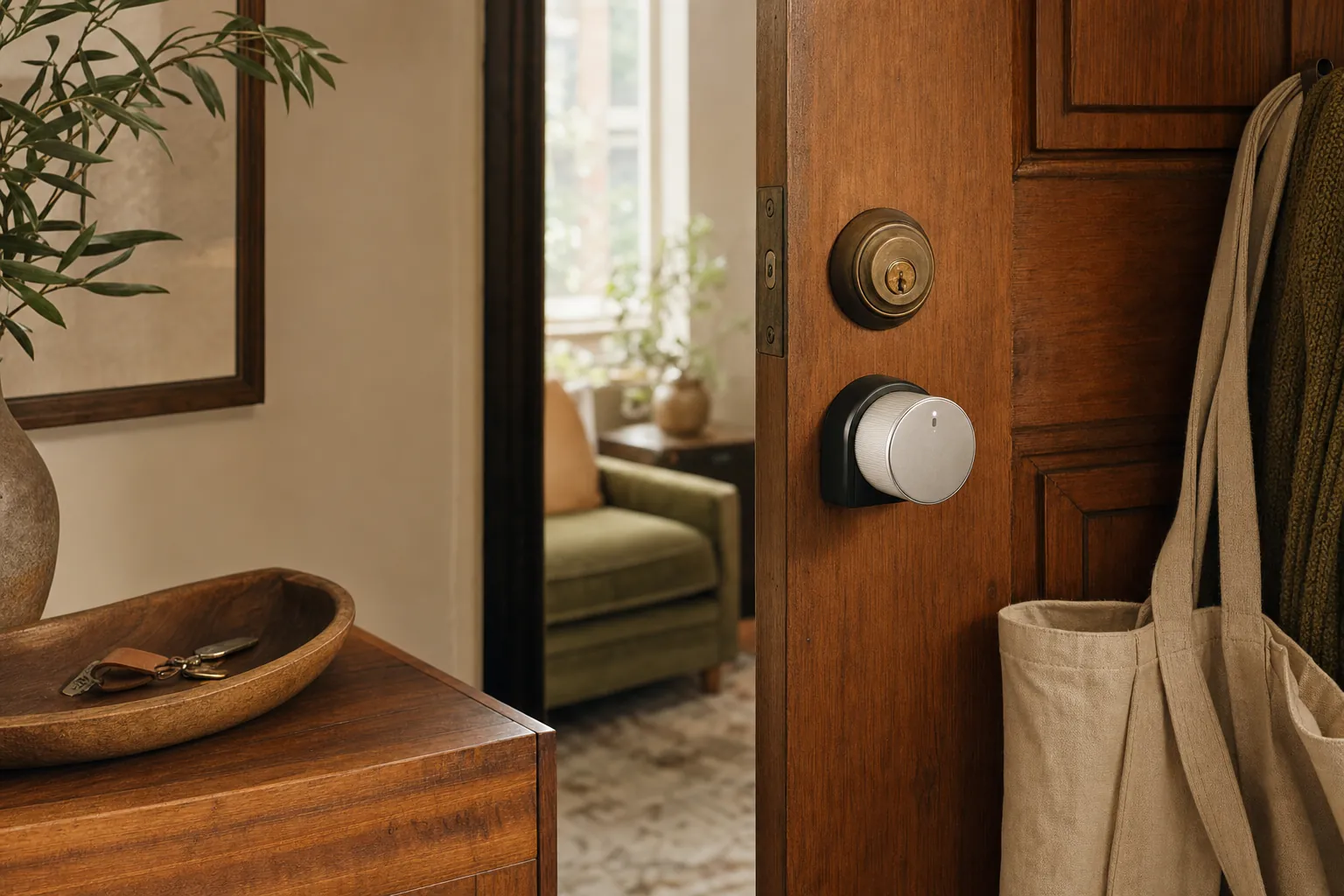
Retrofit locks are the heroes of the rental world. A retrofit smart lock is an interior-only upgrade that leaves the exterior lock untouched. This design is brilliant because your landlord’s master key still works, which is essential for emergency maintenance or inspections. The August Wi-Fi Smart Lock (4th Gen), priced at current retailer pricing as of June 2026, is a prime example of this technology. It typically installs with just a screwdriver in under ten minutes. Since you aren’t changing the actual deadbolt, you aren’t violating common lease clauses regarding lock changes. You get the benefit of auto-unlocking and guest codes, while the door looks completely standard from the hallway. For a comprehensive look at your options, our guide to the best smart lock no drilling required covers the top-rated retrofit models available in 2026.
Video Doorbells Without the Drill
Climate and Safety: Smart Thermostats and Sensors for Apartment Dwellers
Managing your apartment’s temperature is one of the most effective ways to lower utility bills, but it’s often the hardest to automate. Unlike a simple smart bulb, climate control usually involves interacting with your building’s existing HVAC system. This is where many people feel overwhelmed. However, choosing the right smart home devices for renters means you can enjoy a perfectly cooled home without making permanent changes. Beyond comfort, adding safety sensors protects you from the most common cause of lost security deposits: accidental property damage. These small, battery-powered guardians watch over your home when you’re away, ensuring a minor leak doesn’t turn into a major financial headache.
In 2026, air quality monitors have become essential for city dwellers. These devices track pollutants and allergens, helping you decide when to run an air purifier or open a window. You can even find tension-rod smart shades that fit inside your window frame. These shades use spring tension rather than brackets and screws, allowing you to automate your natural lighting without leaving a single mark on the drywall. It’s a savvy way to improve your environment while keeping your move-out day stress-free.
Installing a Smart Thermostat in a Rental
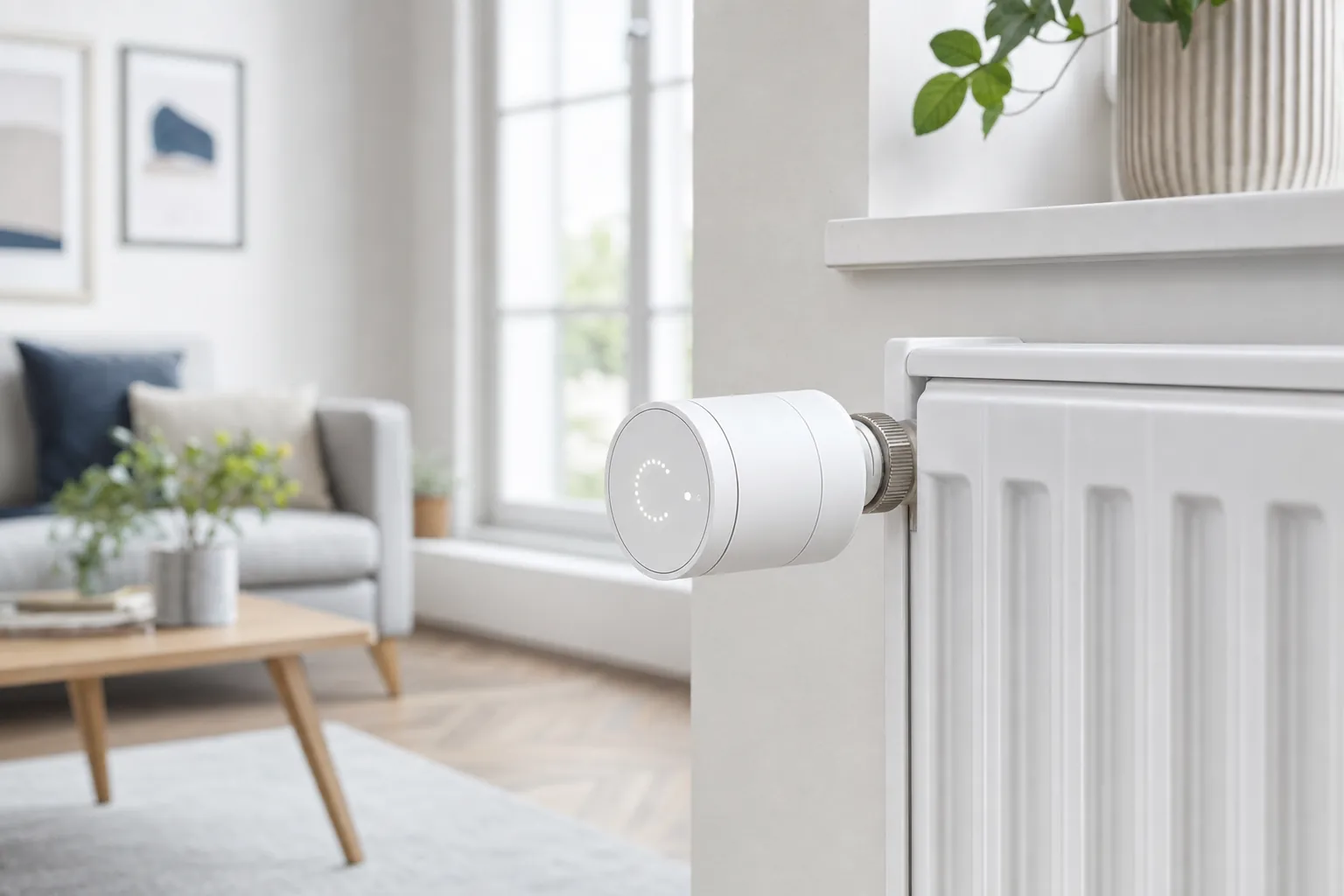
The Google Nest Thermostat is a popular choice, priced at current retailer pricing as of June 2026, but installation in an apartment can be tricky. You must first identify the best smart thermostat for apartment living based on your specific HVAC setup. The most common roadblock is the “C-wire” or common wire, which provides constant power to the device. Many older buildings lack this wire. If you find yourself in this situation, you can successfully install a smart thermostat without C wire by using a simple power adapter or a C-wire transformer. Always take a photo of your original wiring and label each strand with tape. This ensures you can reinstall the “dumb” thermostat in minutes when your lease ends.
Preventing Damage with Smart Sensors
Water leak sensors are the unsung heroes of a “no-trace” home. Place these small discs under sinks, behind toilets, and near washing machines. They alert your phone the second they detect moisture, allowing you to stop a drip before it ruins the floorboards. Contact sensors are equally valuable; stick them to windows with removable adhesive to get a notification if you’ve left one open before a storm. For added safety, consider a smart smoke and CO listener. These don’t replace your building’s required alarms. Instead, they “listen” for the sound of your existing “dumb” alarm and send an emergency alert to your phone. If you’re ready to take control of your apartment’s climate and safety, check out our smart home buying guides to find the perfect fit for your setup.
The Savvy Renter’s Strategy: Choosing Devices That Move With You
Building a high-tech lifestyle while renting requires a different mindset than traditional home ownership. You aren’t just buying gadgets for your current apartment; you’re investing in a mobile tech stack. This focus on portability is essential for those who live a life in motion, much like how frequent flyers use Nomadipity.com to stay connected and share experiences on the road. The best smart home devices for renters are those that offer a high “Reversibility Factor,” meaning they are as simple to uninstall as they were to set up. By focusing on modularity and universal standards, you ensure that your investment doesn’t become obsolete the moment you sign a new lease. A savvy strategy means thinking about move-out day before you even open the box of your first smart bulb.
One of the most practical habits you can adopt is the “Box Strategy.” It’s tempting to toss the bulky packaging once your new gear is running, but you should keep every original box and manual. These boxes are specifically designed to protect fragile sensors and electronics during transport. When it’s time to move, you won’t have to worry about finding bubble wrap that fits a uniquely shaped smart lock. Simply place the device back in its custom-fitted foam and move it safely to your next sanctuary.
Future-Proofing Your Smart Home
In 2026, interoperability is the name of the game. The release of the Matter 1.3 standard has revolutionized how devices talk to each other, making it easier than ever to switch between ecosystems. Matter-compatible devices ensure your tech works across Alexa, Google, and Apple ecosystems regardless of your future setup. This flexibility is vital for renters because you never know if your next apartment will come with a pre-installed Nest hub or an Amazon-heavy infrastructure. By prioritizing Matter and Thread protocols, you avoid being locked into a single brand. Look for a hub that supports multiple protocols like Zigbee and Z-Wave alongside Wi-Fi to keep your options open as you move from place to place.
The Ultimate Move-Out Checklist
When your lease comes to an end, a structured approach ensures you get your full security deposit back. Follow these steps to leave your unit in its original condition:
- Step 1: Reset and Unpair. Before you physically remove anything, unpair all smart home devices for renters from your central hub. Perform a factory reset on every camera, lock, and plug to protect your personal data and ensure the next tenant can’t access your accounts.
- Step 2: Restore Original Hardware. Reinstall the “dumb” bulbs, thermostats, and locks you saved in your “Box Strategy” storage. This is where your earlier labeling and photos will save you hours of frustration.
- Step 3: Gentle Adhesive Removal. For sensors or strips mounted with adhesive, use a hairdryer to apply low heat. This softens the glue, allowing you to peel the mount away slowly without ripping the paint or damaging the drywall.
- Step 4: Document the Restoration. Take clear photos of every room, focusing on the areas where your tech was installed. These photos serve as your proof that the unit was restored to its original state, protecting you from unfair damage claims.
By following this checklist, you prove that a “no-trace” smart home is entirely possible. You get to enjoy all the benefits of modern living without the stress of permanent alterations.
Master Your Rental Space with Confidence
You now have a complete roadmap to transform any apartment into a high-tech sanctuary without risking your security deposit. By prioritizing the “No-Trace Rule” and choosing Matter-certified smart home devices for renters, you create a living space that is both intelligent and entirely portable. Whether you’re installing a retrofit lock or a plug-and-play lighting system, the goal remains the same: enjoy modern comfort today without any headaches on move-out day.
We’ve done the heavy lifting to help you select the most reliable tech for your specific needs. Our library of resources features everything from no-drill security solutions to energy-saving thermostat guides. We even provide expert uninstallation checklists to ensure you leave your unit in pristine condition every time you move. You don’t have to wait for homeownership to enjoy a smarter lifestyle, and with the help of Victoria OHare, you can even find a career path that matches this desire for freedom and independence.
Build your perfect Savvy Nest with our 2026 Smart Home Buying Guide. Your high-tech rental is just a few clicks away.
Frequently Asked Questions
Can I install a smart doorbell in an apartment if I can’t drill?
You can definitely install a smart doorbell without drilling by using specialized anti-theft door mounts or battery-powered peephole cameras. These mounts clamp onto the edge of your door or replace the existing peephole, leaving the door frame untouched. Since they don’t require screws, they are perfect smart home devices for renters who want to monitor their packages while keeping their security deposit intact.
Do I need my landlord’s permission to use smart light bulbs?
You don’t typically need permission to use smart bulbs because they aren’t permanent modifications. As long as you aren’t changing the physical light fixture or rewiring the wall switch, it’s just like using any other light bulb. The key is to save the original “dumb” bulbs in a safe place so you can swap them back in before you move out.
What is the best smart lock for a renter who can’t change the keys?
A retrofit smart lock is the best choice because it only replaces the interior thumbturn of your deadbolt. This design allows you to keep the original exterior lock and keys, which means your landlord’s master key still works for emergency access. It’s a savvy way to add keyless entry and remote monitoring without violating lease terms regarding lock changes or hardware alterations. Our dedicated guide to smart lock options that require no drilling can help you find the right model for your door.
Can I take my smart thermostat with me when I move out?
Yes, you can take your smart thermostat with you as long as you reinstall the original unit before you leave. This is why labeling your wires during the initial installation is so important. By restoring the original hardware to its working state, you fulfill your lease obligations. Many smart home devices for renters are designed for this exact type of portability and easy reinstallation.
How do I hide smart home wires in a rental apartment?
You can hide unsightly wires using adhesive-backed cable raceways or cord hiders that stick to your baseboards. These plastic channels keep wires organized and can be painted to match your walls. When it’s time to move, a bit of heat from a hairdryer will help you peel the adhesive away without damaging the paint, keeping your apartment looking polished and professional.
Are there smart blinds that don’t require permanent mounting?
There are several smart blind options that use spring-loaded tension rods instead of traditional brackets and screws. These fit snugly inside your window frame and stay in place without any drilling. They are an excellent way to automate your natural lighting and improve energy efficiency while ensuring you don’t leave any holes in the window trim or drywall.
What happens if I lose the original thermostat or lock?
If you lose the original hardware, your landlord will likely deduct the cost of a replacement and professional installation from your security deposit. To avoid this, dedicate a specific hardware box for all the original items you replace. Storing these items together with their mounting screws and manuals ensures you’re ready for a smooth move-out day without unexpected financial penalties.
Is it worth buying a smart home hub if I only have a few devices?
Even with just a few devices, a hub is often worth it for better automation and reliability. Hubs that support Matter or Thread ensure your devices work together seamlessly and reduce the strain on your Wi-Fi network. It’s a savvy investment that future-proofs your setup, making it much easier to expand your smart home as you move into larger apartments or different ecosystems.
Article by
Michael J. Mahon
I research and compare smart-home products for homeowners and renters, focusing on practical setup, compatibility, affordability, and everyday usefulness.