This smart home buying guide is your stress-free roadmap to building a future-proofed sanctuary in 2026. We’ve done the heavy lifting to help you master the art of automation, ensuring you get the peace of mind that comes with better security and lower energy bills. You’ll learn how to navigate the latest Matter 1.5 standards, avoid ecosystem lock-in, and select the right devices to create a truly seamless, friction-less daily routine. We will walk through everything from choosing your primary hub to securing your network against hackers so you can build your nest with total confidence.
Key Takeaways
- Learn why selecting your central ecosystem first is the most vital step to preventing technical friction and device incompatibility.
- Use this smart home buying guide to pinpoint the best “starter” devices that offer the biggest boost to your home’s efficiency and security.
- Discover how to strengthen your home’s digital backbone with mesh Wi-Fi to support a growing network of connected devices.
- Master a simple, phased approach to automation that allows you to build a savvy nest at your own pace without feeling overwhelmed.
Table of Contents
- Understanding the Modern Smart Home: Convenience Meets Control
- Choosing Your Ecosystem: The 'Brain' of Your Smart Home
- The Essential Smart Home Starter Kit: Where to Invest First
- Infrastructure and Security: The Backbone of a Reliable System
- Your Implementation Roadmap: How to Scale Without the Stress
Understanding the Modern Smart Home: Convenience Meets Control
A smart home isn’t just a collection of fancy gadgets; it’s a unified network where devices communicate to handle the heavy lifting for you. In this smart home buying guide, we define the modern setup as a system that automates tasks and provides useful data rather than just giving you another way to flip a switch. The goal isn’t to own the most expensive tech, but to choose devices that add genuine value to your daily life without adding unnecessary complexity.
The biggest shift we’ve seen recently is the move from “remote control” to “true automation.” If you have to pull out your phone every time you want to dim the lights, you’ve just replaced a physical switch with a digital one. A truly savvy home uses triggers like motion, time of day, or your location to act on your behalf. For a deeper look at the history and technical evolution of these systems, Wikipedia offers a comprehensive overview of home automation that illustrates how we’ve moved toward these adaptive environments.
To better understand how these concepts apply to your shopping list, watch this helpful video:
Why a Smart Home is Worth the Investment in 2026
Building a smart home is no longer just about novelty; it’s about practical efficiency and long-term savings. For example, research shows that smart thermostats can reduce heating and cooling costs by an estimated 10% to 23%. These devices pay for themselves over time by optimizing your energy usage while you sleep or work. Beyond the bills, you’re investing in proactive protection. Modern security setups use sensors and automated routines to alert you to leaks or open windows before they become expensive disasters.
Accessibility is another major driver for adoption in 2026. Voice control and automated lighting aren’t just convenient; they are essential tools for aging-in-place. By reducing the physical effort required to manage a household, smart technology supports independent living for a wider range of people. It’s about creating a “peace of mind” environment that manages itself so you don’t have to.
The “Friction-Less” Home: Setting Realistic Expectations
A savvy smart home is one where technology serves the user invisibly. To achieve this, you must avoid the trap of buying a gadget just because it’s new. A common pitfall is the “gadget for the sake of a gadget” syndrome, where you end up with a drawer full of tech that doesn’t actually solve a problem. It’s also important to acknowledge the learning curve. During the first 30 days of a new setup, you’ll likely spend some time tweaking schedules and adjusting sensor sensitivity. This is a normal part of the process as the system learns your habits.
By focusing on high-impact areas like climate and lighting first, you can build momentum without the stress of a total home overhaul. Start small, stay focused on your specific lifestyle needs, and remember that the best technology is the kind you eventually forget is even there. This smart home buying guide will help you filter out the noise so you can focus on the features that truly matter.
Choosing Your Ecosystem: The ‘Brain’ of Your Smart Home
Choosing your ecosystem is the single most important decision you’ll make when starting your automation journey. If you skip this step, you’ll likely end up with a collection of gadgets that refuse to work together. Think of the ecosystem as the central brain that coordinates every light, lock, and sensor in your house. By picking one primary platform now, you avoid the frustration of opening five different apps just to start a “movie night” routine. This simplified approach is a cornerstone of any modern smart home buying guide because it removes the technical barriers that used to plague early adopters.
Amazon Alexa vs. Google Home vs. Apple HomeKit
Amazon Alexa remains the compatibility leader in 2026. It’s incredibly easy to set up and works with almost every smart device on the market. It’s the best choice for users who want the widest variety of hardware and a seamless shopping experience. Google Home is the preferred option for those who rely heavily on Google Calendar and want the most capable AI voice assistant for complex queries. If privacy is your top priority, Apple HomeKit is the gold standard. It requires strict local encryption, which means your data stays inside your home rather than traveling to a distant server. While HomeKit used to have fewer compatible devices, the latest industry shifts have closed that gap significantly.
The Matter Standard: Future-Proofing Your Nest
In 2026, the Matter standard has finally made “works with everything” a reality. Now at version 1.5, Matter is a universal language that allows devices from different brands to communicate without a middleman. There are now over 4,000 Matter-certified devices available to consumers. This development means you can buy a Google Nest thermostat and control it with your Apple Home app without any technical workarounds. Thread works alongside Matter as a specialized, low-power mesh network. It makes your devices respond faster and ensures your whole system doesn’t crash if a single bulb loses its connection. When you’re shopping, always look for the Matter logo to ensure your gear will remain supported for years to come.
Understanding the difference between local and cloud control is also vital for long-term reliability. Cloud-based devices stop working if your internet goes down, while local control keeps your routines running regardless of your Wi-Fi status. This choice also impacts your smart home safety and security, as keeping your data off the cloud reduces your exposure to external hacks. For a deeper look at which specific devices fit your chosen platform, you can browse our latest smart home buying guides to find the perfect match for your lifestyle. Focusing on these foundational standards ensures your savvy nest remains functional, secure, and easy to manage.
The Essential Smart Home Starter Kit: Where to Invest First
Building your savvy nest doesn’t require a massive upfront investment or a complete home overhaul. Instead of buying every gadget on the shelf, follow a hierarchy of needs that focuses on high-impact, low-cost devices first. This smart home buying guide recommends starting with tools that offer immediate convenience and tangible savings. By building momentum with simple wins, you’ll gain the confidence to scale your system without the financial stress often associated with high-end home upgrades. It’s about finding the best balance between performance and practicality.
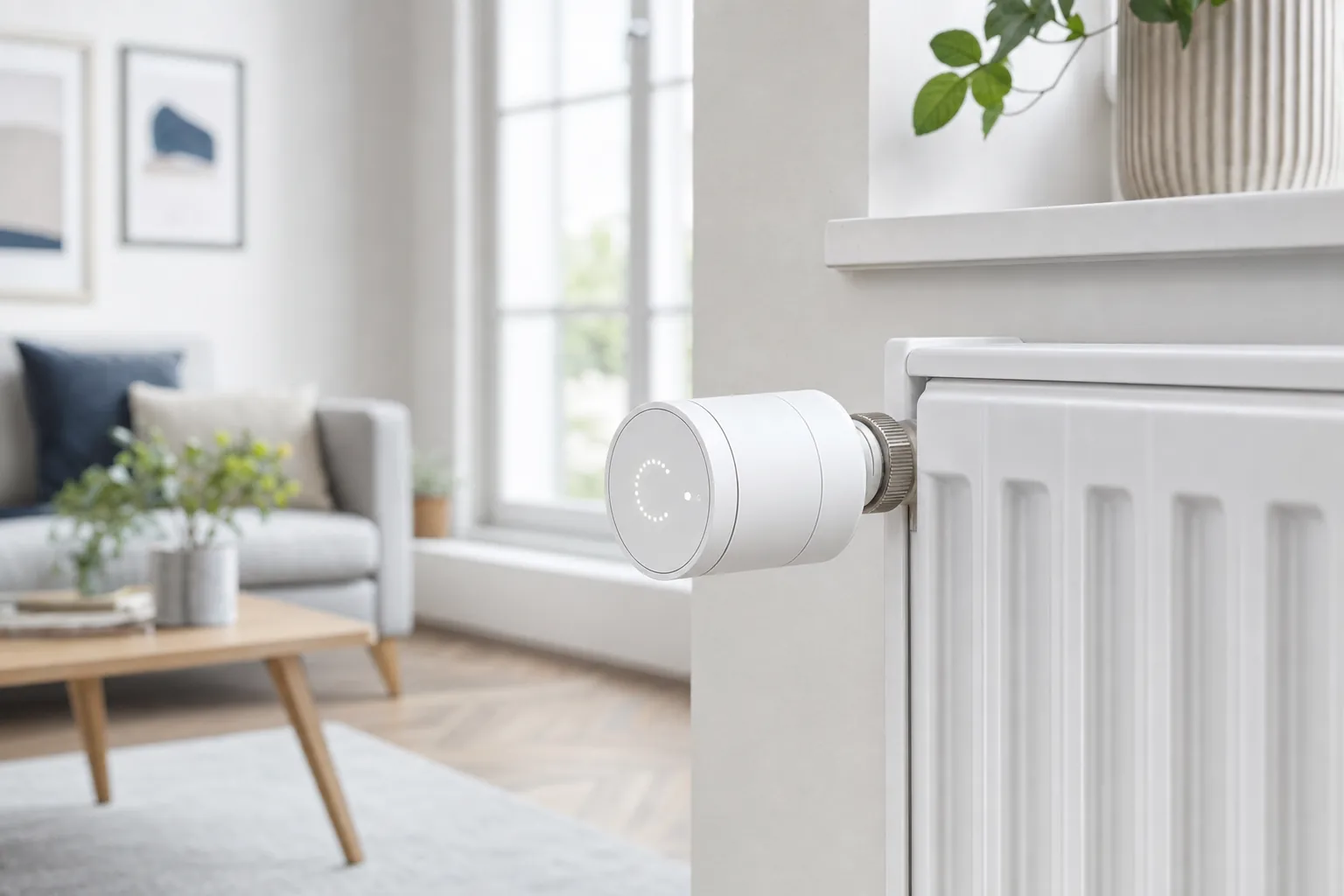
Smart thermostats are the primary driver of return on investment in any modern home. They aren’t just about comfort; they’re about data-driven efficiency. Because these devices can reduce heating and cooling costs by an estimated 10% to 23%, they often pay for themselves within the first year of use. Pairing a thermostat with smart plugs allows you to bring “dumb” appliances into your ecosystem for very little cost. These plugs are the secret weapon of home automation, letting you automate coffee makers, fans, and holiday lights without replacing the appliances themselves.
Lighting and Ambiance: The Easiest Entry Point
Lighting is the most visible way to transform your home’s daily rhythm. For renters or those seeking maximum flexibility, smart bulbs are the ideal choice because they’re easy to install and move with you. However, homeowners should consider smart switches for permanent control of ceiling fixtures. This ensures your smart routines still work even if someone flips the physical wall switch. Once installed, you can create “Good Morning” or “Good Night” scenes that adjust every light in the house with a single command. Many savvy users also utilize circadian rhythm lighting, which mimics natural sunlight to improve sleep quality and focus throughout the day.
Security Essentials: Video Doorbells and Smart Locks
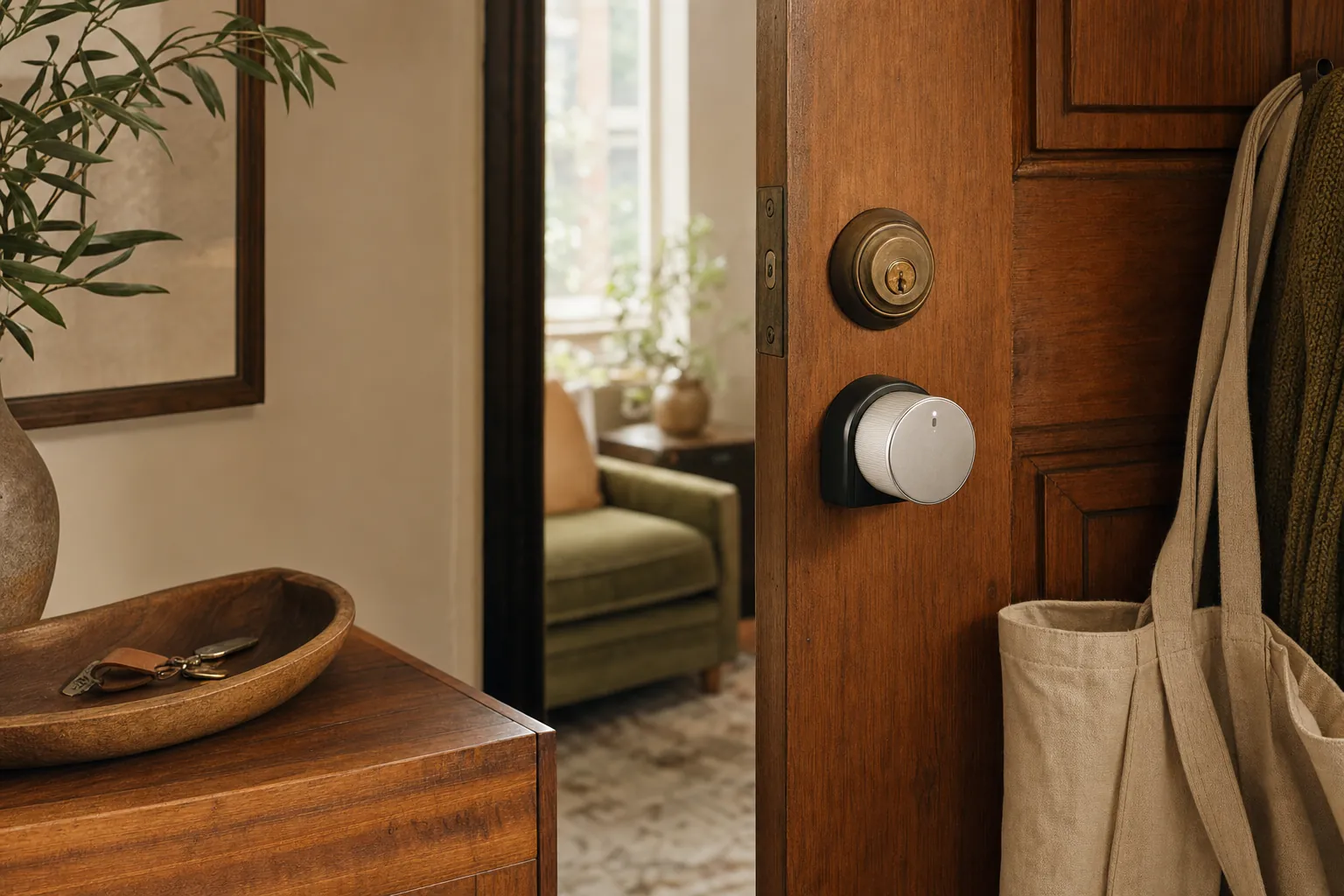
Your security strategy should begin at the front door. Video doorbells serve as your first line of defense, providing package security and visitor screening from anywhere in the world. When paired with smart locks, you can enjoy the freedom of keyless entry and grant temporary access to guests or deliveries. If you’re living in a leased space, look for a smart lock for apartments that fits over your existing deadbolt for a “no-trace” installation. Don’t overlook contact and motion sensors. These affordable heroes are the unsung parts of a secure home, triggering lights when you enter a dark room or alerting you if a window is opened unexpectedly while you’re away.
Infrastructure and Security: The Backbone of a Reliable System
Your smart home is only as reliable as the signals moving through your walls. Many beginners make the mistake of using the basic router provided by their internet service provider. While fine for a few phones and a laptop, these routers often become a bottleneck when you start adding dozens of connected devices. A comprehensive smart home buying guide must emphasize that a robust network is the foundation of a friction-less life. Without a strong backbone, even the most expensive gadgets will suffer from lag and frequent disconnections.
Mesh Wi-Fi systems have become the gold standard for savvy nests in 2026. Unlike traditional routers that broadcast from a single point, mesh systems use multiple nodes to ensure 100% coverage in every corner of your home. This setup is essential for handling the high device counts common in modern households. By placing nodes strategically, you eliminate dead zones and ensure that your outdoor security cameras or basement sensors stay locked into the network at all times.
Adding a dedicated smart home hub further optimizes your system by taking the load off your Wi-Fi. These hubs use specialized protocols like Thread to communicate with your gear, which reduces congestion and keeps your internet speeds fast for streaming and gaming. Because these hubs manage the “brain” functions locally, your home stays smart even if your external internet connection dips. This local processing is a key feature of the latest Matter 1.5 standards, ensuring your routines run with maximum speed and reliability.
Optimizing Your Network for 50+ Devices
With smart home adoption reaching approximately 45% of North American households, many users are finding their networks crowded. Too many devices on a single frequency can slow down your Netflix stream or cause voice assistants to lag. To fix this, you should set up a dedicated Guest Network specifically for your smart gear. This isolates your appliances and sensors from your primary computers, providing an extra layer of security. For the ultimate in reliability, use an Ethernet backhaul to hardwire your mesh nodes together. This ensures a rock-solid connection between nodes that wireless signals simply cannot match.
Keeping Your Nest Private and Secure
Security is the most common concern for new users, but a few simple habits can provide total peace of mind. Two-Factor Authentication (2FA) is now a non-negotiable requirement for every smart home account you own. It adds a vital layer of protection that prevents unauthorized access even if someone discovers your password. You must also prioritize firmware updates. Manufacturers frequently release patches to defend against new threats, so keeping your “Savvy Nest” updated is your best defense against hackers.
When it comes to cameras and doorbells, consider choosing devices that offer local storage options. By keeping your video data on a physical drive inside your home rather than on a third-party cloud server, you maintain total control over your privacy. To find the most secure hardware for your specific needs, explore our detailed smart home buying guides which filter through the noise to find the most trustworthy brands available today.
Your Implementation Roadmap: How to Scale Without the Stress
Building a savvy nest is a marathon, not a sprint. While some influencers suggest installing every device at once, this often leads to technical fatigue and a massive dent in your budget. A more effective smart home buying guide strategy is to follow a phased roadmap. This allows you to master one set of tools before moving to the next, ensuring each new addition integrates perfectly with your existing ecosystem. By scaling slowly, you turn a complex project into a series of manageable, rewarding wins.
Phase 1 starts with a Pilot Program. Pick one high-traffic room, such as your living room or bedroom, and focus on the essentials like smart lighting and a voice assistant. This stage is all about learning the ropes of your chosen app and understanding how your hub interacts with your devices. Once you’re comfortable and your routines feel natural, you’re ready for Phase 2: Expanding to Security. This is when you add your video doorbell and smart locks to protect your home’s perimeter. Because you’ve already mastered the basics, adding these critical devices feels empowering rather than overwhelming.
Phase 3 is where the magic happens through Deep Automation. At this stage, you integrate the contact and motion sensors mentioned earlier to create a truly “invisible” experience. Instead of using voice commands, your home begins to anticipate your needs; lights turn on when you enter a room and the thermostat adjusts as you leave for work. To keep this system running smoothly, keep a simple seasonal checklist. Every few months, check your device battery levels, test your sensors, and ensure your firmware is up to date.
A Renter’s Roadmap to a Smart Apartment
Renters don’t have to miss out on the benefits of a connected home. The key is to focus on “No-Trace” technology that can be removed without damaging the property. Stick to plug-in smart plugs, adhesive-mounted sensors, and over-the-lock smart hardware that doesn’t require replacing the deadbolt. Choose portable hubs that you can easily pack up and move to your next home. If you want to install something more permanent, like a smart thermostat, try framing it as a benefit to the landlord. Explain how it prevents frozen pipes or reduces energy wear and tear on the HVAC system to get their approval.
Troubleshooting Common “Savvy Nest” Hiccups
Even the best systems encounter occasional technical hiccups. If a device shows a “No Response” error in your app, don’t panic. Usually, a simple power cycle; unplugging the device for ten seconds and plugging it back in; solves the issue. It’s also vital to know the difference between resetting and re-pairing. Resetting clears the device’s internal memory, while re-pairing simply refreshes its connection to your hub. If you run into a more stubborn problem, you can consult the savvy smart home troubleshooting guide for deep fixes and expert advice. Following this smart home buying guide roadmap ensures your journey toward a smarter lifestyle remains steady, logical, and entirely stress-free.
Step Into a Smarter, Simpler Future
Building a savvy nest in 2026 is about more than just buying gadgets; it’s about creating a home that responds to your unique lifestyle. While you focus on the digital side, you can also discover Dolls In Dolls to find handcrafted nesting dolls that add a layer of traditional charm to your modern space. By prioritizing a unified ecosystem and a robust network backbone, you’ve laid a solid foundation that prevents future technical headaches. Starting small with high-impact devices like smart thermostats ensures you see immediate value while keeping your project manageable. This smart home buying guide has equipped you with the roadmap needed to move from a cluttered phone full of apps to a truly seamless, automated environment.
We are dedicated to being your trusted curator, offering expertly curated buying guides and security-first device recommendations to keep your data safe. Whether you need permanent installations or renter-friendly tech solutions, we do the heavy lifting of research so you can make informed choices with total confidence. You can Start Building Your Savvy Nest Today by browsing our specialized resources. Your journey toward a more convenient and peaceful home is just beginning, and we’re excited to help you every step of the way. You have the knowledge; now it’s time to make your space work for you.
Frequently Asked Questions
Where is the best place to start a smart home for a beginner?
The best place to start is with smart lighting and a voice assistant hub. This combination offers the most immediate benefits for a relatively low investment. You can generally budget between current retailer pricing and current retailer pricing for a solid entry-level setup that includes a few bulbs, a smart plug, and a central speaker. This gradual approach is a key recommendation in any smart home buying guide for those who want to avoid early frustration.
Do smart home devices work if the internet goes down?
Many devices continue to function without internet if they support local control. While cloud-based gadgets might lose their “smart” features, Matter-certified devices communicate directly within your home network. Your automated routines for lighting or climate will often keep running even if your external connection dips. Choosing local-first hardware ensures your savvy nest remains reliable during an outage.
How much does it cost to set up a basic smart home in 2026?
Are smart home devices safe from hackers?
Smart devices are highly secure when you follow modern safety protocols. You can protect your home from hackers by enabling Two-Factor Authentication (2FA) on all accounts and keeping your firmware updated. Choosing reputable brands that prioritize local encryption, such as those following the latest Matter standards, significantly reduces your risk of intrusion and keeps your data private.
What is Matter, and do I really need it for my smart home?
Matter is the universal industry standard that allows devices from different brands to work together seamlessly. You need it if you want to future-proof your home and avoid being locked into a single brand’s ecosystem. With over 4,000 Matter-certified devices available in 2026, it is the best way to ensure your new gear remains compatible with whatever phone or voice assistant you choose in the future.
Can I use Alexa and Google Home together in the same house?
You can absolutely use Alexa and Google Home in the same house. Thanks to the Matter standard, many devices can now be controlled by multiple voice assistants simultaneously. This flexibility allows you to use a Google Nest hub in the kitchen for recipes while using an Amazon Echo in the bedroom for alarms without any compatibility issues between the two platforms.
Do I need a smart home hub if I only have a few bulbs?
You don’t always need a hub if you only have a few Wi-Fi-based bulbs, but a hub is often a savvy choice for better performance. Hubs using Thread technology reduce the load on your Wi-Fi router and offer much faster response times. As you expand your system, having a central hub becomes essential for managing complex routines and ensuring a reliable connection for every device in your nest.
How do smart home devices impact my electricity bill?
Smart devices generally lower your electricity bill by optimizing energy usage. For instance, smart thermostats can reduce heating and cooling costs by an estimated 10% to 23%. Automated lighting routines ensure that bulbs are never left on in empty rooms, which further trims your monthly utility expenses. This smart home buying guide emphasizes that these efficiency savings often help the devices pay for themselves over time.
Article by
Michael J. Mahon
I research and compare smart-home products for homeowners and renters, focusing on practical setup, compatibility, affordability, and everyday usefulness.