Did you know that over 51% of U.S. households now use at least one smart device, with 43% of people saying security is their main reason for jumping in? It’s clear we want to feel safe, but nothing ruins that peace of mind faster than a smart home door sensor that constantly goes offline or drains its battery in a month. You’ve probably felt the frustration of staring at a “Device Offline” notification or trying to figure out if you need a specific hub just to make a simple sensor work.
We believe technology should serve you, not create another chore on your to-do list. You deserve a setup that just works, whether you’re looking for instant alerts while you’re away or trying to shave money off your energy bill by syncing your AC with your windows. This guide will help you discover the most reliable sensors to secure your home and unlock powerful automations without the technical overwhelm. In this 2026 roundup, we’ve filtered through the noise to find the most savvy picks that balance performance with easy, DIY installation.
Key Takeaways
- Understand the simple magnetic technology behind contact sensors to ensure perfect placement on any door or window frame.
- Learn how to choose between WiFi, Zigbee, and Z-Wave to find a smart home door sensor that offers the best battery life and reliability for your specific setup.
- Discover the top-rated devices for 2026, including specialized picks for renters that use damage-free adhesives for a stress-free move.
- Explore creative automation hacks, like pausing your AC when windows are open, to lower your energy bills while enhancing your home security.
- Master essential installation tips, including the “Gap Rule,” to prevent false alerts and keep your security system running at 100% reliability.
Table of Contents
What is a Smart Home Door Sensor and How Does It Work?
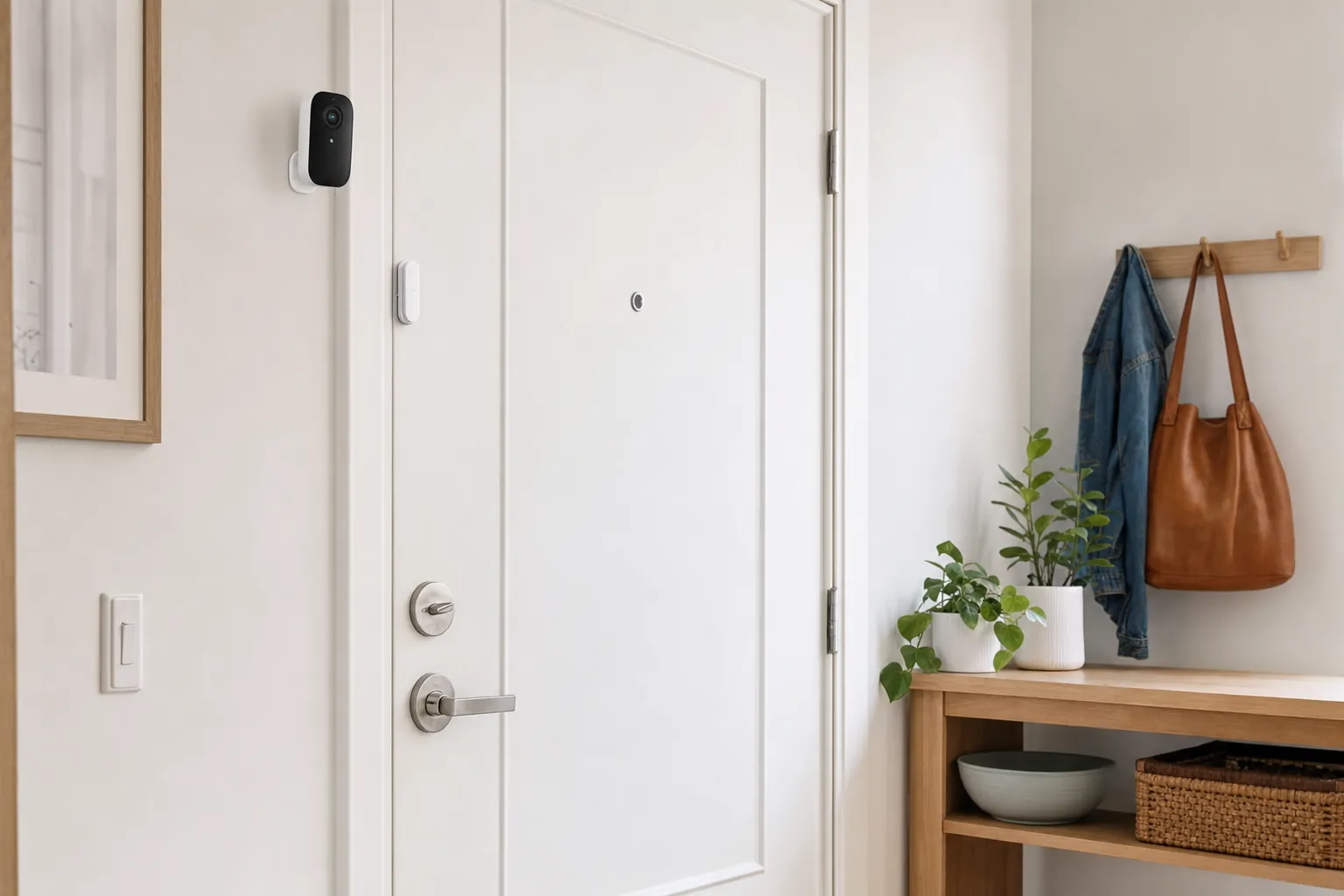
A smart home door sensor is arguably the most important device you can add to your setup. While it looks like a simple plastic box, it acts as a digital sentry for your entryways. These devices are the fundamental building blocks of any modern DIY home security system because they provide the data your home needs to react to the real world. At its core, a sensor tells your hub one of two things: the door is open, or the door is closed. This simple binary data is what fuels almost every advanced home automation routine you can imagine.
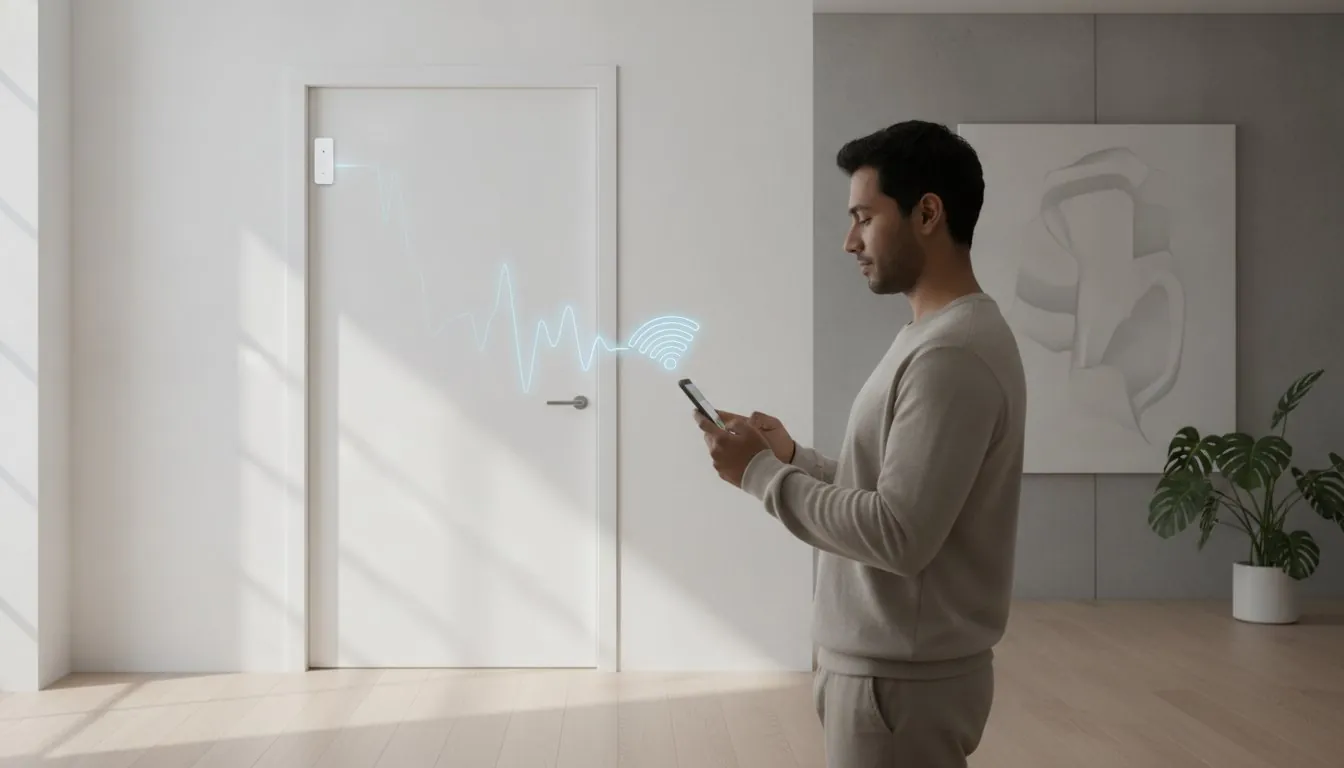
You might hear tech enthusiasts talk about “Hall Effect” sensors or “reed switches,” but the concept is actually quite simple. Imagine a tiny gate inside the sensor that only stays closed when a magnet is nearby. When you open your door, that magnet moves away, the gate pops open, and an alert is instantly sent to your phone. It’s a reliable, low-power way to monitor your home without needing complex cameras or motion detectors in every room. Because they use so little energy, these sensors can often run for years on a single small battery.
To see these components in action and how they fit into a modern setup, watch this helpful video:
It’s helpful to distinguish these from other types of sensors. While a standard contact sensor monitors the physical gap between a door and its frame, vibration sensors detect the force of someone knocking or trying to break a window. Tilt sensors, on the other hand, are designed for garage doors that swing upward. For most entryways, a standard smart home door sensor is your best bet for consistent performance and long-term reliability.
The Two Halves of the Security Puzzle
Every sensor comes in two parts: the larger transmitter and the smaller magnet. The transmitter stays on your door frame while the magnet sits on the door itself. For the system to work, these two pieces must be perfectly aligned. If they’re more than about 15mm apart when the door is shut, you’ll deal with frustrating false alerts. Most residential doors have enough flat surface for an easy fit, but you’ll want to double-check your trim before sticking them on to ensure the gap remains tight.
Key Benefits: Security vs. Convenience
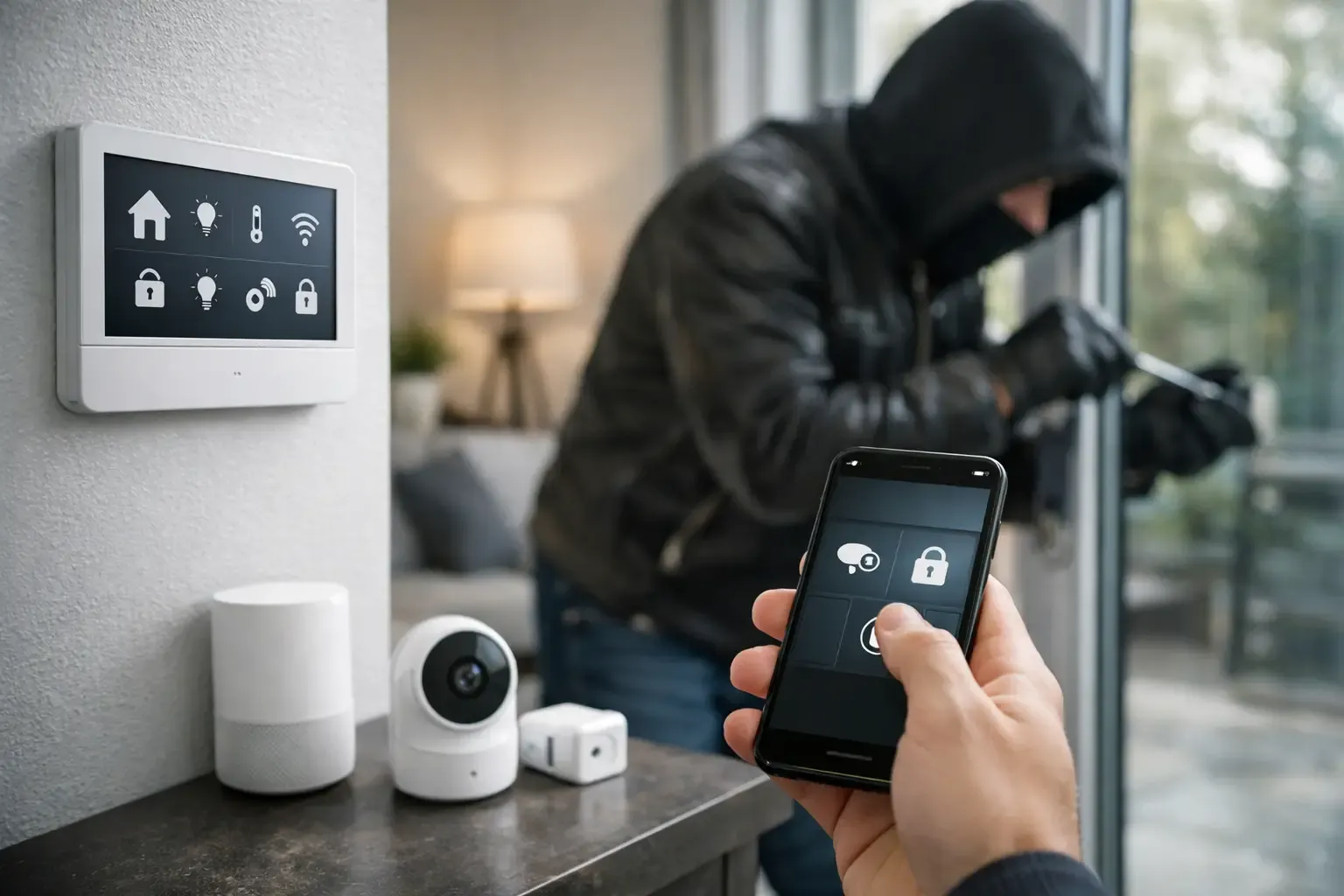
The magic happens when security meets lifestyle. On the security side, your sensors can trigger a siren if a window opens while you’re at work or in “Away” mode. On the convenience side, they can send a helpful chime to let you know the kids got home from school safely. You can even set them up as automation triggers. Imagine the hallway lights softly glowing the moment you step through the front door after a long day. It’s about creating a home that anticipates your needs through smart home automation choices.
WiFi vs. Zigbee vs. Z-Wave: Choosing Your Connection
Choosing the right connection for your smart home door sensor is the difference between a set-it-and-forget-it experience and a constant maintenance headache. Many beginners reach for WiFi sensors because they connect directly to a router without any extra hardware. While this is convenient for a first-time setup, WiFi is a power-hungry protocol. It requires your sensors to stay “awake” to maintain a connection, which can lead to frustrating downtime if your router gets crowded with too many devices.
In contrast, Zigbee and Z-Wave are mesh networks designed specifically for low-energy devices. Z-Wave is particularly reliable because it operates on a different frequency than your home WiFi, meaning it won’t compete with your Netflix streaming or gaming sessions. As we move through 2026, Matter-over-Thread is becoming the gold standard. This technology combines the low power of Zigbee with the seamless interoperability of WiFi, allowing devices from different brands to talk to each other without a hitch. If you’re looking for guidance on keeping these connected devices secure, the Cybersecurity for the Internet of Things (IoT) program offers essential standards for a safer home network.
The Battery Life Trade-off
This is where your choice hits your wallet and your schedule. Because WiFi sensors are constantly chatting with your network, they typically require new batteries every 6 months. Zigbee and Z-Wave sensors are far more efficient, often lasting 2 to 3 years on a single coin-cell battery. Low-power sensors enter a Deep Sleep state where they remain inactive and consume virtually no energy until the physical connection between the magnet and the transmitter is broken. This efficiency means you won’t be climbing ladders or opening sensor casings nearly as often.
Hub Requirements and Ecosystem Fit
Before you buy, check your smart home buying guide to see which ecosystem you’ve already committed to. If you use Alexa or Google Home, you might already have a hub built into your smart speaker. Apple HomeKit users usually need a HomePod or Apple TV to act as a Thread border router for the best results. While proprietary hubs offer the most features for a specific brand, a universal hub gives you the freedom to mix and match different sensors. If you’re unsure which hub fits your current setup, feel free to reach out through our support form for a personalized recommendation.
The Best Smart Home Door Sensors for 2026: Our Top Picks
Finding the perfect smart home door sensor doesn’t have to be a research project. After testing the latest releases of 2026, we’ve identified the standout performers that balance reliability with real-world utility. Whether you’re a tech enthusiast building a Matter-ready home or a beginner looking for a simple security boost, there is a savvy choice for your specific entryway. The right hardware should feel like a natural extension of your home, providing security without adding to your mental load. If you’re just getting started, our smart home security system setup guide for beginners walks you through the entire process from unboxing to your first automation.
Top Choice for Most Homes
The Savvy Renter’s Choice
If you’re living in an apartment, you need hardware that leaves zero evidence behind. Our top recommendation for smart home devices for renters focuses on lightweight designs that won’t peel away paint. Heavy sensors often sag over time, causing the adhesive to fail and the sensor to fall. We’ve found that the Ring Alarm Contact Sensor (2nd Gen) is a fantastic fit here. It is often available in multi-packs that bring the cost down to about current retailer pricing to current retailer pricing per sensor. Its slim profile and strong but removable adhesive make it easy to secure your space now and take your security with you when your lease ends. You get professional-grade security without risking your security deposit.
The “No-Hub” WiFi Alternative
For those who only want to monitor one or two specific doors without investing in a hub, a high-quality WiFi sensor is the most accessible path. While these models require more frequent battery changes, the setup is as simple as scanning a QR code. Look for models with robust app integration that provide push notifications in under two seconds. To manage expectations, remember that these typically need fresh batteries every few months. If you choose this route, we suggest placing them on lower-traffic doors, like a basement or a guest room, to extend their lifespan and reduce your maintenance chores.
Creative Automations to Level Up Your Savvy Nest
Once you’ve installed your smart home door sensor, you’ve essentially given your home a set of eyes. It’s no longer just about knowing if a door is open; it’s about making your home respond to how you actually live. Most people stop at simple security alerts, but the savviest users treat these sensors as the “if” in every “if this, then that” scenario. By using sensors as triggers, you can remove the friction from your daily routines and create a home that feels truly intuitive.
One of the most practical uses is the “Energy Saver” routine. We’ve all been there: someone cracks a window for fresh air and forgets to close it while the AC blasts. You can set a rule that pauses your HVAC system if any window sensor remains open for more than 2 minutes. This small tweak prevents you from cooling the entire neighborhood and leads to noticeable savings on your monthly bills. It’s a simple way to make your home more efficient without any manual effort.
For a warmer welcome, link your front door sensor to your smart lighting. Opening the door after sunset can trigger a “Welcome Home” scene that illuminates the hallway and displays the live feed from your favorite video doorbell review pick. You can even get creative with “Mail Call” notifications by placing a sensor inside your mailbox. You’ll get a ping the moment the post arrives, saving you unnecessary trips down the driveway. If you have a specific automation idea you’re struggling to build, reach out to our support team for guidance on how to make it a reality.
Setting Up the “Energy Pause” Routine
Creating this routine is a great way to master your smart home app. First, group all your window sensors together so the system sees them as a single “zone.” Second, add a time delay to your automation. You don’t want the AC cutting out every time you quickly open a window to shake out a rug; set a 2 or 5-minute threshold instead. Finally, create a “Resume” command. This ensures your climate control kicks back in only when every sensor in the group is confirmed closed.
Advanced Security Routines
Your sensors can also act as an active deterrent. Link your entryway sensors to your smart bulbs and program them to flash red if a door opens while your system is armed. This visual alarm is often more jarring to an intruder than a siren alone. You can also use these triggers to wake up a video doorbell without subscription to begin recording even if its own motion sensor hasn’t been tripped yet. For nighttime peace of mind, use a “Stay” mode that sends a critical alert to your phone if a basement or back door opens while the rest of the house is asleep.
Installation Tips and Maintenance for 100% Reliability
Even the most expensive smart home door sensor will fail if it isn’t installed with care. Reliability starts with the physical setup, long before you ever open the app. If you want to avoid “device offline” errors or sensors falling onto the floor at 2 AM, follow these practical steps to ensure your hardware stays put and performs perfectly. Most installation issues aren’t caused by bad tech, but by small oversights during the mounting process. For a complete walkthrough of how all these components fit together into a cohesive system, our beginner’s smart home security system setup guide covers every step from planning your sensor placement to configuring your first alert.
Proper surface preparation is your first line of defense. Cleaning your door frame with rubbing alcohol is non-negotiable because household dust and invisible oils prevent adhesive strips from bonding correctly. Once the surface is dry, apply firm pressure to the sensor for at least 30 seconds. This simple step ensures the weight of the sensor doesn’t pull it away from the frame over time. If you’re dealing with uneven decorative trim, don’t try to force the adhesive to bend. Instead, use small plastic spacers or even 3D-printed shims to create a flat mounting surface so the two pieces stay level with each other.
The “Gap” Rule is the most critical factor for consistent alerts. For most 2026 models, the ideal distance between the sensor and the magnet should stay within a 10mm to 15mm range to ensure the magnetic field remains unbroken when the door is shut. If this gap is too wide, the sensor might report the door as “Open” even when it’s locked tight. You’ll also want to stay ahead of battery drain by setting up low-battery push notifications in your hub’s settings. Don’t wait for the sensor to die; replace the battery as soon as it hits the 10% threshold to maintain your security perimeter.
Placement Hacks for Tricky Doors
Every entryway presents a different challenge. On standard swinging doors, place the larger transmitter on the stationary frame and the smaller magnet on the moving door. For sliding glass doors, you might need to mount the sensor vertically to ensure the two pieces pass each other closely enough to trigger the magnet. Metal doors are notorious for magnetic interference, which can cause erratic behavior. If you have a steel door, use a thin wooden or plastic spacer between the door and the magnet to “insulate” the magnetic field from the metal surface.
Troubleshooting Common Issues
Sometimes things go wrong despite your best efforts. If a sensor shows “Open” when it’s clearly closed, double-check the alignment marks on the side of the casing. These tiny grooves must line up perfectly for the internal reed switch to activate. If your device frequently drops its connection, it might be too far from your hub or blocked by heavy furniture. You can find more specific fixes in our smart home troubleshooting guide. When all else fails, a factory reset is your best friend. Most sensors have a small pinhole or a button you hold for 10 seconds to clear the memory and start fresh with a clean pairing process.
Secure Your Entryways with Confidence
We’ve explored how a simple magnet and transmitter can transform your home security and daily energy efficiency. From choosing the right connection protocol to mastering the “Gap Rule” during installation, you now have the knowledge to build a more responsive and secure living space. Selecting the right smart home door sensor is about more than just picking a gadget; it’s about finding a reliable partner for your home that reduces stress instead of adding to your chores. To further enhance your home’s functionality and aesthetic, you can also explore Roomdividers to create beautiful, defined spaces that work in harmony with your smart setup.
The latest 2026 models offer incredible flexibility, including Matter-ready designs for future-proof homes and no-drill options for apartment safety that protect your security deposit. With many of our top picks tested for a 2-year battery life, you can enjoy peace of mind without the constant need for maintenance. If you’re ready to upgrade your entryways, check out our top-rated smart door sensors on Amazon to find the perfect match for your savvy nest. Building a smarter home is a journey of small, manageable steps, and you’re already well on your way to a more convenient lifestyle.
Frequently Asked Questions
Do smart door sensors work on metal doors?
Yes, they work on metal doors if you use a non-metallic spacer. Metal can disrupt the magnetic field, which often causes false readings or connection drops. Adding a thin piece of wood or plastic between the door and the magnet usually solves this problem and keeps the signal strong.
Can I use a door sensor on a window or a drawer?
You can absolutely use these on windows, drawers, or even a liquor cabinet. Since they are technically “contact sensors,” they work on anything with two surfaces that pull apart. They’re a great way to monitor sensitive areas without a full security camera setup or complex wiring.
Will my cat or dog trigger a smart door sensor?
Your pets won’t trigger a smart home door sensor by simply walking past it. Unlike motion detectors that sense heat or movement, these devices only react when the physical gap between the magnet and the transmitter is broken. Unless your dog actually nudges the door open, the sensor will stay quiet and reliable, allowing you to focus on other aspects of their care, such as the nutrition advice from Garden State Pet Center.
Do smart door sensors require a monthly subscription?
Most sensors don’t require a monthly fee for basic push notifications. You generally only pay a subscription if you want professional monitoring or if the sensor is part of a larger security system package. If you just want a ping on your phone when a door opens, you can usually do that for free.
What happens to my door sensors if the WiFi goes out?
If your WiFi goes down, a WiFi-based sensor will lose its ability to send alerts to your phone. However, Zigbee or Z-Wave sensors can often still trigger local automations, like turning on a hallway light, if your hub is still powered. You won’t get a notification on your smartphone until the internet connection is restored.
How long do the batteries actually last in a smart door sensor?
Battery life depends heavily on the protocol you choose for your setup. Zigbee and Z-Wave models typically last between 1 and 3 years on a single coin-cell battery. WiFi sensors are more power-hungry and often need a fresh set of batteries every 6 to 12 months, depending on how often the door is used.
Can I paint my smart door sensor to match my door frame?
You can paint your sensor to match your trim, but avoid using metallic or lead-based paints as they can block wireless signals. Be careful not to paint over the pairing button or seal the battery door shut. A thin coat of standard latex paint is usually perfectly safe for the plastic casing.
Do I need a different app for every door sensor I buy?
You don’t need a separate app for every brand if you use a universal hub or a Matter-compatible smart home door sensor. Matter allows you to consolidate all your devices into a single interface, like Apple Home or Google Home. This keeps your phone organized and makes setting up multi-device automations much simpler.
Article by
Michael J. Mahon
I research and compare smart-home products for homeowners and renters, focusing on practical setup, compatibility, affordability, and everyday usefulness.