Did you know that over 77 million U.S. households are now actively using connected tech to manage their daily lives? It’s 2026, and while the dream of a self-running home is closer than ever, the “tech overwhelm” is still very real. You’ve likely felt that familiar hesitation when looking for smart home devices for beginners: the fear of wasting money on incompatible gadgets or the anxiety of staring at a complex wiring diagram. We believe your home should work for you, not the other way around.
You want the lower energy bills and the enhanced security that modern tech provides, but you shouldn’t need a computer science degree to get there. That’s why we’ve done the heavy lifting to find the easiest, most reliable products that work right out of the box. This guide will show you exactly how to upgrade your space without the technical headaches or privacy concerns. We’ll walk through the 10 best devices across four essential pillars, ensuring your first steps into automation are simple, savvy, and stress-free.
Key Takeaways
- Learn why prioritizing battery-powered and plug-in options eliminates installation stress and keeps your home setup simple.
- Discover why a smart speaker is the most logical starting point when selecting smart home devices for beginners to control your entire space with your voice.
- Identify the “quick win” gadgets like smart bulbs and plugs that offer immediate lifestyle upgrades with almost zero configuration needed.
- Explore how battery-powered video doorbells provide high-end security and peace of mind without the need for complex electrical wiring.
- Master the “one room” strategy to build your ecosystem gradually, ensuring long-term success and a home that truly serves you.
Table of Contents
What Makes a Smart Home Device Beginner-Friendly?
Before you buy your first gadget, you need to know what makes a device truly accessible. For most, the best smart home devices for beginners are those that offer a “plug-and-play” experience. This means you can take it out of the box, connect it to your Wi-Fi via an app, and have it working in under five minutes without calling a professional. Foundationally, Home automation or domotics should simplify your life, not add another item to your weekend to-do list. We look for tech that feels like a natural extension of your home rather than a complex science project.
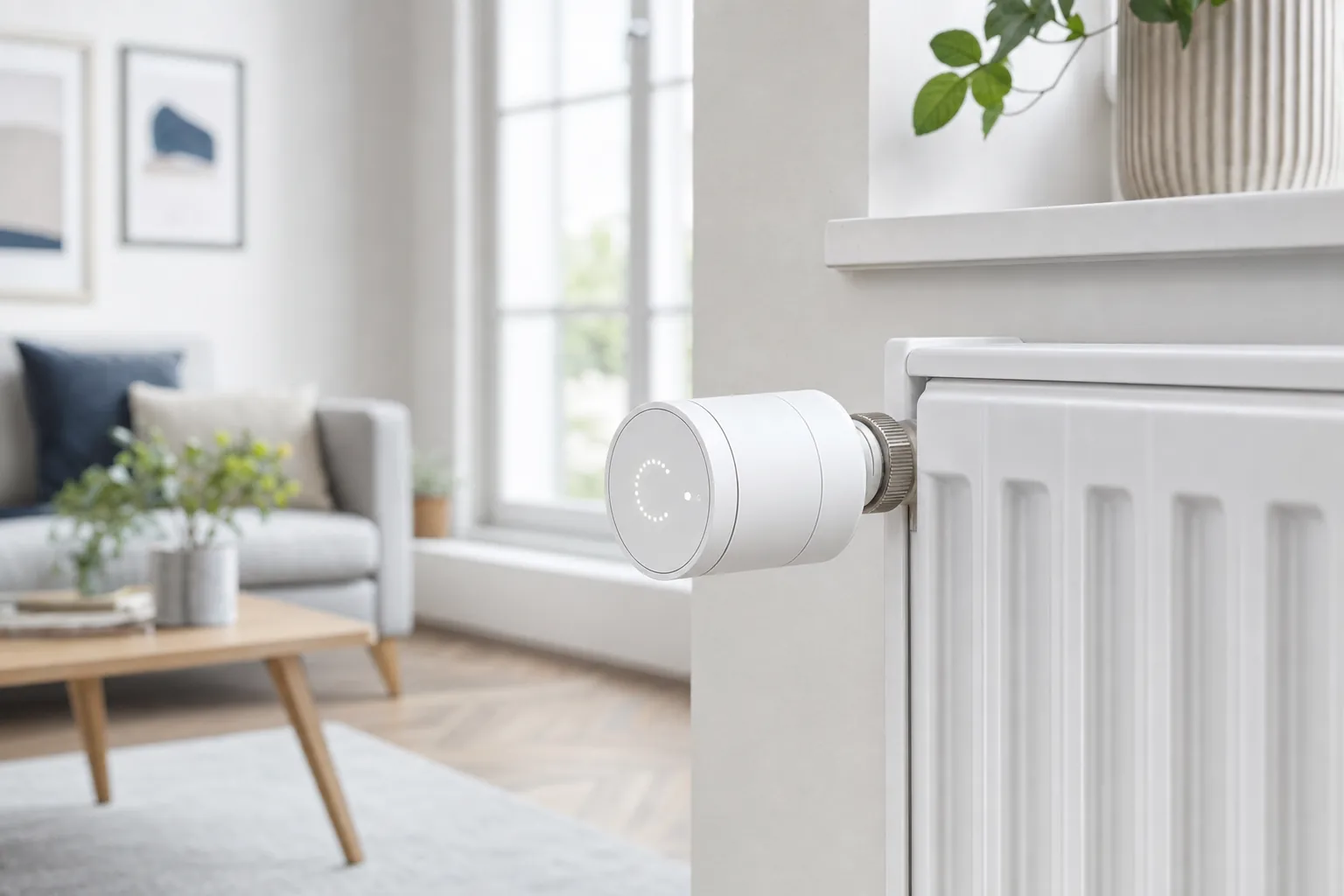
We suggest following the “No-Wire” Rule for your first few purchases. If a device requires you to open a circuit breaker or handle copper wiring, it’s probably not the best starting point for a novice. Instead, prioritize battery-powered or standard plug-in options. These allow you to test the tech in different rooms without making a permanent commitment to one spot. It’s about finding that perfect balance between high-end performance and real-world utility.
To better understand how to build your system from scratch, watch this helpful video:
Your smartphone is the command center for your new lifestyle. A beginner-friendly device must have a clean, intuitive app that doesn’t feel like a flight simulator. It’s also vital to pick an ecosystem early. Whether you prefer Amazon Alexa, Google Home, or Apple HomeKit, sticking to one platform for your first five devices ensures they can actually talk to each other. This consistency reduces the friction of managing multiple passwords and different interfaces.
The “No-Drill” Advantage for Renters
You don’t need to own your home to make it smart. Many smart home devices for beginners now use heavy-duty adhesives or over-the-door mounts instead of screws. This “no-drill” approach is a total game-changer for renters who want to protect their security deposits. If you’re currently leasing, our specific guide on smart home devices for renters dives deeper into these temporary, no-trace solutions that leave your walls pristine.
Matter Compatibility: Future-Proofing Your Nest
In 2026, the most important label to look for is the Matter logo. Matter is a universal language that allows smart devices from different brands to work together seamlessly. With the release of Matter 1.6 in June 2026, setting up new gadgets has become even easier through NFC-based commissioning. Choosing Matter-certified devices means you won’t get stuck with tech that doesn’t work with your next phone or speaker. It’s the ultimate way to ensure your investment stays relevant as your home grows smarter.
The Brain of Your Home: Choosing a Smart Speaker
If you’re just starting your journey, a smart speaker is the most logical first purchase. It acts as the central command center, or the “brain,” of your ecosystem. Instead of fumbling with five different apps to turn on a lamp or check a camera, you simply use your voice. This hands-free interface is what makes smart home devices for beginners feel like magic rather than a chore. Whether you want to set a kitchen timer, play a podcast, or lock the front door, a smart speaker translates your spoken words into digital actions.
You’ll need to decide between a standard speaker and a smart display. A speaker, like the new Google Home Speaker released in 2026 for $100, is perfect for those who want a discreet device for music and voice commands. If you prefer visual feedback, a smart display like the Amazon Echo Show 8 (4th Gen) offers an 8.7-inch touchscreen. This is ideal for following recipes or viewing live feeds from your security cameras. While competitors often push expensive “Max” or “Pro” models, a budget-friendly entry-level speaker is usually more than enough to get your feet wet.
Privacy is a common concern for first-time buyers. Modern manufacturers have addressed this by including physical mute switches that electronically disconnect the microphones. Many 2026 models also prioritize local processing, meaning your most common voice commands are handled inside the device itself rather than being sent to the cloud. This results in faster response times and an extra layer of security for your data. If you’re feeling overwhelmed by the options, our comprehensive buying guides can help you filter through the noise.
Amazon Echo vs. Google Nest Hub
For most starters, the choice comes down to Amazon or Google. The Amazon Echo Dot remains a top recommendation because of its massive third-party support; almost every smart gadget on the market works with Alexa. Google’s Nest Mini is a strong alternative if you value “natural language” understanding. Google Assistant is generally better at answering random questions or understanding follow-up commands without you having to repeat the wake word. Both are affordable, plug-and-play entry points that fit on any nightstand.
Apple HomePod Mini for the iOS Ecosystem
If your pocket is full of Apple gear, the HomePod Mini is the savvy choice. It integrates perfectly with your iPhone, allowing you to “hand off” music just by tapping your phone to the speaker. Apple’s strict approach to privacy means your voice data is encrypted and tied to a random identifier rather than your Apple ID. For those planning to build their entire system around Siri, you can find deeper research in our guide to the best smart home hub for apple homekit.
Smart Lighting and Plugs: The Easiest “Quick Wins”
Lighting is often the very first way people experience the true “magic” of a connected living space. There is a unique sense of satisfaction in walking into a dark room and having the lamps glow to life automatically. For those researching smart home devices for beginners, lighting offers the highest immediate impact for the lowest effort. It transforms the atmosphere of your home while providing tangible benefits like lower utility bills and improved home security.
You might wonder whether to buy a smart bulb or a smart plug first. A smart bulb replaces the light source itself, giving you control over brightness and color. A smart plug, however, acts as a bridge between your wall outlet and any “dumb” appliance, such as a floor lamp or a coffee maker. If you want to change the mood of a room, go with bulbs. If you want to automate an existing device you already love, the plug is your best friend. Both options are essential smart home devices for beginners because they require zero permanent changes to your home’s infrastructure.
Energy efficiency is a major draw here. By setting simple schedules in your app, you can ensure lights never stay on in an empty house. Safety is another huge emotional benefit. Most modern smart lighting systems include an “Away Mode” that mimics human behavior by turning lights on and off at random intervals while you’re on vacation. This simple automation makes it look like someone is home, providing peace of mind without the need for a complex security contract.
Smart Bulbs: Instant Ambience Without a Hub
While some premium brands require a dedicated bridge or hub, we recommend beginners start with Wi-Fi or Bluetooth bulbs that connect directly to your phone. This keeps costs down and setup simple. Look for “Tunable White” bulbs, which allow you to shift from a crisp, energizing blue-white during the day to a soft, warm amber in the evening. This adjustment supports your natural sleep cycle and helps you focus. For more affordable options that won’t break the bank, check out our smart home on a budget guide for specific product picks.
Smart Plugs: Making “Dumb” Devices Savvy
Smart plugs are the ultimate versatile tool for any renter or homeowner. You can use them to start your coffee maker from bed or ensure your hair straightener is definitely off after you’ve left for work. One savvy trick we love is using a smart plug to reset a finicky internet router remotely. When the Wi-Fi gets sluggish, you can cycle the power from your phone without crawling under a desk. Many 2026 models also include energy monitoring features, allowing you to see exactly how much electricity your space heater or old refrigerator is consuming in real-time.
Security Essentials: Video Doorbells and Sensors
Security is often the primary reason people start looking for smart home devices for beginners. There is a profound sense of relief that comes from knowing exactly what is happening on your front porch while you are at work or away on vacation. You don’t need a complex professional system with a long-term contract to achieve this level of protection. Instead, you can focus on DIY, no-contract solutions that put the control directly in your hands and provide immediate peace of mind.
When choosing your first video doorbell, we almost always recommend a battery-powered model. Wired versions require you to handle your home’s existing chime and transformer, which can be intimidating for a novice. Battery-powered options, such as the Ring Battery Doorbell Pro (2nd Gen) released in 2026, offer stunning 4K video and can be mounted in minutes. These devices allow you to check in on deliveries or greet guests from your smartphone, making your daily life significantly less stressful. Keep in mind that viewing recorded video usually requires a subscription, like the Ring Protect Solo plan which costs $4.99 per month as of July 2026.
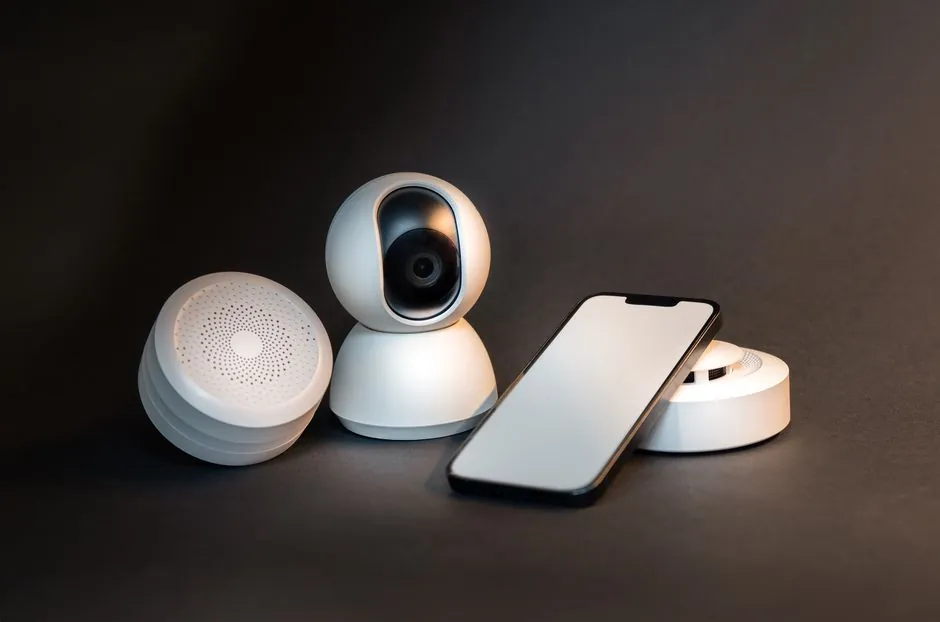
Beyond cameras, sensors act as the invisible glue of a savvy home. Motion sensors can be placed in hallways to trigger your smart lights automatically when you walk in with a handful of laundry. Contact sensors are even simpler; they notify your phone the second a window or door is opened. These small, inexpensive tools provide massive value, ensuring you never have to wonder if you left the back door unlocked. They are the ultimate “set it and forget it” security solution.
Video Doorbells for Front Door Peace of Mind
Modern doorbells in 2026 often feature a “Head-to-Toe” field of view. This ensures you can see packages tucked right against the door, not just the top of a visitor’s head. Two-Way Talk is another essential feature, allowing you to tell a delivery driver where to hide a box or warn a solicitor you are busy. For a full breakdown of how to protect your space, explore our DIY home security systems guide.
Smart Locks That Don’t Require a Locksmith
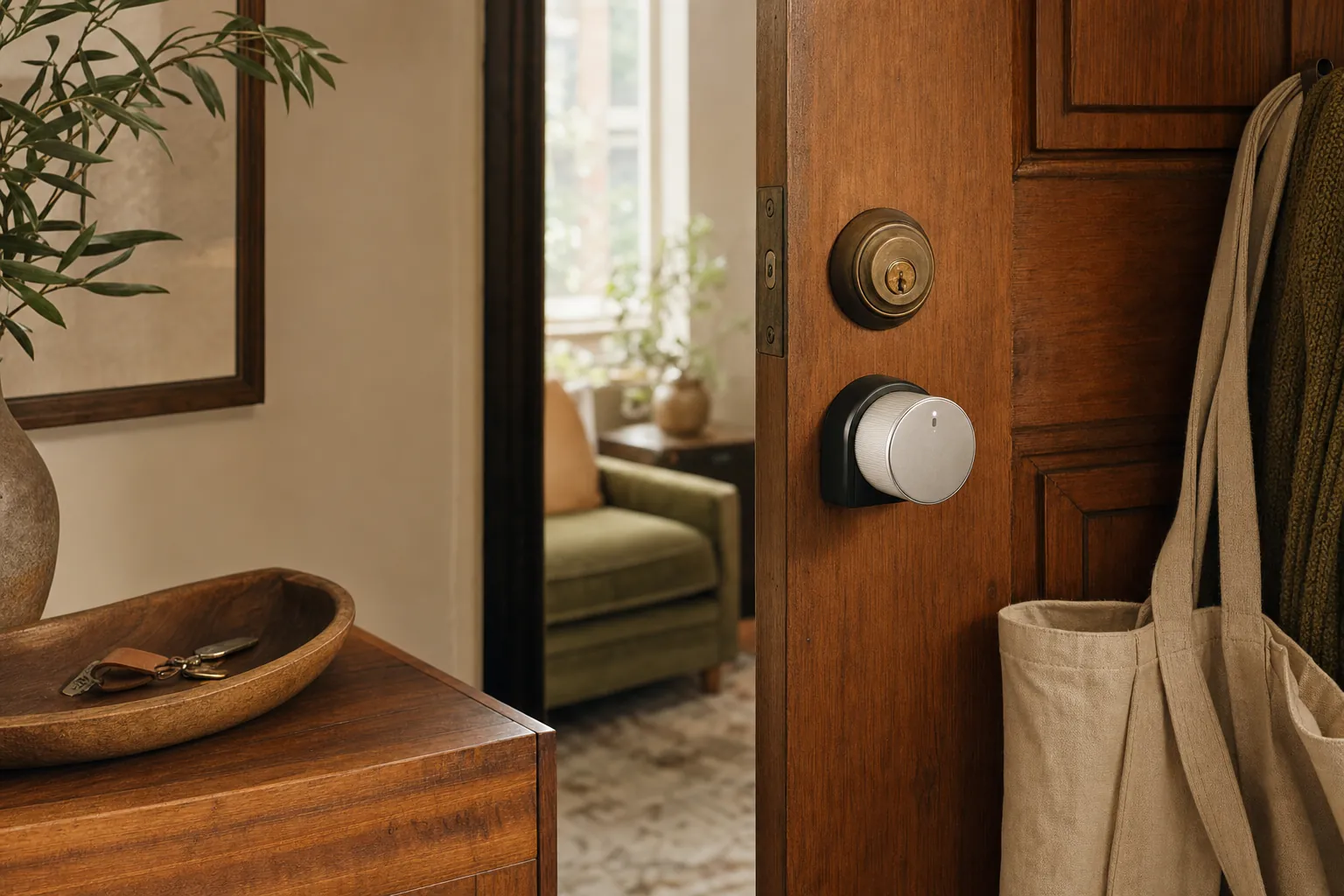
Many beginners assume they have to replace their entire deadbolt to get a smart lock, but that isn’t the case. Retrofit locks fit over your existing interior hardware, leaving the outside of your door looking exactly the same. This is perfect for renters who aren’t allowed to change their keys. These locks can auto-unlock as you approach with groceries and lock themselves back up once you are inside. It is a simple convenience that makes a huge difference in your daily routine.
Ready to find the perfect fit for your entryway? Check out our latest smart home buying guides to compare the top-rated security tech for 2026.
Building Your Savvy Nest: 3 Tips for Long-Term Success
Once you have picked out your first few smart home devices for beginners, the temptation is to automate every corner of your house at once. However, jumping into complex configurations or advanced coding platforms like Home Assistant often leads to frustration rather than convenience. To build a home that truly serves you, we suggest starting with the “Living Room First” strategy. By focusing on one high-traffic area, you can master the basics of voice control and scheduling without feeling overwhelmed by a whole-home project. This principle of mastering small systems before scaling up is a core tenet for success in property management and investment, as explored by Multifamily Schooled in their real estate education programs.
Consistency is your best friend during this initial phase. While the Matter protocol has made interoperability much easier in 2026, we still recommend sticking to one primary ecosystem for your first five devices. Whether you chose Alexa, Google, or HomeKit, keeping your hardware consistent ensures that your routines run smoothly and your app dashboard remains uncluttered. This approach reduces the “analysis paralysis” that often comes with managing dozens of different brand-specific accounts.
Always adopt a “Savvy” mindset when shopping. Instead of buying tech just because it looks futuristic, look for gadgets that solve a specific daily annoyance. Do you always forget to turn off the porch light? Get a smart bulb. Does the living room get too hot in the afternoon? Install a smart plug for your fan. Finally, don’t forget basic security hygiene. Always change default passwords immediately and enable two-factor authentication (2FA) on every smart home account. These small steps ensure your new connected lifestyle remains private and secure. If you’re interested in applying this same efficiency to your professional life, Business Systems & Solutions provides tools to help you automate your income and grow your business.
Creating Your First Smart Home Routine
The true power of a smart home lies in routines, which are simple sets of instructions that trigger multiple actions at once. A classic “Good Night” routine is the perfect starting point. With one voice command, you can have your lights turn off, your front door lock, and your thermostat drop to a comfortable sleeping temperature. If you’re ready to move beyond manual control, our guide on how to create smart home routines provides step-by-step instructions. Mastering these basics is the final step in our home automation for beginners roadmap.
Your Next Steps: The Savvy Nest Checklist
Building a smarter home is a journey, not a sprint. To help you stay organized, we have created a smart home upgrade checklist that you can follow as you expand your system. Remember, technology should serve the user, not the other way around. At SavvyNests, we act as your knowledgeable filter, helping you find the perfect balance between performance and practicality. Ready to take the plunge? Start building your Savvy Nest with our full Buying Guide.
Take the First Step Toward Your Smarter Home
Upgrading your space doesn’t have to be a source of stress or a drain on your bank account. By focusing on smart home devices for beginners that offer no-drill solutions and plug-and-play simplicity, you can enjoy the benefits of automation without the technical headache. Whether you’re starting with a single smart bulb to set the mood or securing your front door with a reliable battery-powered camera, every small step brings you closer to a more convenient, energy-efficient lifestyle. We’ve curated the most affordable, budget-friendly picks and provided step-by-step setup checklists to ensure your transition into tech is as smooth as possible.
Your home should work for you, not the other way around. With the right guidance and a savvy mindset, you can master your environment with absolute confidence. It’s time to stop worrying about compatibility or complex wiring and start enjoying the peace of mind you deserve. Build your Savvy Nest today with our Ultimate Smart Home Buying Guide! You have the tools and the knowledge to create a space that truly serves your daily needs. Happy building!
Frequently Asked Questions
Do I need a special hub to start a smart home in 2026?
No, you generally don’t need a standalone hub to get started anymore. Most 2026 devices use the Matter 1.6 protocol to talk directly to your phone or a smart speaker you already own. This shift has removed the need for extra boxes cluttering your router. You can simply plug in your new gadget and connect it via Wi-Fi or Bluetooth in minutes.
Will smart home devices significantly increase my Wi-Fi bill or slow it down?
No, these devices won’t impact your monthly internet bill or noticeably slow your connection. Most smart home devices for beginners, such as smart plugs and light bulbs, use a tiny amount of data to receive commands. You only need to consider your bandwidth if you plan on installing multiple 4K security cameras that stream constant video to the cloud.
Can I use smart home devices if I live in a rental apartment?
Yes, renting is no longer a barrier to building a smarter home. You should focus on “no-drill” solutions like adhesive-backed sensors or battery-powered doorbells that don’t require permanent wiring. These options allow you to enjoy modern convenience while keeping your security deposit safe. When it’s time to move, you can simply pack them up and take them with you.
Are smart home devices safe from hackers and privacy intrusions?
They are safe if you follow a few basic security steps during the setup process. Manufacturers have prioritized local processing in 2026, which means your voice commands and data often stay inside your home rather than traveling to the cloud. You can further protect yourself by enabling two-factor authentication and changing any default passwords as soon as you unbox a new device.
Do all smart home devices work with both Alexa and Google Home?
Most popular gadgets work with both, but checking for the Matter logo is the best way to ensure compatibility. This universal standard allows smart home devices for beginners to talk to Alexa, Google Home, and Apple HomeKit simultaneously. It removes the stress of being locked into a single brand, giving you the freedom to mix and match your favorite tech.
What happens to my smart home devices if the internet goes out?
Your devices will still function as traditional versions of themselves if your Wi-Fi drops. A smart light bulb will still turn on and off with a physical wall switch; it just won’t respond to voice commands or app schedules. Some local automations may still run if you have a Matter-compatible hub, but you will lose remote access until your connection returns.
Is it expensive to start a smart home from scratch?
No, starting a smart home can be incredibly affordable if you build it one piece at a time. You can begin your journey with a single $20 smart plug or a $50 entry-level speaker. By adding one or two devices each month, you can spread out the cost while slowly transforming your living space into a more efficient and helpful environment.
How do I know if a smart device is compatible with my existing phone?
Almost every smart device today is compatible with both iPhone and Android smartphones. You just need to ensure your phone can run the manufacturer’s specific app from the App Store or Google Play. To be 100% certain before you buy, look for the iOS and Android logos on the product packaging or in the technical specifications online.
Article by
Michael J. Mahon
I research and compare smart-home products for homeowners and renters, focusing on practical setup, compatibility, affordability, and everyday usefulness.