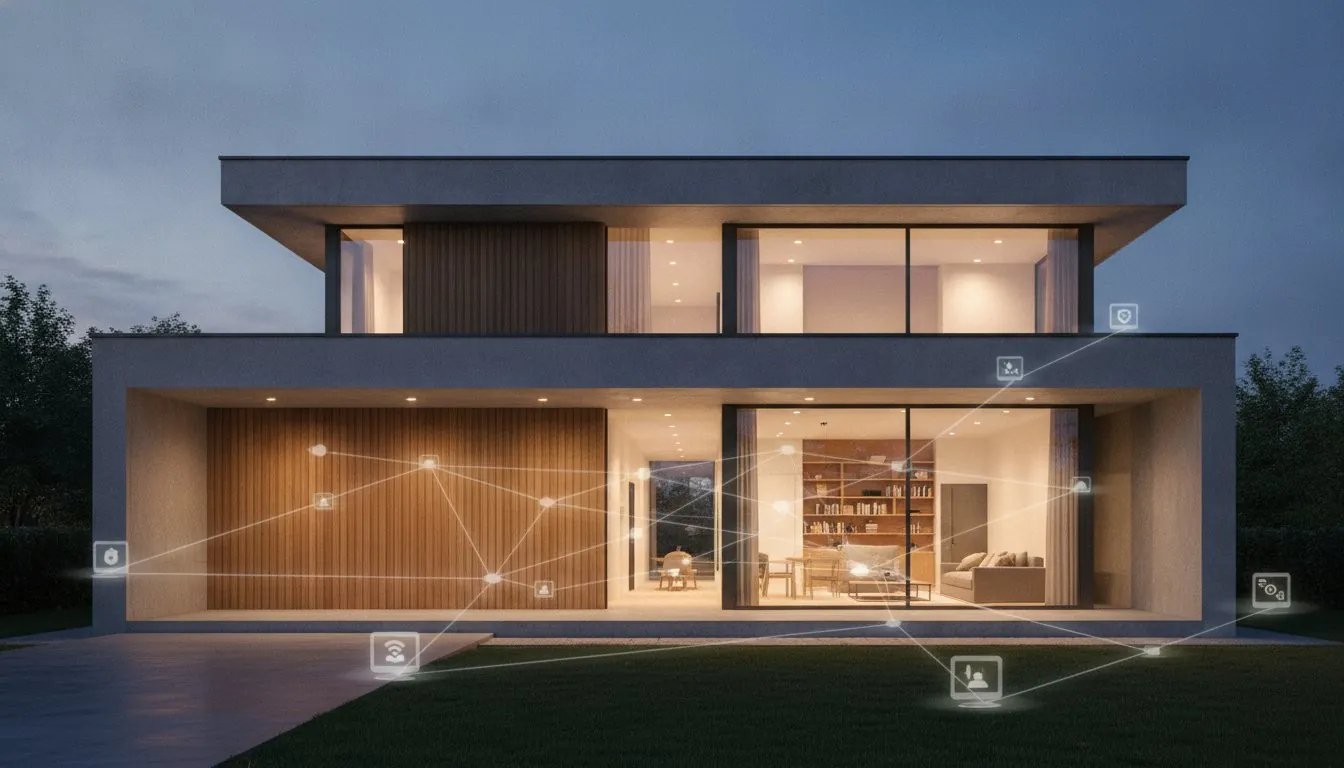
Buying the most expensive gadgets on the shelf is actually the quickest way to turn your living space into a technical headache. Most homeowners start with a flashy doorbell or a voice assistant, only to find themselves drowning in incompatible apps and security vulnerabilities. It’s a common frustration. You want a home that simplifies your life, not one that requires a computer science degree just to dim the lights. This smart home upgrade checklist is designed to cut through that noise and help you build a cohesive system from the ground up.
We agree that technology should serve you, providing peace of mind and lower energy bills without the constant troubleshooting. This guide provides a definitive roadmap to ensure every device you add works in harmony, stays secure, and adds real value to your daily routine. We’ll walk through everything from laying a Wi-Fi 7 foundation to navigating Matter 1.6 standards and Aliro smart lock compatibility, giving you the confidence to build a savvy nest that’s ready for the future.
Key Takeaways
- Learn why auditing your home network for Wi-Fi 7 is the essential first step to preventing device lag and connectivity drops.
- Use our comprehensive smart home upgrade checklist to choose a primary ecosystem that ensures all your gadgets talk to each other perfectly.
- Discover how to boost your security with smart locks and video doorbells that offer local storage to avoid those pesky monthly subscription fees.
- Find out how to slash energy costs by integrating smart thermostats and lighting switches that work with your existing fixtures.
- Master the final steps of home automation, from performing privacy audits to setting up daily routines that make your morning coffee automatically.
Table of Contents
The Smart Home Foundation: Infrastructure and Ecosystem Checklist
Before you buy a single light bulb, you need to look at your router. In 2026, a standard home might have 50 or more connected devices, from your smart fridge to your window sensors. If your network is still running on old standards, your devices will lag or drop off entirely. Upgrading to a router that supports WiFi 6E or WiFi 7 is the first item on your smart home upgrade checklist. This ensures you have the bandwidth for high-definition security feeds and instant response times. Home automation works best when the underlying infrastructure is invisible and reliable.
To better understand these physical upgrades, watch this helpful video:
Next, identify your primary ecosystem. Whether you prefer Alexa, Google Home, or Apple HomeKit, centralizing your control prevents the “app fatigue” that ruins the experience. You should also check your light switches. Pop off a cover plate to see if you have a neutral wire, which is usually white. If you don’t find one, you’ll need specific “no-neutral” switches or adapters. Finally, download a WiFi analyzer app. Walk through your home and backyard to map out dead zones. This tells you exactly where you need mesh nodes to keep those outdoor cameras online and responsive.
Choosing Your Central Hub
Your hub is the brain of your house. While many devices now connect directly to WiFi, using a dedicated hub for Zigbee 4.0 or Z-Wave devices can reduce the strain on your router. If you’re starting fresh in 2026, look for a Matter-over-Thread border router. This technology allows devices from different brands to communicate locally without needing the cloud, which improves both speed and privacy. Before committing, verify that your chosen hub is fully compatible with the smartphones and tablets your family already uses. You can find more details on selecting the right hardware in our ultimate smart home buying guide.
The 2026 Connectivity Standard: Matter and Thread
Matter 1.6 is now the industry benchmark for interoperability. When shopping, always look for the Matter-certified logo to ensure your new smart lock will work with your existing sensors. Thread is the secret sauce here. It creates a self-healing mesh network; if one device goes down, the others find a new path to stay connected. Prioritizing Thread-enabled sensors is a savvy move because they offer much lower latency and significantly better battery life than standard WiFi alternatives. This infrastructure-first approach is what separates a collection of gadgets from a truly smart home.
Securing Your Nest: The Smart Security Upgrade Checklist
Once you’ve strengthened your network foundation, it’s time to focus on the physical safety of your home. A reliable smart home upgrade checklist must prioritize security that’s both robust and easy to manage. You don’t want a system that sends a notification every time a squirrel runs past your window. Instead, look for devices that offer local storage options. This allows you to keep your footage on an internal drive or a base station, which helps you avoid those mounting monthly subscription fees while keeping your data private.
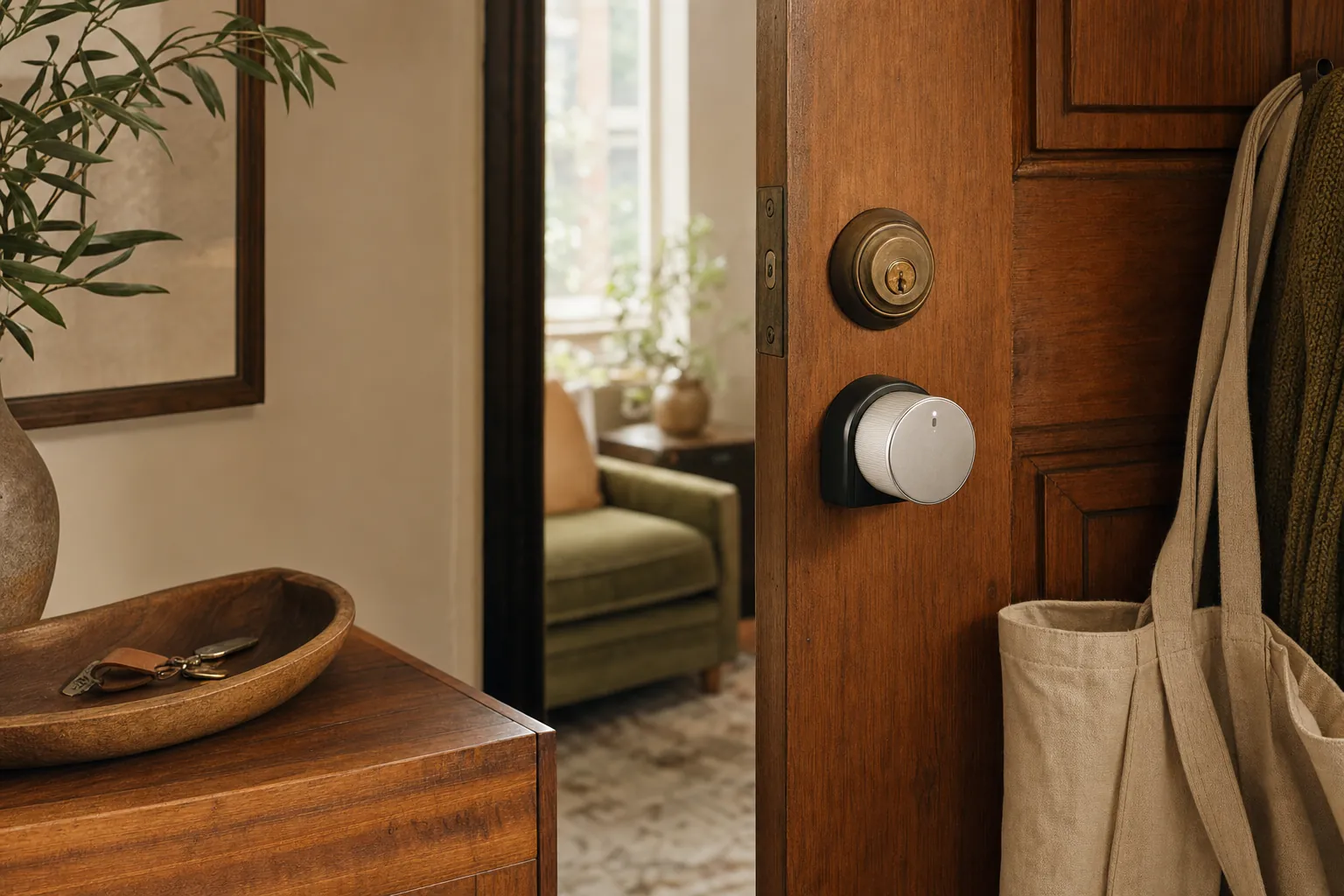
Your entry points are the most critical areas to address. For homeowners, a full deadbolt replacement offers the most seamless look and strongest security. If you’re renting, look for “no-drill” smart locks that fit over your existing interior thumbturn; they provide the same automation benefits without risking your security deposit. Beyond the locks, place contact sensors on every ground-floor window and entry door. These tiny, affordable gadgets are the unsung heroes of home security, instantly alerting you if a window is left open when you head to bed.
Digital security is just as vital as physical locks. When setting up your devices, establish a “Guest Network” on your router specifically for your smart gear. This isolates your cameras and sensors from the computers where you handle banking or work. For more expert advice on protecting your data, you can review these smart home security tips from the National Institute of Standards and Technology. It’s a simple step that significantly reduces your vulnerability to hackers.
Entryway and Perimeter Protection
Upgrade your front door with a video doorbell featuring “Person Detection.” This technology uses AI to distinguish between a human and a swaying tree branch, which means you only get notified when it actually matters. You can also integrate your smart locks with geofencing. This allows your door to unlock automatically as you pull into the driveway with your phone in your pocket. For a deeper look at specific hardware, check out our DIY home security systems guide.
Smart Sensors and Hazard Detection
Security isn’t just about intruders; it’s about protecting your home from accidents. Install smart smoke and CO2 detectors that are linked to your thermostat. In the event of a fire, the system can automatically shut off your HVAC fan to prevent smoke from circulating through the house. You should also place water leak sensors under every sink and near your water heater to catch drips before they become floods. When you’re traveling, configure an “Away Mode” routine that flickers your smart lights at random intervals to simulate occupancy. If you’re still deciding which sensors fit your budget, our buying guides can help you compare the best options available today.
Efficiency and Ambiance: The Energy and Lighting Checklist
Lowering your utility bills shouldn’t mean shivering in the dark. A well-planned smart home upgrade checklist focuses on efficiency that feels like a luxury rather than a sacrifice. Start by swapping your old thermostat for a model that supports multi-room sensing. Most standard thermostats only measure the temperature in the hallway, leaving bedrooms too hot or too cold. By placing small sensors in high-traffic areas, your system ensures every corner of the house stays comfortable. You should also consider automated window treatments. Smart blinds can be programmed to close during the peak afternoon sun, which can significantly reduce your cooling costs during the summer months.
Don’t overlook your smaller appliances. High-energy devices like space heaters or older coffee makers can be managed with smart plugs that monitor power draw. This gives you a clear picture of where your energy dollars are going. For lighting, we recommend installing smart switches instead of just smart bulbs. This allows you to keep manual control at the wall while still enjoying automation features. It’s much easier for guests or children to use, and it prevents someone from accidentally “killing” your smart bulb by flipping the physical switch. This simple hardware choice removes the friction often associated with smart lighting.
Intelligent Climate Control
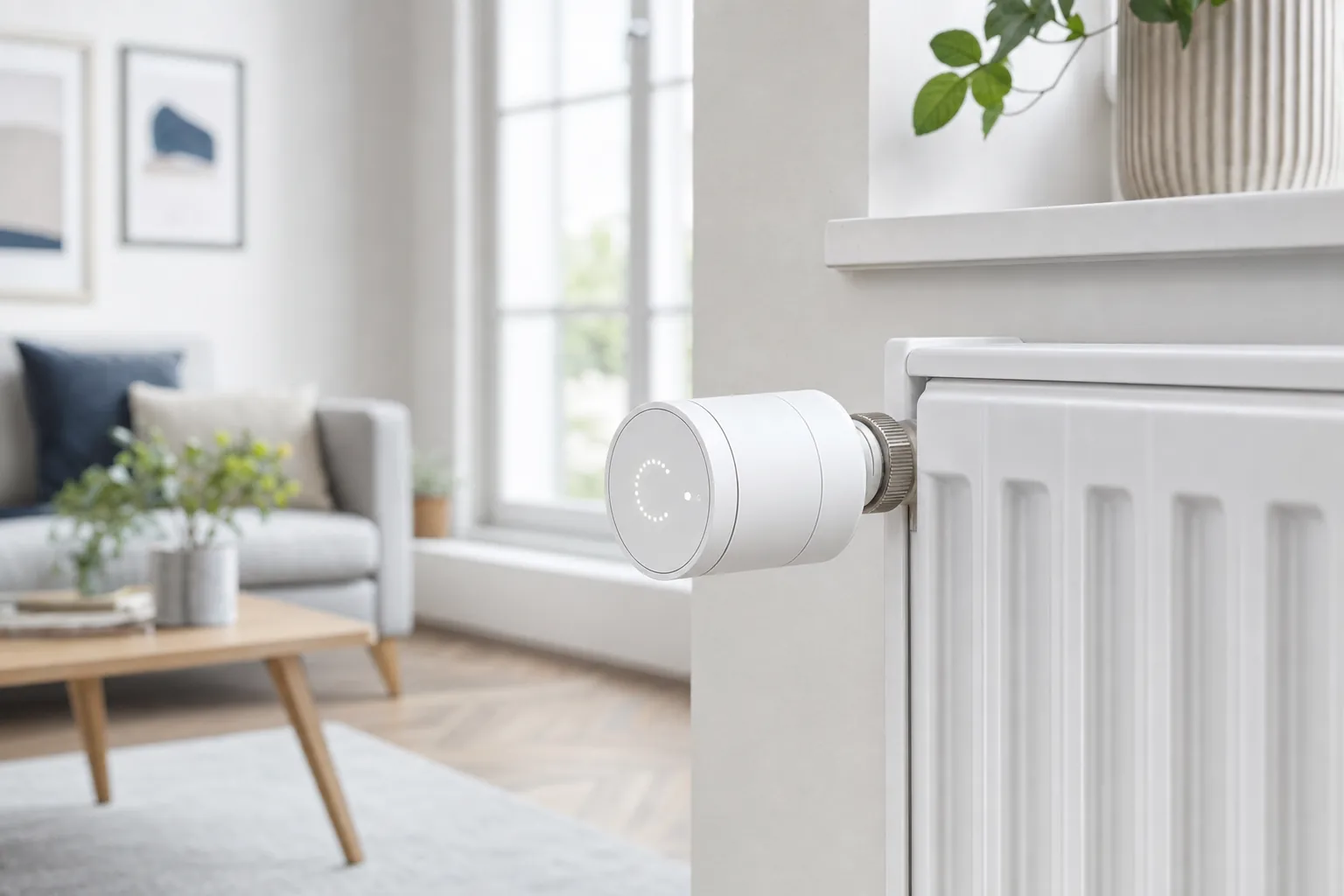
Before you install a new thermostat, verify your HVAC system’s compatibility. Most modern smart models require a “C-wire” for constant power. If your home lacks this, you’ll need a power extender kit or a specific adapter to bridge the gap. Once installed, set up “Eco-Routines” that use geofencing to adjust the temperature based on your phone’s location. This ensures you aren’t heating an empty house while you’re at work. If you’re looking for ways to implement these changes without breaking the bank, check out our tips for a smart home on a budget.
Smart Lighting Layering
Lighting does more than help you see; it sets the mood and supports your health. Implement “Circadian Lighting” to help regulate your sleep cycle. These systems shift from cool, energizing white light in the morning to warm, amber tones as the sun sets. You can also create a “Goodnight” scene. With one voice command, your house can turn off all interior lights, dim the porch light, and ensure the doors are locked. Adding motion sensors in hallways and bathrooms provides hands-free navigation at night, which is a small change that adds immense convenience to your smart home upgrade checklist and your daily routine.
Lifestyle and Convenience: The Daily Routine Checklist
Once you’ve secured your perimeter and optimized your energy usage, it’s time to let your home actually work for you. The most rewarding part of any smart home upgrade checklist is the moment your devices start anticipating your needs. This transformation isn’t about having a screen on every wall; it’s about placing voice assistants in high-traffic hubs like the kitchen, living room, and bedroom. When these assistants are positioned correctly, you can set hands-free timers while cooking or dim the lights for a movie without searching for a remote.
Small, thoughtful automations often provide the biggest lifestyle wins. For instance, you can link a smart plug to your alarm clock trigger to start your coffee machine the second you wake up. Outside the house, a smart garage door opener offers incredible peace of mind. You can configure it to send an alert to your phone if the door stays open for more than 10 minutes, which is perfect for those “did I close it?” moments halfway to the office. Similarly, smart irrigation controllers now use local weather data to skip watering cycles when rain is in the forecast, protecting both your lawn and your water bill.
As you refine these lifestyle automations, you may also want to refresh your home’s interior style; you can discover Uhuru Marketplace for unique, pre-loved home décor that adds character to your modern, efficient living space.
The Smart Kitchen and Laundry
Modern appliances are finally joining the unified home ecosystem. By choosing Matter-compatible appliances, you ensure your washer and fridge work with your favorite apps regardless of the manufacturer. You can receive smartphone alerts the moment a laundry cycle ends, which prevents wet clothes from sitting in the washer and getting musty. In the kitchen, smart scales or ingredient trackers can simplify meal prep by automatically updating your digital grocery lists as you use up supplies. This level of integration removes the tiny frictions that clutter a busy day.
Automated Routines for Beginners
A Smart Routine is a sequence of actions triggered by a single event or time. For those just starting, a “Welcome Home” routine is the perfect entry point. With one voice command or a geofence trigger as you pull into the driveway, your entryway lights turn on, the thermostat adjusts to your preferred evening temperature, and your favorite playlist begins. This creates a welcoming environment the moment you step through the door. If you’re ready to dive deeper into these setups, follow our home automation roadmap for more creative ideas.
Building a savvy nest is about choosing the right tools for your unique lifestyle. To find the best hardware for your next project, explore our latest smart home buying guides today.
Implementation and Maintenance: The Final Savvy Steps
Getting your devices installed is a huge win, but the work doesn’t stop once the boxes are in the recycling bin. A truly savvy nest requires a bit of ongoing attention to ensure everything remains secure, efficient, and responsive. This is the part of the smart home upgrade checklist that many homeowners overlook, yet it is the most important for long-term satisfaction. Start by performing a thorough privacy audit. Go through every app you’ve installed and review the permissions. If a smart lighting app is asking for microphone access or your contacts, disable those permissions immediately. Your devices should only have the data they need to function.
Organization is your best friend when multiple people live in the house. Use a label maker for your physical smart switches or establish a strict naming convention in your primary ecosystem app. Instead of a generic name like “Switch 1,” use something descriptive like “Kitchen Island Pendant.” This makes it much easier for family members and guests to use voice commands without the frustration of guessing. You should also schedule a time once a month to check for firmware updates. Manufacturers frequently release patches that fix bugs and close security holes, so keeping your software current is a vital habit. Finally, test your automations. Walk through each routine to ensure your motion sensors are still triggering the lights correctly and that your “Goodnight” scene still locks every door as intended.
Post-Installation Security Audit
Digital safety is a continuous process. You must enable Two-Factor Authentication (2FA) on every single smart home account without exception. This adds a critical layer of protection that prevents unauthorized access even if someone discovers your password. Speaking of passwords, change the default credentials on your router and any cameras immediately after setup. Default passwords are often public knowledge and are the first thing hackers try. If you find that a device is acting up or refuses to stay connected, our smart home troubleshooting guide can help you get things back online quickly.
Long-Term Maintenance and Scaling
To keep your system at peak performance, set a recurring reminder to check battery levels on all wireless sensors every six months. It’s better to replace a low battery on your own schedule than to have a leak sensor fail when you actually need it. You should also clean your camera lenses and motion sensor covers with a soft cloth to prevent blurry footage or false triggers caused by dust and cobwebs. Once a year, sit down and review your original goals for your savvy nest. This annual check-in allows you to see where you can further optimize your energy usage or add new features that better fit your evolving lifestyle. Following this smart home upgrade checklist ensures your technology remains a helpful partner in your daily life for years to come.
Ready to Build Your 2026 Savvy Nest?
You don’t need a massive budget or professional installers to master your environment. Our expert-vetted recommendations focus on budget-friendly DIY solutions that are fully compatible with 2026 standards. To make your journey even easier, you can download our printable Smart Home Upgrade Checklist to track your progress room by room. Taking these manageable steps today will give you a home that finally works for you, giving you back time and peace of mind. Your savvy nest is just a few clicks away, and we’re here to help you every step of the way.
Frequently Asked Questions
Where do I start with a smart home upgrade?
You should start by auditing your home network and choosing a central ecosystem like Apple Home, Google Home, or Alexa. This ensures every device you add to your smart home upgrade checklist later will actually work together. Focus on your router first to ensure it can handle the increased traffic from multiple sensors and cameras before you buy any individual gadgets.
Do I need a hub for my smart home in 2026?
You don’t always need a dedicated hub in 2026 because many devices now use Matter over WiFi. However, a Thread border router or a Matter-compatible hub is still highly recommended for creating a self-healing mesh network. These hubs allow for faster local control and better battery life for small sensors, meaning your home stays savvy even if your cloud connection is patchy.
Can I install smart home devices if I am renting?
You can absolutely upgrade a rental home using non-permanent devices. Focus on smart plugs, battery-powered cameras, and “no-drill” smart locks that fit over your existing interior hardware. These options allow you to enjoy automation and security benefits without making permanent changes to the property, making it easy to take your smart devices with you when you move. If you’re unsure where to start your shopping, our roundup of the best smart home devices for beginners highlights easy, renter-friendly picks that work right out of the box.
How much does a full smart home upgrade cost?
Will smart home devices slow down my WiFi?
Smart devices won’t slow down your WiFi if you use a modern router designed for high device density, such as WiFi 6E or WiFi 7 models. Most sensors use very little bandwidth. However, streaming multiple high-definition security cameras can strain older networks. Using protocols like Thread or Zigbee 4.0 helps by moving traffic off your main WiFi frequency and onto a dedicated mesh network.
What happens to my smart home if the internet goes out?
Your smart home will still function for basic tasks if you’ve prioritized local control through Matter 1.6 or a dedicated hub. While you might lose remote access via your phone, your physical switches, motion-triggered lights, and pre-set local routines will continue to operate. Devices that rely entirely on the cloud for processing, however, will be temporarily unavailable until your connection is restored.
Are smart home devices safe from hackers?
Smart devices are secure as long as you take proactive steps like enabling Two-Factor Authentication and changing default passwords immediately. Isolating your gadgets on a separate guest network prevents a compromised device from accessing your personal computers. Regularly checking for firmware updates is also a critical part of your smart home upgrade checklist to ensure you have the latest security patches.
What is Matter and why does it matter for my checklist?
Matter is a universal language for smart devices that allows products from different brands to work together seamlessly. It’s vital for your checklist because it removes the worry of buying a gadget that won’t talk to your existing system. With the latest Matter 1.6 standard, you can mix and match products from Apple, Google, and Amazon, ensuring your savvy nest remains flexible and future-proof. To see which specific products make the most sense as starting points, browse our curated list of the top smart home devices for beginners in 2026 for easy-to-install, Matter-compatible recommendations.
Article by
Michael J. Mahon
I research and compare smart-home products for homeowners and renters, focusing on practical setup, compatibility, affordability, and everyday usefulness.