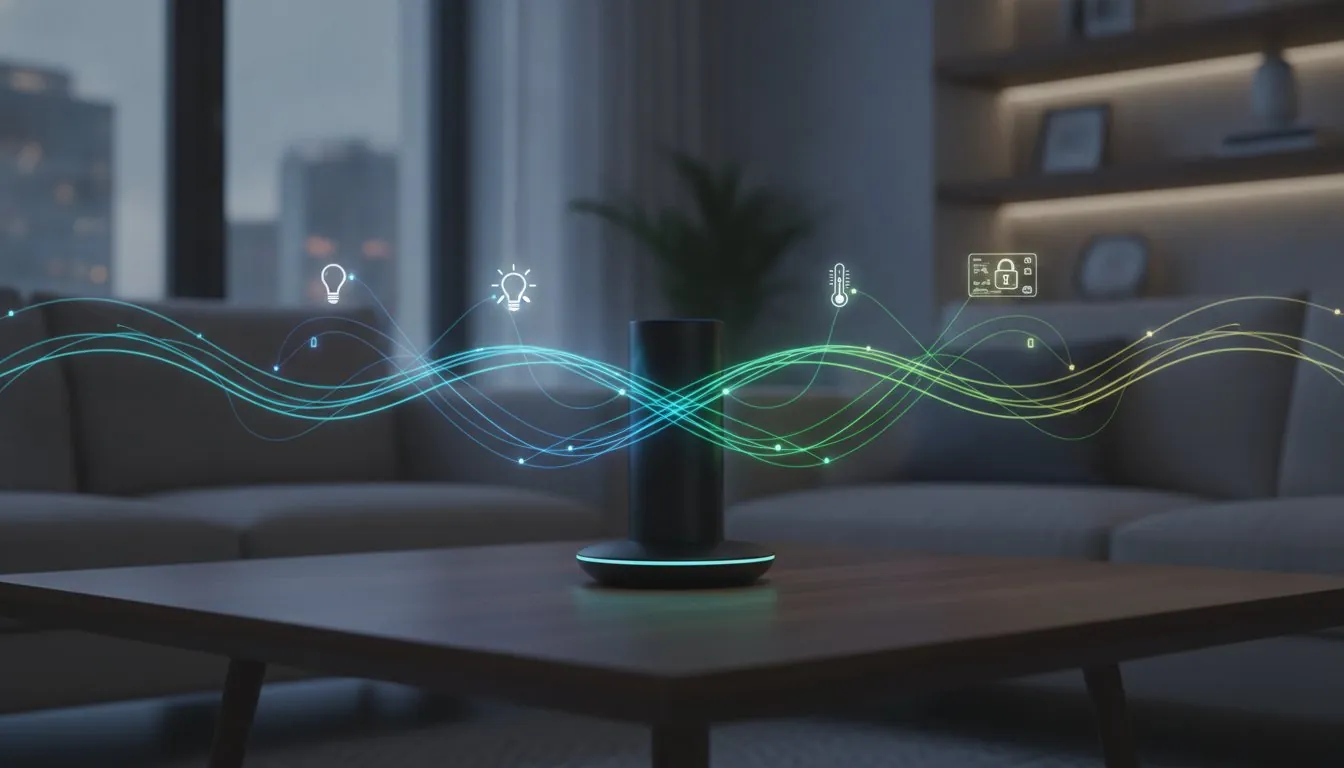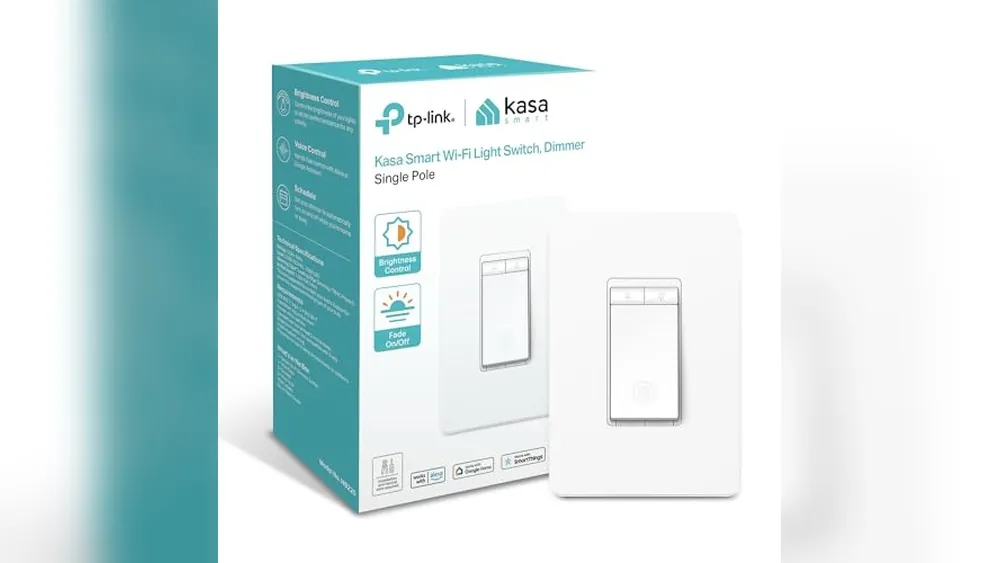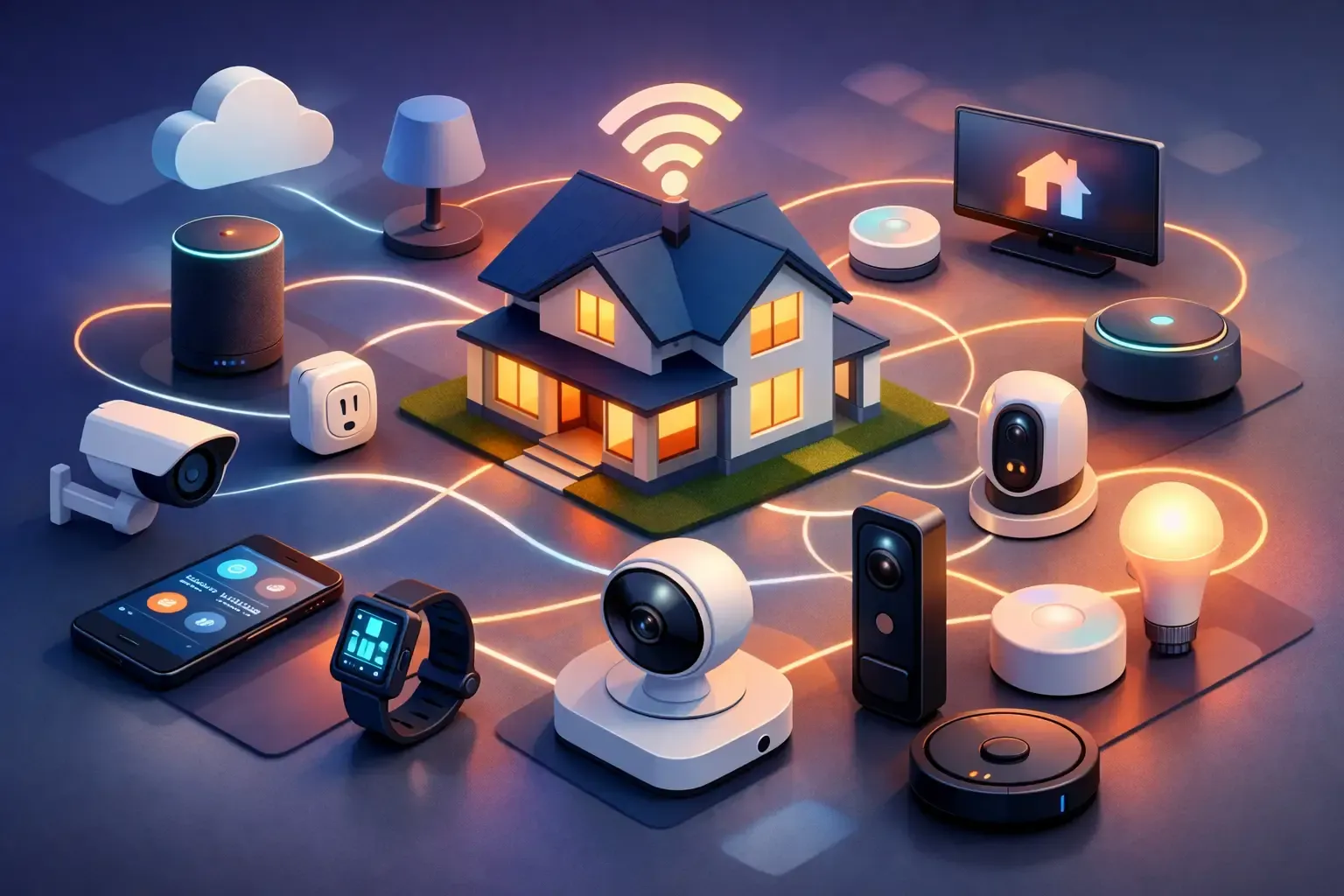
A smart bulb that only works in its own app is not much of a smart-home win. The real payoff comes when your lights, thermostat, doorbell, and plugs can respond together in ways that make daily life easier. Smart home compatibility for beginners is less about memorizing technical terms and more about choosing a few devices that speak the same language.
That matters because the smart-home aisle can be confusing on purpose. Boxes promise Alexa support, Google Home support, Matter, Wi-Fi, Thread, and hubs, often in tiny print. You do not need to buy everything at once or turn your house into a science project. Start with a clear ecosystem, check a few basics before checkout, and build your nest one useful device at a time.
What Smart-Home Compatibility Actually Means
Compatibility means two things: a device can connect to your home network, and it can work with the controls and routines you plan to use. A video doorbell may connect perfectly to Wi-Fi but still offer limited controls through your preferred voice assistant. A smart lock may work with Alexa but require its own bridge for remote access.
For most first-time buyers, compatibility comes down to four questions. Does the device work with your phone? Does it work with the voice assistant your household uses? Does it need a separate hub or bridge? Can it participate in automations with your other devices?
The last question is where a connected home becomes genuinely helpful. For example, a door sensor can trigger a light after dark, or a leak detector can send an alert while you are away. If devices only live in separate manufacturer apps, those routines may be harder to create or may not be possible at all.
Pick Your Main Control Center First
Before buying devices, choose the place where you want to control them. For many homes, that is Alexa, Google Home, or Apple Home. You can still use a device maker’s app for setup and advanced settings, but a primary platform keeps everyday control from getting scattered across six apps.
Alexa is often a comfortable choice for beginners because it supports a huge range of budget-friendly devices and has straightforward voice routines. Google Home is a strong fit if your household already uses Android phones, Google speakers, or Nest products. Apple Home can be appealing for iPhone households that value a more tightly managed privacy approach, though you should check support carefully because some lower-cost devices do not work with it.
None of these choices permanently locks you in. Many products support more than one platform. Still, choosing one as your default makes shopping simpler. If everyone in the house says, “Hey Google,” do not buy a device based only on an Alexa badge and assume the experience will be identical.
Voice Assistant Support Is Not All the Same
A label that says “works with Alexa” can mean basic voice commands only, such as turning a plug on and off. Another device may offer richer controls, status updates, routines, and notifications. Read what functions are actually supported, especially for cameras, locks, garage controllers, and thermostats.
For security devices, also consider who needs access. A family might want voice control for lights but app-based permissions for a door lock. Convenience is great, but not every control belongs on a shared smart speaker.
Understand the Connection Types Without the Jargon
You will see several wireless technologies on smart-home packaging. They matter, but they do not need to be intimidating.
Wi-Fi devices connect directly to your router. They are usually the easiest starting point because they often need no extra hub. Smart plugs, cameras, doorbells, and many bulbs use Wi-Fi. The trade-off is that a house full of Wi-Fi gadgets can crowd an older router, and battery-powered Wi-Fi devices may need more frequent charging or battery changes.
Bluetooth is common for nearby setup or direct phone control. It can be useful, but Bluetooth alone may limit remote access unless the device also connects through a compatible hub.
Zigbee and Z-Wave are low-power smart-home networks. They usually require a compatible hub, but they can be dependable choices for larger setups with sensors, locks, and lights. Think of the hub as a translator that helps those devices talk to your app and automations.
Thread is another low-power network designed for connected devices. It can create a mesh, meaning compatible devices can help pass signals through the home instead of each one depending on a distant router. Thread is promising, but beginners should still verify that the specific product works with their chosen platform.
Matter is not a wireless signal like Wi-Fi or Thread. It is a compatibility standard meant to help devices work across major platforms. A Matter badge is a helpful sign, particularly if you may switch between Alexa, Google Home, and Apple Home later. It is not a magic stamp, though. Check which features work through Matter and whether you need a Matter controller or Thread border router in your home.
A Beginner Shopping Check Before You Buy
Use the product page and box details to answer these practical questions before adding anything to your cart:
- Does it support Alexa, Google Home, Apple Home, or the platform you chose?
- Is your home Wi-Fi 2.4 GHz compatible, if the device requires it? Many affordable smart devices use 2.4 GHz rather than 5 GHz.
- Does it need a hub, bridge, subscription, or proprietary account for the features you want?
- Is it made for indoor or outdoor use, hardwired or battery-powered, and drill-free if you rent?
- Can it still perform its main job when the internet is down, or will it lose key functions?
That fourth question prevents a lot of avoidable frustration. A renter may love a no-drill video doorbell mount, battery camera, or plug-in smart light. A homeowner may be fine installing a wired thermostat or lock, but should still confirm voltage, door fit, and existing chime compatibility before buying.
Start With One Useful Routine, Not a Cart Full of Gadgets
The most compatible smart home is not necessarily the one with the most devices. It is the one that solves small annoyances reliably.
Start with a simple routine tied to a real habit. A smart plug can turn off a curling iron or lamp on a schedule. A motion sensor can turn on a hallway light overnight. A smart thermostat can reduce heating and cooling when the house is empty. A leak sensor under the kitchen sink can alert you before a slow drip becomes an insurance claim.
Once that first routine works, add the next device that improves it. For example, lights and sensors are a low-stress pairing. A doorbell, smart lock, and porch light can become a useful entryway setup, but security products deserve more research because subscriptions, battery life, local recording, and guest access vary widely.
Avoid buying a multi-device bundle just because the price looks tempting. Bundles can be a good value when every item fits your plan. They are a waste when they leave you with unused gear, extra apps, and a hub you never needed.
Make Your Router Part of the Plan
Many compatibility problems are really Wi-Fi problems. If a device keeps disconnecting, the issue may be signal strength, router settings, crowded channels, or an overloaded network instead of the device itself.
Place your router in a central, open location when possible, not inside a cabinet or behind a television. For larger homes, a mesh Wi-Fi system can help cameras, doorbells, and outdoor sensors stay connected. Keep the router software updated and use a strong, unique Wi-Fi password.
During setup, connect your phone to the same network you want the device to use. If your router combines 2.4 GHz and 5 GHz under one network name, most newer devices handle that well. If setup fails repeatedly, check the manufacturer’s instructions before changing router settings. Do not weaken your network security just to make one gadget connect.
Compatibility Includes Privacy and Security
A device that works together should also be safe to live with. Smart cameras, locks, speakers, and doorbells can collect more personal information than a basic light bulb, so buy only the features you will use.
Use unique passwords for device accounts, turn on two-factor authentication when offered, and install firmware updates. Review who has access to cameras and locks after a roommate moves out, a guest leaves, or you sell a device. If a product requires a subscription, understand what stops working without it. Some cameras lose cloud video history, while others may still provide live viewing or local storage.
It also helps to decide where convenience ends. Voice control for a living room lamp is low risk. Allowing a voice assistant to unlock the front door may not suit every household. Choose settings that match your comfort level, not just the flashiest demo.
When a Hub Is Worth It
You do not need a hub for a first smart plug or bulb. A hub becomes worthwhile when you want many sensors, more dependable automations, or devices using Zigbee, Z-Wave, Thread, or a specific brand ecosystem.
Some smart speakers and displays already act as hubs or controllers for certain standards. Others do not. Check the exact model you own, because a product family name alone does not guarantee the same capabilities. If you buy a separate hub, make sure it supports the protocol your devices use, not merely the brand name on the box.
For beginners, the best approach is usually to let a real need justify the hub. Add one when it removes friction from a growing setup, not because it sounds like a required piece of smart-home equipment.
A good smart home should quietly earn its place: a cooler bedroom at bedtime, a light waiting when your hands are full, or an alert before a small leak becomes a big mess. Build around those moments, check compatibility before each purchase, and your nest can grow without the overwhelm.
Compatibility basics worth knowing before you buy
Wi-Fi devices connect through the home network, Bluetooth is commonly used for nearby setup or direct control, and Zigbee and Z-Wave devices normally need a compatible hub or bridge. Matter is a shared smart-home standard, but it does not guarantee that every optional feature appears in every app or ecosystem.
Before buying, confirm the device's connection type, whether a bridge is required, which voice assistants are supported and whether the features you care about work in your chosen app. If an older device will not work with the household's main system, it can still be useful on its own, but it may require a separate app and may not participate in the same routines.