Start with a private space.
Choose the door, window, patio or room you control. A focused device is easier to position well and less likely to create a problem with a neighbor or building manager.
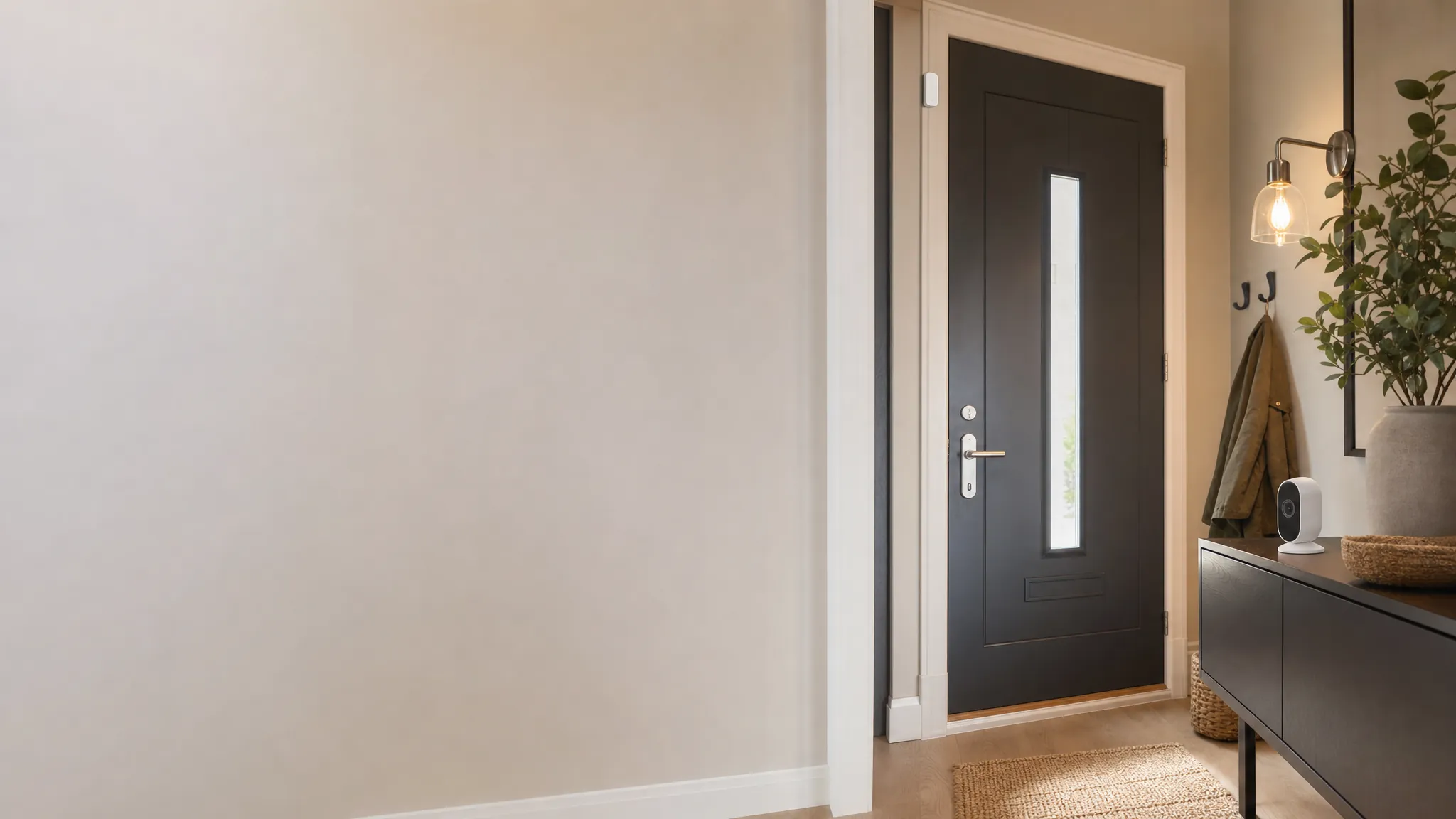
Apartment security
Choose the small, renter-friendly devices that make your own entry and home easier to keep an eye on, without adding a permanent project to the lease.
A useful first layer
You might want to know when a patio door opens, see a private entry, make a dark arrival less stressful or keep an eye on a room while you are away. Those are different jobs. Pick the device that fits the moment instead of buying a big kit that creates more alerts than help.
Before you buy
Choose the door, window, patio or room you control. A focused device is easier to position well and less likely to create a problem with a neighbor or building manager.
Battery-powered, plug-in and adhesive devices are often the simplest choice for a rental. Keep the original parts, packaging and a photo of the starting setup.
A notification matters only when someone knows what it means. Test the alert, choose who receives it and turn down any setting that makes you ignore your phone.
Choose by the job
The best first purchase gives you more clarity, not more equipment to charge, manage and explain to everyone in the home.
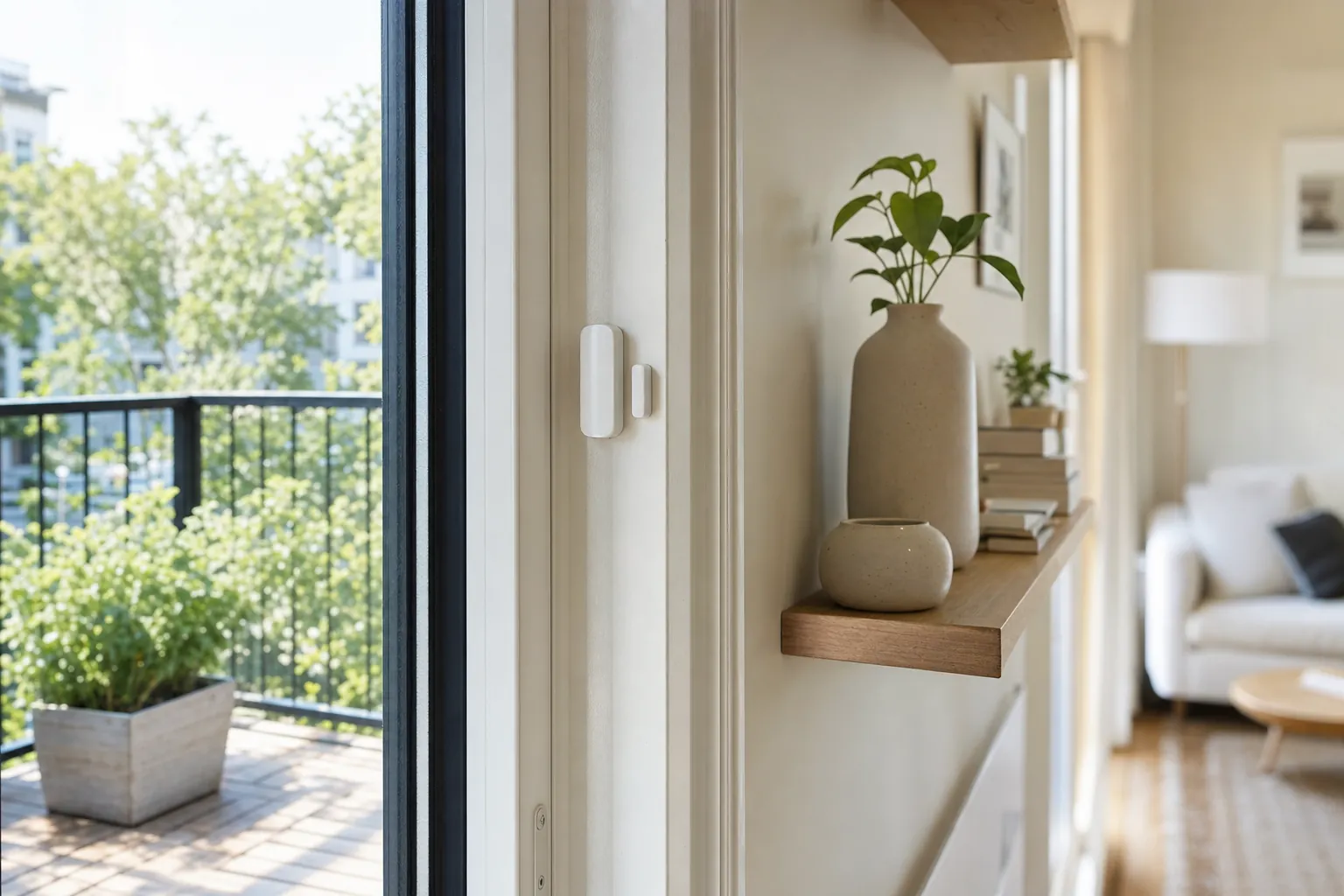
A contact sensor is the quietest way to know whether a private entry, patio door or reachable window has opened. It is often the best first device when you want a clear alert without a broad camera view.
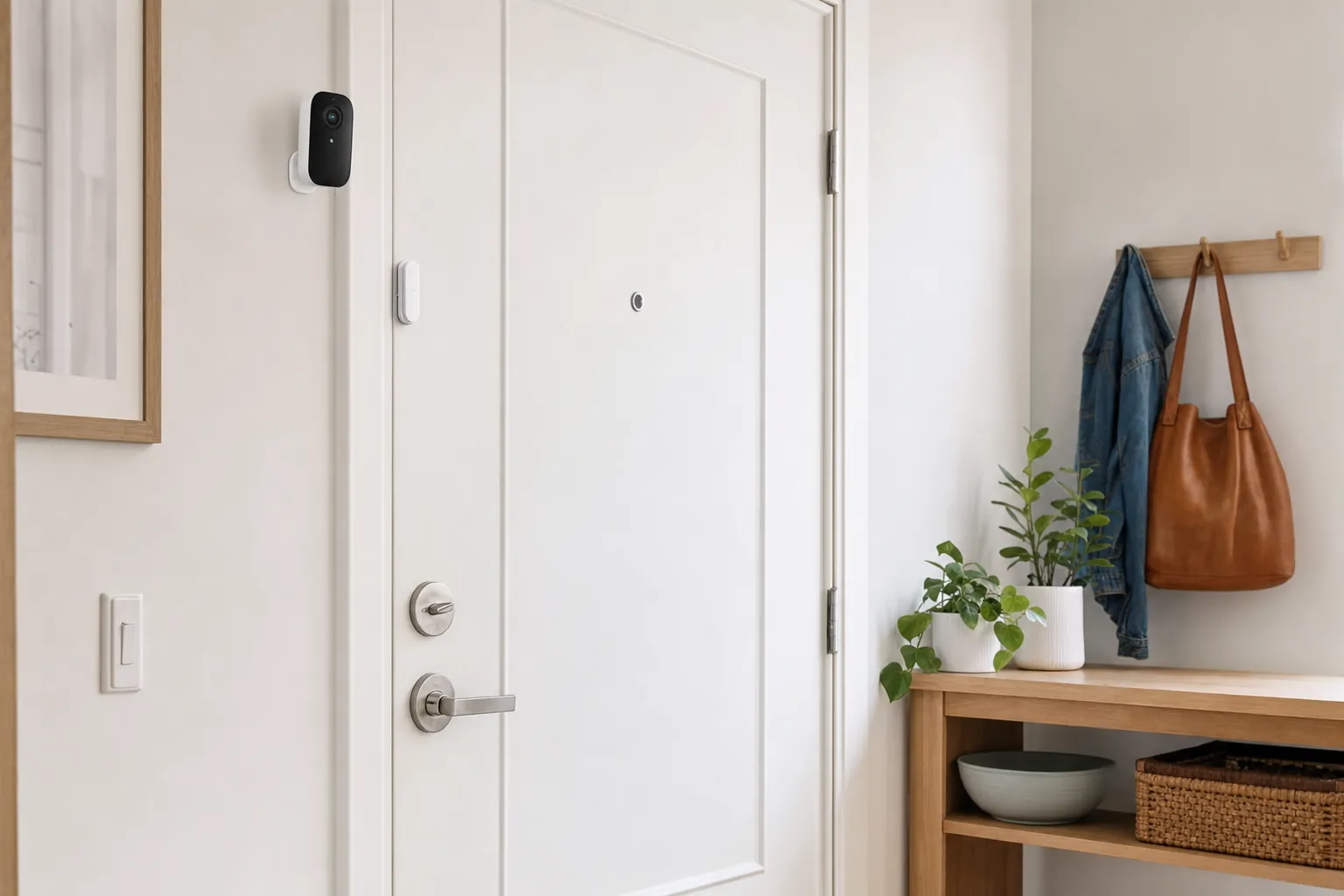
An indoor camera can help cover a private entry or a room with valuables, but it should have a narrow job and a thoughtful position. Point it at the area that matters, not at every part of shared home life.
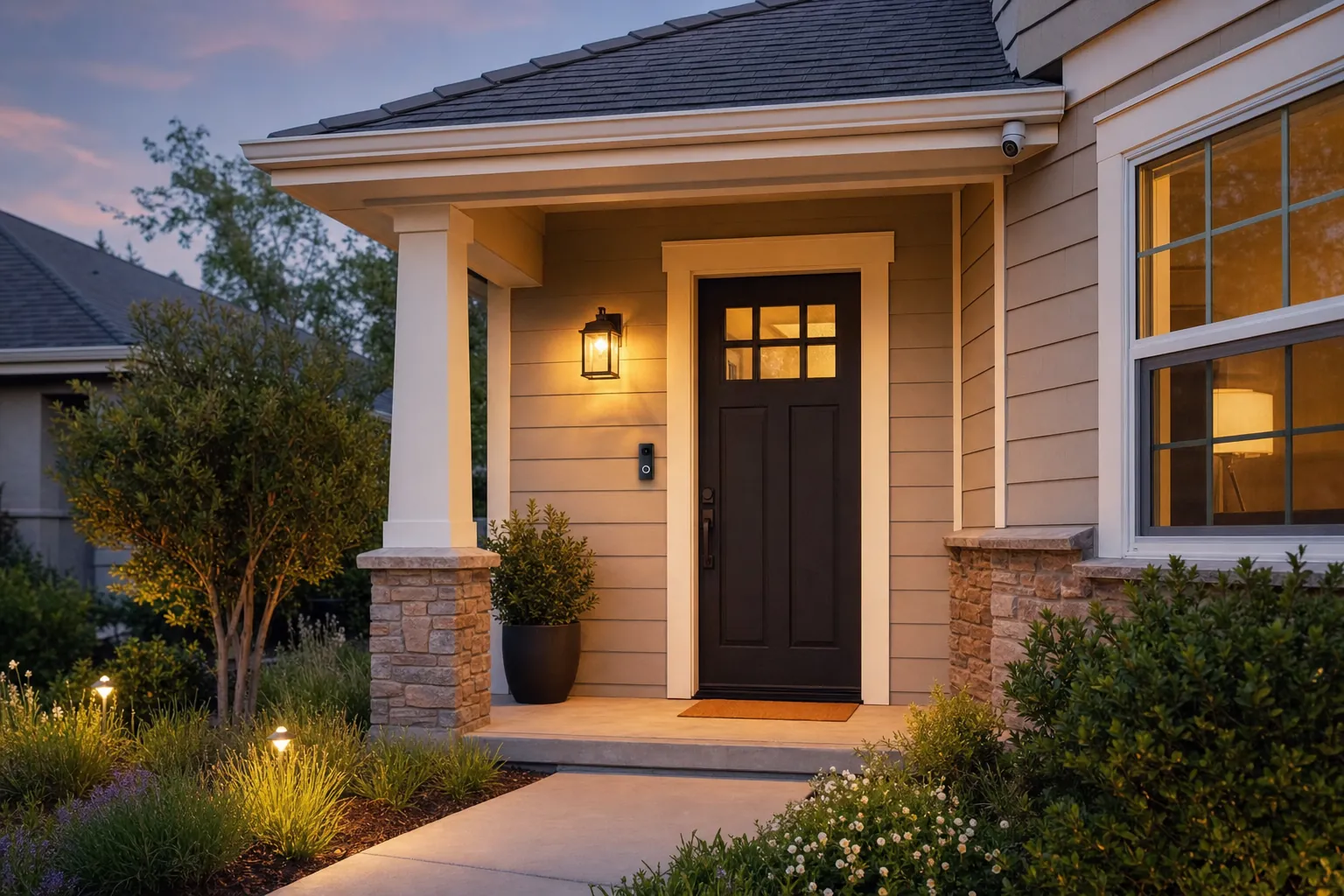
A smart light, chime or motion alert can make an entry easier to notice without recording anyone. These simple devices can be a better fit when privacy, building rules or a shared hallway make a camera unnecessary.
Build the right setup
Contact sensors are small, usually battery-powered, and easy to understand. Put one on a private apartment door, patio slider, storage door or window that you genuinely want to notice. Test it with the opening fully closed and partly open, then make sure the alert tells you which entry triggered it. A simple sensor can be more useful than a camera when you need a dependable opening alert without footage, a broad field of view or a subscription decision.
A camera earns its place when it helps you understand activity at a private entry, in your own room or near a package drop that is clearly within your space. Before mounting it, hold the camera where it would sit and look at the live view. Can it show the activity you care about without watching a neighbor's door or a shared hall? Does the location have stable Wi-Fi and a sensible power plan? If the answer is not clear, a sensor, chime or light may be the better choice. For a focused camera decision, see apartment security cameras.
Security devices work better when everyone knows who can receive alerts, view footage or change settings. If you share the apartment, agree on the device location and the account before installation. Give access only to people who need it, use a unique password and remove a former roommate, guest or service provider as soon as it is no longer needed. A clear account setup is just as important as the device on the wall.
Many apartment devices do not require a recurring plan, but the details vary. A camera may offer live view without a fee while reserving saved clips, person detection or longer history for a paid tier. A sensor may send basic alerts with no ongoing charge. Before checkout, decide whether you need a record of an event or simply a useful notification. Then check the exact model's product details rather than assuming every feature is included.
Apartment realities
A device inside your apartment is different from one attached to a shared hallway, exterior frame or common entry. Rules can also change for a doorbell, camera or light that alters the appearance of the building. Read the lease, look for building policies and ask for written approval when the line is unclear. It is much easier to select another device before buying than to remove one after a complaint.
Apartment walls, distance from the router and a crowded building network can affect a camera or doorbell near the entry. Test your phone's connection where the device will live before relying on a wireless model. Battery devices avoid a power cable but need a charging routine, while plug-in devices may need an outlet that does not create a trip hazard. Consider what happens after a router restart or a power outage, not only on the day you install it.
Start with a modest sensitivity setting and a small number of notifications. A motion alert that fires every time a neighbor passes a shared door will quickly become background noise. For a private entry, test the view at the times visitors actually arrive, then use activity zones or schedules when the product supports them. The goal is a notification that helps you make a decision, not a running record of ordinary building activity.
Keep the original screws, covers and old hardware in one labeled bag. Save a photo of the door, wall or window before installation, and take a second photo after removal. When it is time to move, reset every device, remove the old Wi-Fi network and revoke access for anyone who no longer lives with you. Those small habits protect the security deposit, your account and the next resident's privacy.
A practical first week
Frequently asked questions
Start with the problem you want to solve. A contact sensor is useful for knowing whether a private door or window opens, an indoor camera can help watch a defined private area, and a smart light or chime can make an entry easier to notice without recording video.
Many battery-powered cameras, adhesive contact sensors, plug-in chimes and smart bulbs can be installed without drilling. Check the lease and building rules before changing exterior hardware, using a shared hallway, or attaching anything to a common-area surface.
The answer depends on where the camera points and the building's rules. A camera covering your own private entry or interior is often easier to justify than one recording a shared hallway, neighbor's door or common area. Ask for written approval whenever the boundary is unclear.
No. Sensors, lights and basic live-view cameras may work without a monthly plan. Before buying, check which features remain available without a subscription, including saved video, person alerts, cloud history and remote playback.
Photograph the original setup before installation, keep any original parts together, remove household access for former roommates and reset each device after taking it down. This makes it easier to restore the apartment and protect your account at the next home.
Find your fit

AI Smart Home Finder
Start with comfort you can measure.
Explore thermostats, lighting and routines that can make a daily difference.