
Separate private space from shared space.
Focus on your own door, windows and patio before considering a hallway, lobby or common area. A tighter view is often more helpful and creates fewer privacy problems.
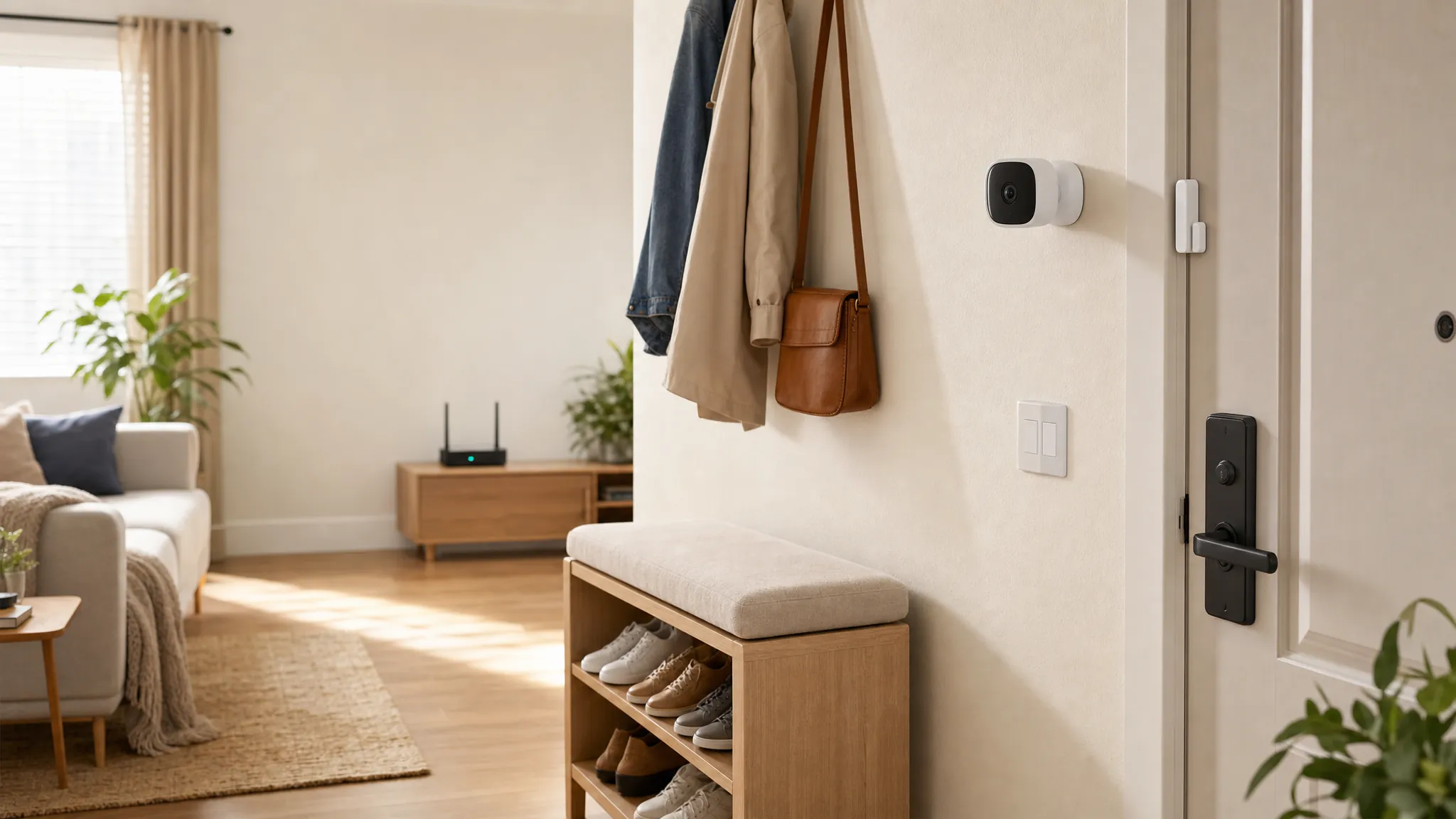
Renter-friendly home security
Build a simple security setup around the entry and alerts that matter, without turning your apartment into a renovation project.
Start with the real concern
You do not need a large box of devices to feel more prepared at home. Start with the private entry, window or patio door that matters most, then choose a device you can understand and remove when you move.
Before you buy
Focus on your own door, windows and patio before considering a hallway, lobby or common area. A tighter view is often more helpful and creates fewer privacy problems.
Battery devices, plug-in hubs and inside-only hardware are easier to take with you. Keep the original screws, plates and photos of the starting setup in one place.
A useful alert reaches the person who can respond. Set up the household account, test notifications and decide what each alert means before you rely on it.
Choose the first layer
The best first device is the one that answers a specific question when you are away, asleep or simply not near the door.
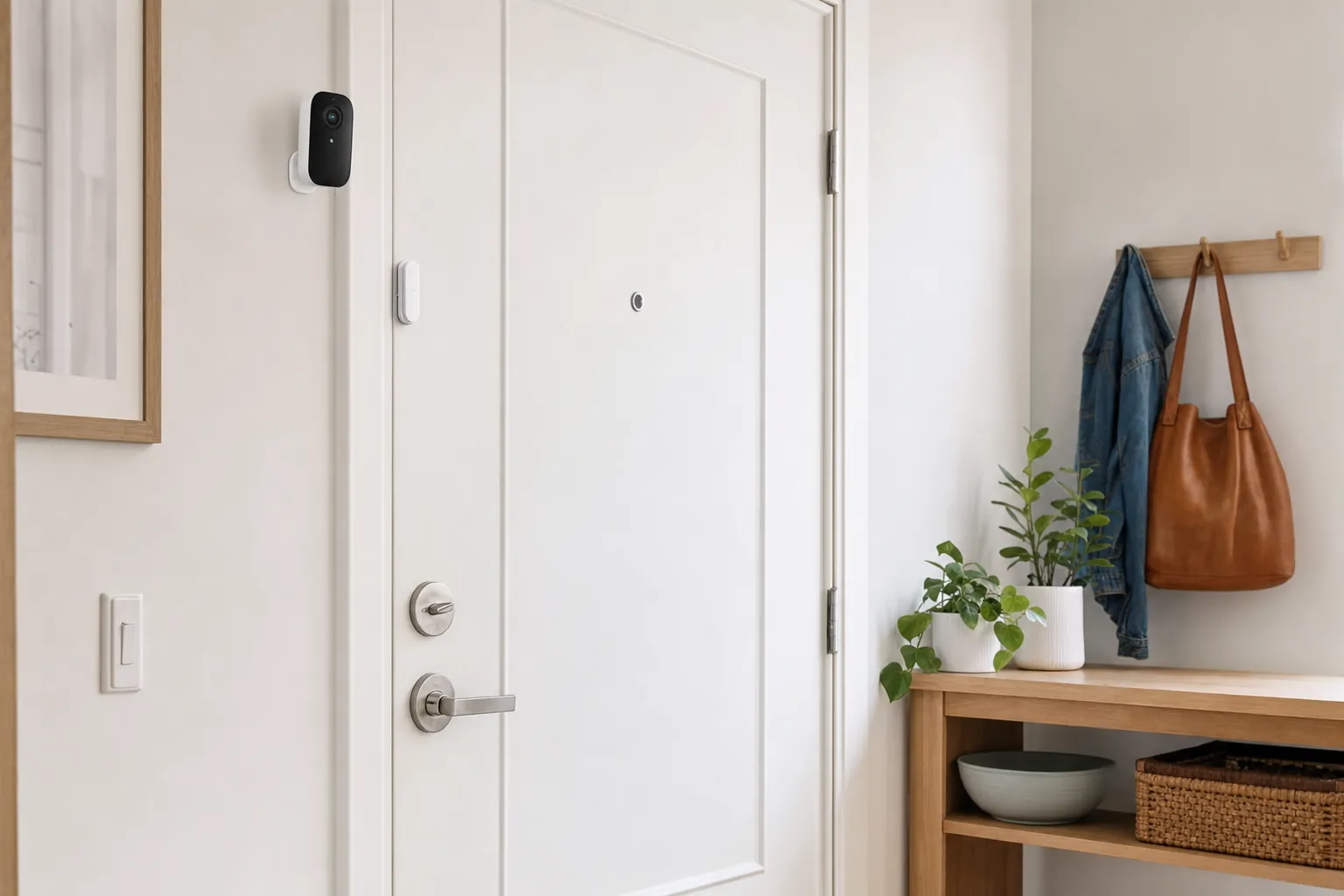
An interior smart lock, battery doorbell or removable contact sensor can add a useful layer of awareness without drilling into a shared hallway or changing the outside hardware.
Door and window sensors are often the simplest first purchase. They can tell you when an entry opens, without asking a small apartment to carry the complexity of a whole-house system.
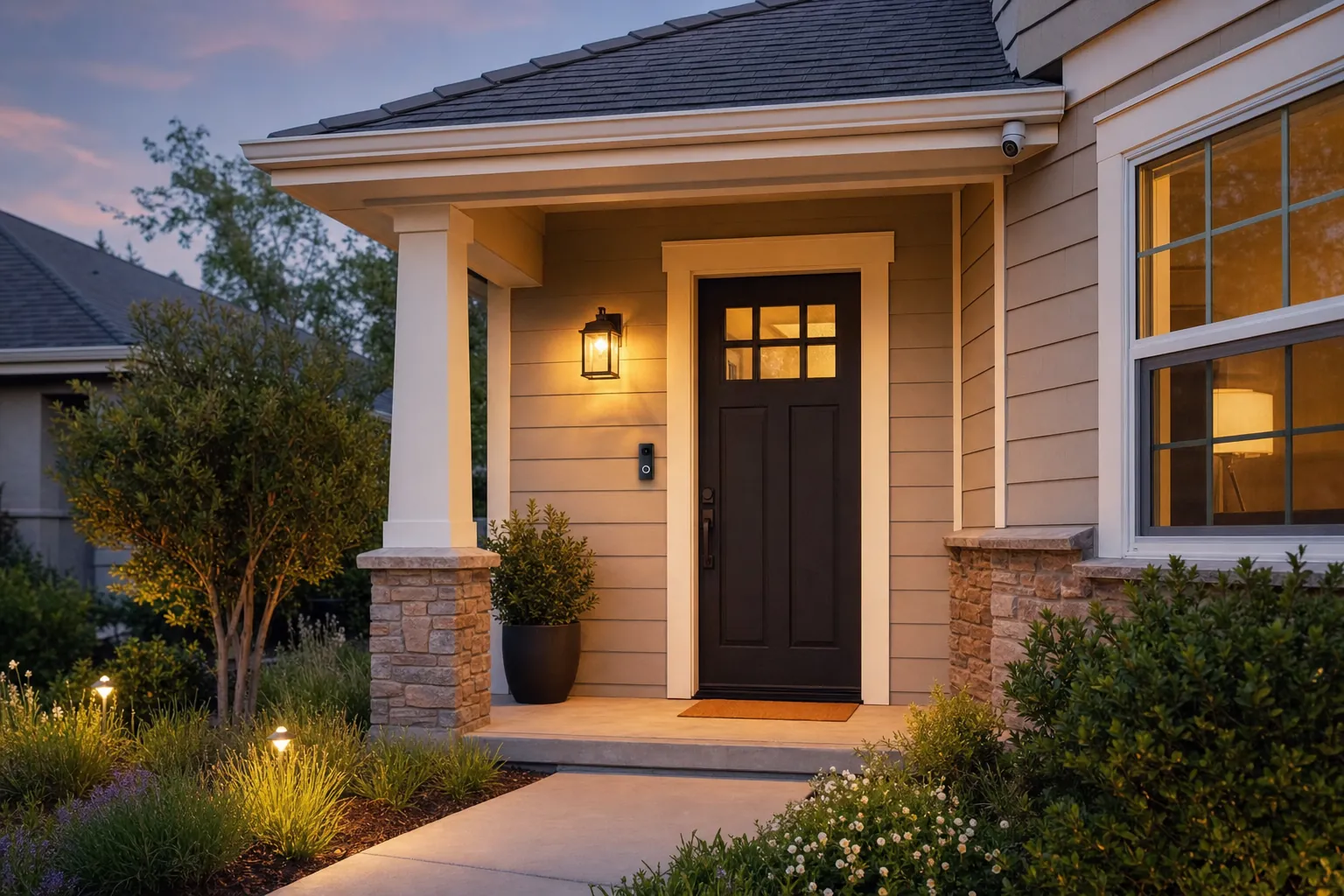
A camera can be useful at your own door, patio or private entrance. Before ordering one, check where it can point, how it will be powered and what the building allows around shared areas.
Build the right setup
A door or window sensor is a practical first layer because it answers a clean question: did this entry open? It does not need a broad camera view or a complicated installation. Put it on the entry you use least often, a window that opens onto a patio or a storage door you want to notice. Test it with the door closed, partly open and fully open, then make sure the notification is clear enough that you will not ignore it after a week.
A camera can help you check a private entry, delivery area or patio, but its usefulness depends on the view. Before mounting anything, hold the camera at the intended height and look through the live feed. Can you understand an arrival without capturing more of a neighbor's space than necessary? Does the location have enough Wi-Fi and a sensible power plan? If the answer is unclear, a sensor, light or ordinary door viewer may be the more useful first move.
Security devices work best when everyone knows who can see alerts and recordings. If you share the apartment, agree on which devices are useful, who receives notifications and when access should be removed. Avoid using a shared camera or account as a substitute for a clear household conversation. A simple setup with named access is easier to manage when a roommate moves out, a cleaner or pet sitter no longer needs entry, or someone changes phones.
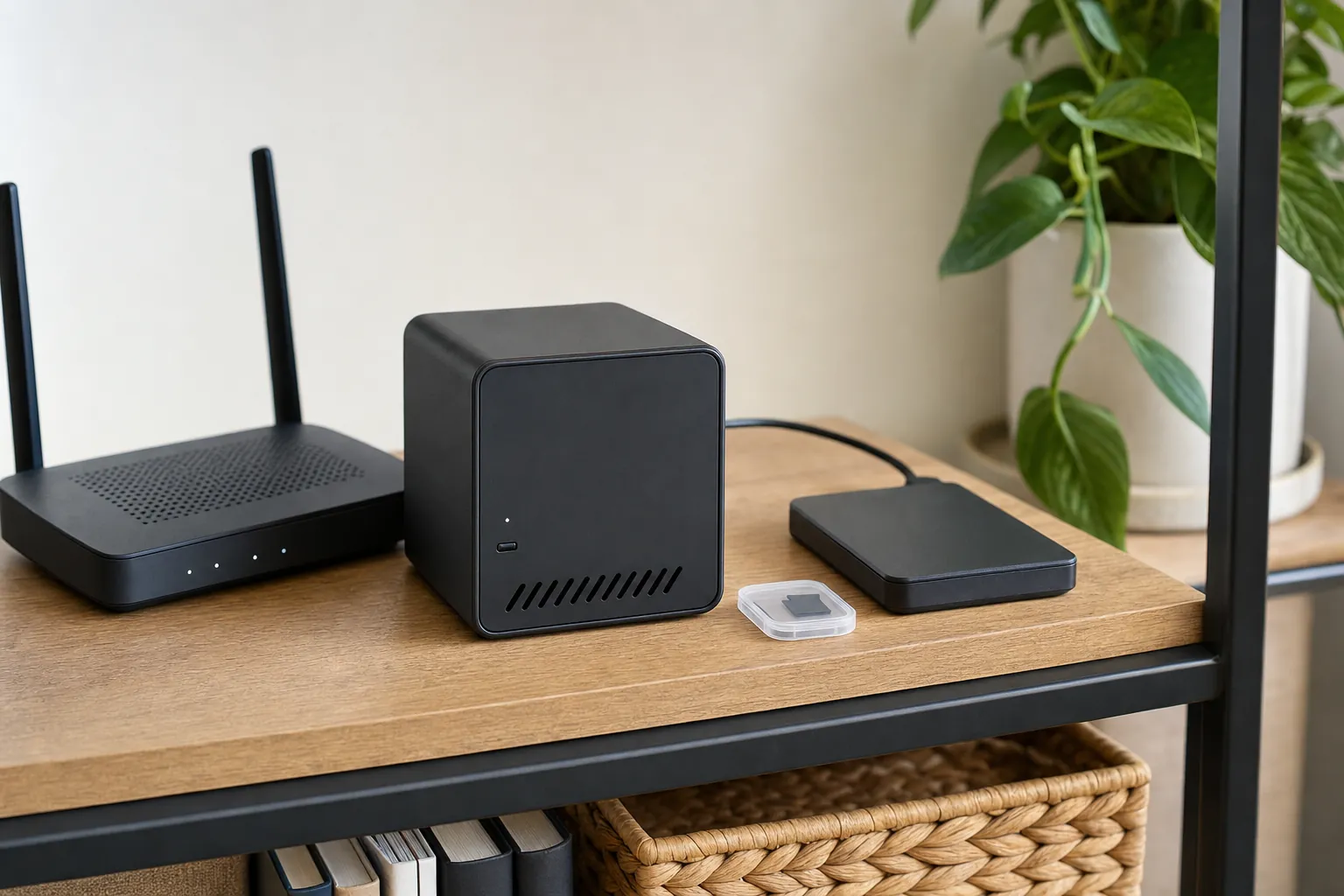
Most renter-friendly devices depend on the home network for phone alerts. A battery device still needs Wi-Fi for a remote notification, and a plugged-in hub still needs power. Check whether a camera saves clips locally, whether a sensor gives a local chime and what happens after a router restart. You do not need a complicated backup plan, but you should know which part of the setup keeps working when the app cannot reach you.
Avoid the common regrets
Many leases allow small reversible devices, but the details matter. A device that sits inside the unit is different from one that replaces a lock, needs a screw through an exterior frame or records a shared hall. When the rules are vague, ask the landlord or property manager in writing. It is easier to choose a different device up front than to remove something after a complaint.
Some devices work well with no monthly plan, while others reserve video history, person alerts or remote playback for a paid tier. Decide which feature actually matters to you, then read the product details for that exact model. Local storage can keep recurring costs down, but it changes where clips live and how you find them. A simple sensor system can be a better value than a camera bundle when the main job is knowing whether a door opened.
A small apartment often needs fewer devices than a detached home. One contact sensor on a private entry, one on a patio door and a well-placed light or camera may cover the concerns you actually have. More devices can create more batteries, apps and alerts to manage. Begin with the entry that gives you the most peace of mind, live with that choice for a week, then add another device only when you can name the problem it will solve.
Give access only to the people who need it, use a unique account password and remove a former roommate or guest promptly. When you move, reset every device, remove saved addresses and take down old Wi-Fi details. Keep the installation photo and original parts from day one. That makes it much easier to restore the apartment, protect your account and take a useful system to the next home.
A practical first week
Frequently asked questions
Many renters can use battery-powered cameras, plug-in hubs, door sensors and inside-only locks because they can be removed later. Read the lease first and ask for written approval when a device changes exterior hardware, wiring or a shared entrance.
The best fit is usually a small setup that solves one clear concern. A contact sensor and simple alert can cover a private entry, while a camera may make more sense at a private door or patio where the view and building rules are clear.
No. Many devices provide basic alerts, live view and local storage without a required plan. Confirm which features work after any trial ends, and decide where recordings will live before buying a camera.
That depends on the lease, building rules and whether the camera would view a shared hallway or another resident's door. A private entry or patio is usually a clearer use case. When the space is shared, get permission before mounting or recording.
Photograph the original setup before installation, keep the original hardware and labels together, and test removal before moving day. Remove account access for former roommates or guests, then reset each device before taking it to the next home.
Find your best fit