An apartment video doorbell can be useful when you want to see a visitor, check a delivery, or answer the door without rushing to it. The apartment part changes the decision. Your door may open into a shared hallway, the building may control the existing buzzer, and a normal doorbell installation may not be allowed.
The right setup is usually the simplest one that respects the lease, keeps the original door hardware intact, and gives you alerts you will actually use. Start with permission and placement. Choose a removable option only after you know it will work at your entry.
Start with the building, not the product page
Before comparing cameras, find out what you are allowed to change. Read the lease, any move-in guide, and building rules for doors, hallways, common areas, wiring, and exterior-facing equipment. A door that opens into a shared corridor can be treated differently from a private patio or entry.
When the rules are unclear, ask the property manager a short, specific question: can you use a battery video doorbell or peephole camera without drilling, wiring, or changing the building intercom? Written approval is worth having before you spend money or attach anything to the door.
Do not assume that a removable mount makes every setup acceptable. It may protect the door from damage, but it does not answer questions about shared hallways, building access, or a camera's field of view. If permission is not available, a simple apartment security device inside the home, such as an entry sensor or indoor camera pointed only at your own doorway, may be the better fit.
Choose the right apartment entry setup
There are three common approaches. The right one depends on the door you have and how much control the building gives you over it.
Battery video doorbell with a removable mount
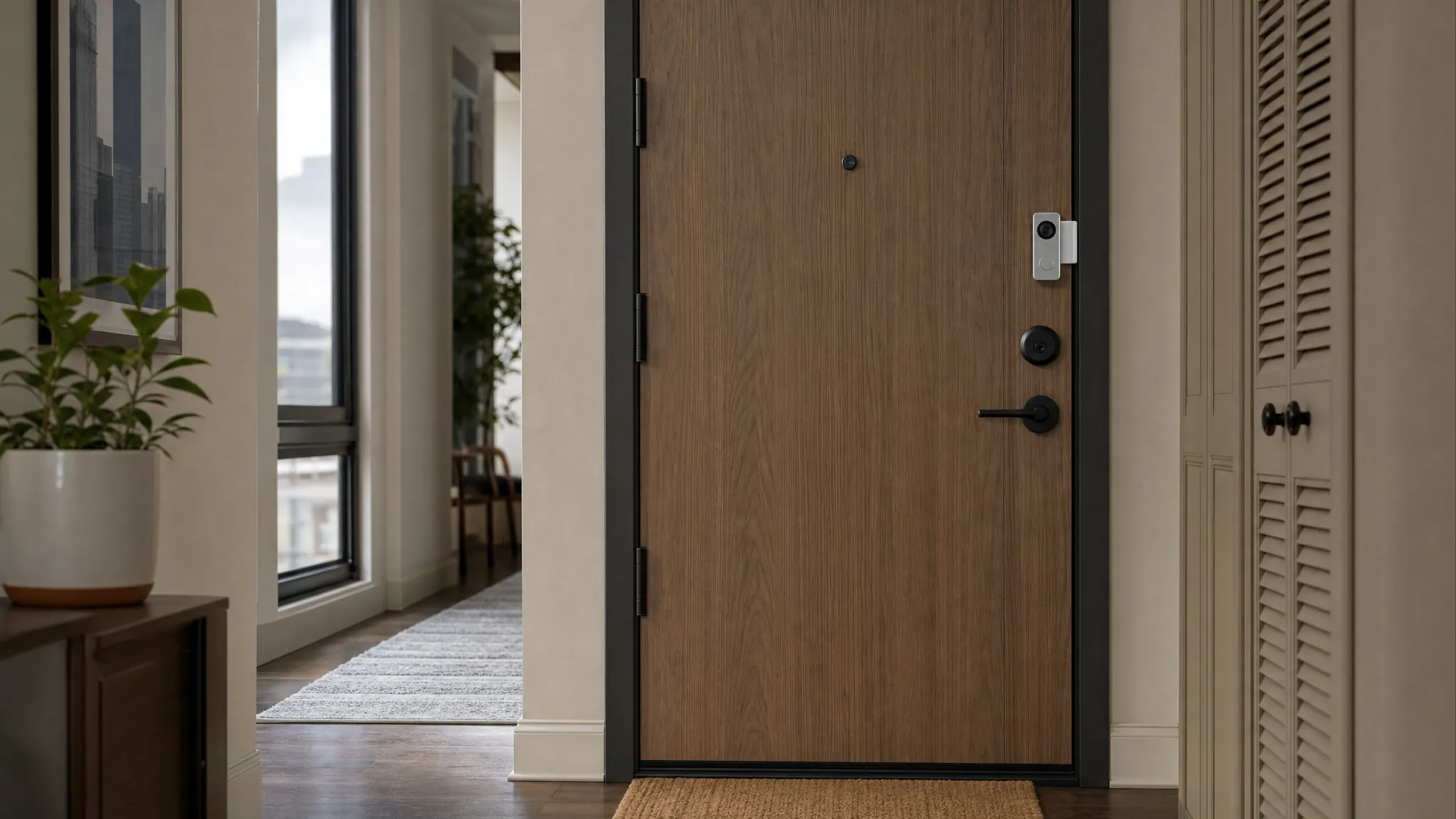
This is often the most flexible option for a renter with a private apartment door. The camera runs on a rechargeable battery, so it does not need existing doorbell wiring. A clamp-style mount can hold the device without screws when the door shape, thickness, frame clearance, and lock layout allow it.
The trade-off is maintenance. The battery has to be charged, and a clamp may not fit a narrow frame, unusual metal door, storm door, or door that sits very close to the frame. Check the mount's dimensions before ordering. Open and close the door fully after fitting it, and make sure nothing presses against the lock, latch, weather stripping, or frame.
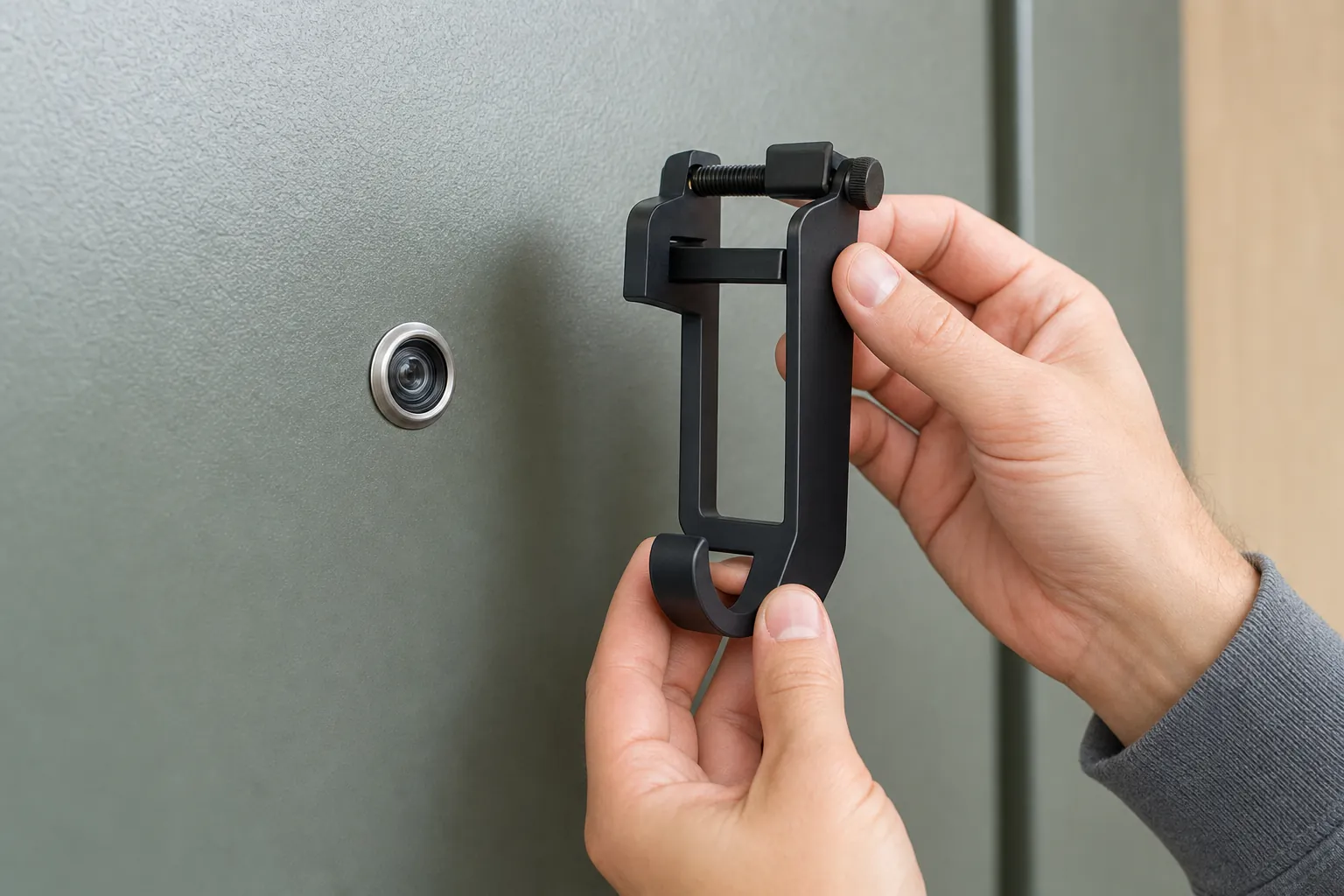
Peephole camera
A peephole camera can make sense when the door already has a standard peephole and the building allows the change. It can be less conspicuous than an exterior-mounted device and may keep the camera facing the same direction as the existing peephole. The Ring Peephole Camera is one example of the category to compare.
Do not treat every peephole as interchangeable. Door thickness, peephole size, lock clearance, and inside trim can affect whether a specific product fits. Keep the original peephole parts together if the installation is permitted, so the door can be restored when you move.
Use the building intercom and add alerts elsewhere
Some apartment buildings use a controlled lobby intercom, shared entry panel, or managed access system. In that case, trying to add a second exterior device can create more hassle than value. A practical alternative is to use the existing intercom for visitors, then add an entry sensor, smart light, or indoor camera inside your apartment for awareness after someone reaches your door.
This approach is less about watching the hallway and more about knowing when your own door opens. It is usually easier to explain to a landlord and easier to take with you when you move.
Pick placement that respects shared space
Apartment entrances can create a much wider view than a house porch. Before mounting anything, stand where the camera would sit and look at what it would capture. A useful view should focus on your threshold and avoid recording more of a neighbor's door, interior, or shared hallway than necessary.
Use the device's activity zone or motion area to narrow alerts to the space immediately around your door. Start with a small zone and low-to-medium sensitivity, then test it during normal hallway traffic. A camera that alerts every time an elevator opens or a neighbor passes by will quickly become background noise.
Be especially careful near shared mail areas, stairwells, and doors that face directly into another apartment. Local privacy rules and building policies vary, so the right question is not only whether a camera can see an area, but whether you have a clear reason and permission to record it.
Test Wi-Fi before you rely on a doorbell
A phone that works by the couch may have a weaker connection at a metal apartment door, at the end of a corridor, or near a concrete stairwell. Before choosing a wireless doorbell, stand at the intended mounting point with your phone and check whether the connection remains reliable. If video calls, a basic website, or your current smart-home app struggle there, a battery doorbell may struggle too.
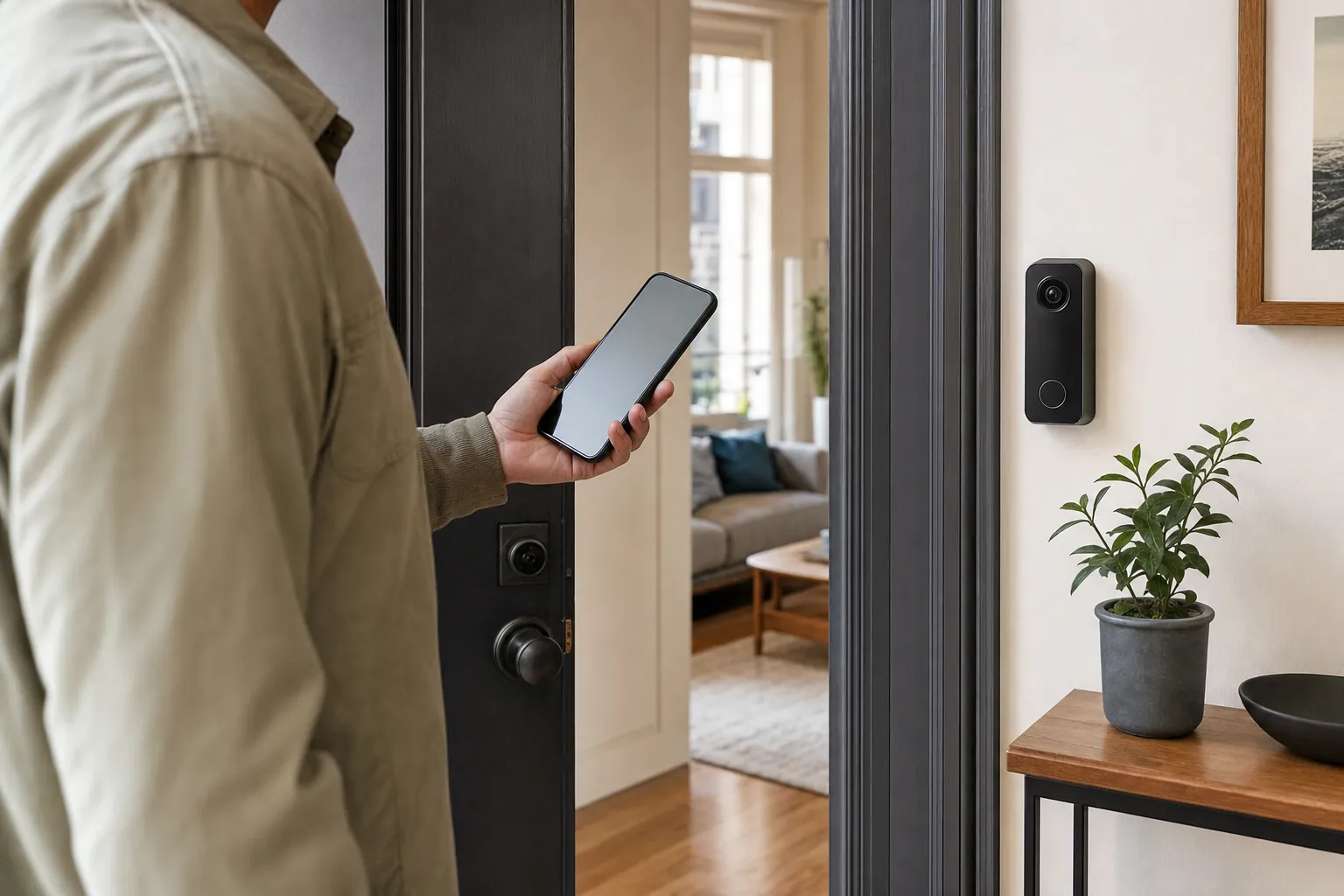
Also think about the route from the camera to the router. Metal doors, dense walls, elevators, neighboring networks, and distance can all make an entry less forgiving than the rest of the apartment. A mesh point or router adjustment may help, but do not buy more network gear until you have tested the real problem.
Once the device is installed, test the live view, a motion alert, two-way audio, and a saved clip while you are on home Wi-Fi. Then step outside or switch your phone to cellular service and repeat the test. That confirms the doorbell works in the moments when you are actually away.
Check power, storage, and the charging routine
Most renter-friendly video doorbells use a rechargeable battery. Battery power avoids wiring, but it is not maintenance-free. More motion, colder weather, frequent live viewing, and bright night lighting can all create more charging work. Pick a device with a charging process you are willing to repeat, rather than assuming a long battery estimate will match a busy shared hallway.
Storage deserves the same attention. Some doorbells offer live view and basic alerts without a plan but require a subscription or a compatible hub for saved recordings. Others support local storage. Read the current product details for the exact model before buying, and decide whether you need a saved clip at all or simply want to answer visitors in real time.
For the broader cost decision, SavvyNests' video doorbell guide without a subscription explains what to check about storage and monthly plans. For a larger renter setup, the renter home-security guide can help you balance a doorbell with sensors, cameras, and other portable options.
When a video doorbell is not the right answer
Skip the doorbell when the building does not allow it, the view would point mainly into a shared corridor, the Wi-Fi at the entry is unreliable, or the charging routine does not sound realistic for the household. A device that creates building friction or constant false alerts is not adding useful security.
Instead, start with the concern you can address inside your apartment. A door sensor can tell you when the door opens. A smart light can make an arrival routine more reassuring. An indoor camera can watch the private entry side of the home when it is placed and used thoughtfully. Those small options can still support a useful smart-home routine without modifying shared property.
Account security matters too. Use a unique password, turn on two-factor authentication when the device offers it, and remove access when a roommate moves out. A video doorbell is only as private as the account and home network behind it, so SavvyNests' router isolation guide is a useful next step when you are adding cameras or other connected security devices.
Set up alerts that help instead of interrupting
Start with only the alerts that lead to a useful action. For many apartments, that means a person alert near the door, a button press, and perhaps a package alert if the device supports it reliably. Turn off broad motion notifications until you know they are needed.
Give the device a name that makes sense to everyone in the household, such as "Apartment Door." Check who can view video, receive notifications, or speak through the camera. Remove access for former roommates and old household members as soon as living arrangements change.
It is also sensible to keep a manual fallback. Your regular lock, peephole, building buzzer, and door chain should still work normally. A smart doorbell adds convenience and awareness. It should not become the only way you know someone is at the door.
A simple apartment video doorbell checklist
- Read the lease and building rules before attaching a device.
- Ask for written approval if the rule for a doorbell, peephole, hallway, or intercom is unclear.
- Choose a no-drill battery setup only if the door, frame, lock, and mount dimensions work together.
- Limit the view and motion zone to your own threshold as much as possible.
- Test Wi-Fi at the actual door location before committing to a wireless camera.
- Confirm what records without a subscription and how you will keep the battery charged.
- Test a live view, alert, audio, and saved clip from home and away.
- Keep original door hardware and mounting parts together for move-out.
How SavvyNests helps renters choose
Renter-friendly smart-home decisions are rarely about finding the most feature-packed device. They are about choosing something that fits the building, protects privacy, works on the Wi-Fi you already have, and leaves the apartment easy to restore. SavvyNests helps you compare those everyday details before a purchase turns into a return or a move-out problem. Start with Smart Home for Renters for a broader plan that stays flexible from one home to the next.
Frequently asked questions
Can I install a video doorbell in an apartment?
Sometimes, but the answer depends on the lease, building rules, door type, and whether the camera would face a shared hallway or common area. Check before buying and ask for written approval whenever the policy is unclear.
What is the best video doorbell for an apartment?
The best fit is usually a battery model or peephole camera that the building allows, your door can support without damage, and your Wi-Fi can reach reliably. A removable setup is helpful only when it fits the door and does not conflict with the building's rules.
Do apartment video doorbells need Wi-Fi?
Most video doorbells need Wi-Fi for live viewing, app alerts, and remote access. Test the connection at the front door itself, because walls, metal doors, and distance from the router can make that location weaker than the rest of the apartment.
Can a video doorbell record a shared hallway?
That depends on the building's rules and local privacy requirements. Keep the view focused on your own entry, use the smallest motion zone that works, and ask the property manager when the hallway or neighboring doors are involved.
What should renters do with a video doorbell when they move?
Remove the device according to the manufacturer's instructions, restore the original peephole or hardware if you changed it, and check the door for any mount marks. Then remove the apartment from the app, update the device location, and review who still has access to the account.