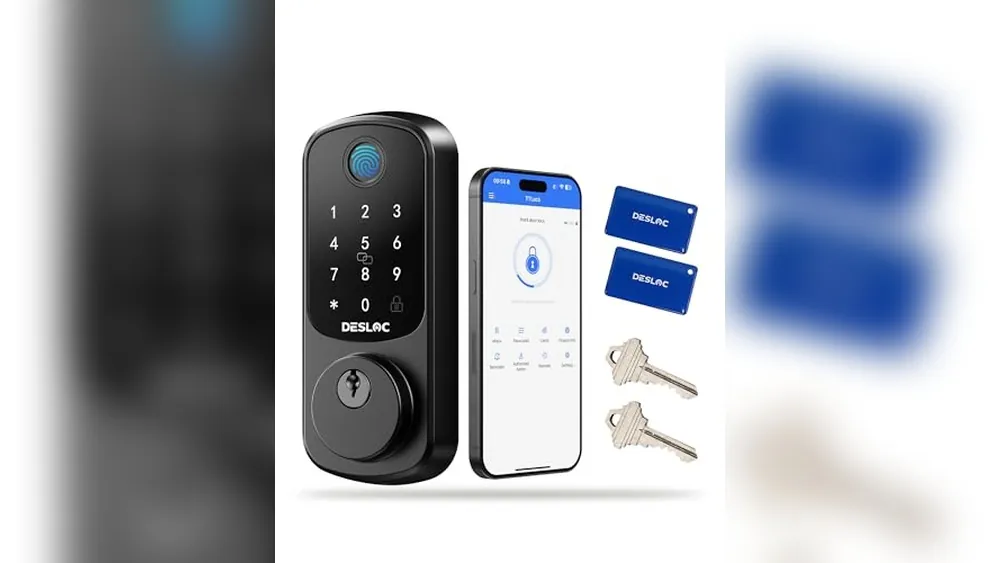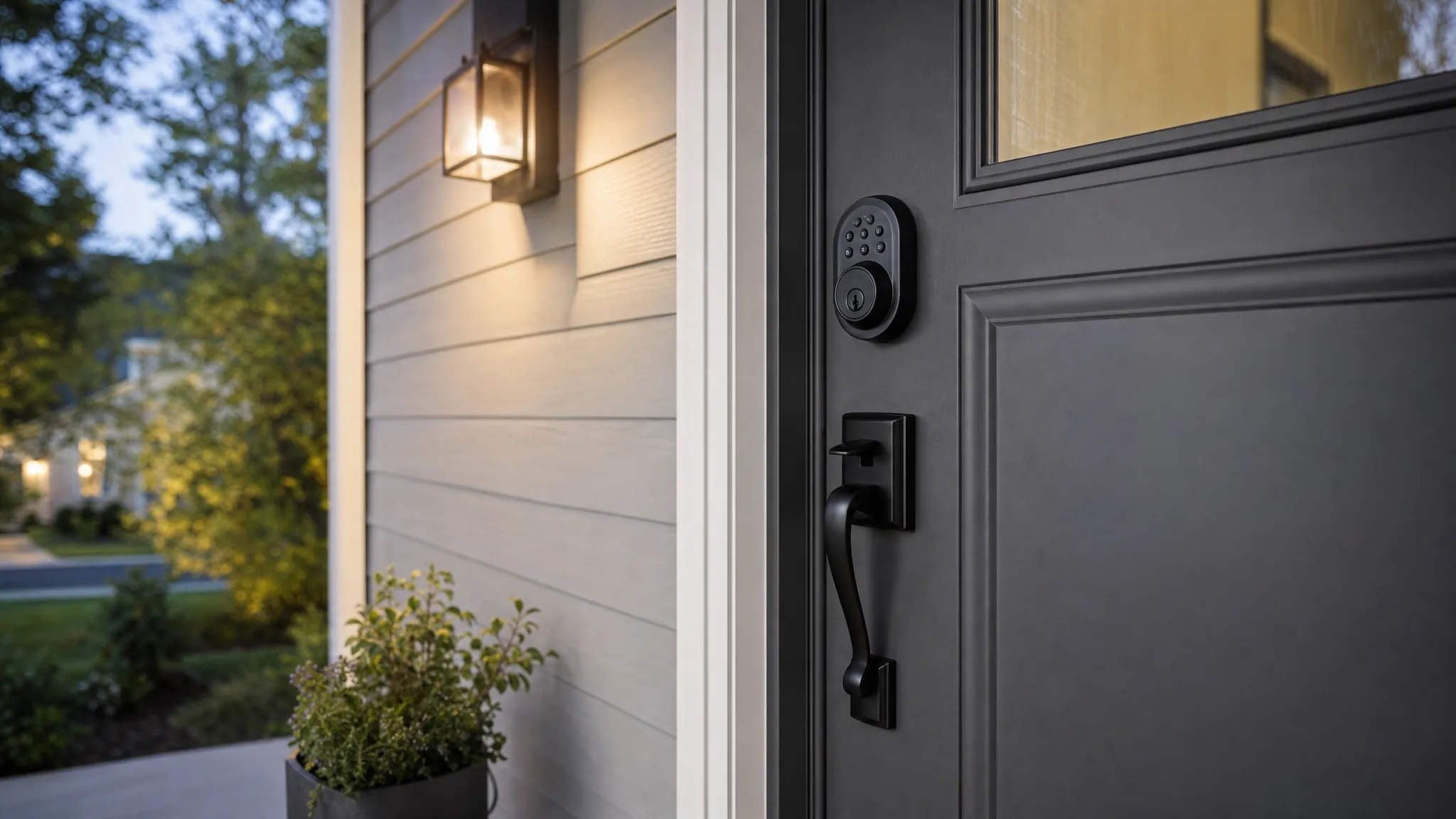
Smart locks can be safe, but the lock itself is only part of the answer. A well-chosen smart lock on a solid, well-aligned door can make everyday access easier while still giving you useful control over who gets in and when. A poorly fitted lock, a shared account with a weak password, or no plan for a dead battery can turn the same purchase into a frustrating weak point.
The right question is not simply whether a smart lock is safer than a key. It is whether the lock, door, account, and household routine work together. This guide explains what to check before you buy, what to set up on day one, and when a traditional deadbolt may still be the better fit for your home.
Quick answer: smart locks are safe when the basics are right
A smart lock can provide strong everyday security when it has a sturdy deadbolt, fits the door correctly, keeps the mechanical lock hardware working smoothly, and gives you reliable backup access. Good models also let you create separate codes or accounts, remove access when it is no longer needed, and receive useful activity alerts without making you dependent on an app for every entry.
What a smart lock does not do is make a weak door strong. It cannot fix a loose strike plate, a thin door frame, a warped door, a window beside the lock, or a household habit of sharing one obvious code with everyone. Start with the physical entry, then add the smart features that genuinely make it easier to manage.
For a direct comparison of the hardware choices, read our smart lock versus deadbolt guide. It helps separate the convenience features from the parts that stop forced entry.
Start with the door, not the app
The deadbolt and the door frame still do most of the physical security work. Before shopping, close and lock your existing door slowly. The bolt should slide into the strike plate without lifting, pushing, or pulling the door. If it scrapes, sticks, or only works when you turn the knob a certain way, fix that alignment first. A motorized lock has less room to compensate for a binding bolt than your hand does.
Check the door thickness, backset, and distance between the existing holes before ordering. Most common residential doors will work with many smart deadbolts, but a nonstandard door, an older mortise lock, or decorative hardware can change the answer. Read the lock's fit guide and compare it with your actual door instead of assuming the product photo matches your setup.
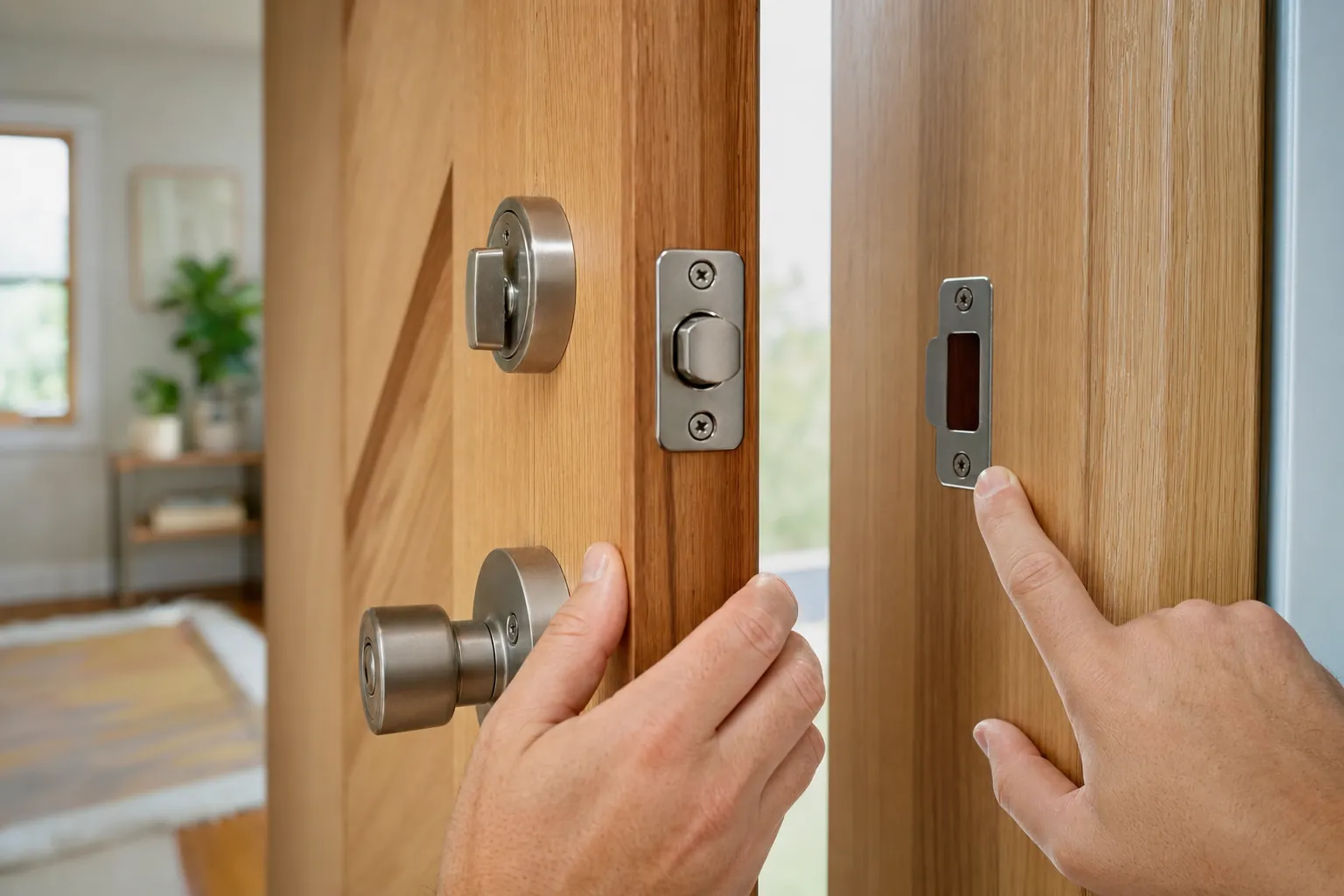
The strike plate deserves attention too. Long screws that reach solid framing can help secure the strike plate, while loose or damaged wood around it can reduce the value of an otherwise excellent lock. If you are not comfortable assessing the door frame, a locksmith or qualified installer can tell you whether the door needs adjustment before a lock goes on it.
Choose a lock with a sensible physical backup
Every electronic product can lose power, need service, or behave unexpectedly. The best smart-lock setup includes a clear way back inside that does not depend on hoping the phone battery, Wi-Fi, and lock batteries all cooperate at once. Many locks include a physical key cylinder. Others support an external emergency battery connection, an interior thumbturn, or a keypad method that still works locally when internet access is down.
A physical key is simple and familiar, but it needs a plan. Keep one with a trusted person, in a secure location away from the door, or in your daily carry when that makes sense. Do not hide it under a mat, flowerpot, or decorative rock. That is a signpost, not a backup plan. If the lock uses an emergency battery contact, test the instructions while the lock is working so you are not learning them late at night.
Consider what happens if the lock fails while someone is home. A normal interior thumbturn or manual release is important for day-to-day safety. Test it after installation with the door open, then again with the door closed. Everyone who uses the home should understand the normal exit and backup options.
Separate physical security from digital security
Smart-lock safety has two layers. Physical security is the bolt, door, frame, keyway, and installation. Digital security is the account, phone, codes, wireless connection, and software updates. You need both. A lock can have strong electronics and still be limited by a weak strike plate. It can also be physically solid while the household account is easy to take over because the password is reused elsewhere.
Use a unique, long password for the lock manufacturer's account and turn on multi-factor sign-in when the service offers it. Keep the recovery email address secure too, because it can become the route into the account. The National Institute of Standards and Technology provides practical baseline guidance for connected-device capabilities, including secure update and configuration practices, in its consumer IoT device guidance.
When comparing locks, look for a manufacturer with clear support documentation, a defined update process, and a product line that is actively maintained. Avoid buying solely because a listing promises a long feature list. An easy-to-understand setup process, responsive support, and a usable manual fallback are worth more than a novelty feature you will never use.
Set access codes up for real life
Separate entry codes are one of the most useful reasons to choose a keypad smart lock. Give regular household members their own code when the lock supports it. That means you can remove one person's access later without making everyone learn a new combination. A temporary visitor, cleaner, pet sitter, contractor, or short-term guest can receive a code with a clear purpose and an end date.
Avoid using the house number, a birthday, a simple sequence, or the same code that protects another account. A code does not have to be impossible to remember, but it should not be the first thing a neighbor, former roommate, or social media follower would try. Do not put the programming code in a shared group chat. That code often controls the ability to add, remove, or change other user codes.
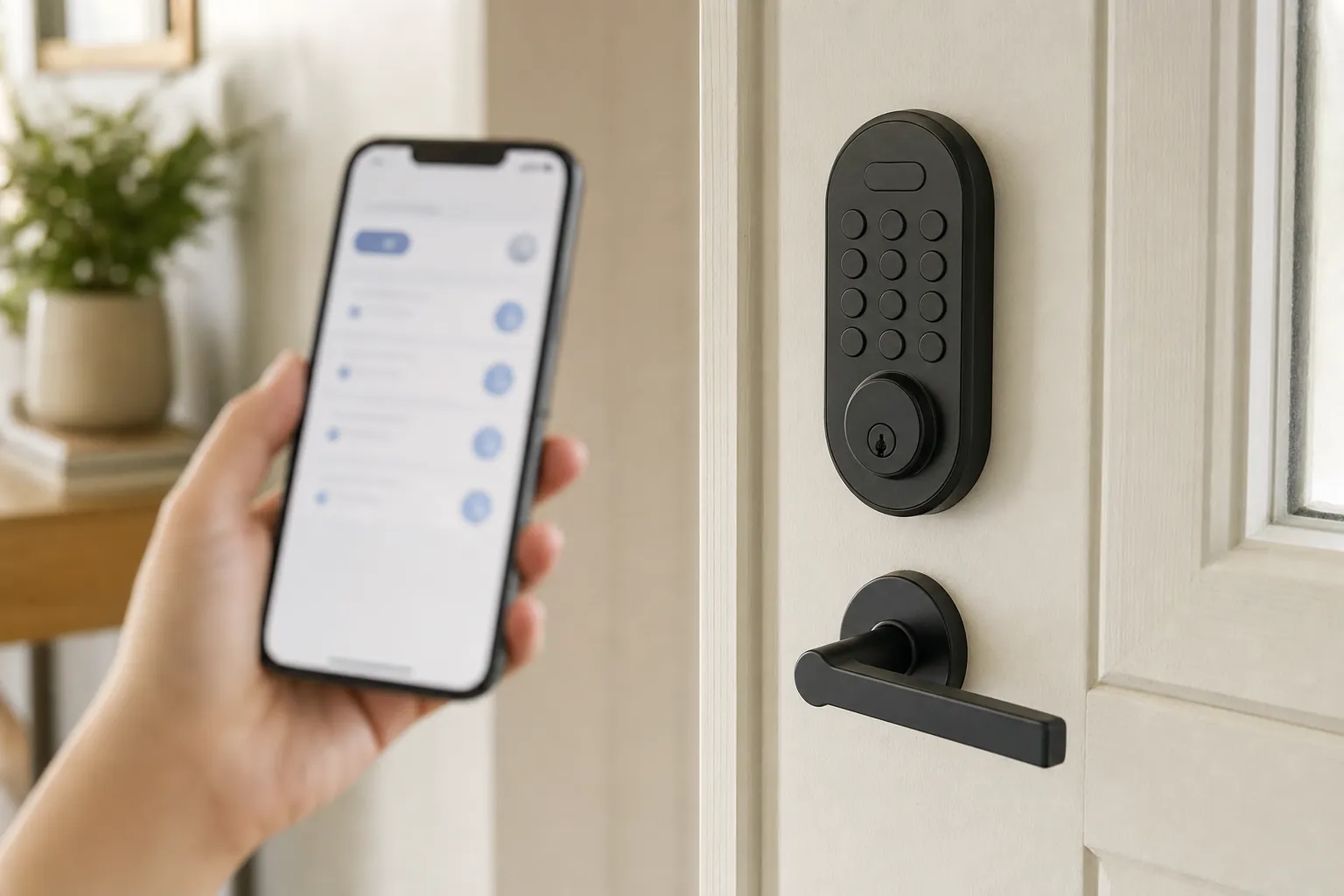
Make a quick list of who has access and why. Review it after a tenant moves out, a contractor finishes, a relationship changes, or a spare phone is lost. The ability to revoke access is only helpful when you remember to use it. For a rental, check the lease and ask for written approval before replacing installed lock hardware. Our renter-friendly smart-lock guide covers options that are easier to remove at move-out.
Protect the phone and account that control the lock
Your phone may be the administrative key to the lock. Use a screen lock, keep the operating system current, and do not leave a signed-in tablet or old phone accessible to visitors. Remove the lock app from devices you sell, donate, or pass on, and sign out of old sessions when the app gives you that option.
Be cautious with household sharing. Add another adult through their own account when the system supports it instead of handing over your primary login. That preserves a record of who can manage the lock and makes it easier to remove access later. It also means one compromised password does not automatically become everyone's problem.
Before buying, find out what happens when the manufacturer's service is unavailable or the home internet drops. A good lock should still allow local entry through a keypad, key, or nearby wireless connection. Remote controls and notifications are useful extras, but the front door should not become unusable because your router needs a restart.
Think carefully about Wi-Fi, Bluetooth, and a smart-home hub
Different locks connect in different ways. A Bluetooth lock may let your phone communicate directly near the door. A Wi-Fi lock can support remote control and alerts. Some locks use a compatible smart-home hub or another low-power home network. None is automatically right for every home. The best choice is the one you can keep updated, understand, and use reliably.
For a remote-capable lock, protect the home Wi-Fi network with a strong unique password and current router software. Avoid connecting a lock to an old network setup you no longer control, such as a former roommate's router account. If you use a hub, make sure the hub itself is in a sensible location with reliable power and coverage near the door.
Notifications can help you notice a door opening at an unexpected time, but they are not a replacement for a secure entry. Set only the alerts your household will actually pay attention to. Too many routine alerts teach people to ignore the important ones.
Plan for battery changes before there is a problem
Most smart locks run on replaceable batteries. The app may show a low-battery warning, but do not wait for the last alert. Put a recurring reminder on the household calendar, keep the right battery type on hand, and test the lock after every battery change. Use fresh batteries from a reputable source and follow the manufacturer's instructions about battery chemistry.
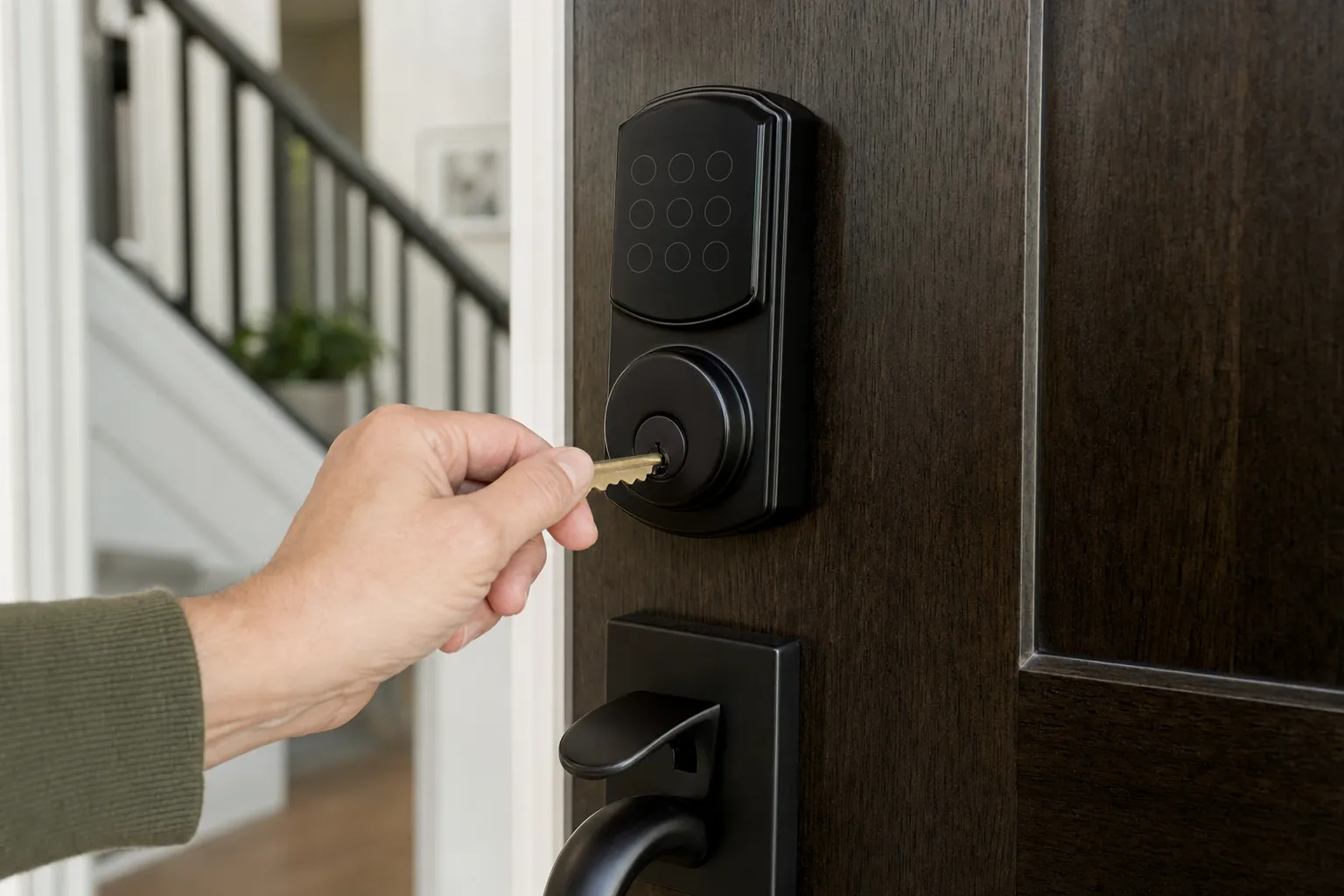
Test the backup method before you need it. If there is a physical key, confirm it turns smoothly. If the lock has an emergency power method, read the instructions and store the right battery nearby. If the product relies on a removable battery pack, understand whether it can be changed from outside or only from inside. A backup that nobody has tried is only a theory.
Battery problems can sometimes look like a security problem. A keypad that lights up but cannot move the bolt may be short on power or may be fighting a misaligned door. Test the deadbolt with the door open before changing codes, resetting the lock, or assuming the app is at fault.
Do not forget privacy and household routines
A connected lock may record entry events, names, code labels, and device activity. Read the privacy controls and decide what information the household needs. Use neutral code labels when a visitor can see the app screen. Keep notifications out of a public shared display if they would reveal when the home is empty.
Talk through the routine with the people who use the door. Decide who can create guest codes, where a backup key belongs, what happens during a low-battery warning, and who removes old access. Clear agreements prevent most of the awkward access problems that get blamed on the lock itself.
When a traditional deadbolt may be the better choice
A standard keyed deadbolt can be the better choice when you want the simplest possible setup, do not need shared or temporary access, or have a door that cannot cleanly accept a smart lock. It can also be the better choice when the person using the door would find a keypad, app, or battery routine more stressful than helpful.
There is no prize for making the front door more connected than it needs to be. Choose a smart lock when its access control, reminders, and convenience solve a real household problem. Choose a traditional deadbolt when reliability and simplicity are the better answer. Either way, a strong door, proper installation, and thoughtful key control remain essential.
Smart lock safety checklist before you buy
- Confirm the door closes and deadbolt moves freely before changing hardware.
- Measure the door and compare it with the lock's installation requirements.
- Check the strike plate, screws, and door frame for looseness or damage.
- Choose a lock with a backup method your household can actually use.
- Use a unique account password and multi-factor sign-in when available.
- Create separate codes or accounts instead of sharing one household code.
- Understand what still works when Wi-Fi, the app, or remote service is unavailable.
- Test the key, keypad, thumbturn, and battery plan while everything is working.
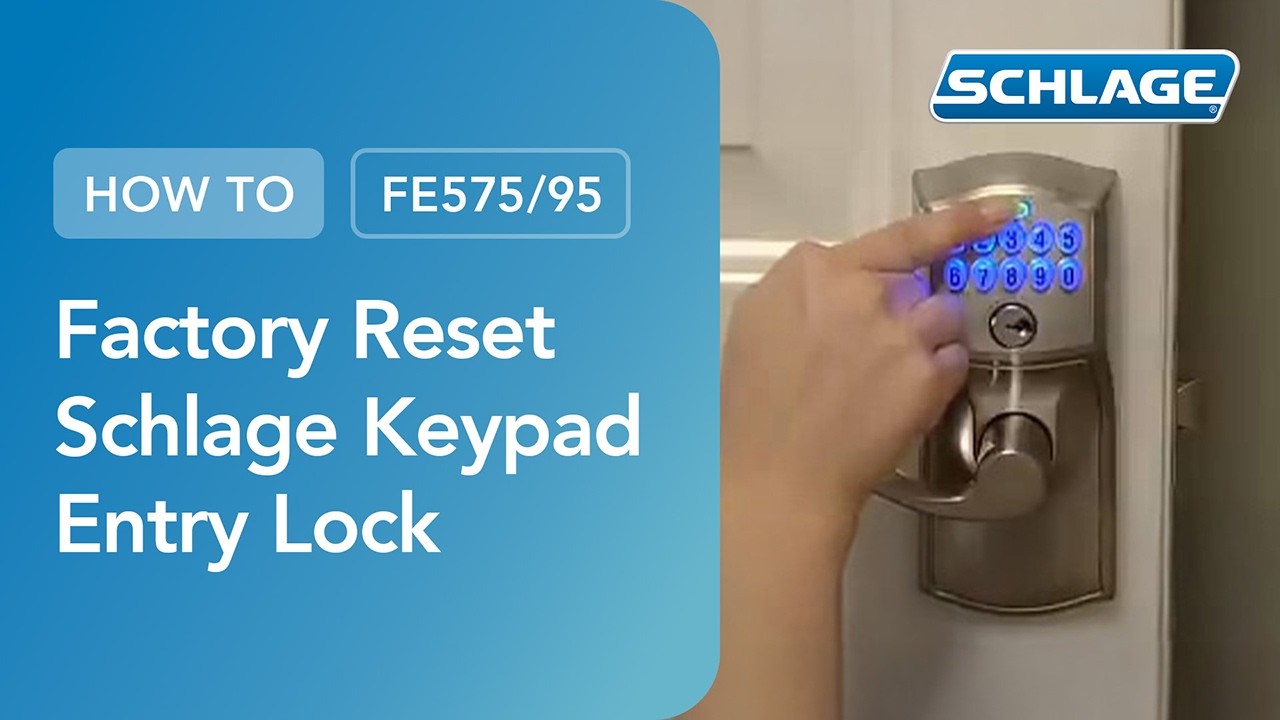
If you already own a Schlage keypad lock and need a fresh start after a move or access change, use our guide to resetting a Schlage keypad lock. It walks through the preparation and testing steps so you do not accidentally lock yourself into a bigger problem.
Are smart locks safe? The bottom line
Smart locks are safe for many homes when they are treated as part of the whole entry system, not as a gadget that replaces good physical security. Buy a model that fits the door, keep a tested backup, protect the account, use separate access for different people, and keep the routine simple enough that everyone understands it.
That approach gives you the useful parts of a smart lock, such as flexible access and better visibility, without letting convenience create a new blind spot at the front door.