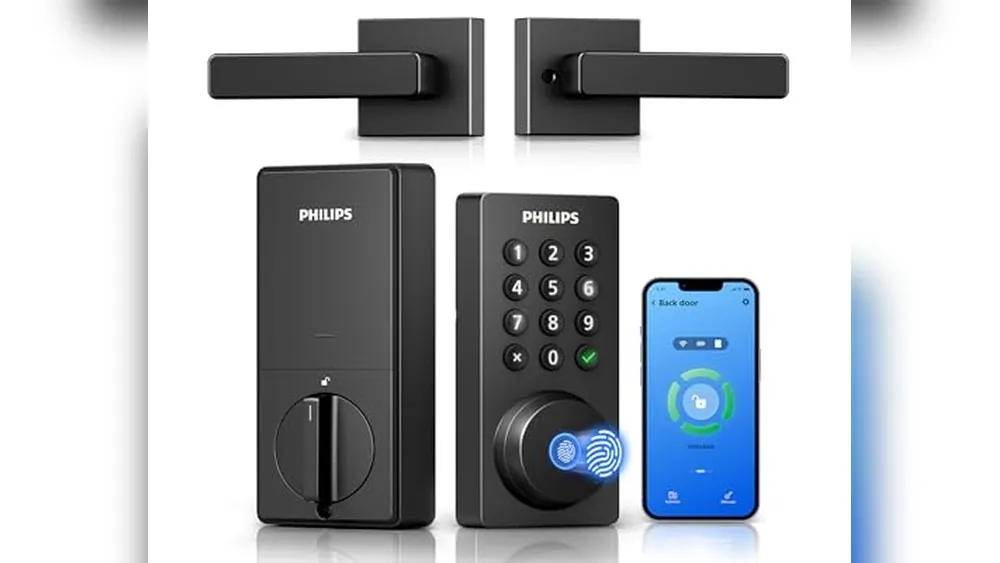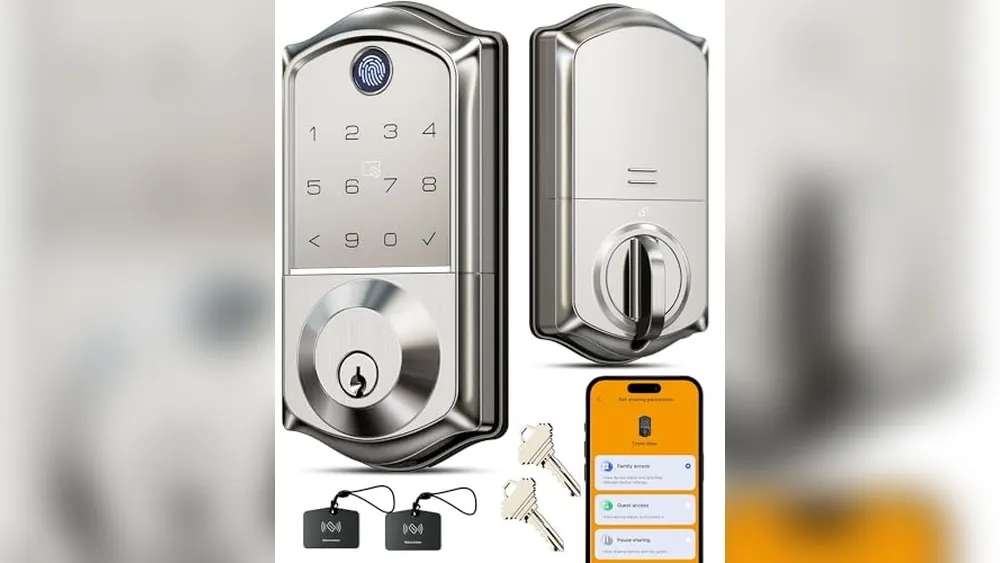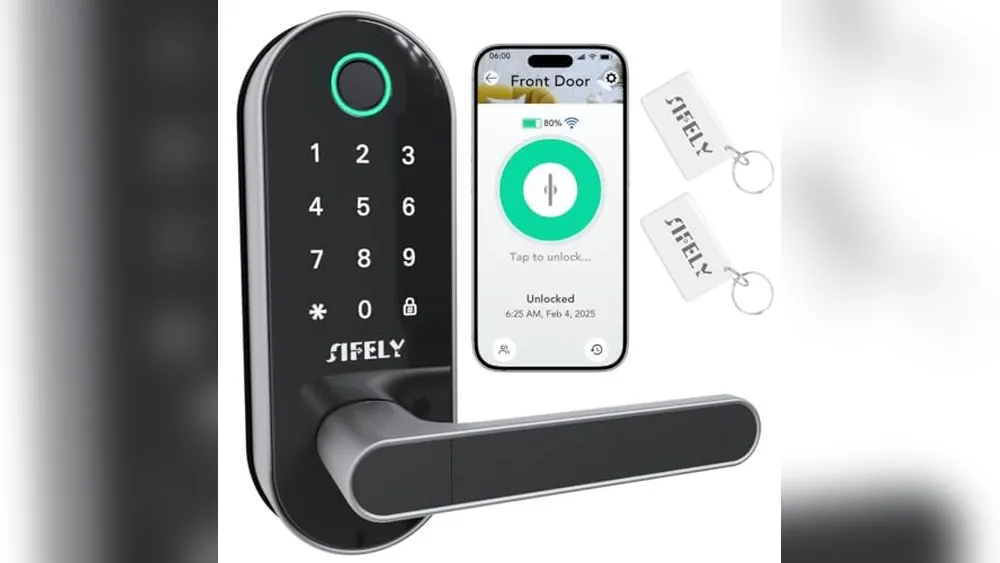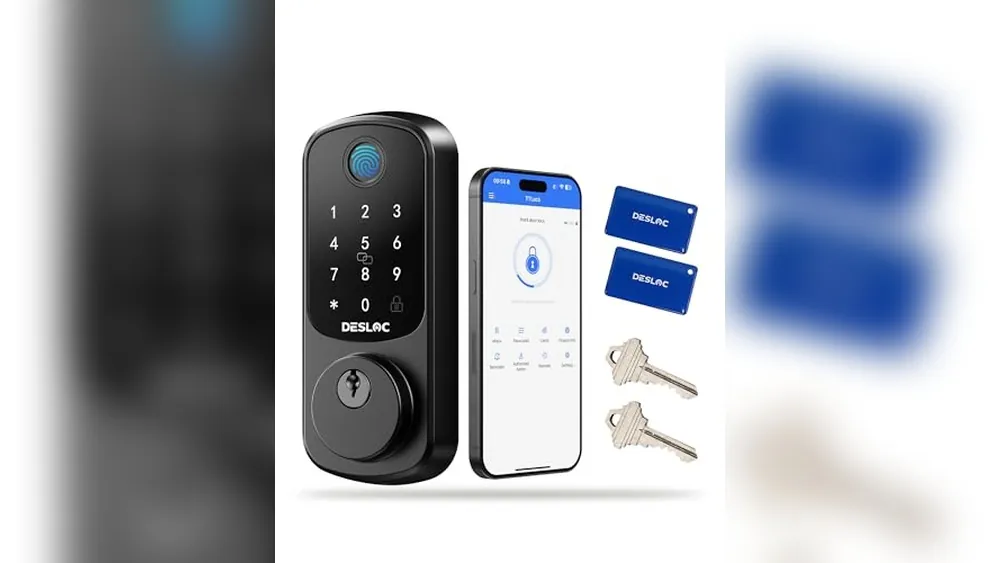
Choosing between a smart lock and a traditional deadbolt starts with a simple question: what problem are you trying to solve at the door? A standard deadbolt is simple and familiar. A keypad or smart lock can make everyday access easier when you want fewer physical keys, clearer household access or a way to check the lock when you are away.
The right choice is not automatically the one with the most features. It is the one that fits the existing door, leaves a dependable backup entry method and works for the people who use the door every day. Start there, then decide whether a keypad, app, fingerprint reader or inside-only retrofit will genuinely make life easier.
Quick answer: smart lock or deadbolt?
- Choose a traditional deadbolt when: you want a straightforward mechanical lock, use ordinary keys comfortably and do not need shared codes or remote control.
- Choose a keypad deadbolt when: the household wants keyless entry at the door but does not need a phone app for every lock and unlock.
- Choose a connected smart lock when: named access, arrival alerts, temporary codes or remote checks would solve a real household routine.
- Choose an inside-only retrofit lock when: you are renting or want to keep the exterior key cylinder and existing deadbolt hardware in place.
For apartment-specific choices, see SavvyNests' renter-friendly smart lock guide. If the goal is a broader entry and alert plan, the renter security guide can help you keep the setup proportionate to the home.
What a smart lock changes, and what it does not
A smart lock changes how the household proves it has permission to enter. Instead of relying only on a physical key, it may offer a keypad code, phone control, Bluetooth, a fingerprint reader or scheduled access. Some models also show whether the lock is locked and can send an alert when someone uses a code.
It does not make the door stronger by itself. The door, frame, strike plate, screws and installation still matter. A loose strike plate, a door that needs to be pushed hard to latch or a deadbolt that rubs against the frame should be addressed before adding electronics. Auto-lock is useful only when the door closes and latches reliably on its own.
Choose the right type of front-door lock
Traditional deadbolt
A traditional deadbolt is a strong fit for a household that wants a simple, low-maintenance lock. There are no batteries to replace, no app account to protect and no code to remember. It can be the better choice when everyone using the door is comfortable carrying a key and the home does not need temporary or remote access.
The tradeoff is convenience. A spare key, a lost key or a visitor arriving while you are away needs an ordinary plan. If that is already working well, there may be no reason to make the door more complicated.
Keypad deadbolt
A keypad deadbolt can remove the daily key handoff without requiring every person to use a phone. It suits families, regular dog walkers or anyone who wants to arrive with a code instead of digging for keys. Look for a model with a clear way to change codes and a backup method you would be comfortable using during a low-battery warning.
Keep the first setup simple. Give each household member a named code when the lock supports it, avoid using an obvious birthday or address number, and remove a code as soon as someone no longer needs access.
Connected smart lock
A connected smart lock adds the most value when the household will use its features regularly. Remote checks can help when you are unsure whether the door was locked. Temporary codes can be useful for a trusted visitor. Alerts can make it easier to know when a child gets home. None of those features are a reason to ignore the basics, though: choose a reliable local way to enter when the phone is lost, the Wi-Fi is down or the battery needs attention.
Before connecting any lock, protect the account behind it with a unique password and available account security. Treat access codes and app invitations like physical keys. Use them deliberately and remove them promptly.
Inside-only retrofit lock
An inside-only retrofit turns the existing deadbolt from the inside while leaving the exterior hardware in place. It can be a practical option for renters and for households that need to preserve a familiar key path. It is not universal, so confirm the exact deadbolt shape, thumb turn and door clearance before ordering.
A retrofit lock is usually easier to remove later, but it is still worth checking the lease or building rules first. Do not assume that keeping the outside of the door unchanged automatically makes every modification acceptable.
Four checks before you buy
- Confirm the door and deadbolt fit. Measure the existing deadbolt and door thickness, then use the maker's compatibility information for the exact model. Do not rely only on a product photo.
- Choose the fallback entry method. Decide whether a physical key, keypad, Bluetooth or another approved method will get you in when the phone, Wi-Fi or battery is not available.
- Test the latch first. Close the door normally and make sure the bolt turns without lifting, pushing or forcing the door. Fix alignment before relying on auto-lock.
- Plan who needs access. Make a list of household members and regular visitors. Named codes or invitations are easier to remove than one shared account or a hidden spare key.
Smart-lock features worth paying attention to
A backup method you will actually use
Every smart lock needs a calm answer to a dead battery, missing phone or internet outage. A physical key is familiar. A keypad can be convenient. Bluetooth may work locally when the app is already set up. The best backup is the one every regular user can manage without a rushed call from the driveway.
Door fit and everyday operation
Check the door with the bolt extended and retracted before ordering. The lock should not need to fight a warped frame, a loose handle or a misaligned strike plate. After installation, test the key, keypad, phone control and inside thumb turn with the door open and closed. Then test the lock again with a bag in one hand, because that is closer to how the household will use it.
Access that can be removed cleanly
Temporary codes can be useful for trusted guests or service visits, but only when you remember to remove them. A household account with named access is easier to manage than shared passwords. Review access after a move-out, breakup, lost phone or change in regular help at the home.
Battery alerts and a practical routine
Smart locks need a battery plan. Turn on low-battery alerts if the model offers them, keep the recommended spare batteries where the household can find them and replace batteries before they become an emergency. Do not mix old and new batteries or assume every model uses the same backup procedure.
Renters: keep the lock reversible
For a rental, the safest first question is whether the lock can leave the exterior hardware, property-manager key path and original door condition intact. An inside-only retrofit may be easier to discuss than a full replacement, but the lease still wins. Get written permission before drilling, replacing fixed hardware or changing any lock the building may need to service.
Photograph the existing setup before installation and keep the original screws, cover plate and deadbolt parts in one labeled bag. When it is time to move, remove guest access, factory-reset the lock, reinstall the original hardware and test the original key before handing over the home.
A simple first-week test
- Lock and unlock the door with every approved method while you are home.
- Confirm the deadbolt moves smoothly when the door is fully closed.
- Give each household member their own access method and have them test it.
- Check the low-battery warning and save the backup-entry instructions somewhere the household can reach.
- Test any remote check or alert once, then keep only the notifications that are genuinely useful.
For related entry planning, compare apartment security devices or build a broader home security setup without monthly fees. A thoughtful first lock can be more useful than a pile of devices that do not fit the door or the household routine.
Frequently asked questions
Are smart locks safer than traditional deadbolts?
A well-installed smart lock can be a sound choice, but its security depends on the door, strike plate, installation and the access methods you allow. A traditional deadbolt avoids batteries and app access. Choose the option that gives the household a dependable way to lock and unlock the door every day.
Do smart deadbolts work when the Wi-Fi is down?
Many smart deadbolts still work at the door through a keypad, a physical key, Bluetooth or the inside thumb turn. Remote controls and alerts may stop when Wi-Fi is unavailable. Check the exact model's backup methods before buying.
Can renters install a smart lock?
Some renters can use an inside-only retrofit lock that leaves the exterior hardware and key cylinder in place. Read the lease first, and get approval before replacing a deadbolt, drilling the door or changing a lock a property manager may need to access.
What should I check before buying a smart deadbolt?
Measure the door and existing deadbolt, confirm the lock's compatibility, choose a reliable backup entry method, and make sure the door latches smoothly before relying on auto-lock. A smart feature cannot fix a poorly aligned door.
The best front-door lock fits the household
Choose a traditional deadbolt when simplicity is the priority. Choose a keypad or smart lock when it clearly improves access for the people who use the door. In every case, start with a door that fits, a backup method that works and an access plan that stays easy to manage.
A practical way to make the final choice
Use a traditional deadbolt if the current key routine is working, everyone who needs access carries a key and avoiding batteries or an account is more valuable than added convenience. Choose a keypad deadbolt if keyless entry is the main goal. Choose a connected smart lock only when remote checks, individual access or temporary codes will solve a real, recurring problem for the household.
Before ordering any option, test the existing door and bolt, decide on the backup entry method and make sure every regular user can use it. Those three checks matter more than a long feature list.