An affordable smart thermostat can make it easier to keep a home comfortable without paying for features that never get used. The right model should work with your heating and cooling system first, then fit the voice assistant and routine your household already relies on.
For Alexa and Google Home households, the useful part is usually simple: adjust the temperature by voice, check it from your phone and keep a schedule that does not waste energy when no one is home. Before comparing prices, confirm compatibility. A great deal is not a deal if the thermostat cannot power up or control the system correctly.
Quick answer: what should you choose?
- For straightforward voice control: choose a thermostat that clearly lists support for Alexa and Google Home, plus the app controls you would still want if voice control is unavailable.
- For an older home or uncertain wiring: use the maker's compatibility checker before buying and pay special attention to the C-wire requirement.
- For a smaller budget: prioritize reliable scheduling, remote control and easy temperature changes over premium displays or advanced extras.
- For a rental: confirm the lease, photograph the original wiring and keep every removed part together for move-out.
If you are choosing a thermostat for an apartment, start with the apartment smart thermostat guide. For a broader plan around routines, lights and connected devices, see smart-home automation.
Check compatibility before looking at features
Most smart thermostats are made for low-voltage heating and cooling systems. These often use thin wires marked with letters such as R, W, Y, G and C. A standard smart thermostat is not automatically suitable for electric baseboard heat, many wall heaters, steam systems or unfamiliar two-wire setups.
Remove the thermostat cover only when it is safe to do so, then take a clear photo of the wiring without disconnecting anything. Enter those wire labels into the compatibility checker for the exact model you are considering. The number of wires is less useful than the letters and the type of heating and cooling system they control.
Stop before buying if the system is unclear, the wiring looks damaged or the existing thermostat controls line-voltage heat. A compatible thermostat, or advice from a qualified professional, is a better outcome than guessing from a product photo.
Understand the C-wire before checkout
A C-wire provides steady power for a thermostat's display, Wi-Fi connection and app features. Some homes already have one behind the existing thermostat. Others do not, which is common in older homes.
A missing C-wire does not always rule out a smart thermostat. Some models include or support an approved power adapter or power extender kit. The tradeoff is that those options may require access to the HVAC control board, which is not always convenient in an apartment, shared building or older system.
- C-wire present: you usually have the simplest installation path, subject to the model's compatibility check.
- No C-wire, but an approved adapter works: confirm where the adapter installs and whether you can safely access that location.
- Two-wire or unusual system: pause and use the manufacturer's checker or ask a qualified professional before ordering.
Do not bypass a safety feature or use improvised wiring to make a thermostat fit. Compatibility is what makes the upgrade useful after the first week.
Choose the controls that fit your home
Voice assistant support
Alexa and Google Home can make common changes easier, such as raising the temperature while carrying groceries or lowering it before bed. Check that the exact thermostat model supports the assistant you use, then read how the connection works. Some products connect directly, while others need an account link through the maker's app.
Voice control should be a convenience, not the only way to run the thermostat. Make sure the display and app are clear enough for everyday adjustments, household members and guests.
Scheduling and remote control
A simple weekday schedule, a sleep temperature and an away setting can be more valuable than a long list of automation options. Choose a thermostat that lets you change the schedule easily when work hours, travel or seasons change.
Remote control is useful when you want the home comfortable before you arrive or need to check on a property while away. It still depends on stable home Wi-Fi, so solve a weak connection near the thermostat before blaming the device.
Room sensors and extra features
Room sensors can help when the main thermostat sits in a hallway while the bedroom or living room is consistently warmer or colder. They are worth considering only when the heating and cooling system can respond meaningfully to that difference. For many homes, reliable scheduling and a compatible thermostat are the better first investment.
Affordable thermostat options to compare
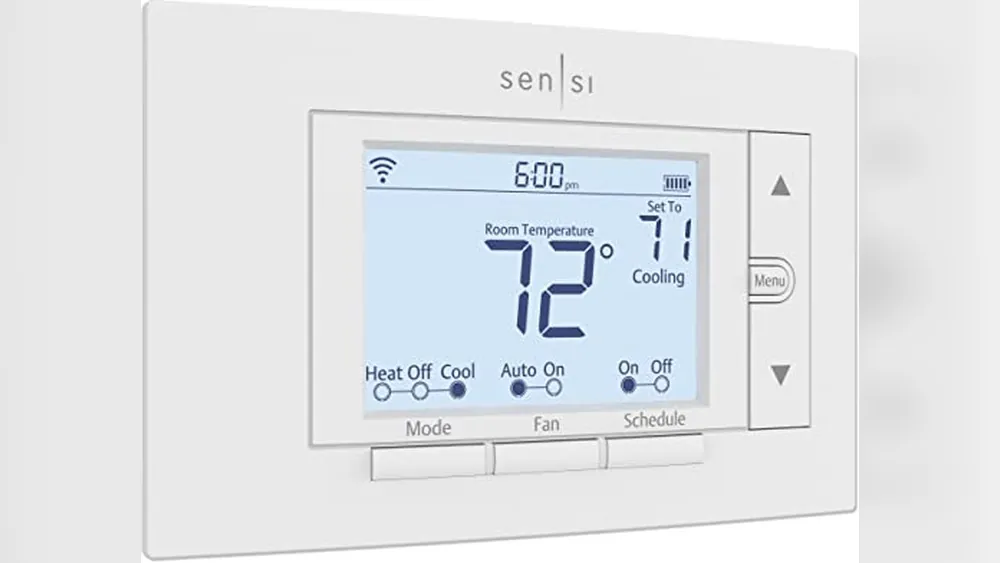
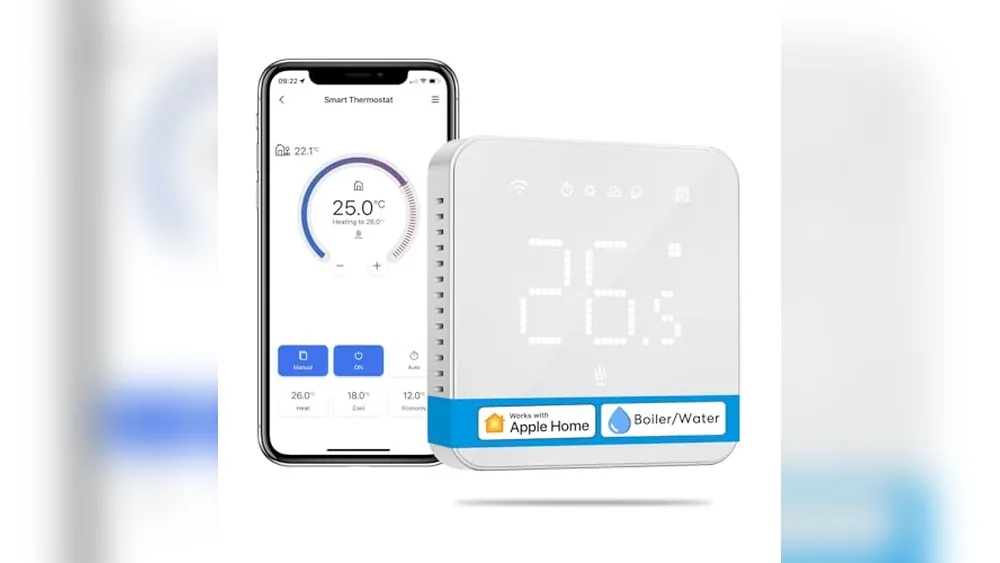
Start with compatible models, then compare how they solve the job you have in mind. Product bundles and features change, so confirm the current listing and compatibility details before ordering.
- Google Nest Learning Thermostat, 4th Generation: a current Nest option to compare when Google Home is central to the household and optional room-sensor support matters. Use Google’s compatibility checker before ordering.
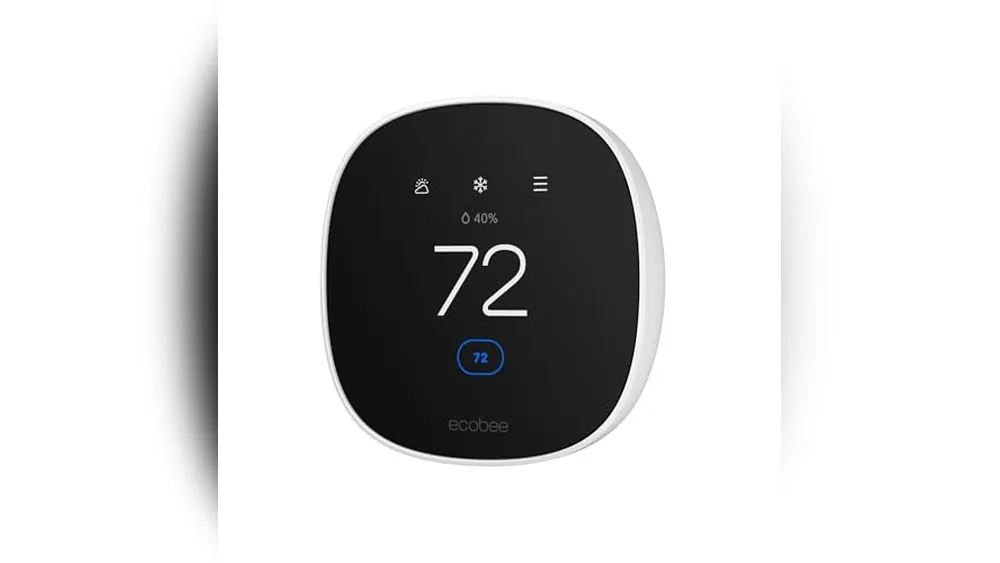
- ecobee Smart Thermostat Essential: a value-focused option to compare when Alexa and Google Home support matter. Confirm the C-wire or Power Extender Kit installation path first.
- ecobee Smart Thermostat Premium: worth considering when an included room sensor could help with a room that runs noticeably warmer or cooler than the thermostat location.
Do not choose based on the brand alone. The best option is the compatible model with controls your household will actually use.
Install it with a plan to test it
- Confirm compatibility and read the instructions for the exact model before turning anything off.
- Turn off power to the heating and cooling system at the breaker.
- Photograph the existing wiring and label wires if the installation instructions call for it.
- Install the thermostat exactly as directed by the manufacturer.
- Test heating and cooling separately, then confirm the app and voice assistant connection.
- Set one basic schedule and adjust it after living with the system for a week.
Keep the original thermostat, screws and cover plate in one labeled bag. That is especially important for renters and anyone who may need to restore the old setup later.
Use it to simplify a real routine
Start with one change you will notice, such as lowering the temperature at bedtime, easing it up before the household wakes or using an away setting during work hours. Let that routine run for a week before adding more automation. A thermostat that stays comfortable and easy to control is more valuable than one with a complicated schedule nobody remembers to update.
For ideas that work alongside temperature control, explore renter-friendly smart-home upgrades or the smart thermostat guide for energy savings.
Frequently asked questions
Do all smart thermostats work with Alexa and Google Home?
No. Check the exact thermostat model and the voice platform you use before buying. Support can vary by model, region and feature, even within the same brand.
Do I need a C-wire for a smart thermostat?
Many Wi-Fi thermostats need steady power from a C-wire or a compatible power adapter. Some systems use another approved solution, but you should confirm your wiring with the thermostat maker's compatibility checker before ordering.
Will a smart thermostat lower my energy bill?
It can help when you use a schedule, adjust temperatures while away and avoid heating or cooling an empty home. The savings depend on the home's insulation, climate, HVAC system and the settings you choose.
Can renters use a smart thermostat?
Sometimes. Start with the lease, the existing wiring and whether the original thermostat can be reinstalled cleanly. A reversible setup and a photo of the original wiring make moving out much easier.
The best affordable thermostat is one that fits the system
Choose compatibility first, then focus on the controls that fit your home: a clear schedule, reliable app access and voice control when it makes daily life easier. That keeps the upgrade practical, affordable and more likely to pay off in comfort over time.
What to confirm before installing a smart thermostat
Compatibility comes before features. Most common smart thermostats are for low-voltage heating and cooling systems. They are not automatically suitable for electric baseboard heat, many wall heaters, steam systems or unfamiliar two-wire setups.
- Photograph the wires first: wire labels and heating-system type are more useful than counting wires.
- Check the C-wire path: some models need a C-wire, while others use a compatible power extender or adapter. Confirm where that accessory installs before ordering.
- Confirm the assistant by exact model: Alexa and Google Home support can vary by model, region and account connection.
- Choose sensors only for a real comfort problem: a sensor can help when a regularly used room differs from the thermostat location, but it cannot fix an HVAC system that cannot respond to that room.
For a rental-specific installation plan, see smart thermostats for apartments. For a broader energy-focused comparison, see the best thermostats for energy savings.