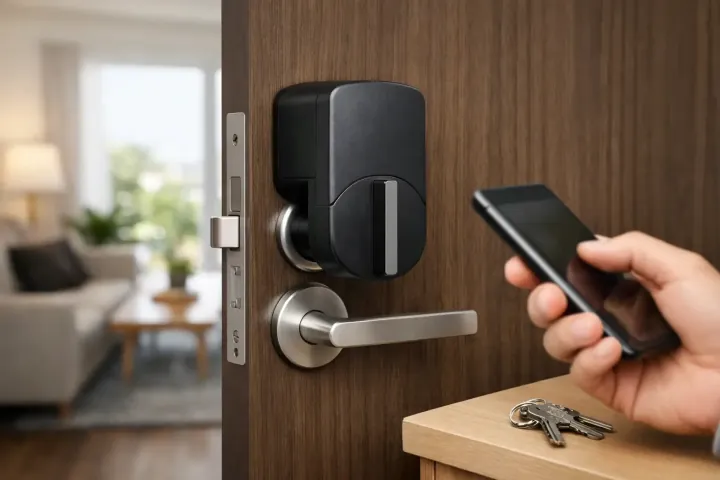
What should an Airbnb host look for in a smart lock?+
Start with the exact door fit, a dependable guest entry method, separate access that can be removed after a stay, and a practical backup for a battery, Wi-Fi, or phone problem. The best lock is one the host, co-host, cleaner, and guest can understand without a last-minute workaround.
Can Airbnb guests use a smart lock without an app?+
Many smart locks can use a keypad, physical key, or another local method, but the answer depends on the exact model and setup. A host should decide the guest-facing entry method before buying and test it with someone who has not used the lock before.
Should I reuse the same Airbnb door code for every guest?+
A separate, time-limited code for each stay is generally easier to manage than one code that remains in use. It makes access changes clearer and reduces the chance that an old guest, cleaner, or contractor still has the same entry method. Confirm what the chosen lock actually supports.
What happens if the Wi-Fi goes out?+
Remote status, app notifications, and some automations may stop working, but a good entry plan should not end there. Check the lock's local keypad, key, Bluetooth, or emergency-power options and give guests clear instructions for the backup that you have tested.
Do I need permission to install a smart lock in a rental property?+
Rules vary by property, insurer, lease, condominium association, and local requirements. If you do not own the door hardware outright, or if the property has a manager, master-key system, or safety requirements, settle approval and key access before changing the lock.
How often should I check an Airbnb smart lock?+
Test the main entry method, backup method, latch, batteries, and access removal process before relying on the lock for a guest arrival. Repeat those checks during normal turnovers and whenever the property, Wi-Fi, personnel, or access process changes.