A security camera should help you check the front door, the sleeping baby, or the dog on the couch without adding another monthly bill to your household budget. That is the promise behind this Eufy camera review. Eufy stands out because many of its cameras can record locally, letting you avoid mandatory cloud subscriptions while still getting useful alerts and clear video.
That promise comes with a few asterisks. Eufy has a large camera lineup, and the right choice depends on whether you need a simple indoor camera, reliable outdoor coverage, a battery-powered option for a rental, or a full wired system with around-the-clock recording. It also asks buyers to think a little more carefully about storage, Wi-Fi coverage, and privacy settings than some plug-and-play cloud-camera brands do.
Eufy Camera Review: Who Is It Best For?
Eufy cameras are a strong fit for budget-conscious homeowners, renters, and first-time smart-home buyers who want more control over video storage. They are especially appealing if subscription fatigue has set in. With compatible cameras and a HomeBase hub, clips can be stored locally rather than in a paid cloud plan. Some standalone models also use a microSD card.
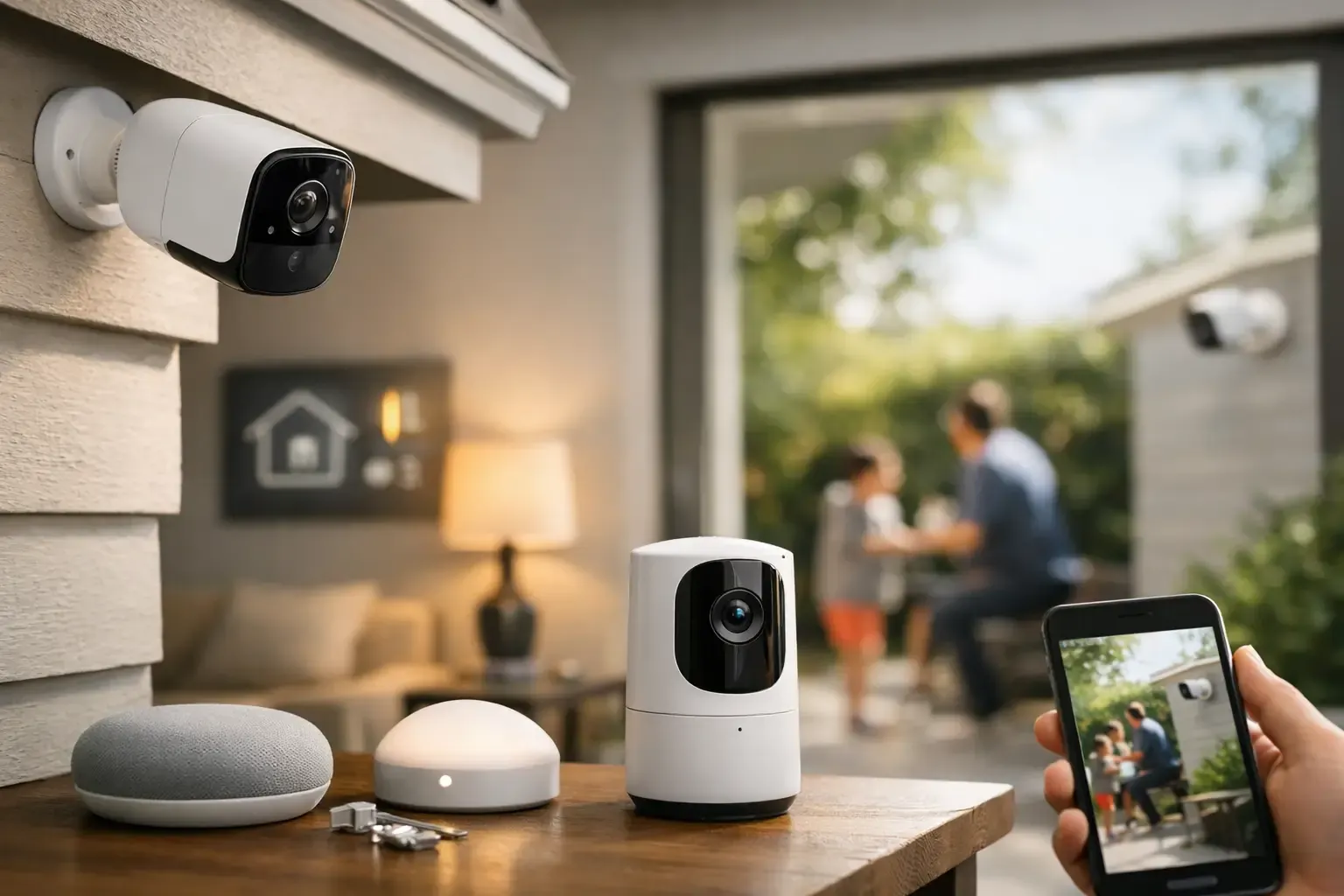
The lineup works well for households that want practical coverage: an indoor camera for pets, a doorbell camera for packages, or outdoor cameras for a driveway and back door. Many models work with Alexa and Google Home for voice commands and live viewing on compatible smart displays. Apple Home support is available on select products, but it is not universal, so Apple households should verify the exact model before buying.
Eufy is less ideal for someone who wants professional monitoring, effortless off-site cloud backup, or one app that combines every alarm, camera, lock, and sensor from multiple brands. It is also not the simplest choice for a large property with weak Wi-Fi. Local storage is a money saver, but it is not magic. You still need a stable network and a plan for where footage lives.
The Biggest Benefit: Local Storage Without a Required Fee
The clearest reason to choose Eufy is the potential to keep recurring costs low. Cameras that accept microSD cards can save clips directly on the device. Battery and doorbell models that work with HomeBase can store footage on the hub, and newer hubs may support expanded storage depending on the setup.
For a household adding several cameras, that can be a meaningful difference. A cloud plan that feels inexpensive for one camera can become a long-term expense once you cover the entryway, garage, backyard, and nursery.
There are trade-offs. If a camera stores video only on a removable microSD card and someone steals the camera, they may also take the footage. A HomeBase placed inside the home provides better protection from that scenario. Local storage also does not mean you should ignore account security. Use a unique password, enable two-factor authentication if available, keep firmware updated, and limit shared access to people you trust.
Cloud storage can still be useful for certain families, particularly if you want an off-site copy of critical clips. Eufy offers optional cloud features for some products, but the key advantage is that you are generally not forced into a subscription just to use basic recording features.
Video Quality and Alerts: Good, With Some Fine-Tuning
Eufy offers cameras in 1080p, 2K, and 4K options. For most homes, 2K is the comfortable middle ground. It provides more detail than standard 1080p without consuming storage as quickly as 4K. A 2K camera can make it easier to identify a face at the porch or read larger details in a driveway, assuming the camera is mounted at a sensible distance and has enough light.
Higher resolution alone does not guarantee better evidence. Night vision performance, camera angle, motion settings, and Wi-Fi strength matter just as much. A camera aimed toward a bright streetlight may create glare. One mounted too high can capture the top of a hat instead of a person’s face. Before drilling holes or applying adhesive, test the live view from the exact location you plan to use.
Motion detection is generally useful, especially on models with person, vehicle, pet, or package recognition. But expect to spend a few minutes adjusting activity zones and sensitivity. A driveway camera that sees a busy sidewalk can otherwise become a notification machine. For renters, this setup step is more valuable than buying a more expensive model and hoping it knows exactly what you care about.
Some Eufy cameras include built-in lights or a spotlight. These are helpful for identifying activity at night and can discourage someone from lingering near a side gate or garage. They can also annoy neighbors if aimed poorly, so position them toward your own walkway or entry points.
Choosing the Right Eufy Camera Type
Indoor cameras for pets, kids, and main rooms
Eufy indoor cameras are usually the easiest entry point. Plug them in, connect to Wi-Fi, add local storage if the model supports it, and place one where it has a clear view of the room. Pan-and-tilt versions are particularly useful for pet owners because they can follow motion across a larger space.
Indoor cameras are not always the best choice for privacy-sensitive rooms. Put one in a shared living area, not a bedroom or bathroom, and use privacy mode or a smart plug schedule when you are home. A visible household rule about when cameras are active can prevent unnecessary discomfort.
Battery cameras for renters and low-drill installs
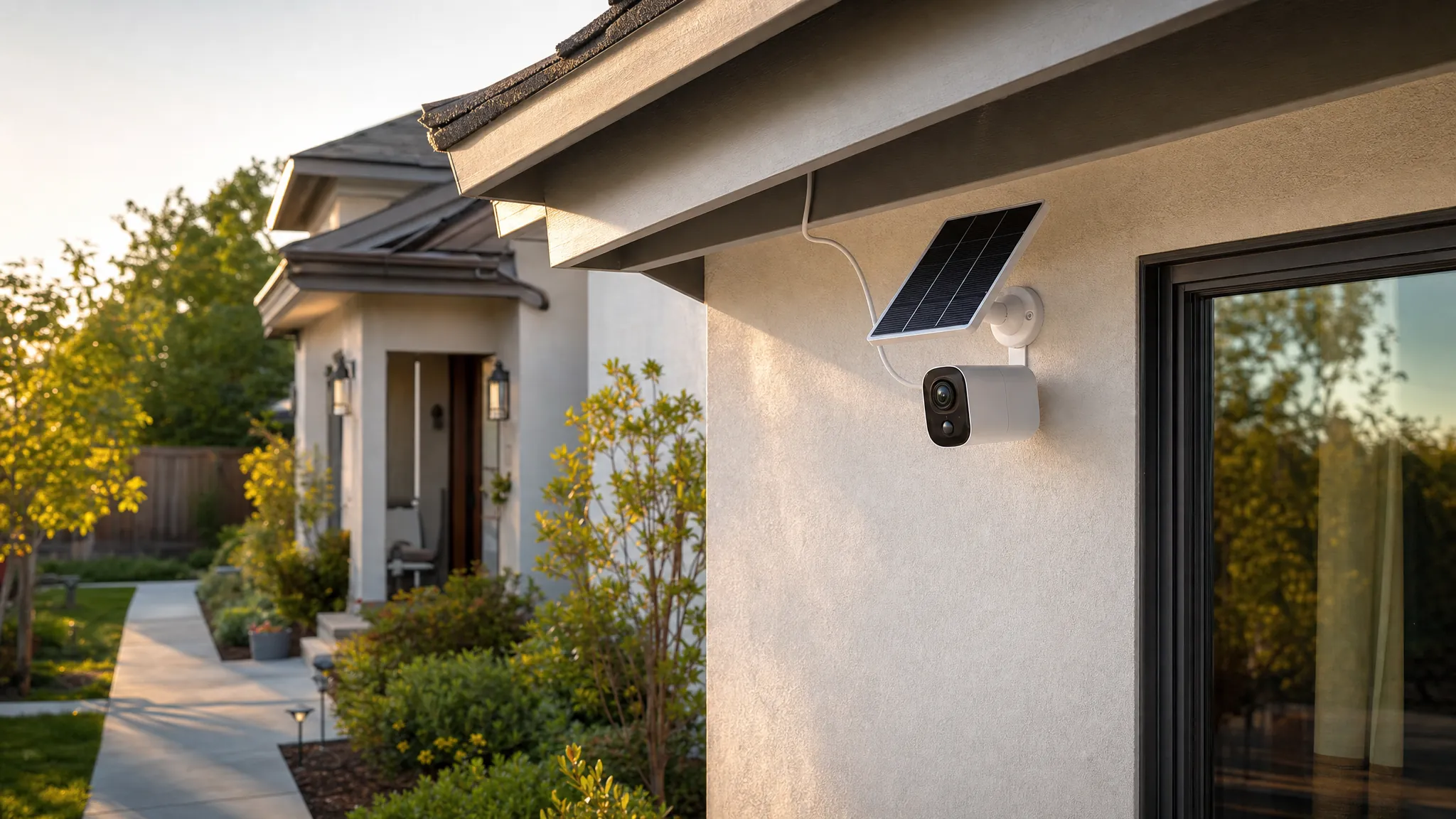
Battery-powered Eufy cameras are attractive when running a power cable is impractical. They can be mounted with screws, and some locations may work with a no-drill mounting solution when the surface and product weight allow it. Battery models are convenient for detached garages, gates, and rentals, but they typically record clips rather than continuous video to preserve battery life.
This is the main limitation: a battery camera may wake after motion begins, which can mean the very first seconds of an event are missed. Solar panels can reduce charging chores in sunny locations, but shade, winter weather, and frequent activity will still affect performance.
Wired outdoor cameras for continuous coverage
If your priority is a busy driveway, a front sidewalk, or a high-traffic backyard, wired cameras are usually the better choice. They do not depend on a battery and are better suited to continuous or near-continuous recording on supported models. Eufy’s wired camera options can make sense for homeowners who want a more traditional security-camera approach without paying a monthly fee.
Installation is more involved. You need a nearby outlet, safe cable routing, or professional help for hardwired power. This is not always renter-friendly, but it is often worth it when missed events would be frustrating.
App Experience and Smart-Home Compatibility
The Eufy Security app is straightforward enough for beginners: you can view live video, review events, adjust detection areas, manage notifications, and share access with household members. The initial setup is usually manageable, though connecting a hub, choosing recording preferences, and updating firmware can take longer than setting up a basic plug-in camera.
Alexa and Google Home support are helpful when you want to pull up a camera feed with a voice command. Treat this as a convenience feature, not the only way to access your cameras. Smart-display video can have a delay, and integrations can vary by model and software update.
Before building around Eufy, check three compatibility details: whether the exact camera needs HomeBase, which generation of HomeBase it supports, and whether it works with your preferred voice assistant. Buying a discounted camera that does not fit your existing hub can erase the savings quickly.
Privacy: A Reason to Be Careful, Not Fearful
Security cameras involve trust. Eufy faced justified scrutiny in the past over how certain video data and web access behavior were communicated. The company has since made changes and published more information about its security practices, but buyers should not treat any camera brand as a set-it-and-forget-it privacy decision.
The practical approach is simple. Keep the app and camera firmware current, secure your home Wi-Fi with a strong password, use two-factor authentication, and avoid placing cameras where neighbors have a reasonable expectation of privacy. If you use facial recognition or AI detection features, understand what data is being processed and decide whether the convenience is worth it for your household.
Local storage gives you more ownership over footage, but good privacy also comes from thoughtful placement and careful account settings.
Is Eufy Worth Buying?
For many homes, yes. Eufy offers a compelling balance of video quality, flexible camera types, local recording, and lower long-term costs. It is particularly strong for people who want to build security room by room instead of committing to an expensive professionally installed system.
Choose a wired model if you need dependable coverage of a high-activity area. Choose a battery model if easy placement matters more than continuous recording. Choose an indoor model if you want an affordable way to keep an eye on pets or a shared living space. Then give yourself an afternoon to test angles, tune alerts, and make sure your Wi-Fi reaches every camera location.
The best home security setup is not the one with the longest feature list. It is the one you will actually install correctly, check when it matters, and feel comfortable using every day.