A video doorbell that watches the porch, a thermostat that learns your schedule, and a smart lock that lets in the dog walker can make home life easier. They also create a few more digital doors to protect. The good news: you do not need networking credentials or an expensive security system to prevent smart home hacking. A handful of sensible setup habits will close most of the gaps that put everyday devices at risk.
The goal is not to make your home impossible to attack. Nothing connected to the internet comes with that promise. The goal is to make your devices far less attractive and far harder to access than the easy targets hackers look for.
Start With the Wi-Fi Network
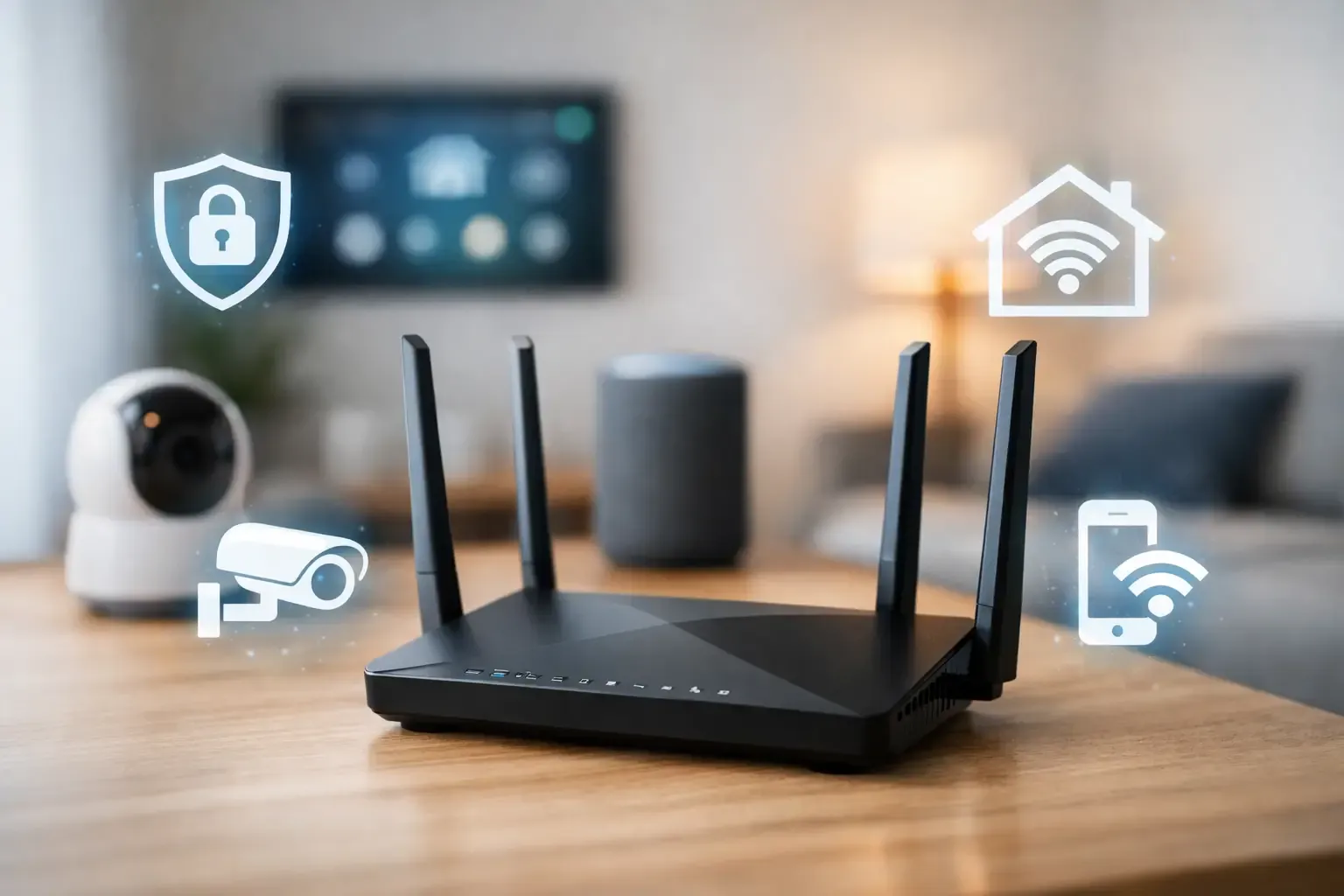
Your router is the front door to your connected home. Every camera, plug, speaker, lock, and robot vacuum depends on it, so router security deserves attention before you add another device.
First, change the router’s default administrator password if you have never done so. This is different from your regular Wi-Fi password. The admin password controls the router itself, and leaving the factory default in place can give an outsider a shortcut to your whole network.
Use WPA3 security if your router and devices support it. WPA2 is still common and generally acceptable for a home network, but avoid older options such as WEP or open networks. Give your Wi-Fi a strong, unique password – ideally a long passphrase you will not reuse for email, banking, or shopping accounts.
It is also worth checking for router firmware updates. Some internet providers update their supplied routers automatically, while others leave the task to you. If your router is several years old and no longer receives updates, replacing it may be a better security upgrade than buying another smart gadget.
Create a Separate Network for Smart Devices
Many newer routers let you create a guest network or an Internet of Things, or IoT, network. Put smart home devices on that separate network when possible, while keeping phones, laptops, and tablets on your main network.
This creates useful separation. If an inexpensive smart plug or older camera has a security flaw, it has less opportunity to reach the computer where you handle taxes or store personal files. The trade-off is that some devices need to be on the same network as your phone for local setup or certain automations. Check each app after moving devices, and do not force separation if it breaks a feature you actually use.
For renters, this step can be especially practical. You can improve the security of your own smart devices without changing any wiring or making permanent changes to the apartment.
Prevent Smart Home Hacking With Better Accounts
Weak or reused passwords are still one of the most common ways accounts get compromised. A hacker does not always break into a camera directly. Sometimes they sign in to the email address or brand account connected to it.
Give every smart-home brand account its own password. A password manager makes this much easier because it can create and remember long, random passwords without asking you to memorize a dozen variations. If a retailer, smart-light brand, or doorbell company has a data breach, a unique password limits the damage to that one account.
Turn on two-factor authentication wherever it is available, especially for cameras, video doorbells, locks, garage controllers, and voice-assistant accounts. An authenticator app is usually stronger than a text message code, but text-based verification is still much better than a password alone.
Your email account needs the same care. It is the recovery key for many smart-home accounts. Use a unique password and two-factor authentication there as well. Otherwise, someone who gains access to your inbox may be able to reset passwords across your connected home.
Keep Devices Updated Before They Become Old News
Smart-home updates can feel like one more annoying notification, but they often fix security issues that were not known when the device was sold. Enable automatic updates for device apps, hubs, cameras, routers, and phone operating systems whenever the option exists.
A useful rule for buying smart devices is simple: choose brands with a clear history of supporting products after purchase. The cheapest no-name camera may look tempting, but a device that stops receiving updates can become a long-term risk. Saving $15 upfront is not much of a bargain if the app disappears or the manufacturer abandons its servers next year.
Check your smart-home app once or twice a year for devices you no longer use. Remove an old plug, discarded speaker, or camera you gave away from your account before it becomes forgotten digital clutter. If you sell, return, or donate a device, perform a factory reset first.
Do Not Ignore the Apps
The app on your phone often holds more control than the device itself. Keep it updated, review its permissions, and install it only from your phone’s official app store. Be cautious about emails or texts asking you to “verify” a device account, especially if they pressure you to act immediately. Open the app directly instead of following the message.
Also, avoid downloading unofficial apps, custom firmware, or mystery “setup tools” for mainstream devices. Those shortcuts can be useful for experienced hobbyists who understand the risks, but they are not necessary for a stress-free home setup.
Limit Who Can Control Your Home
Convenience features can quietly expand access. Review household members, shared users, guest codes, and linked services in each major app. Remove former roommates, ex-partners, contractors, or guests who no longer need access.
For smart locks and garage controllers, use individual guest codes rather than sharing your own primary code. A unique code makes it easy to revoke access later and can help you see which code was used. If your lock allows temporary schedules, set an expiration date for dog walkers, cleaners, or short-term guests.
Voice assistants deserve a quick check, too. Disable voice purchasing if you do not use it, or require a confirmation code. Review linked skills or third-party services and remove ones you no longer recognize. A voice assistant does not need access to every account in your life to turn on a lamp.
Protect Cameras, Locks, and Other High-Stakes Devices
Not every smart device carries the same risk. A hacked bulb is inconvenient. A hacked camera, lock, garage opener, or leak detector can affect privacy, safety, or property damage. Prioritize these devices first if you are short on time.
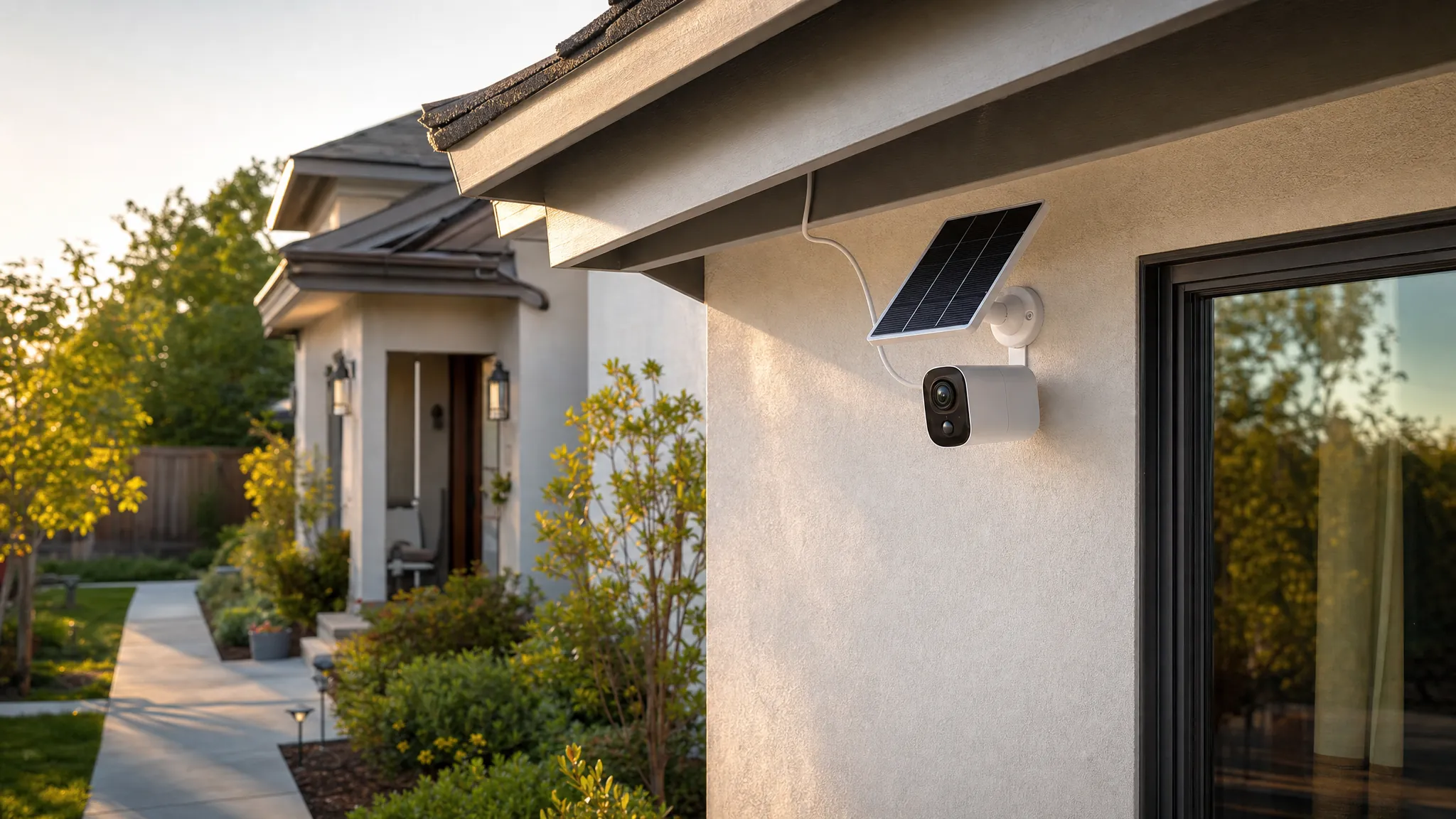
Place indoor cameras thoughtfully. Aim them at entryways, pets, or a specific problem area instead of private spaces whenever possible. Turn on privacy modes when you are home if the camera supports them, and use physical shutters or covers when they fit your routine. Security is not only about stopping strangers. It is also about deciding how much of your household you want recorded in the first place.
For smart locks, keep a physical key or another reliable backup plan. Batteries die, Wi-Fi goes down, and apps occasionally have outages. A secure setup should still let you get into your own home when technology has a bad day.
Watch for Signs Something Is Wrong
Most smart-home problems are ordinary glitches, not hacking. A camera that disconnects may have weak Wi-Fi. A smart speaker may misunderstand a command. Still, take unexplained changes seriously.
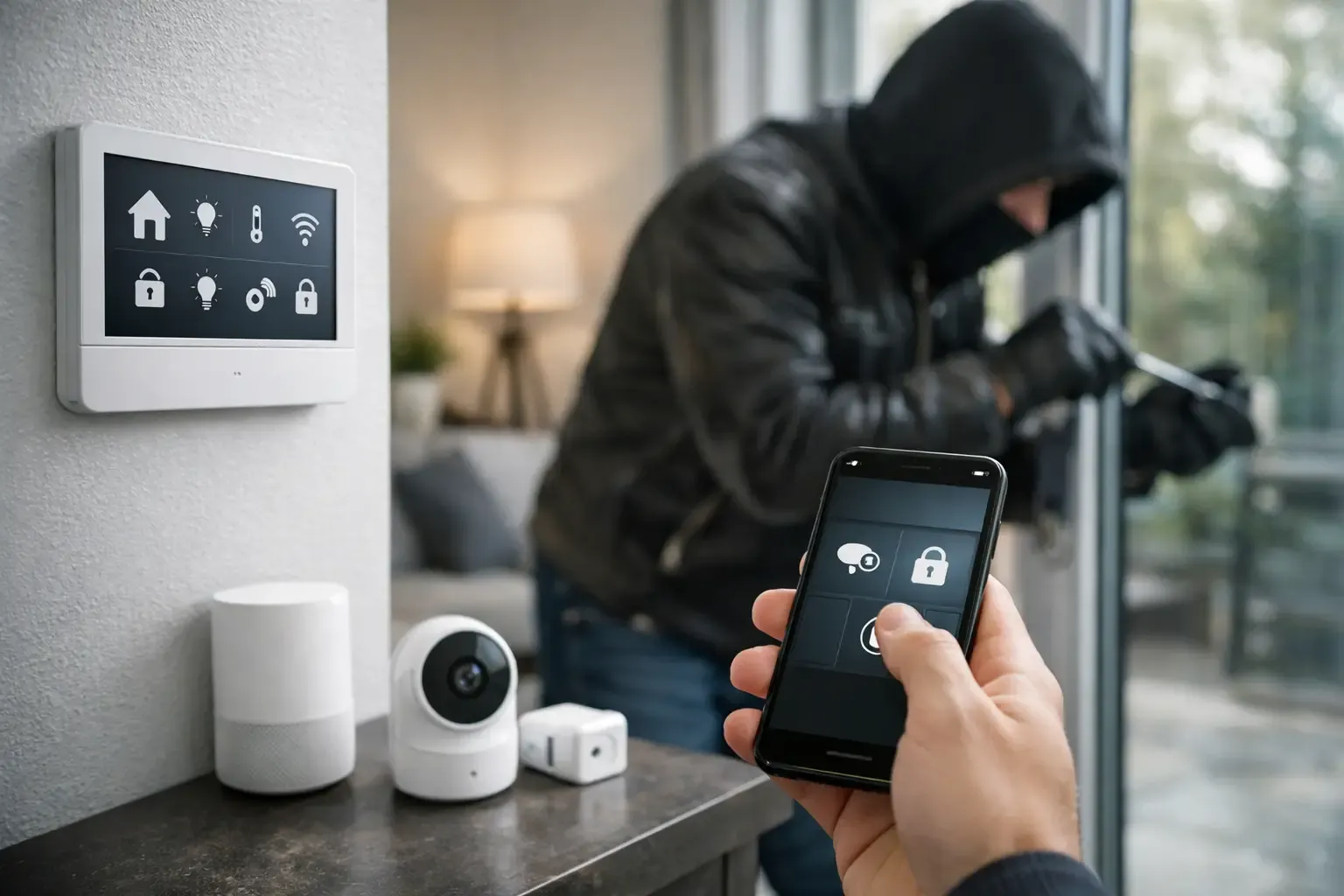
Review account activity if you notice unfamiliar device names, password-reset emails you did not request, new lock codes, camera settings changing on their own, or commands you did not make. Change the affected account password immediately, sign out other sessions if the app allows it, and remove unknown users. Then update the device and router firmware.
If you suspect a serious compromise, reset the device to factory settings and set it up again with a new password. For a lock or garage controller, disable remote access until you are confident the account is secure. That may be inconvenient for a day, but it is better than wondering who still has control.
A smart home should make daily routines calmer, not give you another thing to worry about. Start with your router and the devices that protect your home, then improve the rest a little at a time. Those small steps build a nest that is convenient for your household and much less inviting to anyone else.