A smart lock installed on a modern home entry door

Keyless entry

Fingerprint Door Locks: What to Check Before You Buy

A fingerprint lock can make coming home simpler. Start with the door, the backup entry plan, and the people who need access before comparing the extra features.

Start with the entry

A fingerprint lock should make the front door easier to manage, not more complicated.

The useful choice is the one that opens smoothly for the people who live there, keeps a dependable backup close at hand, and works with the door you already own or rent.

Before you buy

Three checks matter more than the fingerprint reader itself.

01

Make sure the lock fits the door.

A fingerprint reader does not change the basics of door hardware. Confirm the door thickness, backset, bore hole, deadbolt or handle style, and clearance around the existing lock. If the door needs to be pushed, lifted, or pulled hard before a bolt turns, fix that first.

02

Choose a backup you will actually use.

A fingerprint reader is convenient, not a reason to lose every other way in. Decide whether the household needs a physical key, keypad code, emergency power contact, or a combination. Test the fallback before the lock becomes part of the daily routine.

03

Plan access for the whole household.

A lock can recognize regular users quickly, but the right setup also covers children, guests, a pet sitter, a cleaner, or a trusted neighbor. Think through who needs recurring access, who needs a temporary code, and who should never have account-level control.

Choose the backup first

The best fingerprint lock is one part of a complete entry plan.

A reader can be the fastest way through the door, but it should never be the only way. Choose the backup route before the convenience features.

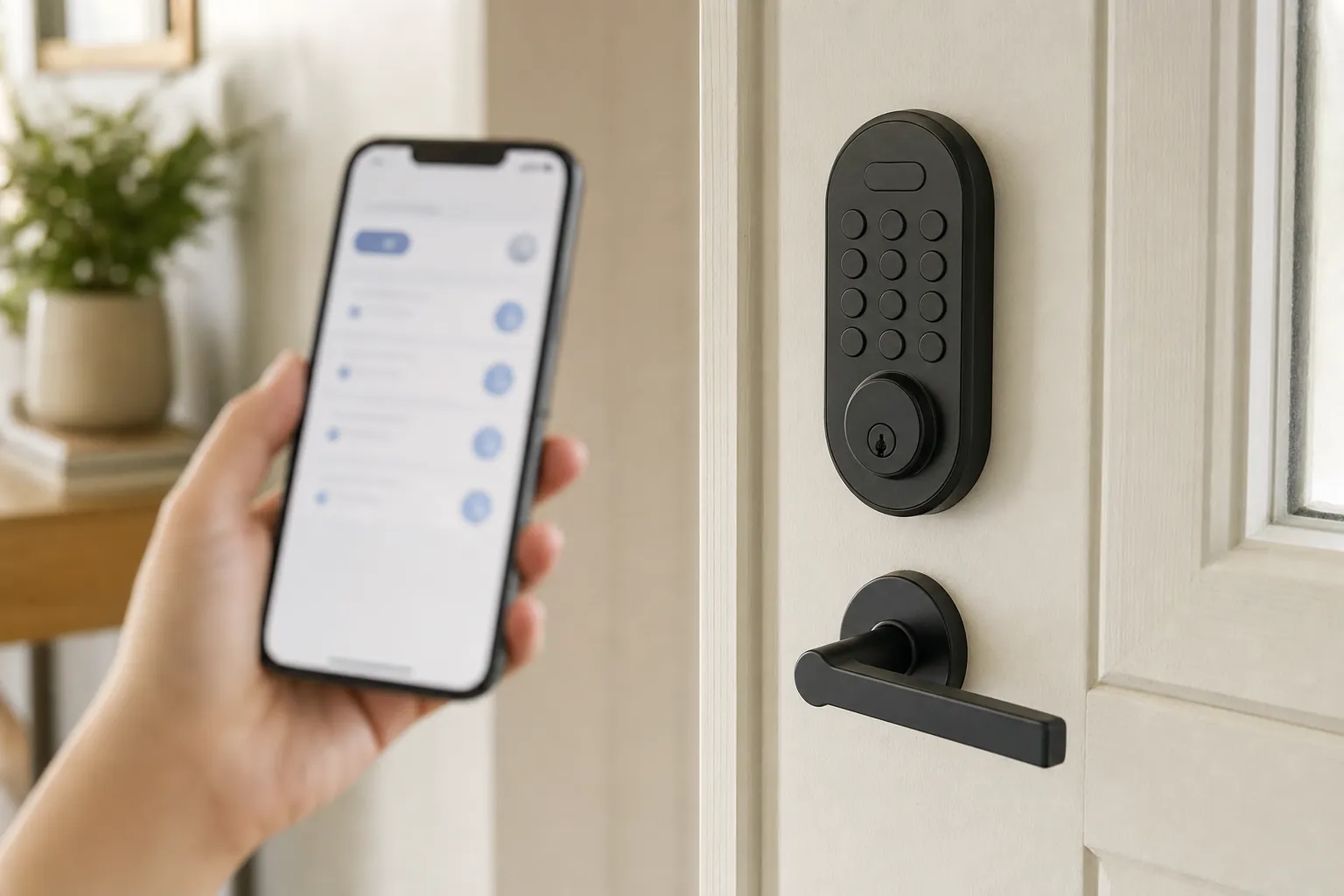
A smart lock access panel beside a home entry door

Fingerprint plus keypad

This is often the most flexible fit for a household that wants a quick everyday unlock plus a code for someone whose fingerprint is not enrolled. Check whether each person can have a separate code and whether the keypad remains easy to use after dark.

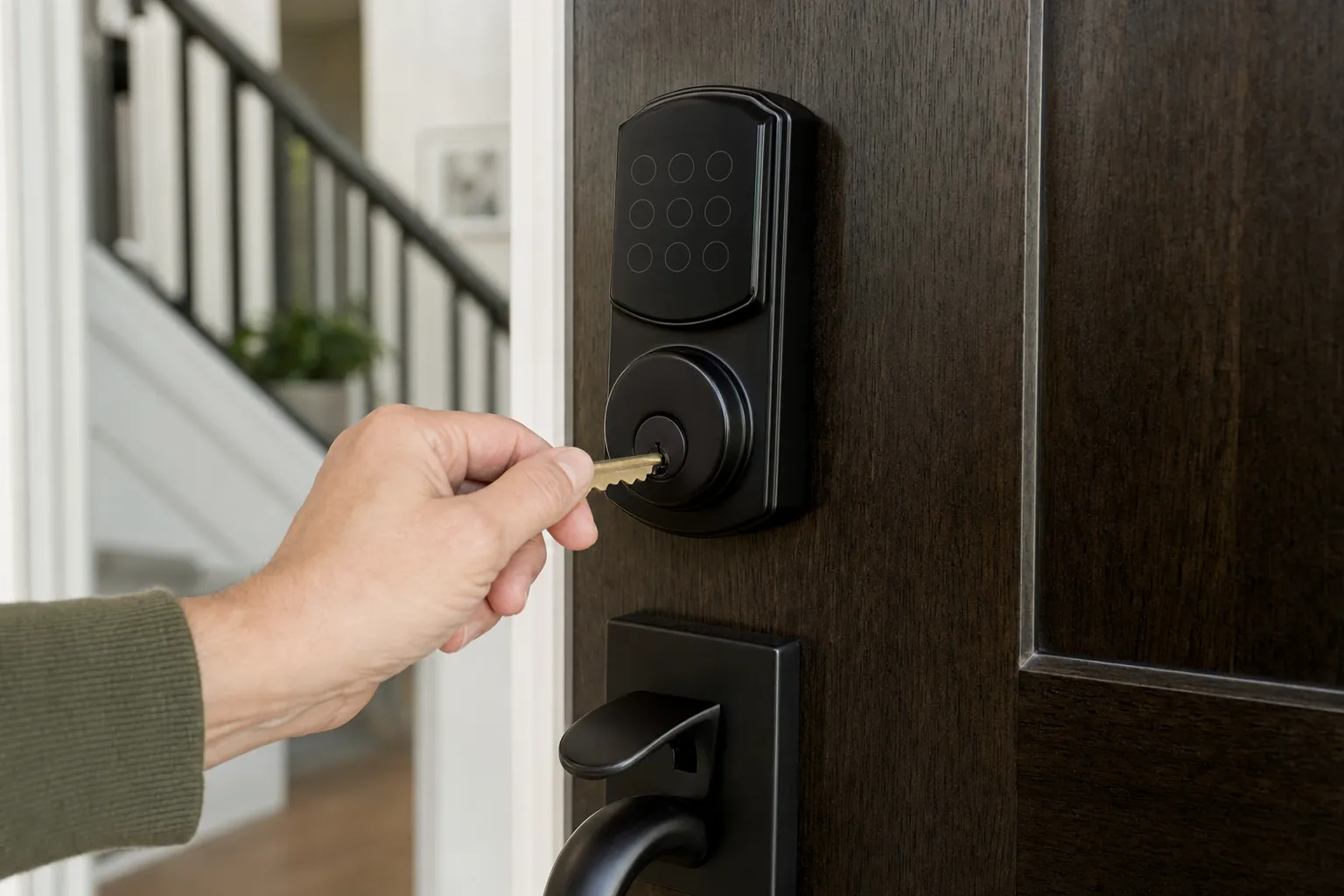
A backup key held beside a smart door lock

Fingerprint plus physical key

A mechanical key can be reassuring when the home needs a familiar backup for every adult. It can also matter where a landlord, property manager, or emergency plan requires an existing key path to remain available.

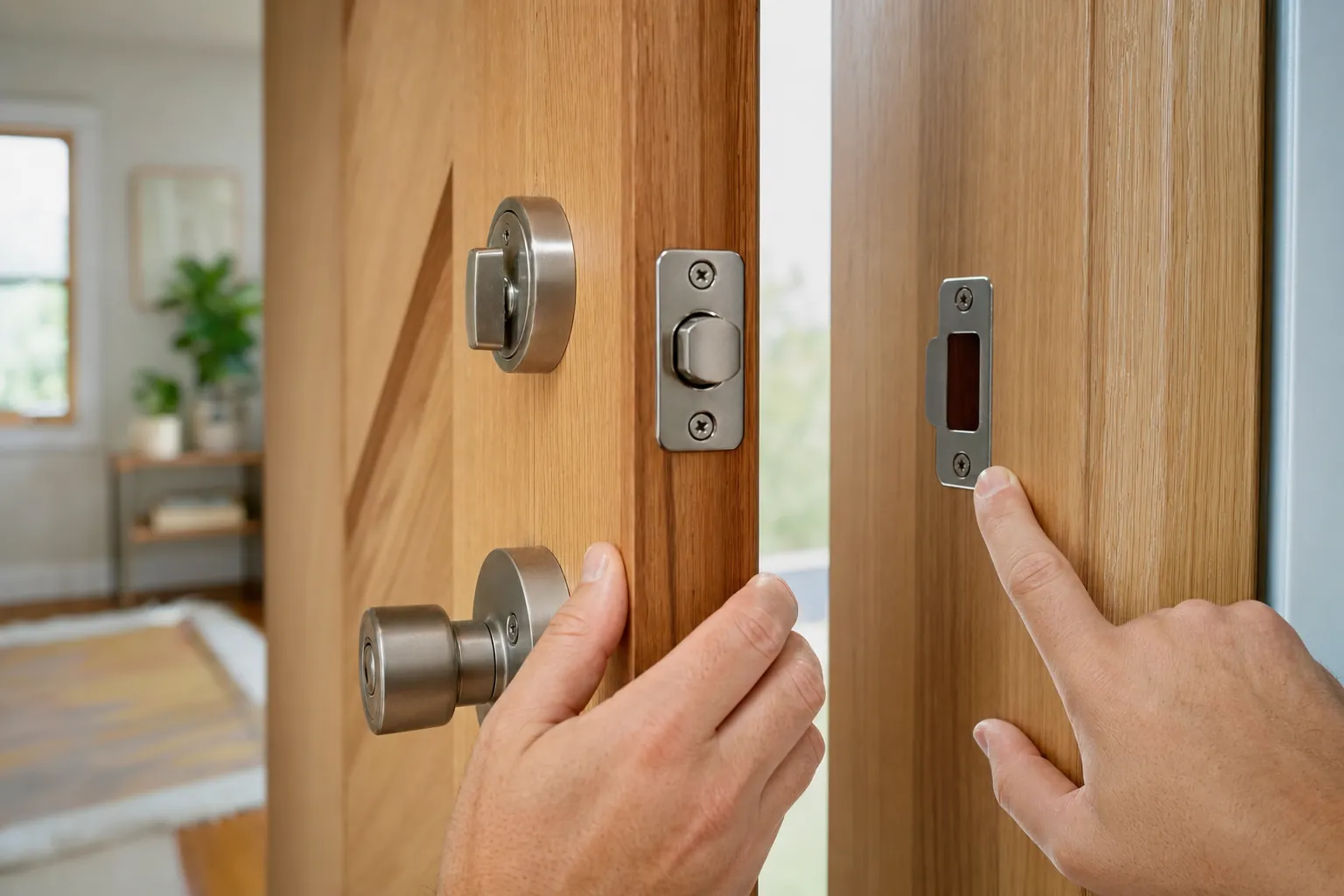
A smart lock checked against the fit of an entry door

A retrofit lock for a rental

An inside-only retrofit can be the cleaner choice when the existing exterior hardware must stay in place. Confirm the exact deadbolt and thumb turn first, then get written approval before changing any part of a rental door.

Fit before features

Door compatibility decides whether the lock will feel dependable every day.

Check the existing hardware, not just the front of the door.

Before choosing any lock, look at the current deadbolt or handle from both sides. Note the door thickness, the distance from the door edge to the center of the lock, the shape of the interior thumb turn, and how much room the lock has around the frame. Product listings often make installation look universal, but small differences in trim, door preparation, or clearance can determine whether a lock sits flat and operates normally. When the product documentation does not clearly match the existing hardware, pause before ordering.

Make sure the door closes and latches cleanly.

A smart lock cannot solve a misaligned door. With the door closed, the bolt should extend without needing a hard push, lift, or shoulder against the door. Try the existing lock several times at different times of day, since a door can shift with temperature or humidity. If the bolt scrapes the strike plate or the door needs force to stay shut, address that mechanical issue first. A motorized lock that has to fight the door will be slower, louder, and less dependable than it should be.

Keep rental rules and building access in view.

A private front door in an apartment can still be subject to lease terms, building policies, required key access, or maintenance procedures. An inside-only retrofit is often easier to discuss because it can leave the exterior hardware intact, but it is not automatic permission. Read the lease, ask for written approval when the boundary is unclear, and do not assume an app invitation or fingerprint enrollment replaces a building's required key path. Keeping the original hardware and installation photos together makes the move-out plan much less stressful.

Make access intentional

A good setup recognizes the right people and has a simple answer for everyone else.

Enroll more than one finger for regular users.

Fingerprints can be quick and convenient, but hands are not always clean, dry, or positioned the same way. When the lock allows it, enroll more than one finger for each person who uses the door daily. Follow the lock's enrollment steps slowly so it captures each print consistently. That gives the household a better chance of a quick unlock when someone is carrying groceries, coming in from the rain, or trying to get inside at night. Do not treat a failed scan as a reason to keep trying until frustration builds. Use the planned backup and review the enrollment later.

Use distinct codes or accounts where the lock supports them.

Separate access makes a household easier to manage. A regular resident may have a fingerprint and a code, while a trusted guest or service provider may need a temporary code instead. Avoid sharing one account password across everyone who can enter. Named access makes it easier to remove a former roommate, replace an old guest code, or check that only the people who still need entry can control the lock. Keep emergency access practical and private, not dependent on a group text message or one person's phone battery.

Decide how visitors will be handled before they arrive.

A fingerprint lock is designed for regular use, not every exception. Think about a family member who rarely visits, a dog walker, a cleaner, a delivery that needs an in-person handoff, or a neighbor checking on the home. A temporary code may be more useful than enrolling someone who only enters once. A physical key may still be the right answer for a trusted person who needs a reliable backup. The point is not to give more people access. It is to choose a controlled method before an urgent moment encourages a rushed decision.

Your first week

Test the lock in ordinary situations before you depend on it.

  1. Use every approved entry method.Test the fingerprint reader, keypad, key, app, and inside thumb turn while everyone is home and unhurried.
  2. Check the door from outside.Close it normally, confirm the bolt engages without force, and make sure a regular user can enter without changing their grip or pushing the door.
  3. Review the low-battery plan.Find the warning setting, replacement battery type, emergency-power option, and physical backup before the first alert appears.
  4. Remove access you do not need.After setup, delete test codes and any account invitation that is not part of the household's real plan.

Keep the household secure

Convenience works best when the lock's account is protected too.

Use a unique account password.

Any lock with app control is also an account that needs protecting. Use a strong, unique password and turn on the account protection offered by the manufacturer. Do not share one login with the entire household just because it feels easier on installation day. If access needs to change later, a shared password can leave the whole setup harder to manage than a physical key ever was.

Do not rely on remote unlock for the basics.

Remote controls can be helpful when you have deliberately planned for a guest or need to check lock status away from home. They are not the foundation of everyday entry. Wi-Fi, the router, the lock's bridge, a phone connection, and the app can all be unavailable at the wrong time. A household should still be able to enter and leave through a normal, tested method at the door.

Keep the existing key path when it is needed.

Some homes, rentals, and family situations need a mechanical key to remain part of the plan. That can be for a property manager, an older family member, a trusted nearby contact, or simple peace of mind. A key cylinder is not a failure of the smart lock idea. It is a useful fallback that keeps the entry practical when technology is not the best answer for the moment.

Frequently asked questions

Get the entry plan right before the lock goes on the door.

Are fingerprint door locks reliable?

They can be reliable when the lock fits the door, is installed correctly, and has a clear backup method. A fingerprint reader should make everyday entry easier, but the household still needs a working key, code, or approved alternative for low battery, a missed scan, or a phone and network problem.

Do fingerprint door locks work when the power goes out?

The lock runs on its own batteries, so a household power outage is different from a low battery in the lock. Remote features may not work if the router is offline, but entry should not depend on the app. Check the exact model's manual unlock, keypad, and emergency-power options before buying.

Can multiple people use a fingerprint door lock?

Most models let you enroll more than one fingerprint and may also support separate keypad codes or app access. Check the number of users supported, how easily you can remove one person's access, and whether the lock lets you label each user clearly.

Are fingerprint locks good for renters?

They can be, especially when the lock works as an inside-only retrofit and leaves the exterior key hardware unchanged. Read the lease and get approval before replacing a deadbolt, drilling, or changing anything the building may need to access or service.

What should I do if a fingerprint reader does not recognize me?

Start with clean, dry fingers and follow the enrollment instructions carefully. Enroll more than one finger for each regular user when the lock allows it. If recognition is inconsistent after proper setup, rely on the backup method and contact the manufacturer rather than forcing the lock or leaving the door unsecured.

Build a better entry plan

Choose a smart lock that still gives everyone a dependable way home.

Compare renter-friendly smart locks
SavvyNests smart-home nest and eggs mark

AI Smart Home Finder

Tell us what you want your home to do better.

Start with comfort you can measure.

Explore thermostats, lighting and routines that can make a daily difference.
Explore energy and comfort