Home security does not have to come with a new monthly bill. A well-chosen camera, doorbell, sensor or local recording setup can give homeowners and renters useful alerts and a clear view of what is happening at home—without committing to professional monitoring.
The important distinction is between a system that works without a subscription and one that includes every feature for free. Many products offer live view and basic alerts without a plan, while saved cloud footage, richer detection or extended history may cost extra. Before you buy, check exactly what remains available without paying each month.
What a no-monthly-fee system can do
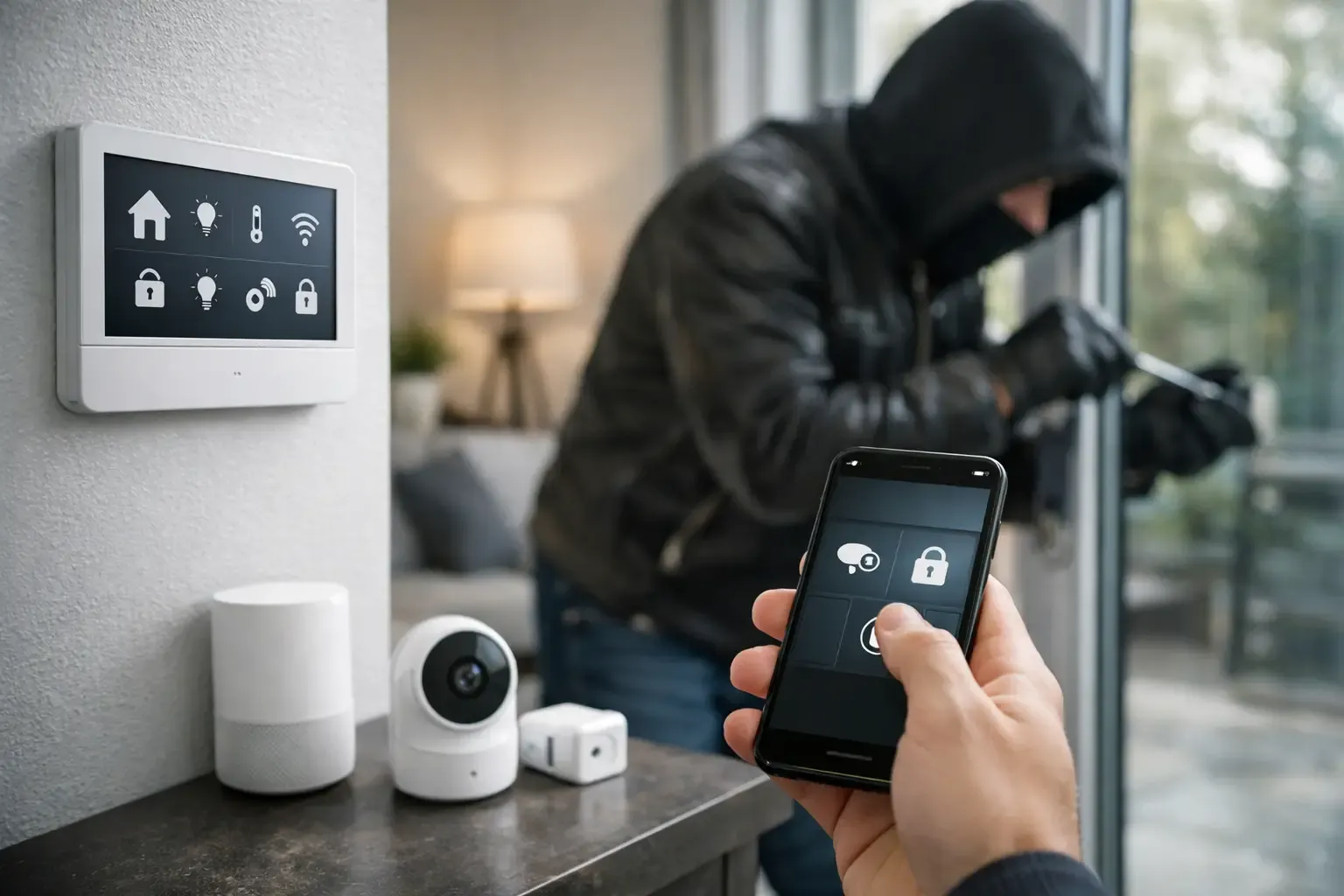
A self-monitored system sends alerts directly to your phone when a door opens, a camera sees motion or a sensor detects a problem. You decide whether to check a live view, contact a neighbour or call emergency services. It gives you direct awareness, but it also means you are responsible for responding to the alert.
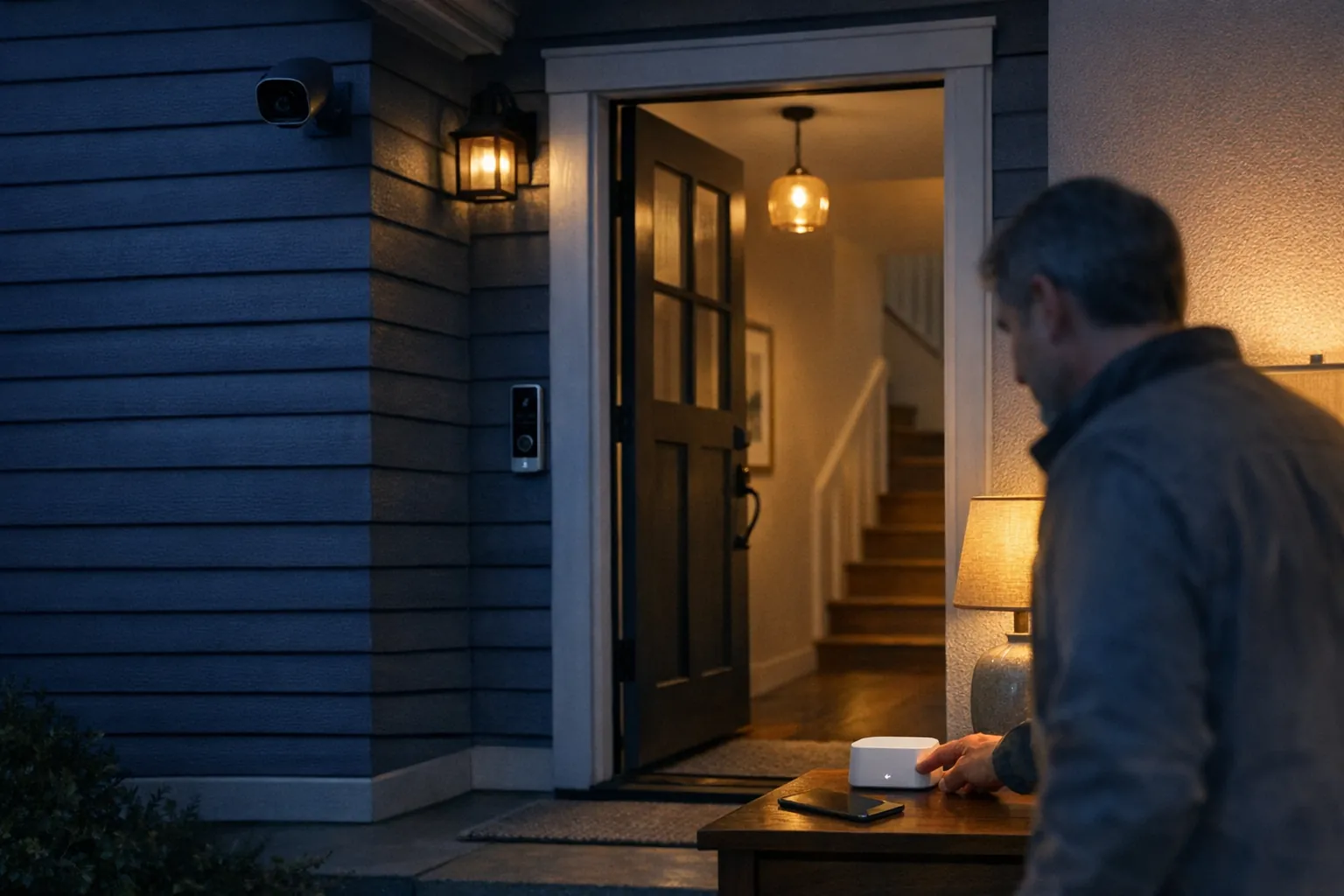
A practical setup can include a video doorbell, outdoor camera, door and window sensors, motion sensors and a central hub. Local recording through built-in storage, a microSD card or a network video recorder can reduce reliance on paid cloud storage. Check where recordings live, how long they are kept and whether you can still view them when your internet connection is down.
Where the savings come from
Skipping a monitoring plan can leave more of your budget for equipment that improves coverage: a better camera at the main entry, a second sensor on the garage door or a stronger Wi-Fi connection where an outdoor camera needs it.
It also gives you flexibility. You can start with the front door, add a driveway camera later or take battery-powered devices with you when you move. For renters, that makes a security upgrade easier to justify because it does not need to become a permanent alteration to the property.
Features worth prioritising
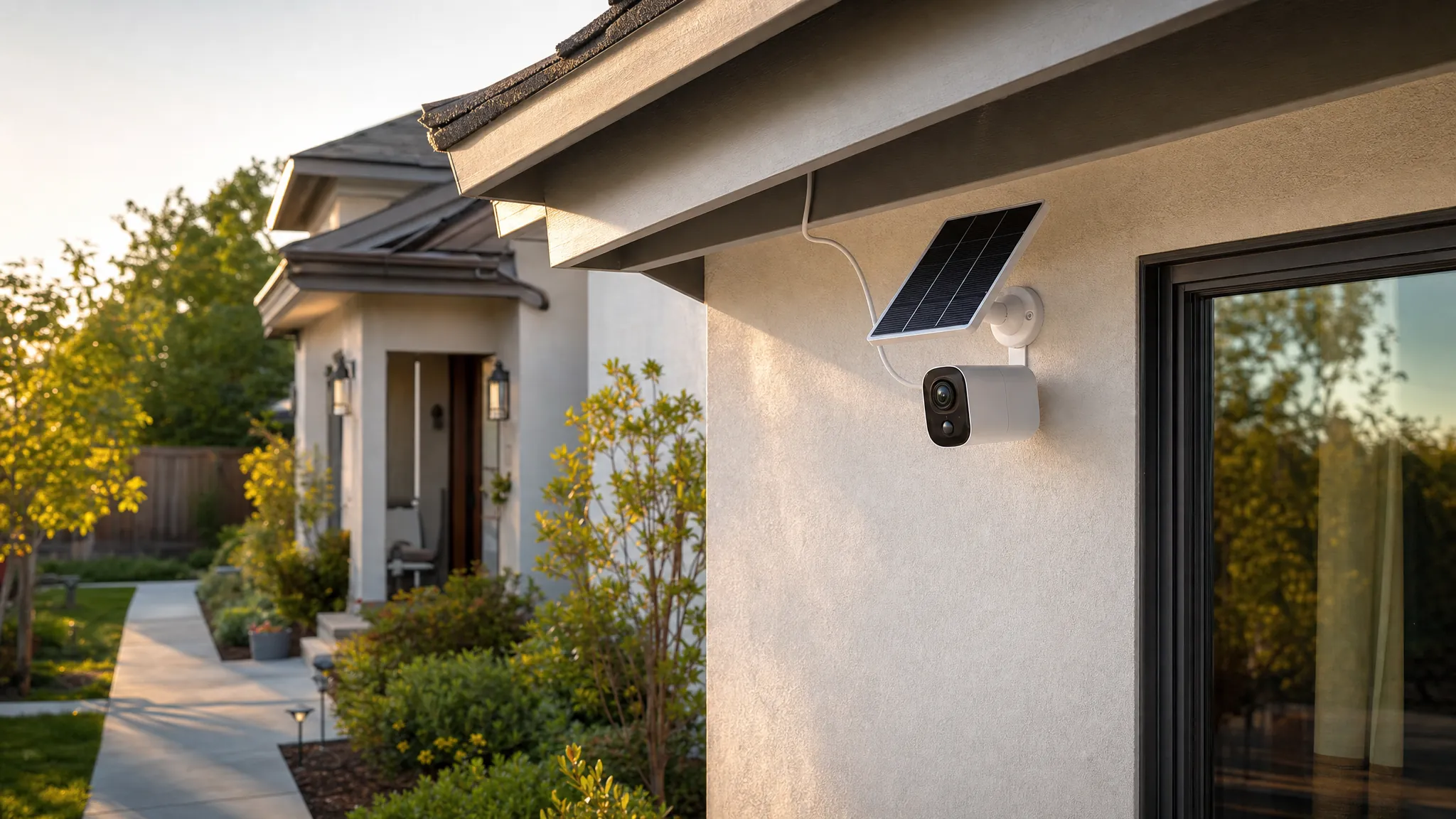
Look for clear video, dependable night vision and weather resistance for any outdoor device. A camera that struggles in low light or loses its connection in bad weather is not much use when you need it most.
- Local storage: A useful option when you want recordings without an ongoing cloud plan.
- Activity zones: These help limit alerts to a path, doorway or driveway instead of every passing car.
- Person detection: This can make notifications more useful, but confirm whether it is included without a subscription.
- Two-way audio: Helpful for deliveries and visitors, provided the device has a stable connection.
- Battery backup: A hub and router need power to keep a wireless system working during an outage.
Do not buy on resolution alone. A clear 1080p camera with strong placement and reliable alerts is often more useful than a higher-resolution model on weak Wi-Fi.
Plan the installation before you buy
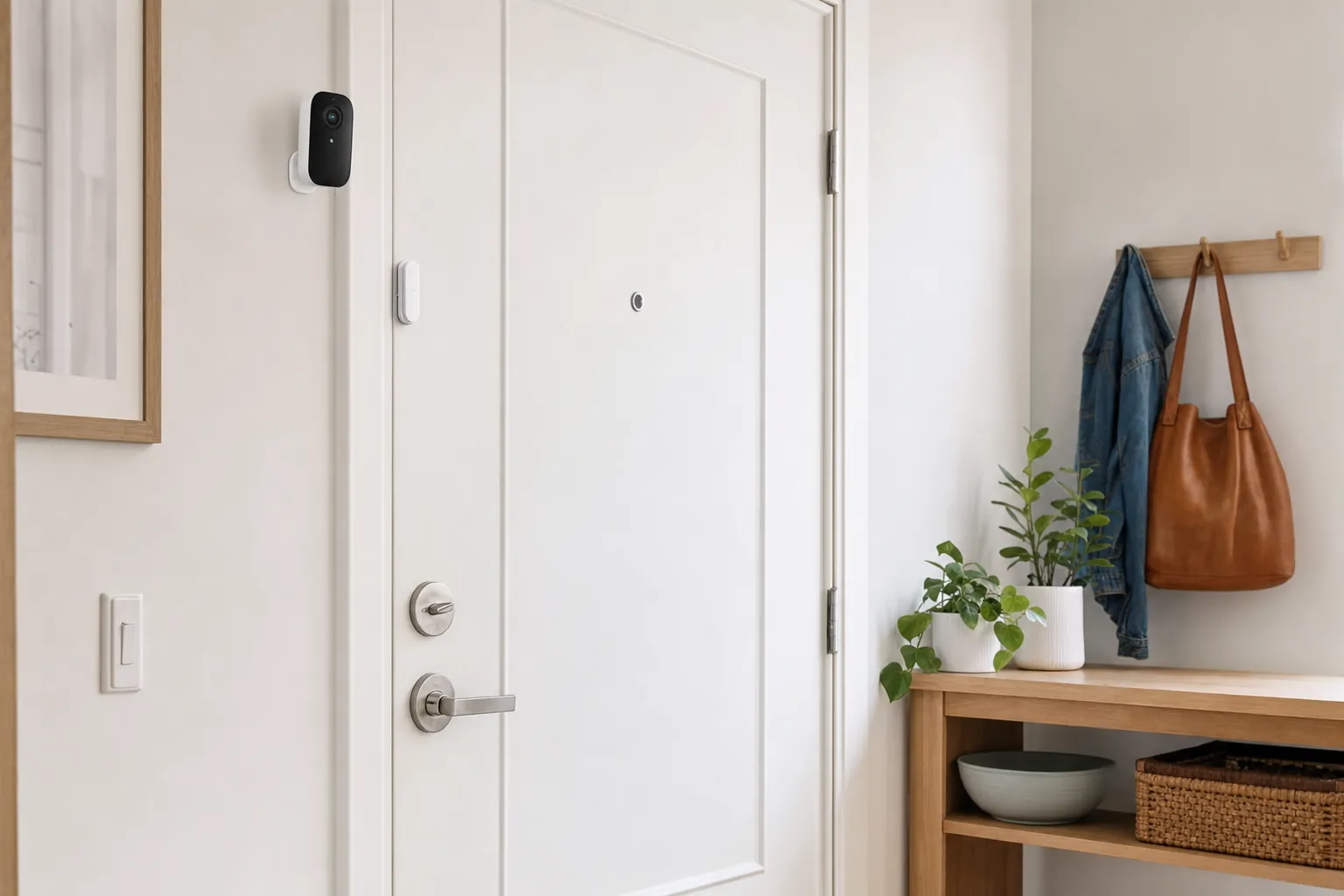
Start with the entry points that matter most: the front door, back door, garage, accessible ground-floor windows and any side gate. Mount cameras high enough to discourage tampering but low enough to capture a face clearly. Aim at the route toward an entrance, not only at the doorway.
Wireless and battery-powered devices are often the simplest option for renters. Before mounting anything, test your Wi-Fi at the proposed location. Thick walls, long driveways and crowded apartment networks can weaken a connection. A mesh node or extender may improve a camera more than another piece of security hardware.
For a renter-friendly entry upgrade, SavvyNests’ smart-home guide for renters can help you identify reversible options before making changes to a door or shared entrance.
Self-monitoring or professional monitoring?
Professional monitoring can be reassuring if you cannot check your phone regularly, travel often or want another party involved when an alarm is triggered. Self-monitoring suits people who want direct control and can respond to alerts quickly.
Neither choice is automatically right for every household. Be honest about your routine. If notifications will go unseen for long stretches, professional monitoring may be worth considering. If you are usually reachable and want to avoid recurring costs, a fee-free system can be a strong fit.
Keep alerts useful and your account secure
Too many alerts make even a good system easy to ignore. Set activity zones, adjust sensitivity and review notifications after the first week. A camera facing a busy street may need different settings from one watching a quiet back door.
Security also depends on the account behind the camera. Use a unique password, turn on two-factor authentication where available and remove access for former housemates or anyone who no longer needs it. A separate network for smart devices can add another sensible layer of protection; SavvyNests’ router isolation guide explains how to do that without turning home Wi-Fi into a full-time project.
Decide Whether Self-Monitoring Fits Your Routine
A fee-free security system works best when it has one clear job and someone who can respond to the alert. It may be a strong fit when you want to see who is at the door, watch an entry point, or know when a door or window opens.
Start small, test the alerts and add coverage only where it earns its place. A system you understand and maintain is more useful than a large system that creates noise or gets ignored.
This guide is for people who want direct awareness and a manageable setup, rather than a fully staffed alarm service. It will help you choose the right first layer, understand the trade-offs behind local recording and avoid discovering an important limitation after the return window has closed.
Choose the hardware around the job
A camera is not automatically the best answer to every home-security concern. Cameras are strongest when you need to see an approach, confirm a delivery or review an event. Door and window sensors are simpler when the useful question is whether an entry opened. A siren or keypad can add an obvious deterrent, while a leak sensor may be the best security purchase for a utility room.
For a first setup, make a short map of the home. Mark the entry you use most, the entry that is least visible, any ground-floor access point, and the place where water or temperature could cause a costly problem. Then choose one device for the highest-priority point. This makes it easier to judge whether the alerts are genuinely useful before expanding the system.
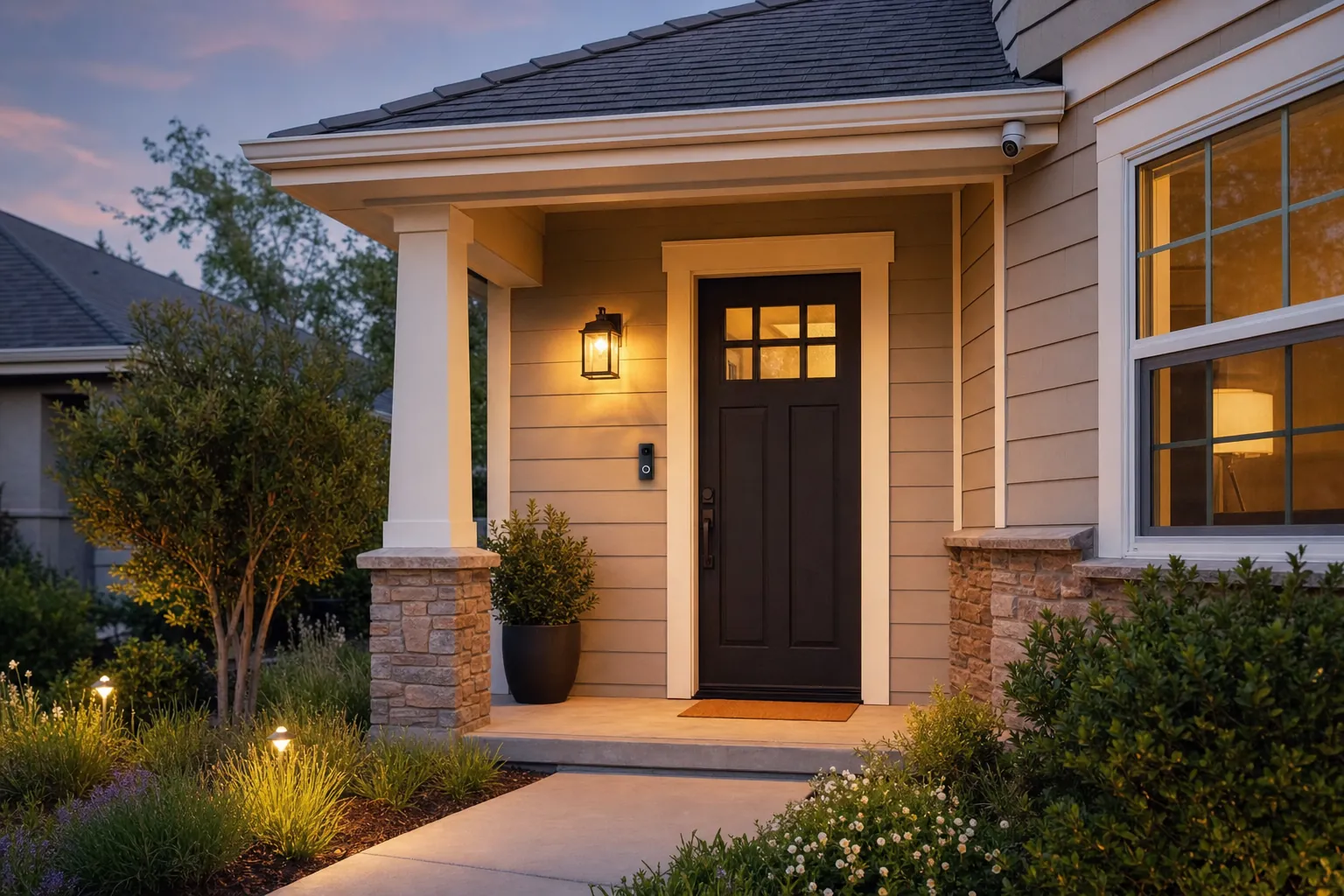
Front-entry coverage is a common starting point. Visitors, packages and unexpected activity usually pass through the same small area, which lets a video doorbell or camera work with clear activity zones. SavvyNests’ subscription-free video doorbell guide can help you compare that narrower decision before you commit to a wider system.
Understand local storage before relying on it
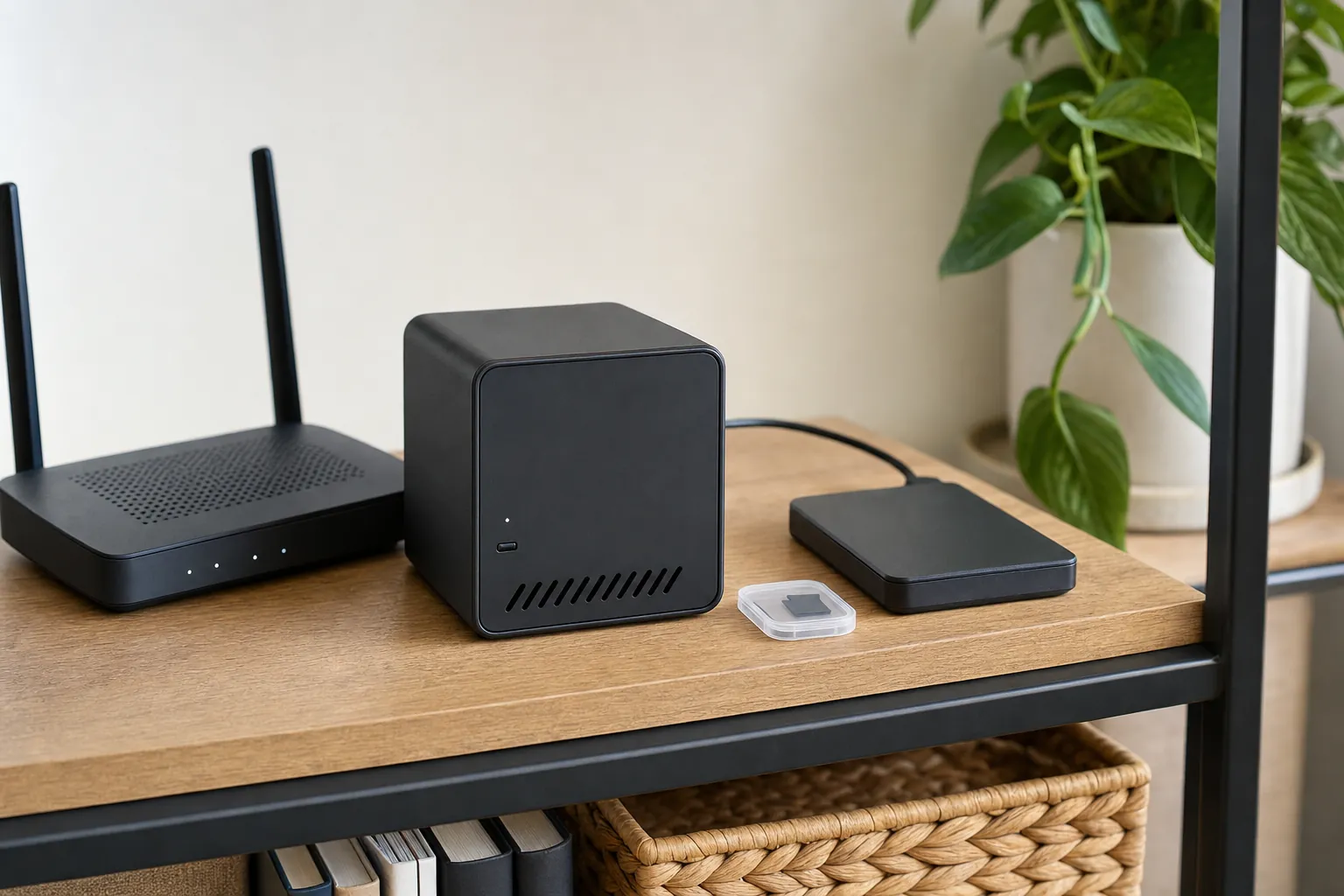
“Local storage” is useful shorthand, but it can describe several very different setups. A camera may record to a microSD card inside the device, send clips to a base station, or save footage to a separate recorder on the home network. Each choice affects how much footage fits, how easy it is to retrieve, and what happens if a camera is stolen or damaged.
A card inside the camera is simple and inexpensive, but it can be lost with the camera. A hub or recorder can keep footage elsewhere in the home and may support several cameras, though it needs a reliable place, power and storage capacity. Some systems also let you add optional cloud backup. Treat that as a deliberate extra, not an assumed feature.
Before buying, answer four plain questions: Is recording included? How much storage is included? What happens when it fills up? Can you view or export a clip without paying? Write down the answers from the manufacturer’s current support page, because plans and included features can change.
Plan for power, Wi-Fi and the ordinary failures
Every wireless system has a weak point: power, Wi-Fi, battery charge or a phone notification that arrives too late. A battery camera will need charging. A hub, router and broadband connection may all need power before alerts and remote viewing work. Local recording can keep a device useful during an internet outage, but it does not make a Wi-Fi camera independent of every connection problem.
Test the basics before relying on the system. Stand at the farthest planned camera location and check the live view. Trigger a door sensor and see how long the alert takes. Turn on night vision after dark. Confirm that a household member can arm, disarm or silence the system without hunting through an app. A simple trial catches more problems than a long feature list.
Keep the system private as well as useful
Connected cameras are part of your home, but they are also internet-connected accounts. The Federal Trade Commission’s camera-security guidance recommends protecting the account and reviewing who has access. Use a unique password, turn on two-factor authentication where the service offers it, and remove access for former housemates or anyone who no longer needs it.
Decide where cameras do not belong before you install them. Avoid private spaces such as bathrooms and bedrooms, and use privacy zones where a camera might otherwise capture a neighbour’s property or a shared hallway. The goal is useful awareness at an entry or driveway, not constant recording of home life.
A separate network for smart devices can add another sensible layer of protection. SavvyNests’ router isolation guide explains how to separate connected gear from personal computers and phones without turning home Wi-Fi into a full-time project.
Use a short first-week checklist
- Confirm each device is connected where it will actually be used, including after dark.
- Check that live view, recording and alerts work without a paid plan in the account you created.
- Set activity zones and notification sensitivity, then review them after a few ordinary days.
- Make sure every household member has only the access they need.
- Write down how to charge batteries, recover a password and find saved footage.
- Keep an ordinary manual fallback for doors, locks and lighting in case the system is offline.
The goal is not to watch every corner of a property. It is to create a setup that you understand, can maintain and will actually use when an alert matters. For a broader look at building an intentional setup around your routines, visit the SavvyNests Smart Home Automation Guide.
Frequently asked questions
Can home security cameras work without a monthly fee?
Many cameras can provide live view, basic alerts or local recording without a monthly plan. The details vary by model, so check which recording, detection and remote-viewing features remain available before you buy.
Is local storage better than cloud storage?
Local storage can reduce recurring costs and keep recordings closer to home. Cloud storage can offer easier remote backup. The best choice depends on how much footage you need, how you want to access it and what happens if the device is damaged or stolen.
Are subscription-free systems good for renters?
They can be an excellent fit when the devices are wireless, battery-powered or easy to remove. Check building rules before changing shared entrances, exterior fixtures or existing door hardware.
Do self-monitored systems contact emergency services?
Usually, no. Self-monitoring systems notify you, and you decide whether to contact emergency services. If you want a third party to respond to alarms, compare systems that include optional professional monitoring.