Smart-lock batteries do not have one reliable lifespan for every door. The same model can use noticeably more power in a busy household, on a door with a sticking bolt, or during long periods of cold weather. The useful question is not whether a lock should last a certain number of months. It is whether your lock gives you enough warning, uses the right batteries, and has a backup plan that everyone at home understands.
A good battery routine is small: keep the correct battery type available, act on the first low-battery warning, and test entry methods while the lock is still working normally. That is far easier than learning about a backup key or emergency-power contact at the door after a long day.
What changes smart lock battery life?
Every time a smart lock moves the deadbolt, lights a keypad, communicates with an app, or checks its connection, it uses power. How much that adds up depends on the lock and the way the door is used. A household that unlocks the door many times each day will not see the same battery life as a rarely used side entrance.
- Door alignment: A bolt that rubs the strike plate makes the motor work harder. If the lock struggles with the door shut but moves easily when the door is open, fix the door fit before blaming the batteries.
- Weather: Cold conditions can reduce available battery power. Treat a low-battery alert during winter as a prompt to change batteries soon, not an alert to ignore until spring.
- Connection and features: Remote access, keypad lighting, activity alerts, and the lock's connection method can all affect power use. Check the maker's guidance for the exact model and settings you use.
- Battery condition: A mixed set of old and new batteries, rechargeable cells when the manual specifies another type, or batteries stored for a long time can create unreliable results.
Watch for the first signs, not the final failure
Many smart locks show a low-battery notice in their app, on the keypad, or through a sound or light pattern. The exact warning differs by model, so learn yours while the manual is easy to find. Replace the batteries when the first clear warning appears. Waiting for repeated alerts leaves less room for a busy week, cold weather, or a door that has started to bind.
Other clues can include a slower lock or unlock cycle, a dim keypad, repeated connection drops, or a warning that returns soon after you dismissed it. Those signs do not always mean the batteries are the only problem. First check that the door closes smoothly and the battery contacts are clean and seated correctly. If fresh batteries do not improve an erratic lock, use the manufacturer's support guidance or ask a qualified locksmith to look at the hardware.
Use the battery type your lock specifies
Open the manual or support page for your exact lock before buying replacements. Battery size and chemistry vary. Some locks use AA cells, while others use a removable pack or a different setup. The label inside the compartment and the official instructions are more useful than a generic recommendation.

For example, Yale's battery replacement instructions show a model-specific process and battery arrangement. Follow the instructions for your lock, replace the full set together, and double-check the positive and negative ends before closing the cover.
Make battery replacement part of a simple routine
- Keep the door open. Test the lock with the bolt free of the strike plate, so a door-fit problem does not look like a battery problem.
- Use a full matching set. Do not mix old and new batteries or use a type the manufacturer does not recommend.
- Test the normal entry method. Confirm the keypad, app, or fingerprint reader works as expected after replacement.
- Test the backup method. Try the physical key, emergency-power process, or other approved backup while there is no pressure to get inside.
- Set the next reminder. A calendar reminder after a low-battery change is a useful prompt to check the lock before the next season or long trip.
Plan for a low battery before you need a rescue
Smart locks are most useful when a phone, Wi-Fi connection, and the front-door hardware all work together. They are more dependable when the household also has a way to enter that does not depend on all three. A physical key is common, but some locks use a temporary exterior-power contact or a different local method. Check what your lock offers, keep any required battery or key accessible, and test it now.
For the wider checklist, read our guide to smart lock safety. It covers door fit, account security, access codes, and the backup-access questions worth answering before the lock becomes part of the daily routine.
Renters should keep the original hardware and backup clear
If you rent, confirm the lease and ask for approval before replacing installed door hardware. Keep the original lock parts, keys, and screws together so the door can be restored at move-out. Make sure every authorized resident has a practical way to enter if the smart lock needs new batteries or the app is unavailable.
Our renter-friendly smart lock guide can help you compare options that are easier to remove, while still keeping entry routines clear for everyone who uses the door.
When short battery life points to another problem
A fresh set that drains far sooner than expected is worth investigating. Start with the simple checks: look for a bolt that catches, a loose battery connection, water exposure around an exterior keypad, or a lock that is repeatedly trying to connect in a weak-signal area. Test the bolt with the door open, then slowly close the door and see whether the lock has to push or pull against the frame.
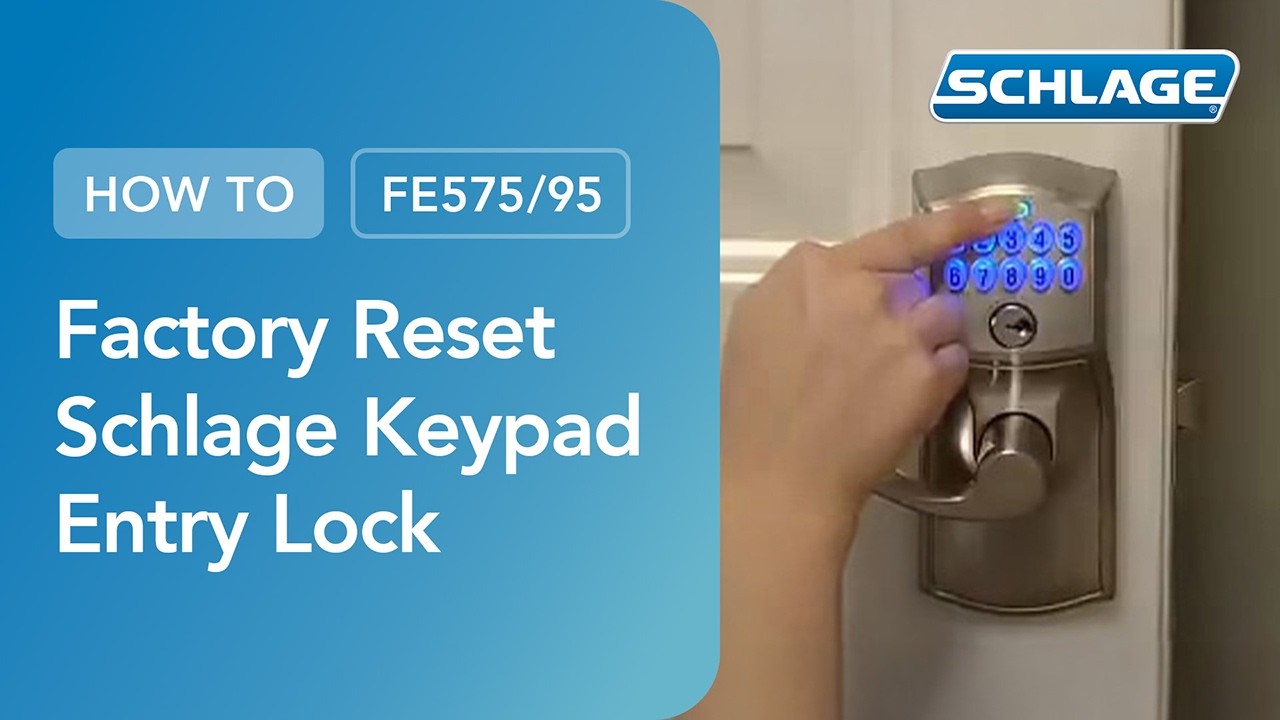
Do not keep resetting the lock or changing codes to solve a mechanical problem. If the bolt is binding, the door may need adjustment. If the lock remains unreliable with fresh batteries and a freely moving bolt, use the maker's support steps for that model. For a keypad lock that needs a full reset, our Schlage keypad lock reset guide explains the preparation and testing process.
Smart lock battery questions
How long do smart lock batteries last?
There is no one reliable lifespan for every smart lock. Battery life depends on the model, the battery type it requires, how often the door is used, weather conditions, connection features, and whether the bolt moves freely. Follow the low-battery warning and the maintenance guidance for your exact lock.
What batteries should I use in a smart lock?
Use the battery type and chemistry listed in the lock's manual or inside its battery compartment. Replace the full set together and avoid mixing old and new batteries. If the manufacturer advises against rechargeable batteries, follow that guidance.
Why is my smart lock battery draining quickly?
A binding deadbolt, cold weather, frequent use, weak battery contacts, or a connection feature can all contribute. Test the bolt with the door open, make sure the door closes without pressure on the bolt, and use fresh batteries recommended for that model. If the problem continues, use the manufacturer's support guidance or ask a locksmith to inspect the door and lock.
Will a smart lock still work when the battery is low?
Many locks provide a warning before the batteries are depleted, but the exact behavior depends on the model. Do not rely on the last warning. Replace the batteries promptly and test the lock's physical key, emergency-power contact, or other approved backup method while the lock still works normally.
Can I change smart lock batteries with the door closed?
It is safer to replace and test batteries with the door open. That lets you confirm the bolt moves freely without risking a lockout or confusing a door-alignment problem with a battery problem.
The practical bottom line
Smart-lock battery life depends on the lock, the door, the weather, and how often the household uses it. Treat the first low-battery warning as a maintenance task, use the manufacturer-recommended batteries, and test your backup entry method before it becomes urgent. A few minutes of routine care keeps the convenience of a smart lock from turning into a front-door problem.