Direct answer: a smart home can work well with roommates when shared devices, permissions, notifications, and costs are agreed before setup. Start with low-stakes devices such as a lamp, speaker, or leak sensor. Treat locks, cameras, doorbells, location routines, and indoor sensors as household decisions, not one person's gadget project.
Roommates do not need an elaborate shared system. They need controls that are predictable, private, and easy to use. The goal is fewer tiny frictions, not an apartment that requires a committee meeting every time someone wants to turn on a light.
Make a short household agreement first
Before buying anything, agree on four things: which devices are shared, who pays, who administers the account, and what happens when someone moves out. Put it in a shared note. This is not overkill. It prevents a smart speaker, Wi-Fi login, or door sensor from becoming a surprise at the end of a lease.
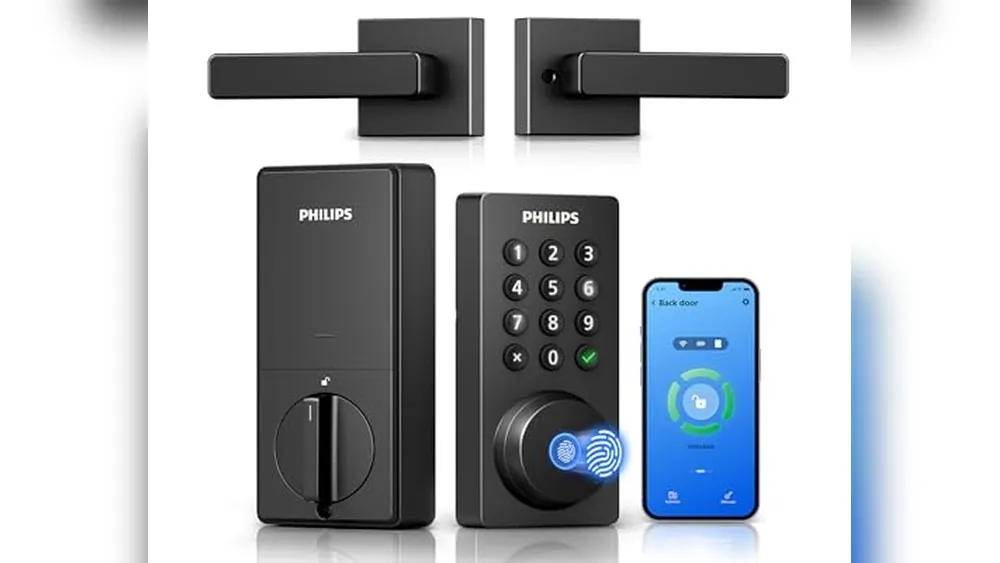
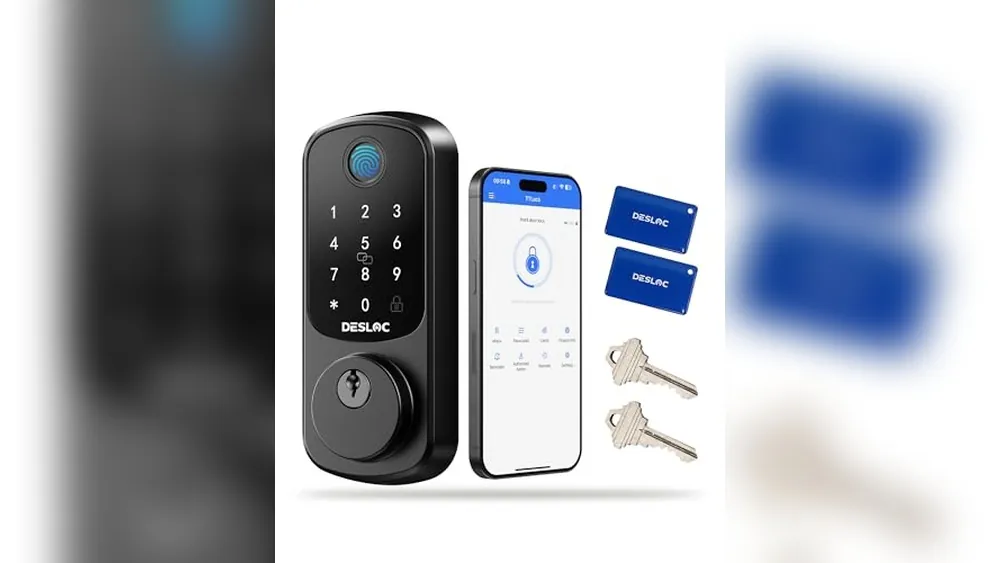
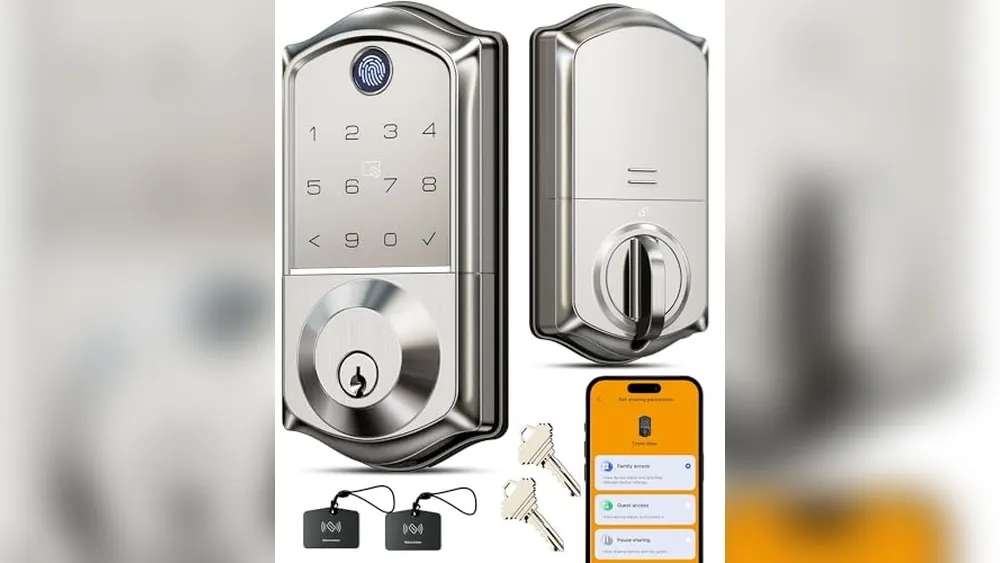
Be precise about privacy. An indoor camera should require clear, unanimous consent and should never cover a bedroom, bathroom, or a private area. Many apartments do not need one at all. A front-door lock or doorbell also affects every resident, so agree on guest access and notifications. For lower-intrusion alternatives, see camera-free apartment security ideas.
Start with shared convenience, not shared surveillance
A smart plug on a suitable lamp, a shared kitchen timer, or an entry light can reduce daily hassle without collecting sensitive information. A water leak sensor near the washing machine or under a shared sink is another useful shared device because the alert points to a clear action. Test one or two tools for a month before expanding.
Avoid automating things that affect comfort without consent. A thermostat schedule, bedroom lighting rule, or speaker announcement can be helpful for one person and irritating for another. Give every automation a simple manual override. If someone can turn off a light at the switch or adjust the thermostat normally, the system remains livable when a phone is dead or a guest is over.
Use individual accounts and least-necessary access
Where the platform allows it, invite each roommate through their own account. Do not share a master password. Separate access lets one person leave without forcing everyone to reconnect devices, and it creates a clearer record of who can control a lock or receive alerts. Enable multi-factor authentication on the account that owns the home.
Only share the devices a person needs. A roommate might need control of the living-room lamps but not access to a personal bedroom sensor. A household may agree to share a leak alert but not a front-door activity history. The CISA account-security basics are useful here: use strong, unique passwords and turn on multi-factor authentication when offered.
Make notifications worth receiving
Every shared alert should answer three questions: who gets it, what does it mean, and what should they do? “Laundry leak sensor detected water” can be useful. A notification every time the front door opens is usually not, particularly in a busy apartment. Too many alerts teach people to dismiss all of them.
Set a test day. Trigger a sensor, check that every intended person receives the right message, and confirm that no one gets a notification they did not agree to receive. Review the settings after guests, sublets, or a change in work schedule. Smart-home privacy is not a one-time switch.
Decide who owns the gear and the Wi-Fi
Keep receipts, boxes, and a short inventory. If one person buys a device, assume it goes with them unless the household makes another agreement. If everyone contributes, write down how the device will be bought out, sold, or divided at move-out. The same applies to a shared Wi-Fi plan, mesh router, or hub. A predictable exit is kinder than a last-night negotiation.
Put smart-home devices on the account and network arrangement that can survive a routine move. Do not connect a whole apartment to an ex-roommate's personal email if there is a reasonable household option. When Wi-Fi service changes, reconnect devices deliberately and remove old network details where possible.
Handle a roommate move-out safely
- Remove the departing person's access from each platform, not just from a group chat.
- Change the administrator password and confirm multi-factor recovery options.
- Delete temporary door codes and refresh shared access where appropriate.
- Review cameras, sensors, speakers, and hubs for stored addresses or routines.
- Confirm which equipment stays, which is packed, and who restores the rental.
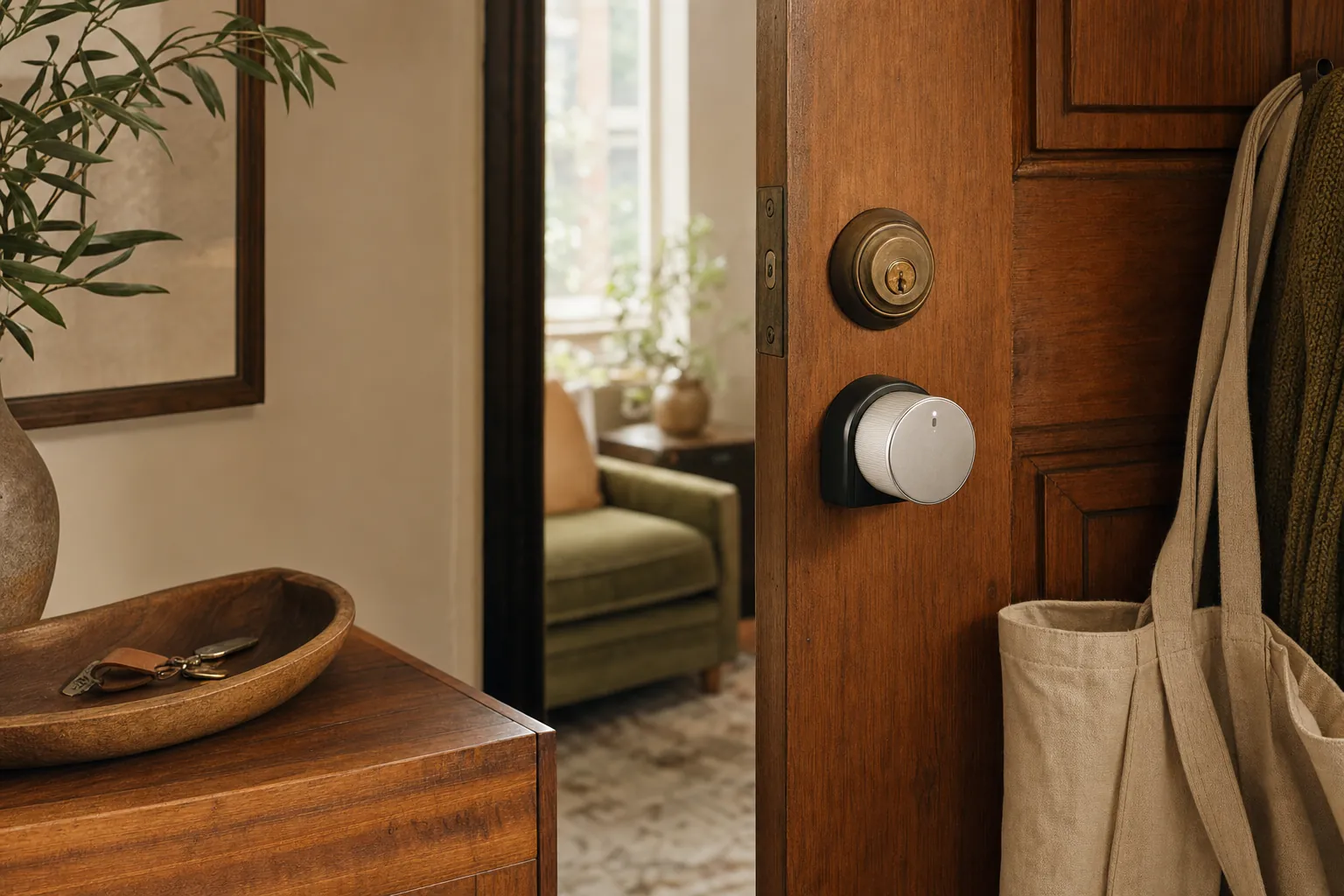
For a lock, follow the move-out process in the renter smart-lock checklist. For portable routines, the renter smart-home hub can help you focus on gear that travels well.
How SavvyNests helps
SavvyNests takes the social side of smart homes seriously. We help households choose useful controls, clear permissions, and straightforward exit plans, so shared technology creates less friction instead of more.
Use a seven-day test before expanding
Set up one device or one routine, then live with it for a week. Notice what happens when you leave in a rush, when another person is home, when the Wi-Fi is slow, and when you want to use the room differently. A good smart-home choice fades into the background because it saves a small amount of effort without asking for constant attention. A bad one asks for troubleshooting, creates arguments about access, or makes a basic task harder when the app is unavailable.
Keep a short note of the outcome. Did it solve the original problem? Did it need a subscription, a hub, a new charger, or a work-around you did not expect? Was there an easy manual fallback? This small review protects the budget better than buying a matching device for every room before you know whether the first one is useful.
Keep the setup portable and understandable
Rentals change. Wi-Fi names change, roommates change, and a future apartment may have different window sizes, door hardware, or signal strength. Prefer equipment that can be unplugged, reset, and packed without leaving a permanent change behind. Store manuals, adapters, brackets, spare adhesive, and original hardware together. A labelled box is not glamorous, but it prevents a smart-home upgrade from becoming a move-out scramble.
Make sure the people who live in the home can still use it without your phone. Retain ordinary keys where appropriate, physical controls for lights and shades, and a plain-language note for any shared routine. Do not make safety, heat, or normal access depend on one account holder being available. Simpler systems are usually the ones that remain useful after the novelty wears off.
Protect accounts as carefully as the hardware
A connected device is also an account. Use a unique password for the primary smart-home account, enable multi-factor authentication when it is offered, and update devices through the maker's official app. Review household members and guest access after a move, breakup, or change in cleaners and pet sitters. The Federal Trade Commission's security basics are a useful reminder that updates and unique passwords reduce avoidable risk.
Never buy a device solely because it promises every feature. Check what works without a subscription, what happens during an internet outage, and whether the maker still publishes support information. Technology should give you a clear benefit and a clear fallback, particularly in a home you may leave next year.
Frequently Asked Questions
Should roommates share a smart-home account?
Use individual accounts with invited access where possible. It is safer and easier to remove access when someone leaves.
Are indoor cameras okay with roommates?
They require clear, unanimous consent and should never cover private areas. Many shared apartments are better served by sensors and lights.
Who owns shared smart-home devices when roommates move?
Agree before purchase and keep receipts. Write down whether a device belongs to one person, is bought out, or is sold.