Name the room problem.
Choose the bedroom that feels stuffy, the office that turns cold, or the living room that overheats. A sensor works best when it is connected to one specific comfort complaint.
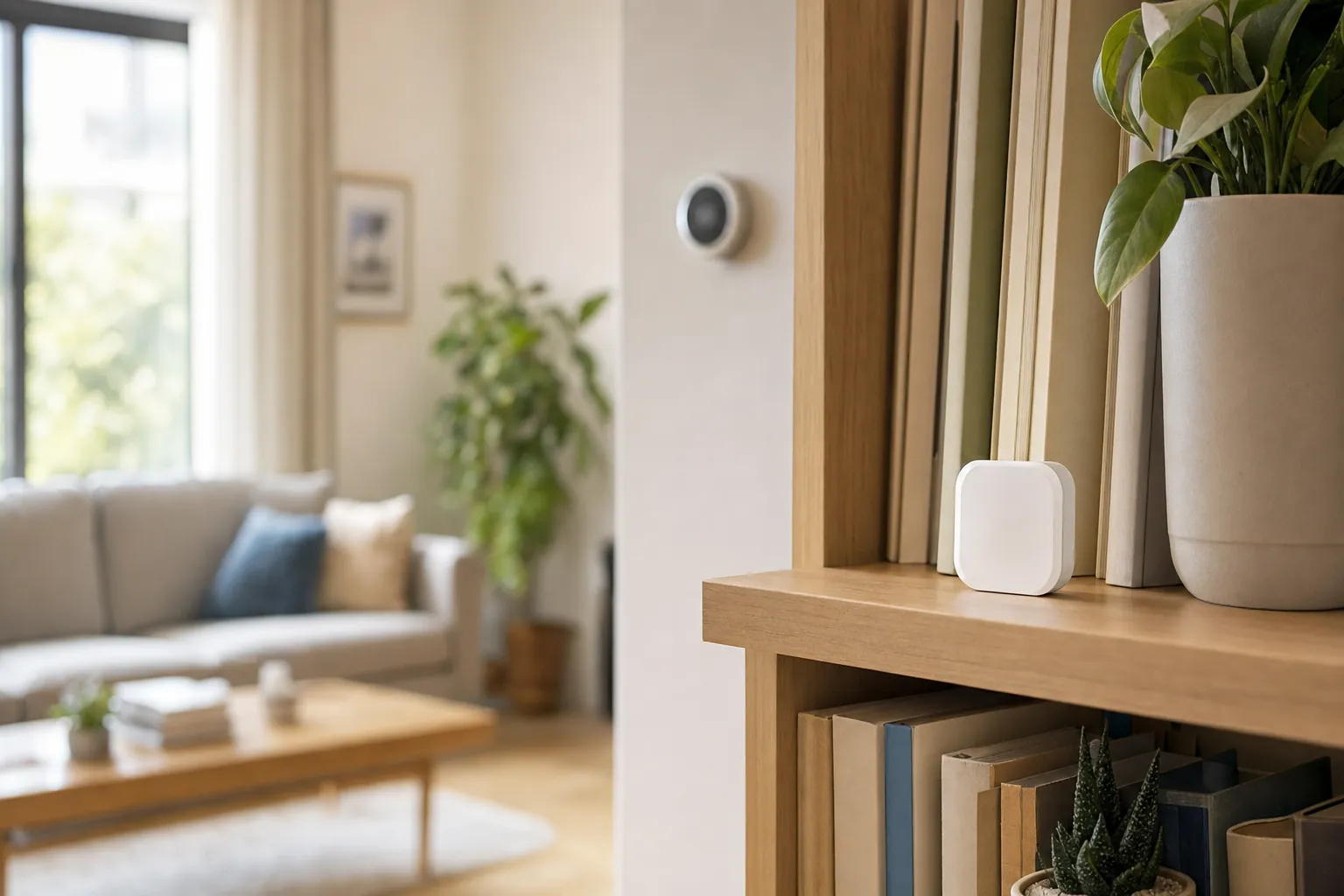
Room-by-room comfort
Choose a room sensor that helps you understand the uncomfortable spot, works with the setup you already have, and gives you a practical next step.
Start with the room
A thermostat may sit in a hallway while the room you use most faces afternoon sun, stays cold near a window, or traps heat after bedtime. A smart temperature sensor helps separate a real room problem from a setting that only looks wrong at the thermostat.
Before you buy
Choose the bedroom that feels stuffy, the office that turns cold, or the living room that overheats. A sensor works best when it is connected to one specific comfort complaint.
Some sensors only report conditions. Others can inform a compatible thermostat or home system. Check the exact model, app, and schedule support before counting on an automatic change.
Keep it away from direct sun, vents, doors, lamps, and kitchen heat. A sensor should represent the part of the room where people spend time, not the hottest or coldest corner.
Choose by the job
The right sensor is the one that gives you information you can use. Start with the simplest setup that makes the room easier to manage.
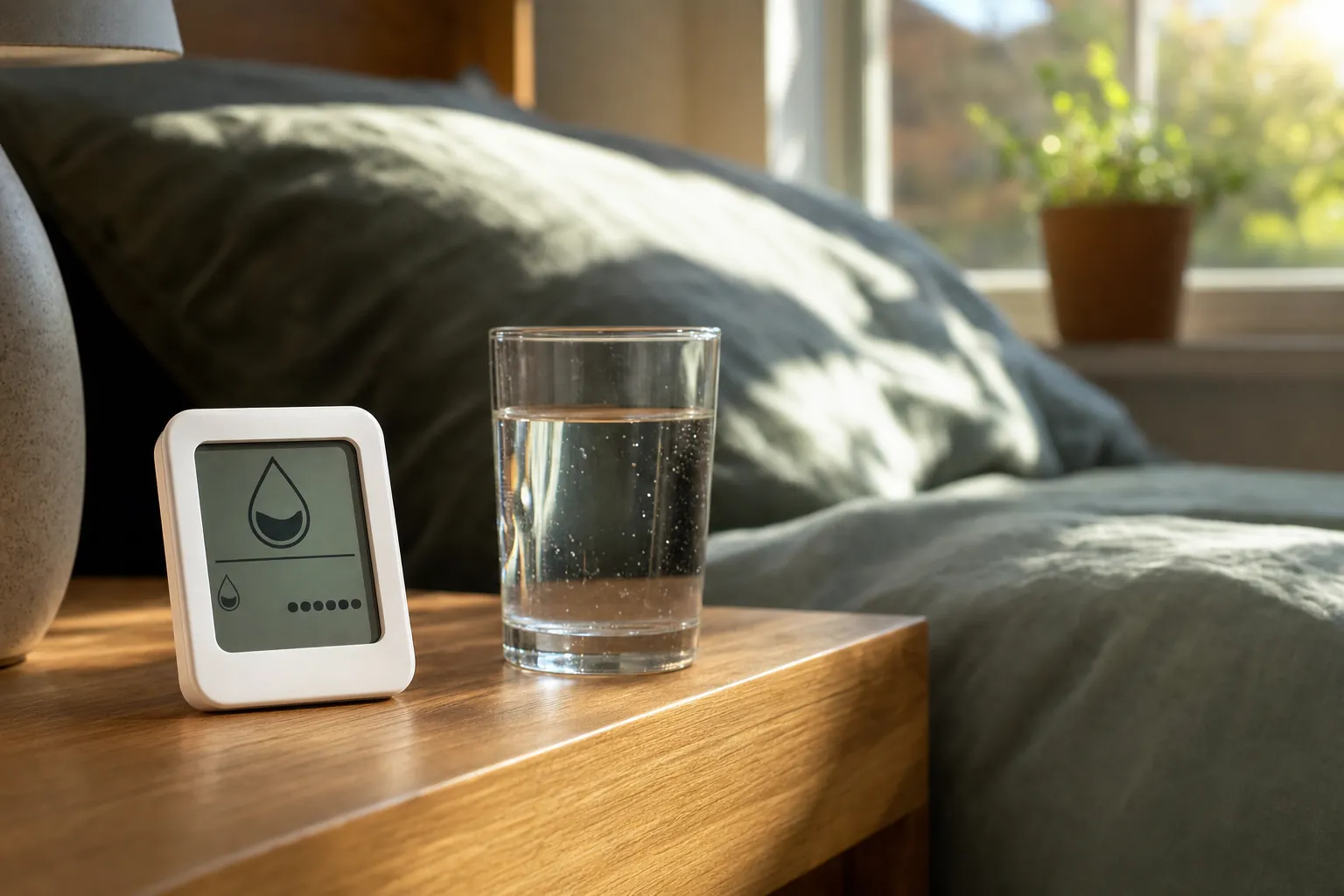
Choose this when one room is consistently warmer or cooler than the thermostat reading suggests. A basic sensor gives you a clearer picture before you buy more equipment or start changing settings.
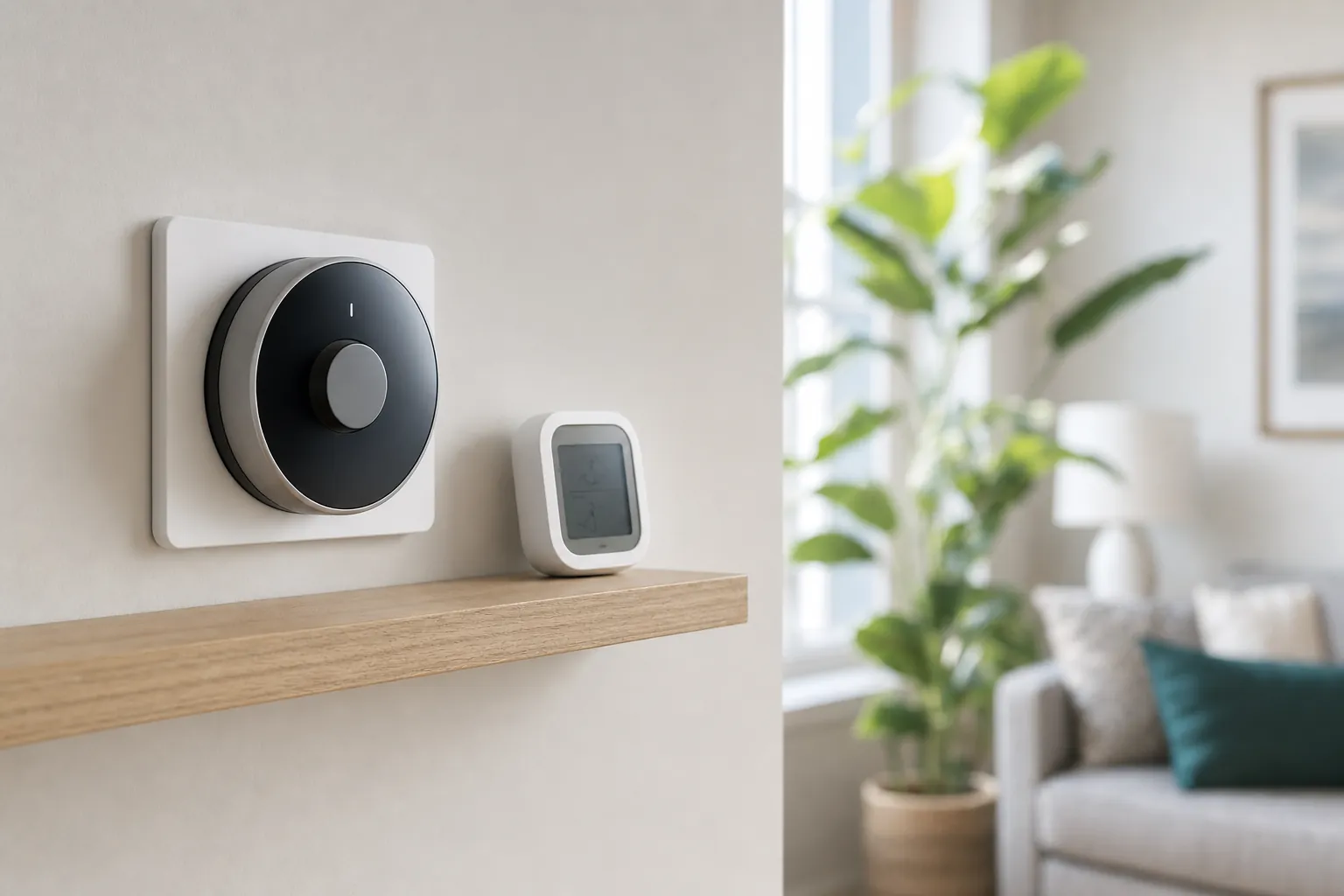
This is useful when your compatible thermostat can use a room reading to guide heating or cooling. Check that the exact sensor works with your thermostat model before assuming the two will share control.
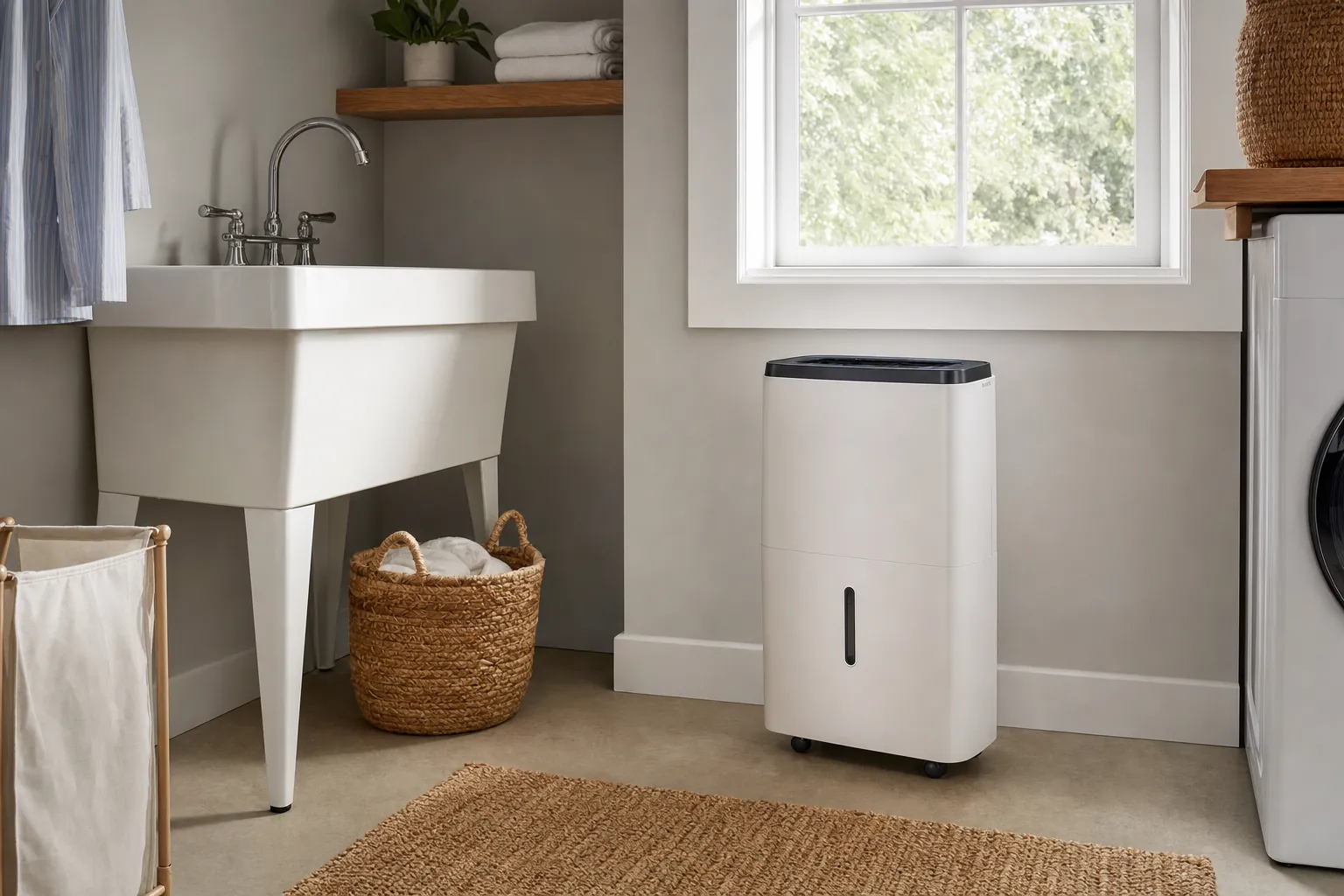
A combined sensor can help when a bedroom, nursery, basement, or laundry area feels uncomfortable for more than one reason. It gives you a broader reading, but it still needs a useful response plan.
Find the real problem
Give the sensor a few ordinary days before changing every setting. Look at when the room becomes uncomfortable, not only its highest or lowest reading. A bedroom that warms after sunset may need a different overnight schedule. A home office that stays cold in the morning may be affected by a closed vent, a draft, or where the room sits relative to the main thermostat. Patterns are more useful than a single surprising number.
A temperature reading cannot tell you whether a filter needs attention, a room has poor airflow, or an HVAC system needs service. It can show that the problem is consistent and help you describe it clearly. If the temperature difference is large, persistent, or accompanied by unusual equipment behavior, use the reading as a starting point for the property manager or a qualified heating and cooling professional.
A combined temperature and humidity sensor can be helpful in a damp basement, laundry room, or bedroom that feels clammy. High humidity can make a room feel warmer, while very dry air can make it feel cooler. But a sensor cannot identify mold, a plumbing leak, or an indoor-air problem on its own. When moisture is visible or persistent, deal with the source rather than relying on a dashboard reading.
Name the sensor after the room, not the product model. Decide who receives alerts and which changes are safe to make. A sensor that sends frequent, unexplained notifications becomes background noise. A better setup reports only the conditions that lead to a useful action, such as checking a bedroom before bedtime or reviewing a thermostat schedule after a few uncomfortable afternoons.
Check compatibility
If you want the HVAC system to react to a different room, look for a sensor that the exact thermostat model supports. A standalone Bluetooth or Wi-Fi sensor may show a reading on your phone without changing the thermostat. That can still be useful, but it is a different job. Read the product compatibility list before you buy, especially when a system has several generations that use different accessories.
Some sensors connect directly to Wi-Fi, while others use Bluetooth, a brand hub, or a compatible smart-home system. A hub can be sensible when it already supports the devices you own. It is unnecessary when a simple sensor and one app solve the room problem. Whatever you choose, test the connection where the sensor will live rather than assuming a strong signal near the router reaches every bedroom.
Compatible thermostat systems may let you prioritize a room at certain times, average several rooms, or simply display the difference. Each approach has a tradeoff. Prioritizing a bedroom can improve sleep-time comfort but may make another part of the home warmer or cooler than usual. Start with one routine, watch it for several days, and keep the change only when it improves the room without creating a new problem elsewhere.
Most small room sensors use replaceable batteries. Turn on low-battery notices where available, note the battery type, and do not hide the sensor where changing it becomes a project. If the device loses contact with the thermostat or hub, treat that as a reason to check it. A sensor that is still mounted but no longer reporting is not helping the room it was chosen for.
For renters
Make the next step useful
Make sure supply and return vents are not blocked by furniture, curtains, or storage. Look for a window or door that lets in a draft. Check whether sunlight, cooking, laundry, or electronics are adding heat at a predictable time. A sensor can help you test one simple adjustment at a time. That is usually more effective than buying several devices before you know why the room feels different.
If the sensor works with your thermostat, build one narrow schedule around the time the room matters most. A bedroom may need attention before sleep, while a home office may need comfort only during work hours. Avoid changing every daypart at once. Keep the adjustment for a week, then decide whether the room is actually better and whether the rest of the home still feels reasonable.
A room sensor can be a smart first purchase because it works alongside the equipment and routines already in place. For a broader plan, explore renter-friendly smart-home upgrades. If you are considering a thermostat as part of the answer, the apartment thermostat guide can help you check the system and the installation before buying.
Frequently asked questions
A smart temperature sensor measures the conditions where it sits and reports them through an app, a compatible thermostat, or a home hub. Some models measure only temperature, while others also track humidity. Its value is not the number alone. It is helping you see whether a room needs a different schedule, airflow adjustment, or a more suitable comfort solution.
No. Some sensors are made to work only with a particular thermostat brand or model, and some can report a reading without controlling heating or cooling. Check the exact compatibility list before buying. If your goal is to let the thermostat respond to another room, confirm that the sensor can participate in the temperature schedule you want to use.
Place it where people actually feel the problem, such as a bedroom, home office, nursery, or a living room seat that gets too warm in the afternoon. Keep it away from direct sun, supply vents, exterior doors, lamps, kitchen heat, and the immediate path of a fan. Those spots can create a reading that does not represent the room.
Usually, yes. Most sensors are battery-powered and can sit on a shelf or use a removable mounting option. A sensor is a particularly renter-friendly way to understand a comfort problem before changing a thermostat, adding a window unit, or asking a property manager about the heating and cooling system.
Not by itself. A sensor can help a compatible thermostat avoid heating or cooling around a misleading hallway reading, but savings depend on the home, the HVAC system, the schedule, insulation, weather, and how the equipment is used. Treat it as a tool for making a better comfort decision, not a guaranteed utility-bill fix.
Choose the right room sensor

AI Smart Home Finder
Start with comfort you can measure.
Explore thermostats, lighting and routines that can make a daily difference.