Get the rule in writing.
Read the lease and building guidance for doors, peepholes, shared hallways, wiring and intercoms. If the answer is vague, ask whether a battery device can be used without drilling or changing building hardware.
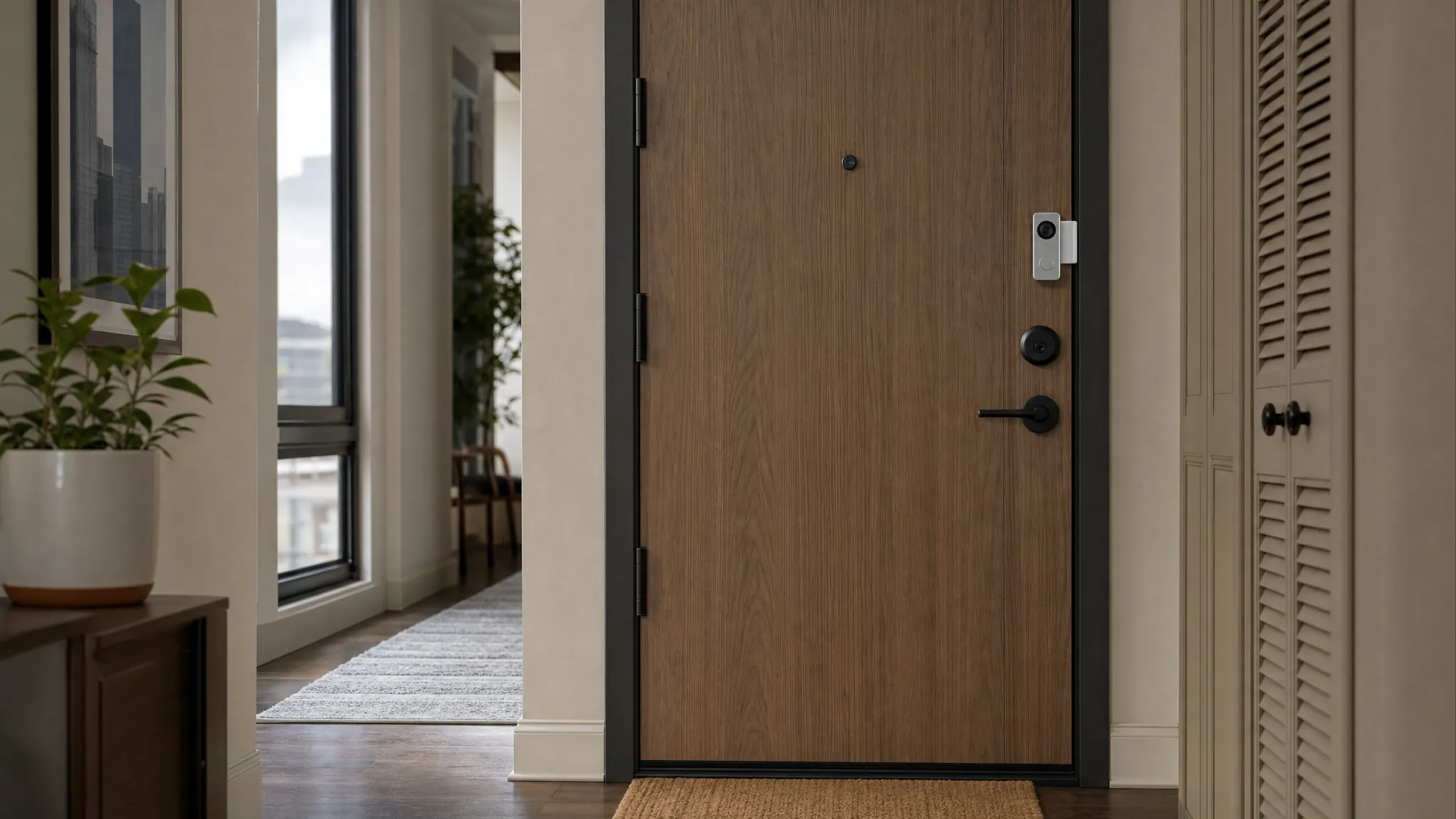
Apartment entry guide
Choose a video doorbell that works with the building, the door and the life you actually live, before it becomes another device to manage.
Start with the doorway
A useful doorbell helps you decide whether to answer, check a delivery or see an alert. It should not damage the door, flood your phone with hallway motion or turn a shared space into a privacy problem.
Before you buy
Read the lease and building guidance for doors, peepholes, shared hallways, wiring and intercoms. If the answer is vague, ask whether a battery device can be used without drilling or changing building hardware.
Door thickness, frame clearance, lock position, peephole size and weather stripping decide whether a removable mount or peephole camera can fit safely.
A phone that works in the living room may struggle through a metal door or concrete hallway. Check Wi-Fi at the entry before relying on alerts, live view or two-way audio.
Choose the setup
The most feature-packed option is not automatically the best apartment fit. Start with the amount of control you have over the door and shared space.
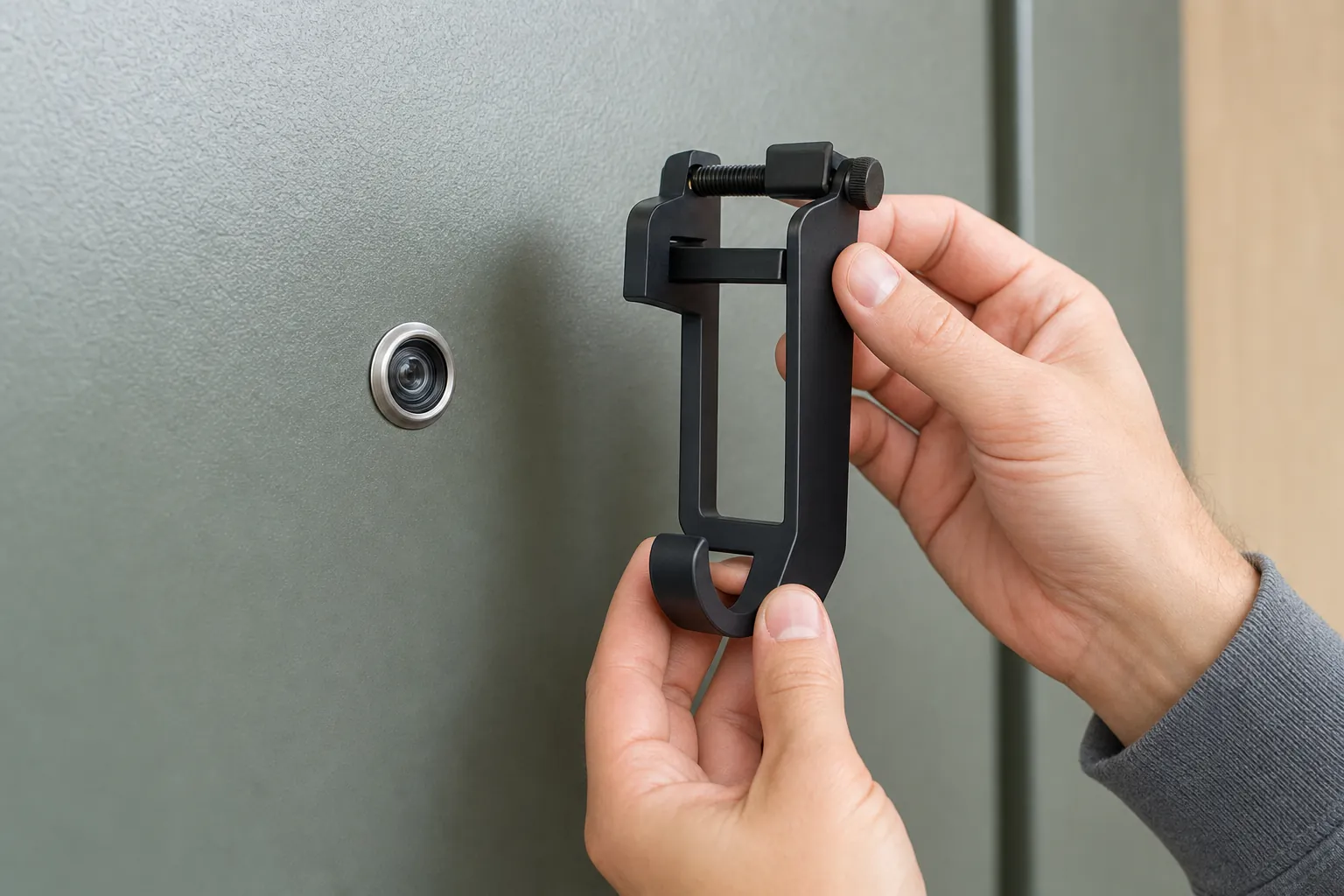
This can be the simplest route when the building permits it and the door has enough clearance. It avoids changing existing wiring, but the mount must fit the door thickness, frame, lock and weather stripping without stopping the door from closing normally.
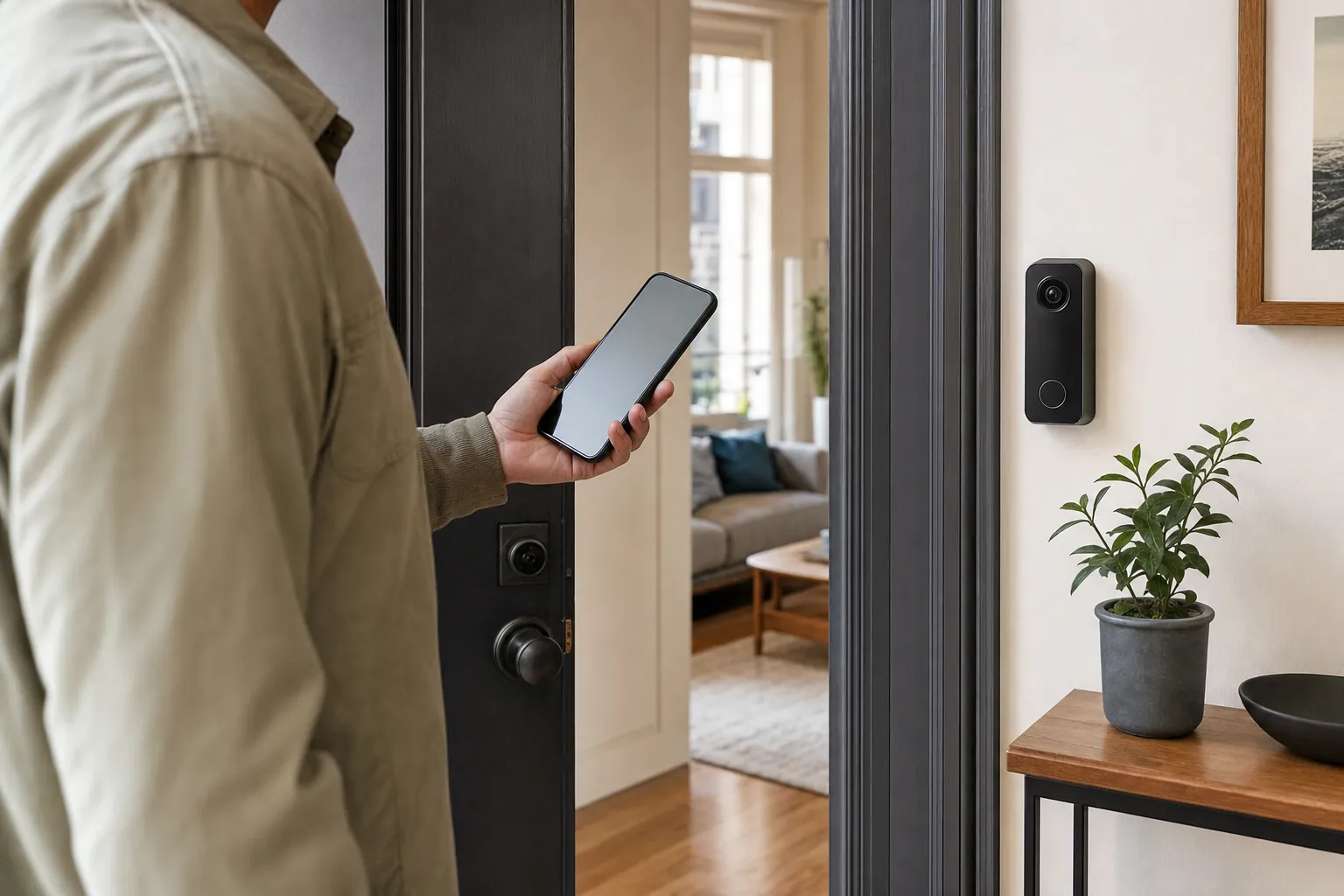
A peephole camera can suit a door with a standard peephole when the building allows that change. Measure the door thickness and existing opening, keep every original piece, and confirm that the inside trim and lock have enough room.
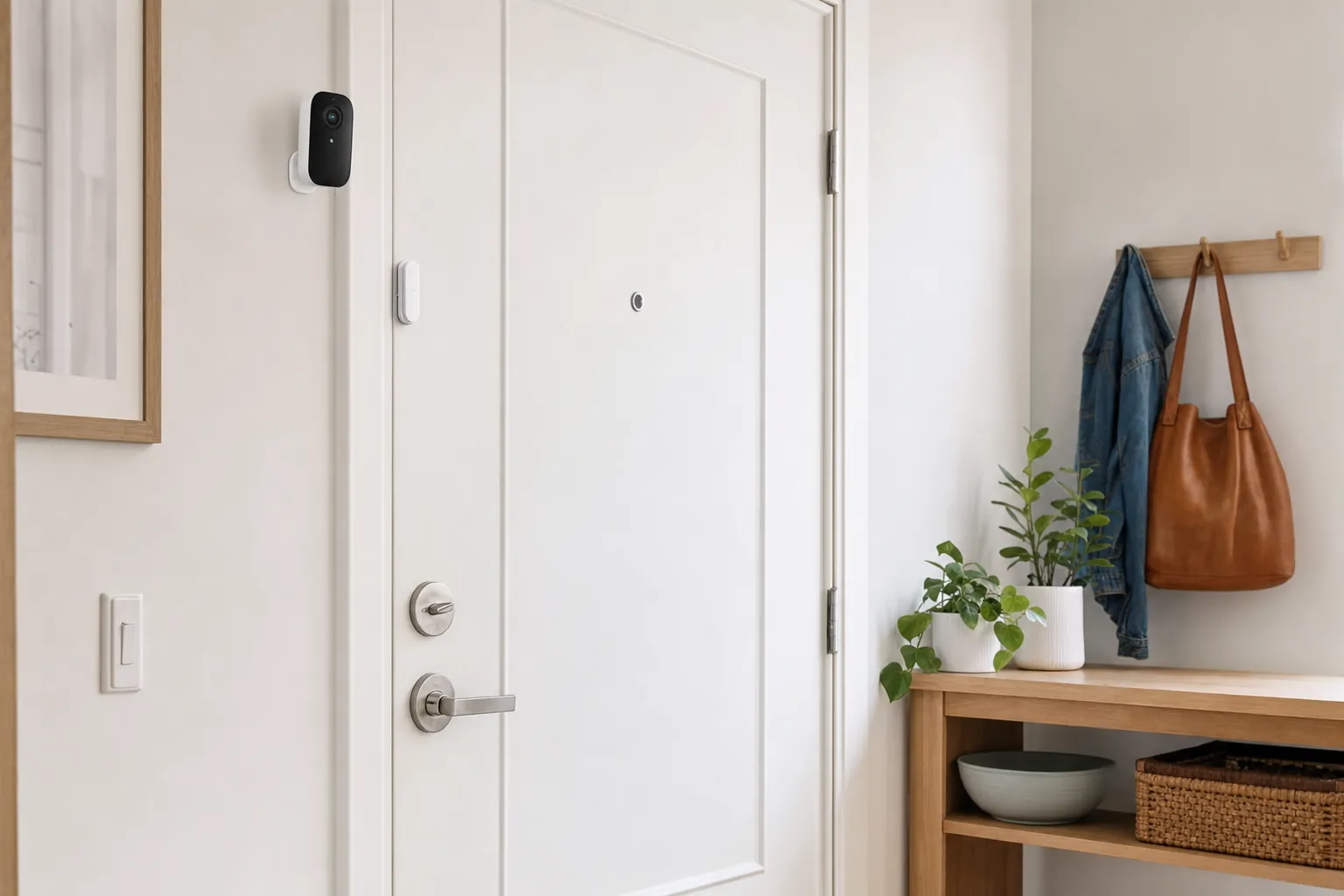
If the entry is shared, the rules are unclear, or the view would mostly capture neighbors, a door sensor or an indoor camera facing only your private side of the door may be the more practical choice.
Shared-entry privacy
Stand where the device would sit and look at what the lens would capture. A private porch or entry may offer a clear, limited view. A hallway that faces several doors, an elevator or a mail area is different. The point is not to collect more footage. It is to see the arrival or delivery that matters without routinely recording people who have nothing to do with your home.
Start with a tight activity area around the doorstep and modest sensitivity. Then walk through normal traffic for a few days. A doorbell that reacts to every neighbor, elevator opening or passing delivery cart quickly becomes background noise. Tighter settings also make it easier to see whether alerts are helping rather than interrupting.
Decide who can view video, speak through the doorbell and change notifications. Give household members their own account access when the platform permits it, use a unique password and enable available account protection. Remove access when a roommate, guest or former household member no longer needs it. The account deserves the same care as the camera.
Power and storage
Battery power avoids changing existing doorbell wiring, which can make it a better fit for a rental. The trade-off is charging. Frequent motion, cold weather, live viewing and a busy entry all shorten the time between charges. Choose a device only when its charging process feels realistic for the household, then make the first low-battery alert part of your routine.
A wired doorbell may offer steadier power, but an apartment intercom, managed entry system or building-owned transformer is not a casual DIY project. Do not bypass existing hardware or run a cable through a shared hall to create a more convenient camera angle. If wiring is not clearly yours to change, a permitted battery setup or a different kind of alert is usually the safer choice.
Live view, alerts and saved recordings are separate features. Some doorbells keep a short event history only with a paid plan, while others use a local hub or removable storage. Read the exact product details before buying and decide whether you need to answer visitors in real time, review an occasional event, or keep longer recordings. For that broader cost decision, use the video doorbell guide without a subscription.
After installation, test a button press, motion alert, live view, two-way audio and saved clip while you are on apartment Wi-Fi. Then repeat the important checks with your phone on cellular service. This small test catches the frustrating gap between a doorbell that connects during setup and one that works when you are away.
A simple first-week test
Frequently asked questions
Sometimes. It depends on the lease, building rules, door type and whether the camera would face a shared hallway or another resident’s door. Get written approval when the policy is unclear before buying or mounting anything.
A battery model can be easier to remove because it does not need existing doorbell wiring. It still needs a compatible mount, reliable Wi-Fi at the door and a charging routine that works for the amount of activity at the entry.
Building policies and local privacy requirements can limit that use. Keep the field of view and motion zone as tight as possible around your own threshold, and choose a lower-intrusion alert if the device would mainly record shared space.
They may connect inconsistently, delay notifications or make live viewing frustrating. Test the connection at the exact door location before committing to a wireless doorbell, not only beside the router.
Remove the device using the manufacturer’s instructions, restore the original hardware, remove household access from the account, and keep the mount and original parts together for the next home.
Keep the plan proportionate

AI Smart Home Finder
Start with comfort you can measure.
Explore thermostats, lighting and routines that can make a daily difference.