You do not need a smart speaker in every room, or any room, to use voice control. A phone, smartwatch, tablet, television remote or the built-in controls on a smart device can handle many common requests. This is a useful middle ground for people who want hands-free help but prefer not to keep a dedicated microphone listening on a countertop.
The trade-off is simple: a speaker is convenient because it is always nearby, while a phone or watch usually needs to be close, charged and activated. For a small smart-home setup, that can be exactly the right compromise.
Direct answer: what can work without a speaker?
A phone can start voice requests through Siri, Google Assistant or a manufacturer's app. A smartwatch can work for short commands when it has network access. Some televisions and streaming remotes include a push-to-talk microphone. Many smart lights, plugs, thermostats and appliances also have their own app, button or remote. These methods can control compatible devices, set timers, send messages or run routines without an independent smart speaker.
Use push-to-talk for more control
Push-to-talk means pressing a button before speaking. On a phone this may be the side button, home button or an on-screen microphone, depending on the device. On a TV it is often a microphone button on the remote. It is less hands-free than a wake word, but it gives you a clear moment when the microphone is active. That makes it a strong choice for private spaces or households that simply do not want another always-available microphone.
Practice one command at a time. “Turn on reading lamp” is easier to remember and easier for the assistant to understand than a long sentence. Name devices by room and purpose, such as “kitchen lamp” or “bedroom fan,” and avoid duplicate names. The best voice control feels boringly predictable.
Set up phone voice control safely
First connect the device in its own manufacturer app. Confirm that the lamp, plug or thermostat works manually from the phone before linking it to a platform. Then add it to the platform you use most, assign it to the right home and room, and try a voice command while standing beside the device. If the command fails, fix the basic connection before building automations.
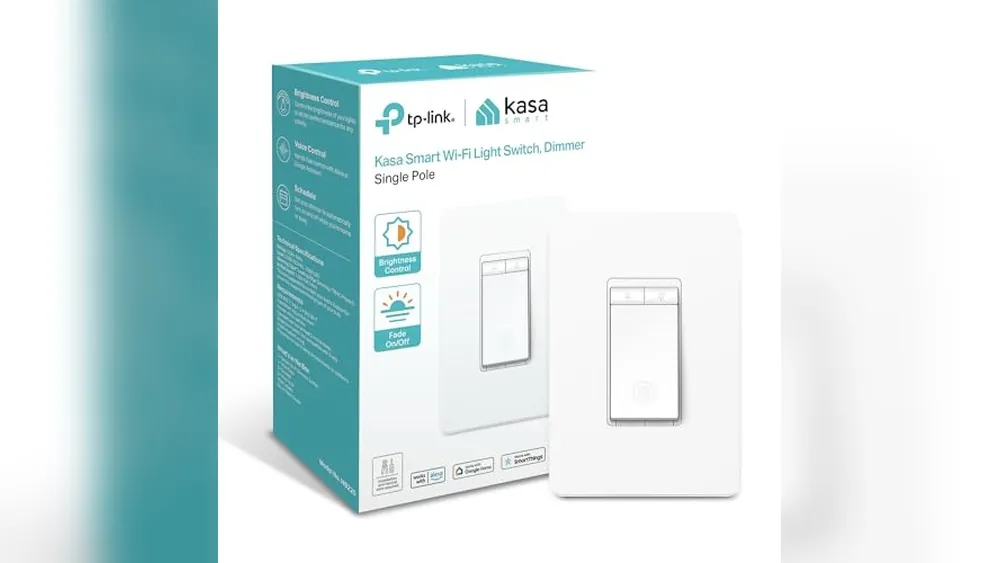
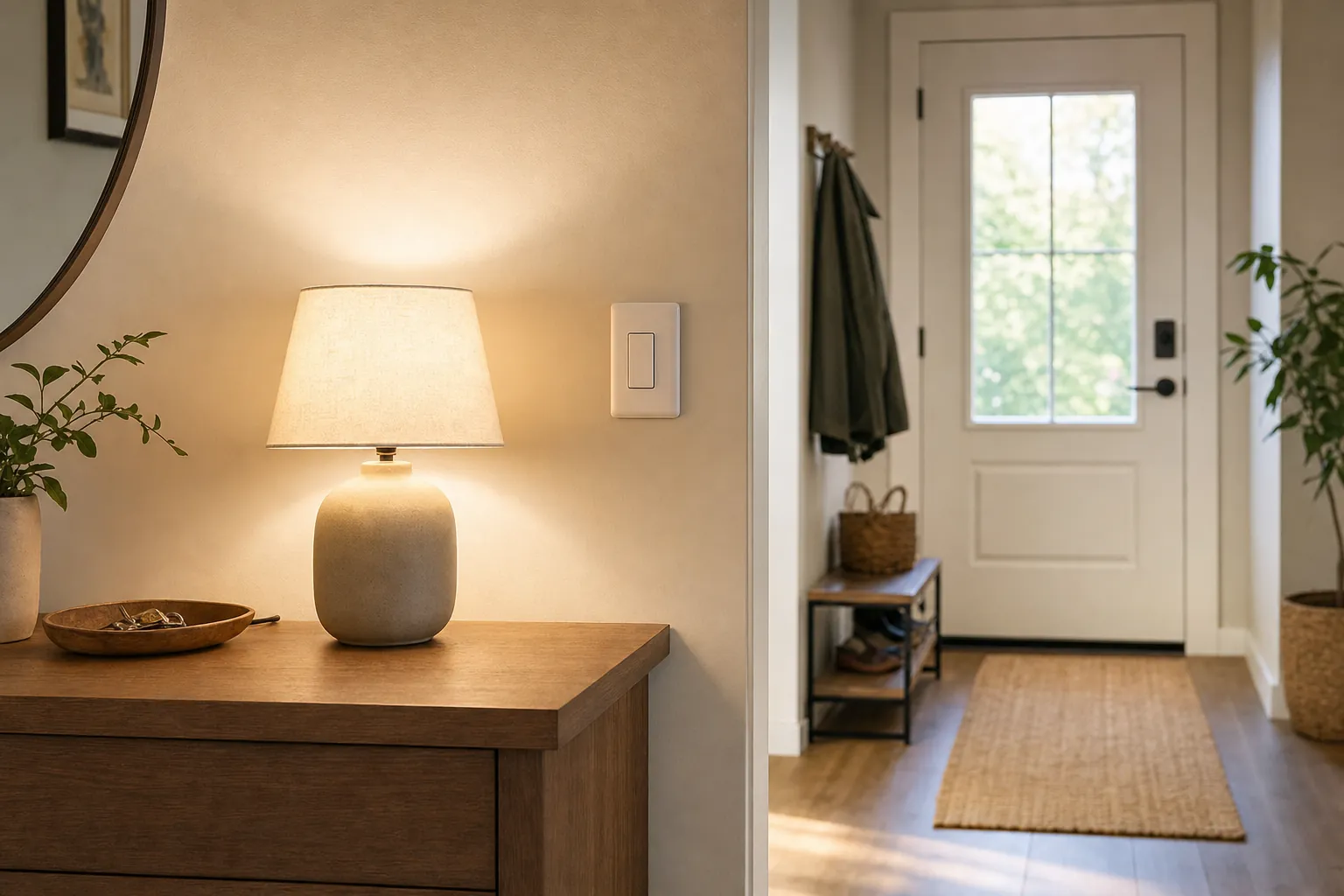
Keep the device's normal physical control available. A wall switch, appliance button or thermostat dial is the backup when the phone battery is low or the home internet is out. Avoid using voice control as the only way to operate a lock, garage door or other security-related device.
When a watch is useful
A watch is particularly good for brief requests when your hands are full, you are moving around the home or your phone is in another room. It can start a timer while cooking, switch off a compatible lamp from bed or run an “away” routine as you leave. The smaller screen makes it less suitable for managing deep settings, household sharing or privacy reviews. Use the phone for setup and the watch for quick actions.
Test the watch on cellular or away from home Wi-Fi if you expect to rely on it outside the house. Its features may change based on the model, connection and account permissions. A command that works beside the router is not proof that it will work on a walk or during an outage.
Use smart remotes and TV voice buttons carefully
A push-to-talk TV remote is a comfortable introduction to voice control because it is already part of a familiar routine. It can search for a programme, adjust some television settings or control a limited set of connected-home features. Do not assume it has the same capabilities as a speaker. Check the exact streaming platform and keep the remote's batteries fresh.
For visitors or shared homes, remotes are easier to understand than an invisible voice ecosystem. The button shows how to start, and the normal navigation controls remain visible. If a setup needs a long explanation, simplify it before you ask other people to use it.
Privacy advantages and limits
Using a phone or remote can reduce the time a microphone is ready for a wake word, but it does not remove privacy choices. Review the assistant account, recording retention, linked services and household permissions. A phone can still send a request to a cloud service, and a shared tablet can reveal more than you intended if its account is not locked.
Protect the phone with a passcode or biometric lock. Do not leave it unlocked in a shared area just because it is acting as a home remote. For a family tablet, create an appropriate household account rather than using someone else's personal email, messages and payment settings.
A practical no-speaker starter setup
- Choose one phone platform you already use every day.
- Add one low-risk device, such as a lamp on a compatible bulb or plug.
- Give it a plain name and test manual, app and voice control.
- Choose push-to-talk or a wake word based on your privacy comfort.
- Keep a wall switch or button available for every routine.
- Wait a week before adding a second room.
Fix the common problems before adding more gear
When a voice request fails, check the simple causes in order: the device has power, the phone is signed into the intended account, the manufacturer app can control it, and the name is not too similar to another device. Rebooting or resetting should be a later step, not the first response. It can erase the very information that would tell you why the connection failed.
Voice assistants also struggle with vague names and noisy rooms. Rename “lamp one” to “desk lamp,” turn down loud TV audio before making a request and use a short command. If the system is unreliable after these basics, return to the app or physical control. Technology is optional, and a manual control that works first time is still the correct answer.
Do not hand a locked phone to a visitor as a substitute for a shared control. For a guest room, a normal switch or labelled remote is easier and safer. Voice control should support the way people already live, not force them to borrow someone else's account.
How SavvyNests helps
If the setup grows beyond a few devices, read what a smart-home hub does before buying more hardware. For simple ideas that do not demand a speaker, browse simple smart-home automations.