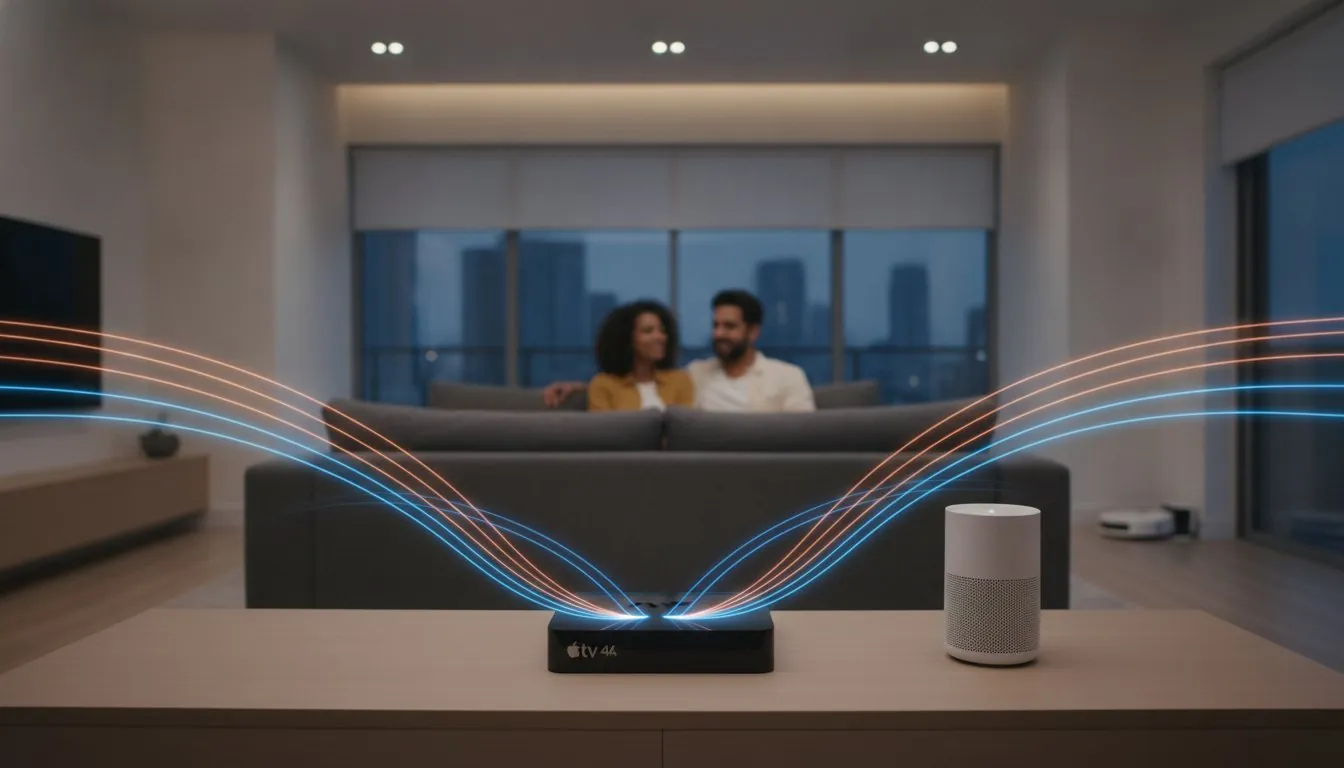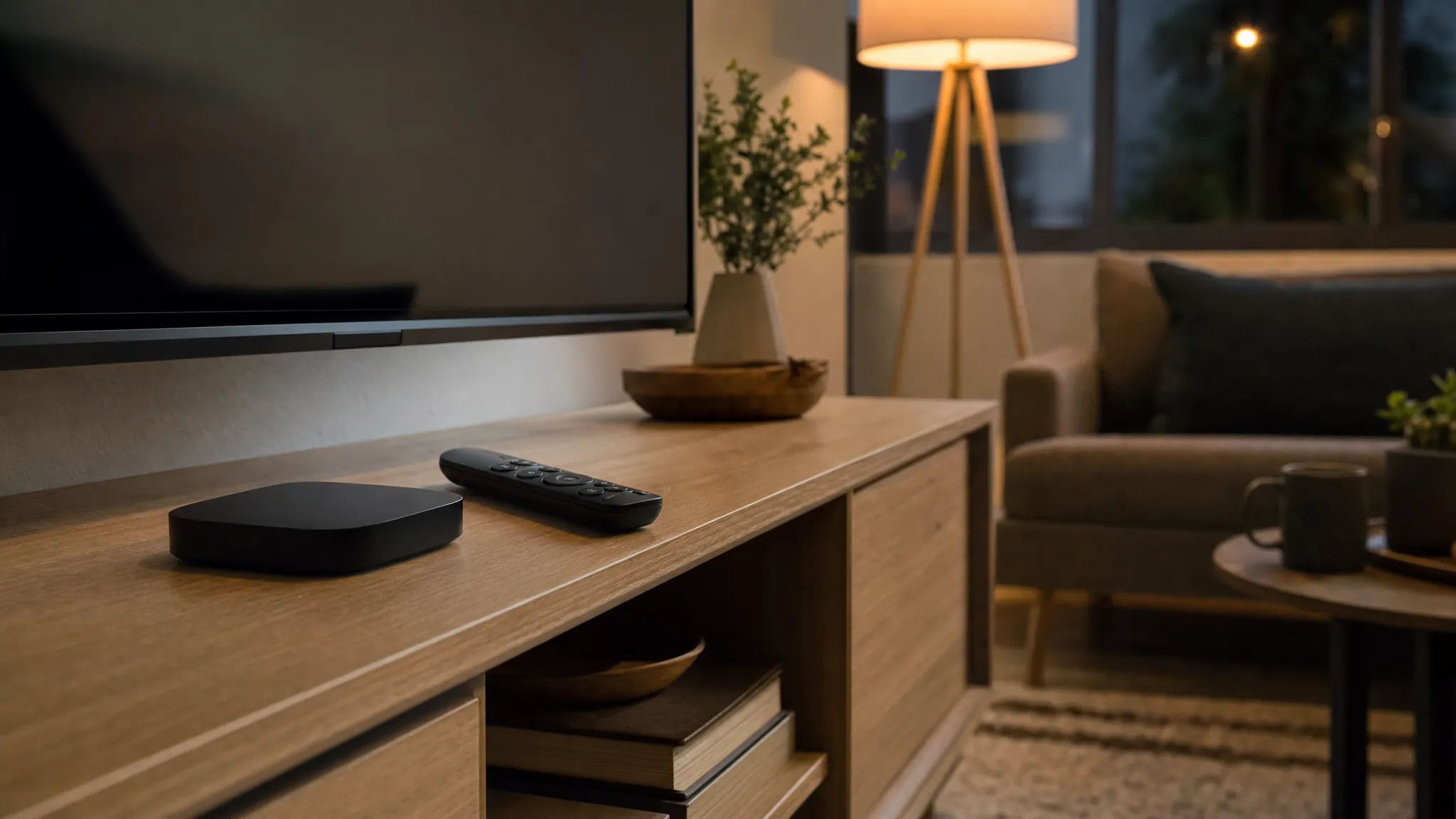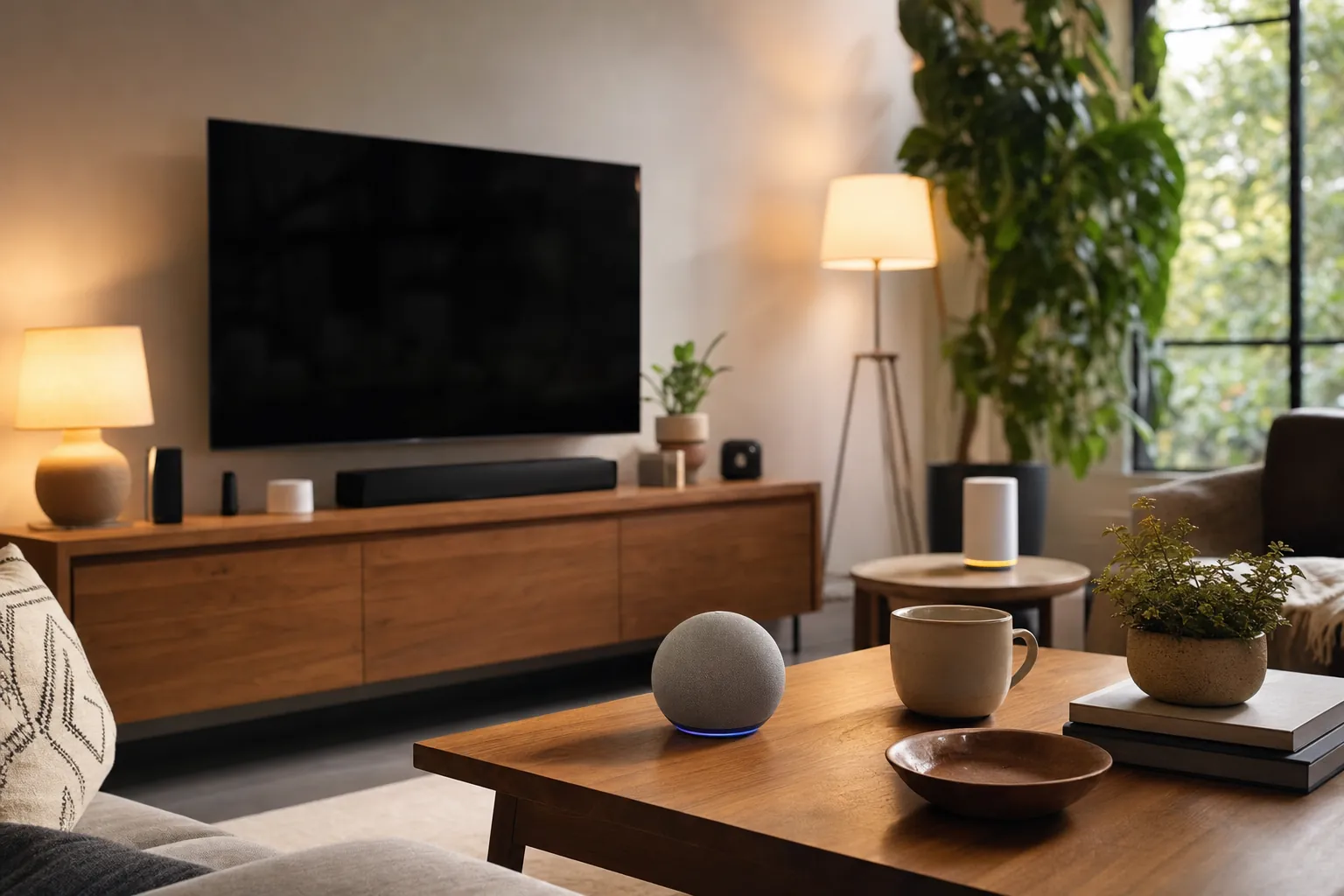
A smart-home hub is the control point that helps compatible devices work together. It can let a light follow a schedule, a door sensor trigger an alert, or a lock become part of a bedtime routine. That sounds important, but it does not mean every home needs a separate box on day one. Many useful setups begin with one smart speaker, one display, or even a few Wi-Fi devices that work directly from their own app.
The better question is not, "Which hub should I buy?" It is, "What do I want my home to do when I am not standing in front of the device?" If the answer is simply turning a lamp on from a phone, you may not need a hub. If you want reliable routines, household sharing, remote access, or accessories that use lower-power networks such as Thread or Zigbee, a hub can make the home simpler instead of more complicated.
This guide explains the difference without turning a small lighting or security project into a pile of hardware. Start with the routine you want to improve, then choose the control point that fits the devices and people in your home.
What is a smart-home hub?
A smart-home hub is a device or service that connects compatible smart-home accessories and gives them a shared place to work together. Depending on the platform, it may handle automations, remote control, household access, notifications, and connections between devices that use different wireless methods.
Think of it as the home’s coordinator. Your phone is useful for setting up devices and making occasional changes. A hub stays available at home, so a routine can run even when your phone is in your pocket, charging, or away with you. That is why hubs matter most when a home has more than one useful device or when a routine needs to happen reliably without manual app taps.
There are several types:
- A smart speaker or display: an Echo, Google Nest device, or HomePod can act as a voice-control point and, for selected accessories, a hub.
- A media device: an Apple TV can serve as an Apple Home hub while remaining a normal streaming device.
- A brand bridge: some lighting, lock, or sensor systems use their own bridge for a particular group of accessories.
- A dedicated multi-protocol hub: these are designed to manage devices that use standards such as Zigbee, Z-Wave, Thread, or Matter, depending on the model.
A hub is not automatically the same as a Wi-Fi router. The router connects your home to the internet and gives Wi-Fi devices a network. A hub coordinates smart-home accessories. Some products combine both roles, but it is worth checking the product page rather than assuming that every speaker, router, or smart display can connect every device you own.

What a hub can do that an app alone cannot
Most smart devices come with an app, and that app is often enough at first. You can turn a device on, look at a camera, change a thermostat setting, or receive a basic alert. A hub becomes useful when you want those separate devices to behave like one system.
For example, a simple bedtime routine might turn off the living-room lights, lower a compatible thermostat setting, and check that a supported lock is secured. An arrival routine might turn on a lamp after sunset. A water-leak sensor can send a household alert whether or not someone remembered to open its app that day. The hub does not make every device smarter by magic. It gives compatible devices a dependable place to coordinate.
It can also make shared homes easier to manage. Instead of one person holding every login, a platform may let household members receive relevant alerts and use shared controls through their own account. That is especially helpful for a front-door device, shared lighting, or a family thermostat schedule. Keep access deliberate, though. Share only the devices and permissions people genuinely need, then remove access when a roommate or guest no longer needs it.
Remote access is another common reason to use a hub. When a compatible setup has a hub at home, you may be able to check devices or run automations while away. The details vary by platform and accessory. Apple, for example, says a home hub supports remote access, shared control, and automations in Apple Home, while its current guidance also explains the supported home-hub setup. Read the Apple home hub instructions before buying around an Apple Home plan.
Do you need a smart-home hub?
Probably not yet if you have one or two Wi-Fi devices that solve a straightforward problem. A smart bulb in a reading lamp, a plug that turns a fan off on a schedule, or a video doorbell that you check in its own app can be useful without building a whole system around it. Starting small is often the cleanest choice because it lets you find out which routines you actually keep.
A hub becomes worth considering when one or more of these are true:
- You want automations that involve several devices. A single routine is easier to manage in one platform than across three unrelated apps.
- You want control while away from home. Some platforms require a home hub for dependable remote access and notifications.
- You are adding Thread, Zigbee, or Z-Wave accessories. These accessories may need a compatible border router, bridge, or hub instead of joining regular Wi-Fi directly.
- You want shared household access. A central platform can make it easier to give the right people the right controls.
- You are tired of switching among apps. A hub will not eliminate every manufacturer app, but it can reduce how often you need to use them.
- You are planning a larger setup. A hub can help you make deliberate compatibility choices before the home has a collection of devices that do not cooperate.
Do not buy a hub simply because a product page says it is "smart-home ready." A hub is helpful when it removes a real point of friction. If all it adds is another account, another power cable, and another box to troubleshoot, wait until the next device gives it a clear job.
Renters can be especially selective. Portable bulbs, plugs, sensors, and speakers are easy to move to the next home. A hub can still be useful, but it should support portable devices and simple routines, not pressure you into changing wiring or leaving equipment behind. SavvyNests’ renter smart-home guide covers low-commitment ways to start.
A smart speaker can be a hub, but check the exact model
Smart speakers and displays are convenient because they already live where people ask for timers, music, weather, or lights. In many households, that makes them a natural control point. An Apple TV or HomePod can support Apple Home. Selected Echo and Google Nest devices can support particular smart-home standards or accessories. The important word is selected.
Product families change, and the networking features can differ by generation, connection type, and region. A speaker may support Wi-Fi devices but not have the radio needed for Zigbee. A media device may work as a home hub but not support Thread in every version. A device that says it works with Matter may still need the right platform, account, software version, or home network before a particular accessory joins correctly.
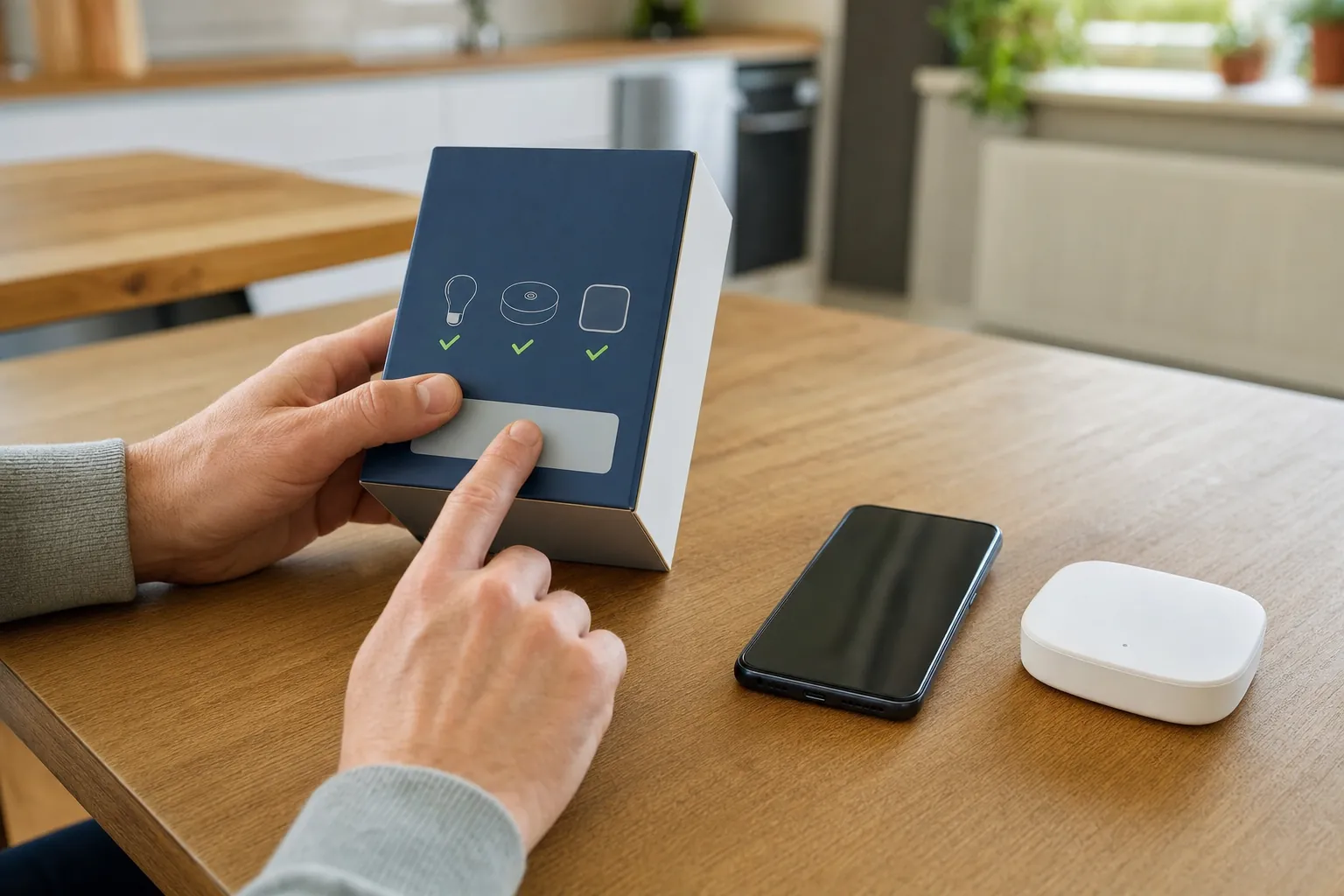
Before buying, verify four things on the maker’s own product page: the exact model number, the smart-home standards it supports, whether it can act as a hub or border router, and whether the accessory you want lists that same platform. The Connectivity Standards Alliance’s Matter overview explains the common standard’s goal, but the individual device documentation is still the final word on compatibility.
That small check matters more than the brand name on the front of the box. It prevents the common disappointment of buying an accessory because it sounds compatible, then discovering that one part of the intended setup is missing.
Hub, bridge, Thread and Matter: the terms worth knowing
Smart-home language can get needlessly crowded. These terms describe different jobs, and knowing the difference helps you avoid buying the wrong thing.
- Hub: the control point that helps a platform manage accessories, automations, remote access, or household sharing.
- Bridge: a device that connects one manufacturer’s accessory system to a larger smart-home platform. A lighting bridge, for example, may improve range or unlock the maker’s full feature set for its own bulbs and sensors.
- Thread: a low-power mesh network used by some smart-home accessories. A compatible Thread border router helps that network connect to your home network and the wider internet.
- Matter: a common smart-home standard meant to make compatible accessories work across more than one platform. Matter does not replace the need to check the exact product, controller, and network support.
In plain English: Matter describes a common way devices can communicate. Thread is one possible network those devices may use. A hub or bridge is the control point that may be needed to bring the system together. They can overlap in one product, but they are not interchangeable words.
For an Apple-centered home, the Apple Home hub buying guide explains the practical Apple TV and HomePod decision in more detail. If your home is built around Alexa or Google Assistant, compare their compatible hub options before picking a device that only works well in a different ecosystem.
Choose a hub by the home you already have
The right hub usually follows the phones, voice assistant, and devices that are already in daily use. Switching platforms just to buy one attractive accessory can make the home harder to understand later.
Choose Apple Home when the household already uses iPhone, iPad, Apple TV, or HomePod and wants a consistent Apple-based setup. Start with the existing Apple devices, then confirm whether the specific accessory supports Apple Home and whether Thread matters for that accessory. The Apple TV home-hub setup guide is a useful next step after you have confirmed your model.
Choose Alexa or Google Home when the household already uses that voice assistant and prefers its speaker or display for everyday requests. Focus on the accessories you want first, then confirm whether the proposed speaker or display supports their connection method. SavvyNests’ Alexa and Google hub guide can help compare the questions to ask.
Choose a dedicated hub or bridge when you want a larger group of sensors, lights, locks, or accessories that rely on a specific protocol or brand ecosystem. This can be the better choice when the system itself offers a clear benefit, such as stronger coverage, local routines, or reliable accessory support. It is not automatically better for a first smart plug or bulb.
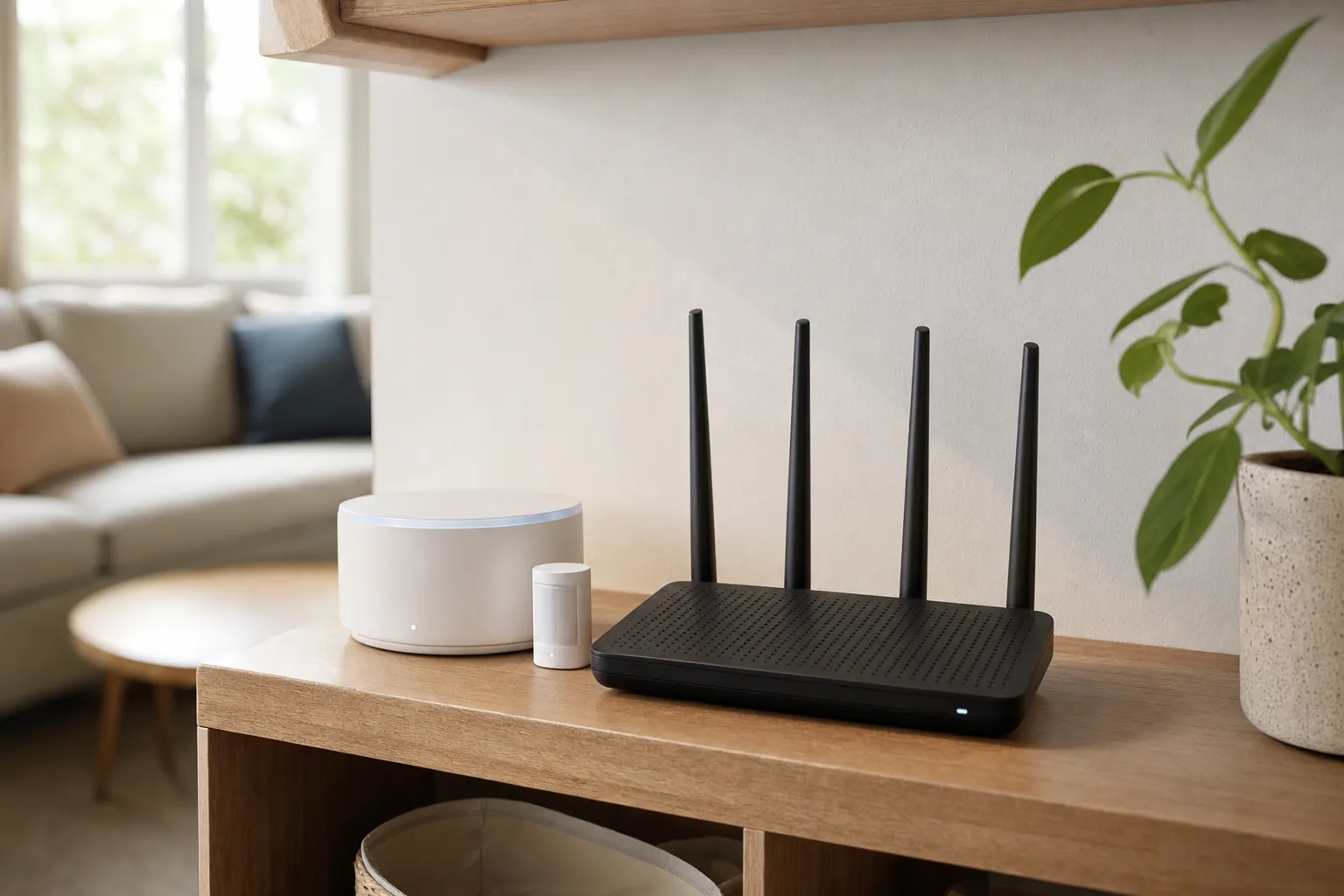
Whatever you choose, protect the foundation. Put the hub or bridge where it has steady power and a reliable connection. Use a strong unique password for the associated account, turn on two-factor authentication when offered, and keep the router software current. SavvyNests’ router isolation guide explains one practical way to keep connected devices separate from personal computers and phones.
Start with one routine, then test it for a week
Once you have a compatible hub, resist the urge to connect everything at once. Pick one routine that is useful enough to notice every day. Good first choices include a hallway light that turns on after sunset, a bedtime scene that shuts off selected lamps, a temperature schedule, or a notification from a leak sensor near a washing machine.
- Choose one device or one small group of devices that solve a repeated problem.
- Add them to the same platform and give them simple, recognizable names.
- Test the manual control first, including what happens when Wi-Fi is unavailable.
- Create one automation and let it run for a week before adding another.
- Keep alerts only when they lead to a useful action.
- Write down any backup method, such as a physical light switch, lock key, or thermostat control.
That process exposes the details that determine whether a setup will last: a weak Wi-Fi spot, a confusing room name, a family member who prefers the wall switch, or an alert that fires too often. Fix those small issues before expanding. A smart home should become calmer as it grows, not give everyone a new list of rules to remember.
For more room-by-room ideas, explore the SavvyNests smart-home automation hub. It is designed around the everyday problems that make an automation worth keeping.
How SavvyNests helps you choose
SavvyNests looks past the feature list and starts with fit: the home, the routine, the devices already in use, and the amount of setup you are willing to manage. Use the smart-home device buying guide to compare compatibility, upkeep, and ongoing costs before adding the next piece.
Frequently asked questions
What does a smart-home hub do?
A smart-home hub helps compatible devices work together. Depending on the platform, it can run automations, support remote control, share access with household members, and connect accessories that use certain smart-home networks. Its value is coordination, not simply adding another app.
Do I need a hub for smart lights?
Not always. Many Wi-Fi smart bulbs and plugs work directly through their own app and can be enough for one room. A hub or brand bridge becomes more useful when you want several lights, sensors, switches, and routines to work together or when the product system specifically requires one.
Is a smart speaker the same as a smart-home hub?
Sometimes. Some smart speakers and displays can act as a hub for selected accessories, but the capability varies by exact model and wireless standard. Check the manufacturer’s current documentation for the specific speaker and accessory before buying.
Can Matter devices work without a hub?
Some Matter devices can be controlled locally through a compatible platform, but the complete setup may still need a compatible controller, home hub, or Thread border router for remote access and the device’s chosen network. Check the device’s requirements rather than assuming the Matter label guarantees the same experience in every home.
What is the easiest smart-home setup for beginners?
Start with one portable device that solves a repeated problem, such as a smart bulb in a lamp, a plug for a suitable appliance, or a door sensor at an entry. Keep the first automation simple, test it for a week, and add a hub only when it makes the next useful step easier.