The best voice assistant for an older adult is not automatically the one with the longest feature list. It is the one that makes one or two repeated tasks easier without adding a new source of stress. That may mean turning on a lamp from a chair, setting a kitchen timer, hearing the weather, calling an approved contact or getting a reminder at the right time.
Amazon Alexa, Google Assistant and Apple's Siri can all support useful routines. The better choice depends on the devices already in the home, the person's comfort with phones and screens, the need for a display, and how much family access is genuinely wanted. Start with the routine, then choose the assistant that handles it plainly.
Direct answer: what is the best starting choice?
For many households, a small speaker from the same ecosystem as the phone and services already used is the easiest place to begin. Alexa is often straightforward for voice-led routines and compatible devices. Google Assistant can be convenient for people already comfortable with Android and Google services. Siri can be a natural fit where iPhone, iPad or Apple TV are already familiar. A screen can help with visual prompts, but it is not required for simple lighting, timers and calls.
Choose by a real daily task
Write down one moment that is unnecessarily difficult. A dark hallway, a hard-to-reach lamp, forgotten medication timing, a missed phone call or uncertainty at the front door are all clearer starting points than “make the home smart.” Then ask what the assistant must do, what happens if Wi-Fi fails and whether there is a simple manual fallback.
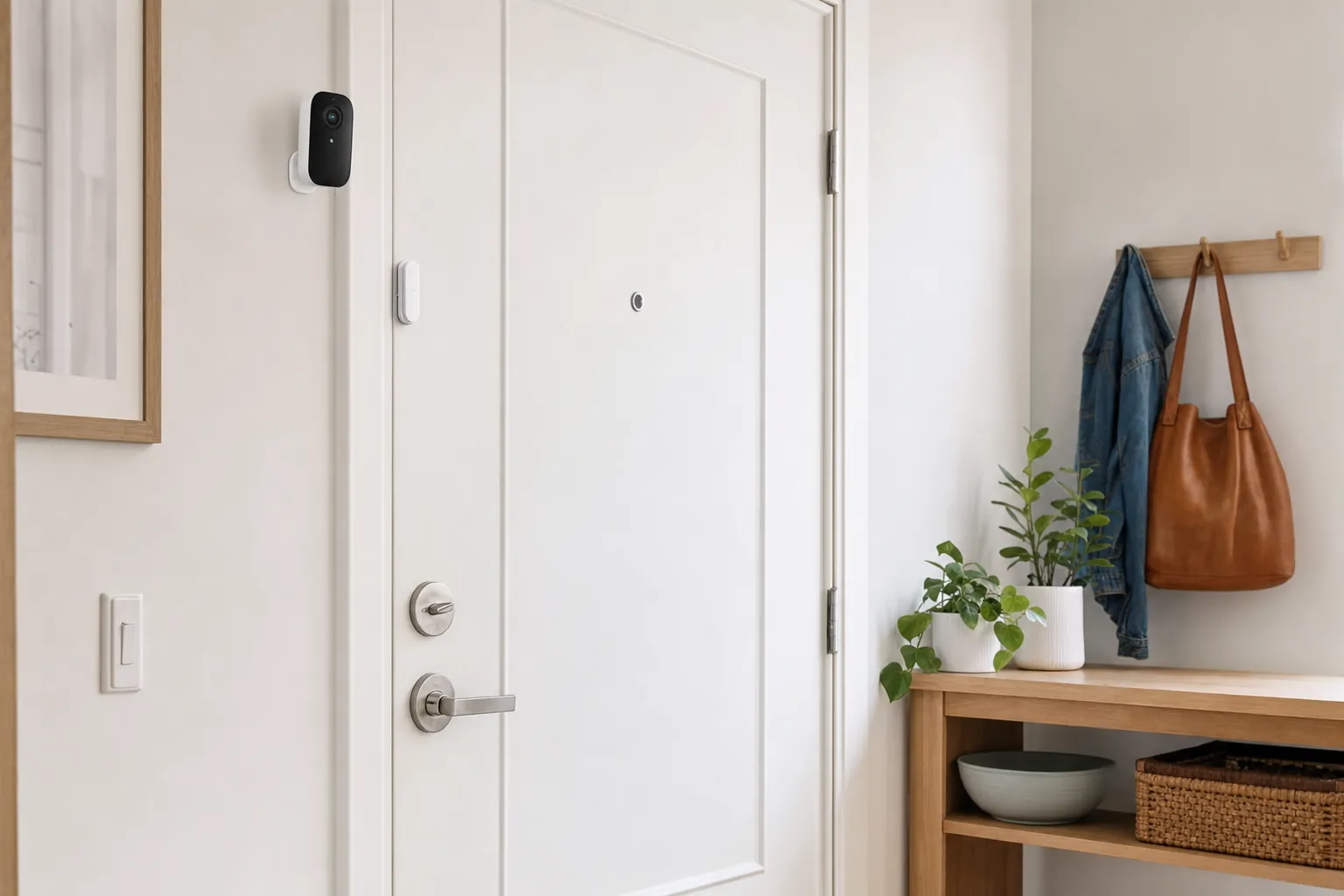
For example, a bedside lamp on a compatible smart plug can respond to one easy phrase, but its normal switch should still work. A reminder can be useful, but it is not a medical device and should not be the only reminder for a critical medicine. A video doorbell can make it easier to see a visitor, but it should not become a reason to open a door without the usual caution.
Speaker or smart display?
A speaker is the lower-friction start. It has fewer visual settings, costs less and can sit in the room where a voice request makes sense. A display can be helpful for someone who benefits from seeing a reminder, a large clock, a caller's name or a doorbell view. It can also create more notifications, video settings and privacy choices. Choose a display only when the screen solves a visible problem.
Place the device where it can hear normal speech without needing to shout. Keep it close to power, away from a sink or stove and somewhere its buttons are reachable. If hearing is a concern, test the volume and response before buying additional speakers. Clear audio and an understandable wake word matter more than a premium finish.
Make the setup teachable
Set up a handful of commands, then stop. A good first list is: “turn on the hallway light,” “set a ten-minute timer,” “what is the weather,” and “call [name]” where the calling feature is configured and tested. Put those phrases on a small card near the device if that helps. Avoid renaming lights with clever names that nobody remembers.
Use separate accounts or household permissions rather than sharing one password with every family member. Decide in advance who can add devices, see alerts or change routines. A family member can provide support without taking control of every part of the home. Revisit this balance after a few weeks, because the right amount of help is personal.
Privacy, safety and emergency limits
Review microphone, recording and household access settings before the first routine is created. The physical mute button should be easy to find. Explain what the device can hear, what it cannot do and when it should be muted. This is especially important when carers, visitors or other residents are in the home.
A voice assistant is not an emergency response system. It may fail during a power, Wi-Fi or account outage, and it may misunderstand a request. Keep a charged phone, a trusted-contact plan and any dedicated emergency device or service that the person relies on. Test the normal way to make a call without asking the speaker.
Build a calm first-week routine
- Put one speaker in the room where it will be used most.
- Connect one light or plug-in lamp, keeping the normal control available.
- Practice three commands at a quiet time.
- Set one helpful reminder or timer, then see whether it is actually noticed.
- Review the privacy controls and household access together.
- Add another device only when the first one feels ordinary.
When not to use voice control
Skip voice control when a physical button is faster, when the request could expose private information, or when the action needs deliberate confirmation. Door locks, purchases, alarms and sensitive calls deserve a more careful process. Technology should reduce friction, not demand trust it has not earned.
Questions to ask before buying
Ask the person who will use the device, not only the person setting it up. Is the wake word easy to say and remember? Is the speaker loud enough without being startling? Does the light still work from the switch? Who will replace batteries or check an alert? These questions identify a good fit much better than a list of specifications.
Be honest about support. A helpful setup should make someone more comfortable doing an ordinary task independently. If it requires a family member to troubleshoot it every few days, it has not earned its place. Keep the box, instructions and a short note of the account owner in one safe spot so ordinary maintenance does not become a mystery.
When in doubt, borrow a familiar device or set up one room first. A week of real use tells you more than a demonstration in a shop. Keep what becomes useful, adjust what is confusing and return to a manual solution when that is the calmer choice.
How SavvyNests helps
For more low-pressure starting points, explore smart-home devices for seniors and the practical Tips & Hacks library. The best system is usually a small one that respects familiar routines.