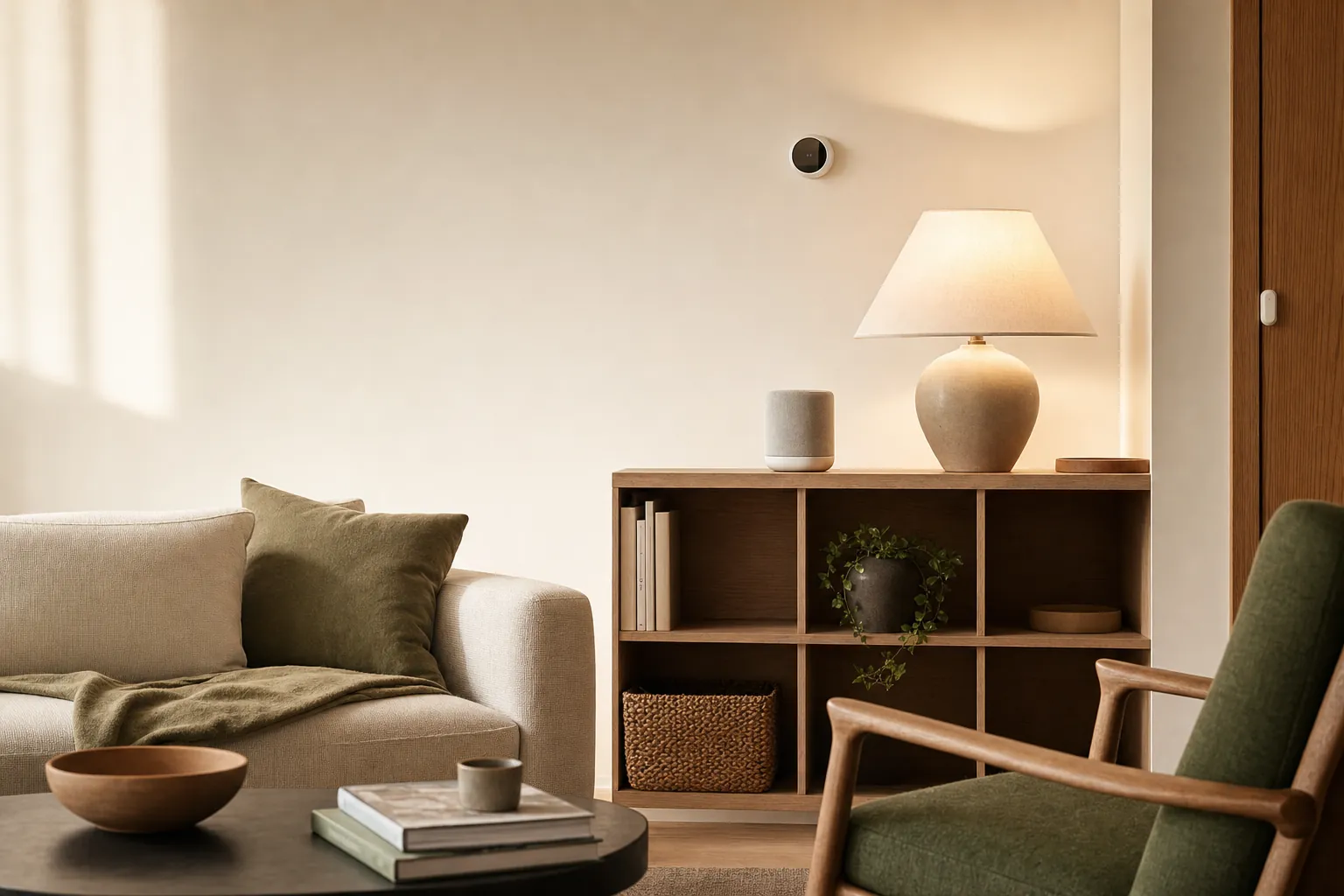
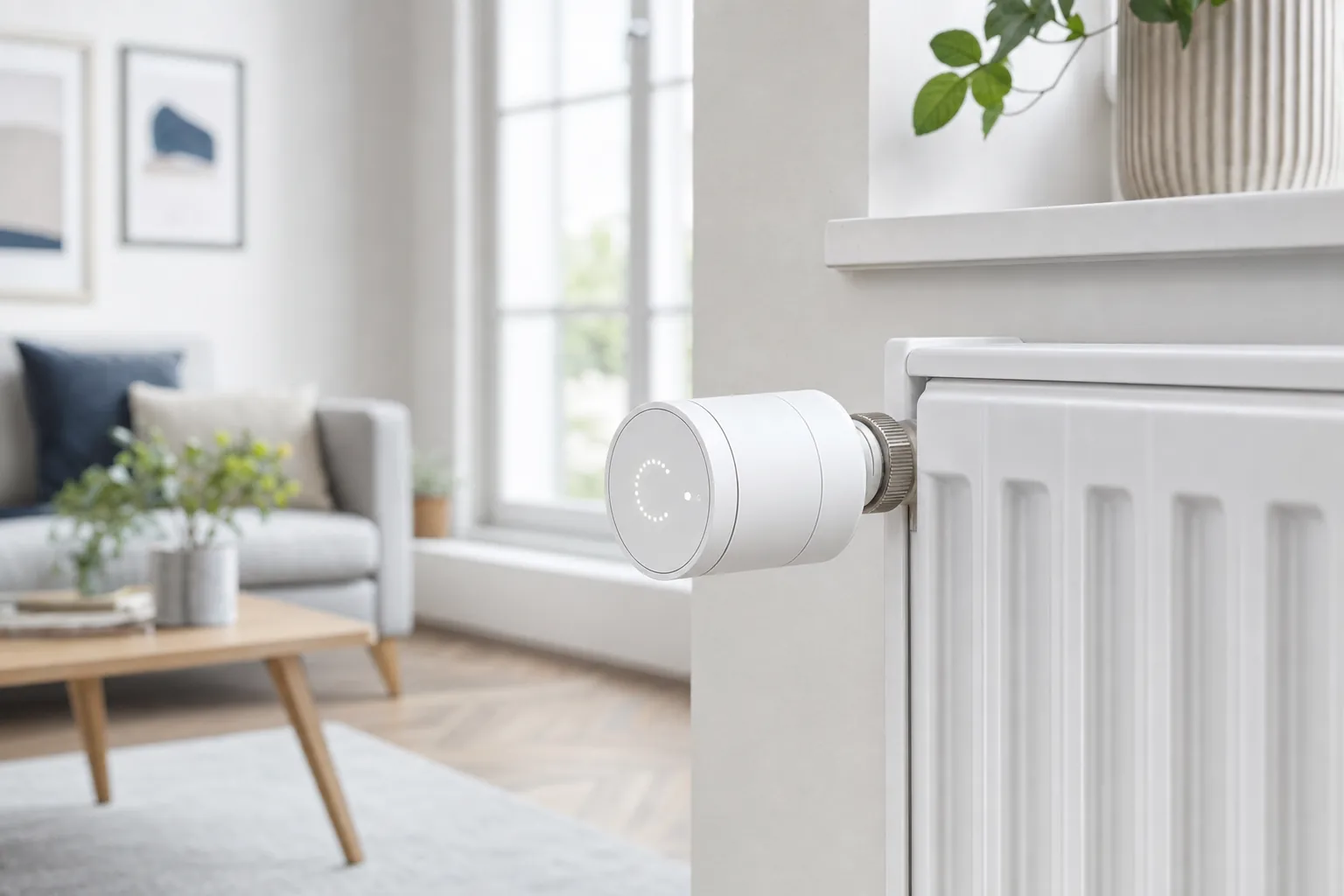
Smart home technology is most useful when it quietly removes energy waste from routines you already have. It cannot make an inefficient home perfect, but it can help you stop heating an empty room, leaving lights on all day, or running flexible appliances at the most expensive time. For homeowners and renters alike, the practical value comes from better timing, better visibility and fewer forgotten settings.
Start with the part of your bill you can actually influence. Heating and cooling, lighting and standby loads are good places to begin because small changes repeat every day. An ENERGY STAR certified smart thermostat is a sensible first upgrade for a compatible HVAC system: ENERGY STAR says certified models save about 8% on average on heating and cooling bills, although comfort settings, climate and equipment all affect the result.
Start with heating and cooling
Heating and cooling often carry the most weight in a household energy budget. The most effective thermostat routine is rarely complicated: choose one comfortable setting for when people are home, another for sleep, and a modest away setting for periods when the home is empty. Let the system run for a week before making changes. A schedule that is easy to understand is more likely to stay in use than a different temperature for every hour.
Smart thermostats can add useful context through remote adjustment, occupancy sensing and energy reports. Geofencing can help when a household has a fairly predictable commute, but it should not be the only control. Keep physical controls available, make sure every household member understands the schedule, and avoid large temperature swings that make the system work harder just before you return.
Compatibility comes first. Most central forced-air and many boiler systems use low-voltage thermostat wiring, while electric baseboard heat and some older systems need a specific type of control. Check the manufacturer's compatibility tool before ordering, especially when there is no obvious C-wire. Renters should photograph the original setup and keep every original part together before making a reversible change. SavvyNests' energy-saving thermostat guide covers the practical checks in more detail.
Use lighting controls to make LEDs work harder
LEDs are already an efficient starting point. The U.S. Department of Energy notes that LEDs can use at least 75% less energy than comparable incandescent bulbs, with much longer life. The bigger smart-home advantage is control: schedules, dimming and occupancy rules help make sure that efficient light is only used when it is needed.
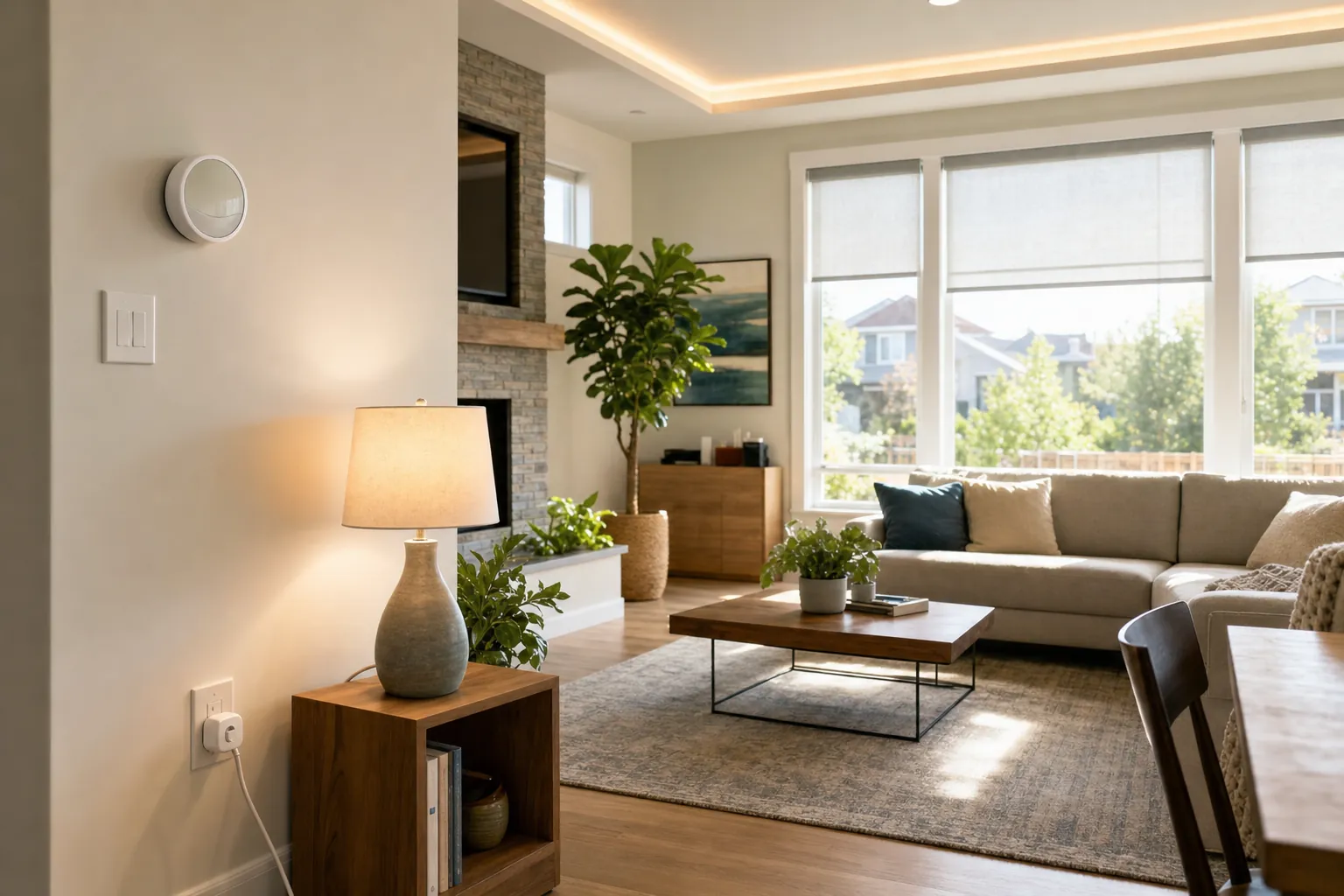
Begin with the rooms that see the most predictable use. An entry lamp can turn on around arrival time. A hallway can use a motion-based night-light routine. A living-room scene can lower brightness after sunset instead of keeping every fixture at full output. Dimming is especially helpful in spaces where full brightness is rarely necessary, but use dimmer-compatible bulbs and switches so the hardware remains stable.
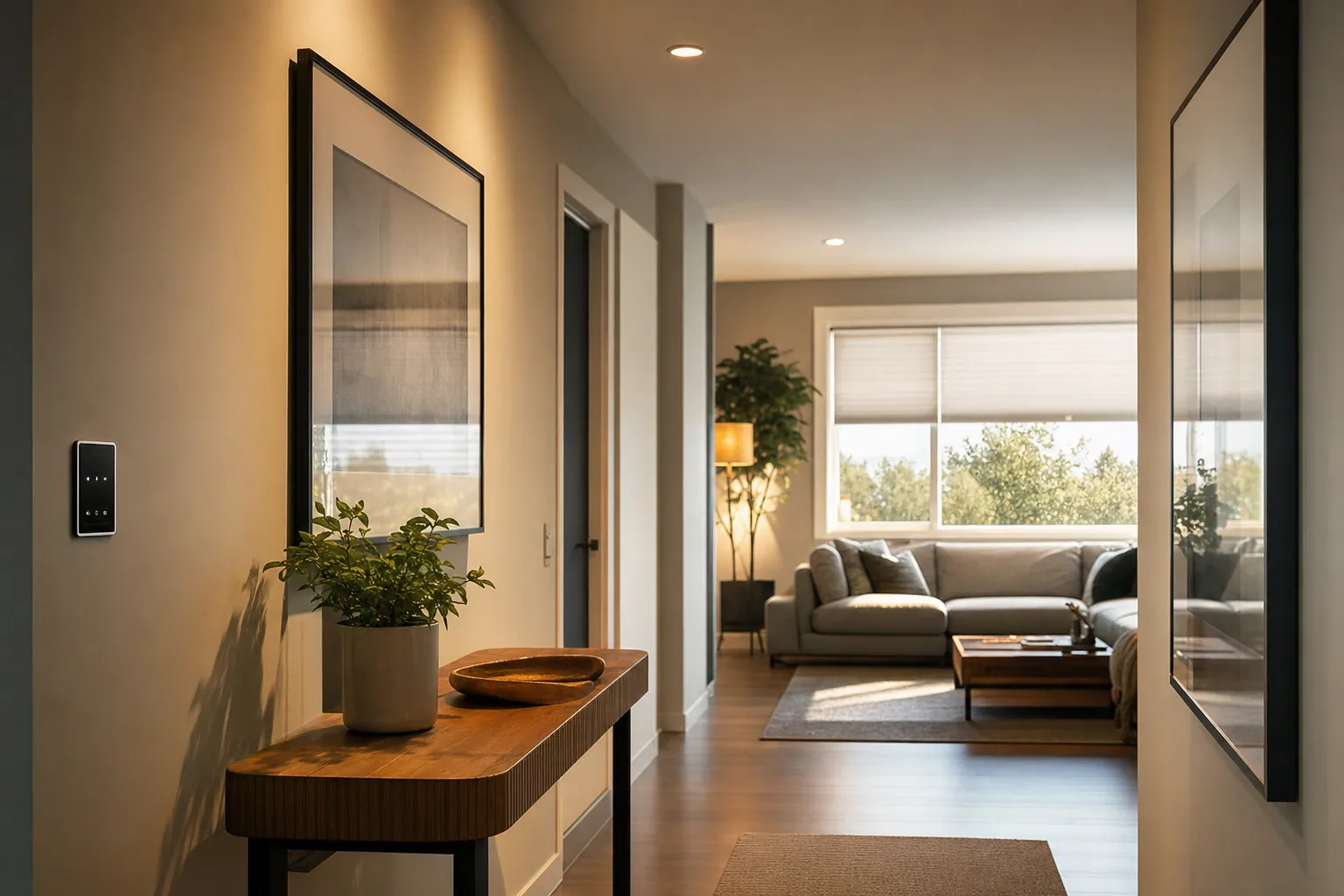
Daylight is part of the plan. Motorized shades, smart blinds or a simple reminder routine can reduce glare and summer heat gain, while allowing useful natural light in during the day. Do not automate blinds in a way that blocks an emergency exit or makes a home uncomfortable when someone is present. Start with one room, review it after a week, then expand only if the routine is genuinely useful.
Find phantom loads before buying more gear
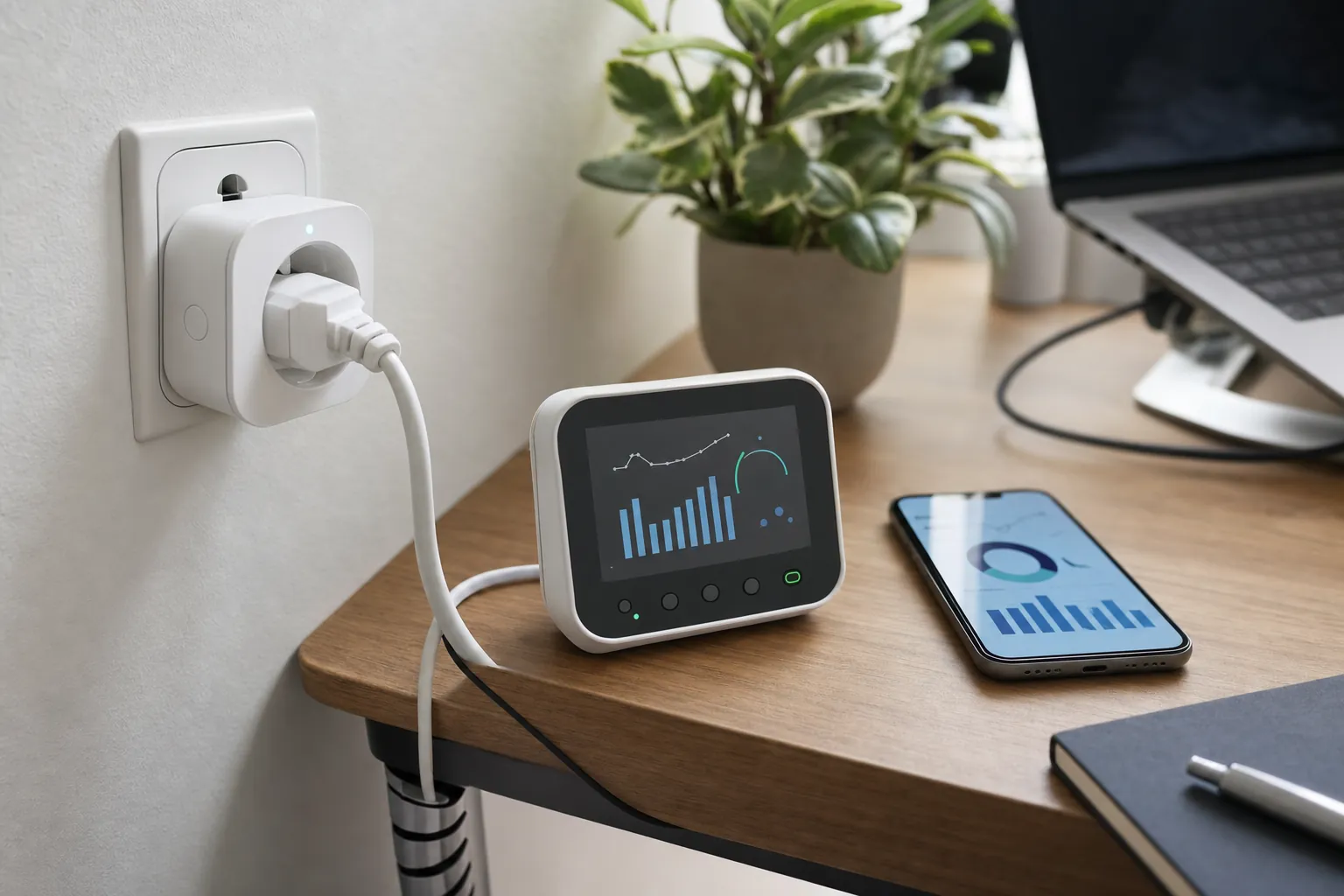
Some electronics draw power while they appear to be off. The Department of Energy describes this as standby power and notes that it can be a meaningful contributor to a product's energy use. A smart plug with energy monitoring is useful here because it replaces guesswork with a measurement: use it on an appropriate plug-in device for a few days, then decide whether a schedule or manual shutoff is worth keeping.
Good candidates include a television setup, desk accessories, lamps and other low-risk electronics that do not need to be on around the clock. Do not use a smart plug to control equipment that should not lose power or restart unattended, including refrigerators, medical equipment, space heaters or cooking appliances. Follow the device instructions and its load rating before adding anything to an automation.
Build one useful away routine
An away routine is where separate devices start working as a system. When the last person leaves, it can set back the thermostat, turn off selected lights and stop power to chosen desk or entertainment accessories. The value is not the number of actions. It is the confidence that the usual energy drains are handled without a last-minute walk through the house.
Keep the routine conservative at first. Exclude safety devices, networking equipment and anything that needs to remain on. Test the routine while you are still at home, then make sure there is an easy way to override it from a wall switch, voice assistant or phone. A home should remain understandable when Wi-Fi is down or a guest is visiting.
Use time-of-use rates when they actually apply
Some utilities offer time-of-use pricing, where electricity costs more during set peak periods and less at other times. The Department of Energy explains that these rates commonly include an afternoon peak, overnight off-peak period and shoulder hours. If your plan works this way, flexible loads such as a dishwasher, laundry or water heating may be worth scheduling for cheaper periods.
Check the actual rate plan before changing your routine. There is no saving in moving a dishwasher to midnight if your utility charges a flat rate. If demand-response incentives are available, read the event rules carefully and make sure you can opt out when comfort or health requires it. Smart devices should support your choices, not take them away.
Choose a small, compatible energy-saving kit
A practical first kit is usually a compatible smart thermostat, a few LED bulbs or a smart switch in high-use rooms, and one monitored smart plug. Add a whole-home energy monitor only when you are ready to use the data. This staged approach lets you see what changes before spending on a large ecosystem.
When comparing products, look at compatibility, manual controls, required hubs, Wi-Fi band support and any ongoing subscription. Avoid making a purchase solely because it promises a dramatic percentage saving. A device earns its place when it makes an existing routine easier and the savings continue without constant attention. For a broader starting point, see the SavvyNests beginner device guide.
Read the reports, then make one change at a time
Energy dashboards can be useful, but only if they lead to a practical decision. Look for a clear pattern first: a sudden increase in overnight electricity use, an HVAC system running longer than expected, or a room that needs lights all day despite having windows. Then change one thing and give it enough time to show a difference. Changing the thermostat schedule, adding smart bulbs and shifting laundry all in the same week makes it hard to know what actually helped.
Use utility bills as a longer-term check. Compare similar months and keep weather in mind; a colder January or hotter August can outweigh any small equipment change. The goal is not to make every month identical. It is to see whether the home is using less energy for the same comfort and routine. If a device's app shows savings that do not match your bill over several months, treat the app as a clue rather than a verdict.
Protect comfort, privacy and reliability
Energy-saving automation should not create new risks. Keep the thermostat available at the wall, preserve a normal light switch where possible, and make sure an away routine never turns off a device that needs continuous power. If a smart system uses occupancy sensing or location information, review who can access those accounts and remove old household access promptly. A smaller setup with clear controls is usually more dependable than a large collection of apps.
Plan for power and internet outages, too. A cloud-connected thermostat or plug may lose remote features when the connection drops, so understand the manual fallback before depending on a schedule. Check batteries in sensors, apply firmware updates when they address security or stability, and do a seasonal review before heating or cooling demands change. The most useful energy system is one the household still trusts on an ordinary Tuesday.
A simple 30-day starting plan
- Week 1: Review a few utility bills and choose one repeated source of waste, such as an empty home being heated or lights left on in a hallway.
- Week 2: Add one compatible control, such as a thermostat schedule, LED bulb or monitored plug. Keep the manual control available.
- Week 3: Check the device report and ask whether the routine is comfortable, reliable and easy for everyone in the home.
- Week 4: Keep, refine or remove the automation. Only then choose the next room or device.
This approach works well for renters because each step can be small and portable. It also prevents the common mistake of buying a full ecosystem before learning whether a household will use its features. Over time, a few measured upgrades can make a home more responsive while keeping its energy habits straightforward.
How SavvyNests helps you save energy without adding friction
SavvyNests looks past feature lists to the details that affect everyday energy use: HVAC compatibility, sensible controls, local fallbacks, ongoing cost and whether an automation is easy to live with. Explore Tips & Hacks for routines that are simple to test, then build around the rooms where waste is easiest to prevent.
Frequently Asked Questions
What smart device saves the most energy?
For many compatible homes, a smart thermostat is the highest-impact first device because heating and cooling are major parts of household energy use. The actual result depends on the home, climate, equipment and schedule. Start with compatibility, then use a simple routine you can keep.
Do smart plugs really reduce electricity use?
They can when they help you identify and control appropriate standby loads. Measure a device first, then use a schedule only where it prevents waste without interrupting something important. Do not use them for appliances or equipment that should not be switched off automatically.
Can renters use smart energy technology?
Yes. Smart bulbs, plug-in devices and many room sensors are portable and do not require permanent changes. Thermostat swaps require more care: check the lease, confirm compatibility and save the original hardware for move-out.
Are smart appliances worth it for time-of-use rates?
They can be useful when your utility actually offers a time-based rate and the appliance lets you schedule a flexible task. Compare the available rate periods with your household routine before assuming an off-peak schedule will lower the bill.