Direct answer: a renter can use a smart lock when the lease allows it, the lock fits the existing door, and the original hardware can be restored cleanly. The lowest-risk choice is usually a retrofit lock that turns the inside thumb-turn while leaving the exterior lock and physical key unchanged. Before ordering, get permission where required, photograph the door, and decide exactly how the old hardware will be reinstalled when you move.
A smart lock can be genuinely useful in a rental. It can let you avoid handing out keys, check whether the door was locked after leaving, and give a time-limited code to a trusted guest. It should not turn a normal move into a repair project. The practical test is simple: if you cannot explain how it will come off, where the original parts will live, and how you will regain entry if a battery dies, pause before buying.
Start with the lease and the door, not the product page
Read the lease section on locks, alterations, keys, and entry. Some properties prohibit changing exterior hardware. Others allow it with written approval or require a management key to continue working. A smart lock does not override the property owner's access rights or local rules. Ask for approval in writing when the lease is unclear, and keep the answer with the original lock parts.
Then inspect the door itself. Check whether it uses a separate deadbolt, an integrated handle lock, a mortise lock, or shared building hardware. Measure the backset, door thickness, and clearance around the thumb-turn. Note whether the door rubs the frame, needs lifting to latch, or has a sticky bolt. A smart lock cannot correct a misaligned door, and forcing it to work against a tight strike plate can drain batteries and create unreliable locking.
Take photos from inside and outside before removing anything. Photograph the edge of the door, the strike plate, the screws, and the existing keyway. Put each original screw and part in a labelled bag. This takes ten minutes and prevents the expensive version of the story at move-out, when a nearly identical screw has vanished and the original lock no longer sits correctly.
Choose the least invasive lock that solves your problem
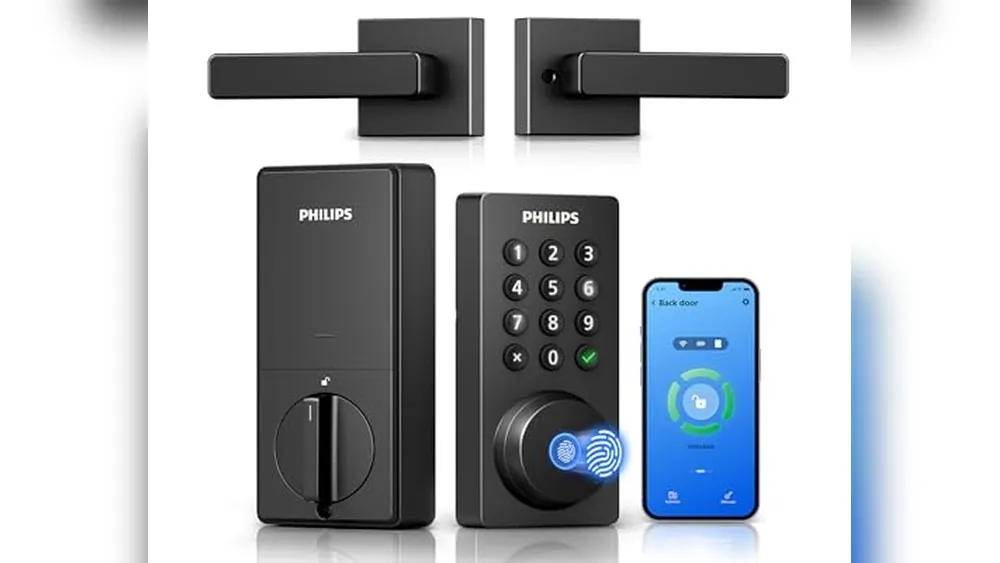
Retrofit locks are often the best fit for renters because they install on the interior side of a compatible deadbolt. The outside cylinder and key normally stay in place, so the building's existing key can still work. A full replacement lock can be appropriate with written permission, but it creates more fit questions and a bigger restoration job.
Choose a lock with a clear physical fallback. A phone is convenient, not a substitute for an entry plan. Keep an ordinary key with you if the exterior cylinder remains, understand how the lock reports low battery, and test its manual operation before you rely on remote features. The SavvyNests smart-lock safety guide explains the door-fit, backup-key, and access checks worth making before purchase.
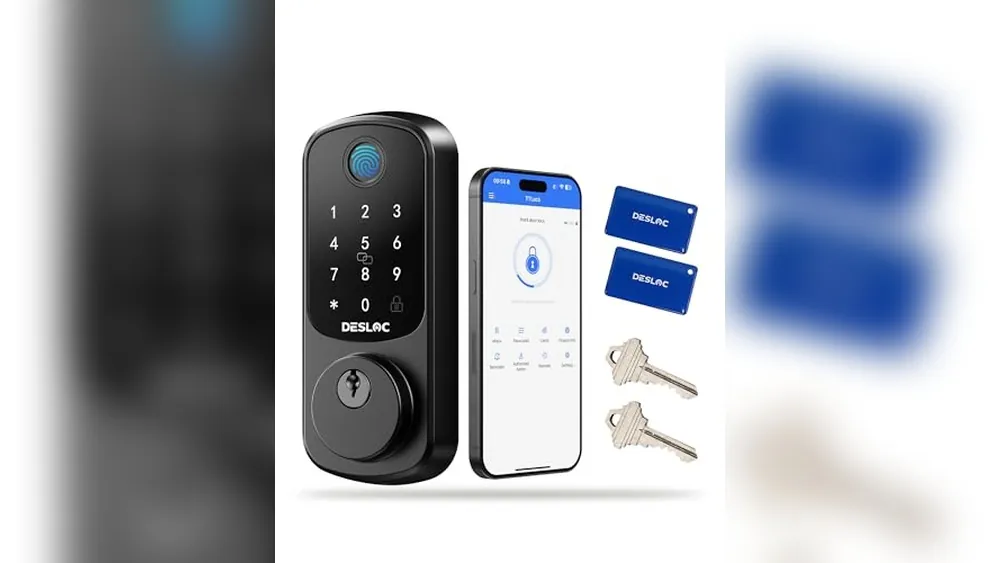
Also decide how the lock connects. Bluetooth can be enough for nearby phone control. Wi-Fi or a bridge may enable remote status and codes, but it adds a network dependency. Matter or a hub can help in a larger setup, yet the most useful renter lock is often the one that handles one front door reliably with the smallest amount of new gear.
Install carefully and test the boring parts
- Get written permission if the lease calls for it.
- Photograph the original lock and label every removed part.
- Install only with the door open, so you cannot lock yourself out during setup.
- Confirm the deadbolt extends and retracts without rubbing the frame.
- Test the physical key, thumb-turn, keypad or phone, and the auto-lock setting separately.
- Check that the door locks fully from outside, then test it again after closing the door normally.
Do not enable auto-lock until the household has used the lock manually for a few days. Auto-lock is helpful only when it closes a door that is fully latched. If the door sometimes sits slightly ajar, fix that mechanical issue first. It is also worth turning off remote unlock unless you have a real use case. Status alerts and temporary codes are often enough without making unlocking a casual tap from anywhere.
Set up access without creating a roommate problem
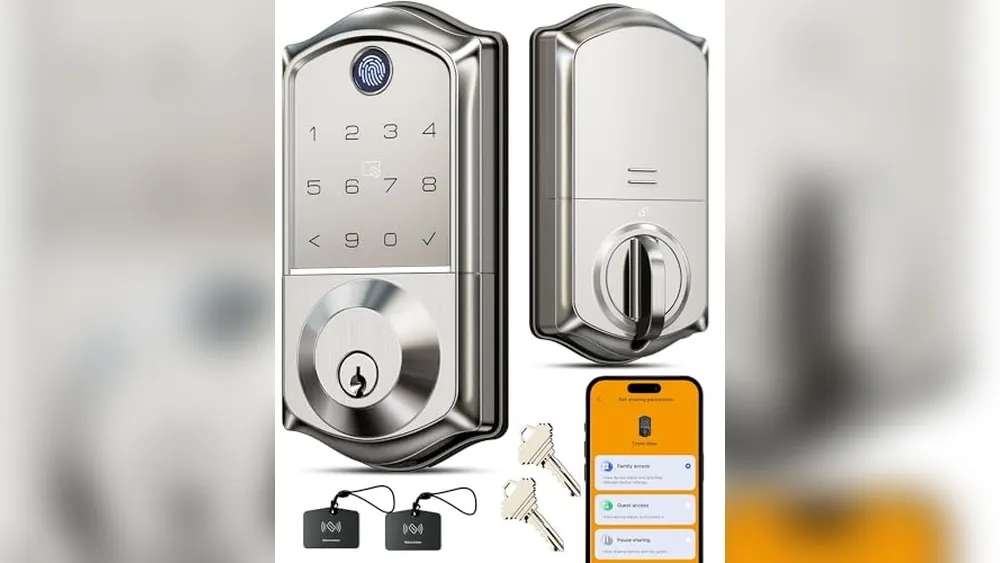
Give each regular household member their own code or account when the platform supports it. Do not share one master password in a text thread. Separate access makes it much easier to remove a departing roommate or a former cleaner without resetting everyone's routine. Keep administrative access with the person responsible for the account and make sure one other trusted adult knows the emergency plan.
Use temporary access for a specific job and an end date. A one-time code for a pet sitter is safer and clearer than lending a primary code that stays active forever. Be particularly thoughtful when a rental has roommates: a front-door lock affects everyone. Agree on notifications, auto-lock timing, guest access, and who can change settings before installation. Our renter automation guide has a useful approach to shared access.
Plan the move-out before you forget
Set a calendar reminder for the week before your move. Remove guest codes, household members, and address-based routines. Download or delete any records you do not need. Factory-reset the lock only after you have confirmed the original deadbolt works again. Reinstall the original hardware with the saved screws, check the key and bolt several times, and photograph the restored door.
If the property owner wants the smart lock left in place, get that agreement in writing. Leaving it voluntarily can seem easier, but it creates uncertainty about ownership, access, and any future malfunction. Most renters are better served by restoring the door and taking their portable equipment to the next home.
When a smart lock is not the right answer
Skip the lock when the building uses a restricted key system, the lease does not allow changes, the deadbolt is unreliable, or a shared entryway makes the device intrusive. A door sensor, better entry lighting, or a renter-friendly security system may solve the actual concern with less risk. See apartment security devices for options that do not require replacing a lock.
How SavvyNests helps renters choose
SavvyNests focuses on the details that decide whether a smart lock helps in a real rental: door fit, lease rules, battery backup, shared access, and a clean exit plan. Browse Smart Home for Renters for portable upgrades that still make everyday life easier.
Use a seven-day test before expanding
Set up one device or one routine, then live with it for a week. Notice what happens when you leave in a rush, when another person is home, when the Wi-Fi is slow, and when you want to use the room differently. A good smart-home choice fades into the background because it saves a small amount of effort without asking for constant attention. A bad one asks for troubleshooting, creates arguments about access, or makes a basic task harder when the app is unavailable.
Keep a short note of the outcome. Did it solve the original problem? Did it need a subscription, a hub, a new charger, or a work-around you did not expect? Was there an easy manual fallback? This small review protects the budget better than buying a matching device for every room before you know whether the first one is useful.
Keep the setup portable and understandable
Rentals change. Wi-Fi names change, roommates change, and a future apartment may have different window sizes, door hardware, or signal strength. Prefer equipment that can be unplugged, reset, and packed without leaving a permanent change behind. Store manuals, adapters, brackets, spare adhesive, and original hardware together. A labelled box is not glamorous, but it prevents a smart-home upgrade from becoming a move-out scramble.
Make sure the people who live in the home can still use it without your phone. Retain ordinary keys where appropriate, physical controls for lights and shades, and a plain-language note for any shared routine. Do not make safety, heat, or normal access depend on one account holder being available. Simpler systems are usually the ones that remain useful after the novelty wears off.
Protect accounts as carefully as the hardware
A connected device is also an account. Use a unique password for the primary smart-home account, enable multi-factor authentication when it is offered, and update devices through the maker's official app. Review household members and guest access after a move, breakup, or change in cleaners and pet sitters. The Federal Trade Commission's security basics are a useful reminder that updates and unique passwords reduce avoidable risk.
Never buy a device solely because it promises every feature. Check what works without a subscription, what happens during an internet outage, and whether the maker still publishes support information. Technology should give you a clear benefit and a clear fallback, particularly in a home you may leave next year.
Frequently Asked Questions
Can a renter change a deadbolt?
Only when the lease and property owner allow it. A retrofit lock that preserves the exterior keyway is often the lower-impact option, but written approval is still the safest route when rules are unclear.
Do smart locks work if Wi-Fi goes out?
Many can still use a physical key, keypad, Bluetooth, or an interior thumb-turn, depending on the model. Confirm the exact fallback before purchase and keep it tested.
What should I do with a smart lock at move-out?
Remove household and guest access, restore the original lock with saved parts, test it repeatedly, and photograph the restored door.