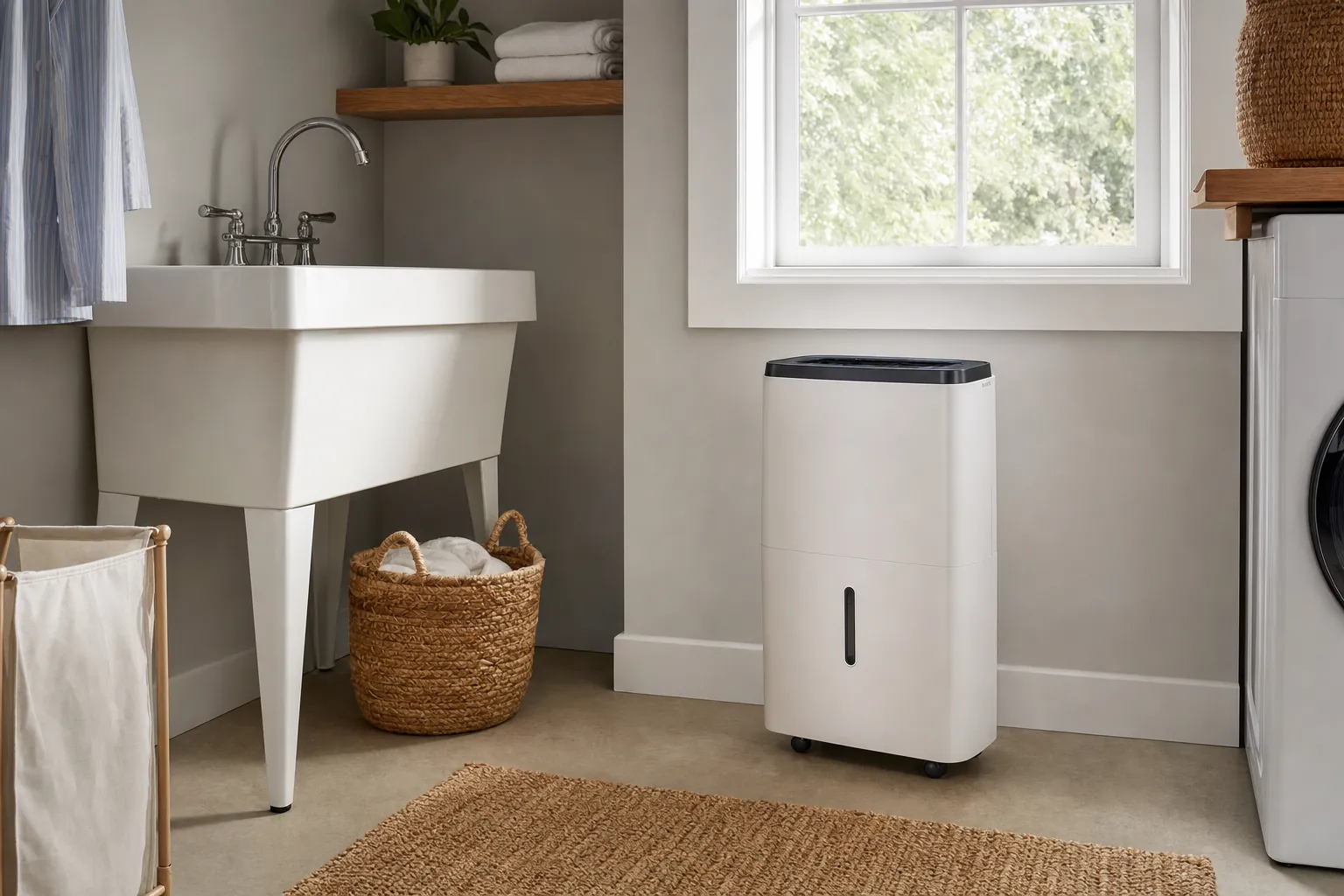
A smart home energy monitor can make electricity use feel less mysterious. Instead of guessing why a bill changed, you can see when a home is using more power, which circuits deserve attention, and whether a habit you thought was helping is actually making a difference.
That does not make a monitor a magic money-saving device. It is a measurement tool. It cannot repair an inefficient appliance, lower an electricity rate, or tell you what to buy next without some thoughtful follow-up. The useful part comes after the first graph: noticing a pattern, checking what was happening in the home at that time, and choosing one practical change to test.
This guide explains what a smart home energy monitor does, how plug-in and whole-home options differ, what installation involves, and how to turn the readings into a better decision. For the wider picture of connected-home energy habits, start with SavvyNests' guide to saving energy with smart-home technology.
What a smart home energy monitor does
A home energy monitor measures electricity moving through part or all of your electrical system and presents the results in an app, display, or web dashboard. The simplest models plug into a wall outlet and measure one connected device. Whole-home models are installed at the electrical panel and track the home's overall use, often with readings for selected circuits as well.
The most useful answer a monitor gives is not always "this appliance costs this much." It is often a timing answer: when does demand rise, how long does it stay high, and what changed on the days it did not? Those clues can help you distinguish a short cooking load from an air conditioner that runs for hours, or a normal evening routine from a device that stays on when nobody needs it.
Standby power is the electricity a product can use while it is switched off or not performing its primary job. That is one reason monitoring can be helpful. It lets you measure a real device in your home before deciding whether a smart plug, power strip, schedule, or manual habit is worth changing.
Plug-in monitor or whole-home monitor?
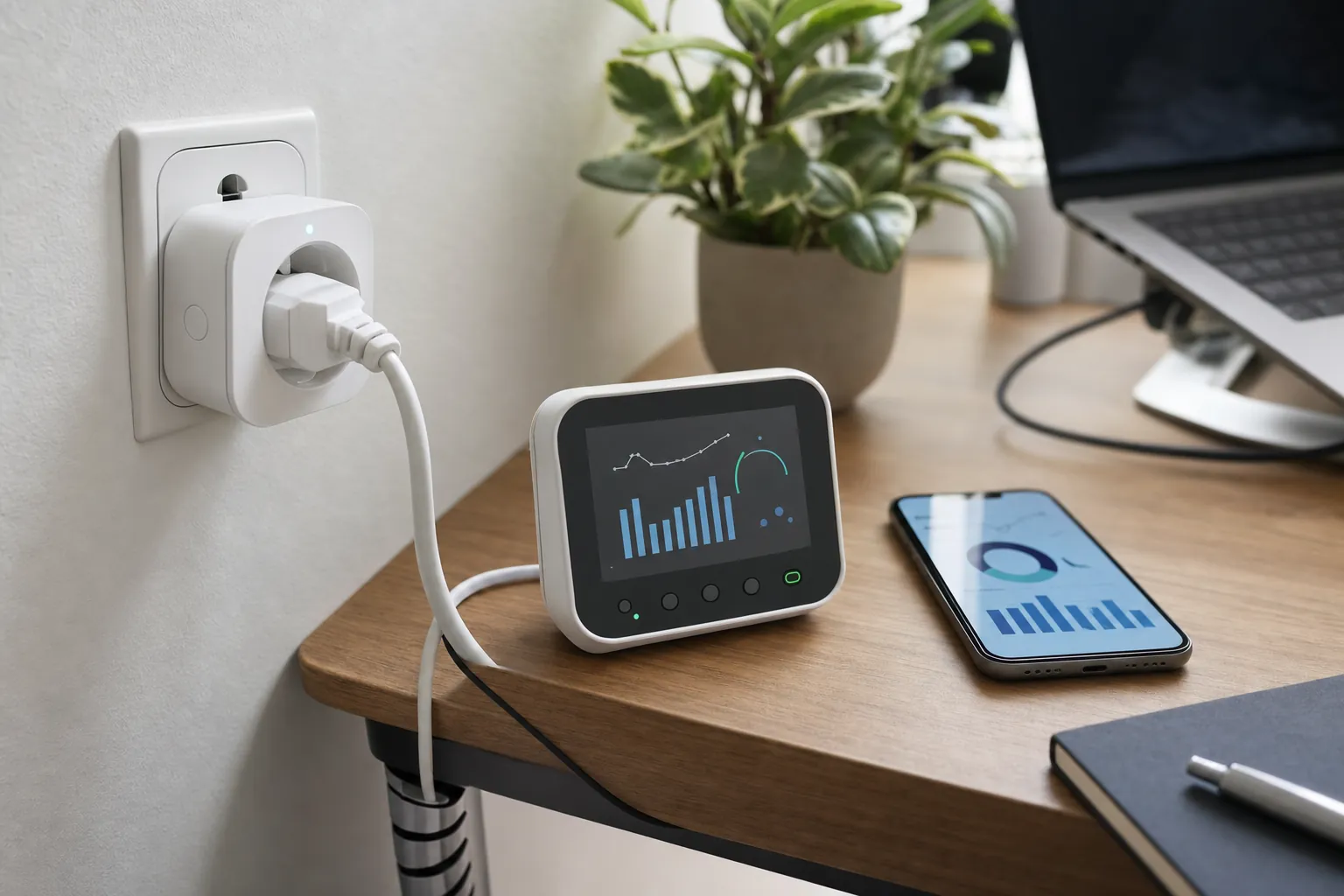
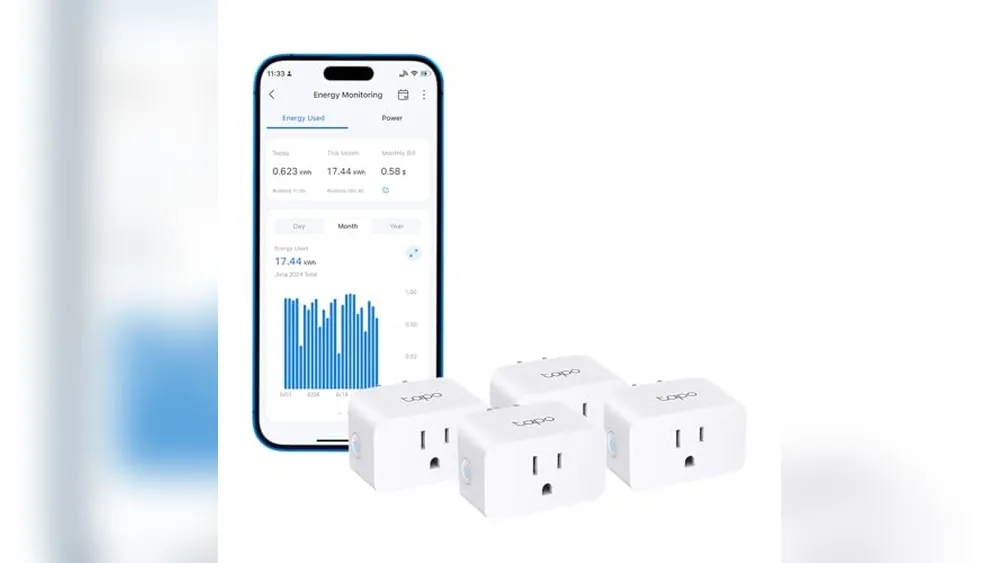
The right starting point depends on the question you are trying to answer. A plug-in monitor is the lower-risk choice when you want to check one compatible appliance, lamp, entertainment setup, dehumidifier, or home-office device. It sits between the outlet and the device, so it can show the actual power used by that one plug-in load.
A whole-home monitor is better when the question is larger: how much electricity does the household use during the afternoon, which circuit rises when the heat pump starts, or whether a new routine changes the overall pattern? These monitors usually use sensors that sit around electrical conductors in the service panel. They can offer a much broader view, but the panel location, circuit layout, and installation requirements matter.
Neither type is automatically better. A whole-home monitor can reveal patterns that a plug-in monitor will miss, but it may be more information than you need to answer a simple question. A plug-in monitor is inexpensive and direct, but it cannot measure hardwired loads such as a central air conditioner, many water heaters, or ceiling lighting. Start with the smallest measurement that can answer your actual question.
- Choose a plug-in monitor when you want to test one suitable plug-in device or compare a few easy-to-reach loads.
- Choose a whole-home monitor when you want to understand daily demand, compare major circuits, or investigate a larger unexplained change.
- Use both only when the second view solves a new question. More graphs do not automatically lead to a better decision.
What the readings can tell you
A useful monitor can help you spot a repeated pattern. Maybe the house uses more power than expected before anyone wakes up. Maybe a basement dehumidifier runs constantly during humid weeks. Maybe the afternoon peak lines up with cooling, laundry, cooking, or electric-vehicle charging. The reading gives you a place to investigate instead of a reason to jump straight to a purchase.
Use the monitor as a before-and-after tool. Check a typical week, make one change, then compare another similar week. For example, you might adjust a thermostat schedule, run the dishwasher later, stop leaving a gaming setup in a high-power standby mode, or change when a portable device is used. The goal is to test an ordinary habit, not to chase tiny changes that make daily life worse.
Electricity costs depend on your local rate plan, delivery charges, and the time electricity is used. The U.S. Energy Information Administration explains why electricity prices vary by region and by the factors that shape electricity service. Use the rate on your own bill when you translate a monitor reading into dollars. A national average is not precise enough for a household decision.
What an energy monitor cannot tell you on its own
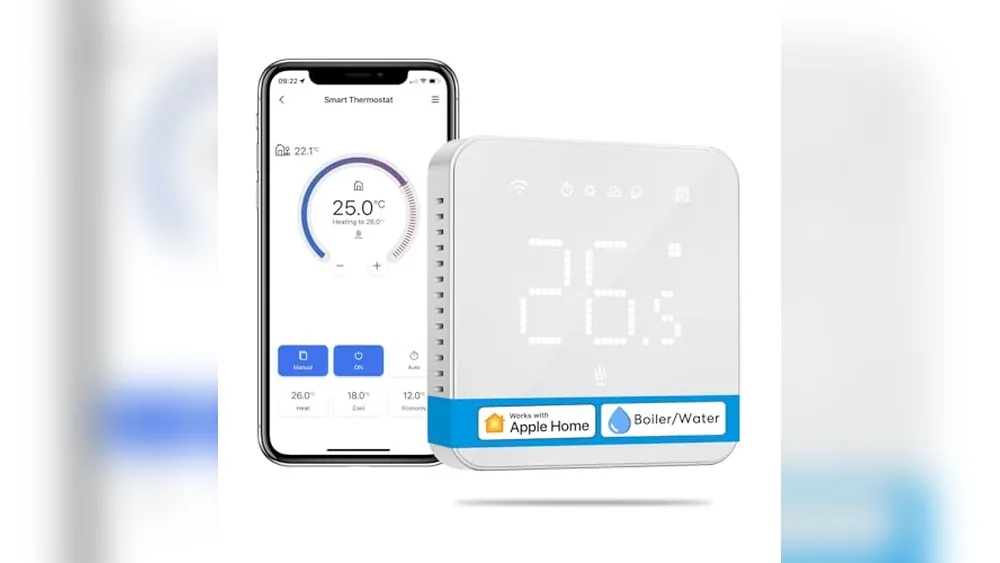
Energy data is useful, but it has limits. A monitor can show that electricity use rose at 5 p.m. It cannot always know whether that came from the oven, dryer, air conditioner, vehicle charger, or several appliances at once. Some monitors try to identify appliances from their electrical patterns, but those labels should be treated as clues to verify, not final answers.
It also cannot diagnose an appliance. If a refrigerator, heat pump, or water heater appears to run more than usual, the next step may be to check settings, filters, weather, door seals, or maintenance needs. A graph alone cannot confirm why the load changed. When the concern involves electrical safety, equipment failure, or work inside a service panel, use a qualified electrician or the relevant appliance professional.
Most importantly, monitoring cannot make an incompatible control safe. A smart plug with energy monitoring is useful only for an appropriate plug-in load. It is not a workaround for an air conditioner, heater, or other appliance that exceeds the plug's rating or needs to restart in a specific way. SavvyNests' smart plug for air conditioners guide explains the checks that matter before you try to automate cooling equipment.
Installation and safety checks
A plug-in monitor is normally straightforward: confirm the device load is appropriate, plug the monitor directly into a sound outlet, connect the appliance, and compare its reading with the device's normal use. Avoid using damaged cords, overloaded power strips, or extension-cord arrangements that already feel questionable. Measuring a risky setup does not make it safer.
Whole-home monitoring deserves more care. The electrical panel is not a beginner project. Even when a monitor is designed for consumer use, panel installation can involve live electrical components, limited working space, and local electrical rules. Read the monitor maker's current installation requirements before buying. If you are not already confident working around the panel, budget for a qualified electrician rather than treating the installation as an app setup task.
Before choosing a panel-based monitor, confirm these practical details:
- There is enough physical space in and around the panel for the monitor and its sensors.
- The monitor supports your electrical service and the number of circuits you want to observe.
- Your Wi-Fi signal reaches the installation area, or the product supports the connection method you can use there.
- You know which household question the monitor should answer in its first month.
- You have a safe plan for installation, including professional help where needed.
A simple first month with an energy monitor
The first month should be about learning the normal pattern, not changing everything at once. Pick one question before installation. It could be "How much does our cooling use on hot afternoons?" or "Does the basement dehumidifier run more than we thought?" A question keeps the data useful.
- Record a normal week. Note unusual weather, guests, travel, or a big laundry day so you do not mistake an exception for the baseline.
- Choose one repeated pattern. Look for a load that lasts long enough or appears often enough to matter.
- Check the real-world cause. Match the timing to the thermostat, appliance, routine, or circuit that was active.
- Make one small change. Adjust a schedule, maintenance task, or daily habit that does not sacrifice comfort or safety.
- Compare another similar week. Keep the change only when the results and the lived experience both make sense.
For example, a household might use a monitor to see whether the air conditioner starts earlier than expected, then adjust the thermostat schedule by a small amount and compare a similar warm week. Another might discover that a home-office setup uses more overnight power than expected, then test a manual shutdown routine for the equipment that does not need to stay on. The monitor does its job when it makes a decision more specific.
Common mistakes to avoid
The most common mistake is buying a whole-home monitor before knowing what problem it should solve. The second is assuming every high reading is waste. Some electricity use is exactly what the home needs for comfort, cooking, safety, or work. The question is whether the energy is doing something useful at the time it is used.
Another mistake is comparing unlike days. A hot day with guests and laundry will not look like a mild weekday when the home was empty. Compare similar conditions whenever you can. It is also easy to focus on small always-on loads while overlooking heating, cooling, water heating, or another major source of use. Start with the pattern that is both repeatable and big enough to affect the bill.
Finally, do not let the dashboard become another chore. A good setup needs only occasional review once you understand the baseline. Use alerts sparingly, check the data when you have a decision to make, and turn off notifications that do not lead to an action.
How SavvyNests helps you use the data
SavvyNests helps you turn a measurement into a practical home decision. Once you know where the energy is going, the next step is usually smaller than buying another gadget: a clearer thermostat schedule, a better lighting control, a sensible smart-plug use case, or a water and energy habit that fits the household.
Use the Smart Home Automation Guide to connect a useful routine to the devices you already have. For practical device ideas, read 25 Smart Home Devices That Save You Money. If lighting is the question, the guide to smart-light electricity use explains why standby power and real run time both matter.
Frequently asked questions
Are smart home energy monitors worth it?
They can be worth it when they answer a specific question and lead to a change you can realistically keep. A plug-in monitor is often enough for one appliance or device. A whole-home monitor can be more useful when the household needs to understand larger daily patterns or selected circuits. It is less worthwhile when it only adds a dashboard nobody will review.
Can a home energy monitor identify every appliance?
Not reliably in every home. A monitor may show a clear circuit reading or make an educated guess from an electrical pattern, but several devices can overlap and similar appliances can look alike. Use appliance labels as clues, then confirm them by matching the time and the real activity in the home.
Do I need an electrician to install a whole-home energy monitor?
It depends on the monitor, the panel, local rules, and your experience, but electrical-panel work carries real risk. If installation requires opening the panel or working near live service equipment, a qualified electrician is the sensible choice. Read the manufacturer's current requirements before you buy.
Will an energy monitor lower my electric bill automatically?
No. A monitor measures use. Savings happen only when the household uses the information to change a schedule, reduce unnecessary run time, maintain an appliance, or choose a better-fitting upgrade. The best result is one sustainable change, not constant monitoring.