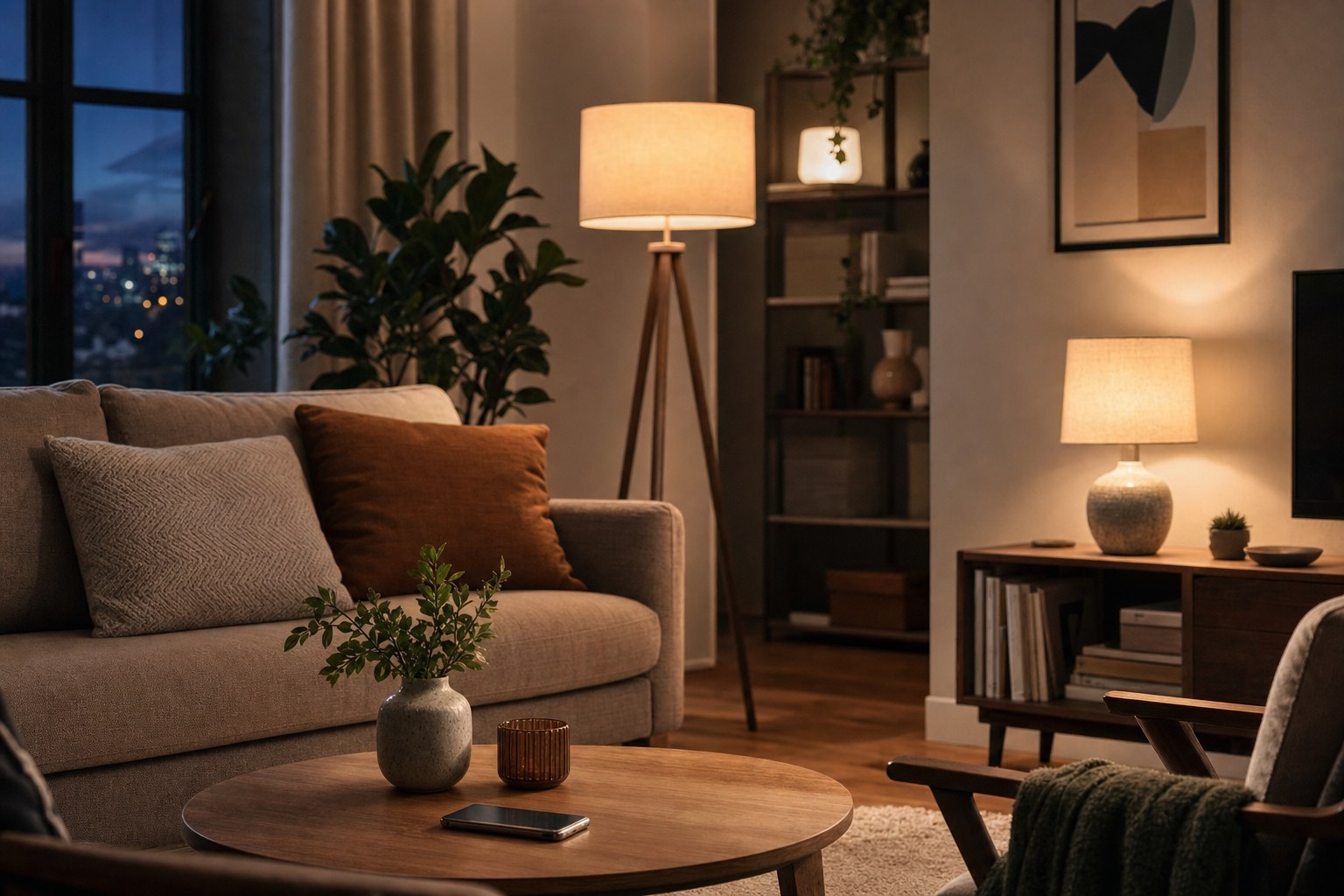
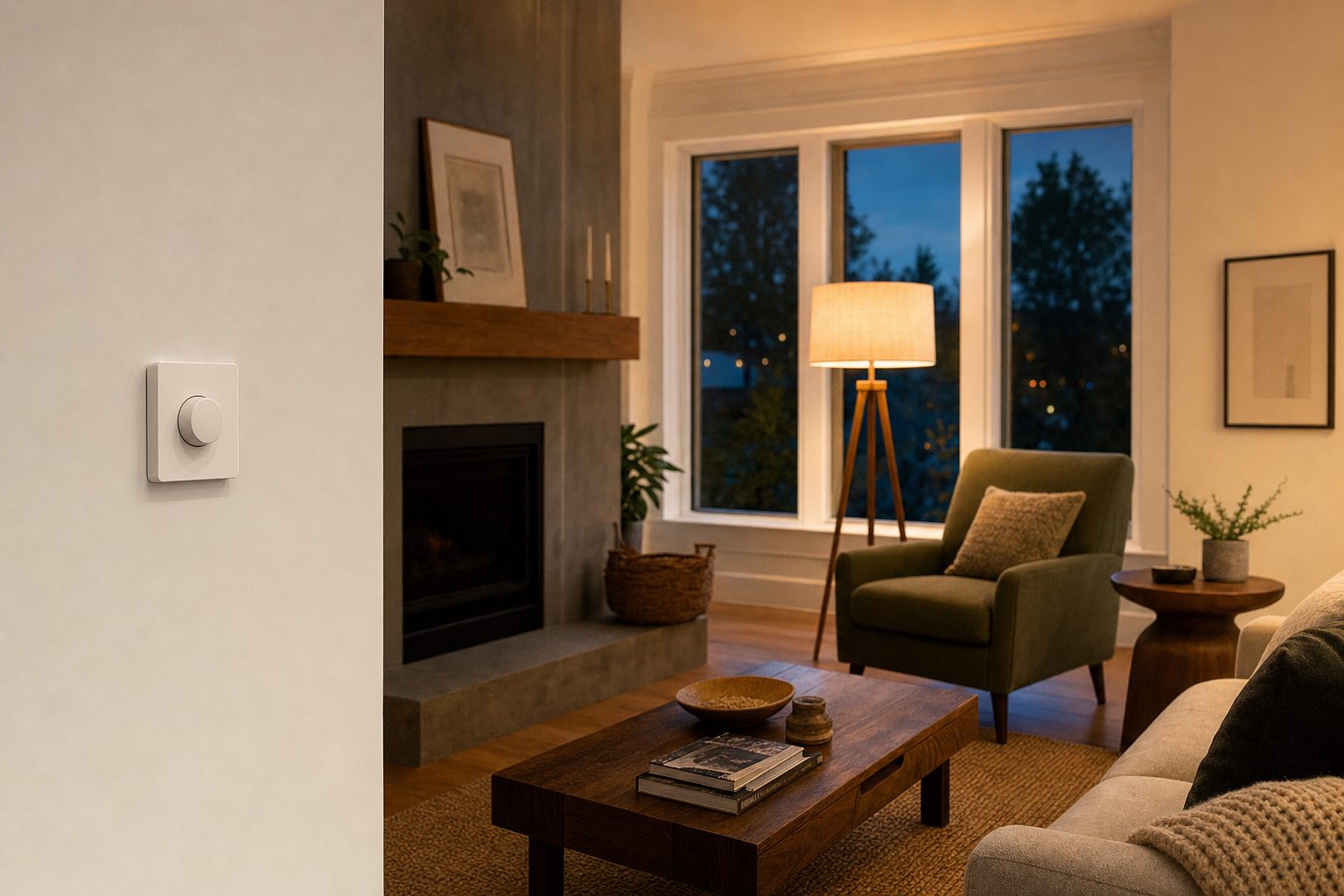
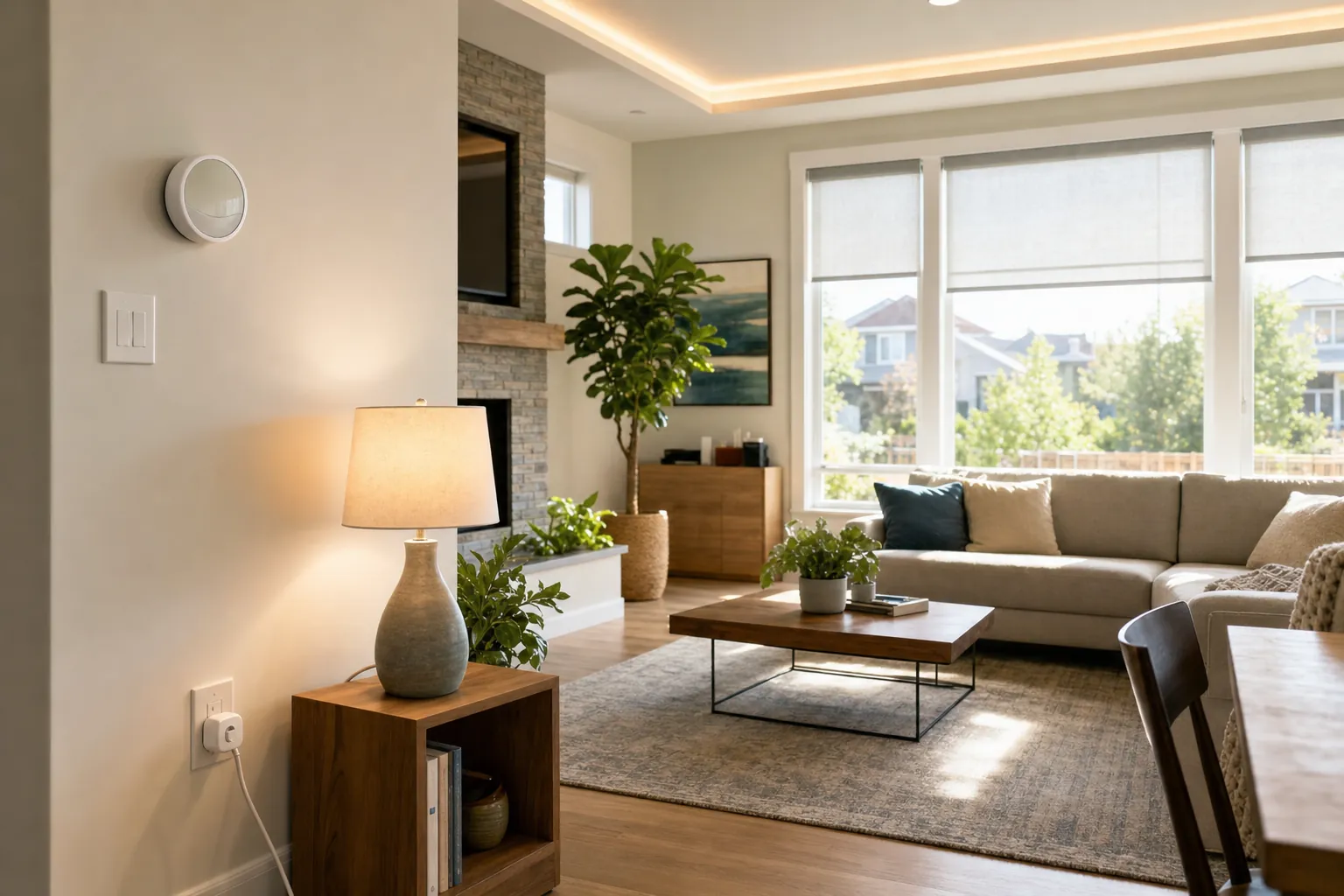
Smart lights do use a little electricity when they are switched off in the app. That is how a connected bulb, plug, or switch stays ready for a schedule, a motion sensor, or a voice command. The important question is whether that small standby draw outweighs the energy you can avoid by using an efficient LED and turning lights down or off when a room is empty.
For most homes, the answer is no. A smart LED is still an LED first. Its connected features add a small always-on load, but the bigger effect comes from the brightness you choose, the hours the light is actually on, and whether the automation matches a real household routine. A light that is dimmed for the evening or reliably switched off after everyone leaves can use less electricity overall than a regular bulb that is left blazing.
This guide explains where the energy goes, when smart lighting is a sensible way to reduce waste, and when a simple timer, switch, or ordinary LED is the better answer.
Quick answer: smart lights use a little power when off, but usually not much
A connected light needs a small amount of standby power so it can hear a command or follow a schedule. Philips Hue says the standby draw for its smart bulbs is typically less than 1 watt per bulb. The exact amount varies by model and connection type, so treat that as a useful scale rather than a promise for every product.
That standby load is real, but it is very different from the electricity used while a light is fully on. ENERGY STAR explains that LED lighting can produce light up to 90 percent more efficiently than incandescent bulbs. In other words, replacing an old incandescent with any good LED usually matters far more than whether the LED also connects to an app.
The practical choice is straightforward:
- Choose a smart LED when: you will use schedules, dimming, room controls, or motion-based routines that prevent lights from being left on.
- Choose a regular LED when: the light is used predictably, the switch is already easy to reach, and an app would not change the routine.
- Choose a smart switch or dimmer when: the whole room is controlled from a wall switch and you want everyone to keep using a familiar control.
For the room-by-room decision, SavvyNests' smart bulbs versus smart switches guide can help you choose the control that fits the way people actually use the light.

Why a smart bulb uses electricity when it looks off
An ordinary LED bulb is usually completely off when the wall switch cuts power. A smart bulb is different because the wall switch normally stays on. The bulb needs a tiny amount of power for its wireless radio and internal electronics so it can receive an app command, a voice request, or a scheduled instruction. Smart plugs and some smart switches work on the same principle.
That is why a smart bulb cannot respond after someone turns off the physical wall switch. It is not broken, it has simply lost the power that keeps it connected. This is also why a smart bulb is rarely the best fit for a shared ceiling fixture where people naturally use the wall switch all day.
The standby number is small, but it can add up when a home has dozens of connected devices doing very little. A useful rough calculation is simple: wattage multiplied by 24 hours and then by 365 days gives watt-hours per year. Divide by 1,000 for kilowatt-hours, then use the rate on your electricity bill to estimate cost. At 0.5 watts, a device running all year uses about 4.4 kilowatt-hours. At 1 watt, it uses about 8.8 kilowatt-hours. Check the product's specifications when the exact cost matters.
That calculation also explains why the answer is not a blanket yes or no. A connected bulb that stays off for eight unnecessary hours each day can save more energy than its standby connection uses. A connected bulb that never follows a schedule and stays at full brightness all evening is just another light that happens to have an app.
Compare the three parts of a smart light's energy use
It helps to separate the electricity into three buckets instead of treating every smart light as the same.
1. Light output while the lamp is on
This is usually the largest part of the total. A higher brightness setting uses more power than a lower brightness setting. The exact relationship can vary by bulb, but dimming an LED is one of the clearest ways to reduce the energy used while the light is on. Start by setting a comfortable brightness instead of defaulting every lamp to 100 percent.
2. Standby power while the lamp is available
This is the small amount used by the wireless connection and electronics when the light appears off. It is the trade-off for being able to say, “turn on the kitchen,” or having a lamp come on at sunset. It matters more when you have a large number of devices and less when a small number of lights prevents regular hours of unnecessary use.
3. Avoided run time
This is where a good setup earns its keep. A schedule can turn off a hallway light after bedtime. A motion sensor can keep a laundry room or closet from staying lit. A routine can make sure entry lamps turn off after everyone has left. These changes reduce the much larger on-time portion of the bill, without requiring someone to remember every switch.
When smart lighting can lower your electricity use
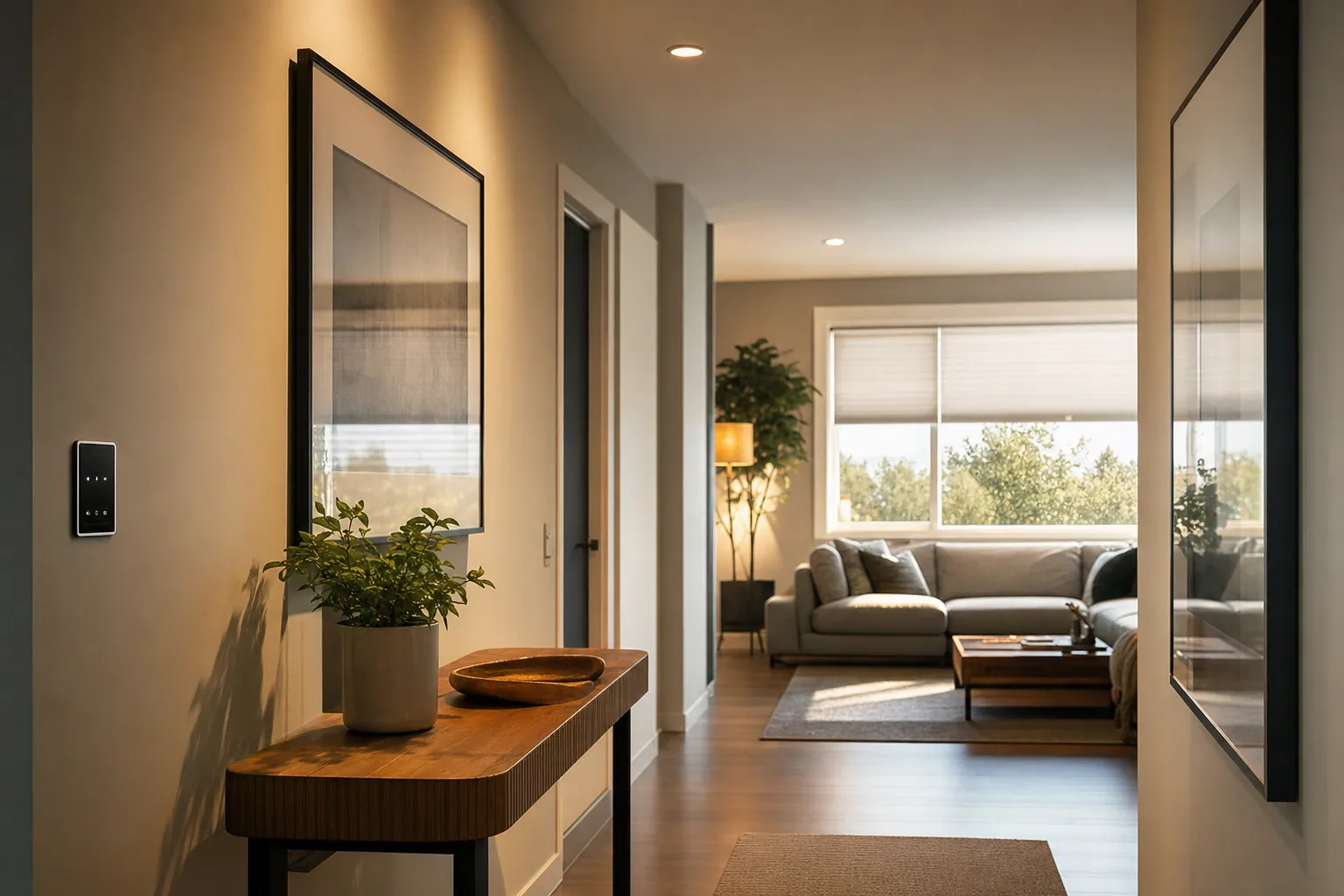
Smart lighting is most useful when it solves a repeatable problem. That might be an entry light that stays on long after everyone is home, a basement lamp that is forgotten after laundry, or a family room where bright lights are left at full power for a relaxed evening. The technology does not save electricity by existing. It saves electricity only when it changes the hours or brightness in a useful way.
Start with one of these practical patterns:
- Use a modest evening brightness: A living-room lamp often does not need full brightness after dark. Pick a comfortable default and let the room stay there.
- Schedule lights around a real time: An entry lamp can turn on near the time people arrive and off after the household is settled, rather than running from dusk until morning by default.
- Use occupancy sensing in short-use spaces: Closets, laundry rooms, garages, and hallways are better candidates than a living room where someone may sit quietly for a long time.
- Group the lights people forget: A single “good night” routine can turn off several lamps that tend to stay on after the room is empty.
Small changes are easier to maintain than elaborate scenes. If the automation turns lights on at the wrong time, leaves someone in the dark, or requires constant corrections, people will disable it. Begin with one reliable routine, use it for a week, and keep it only when it reduces a step without creating a new annoyance.
For a simple setup path, use the Google Home smart lights setup guide. It walks through the account, room, and naming choices that keep a lighting routine understandable after the first day.
When smart lighting can waste electricity instead
Connected features can make energy use worse when they add complexity without changing behavior. The most common problem is adding smart bulbs to lights that would have been switched off manually, then leaving the wall switch on and never using the app or schedule. In that case, the standby draw is simply extra.
Watch for these mismatches:
- Buying color bulbs for a light that is always bright white: A standard LED may be a better value when color and tuning will not be used.
- Using a smart bulb behind a regular dimmer: Unless the manufacturer specifically approves it, this can cause flickering, unreliable connection, or a bulb that never stays powered properly.
- Automating lights that already have a good timer: A basic timer can be enough for a predictable porch or holiday light.
- Adding devices before fixing the habit: A routine should support a clear behavior, not hide a lighting plan that nobody understands.
- Leaving decorative lights on all night: An app does not make a long run time efficient. Set an end time or choose a lower brightness.
It is also worth checking the physical fixture. A smart bulb installed in an enclosed fixture, an incompatible dimmer, or a poorly ventilated location may not perform as intended. Follow the maker's fixture guidance and choose a bulb whose brightness and shape fit the lamp, not just the app you prefer.
Smart bulbs, smart plugs, and smart switches: which uses the least?
There is no universal winner because each option controls a different type of light. The better choice is the one that gives you useful control without adding a standby device where you do not need one.
Smart bulbs
Smart bulbs are a strong fit for table lamps, floor lamps, rentals, and rooms where dimming or color temperature will actually improve the space. They are easy to test one at a time and easy to take with you. Their main limitation is the wall switch, which has to remain on for the bulb to stay connected.
Smart plugs
A smart plug can control an ordinary lamp without replacing the bulb. It is usually best for simple on-and-off schedules. It cannot dim a standard non-dimmable lamp, but it can be a low-effort way to stop a familiar lamp from being left on. Check the plug's load rating before using it with anything other than the type of device it is approved to control.
Smart switches and dimmers
A smart switch can be the cleaner answer for a wired ceiling fixture or a shared room. It preserves the wall control and can manage several bulbs at once, so no one has to remember that a bulb needs constant power. The trade-off is installation and wiring compatibility. Renters should get permission before changing a switch, and homeowners should use a qualified electrician when wiring is unclear.
SavvyNests' smart-home guide for renters explains the portable options that are easier to remove when it is time to move.
A simple way to estimate the cost in your own home
You do not need a complicated spreadsheet to decide whether a smart light is worth it. Start with the number of bulbs, the power shown on the product label, the time they are normally on, and the electricity rate on your bill. This will not be laboratory-perfect, but it is good enough to compare two realistic choices.
- Find the bulb's wattage at full brightness and its listed standby wattage, if the manufacturer provides one.
- Estimate how many hours the bulb is normally on each day. Be honest about the lights that are often forgotten.
- Estimate how much on-time a schedule, dimmer, or sensor would remove.
- Multiply watts by hours, divide by 1,000 to get kilowatt-hours, then multiply by your own rate.
- Compare that result with a regular LED used in the same room and with the upfront cost of the device.
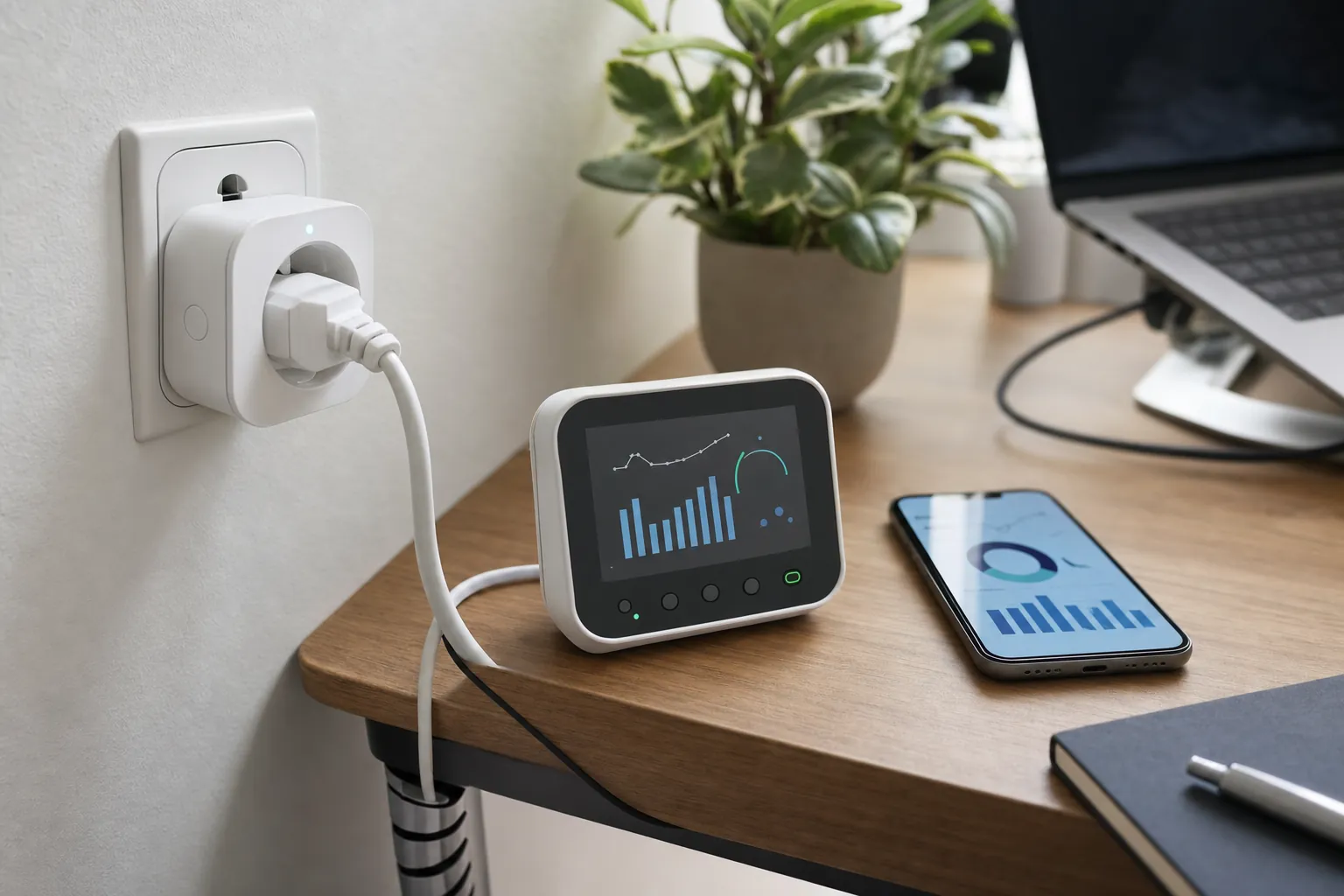
Use a plug-in energy monitor for a lamp or a smart plug when you want a real reading from your own setup. It will not measure a hardwired ceiling light, but it can help identify whether a lamp is drawing more power than you expected. The goal is not to track every fraction of a cent. It is to notice the habits that run every day.
Electricity rates vary by location and plan, so use the number on your bill rather than a national average. The U.S. Energy Information Administration explains why household electricity prices differ by area, fuel mix, delivery costs, and rate structure in its guide to electricity prices.
How SavvyNests helps you choose
Smart lighting should make a room more useful, not create another chore. SavvyNests focuses on the details that decide whether an upgrade earns its place: the controls people will use, the power and compatibility it needs, the ongoing cost, and what happens when the connection fails. For a bigger view of comfort, energy, and everyday routines, explore the smart-home automation hub or the guide to smart-home devices that can save money.
Frequently asked questions
Do smart lights use more electricity when they are off?
They use a small amount of standby electricity when they remain connected and ready for a command. That draw is usually much smaller than the power the light uses while it is fully on. Whether the smart light uses more or less electricity overall depends on whether its schedule, dimming, or sensor reduces real run time.
Are smart LED bulbs more efficient than regular LED bulbs?
Smart LED bulbs have a small standby load that a regular LED does not have. Their basic lighting efficiency is still LED efficiency, and their controls can reduce total use when they prevent lights from being left on or keep brightness lower. A regular LED is the simpler choice when you will not use the connected controls.
Do smart bulbs cost a lot to leave connected?
Usually not for a small number of bulbs. The exact amount depends on each model's standby power and your electricity rate. The cost becomes more worth checking when a home has many connected lights that are always available but rarely use schedules or other energy-saving controls.
Is a smart switch better than a smart bulb for saving electricity?
A smart switch can be better for a shared wired fixture because it keeps the familiar wall control working while allowing schedules or dimming. A smart bulb is often better for a plug-in lamp or a rental-friendly trial. The savings come from using the control to reduce needless run time, not from the device type alone.
Should I turn off smart bulbs at the wall switch?
Turning off a smart bulb at the wall switch stops its standby use, but it also makes the bulb unavailable to the app, schedule, and voice control. Keep the switch on when you want the smart features to work. Choose a smart switch, a lamp control, or a regular LED when the wall switch needs to stay the main control.