Choose the opening with a real job.
Start with the entry, patio door, garage side door, window, or storage room where knowing it opened would change what you do next. A sensor is more useful when it answers a specific concern.
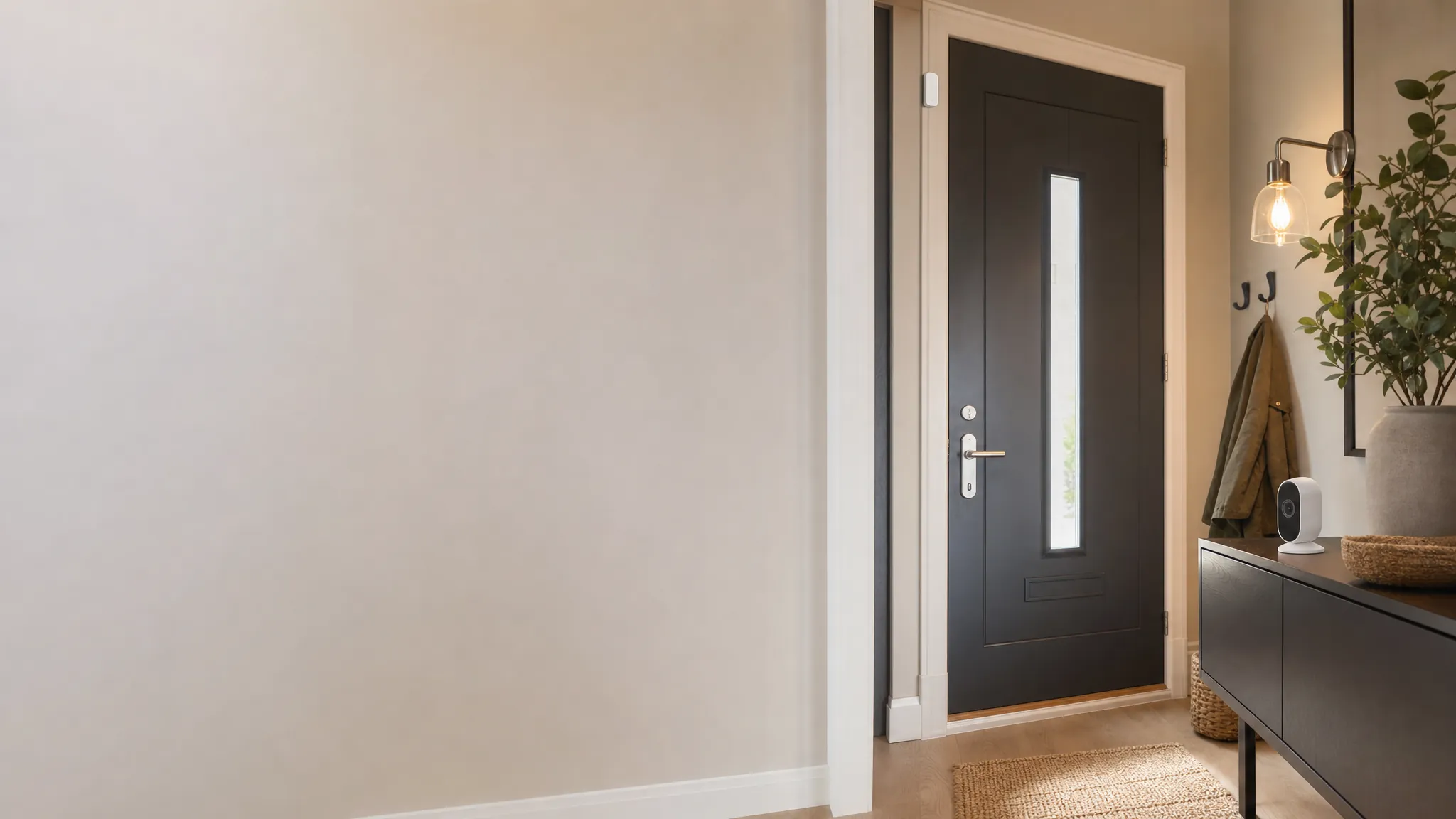
Entry alerts
Choose a door sensor that gives you a useful alert, fits the opening you have, and stays simple enough to trust every day.
Start with one opening
A contact sensor does not need a long feature list to be useful. It needs a reliable fit, an alert you will notice, and a clear reason to monitor that particular door or window.
Before you buy
Start with the entry, patio door, garage side door, window, or storage room where knowing it opened would change what you do next. A sensor is more useful when it answers a specific concern.
A local chime helps someone at home. A phone alert helps when the home is empty. A light routine may be useful for an arrival. Avoid turning every opening into an urgent notification.
Door frames, trim, sliding doors, and window gaps can make a small sensor hard to align. Test the placement with removable tape before using adhesive or choosing a model with a wider gap allowance.
Choose by the alert
The best option is the one that delivers a clear signal without creating an alert habit everyone learns to ignore.
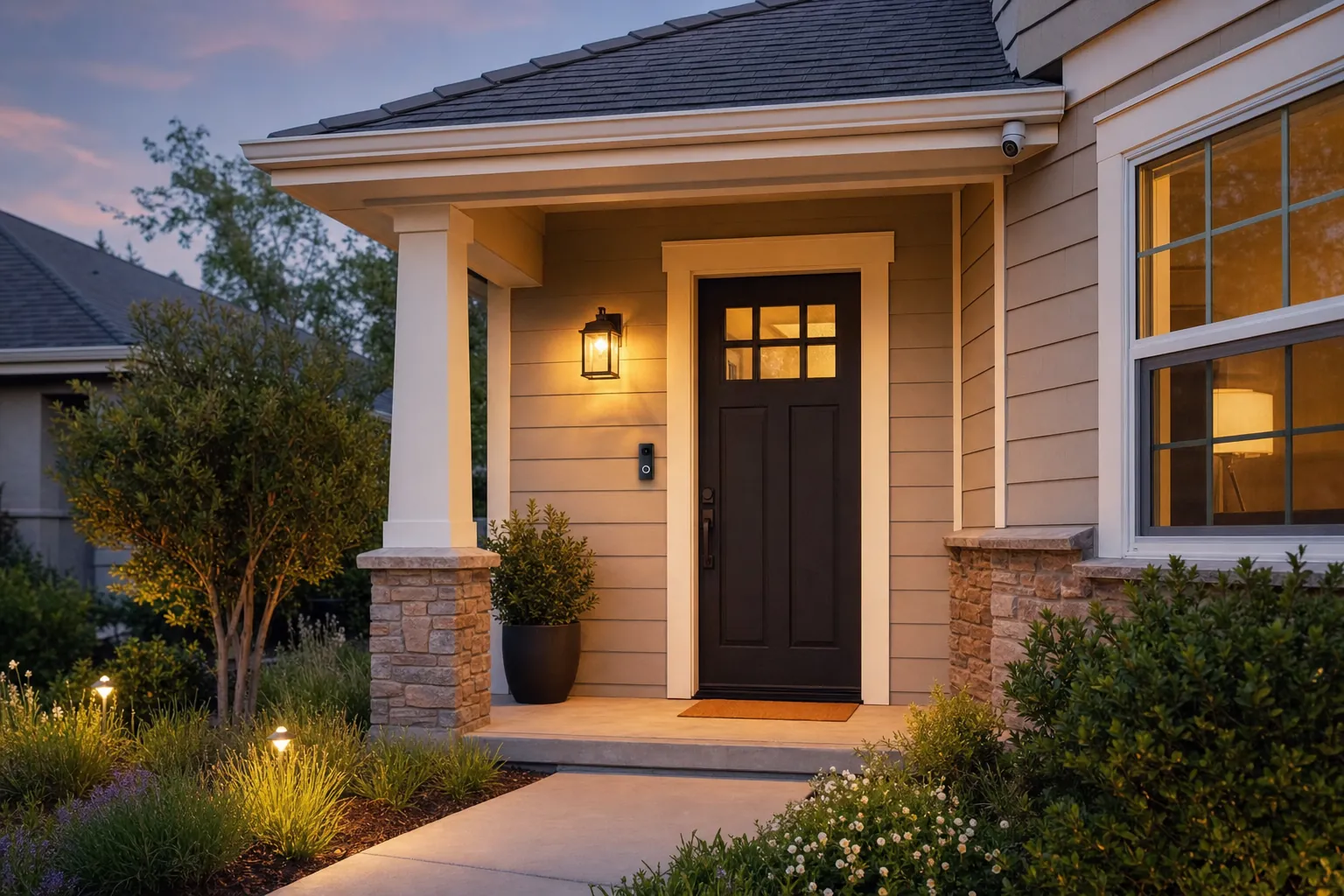
A simple sensor and chime can be enough when someone at home only needs to hear that a door has opened. It is a useful fit for an entry, a back door, or a room where a sound is more helpful than another phone notification.
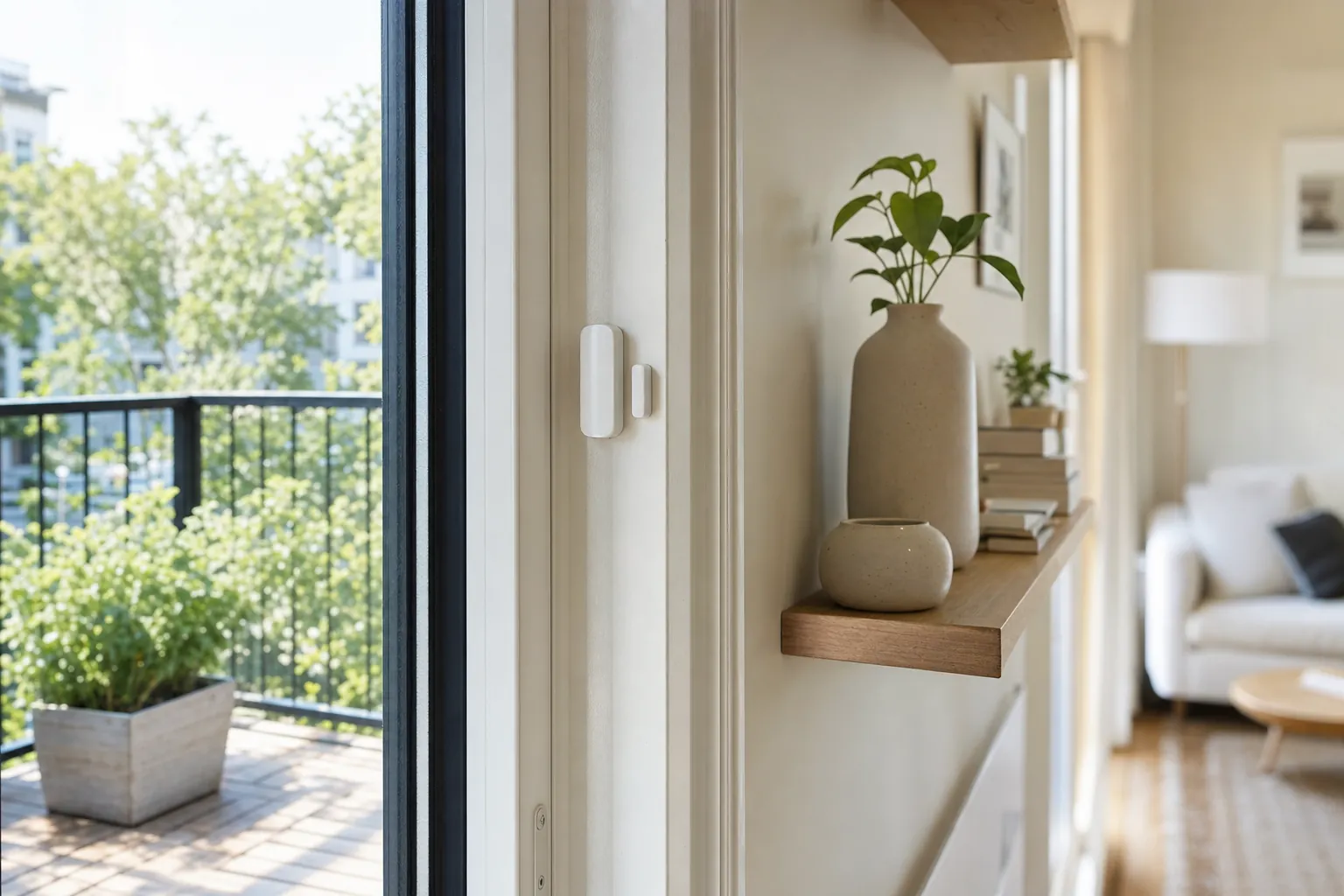
A Wi-Fi, hub, Matter, Zigbee, or Z-Wave sensor can send an alert when nobody is home and can become part of a simple routine. Choose this route when a remote notification or a light routine gives you a useful next step.
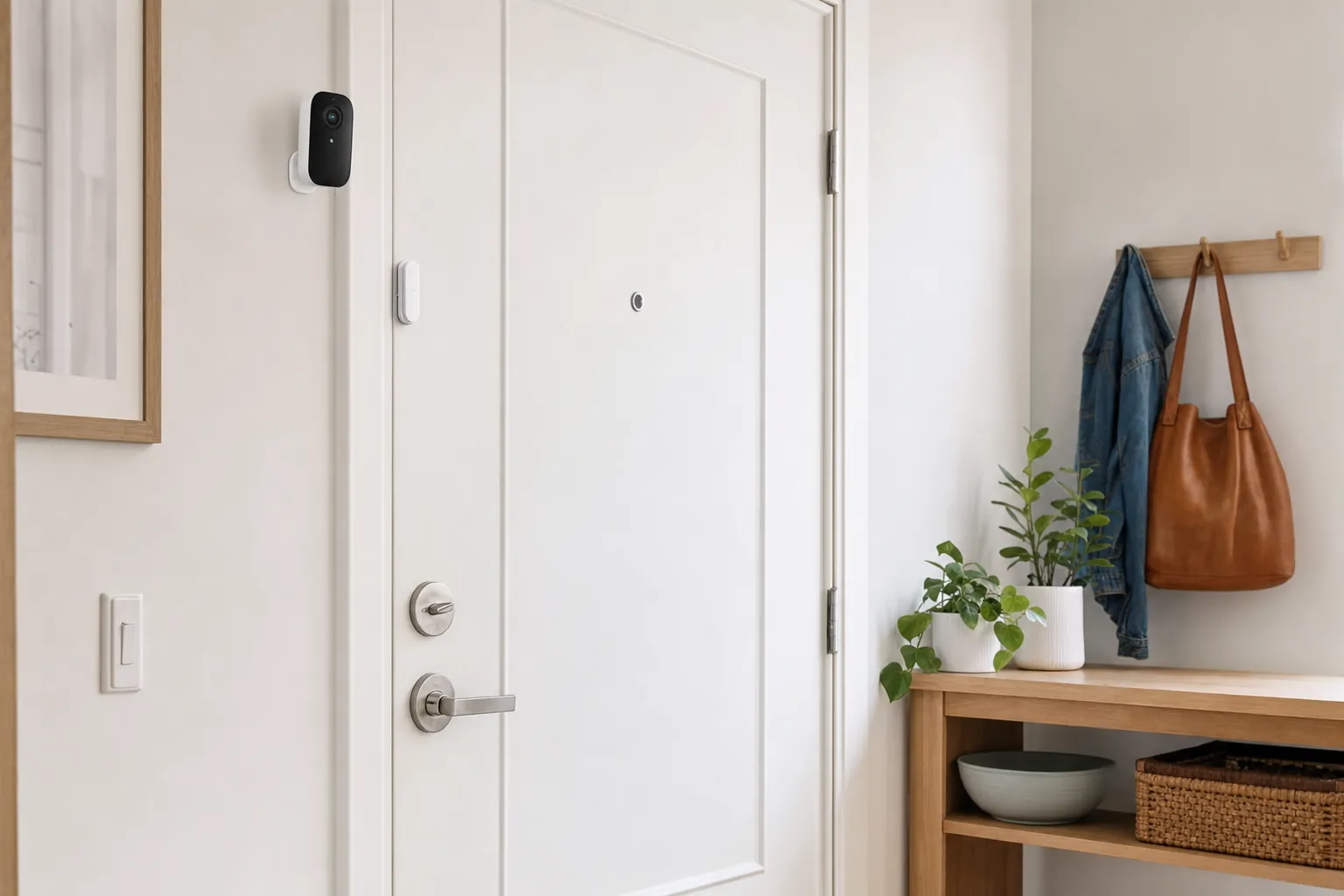
A small set can make sense when several openings matter, such as a patio door, a ground-floor window, or a storage room. Start with the entries that would be hardest to notice, then avoid adding alerts that nobody will act on.
Start with the right opening
A front or apartment door sensor can confirm that someone came in, remind you when a door has been left open, or trigger a low-key entry light. It is a useful choice when you want awareness without recording the doorway. Pair it with a lock only when each device has a separate role: the lock controls access, while the sensor reports whether the opening changed state. For a fuller entry plan, explore renter-friendly smart locks.
Back doors, patio sliders, garage side doors, and basement entries are often farther from the rooms people use most. A named alert can make it easier to notice an opening that would otherwise stay unnoticed. Test the signal from the real location and choose a sensor with enough clearance for the door's trim and normal movement. If you also need a view of the area, a security camera without a monthly fee can be a separate layer rather than a replacement for the contact alert.
A ground-floor window, a window near an air conditioner, or a basement window can be worth monitoring when it has a simple close-or-open question. Keep the sensor away from a moving sash, a loose blind, and a surface that makes the two pieces misalign. A window sensor does not make the window physically secure. It simply gives the household a prompt to check an opening while there is still time to act.
For a supply closet, storage room, or private interior cabinet, a small chime can be more useful than a stream of phone notifications. Choose the quietest, simplest alert that helps the household respond. If the concern is broader apartment awareness, the apartment security devices guide shows how a door sensor can work alongside lighting, a camera, or a portable alarm without making the space feel over-monitored.
Get the fit right
Most contact sensors have a main body and a smaller magnet. The manufacturer specifies how close they need to sit when the door is shut. Hold both pieces in the likely spot, close the door slowly, and look for trim, weatherstripping, a strike plate, or a handle that changes the spacing. A sensor that works only when the door is closed perfectly will become frustrating fast.
For a hinged door, the top corner near the latch side is often a simple starting point, provided the frame is flat and the pieces line up. For a sliding door or window, use the manufacturer guidance and test the exact travel path. Keep the sensor out of reach of a swinging bag, a busy coat rack, cleaning equipment, or anything likely to knock it loose.
After installation, open the door, wait for the app or chime to register, and close it again. Repeat while closing gently and normally. If the result is inconsistent, move the magnet before depending on the alert. This takes only a few minutes and catches the alignment issue that makes many contact sensors feel unreliable.
An indoor sensor may be the right choice for an apartment entry, interior storage room, or private window. An exterior location needs a model rated for moisture, temperature swings, and the way the door closes. Do not put a standard indoor sensor on an exposed gate or exterior surface simply because it fits the gap.
Choose the connection
A basic sensor with a chime can be a practical answer when the household only needs to hear that an entry opened. It has fewer accounts, fewer notifications, and no dependence on the internet for the main signal. Test the chime from the room where people normally are, especially if the door is far from the kitchen, bedroom, or living area.
For a phone alert, check whether the sensor uses Wi-Fi directly or needs a hub. A hub can be useful when several sensors, lights, and locks already use the same compatible system. Whichever setup you choose, name the sensor after its location, such as "patio door" or "hall closet," and test an alert while your phone is away from home Wi-Fi.
Matter, Zigbee, Z-Wave, Bluetooth, and Wi-Fi each solve a different connection problem. The useful question is whether the sensor works with the system you already use and whether its alerts remain available when you need them. Before buying, confirm the exact model works with your preferred app, hub, voice assistant, and household routine.
A sensor may not record video, but its alerts can still reveal when people come and go. Give access only to household members who need it, use a strong account password, and remove former roommates or guests promptly. A simpler alert can be a good alternative to a camera when you need awareness without recording a private space.
For renters
Make the alert useful
A message that says "front door opened" is much more useful than a generic device notification. Use clear names for every sensor and keep the number of alerts limited. A household that receives too many low-value pings will eventually miss the one that matters.
A sensor can turn on an entry light, pause a climate routine, or send a reminder that a door was left open. Begin with one action that is easy to understand. Avoid a chain of automations that makes normal arrivals feel unpredictable or leaves people unsure why lights and alerts are changing.
Turn on low-battery notices where the app offers them, keep the battery type written down, and test the sensor after replacing one. A local chime may still work during an internet outage, while remote alerts may not. Know which part of the setup remains available before treating the sensor as a security response.
A door sensor works well alongside a reliable lock, a well-placed light, or a thoughtfully aimed camera when each one has a separate job. For a wider renter setup, explore apartment security devices or build a broader home security system for renters without taking on a permanent installation.
Frequently asked questions
Most use two small magnetic pieces. When the door closes, the pieces sit close together. When it opens and they separate, the sensor can sound a chime, send an alert, or trigger a compatible routine. The exact connection and features depend on the model.
Not always. A basic chime sensor can work without Wi-Fi. Connected sensors may use Wi-Fi directly or connect through a hub using Matter, Zigbee, Z-Wave, Bluetooth, or another supported system. Check what is needed for remote alerts before buying.
Many renters can use adhesive-backed, battery-powered contact sensors because they do not need drilling or wiring. Read the lease first, avoid changing a shared entrance, and test that the adhesive can be removed cleanly before relying on it.
No. A contact sensor tells you that an opening changed state. A camera can show activity in its field of view. A sensor can be the better privacy-conscious choice when the important question is simply whether a door or window opened.
Place it on the opening you want to monitor, with the sensor body and magnet aligned according to the manufacturer's instructions. Before sticking it in place, close the door slowly, confirm there is enough clearance, and test several open-and-close cycles.
Many contact sensors can work on a window when the frame gives the two pieces a stable, close alignment. Check the product's gap allowance, keep the pieces clear of the window's moving path, and test the alert after opening and closing the window normally. An outdoor-facing window may need a model rated for the temperature and moisture in that location.
Start with the entry that matters

AI Smart Home Finder
Start with comfort you can measure.
Explore thermostats, lighting and routines that can make a daily difference.