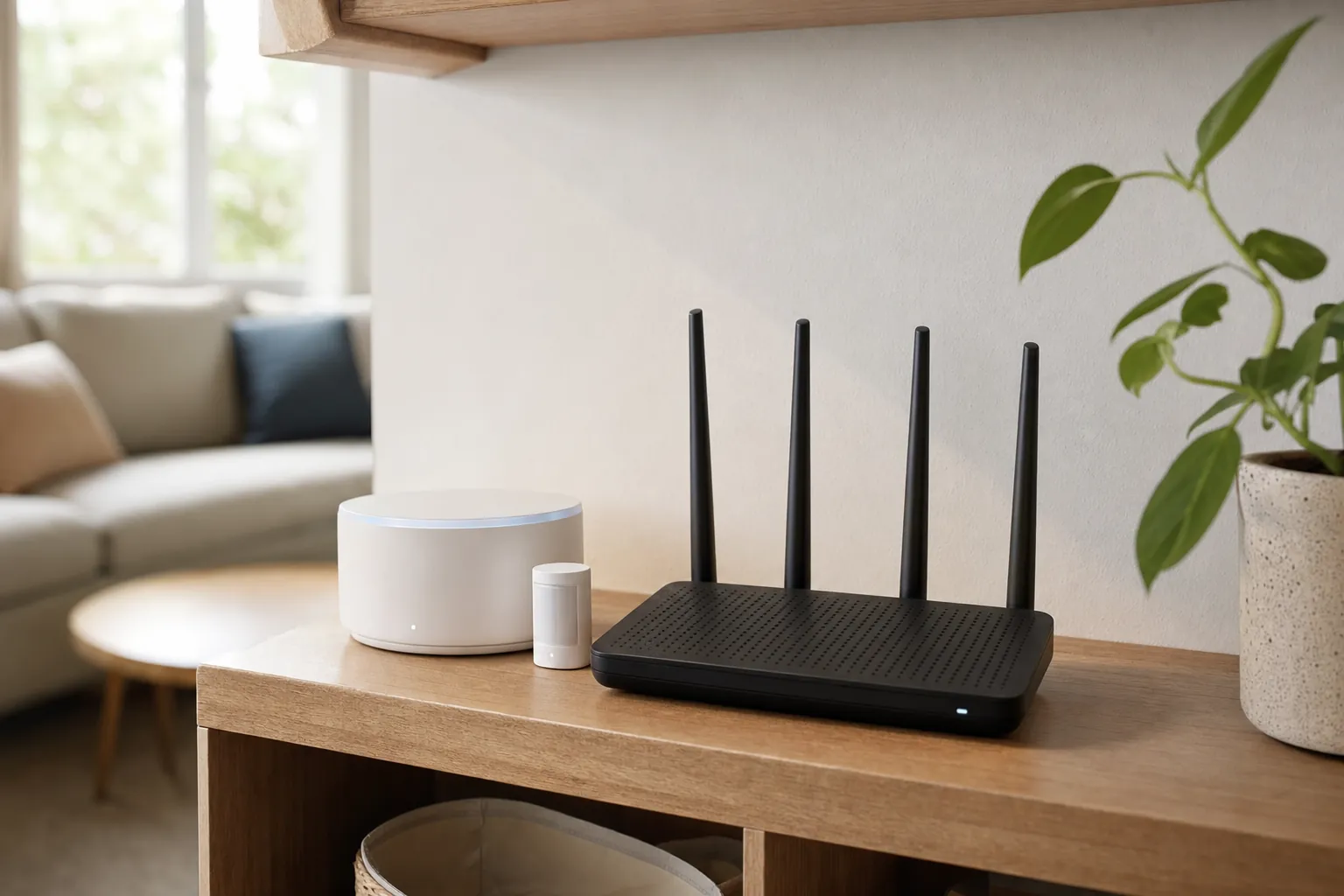


A smart home battery backup is most useful when it has one small, clear job: keeping the connection behind a few important devices alive through a short power interruption. For many homes, that means a modem, router and hub. It does not mean trying to run the whole house, nor does it turn every cloud-connected device into an outage-proof system.
That distinction matters. A battery-powered lock or sensor may still have power, but remote alerts can stop if the router and internet service are down. A light may be easy to control locally yet still need electricity at the fixture. A battery backup can give a small network time to ride through a brief outage, but it cannot guarantee that a cable, cellular or cloud service outside the home is operating.
The best plan starts before choosing any equipment: decide what truly needs to keep working, confirm the manual fallback for everything else, and keep the backup small enough to test. For the bigger household plan, start with SavvyNests’ smart-home power-outage guide.
Quick answer: back up the network before chasing every device
Most people get the most useful result from backing up the modem, router and one compatible hub, not from plugging every smart device into a battery. This modest setup may keep the local network available during a short interruption. If the internet provider is still operating and the equipment is compatible, it can also help a few remote features recover more smoothly.
Start with the household job rather than a runtime promise. You may want a stable connection long enough to receive an alert, finish a short call, give a hub time to recover after a flicker, or avoid resetting devices after a brief outage. Those goals point to a small network backup. If the goal is running a refrigerator, furnace blower, medical device, sump pump, air conditioner or an entire electrical panel, that is a much different power and safety decision.
- Good first candidate: A modem, router and compatible hub that draw modest power and have a real job during an outage.
- Check before relying on it: Which devices work locally, which require the internet and whether the provider’s service stays available.
- Keep separate: Life-safety equipment, large appliances and anything that needs a qualified installer or its own emergency plan.

Separate a power outage from an internet outage
These failures feel similar from a phone app, but they are not the same. When electricity is available but broadband fails, a router, local hub and compatible devices may still run selected local controls or schedules. When the power goes out, the router, hub and any plugged-in device can all stop at once unless they have an appropriate battery source.
Even with a battery backup, the outside connection may not survive. Your internet provider may have equipment without power, a neighbourhood line may be damaged, or the service may need more time to return. Treat a backup as a way to preserve a limited home setup, not as a promise of remote access. SavvyNests’ guide to what works without Wi-Fi explains why local controls, physical switches and maker-documented behaviour matter more than an app icon that happens to remain on your phone.
Make the manual test first. Turn off the Wi-Fi connection for a few minutes while ordinary power is still available. Check the one routine you care about, then try the physical switch, thermostat control, key or keypad that should work without the network. That tells you whether a battery backup would actually preserve a useful function or simply keep extra equipment lit.
Choose the smallest essential load
Make a short list of the devices you would connect. Read the power label or manufacturer documentation for each one, then include only the pieces that support the chosen job. A typical starting list is a modem, router and one hub. A small network switch might belong on the list if it connects the hub or access point you need. A laptop charger, television, game console, printer and decorative lighting usually do not belong there unless they serve the exact outage plan.
Runtime is not a fixed number. It changes with battery age, the amount of connected equipment and what that equipment is doing. A router that is mostly idle can use a different amount of power than a router handling camera traffic, multiple video calls or a busy home network. Manufacturer runtime charts are useful only when the load resembles your own. Treat them as a starting estimate, then test the setup at home.
A small uninterruptible power supply is designed to bridge a short outage and protect selected electronics, not to replace household backup power. Keep ventilation clear, follow its manual, and do not overload it. If it beeps, warms unusually, shows a fault or has a swollen battery, stop using it and follow the maker’s guidance. Batteries and electrical equipment deserve the same deliberate care as the devices they support.
Know what a battery backup cannot safely do
Do not use a small network backup to run space heaters, cooking appliances, refrigerators, pumps, air conditioners, medical equipment or other large or safety-critical loads. Their power needs, startup demand and consequences of failure are different. A device that restarts automatically can also create an unexpected hazard after power returns.
Whole-home batteries, transfer equipment and generator connections are home electrical projects, not smart-home accessories. They may need permitted work, a qualified electrician and a plan for which circuits are allowed to run. Renters should not alter panels, fixed wiring or building systems without the correct written permission and professional advice.
Never use a portable generator indoors, in a garage or close to windows, doors or vents. The U.S. Consumer Product Safety Commission’s generator guidance explains that generator exhaust can produce deadly carbon monoxide. A battery backup is not a substitute for a safe generator plan, and a generator is not a substitute for a small, tested network backup.

Keep the fallbacks that do not need a battery
The backup that matters most is often not electronic. A smart lock needs an approved entry fallback such as a physical key, keypad code or the maker’s documented emergency method. A light needs a usable physical switch or a flashlight nearby. A thermostat needs understandable local controls. A garage door needs a known manual release procedure. A leak sensor can still be useful when its local alarm is audible, even if it cannot send a message to a phone.
Put the essentials where people can find them. A charged flashlight beside the bed, a known place for keys and a short household note are more dependable than a complicated routine nobody remembers during an interruption. Ready.gov recommends using flashlights instead of candles during a power outage and keeping safety needs in the plan, including carbon-monoxide alarms with battery backup where appropriate. Review its power-outage guidance alongside your local emergency information.
Do not treat a phone notification as the only warning. If a condition requires immediate action, use a local alarm, a physical check or another response path that makes sense for the home. A connected alert is valuable extra awareness, not a reason to remove the ordinary safety layer.
Test the setup before a storm or maintenance outage
- Charge the backup fully. Give it the time the manufacturer specifies and check its status before connecting the essential load.
- Connect only the chosen devices. Start with the modem, router and hub, then confirm cables are secure and ventilation is clear.
- Run a brief, deliberate test. Follow the manufacturer’s test procedure or safely disconnect normal power to the backup, never by changing building wiring.
- Check the outcome. See whether the router stays available, whether the hub has the expected local control and whether your intended device still behaves as documented.
- Practice the manual path. Use a switch, key, thermostat control or local alarm too. The battery should add resilience, not hide a missing fallback.
- Write down what happened. Note the start time, the devices that stayed useful and anything that needed attention after power returned.
Repeat a short test after moving equipment, replacing the router, changing an internet plan or adding an important device. Batteries lose capacity over time, so a setup that worked one year may not deliver the same runtime later. A recurring check is kinder than discovering the limit during a real outage.
Build a dependable smart-home plan one layer at a time
A reliable setup begins with manual control, then adds local communication where it solves a real problem, then adds backup power only to the smallest group of equipment that benefits. That order keeps the home understandable for everyone, including guests, housemates and anyone who does not want to troubleshoot an app in the dark.
For the network layer, use SavvyNests’ smart-home Wi-Fi and networking guide to check placement, updates and signal strength. For a device-by-device outage plan, return to the power-outage guide. Together, they help you decide what should keep working, what can wait and which ordinary controls must remain easy to use.
How SavvyNests helps you choose practical resilience
SavvyNests focuses on the conditions a product list often skips: what still works when the app is unavailable, whether a renter can install it, what the household must maintain and which manual control remains. A sensible battery backup can support a clear routine. It should never become an excuse to overload a small system or assume a cloud feature will be there during an emergency.
Start with one small testable job, keep the physical controls visible, and expand only after the household understands what the first layer can and cannot do.
Frequently asked questions
What should I plug into a smart-home battery backup?
For many homes, start with the modem, router and one compatible hub. Add only equipment that supports a specific outage job, then test the actual setup. Avoid connecting large appliances, heating equipment or safety-critical loads to a small network backup.
Will a UPS keep my smart home working?
It can keep selected low-power network equipment running briefly, but the result depends on the device, local controls, internet provider and battery condition. Remote access, cloud recording and notifications can still stop if the outside service is unavailable.
How long will a battery backup run a router?
Runtime depends on the battery’s usable capacity, its age and the real combined load of the modem, router and any connected hub. Use the manufacturer’s chart as a starting point, then run a controlled test with your own equipment.
Can I use a generator for my smart-home backup?
Only as part of a safe, appropriate household power plan. Never run a portable generator indoors, in a garage or near openings. Whole-home connections and selected circuits need qualified guidance, and the ordinary manual controls should still remain part of the plan.