A smart-home power outage is different from an internet outage. When electricity is gone, the router, hub, lights, cameras and chargers may all lose power at the same time. A few battery-backed devices may keep a limited job running, but the useful plan starts with ordinary controls, safe access and clear expectations, not an app.
The goal is not to keep every gadget alive. It is to make sure the household can enter the home, see where it is going, stay comfortable within safe limits and understand what needs attention when power returns. Start with the devices that affect people directly, then work outward to convenience features.
Start with the difference between a power outage and an internet outage
If the internet service fails but electricity remains on, a router and local hub may still keep some controls, schedules and device-to-device routines working. A smart home without Wi-Fi guide explains those local-control limits. A power outage is broader: the local network itself may be off, Wi-Fi devices lose power, and a cloud-connected app cannot reach equipment that is no longer running.
That means a connected home should never depend on a phone as its only control. Test the physical switch for a light, the approved backup entry method for a lock, the thermostat’s local controls and the manual release on an electric garage door before an outage makes those details urgent.
Protect access, lighting and communication first
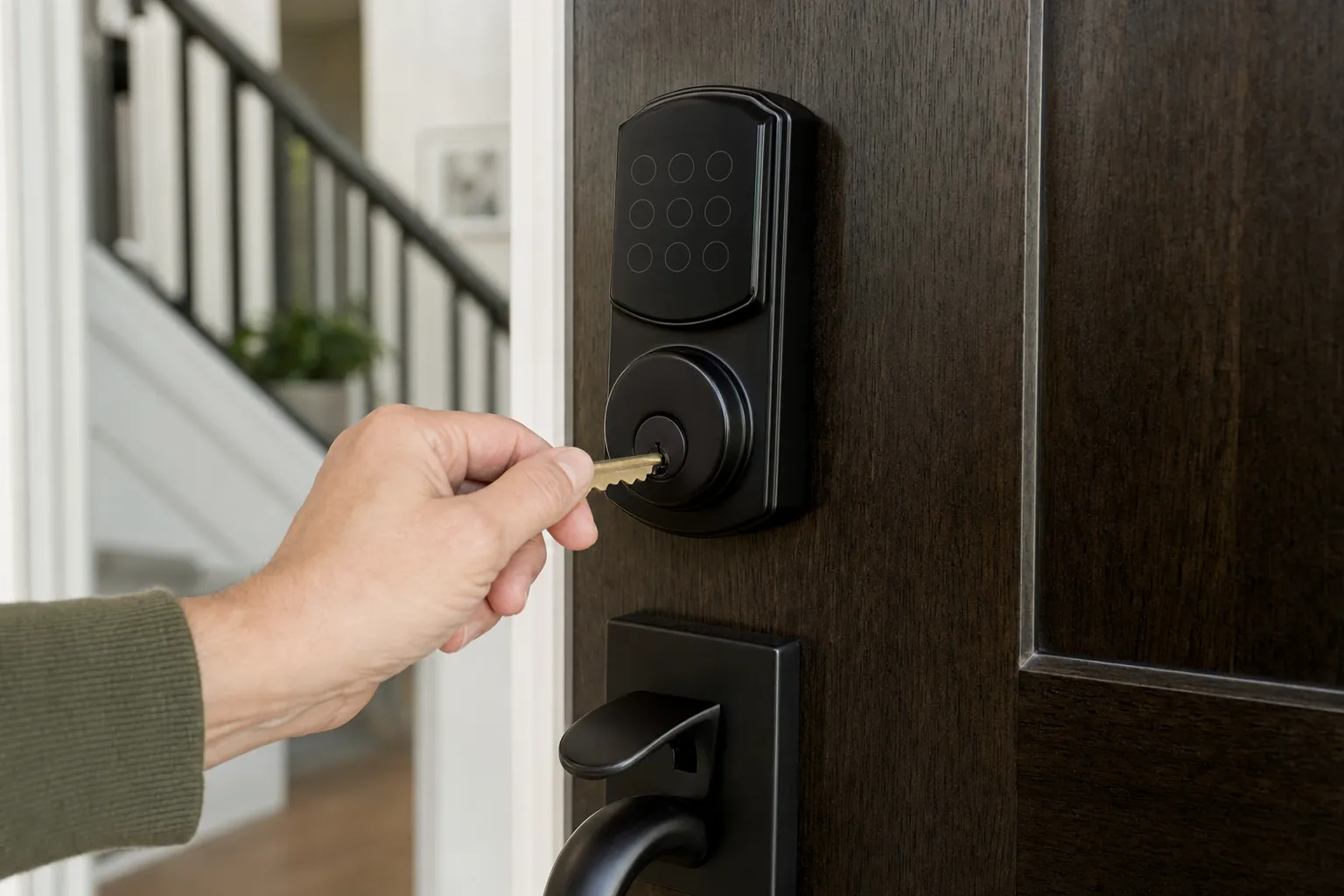
For entry, confirm that everyone who needs access understands the backup method. That might be a physical key, a keypad with its own battery, or the lock maker’s documented emergency procedure. Do not hide a key in a predictable location or assume a phone will be charged. SavvyNests’ smart-lock safety guide is a useful place to review access and door-fit checks.
For light, use flashlights or battery lanterns rather than candles. FEMA advises keeping electronics charged and avoiding candles during an outage because of fire risk. Put a light where the household will first need it: beside beds, near the stairs and close to the entry. Smart bulbs may return to a maker-selected state after power comes back, so check their power-loss setting before relying on them for a dark hallway.
For communication, preserve phone power. A charged battery pack can be more useful than trying to keep a whole entertainment setup online. Follow local emergency information, and make a separate plan for any person who relies on electrically powered medical or assistive equipment. Those needs deserve a tailored plan from the equipment provider and local emergency resources, not a generic smart-home workaround.
What a battery backup can and cannot do
A small uninterruptible power supply can keep a router, modem or low-power hub running through a brief interruption, but it is not a household backup system. Its runtime depends on the connected load, battery condition and the equipment’s real power draw. A battery backup cannot make an internet provider’s network work during a wider outage, and it does not make cloud features local.
Use a battery backup only for a small, clearly chosen job. For example, keeping a modem, router and one hub alive can give compatible local devices time to recover after a short blink. It is not a sensible way to run space heaters, kitchen appliances, pumps, life-safety equipment, central cooling or any appliance that has a large startup load. Read the equipment instructions and connect only devices the backup is designed to support.
Make a short outage checklist before severe weather
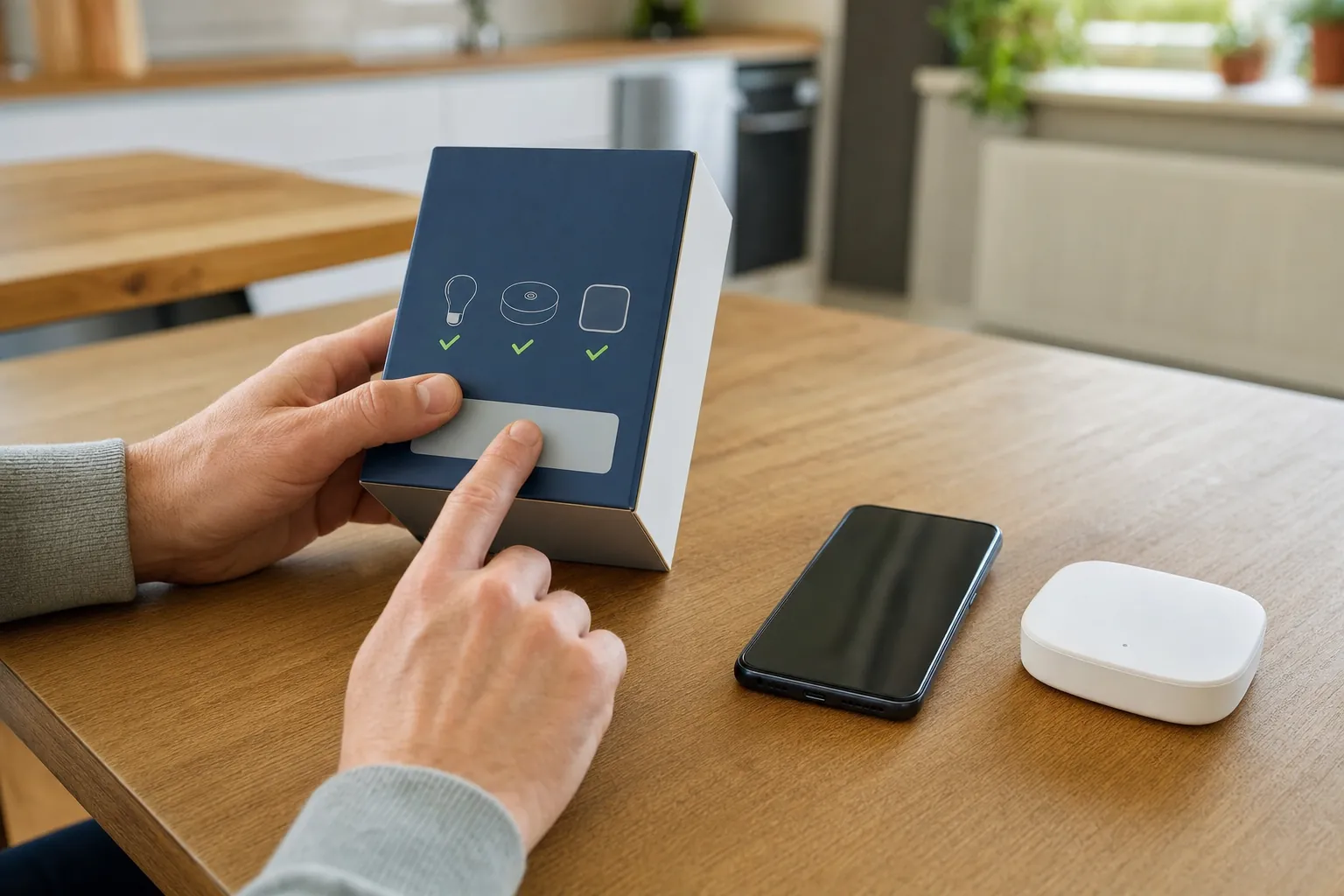
- Walk the essential controls. Test one entry method, one safe light in each key area, local thermostat controls and the garage-door manual release if the home has one.
- Charge the basics. Keep phones, a battery pack and flashlights charged when severe weather is expected. Put spare batteries where people can find them.
- Check notifications honestly. A camera, leak sensor or app alert may be unavailable if its router, hub or broadband connection is down. Keep a local alarm and a real response plan.
- Know what turns back on. Review the power-loss behavior for smart bulbs, plugs and hubs. Avoid having lights, plugs or routines restart in a way that surprises the household.
- Keep safety systems separate. Smoke alarms, carbon-monoxide alarms and other life-safety equipment must follow their own manufacturer instructions, local requirements and testing routine. An app notification is an extra layer, not the warning plan.
FEMA’s power-outage guidance recommends keeping refrigerators and freezers closed, unplugging electronics to reduce surge risk and using generators only outdoors and well away from openings. Those are household-safety decisions, not automation projects.
Do not treat a generator as a smart-home accessory
A generator can support an outage plan, but it changes the safety stakes immediately. Never run a generator in a home, garage, shed or other enclosed or partly enclosed space. FEMA says generators should operate outdoors and at least 20 feet from windows, doors and vents. A transfer switch or connection to home wiring is work for a qualified electrician and must follow local requirements.
Do not use a generator or a large battery system to improvise control over equipment that normally needs deliberate supervision. A thermostat, pump, refrigerator, garage door and security system all have different restart and safety needs. Choose the essential loads with a professional when the household needs longer backup power, especially when a medical device, sump pump or accessibility equipment is involved.
Recover calmly when power returns
When power comes back, do not rush to reset every device. First check for obvious hazards, unusual smells, water near outlets or a tripped breaker. If there has been flooding or damage near electrical equipment, stop and seek qualified help. FEMA advises unplugging electronics during an outage to reduce surge damage, so reconnect sensitive equipment thoughtfully rather than all at once.
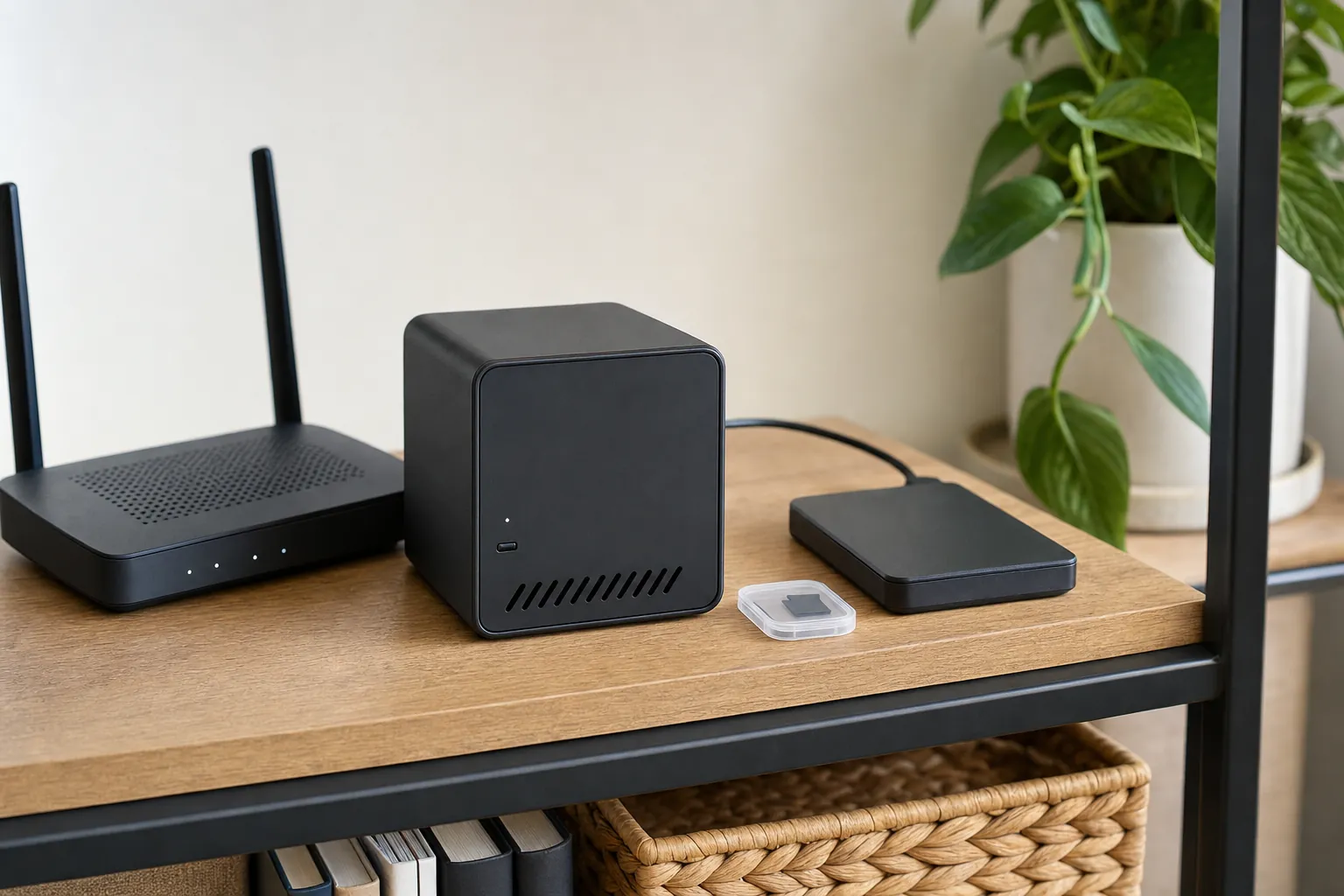
Then let the router and hub finish their normal startup. Check the few devices that matter most: entry access, thermostat, lights, leak alerts and cameras. A device that does not reconnect may only need a few minutes, but use the maker’s documented recovery steps before factory-resetting it. A reset can erase routines, shared access and settings that were not the problem.
Make one note after every real outage: which control was unclear, which battery was low, and which device returned in an unexpected state. That small review improves the plan without turning a rare disruption into a complicated home project.
How SavvyNests helps you build reliable routines
SavvyNests helps households choose a setup that remains understandable when the network or power is not perfect. Start with manual controls and compatibility, then add local routines only where they solve a real daily problem. For a steadier connection between outages, read Smart Home Wi-Fi and Networking; for a first system that stays approachable, use the beginner smart-home guide.
Set expectations for cameras, sensors and automations
Most connected devices should be treated as unavailable until they have power, a working controller and any required network connection. A battery camera may stay powered while the router is off, but live view, cloud recording and remote alerts can still stop. A water sensor may continue to sound in the room while its phone notification cannot leave the house. A routine that uses a cloud voice service may pause even though the lamp and switch still work normally.
That is why the response to an important condition should not rely on a single app alert. Put a leak sensor where someone can hear it when home, keep a normal smoke and carbon-monoxide alarm tested, and make sure people know the manual way to operate a lock or light. Use the connected feature as useful awareness, not as permission to skip the physical plan.
After a longer interruption, check time-sensitive automations. Some hubs and devices recover their time, schedules and state automatically. Others may need a little time online or a manual confirmation. Review door locks, cameras, heating and any smart plug that controls a nonessential load. Do not use a plug to restart equipment that the manufacturer says needs a deliberate reset or supervision.
Keep the plan small enough to practice
An outage plan only works when people remember it. Put the critical steps in one short household note: where the flashlights are, how to open the garage door manually, what key or backup method works for the front door, how to contact one another and which devices need a check when power returns. A teenager, a visitor or a neighbor who is helping should not need to decode a complex automation setup in the dark.
Review the plan when the household changes. A new lock, router, baby monitor, medical device, pet routine or person with access can change what matters. Test one part at a time during calm conditions. Turn off the internet briefly to see which local features remain, then practice the manual controls without switching off power to safety equipment. The point is confidence, not a dramatic simulation.
For rented homes, do not alter electrical panels, wiring or building systems without the right permission and qualified help. Renters can still improve readiness with charged lights, a battery pack, documented lock access and a clear understanding of the building’s emergency procedures.
Frequently asked questions
Will smart locks work during a power outage?
It depends on the lock and its battery, but every household should know the approved backup entry method before an outage. Test the physical key, keypad or maker-documented emergency option while there is no urgency.
Can a UPS keep my smart home running?
A small battery backup may keep selected low-power networking equipment running briefly, but it does not replace household backup power and cannot guarantee that cloud services or an internet provider remain available. Use it for a clearly limited job.
Do smart lights come back on after an outage?
Some smart lights return on, some remain off and some follow a saved power-loss preference. Check the exact product setting before an outage, especially in bedrooms and hallways.
Should I reset devices after the power comes back?
Usually not immediately. Give the router, hub and devices time to reconnect, then check the essential functions. Use the maker’s troubleshooting steps before a reset because a reset can remove routines and shared access.