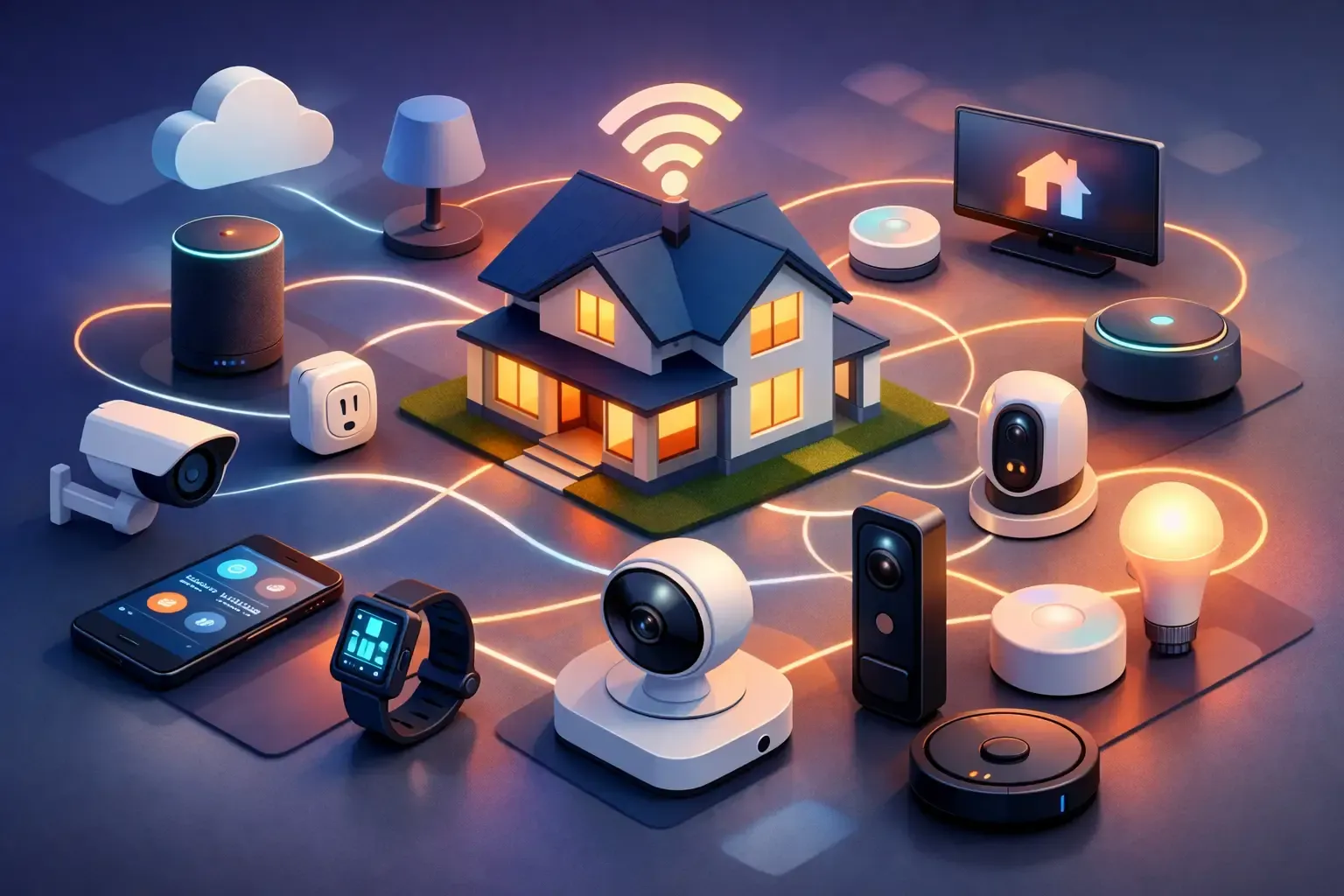
A smart home without Wi-Fi is not necessarily a smart home without control. The important distinction is between a device that needs the internet for every command and one that can still use a local connection, a hub, Bluetooth, a schedule, or an ordinary physical switch. When broadband drops, some useful things can keep working. Others, especially remote viewing, cloud alerts, voice services, and app access away from home, will pause.
Plan for that outage before it happens. A light should still be usable from its switch, a door should still have an approved way to unlock, and a thermostat should keep a safe temperature. Then decide whether local control adds value for the rooms and routines you actually use.
Quick answer: local control is the feature to look for
Many devices can continue a limited set of functions when home internet is unavailable, but the exact answer depends on the device, hub, app, and setup. Zigbee, Z-Wave, Thread, Bluetooth, and wired local connections are ways devices may communicate without using broadband for every instruction. Matter can help compatible products work across platforms, but it is not a promise that every feature works offline. Check the maker's current documentation before buying.
Keep the terms separate. Wi-Fi is a local radio connection inside the home. Internet service is the connection from that home network to the outside world. If only the internet fails, a local hub, locally controlled lights, or a device schedule may still work. If the router itself loses power or fails, those same devices may need a battery backup, a direct control, or another fallback.
- Usually safest to expect: the device's ordinary physical control, locally stored schedules, and functions designed to run on a local hub.
- Usually unavailable: remote app control, cloud recordings, many voice commands, and notifications sent away from home.
- Never assume: that a product works offline because it has a hub, a Matter label, or an app setting.
What still works when the internet goes out?
Start with controls that are useful without any app. A smart bulb should still be usable from a wall control, although repeatedly cutting power at the switch may make it unavailable to the app until the switch is on again. A thermostat should continue its basic heating or cooling program. A smart lock needs a tested physical key, keypad code, or other approved entry method. A water sensor may still sound locally, but a message to your phone may depend on its hub and internet connection.
Local automations can be valuable here. A sensor that tells a local hub to turn on a light does not need the same round trip as an instruction sent to a cloud service and back. That does not make every routine an outage plan. Test the routine while internet access is intentionally disconnected, and test the household's manual controls too.

Choose the right kind of local control
Direct physical control is the simplest fallback. Switches, buttons, keys, and thermostat controls should remain understandable to everyone in the home. This is especially important for lighting, entry, and comfort, where a phone should never be the only practical way to act.
Bluetooth control can be useful when you are nearby. It may let a phone communicate directly with a lock, light, or sensor, but range and phone compatibility matter. It is not remote access, and it may not give a household the shared control or automation of a hub-based setup.
A local hub or bridge can connect compatible devices and run selected routines in the home. It is often a better fit when several lights or sensors need to work together. Confirm which routines run locally, what happens after a power outage, and whether the hub needs internet for setup, updates, or account access.
Thread, Zigbee, and Z-Wave devices can form low-power local networks through compatible controllers. That can reduce dependence on every device joining Wi-Fi, but it adds a compatibility decision. The SavvyNests compatibility guide can help you match the device, hub, and control system before you bring anything home.
Build an outage-friendly setup one job at a time
- List what must still work. Focus on entry, light, comfort, and any alert the household relies on.
- Find the manual fallback. Test the key, switch, physical thermostat controls, and local alarm before adding automation.
- Check exact local behavior. Look for documentation that states what works without internet, not just what protocol the product uses.
- Start with one routine. A motion-triggered hallway light is easier to test than a whole-house scene.
- Test a real outage. Disconnect internet access without changing the rest of the setup. Check the action, restore service, and verify normal reconnection.
Do not use an outage as a reason to automate equipment that should not be switched unattended. Heaters, cooking appliances, medical equipment, refrigerators, sump pumps, and life-safety equipment need their own manufacturer guidance and reliable manual plan.
Common mistakes that make a setup less reliable
Confusing internet with electricity. A locally controlled device cannot help if its router, hub, or the device itself has no power. If an essential routine matters during a longer outage, understand whether an appropriate battery backup is part of the plan and what it can actually support.
Relying on remote alerts as the only warning. A camera or leak sensor that can notify you remotely can be useful, but the local alarm and physical response matter too. Put sensors where people can hear or see them when home.
Moving everything to a separate network at once. A separate smart-device network can improve privacy, but it can also block the local discovery a phone, speaker, hub, or camera needs. Use the router isolation guide to test one low-stakes device before changing the whole home.
For a dependable foundation, read Smart Home Wi-Fi and Networking. NIST notes that consumer routers protect the availability and integrity of the networks that increasingly support smart-home devices, so keep router software current and change its default administrative login.
How SavvyNests helps you keep useful parts working
SavvyNests helps you choose upgrades that still make sense when the app is slow, the router is being reset, or someone just wants to use a switch. Start with the device and routine you actually need, confirm local and manual controls, then add only the compatibility and privacy steps that support that outcome. For a practical first system, the beginner smart-home guide helps narrow the choices before you commit to an ecosystem.
Frequently asked questions
Can a smart home work without Wi-Fi?
Some functions can work without Wi-Fi or internet, depending on the device and how it connects. Physical controls, Bluetooth functions, local hubs, and locally stored schedules may continue. Remote app access, cloud video, voice services, and notifications often need internet.
Do Matter devices work without internet?
Matter supports local communication for compatible products, but each device and platform can have different setup, update, remote-access, and feature requirements. Check the product documentation for the functions you want to keep during an outage.
Will smart lights work if Wi-Fi is down?
The normal wall switch still works when power is available. Whether app control, schedules, sensors, or voice control continue depends on the bulb, bridge or hub, and whether the local network itself remains available.
What is the best first offline-friendly smart-home upgrade?
Start with a low-risk lighting routine that keeps an ordinary manual control. It is easy to test, easy to reverse, and teaches you what local control means in your own home.