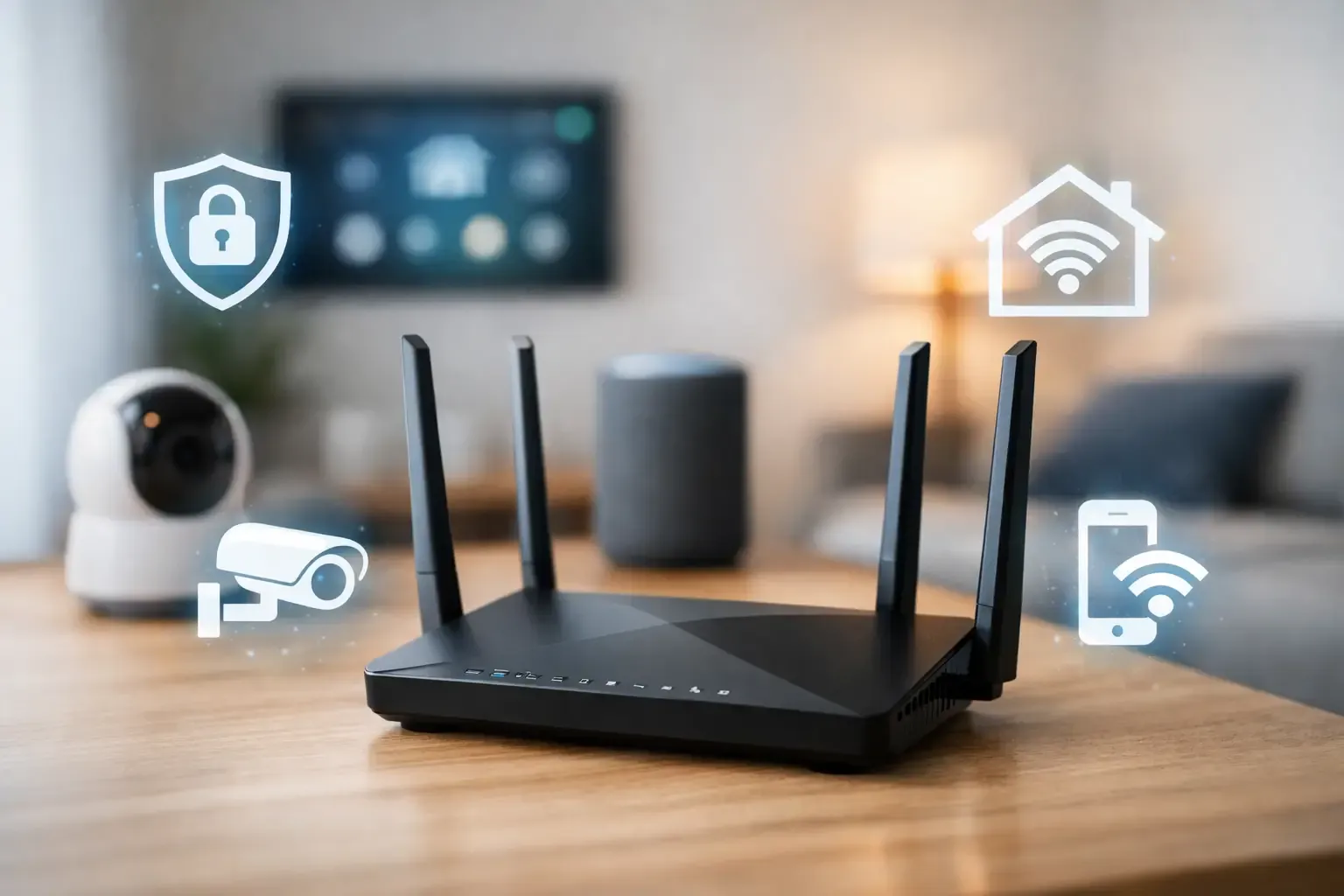
Smart-home maintenance is mostly about noticing small problems before they become a dark hallway, a missed leak alert or a device nobody can access. The useful routine is not a dramatic whole-house reset. It is a short check of the devices that matter, the network that connects them and the people who can control them.
Start with the jobs that affect the household directly: entry, smoke and carbon-monoxide alarms, water alerts, heating or cooling, and the router. Decorative lights and a forgotten speaker can wait. A dependable connected home is built by keeping the important controls understandable, powered and current.
Think of this as ordinary household upkeep for connected equipment. It is a practical habit, not a reason to collect more apps, subscriptions or complicated routines.
Quick answer: keep one short maintenance rhythm
Use a small monthly check, a more deliberate seasonal review and one annual tidy-up. That rhythm is easier to keep than waiting for several devices to fail at once. The FTC notes that software updates can be critical to a connected product working as intended, so updates belong in the same routine as batteries and physical checks.
- Monthly: look for offline devices, low batteries, failed alerts and pending updates.
- Seasonally: test the few routines and safety-related alerts the household actually relies on.
- Yearly: remove old access, update the device list and confirm that older products still receive support.
1. Make a short list of what you own
You do not need a complicated spreadsheet. A shared note with the device name, room, app or hub, battery type, account owner and manual fallback is enough. Include the router, hubs, locks, cameras, sensors, thermostat and any device that controls a routine people expect to work.
This list helps when a device goes offline, when a household member changes phones, or when a product is being replaced. It also prevents a common maintenance mistake: spending an hour troubleshooting the wrong app or forgetting that a small bridge in a cabinet is part of the setup.
Write down the manual control too. A front-door lock may have a physical key, a keypad or a documented emergency method. A thermostat may have local buttons even when its app is unavailable. A routine may be managed by a hub rather than the app where you first created it. Those small details turn a device list into something a household can actually use when the person who set it up is away.
2. Check updates without updating everything blindly
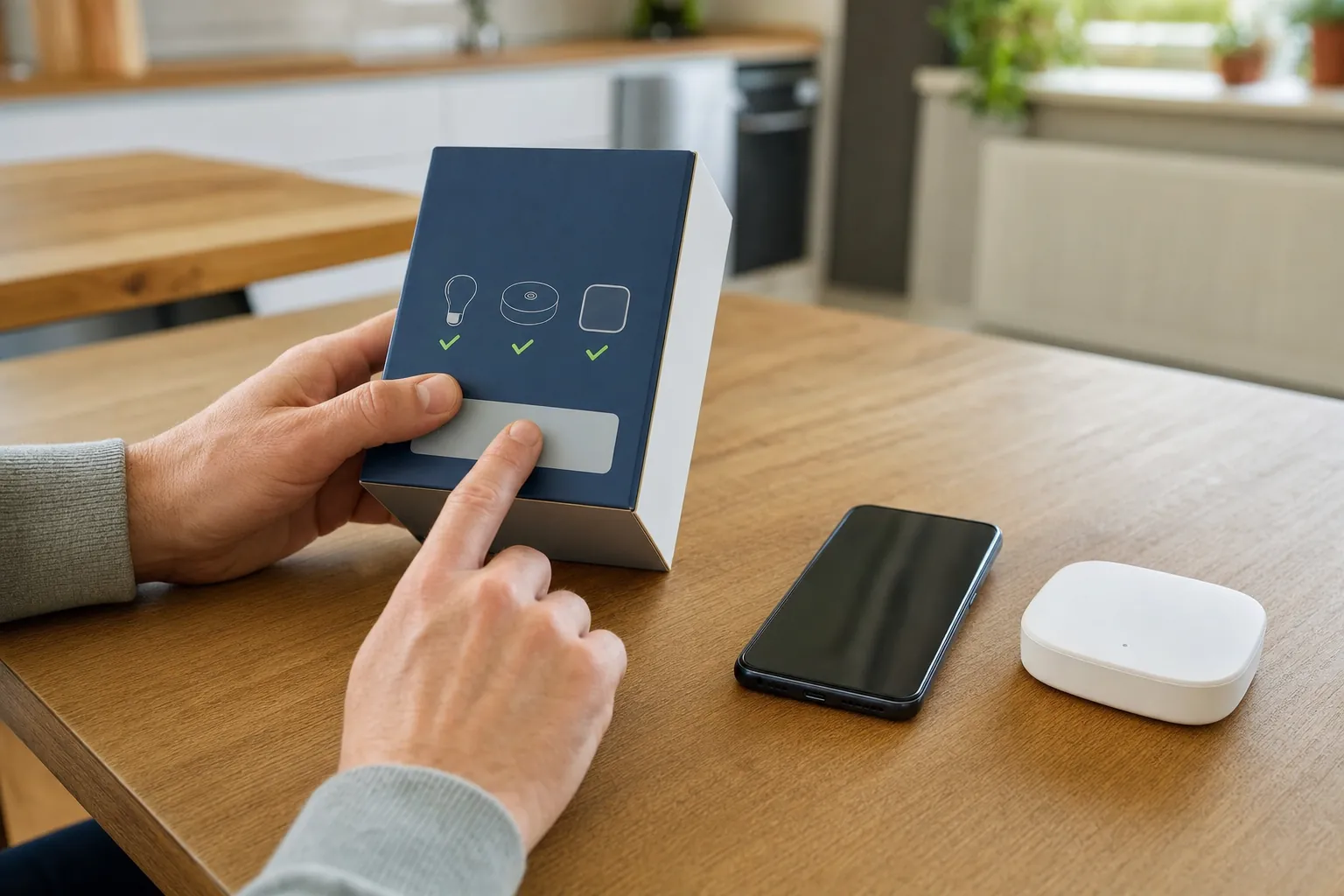
Once a month, check the router, hub and the apps for the devices that matter most. Turn on automatic updates only when the maker supports them and the household is comfortable doing so. For a lock, thermostat, camera or hub, it can be sensible to read the update notes and choose a time when someone can confirm that the essential controls still work afterward.
Do not factory-reset a device just because an update is available or one routine misbehaved. Start with the affected device, its power source, its connection and the maker’s current troubleshooting guidance. A reset can remove shared access, schedules and automations that were not the problem.
Support also matters. The FTC advises checking how long a smart product will receive updates. If a device no longer has support, decide deliberately whether it can work safely with limited access, belongs on a separate network, or should be replaced. A device that still turns on is not automatically a device that should remain connected to the internet.
3. Treat batteries as planned maintenance
Low-battery messages are useful, but they should not be the first time you think about a front-door lock, water sensor or remote control. Keep the common battery sizes for your setup together, label the spares and make a note of the replacement date when it helps. For devices with a built-in rechargeable battery, check the maker’s recommended charging and replacement guidance.
Give extra attention to anything that creates a safety or access problem when it is unavailable. Test a lock’s approved backup entry method, a water sensor’s local alarm and a camera’s ordinary power connection. Smoke and carbon-monoxide alarms need their own manufacturer instructions and local requirements, so a smart-home app should be treated as extra awareness, not the only check.
Keep the test simple and safe. Use the device's own test control or the maker's approved method, then make sure the result is visible where it matters. A water sensor may beep locally but fail to reach the phone because its hub is offline. A camera can have power but a weak connection at the exterior wall. Small tests reveal those differences without waiting for an actual problem.
4. Test alerts and automations where they happen
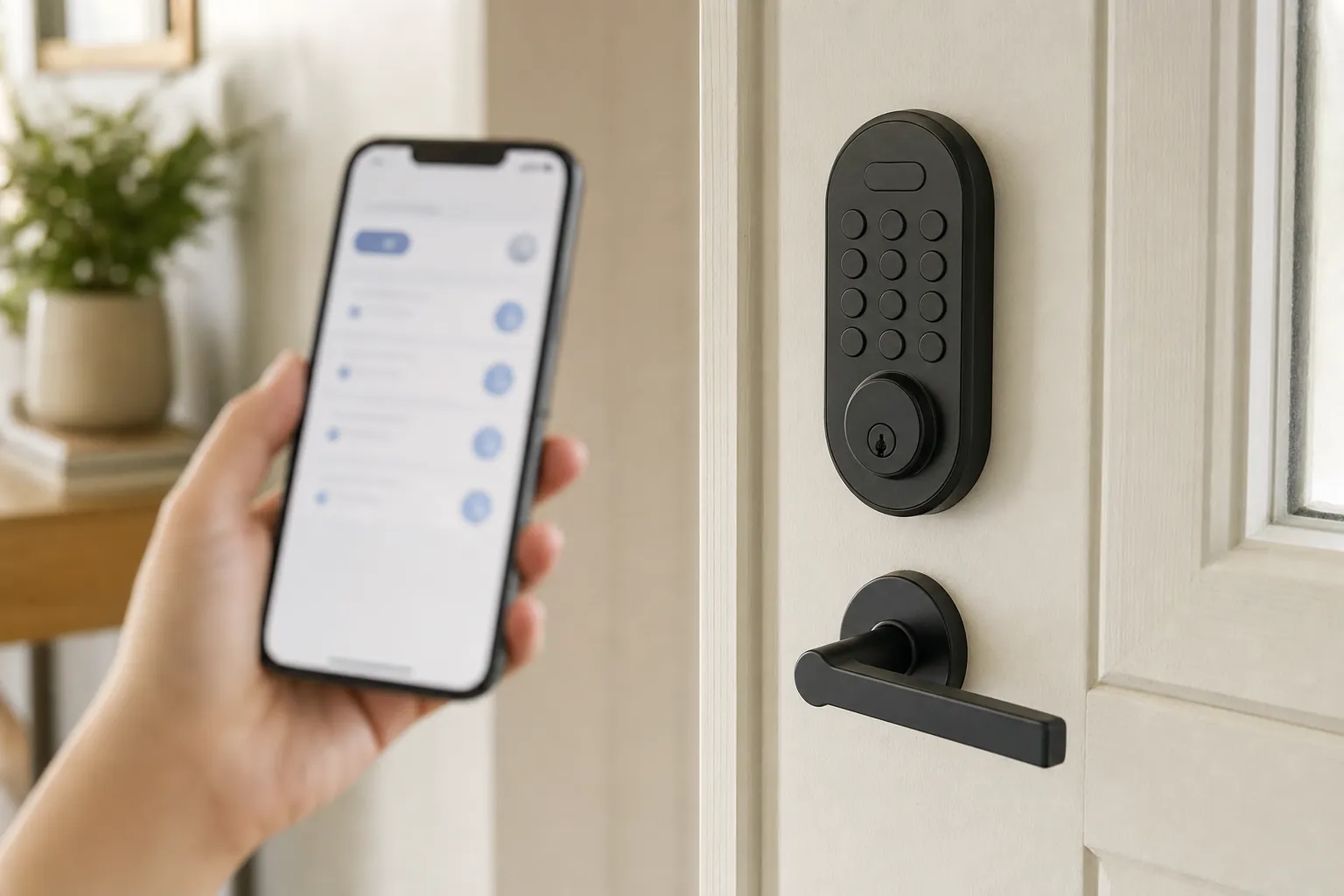
An alert that appears in an app is not necessarily an alert the household can act on. Test a door sensor by opening the actual door, a leak sensor with the maker’s approved method, and a camera from the place it is meant to cover. Check whether the right person receives the notification and whether the alert is useful enough to notice.
Test a few automations rather than every possible scene. A bedtime lighting routine, an entry light and a temperature schedule are good places to start because they reveal the practical issues: a renamed device, a dead battery, an app permission change or a routine that no longer fits the household. Remove routines that create nuisance alerts or surprise people. A shorter list of trusted automations is more valuable than a crowded dashboard.
5. Keep the network stable and the accounts deliberate
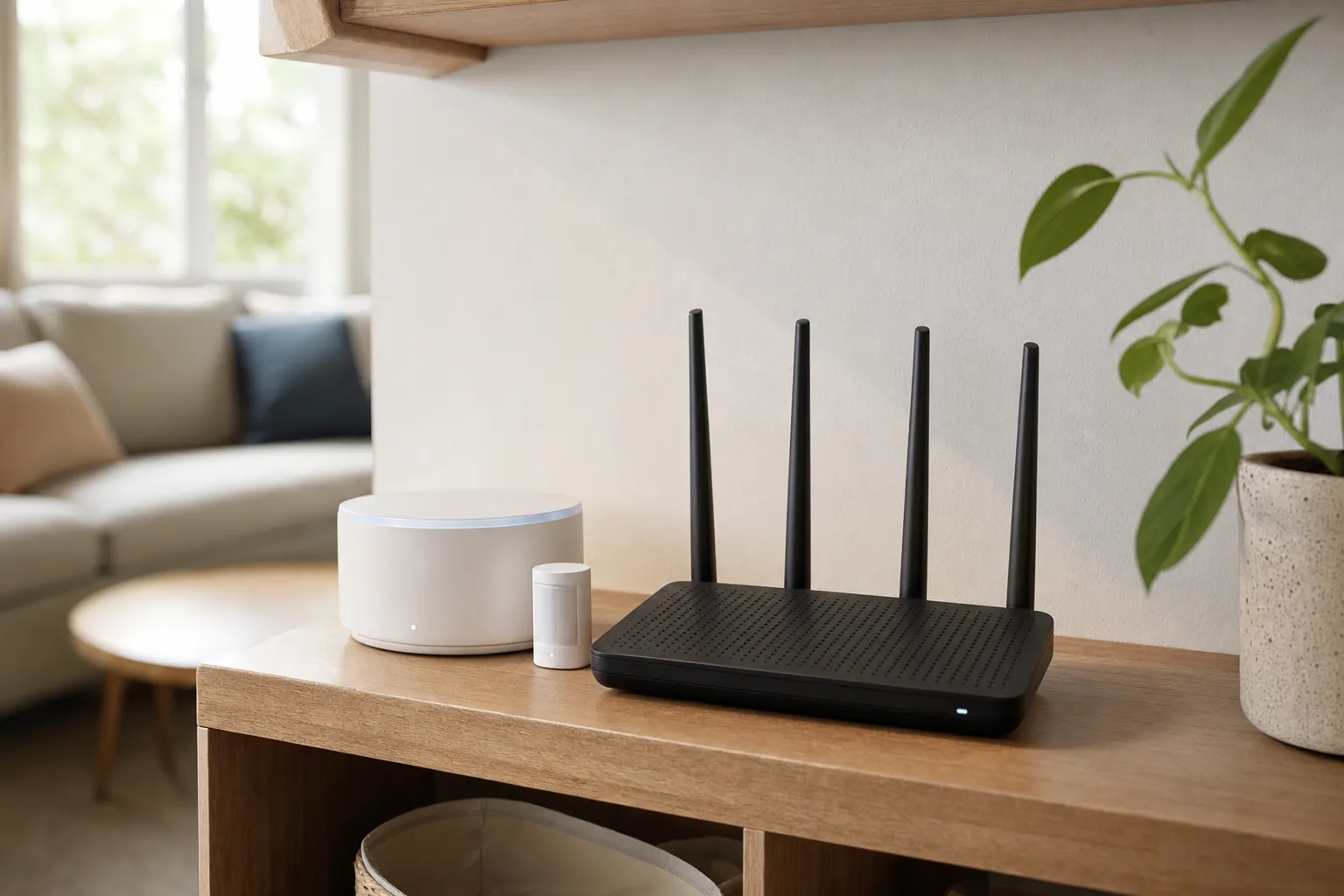
The router is a foundational smart-home device. Keep its software current, use a unique router-admin password and a separate strong Wi-Fi password, and review unfamiliar settings before enabling them. CISA’s guidance for a digital home stresses keeping software up to date and protecting the home wireless router, which connects many of the devices that depend on it.
The reason for that attention is straightforward: NIST identifies consumer routers as a higher-risk product because a compromised router can affect other devices and networks. Use the router maker's current guidance before changing security modes or network separation, especially when a lock, camera or speaker needs local discovery to work.
When a device drops offline, do not restart the entire home first. Check whether the device has power, whether nearby devices work, and whether the phone has a usable connection at that location. The Smart Home Wi-Fi and Networking guide can help with placement, setup and careful troubleshooting. If you use a guest or separate smart-device network, move one low-stakes item at a time and test the controls that must still work before moving a lock, camera or hub.
Review accounts at the same time. Remove former housemates, old contractors and unused connected services. Use unique passwords for important device accounts and turn on multi-factor authentication when it is available. A strong Wi-Fi password cannot protect an account that someone no longer needs to access.
6. Practice the manual fallback
Every important smart-home convenience should have an ordinary way to work. Make sure people can use a wall switch, key, keypad, physical thermostat control or manual garage-door release without opening an app. This is useful for guests and less technical household members, but it also matters when the Wi-Fi, internet service or power is interrupted.
Use the smart-home power outage guide to check the limits of a battery backup, local control and recovery after power returns. For an internet interruption with power still available, the guide to what works without Wi-Fi helps separate local control from remote access. These tests should be calm and limited. Do not switch off life-safety equipment, alter wiring or run equipment in a way the manufacturer does not approve.
7. Do one annual clean-up before adding more devices
Once a year, compare the device list to the home. Delete old devices from apps, remove unused routines, update account recovery information and confirm who has household access. Look at subscriptions and storage plans too. The question is not whether every upgrade must be paid for. It is whether the household understands what will stop working, what is optional and what has become unnecessary.
This is also a good time to check support status before a product fails. NIST's consumer IoT work highlights software-update capability and security-state awareness as core considerations for connected products. That makes an annual support check a practical habit, not just a technical detail.
A 15-minute monthly checklist
- Open the apps you actually use. Look for devices marked offline, failed routines, low batteries and update notices.
- Check the router and hub. Confirm they are powered, connected and not reporting an unresolved problem.
- Test one meaningful alert. Rotate through a door, leak, temperature or camera notification instead of trying to test every device at once.
- Look at the front-door fallback. Make sure the key, keypad or documented backup method is still accessible to the people who need it.
- Clear one source of alert noise. Fix or turn off a notification that no longer leads to a useful action.
- Make one note. Record a replacement battery, an access change or a device that needs a fuller seasonal review.
The goal is not to create another household chore. It is to keep the system small enough to trust. If the check repeatedly uncovers confusing automations, too many apps or devices nobody can explain, simplify before adding more equipment.
How SavvyNests helps keep a smart home useful
SavvyNests focuses on the quiet details that determine whether a device remains helpful after the first week: compatibility, manual controls, clear alerts and a setup people can maintain. Before buying another device, use the maintenance check to see whether a small adjustment to the system you own would solve the real problem first.
Frequently asked questions
How often should I maintain a smart home?
A brief monthly check catches offline devices, batteries and updates. Add a seasonal test of important alerts and routines, then do a deeper annual review of device access, support and subscriptions.
Should I reboot my router every month?
Not as a substitute for checking its update status, placement and actual reliability. Reboot a router when its maker recommends it or when troubleshooting a real connection problem. If it needs frequent restarts, investigate the cause rather than treating that as normal maintenance.
What should I do with an unsupported smart device?
Check whether it can continue safely with limited or local use, whether it should be isolated from important devices, or whether replacement is the safer choice. Devices that control access, cameras or other sensitive functions deserve extra care.
What is the most important smart-home maintenance task?
Keep the devices that affect safety, entry and household comfort working: update supported products, watch their batteries, test their alerts and preserve a manual fallback. Everything else is secondary.